Customer Ratings & Reviews
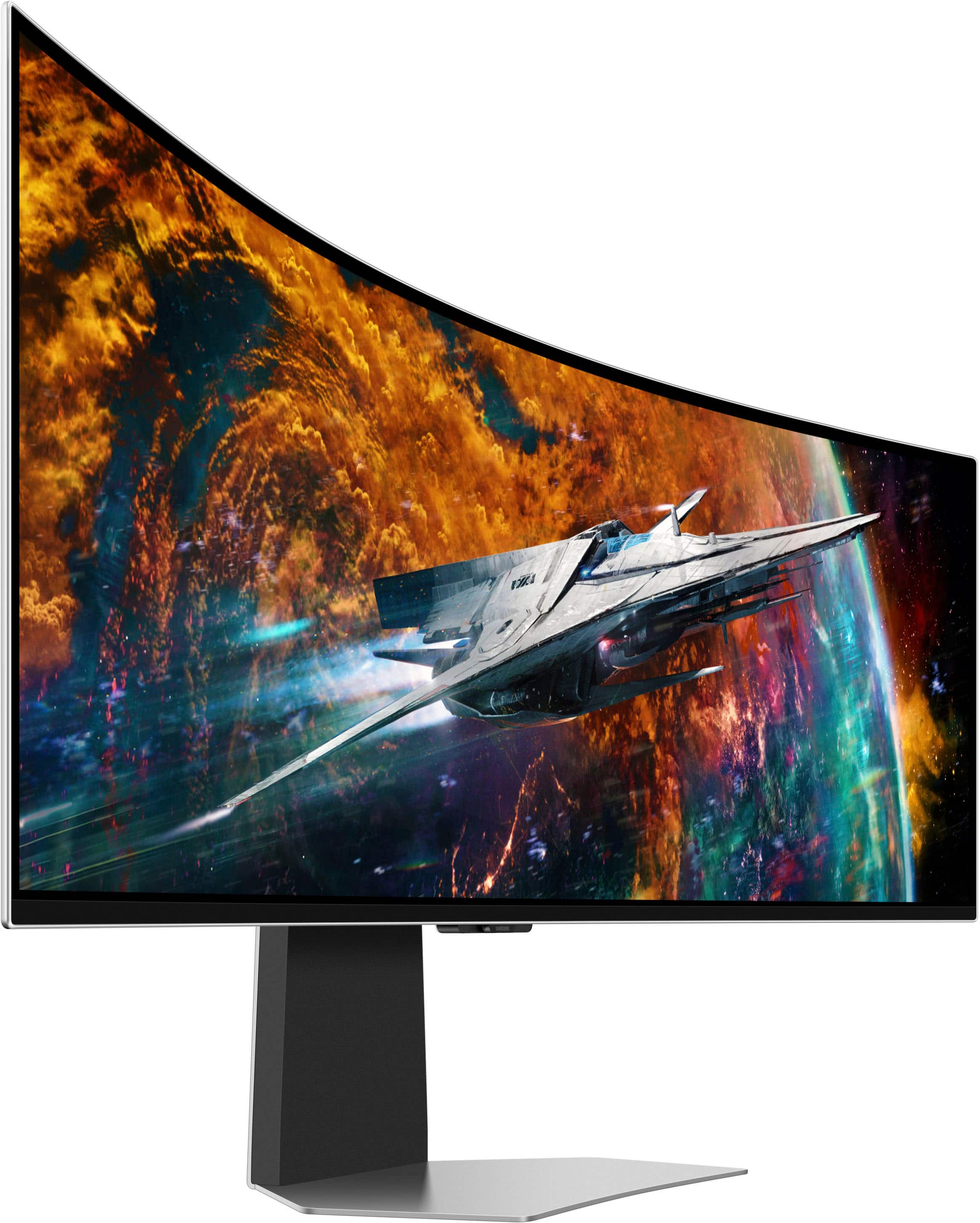

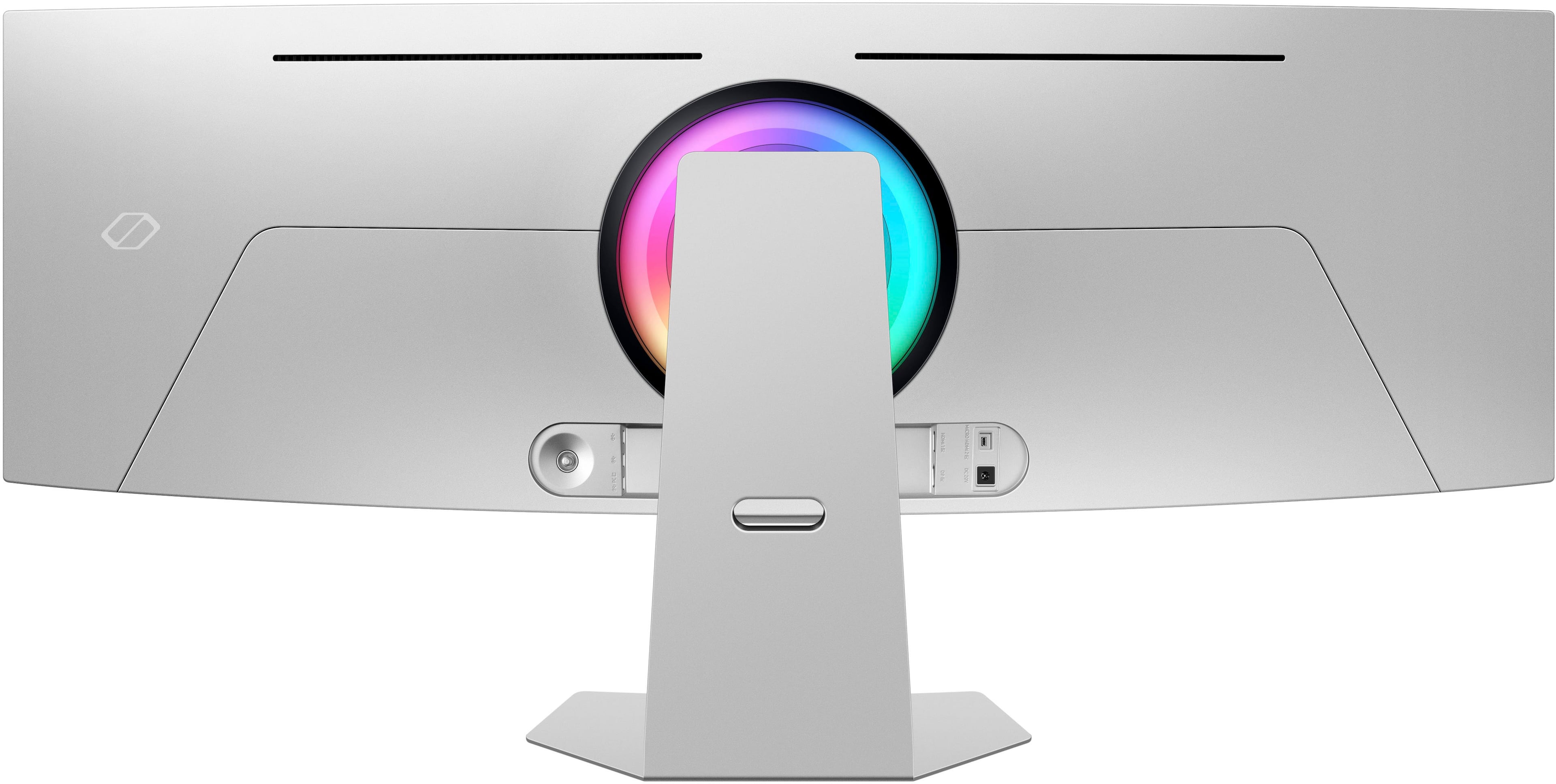
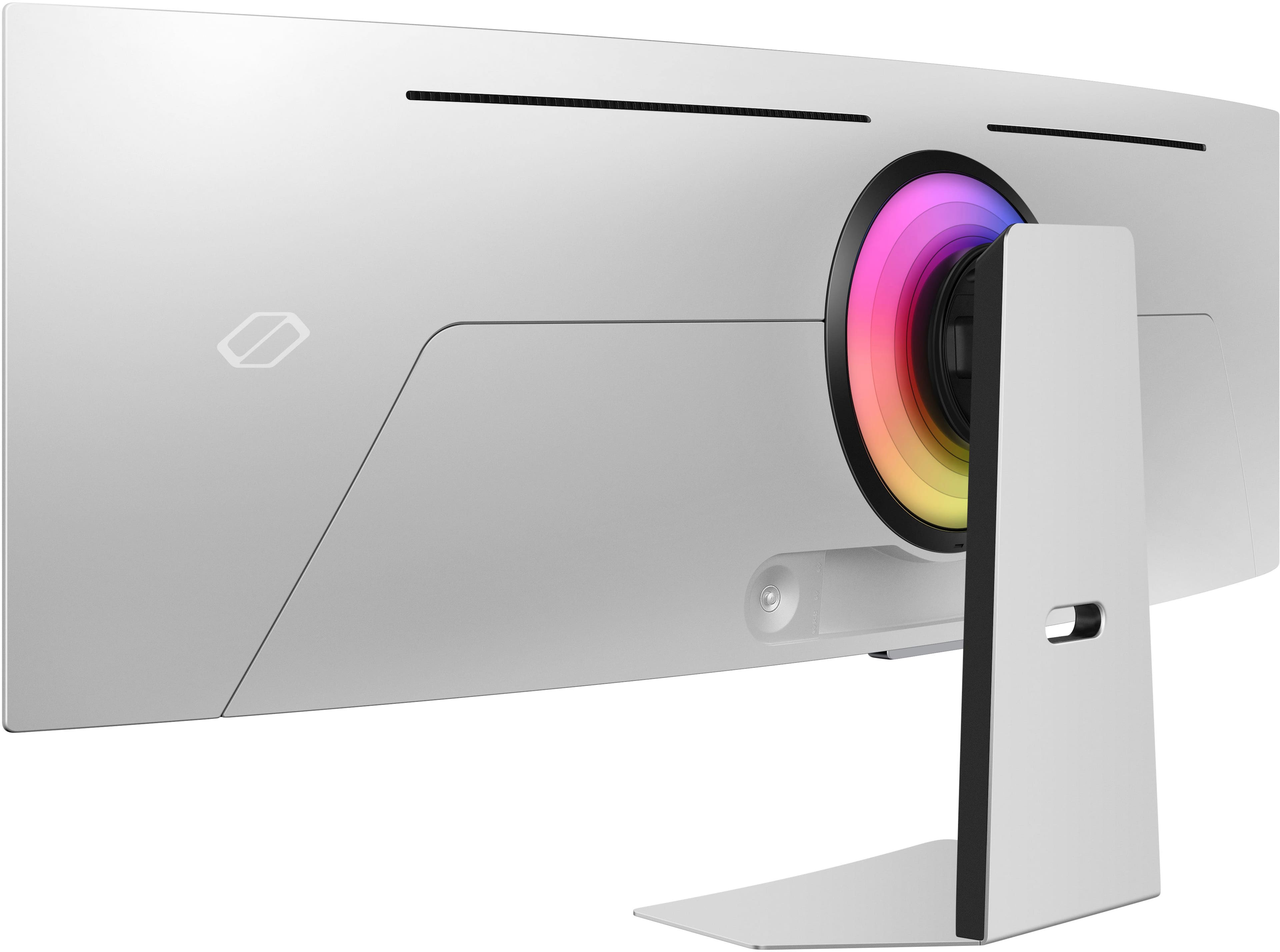
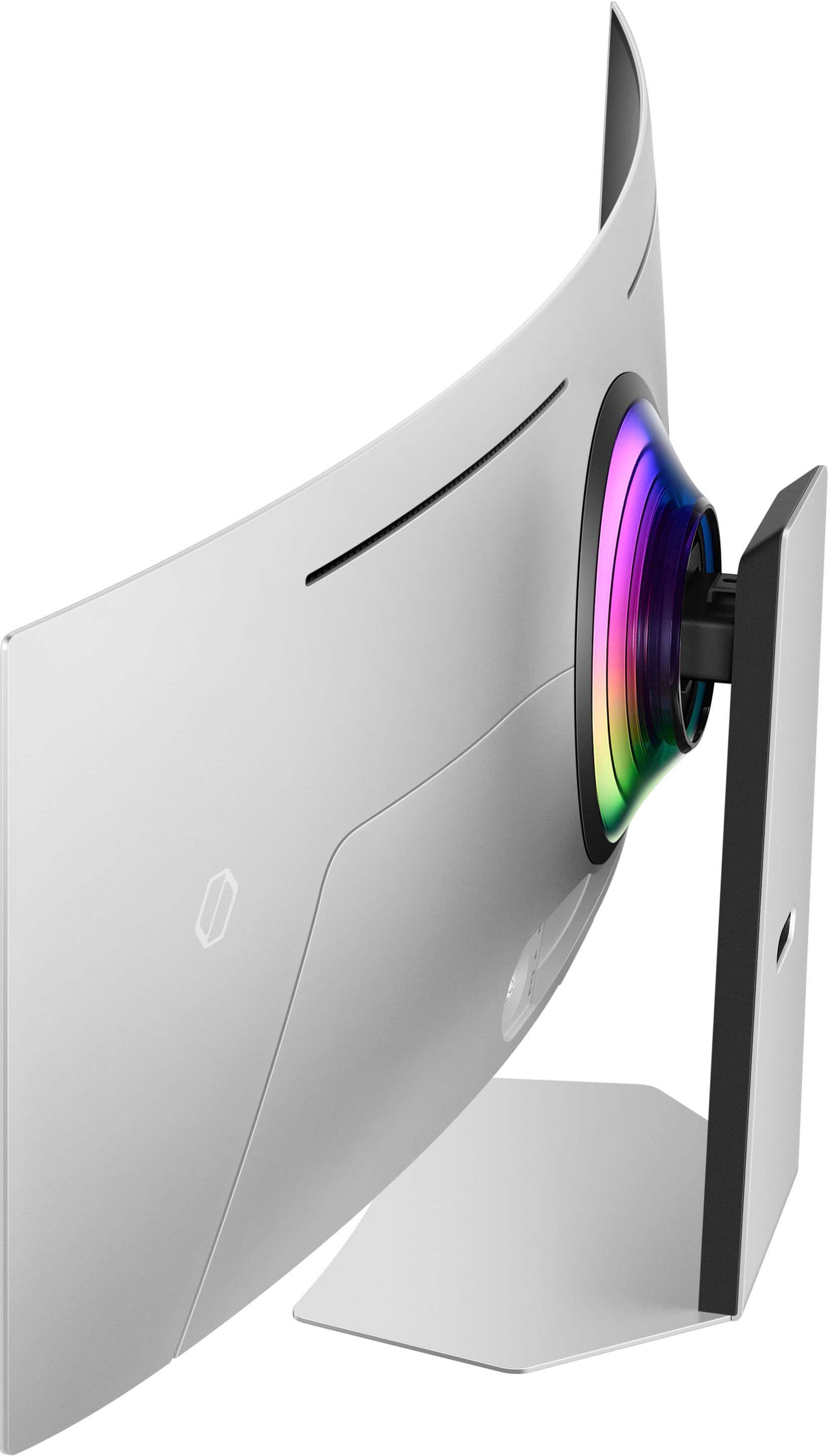


- Model:
- LS49CG954SNXZA
- SKU:
- 6544291
Rating by feature
- Display Quality
Rating 4.7 out of 5 stars
- Ease of Use
Rating 4.2 out of 5 stars
- Features
Rating 4.4 out of 5 stars
Customers are saying
Customers are satisfied with the monitor's picture quality, OLED quality, refresh rate, and color. Many users describe the picture quality and color as amazing. However, some customers have reported issues with connectivity and software. Additionally, a few users expressed concerns about the curvature, aspect ratio, and price.
This summary was generated by AI based on customer reviews.
- Pros mentioned:Overall performance, Screen size
Absolutely Stunning monitor
||Posted .This reviewer received promo considerations or sweepstakes entry for writing a review.This monitor is amazing. It looks beautiful when gaming and does even better when doing anything related to productivity. Multiple features to adjust to your liking.
I would recommend this to a friend - Pros mentioned:Screen sizeCons mentioned:Curvature
Literally game changing
||Posted . Owned for 2 weeks when reviewed.This reviewer received promo considerations or sweepstakes entry for writing a review.This monitor has literally changed my gaming experience. The colors, contrast and perfect black levels make gaming with hdr or sdr amazing. I never realized how much of a difference the ultrawide aspect ratio makes for immersion. My only complaint is that it would bave been slightly better with a deeper curve but that is no where close to being a deal breaker. Buy it, you will love it.
I would recommend this to a friend - Pros mentioned:Overall performance, Screen size
Excellent monitor.................................
||Posted .This reviewer received promo considerations or sweepstakes entry for writing a review.Excellent monitor.................................
I would recommend this to a friend - Pros mentioned:Overall performanceCons mentioned:Text clarity
It’s pretty, but not good for productivity.
||Posted . Owned for 1 month when reviewed.This reviewer received promo considerations or sweepstakes entry for writing a review.Super clear picture, easy setup. Tizen OS is slow and honestly just a gimmick. Any apps run on the monitor only take up the middle 16:9 area. It’s not a TV, putting this stuff in it is unnecessary. Text clarity in word/excel is quite bad, would not use this monitor for productivity work at all.
No, I would not recommend this to a friend - Pros mentioned:Oled quality
I love the stunning display and features!
||Posted . Owned for 1 month when reviewed.This reviewer received promo considerations or sweepstakes entry for writing a review.I don't write reviews, but I had to write this one. The Odyssey OLED G9 is an excellent display for both work and gaming and just kicking back to relax. The screen image is stunning thanks to the OLED panel! I will most likely use it as a TV replacement as well. I really like that the Samsung Tizen OS (along with a remote) was included and the XBOX cloud gaming works really well (Spectrum gigabit internet connection). I'm an Android user and I love that Samsung DEX works natively on this monitor. The XBOX controller links to the monitor with no problem, and I have just realized that you don't even need to own an XBOX to enjoy playing the games! I use it to play my Steam games, XBOX games, use DEX on my Android phone, watch my streaming services, and for work where I need 3 screens for productivity. The ultrawide format may not be for everyone, and you need to measure to make sure the 49" screen will fit your space. You may want to compare this monitor's 1800R curve to a more aggressive 1000R curve to see what works best for you. Also know that the 32:9 ratio doesn't work for everything. While some games, apps, and services may be optimized for a 32:9 (5120 by 1440), those are few and far between and the "stretch" to make it fit the screen looks weird, so you will have to live with black borders to make use of the best resolution for what you are using that isn't optimized. That being said, I can live with it because it does everything well and I don't mind living with the black borders.
I would recommend this to a friend - Pros mentioned:Screen size
Great Deal
||Posted . Owned for 9 months when reviewed.This reviewer received promo considerations or sweepstakes entry for writing a review.This is by far the best monitor I have gotten for our home computer. It is big enough to see everything with several screens open at the same time. I love Samsung and this is just amazing!
I would recommend this to a friend - Pros mentioned:Refresh rate, Screen size
Wonderful multipurpose monitor
||Posted .This reviewer received promo considerations or sweepstakes entry for writing a review.Fantastic monitor. Fast, bright and super colorful. Couldn't ask for more for productivity, work, or gaming. Just wish there was a 39" to 42" version as 49" is a hair big
I would recommend this to a friend - Pros mentioned:Overall performanceCons mentioned:Software
Good monitor, very very terrible software/controls
||Posted . Owned for 2 weeks when reviewed.This reviewer received promo considerations or sweepstakes entry for writing a review.I wanted to like this monitor I really did let’s start with the pros: Build quality- this is a well built monitor that feels premium. Packaging- Great protection especially for a ultra wide curved monitor. Picture: looks great and had little to no issues optimizing the picture to my liking. Cons: Software: this is personally the biggest issue for me and ultimately why I returned it. The software on this TV is terrible and requires you to use it to even function the tv. It creates issues switching inputs and even turning it on and off. If there was a way to turn the smart menu off I would have kept it.
No, I would not recommend this to a friendBrand response from Samsung
Posted .Thank you for bringing this issue to our attention as Samsung is committed to providing the best possible product experience, quality, and value. Samsung greatly values our customers’ feedback and we utilize your concerns and opinions in our relentless efforts towards delivering world-class products. We are very sorry to hear that you returned this product and hope to have you back as a customer again.
If you ever need assistance in the future, please contact Samsung Customer Support and a rep will be happy to assist you:
1-800-SAMSUNG, available 8AM - 12AM EST (Mon-Fri) / 9AM - 11PM EST (Sat-Sun)
- Cons mentioned:Software
My First ultra wide and WOW
||Posted . Owned for 3 weeks when reviewed.This reviewer received promo considerations or sweepstakes entry for writing a review.This screen blows me away! The firld of view for my FPS games is incredible! I see movement that my teamates can nwver see! The HDR, gsync compatability, amazing colors, deep blacks. Its like playing another game! I could never go back. The things i dont like: the software. I dont need or want all the TV apps, i just want it to be a computer monitor. The auto off is extremely annoying. If im in a ling gamjng session, say 4 hours, i will be mid game in an intense situation, and boom, a huge pop up comes on in rhe middle of my screen that says monitor will auto shut off in 60 seoncds. I have to take my hands of the keyboard and mouse when split second decisions count to try and find the remote control (again dont want or need this) to press a button to keep the screen on. Monitor has also shut off on me for a second or two for no reason a couple of times.
I would recommend this to a friend - Pros mentioned:Refresh rate, Screen size
Huge price, huge screen, huge contrast
||Posted . Owned for 2 weeks when reviewed.This reviewer received promo considerations or sweepstakes entry for writing a review.This monitor is a beast. The true blacks, the HDR performance, the screen size, the refresh rate... it's an all in one package, and costs less than two monitors regular sized monitors that do the same thing would cost, while giving you the same functionality. The only downside is the stand is not that good, and you need to spend even more to find one that can support this behemoth.
I would recommend this to a friend - Pros mentioned:Screen sizeCons mentioned:Software
Good with a few quirks.
||Posted . Owned for 1 month when reviewed.This reviewer received promo considerations or sweepstakes entry for writing a review.Monitor looks amazing ! There's a weird software glitch that causes the monitor to freak out and go black screen if you tab out of a game... other than that it is amazing !
I would recommend this to a friendBrand response from Samsung
Posted .Thank you for your review. Samsung is committed to providing the best possible product experience, quality, and value. Samsung greatly values our customers’ feedback and we utilize your concerns and opinions in our relentless efforts towards delivering world-class products. We are very sorry to hear this product didn't meet your expectations and hope to have you back as a customer again. If there is anything we can do to assist you and improve your product experience, please don't hesitate to contact Samsung Customer Support via: 1-800-SAMSUNG, available 8AM - 12AM EST (Mon-Fri) / 9AM - 11PM EST (Sat-Sun)
- Pros mentioned:Oled quality
Get it When on Sale, Worth the Buy!
||Posted . Owned for 2 months when reviewed.This reviewer received promo considerations or sweepstakes entry for writing a review.What can I say about this that hasnt already been said? This thing js amazing! The OLED is clean and clear, the response rate is snappy, the sound is phenomenal. I didnt think the virtual spatial surround sound would be very effective but I can hear footsteps of the enemy clear as day and it somehow actually sounds like they are coming from above and behind me. This thing is way bigger than you think it will be, my only gripe is i wish they made the height of the screen a bit more and sacrificed the width, as for anything but gaming, a little much. The smart features are ok, could have not had those and kick the price down a bit, but I picked this guy up on sale and I would have to say, it was definitely worth it. I would not have purchased this if itbwas at its retail price of 2k however.
I would recommend this to a friend - Pros mentioned:Screen size
Great 2nd time around
||Posted . Owned for 2 weeks when reviewed.This reviewer received promo considerations or sweepstakes entry for writing a review.This OLED screen looks great in a room that is not too bright. Colors are great and HDR looks good in and out of gaming. The built in smart features and navigation can be hard and not as simple as one might imagine to find what you need if simply using as a computer monitor. Fortunately you can eventually find what you need then set and forget. I did have to replace the first unit as it had trouble with the Display port input signal cutting in and out, but the second one has been working great. I do wish it had a cleaner cable management system like the original G9 or Neo models but if we are honest, how often are we looking at the back of the unit. I would say this is a great display if you are somewhat tech savvy and feel comfortable manipulating the setting to get what you need and be sure to test all the units features while still in a return policy.
I would recommend this to a friendBrand response from Samsung
Posted .Thank you for bringing this issue to our attention as Samsung is committed to providing the best possible product experience, quality, and value. Samsung greatly values our customers’ feedback and we utilize your concerns and opinions in our relentless efforts towards delivering world-class products. We are very sorry to hear this product didn't meet your expectations and hope to have you back as a customer again.
If there is anything we can do to assist you and improve your product experience, please don't hesitate to contact Samsung Customer Support via: 1-800-SAMSUNG, available 8AM - 12AM EST (Mon-Fri) / 9AM - 11PM EST (Sat-Sun)
- Pros mentioned:Overall performance, Screen size
G95sc
||Posted . Owned for 1 month when reviewed.This reviewer received promo considerations or sweepstakes entry for writing a review.Works great colors are better than orevious version no issues or complaints completely worth it and easier to assemble than older g9.
I would recommend this to a friend - Pros mentioned:Oled quality
That's a funny lookin' TV you got there
||Posted .This reviewer received promo considerations or sweepstakes entry for writing a review.The display is beautiful, I love the size and overall you can't beat OLED (MiniLED has some strengths over OLED for sure). That said the menus are so awful on this thing. It's a Smart TV in disguise but that's only half the problem. The menus and software is unintuitive. The included remote is so ridiculous too. I don't know what Samsung was thinking. Dedicated Netflix, Disney, Prime and Samsung Plus buttons. Channel up and down buttons? Really? How about some buttons to quickly adjust the brightness or input switching buttons? I'm sure there are some people out there who like these features but I can't imagine most people who want a 240hz, 49" Curved OLED display were hoping for the inclusion of a Netflix button. Samsung is out of touch. Thankfully the display itself is wonderful and for that alone I can still recommend this TV. I mean monitor.
I would recommend this to a friend - Pros mentioned:Screen size
Awesome single monitor QOL!
||Posted . Owned for 1 month when reviewed.This reviewer received promo considerations or sweepstakes entry for writing a review.Really great monitor! Still on windows 10, so with 11 I think having the centered windows menu will make this monitor even better! Love the quality, and haven’t had any display issues with my PC (running a 4070 GPU). There is an interesting second where it seems the display shifts up & down within a split second, but so infrequent is hasn’t really been a problem while gaming. I prefer the large, single monitor as opposed to my dual monitor setup, and it makes working, gaming, and video-watching much easier. I haven’t tried any of the Smart TV features as everything I need I can watch on my PC.
I would recommend this to a friend - Pros mentioned:Oled quality, Screen size
Not worth it for the price tag
||Posted . Owned for 1 month when reviewed.This reviewer received promo considerations or sweepstakes entry for writing a review.It took me some time to write this review for one reason. I really wanted to give it a shot since my hype was bigger and also my expectation. I have different settings that vary from double screens to multiple screens, depending on what I will be doing. I was really trying to declutter a bit and just centralized everything on one of the settings. So, if you want the latest screen and with OLED, you got it. Just make sure you have the proper graphics card attached, otherwise you will have to upgrade, and big. Your everyday computer is not up to this screen. Anything under 4096x2160 looks deformed. Colors, details are great. I don't like that you can fell the heat coming out from the screen. If this is your work screen, not too sure. I like the feature that you can AirPlay or mirror your phone while working. I don't like the flickering between screens while mirroring the phone. The transition looks glitchy and slow. If you are watching YouTube it will split the screen, but in between videos it will get confused and resize the screens. Glitchy in one word. The sound is terrible. An old school Tv will sound better. Also, it gets too hot under the right third quarter, bottom area. The ambient light behind looks better on the sales pitch video. Actually that was one feature I was looking forward to. RGB Memory cards are brighter and better looking than that. The screens tilts a hair on one side. No way to adjusted. If you are a gamer and want to have three identical screens surrounding you and play your games, good, go ahead and build your stage. Two 34" UWHD cover more space and work better without complications. You can utilize Samsung Plus to watch free TV, but it centers and reduces the screen to a comparable 27" UWHD. You will have two black bars on the sides. Old school look prior Widescreen format. For the money, I was expecting way more. I can't believe it sold out. Maybe the sales pitch video helped. Too late to return it, since I started utilizing a bit too late. So keep the money, no worries, Early adopter habit. Maybe next version will be better.
No, I would not recommend this to a friendBrand response from Samsung
Posted .Thank you for your review. Samsung is committed to providing the best possible product experience, quality, and value. Samsung greatly values our customers’ feedback and we utilize your concerns and opinions in our relentless efforts towards delivering world-class products. We are very sorry to hear this product didn't meet your expectations and hope to have you back as a customer again. If there is anything we can do to assist you and improve your product experience, please don't hesitate to contact Samsung Customer Support via: 1-800-SAMSUNG, available 8AM - 12AM EST (Mon-Fri) / 9AM - 11PM EST (Sat-Sun)
- Pros mentioned:Oled quality, Screen size
Great Screen
||Posted .This reviewer received promo considerations or sweepstakes entry for writing a review.Cant beat oled and the screen color is immaculate out the box but you can make it better!
I would recommend this to a friend I see the difference
||Posted . Owned for 11 months when reviewed.This reviewer received promo considerations or sweepstakes entry for writing a review.Best screen ive ever owned. Very immersive for gaming. Requires a bit of dialing in for photo editing or video but autosettings here are fantastic. I think its bloated with smart tv features that i personally dont need but to each their own. I love it
I would recommend this to a friend- Pros mentioned:Screen size
False advertising on first purchases
||Posted . Owned for 3 weeks when reviewed.This reviewer received promo considerations or sweepstakes entry for writing a review.Its a great screen. I decided to get bestbuy account with the fact of getting 10% off my first purchase which clearly didnt happen. After calling the credit card number to find out why, she had me tiined that bestvuy would be sending me a gift card for that. That was a false accusation. They are going to send me a bestbuy gift card to use at bestbuy only. So technically im not getting 10%off, only to reinvest my 10% at bestbuy. I canceled the card.
I would recommend this to a friend