Customer Ratings & Reviews



- Model:
- LS49CG954SNXZA
- SKU:
- 6544291
Rating by feature
- Display Quality
Rating 4.7 out of 5 stars
- Ease of Use
Rating 4.2 out of 5 stars
- Features
Rating 4.4 out of 5 stars
Customers are saying
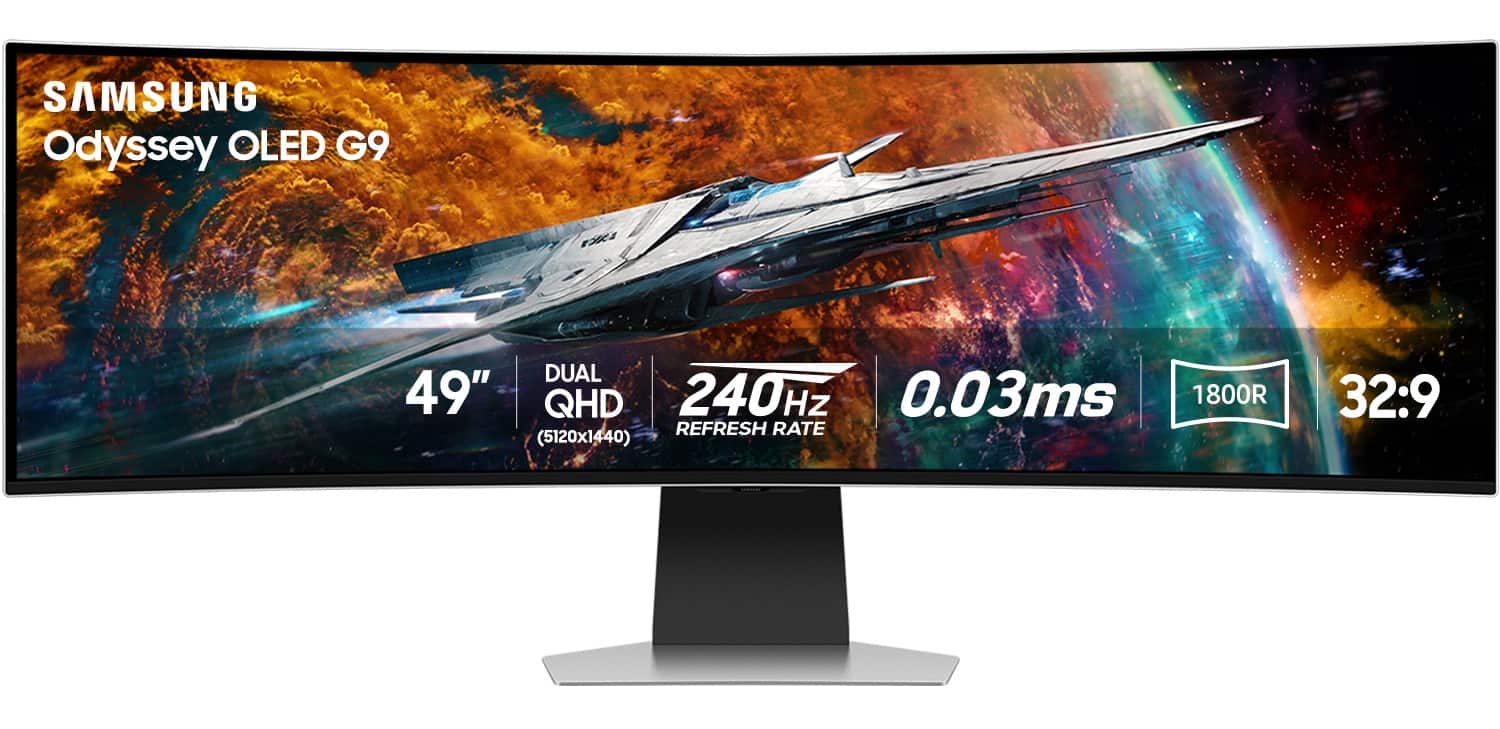
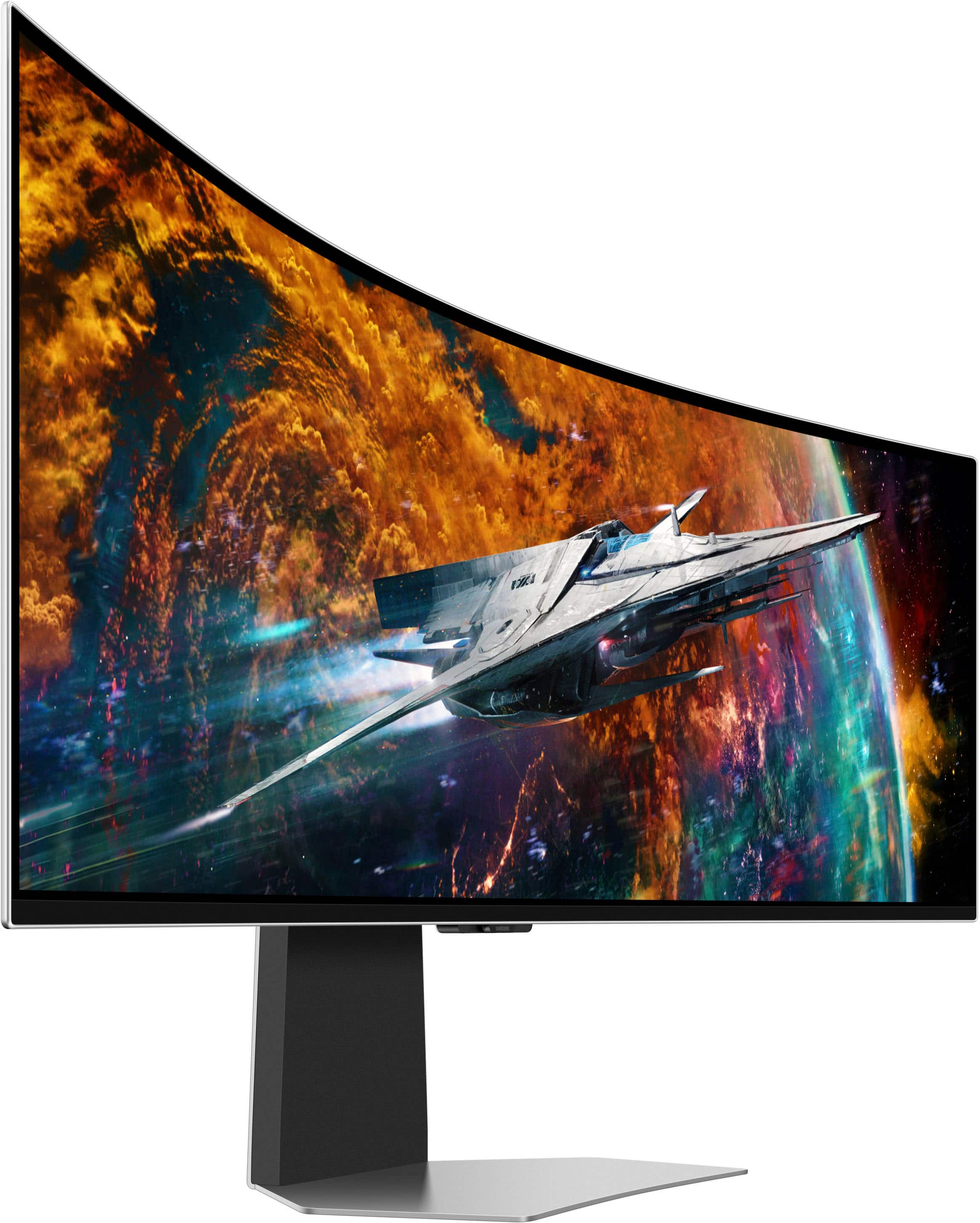
Customers are satisfied with the monitor's picture quality, OLED quality, refresh rate, and color. Many users describe the picture quality and color as amazing. However, some customers have reported issues with connectivity and software. Additionally, a few users expressed concerns about the curvature, aspect ratio, and price.
This summary was generated by AI based on customer reviews.
- Pros mentioned:Overall performance
The picture is BEAUTIFUL. Rest not so much.
||Posted . Owned for 1 month when reviewed.This reviewer received promo considerations or sweepstakes entry for writing a review.It has an amazing picture, but abytime I close and/or tab out of a full screen game, the screen goes black. I either have to restart, unplug the monitor from my GPU, or turn off game mode. Without game mode, you lose picture quality and refresh rate. As long as you dont mind doing this, it's a 10 out of 10. With the monitor being so expensive, I feel like it should not have issues like this.
I would recommend this to a friend - Pros mentioned:Screen sizeCons mentioned:Connectivity
Great Ultrawide TV, good monitor.
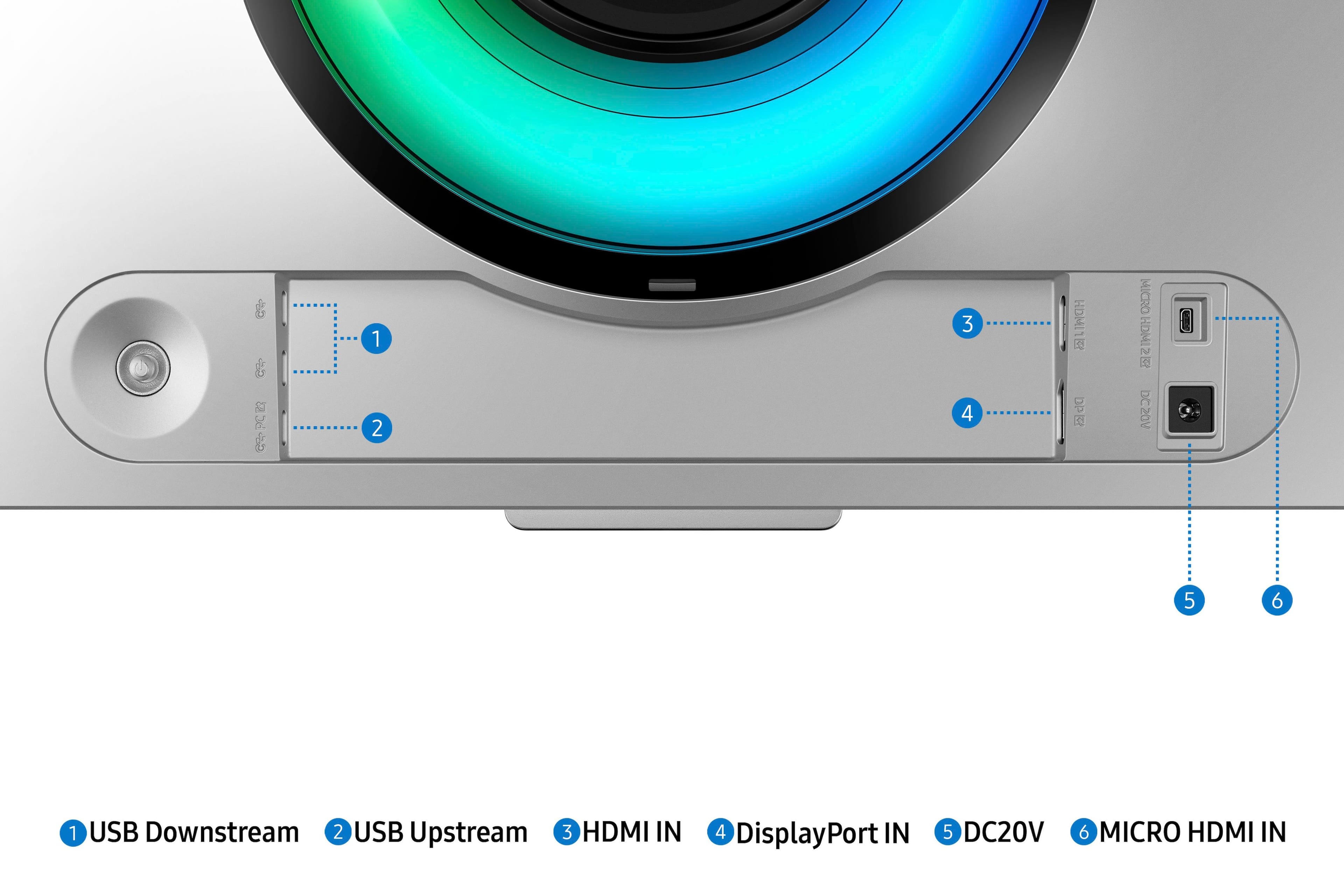
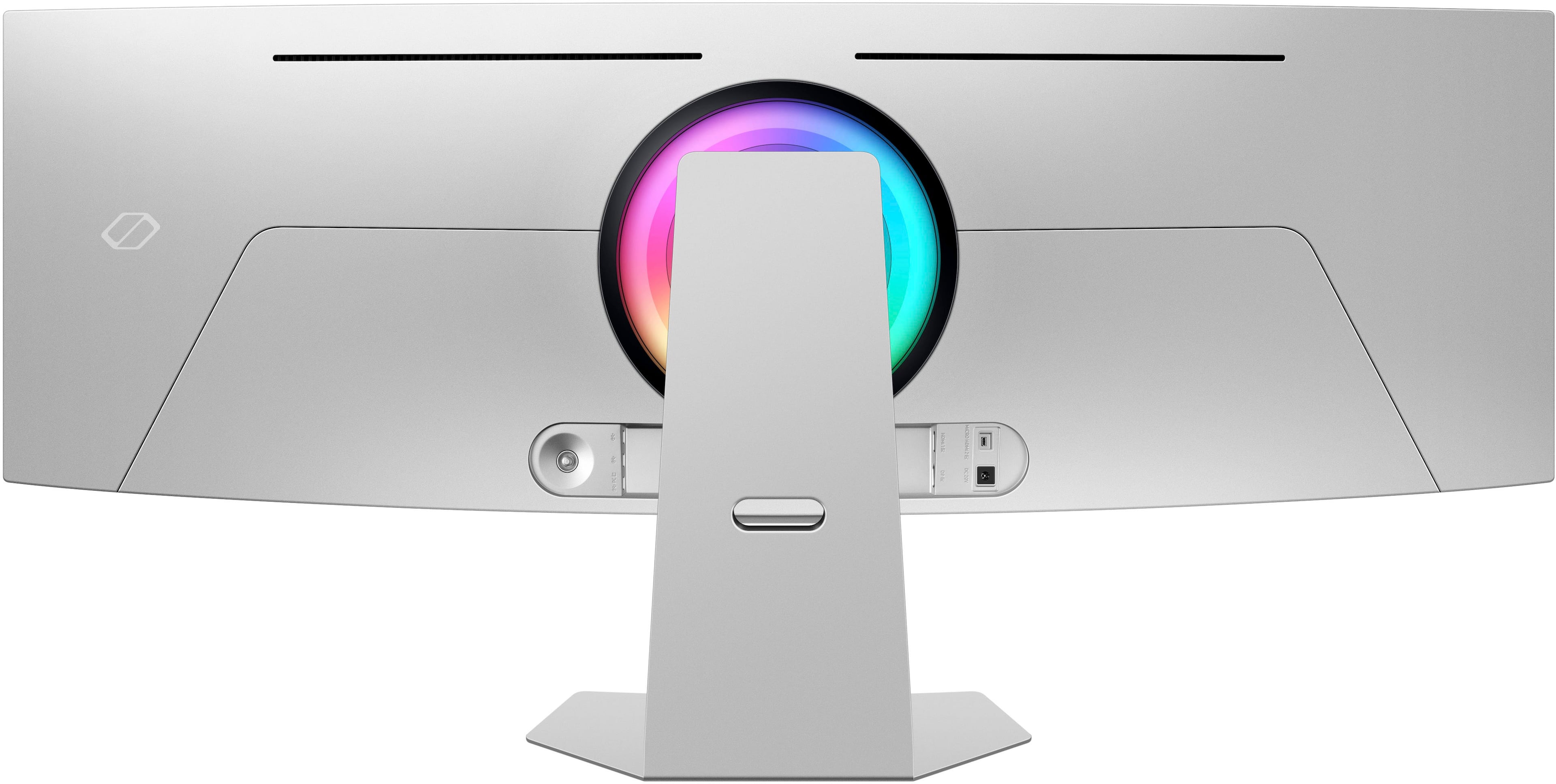
||Posted . Owned for 2 weeks when reviewed.This reviewer received promo considerations or sweepstakes entry for writing a review.Screen is sharp & clear. Missing USB hub and audio out to maxamize use as a monitor.
I would recommend this to a friend - Pros mentioned:Oled quality, Overall performance
Awesome overall and no issues.
||Posted . Owned for 2 months when reviewed.This reviewer received promo considerations or sweepstakes entry for writing a review.Beautiful monitor in both build and in picture quality. OLED cant be beat.... I actually like the remote because I frequently switch between inputs and it's helpful for that on a daily basis. Very thin edges and beautiful overall.
I would recommend this to a friend - Pros mentioned:Oled quality
One monitor that's better than two
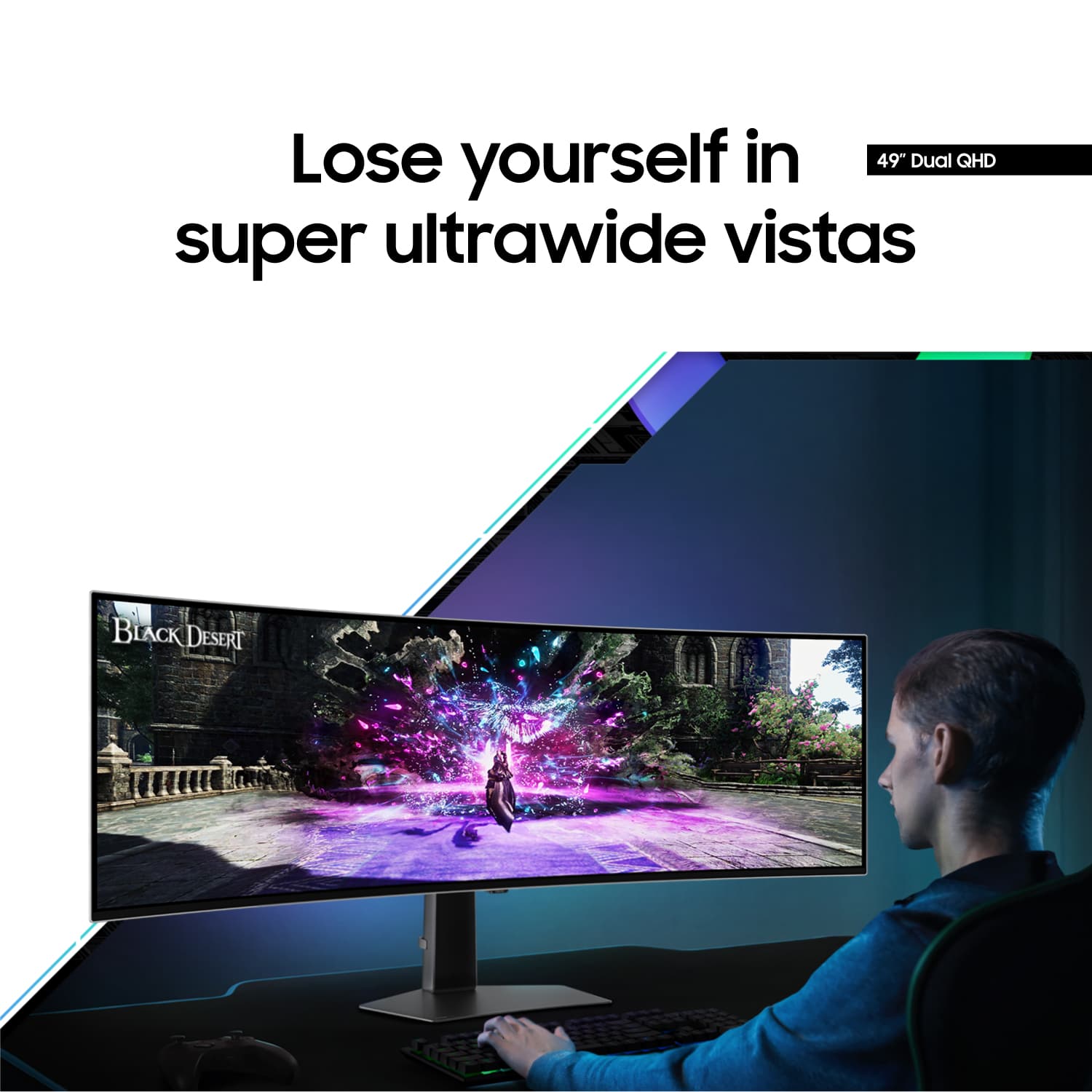
||Posted . Owned for 5 months when reviewed.This reviewer received promo considerations or sweepstakes entry for writing a review.I bought this to replace a 16:9 27" 4K IPS display since I use my computer for gaming more than work. 32:9 support in games can be sketchy at times (it's really more like 21:9 with the edges stretched), but it's very immersive the way the image curves into your peripheral vision. And I can't emphasize enough how much better the colors and contrast is on OLED! Even though I bought this monitor for gaming, I've been surprised at how useful is been for productivity, too. 49" 32:9 is basically two 27" 16:9 displays side-by-side, and Windows has a feature called snap that makes it easy to allocate certain space to specific windows or apps.
I would recommend this to a friend - Pros mentioned:Oled quality, Overall performance
Grade A Display
||Posted . Owned for 1 week when reviewed.This reviewer received promo considerations or sweepstakes entry for writing a review.Great display, works double duty as another way to watch shows/tv. Great responsiveness, lovely OLED color reproduction. Love the productivity capabilities of this display.
I would recommend this to a friend - Pros mentioned:Screen size
Great monitor - but be ready to learn it!
||Posted . Owned for 1 month when reviewed.This reviewer received promo considerations or sweepstakes entry for writing a review.I use this monitor for photography (editing image files) and the learning curve for the monitor is steep. The size is amazing and allows me to multitask efficiently and effectively. The colors are amazing, but they took a bit of work and learning to get there. With that said, I am very happy with my purchase and and am enjoying this monitor very much.
I would recommend this to a friend - Pros mentioned:Screen size
The Ultimate Work Upgrade
||Posted .This reviewer received promo considerations or sweepstakes entry for writing a review.I mostly use the Samsung 49" Odyssey OLED G9 for work, and it’s been a game changer. It replaced my dual-monitor setup, and the ultra-wide screen makes it easy to have my AI code editor and browser open side by side, especially helpful now that AI coding tools are smarter and more integrated into my workflow. The sharp visuals and smooth performance make long hours at the desk a lot more comfortable.
I would recommend this to a friend - Pros mentioned:Overall performance
Excellent monitor!
||Posted .This reviewer received promo considerations or sweepstakes entry for writing a review.Without a doubt the best monitor I've ever had. Since I like to irace this monitor has been absolutely perfect. Besides that, it has a ton of smart features which I'm using. It allowed me to get rid of 3 older monitors that took up a ton of space on my desk. I have a nice clutter free desk now and a great monitor.
I would recommend this to a friend - Pros mentioned:Screen size
Nice!
||Posted .This reviewer received promo considerations or sweepstakes entry for writing a review.Pros: Excellent image Excellent brightness and contrast Cons: It tries ties to be a tv, when all I want is a computer monitor. I purchased it as an open box excellent and Best Buy didn't exaggerate about it being in excellent condition.
I would recommend this to a friend - Pros mentioned:Screen size
Cool looking but lacking for my needs
||Posted . Owned for less than 1 week when reviewed.This reviewer received promo considerations or sweepstakes entry for writing a review.Interesting screen. Very big, though too long. Tried to play WoW though gave up as text was too big. The image was vertically squished and it wasn’t pleasing to look at. Wow doesn’t seem built for 32:9 aspect ratios. 21:9 is way better (34”). I also thought split screen work would be good, but I’d rather two 34” ultra wides side by side. It’s not enough screen real estate even with 49”.
No, I would not recommend this to a friend - Pros mentioned:Overall performance
great image quality/speed, super annoying bugs
||Posted . Owned for 2 months when reviewed.This reviewer received promo considerations or sweepstakes entry for writing a review.I was impressed with this monitor out of the box. I was surprised at how lightweight it is. Switching it to a different mount was very easy. Picture quality is great and response time is fast when playing games. My extreme disappointment in this product comes from the bugginess of window switching/full screen. I've had other Samsung monitor models without this issue. YouTube, for example, is so irritating with this monitor. Usually, when I go full screen it takes sometimes up to 30 seconds to switch. The screen will just go black for a while. Other times the image will never display and I have to either unplug/replug my DisplayPort cord or switch the monitor to a different input and switch it back. This is also an issue when editing videos, switching from an open game window to another window, etc. I can't decide between 3 or 4 stars. The image and speed are amazing. The window-switching issues are just so unbelievably annoying though.
I would recommend this to a friendBrand response from Samsung
Posted .Thank you for your review. Samsung is committed to providing the best possible product experience, quality, and value. Samsung greatly values our customers’ feedback and we utilize your concerns and opinions in our relentless efforts towards delivering world-class products. We are very sorry to hear this product didn't meet your expectations and hope to have you back as a customer again. If there is anything we can do to assist you and improve your product experience, please don't hesitate to contact Samsung Customer Support via: 1-800-SAMSUNG, available 8AM - 12AM EST (Mon-Fri) / 9AM - 11PM EST (Sat-Sun)

- Pros mentioned:Resolution
Glorious purpose
||Posted . Owned for 2 weeks when reviewed.This reviewer received promo considerations or sweepstakes entry for writing a review.I love it. it looks great. I give it 4 out of 5 instead of 5 for a couple glaring issues. 1. My monitor sits in the same room as a Samsung TV that I have. Whenever the kids use the remote for the TV it there is no way for this not to happen. You have to block the IR. I feel like they should have two different frequencies for tvs vs monitors used for computers. 2. The controls are a little frustrating. Not horrible but frustrating. Also very few things take advantage of the full resolution but its so much space for multi-tasking and when there is a game that uses its functionality it makes it all worth it
I would recommend this to a friend - Pros mentioned:Oled quality, Refresh rate
SAMSUNG Odyssey OLED G9 (G95SC)
||Posted . Owned for 1 week when reviewed.This reviewer received promo considerations or sweepstakes entry for writing a review.One of the best experiences that had in quality and price the unparalleled depth of the oled panels and their colors and speed of 240HZ 9/10 for this monitor if you are looking for an unparalleled experience and you are a technology lover
I would recommend this to a friend - Pros mentioned:Screen size
Excellent Monitor for about $1k
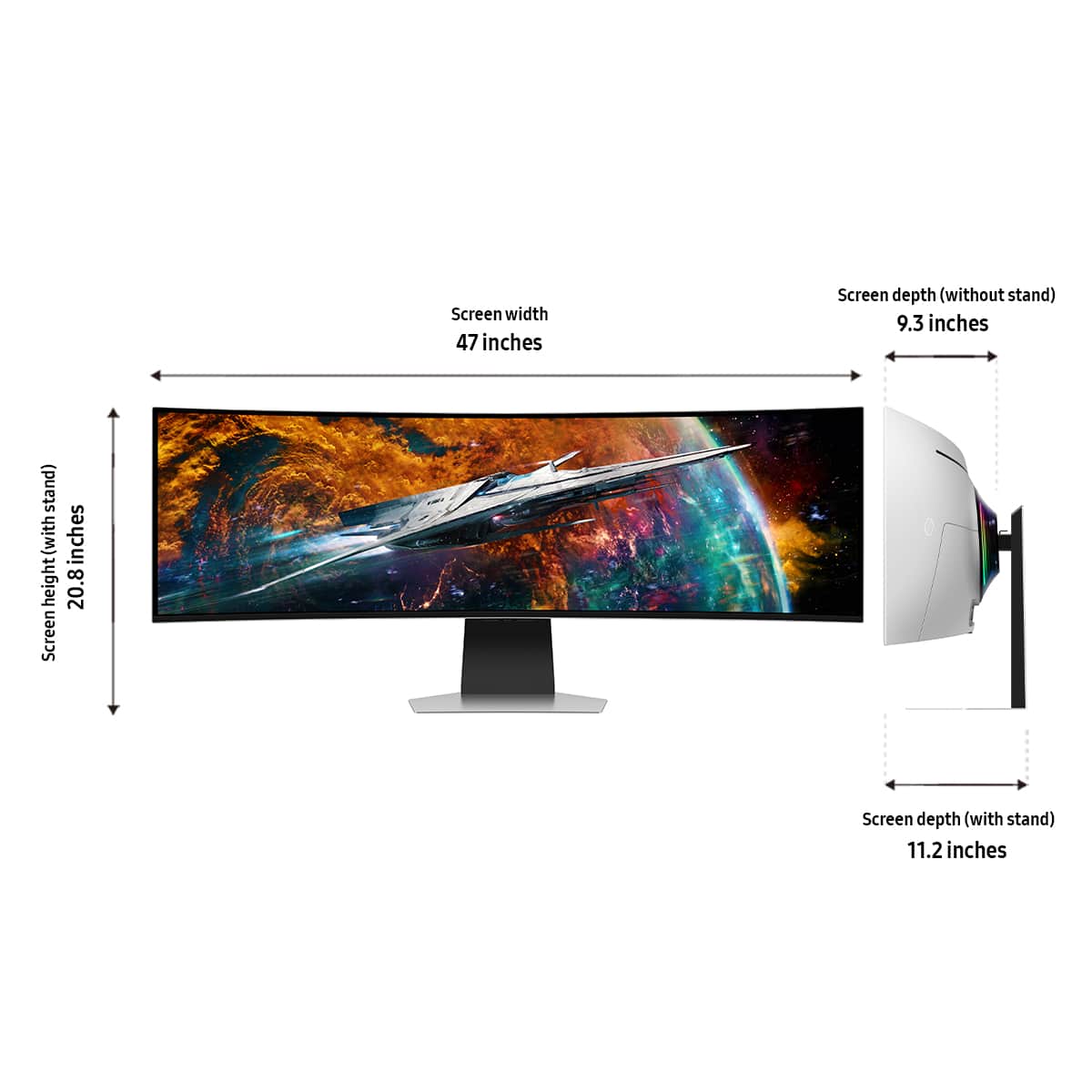
||Posted . Owned for 1 week when reviewed.This reviewer received promo considerations or sweepstakes entry for writing a review.This monitor is fantastic. It’s huge, but taking it out of the box was pretty easy going. As a monitor, it does just fine, but it is very wide so a big desk is needed. Also, not all games or content supports this resolution so be warned, to do some tinkering in some games. Also, when playing games windowed because the game does not support full screen properly, be sure to set the sides to black to prevent burn in if you are in a long gaming session. It’s too new for me to see issues with burn in, but the pixel shift and refresh should keep it in good shape. The other thing is the Samsung TV plus, which is basically free cable. It connects via Wi-Fi. I have a mesh network, but the streaming was not always fluid. Also, it does not take up the full screen, but is centered. Overall, the apps are a nice addition. I have not tried all the features yet, but Flight simulator and Assasin’s creed origins look great on it.
I would recommend this to a friend - Pros mentioned:Oled quality
It's been great!
||Posted . Owned for 2 weeks when reviewed.This reviewer received promo considerations or sweepstakes entry for writing a review.I've been using this monitor for almost a month now, and so far, it's been great. It's the first ultrawide monitor I've ever used and it set the bar high. The ultrawide with the HDR/OLED combo is amazing. Playing most videogames that have support for 32:9 feel like watching a movie. One thing that I was worried about was how much it would effect my gaming performance but in all honesty I've noticed little to no impact. Thats coming from a 165hz 1440p monitor. The only real CON I've come across, and its typically the case for any "smart" tv's or monitors, is the boot time for the monitor. From completely off to the point it turns on and auto switches to my pc port my computer is already booted and waits for the monitor to catch up. Its not a deal breaker by any means but is the only miniscule issue ive come across. This monitor is a huge recommendation to anybody looking to upgrade.
I would recommend this to a friend - Pros mentioned:Refresh rate
Stunning, so far
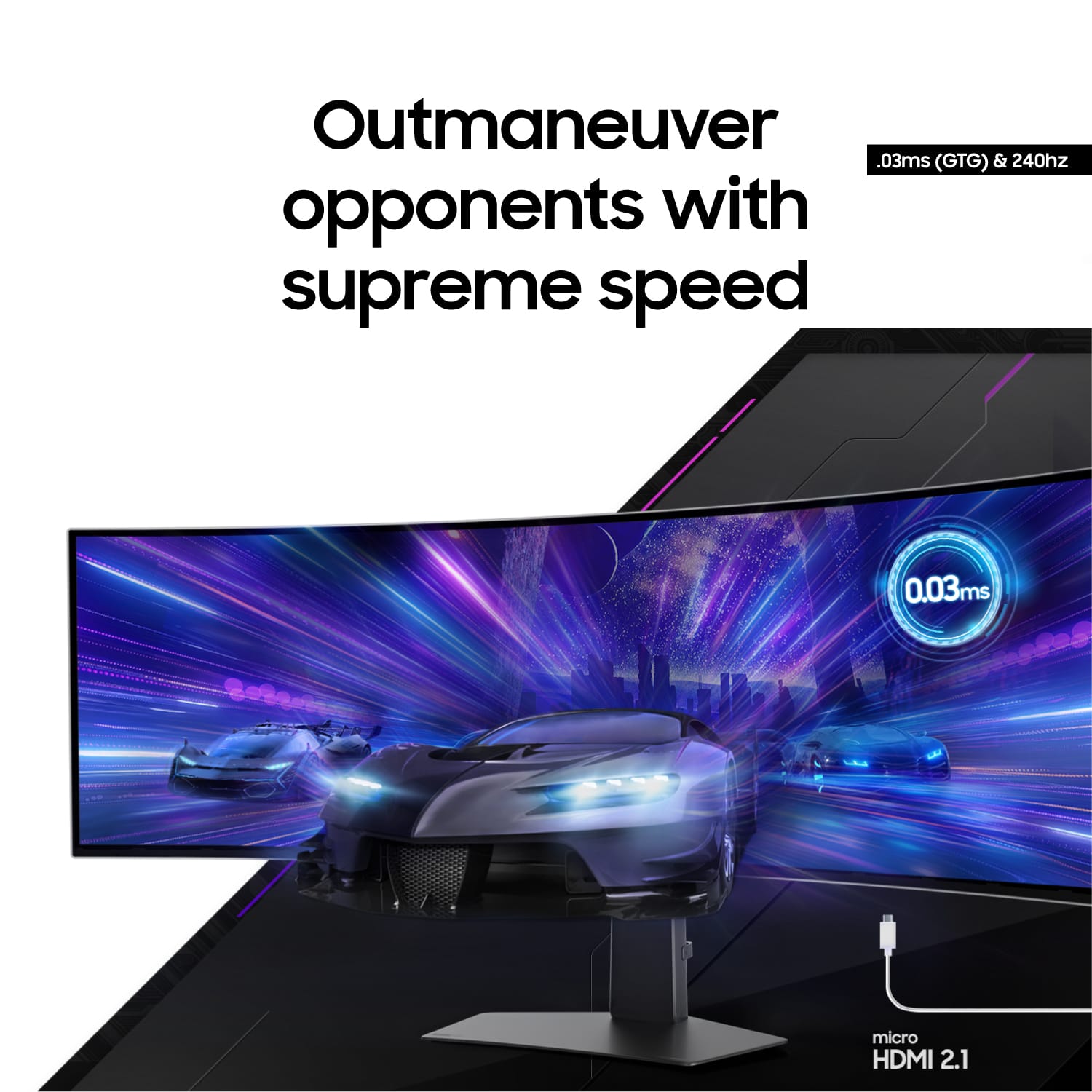
||Posted . Owned for 1 week when reviewed.This reviewer received promo considerations or sweepstakes entry for writing a review.I know what I was getting into picking up this monitor. A beautiful but limited lifespan. OLEDs are known for getting horrific burn-in and image retention. Thats why I have BestBuy total to replace it when it inevitably dies. Until then, its been well worth the money. Visually stunning, and the speakers aren’t half bad, but they aren’t why anyone is purchasing this monitor. I did have a weird flickering issue with the monitor when using a display cable. Using a HDMI 2.1 completely solved this issue. Do yourself a favor and use a HDMI 2.1 cable. Only with an HDMI cable can you reach the advertised 240hz. The display cable can only do 120hz.
I would recommend this to a friend - Pros mentioned:Oled quality, Screen size
Amazing ultra wide experience
||Posted . Owned for 1 week when reviewed.This reviewer received promo considerations or sweepstakes entry for writing a review.Magic. This screen is pure magic. On paper it’s 2 screens put together, but as a single panel, it’s ridiculous in the best way possible. The sale made this purchase a no brainer. Hard to not use OLED once you’ve used it
I would recommend this to a friend - Pros mentioned:Screen size
Awesome Monitor with little caveats
||Posted . Owned for 5 months when reviewed.This reviewer received promo considerations or sweepstakes entry for writing a review.The Colors on this thing are amazing oh my god, I only give this a 4/5 because of the software, I would recommend the model without the software, if you are mainly using it for pc gaming, besides that this monitor is amazing, I recommend using hdmi due to the problems with displayport.
I would recommend this to a friend - Pros mentioned:Screen size
Monitor for every use!
||Posted . Owned for 2 weeks when reviewed.This reviewer received promo considerations or sweepstakes entry for writing a review.This monitor is amazing especially if you are thinking about getting two monitor screens to play next to each other. I saw a few mixed reviews and almost didn’t get it. I’m loving it after a few days of using it and I’m happy I got it. The only reason I don’t give it an overall 5 is because I’ve never used another monitor so I can’t really compare it to anything!
I would recommend this to a friend - Cons mentioned:Connectivity
Good BUT
||Posted .This reviewer received promo considerations or sweepstakes entry for writing a review.This monitor looks amazing! The brightness is great and the pitch black blacks are beautiful. I did however have the update bug that made my display port inoperable. Samsungs fix is "use the hdmi port". Well samsung that isnt acceptable. I paid for that feature therefore i should be able to use it. There was a time i would have sworn by samsung and their support team. As of late i am inclined to not recommend them at all.
No, I would not recommend this to a friendBrand response from Samsung
Posted .Please know you are leaving a review for the 49" Odyssey OLED G9 (G95SC), not the service provided by BestBuy. Please follow up directly with the seller for further assistance. We hope your issue is resolved in a timely manner. Should you have questions regarding Samsung TVs, please contact Samsung Support at 1-800-SAMSUNG, 8AM - 12AM EST, 7 days a week. Our LiveChat agents are also available by clicking on the ‘Support’ link on our website.