Customer Ratings & Reviews
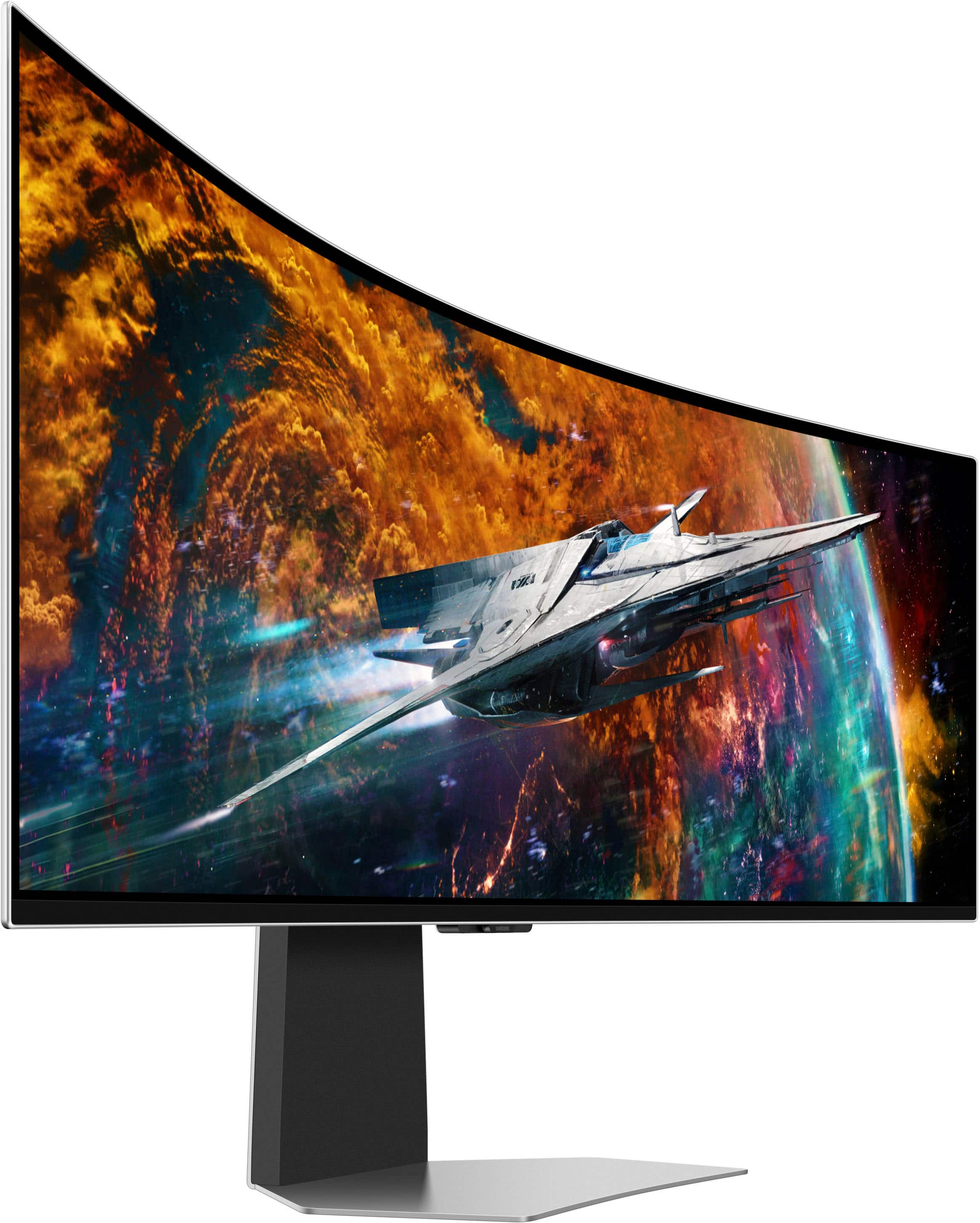

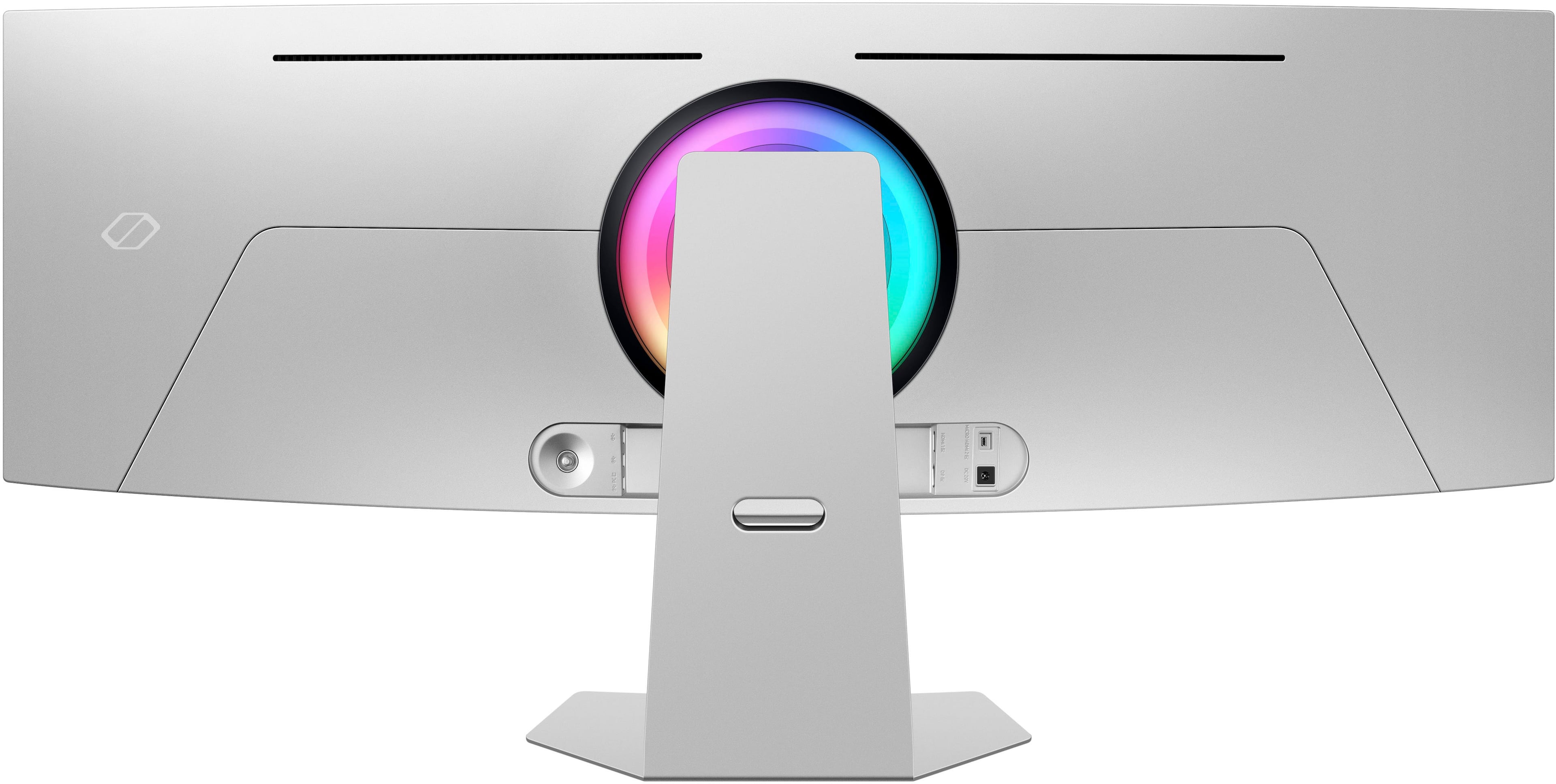
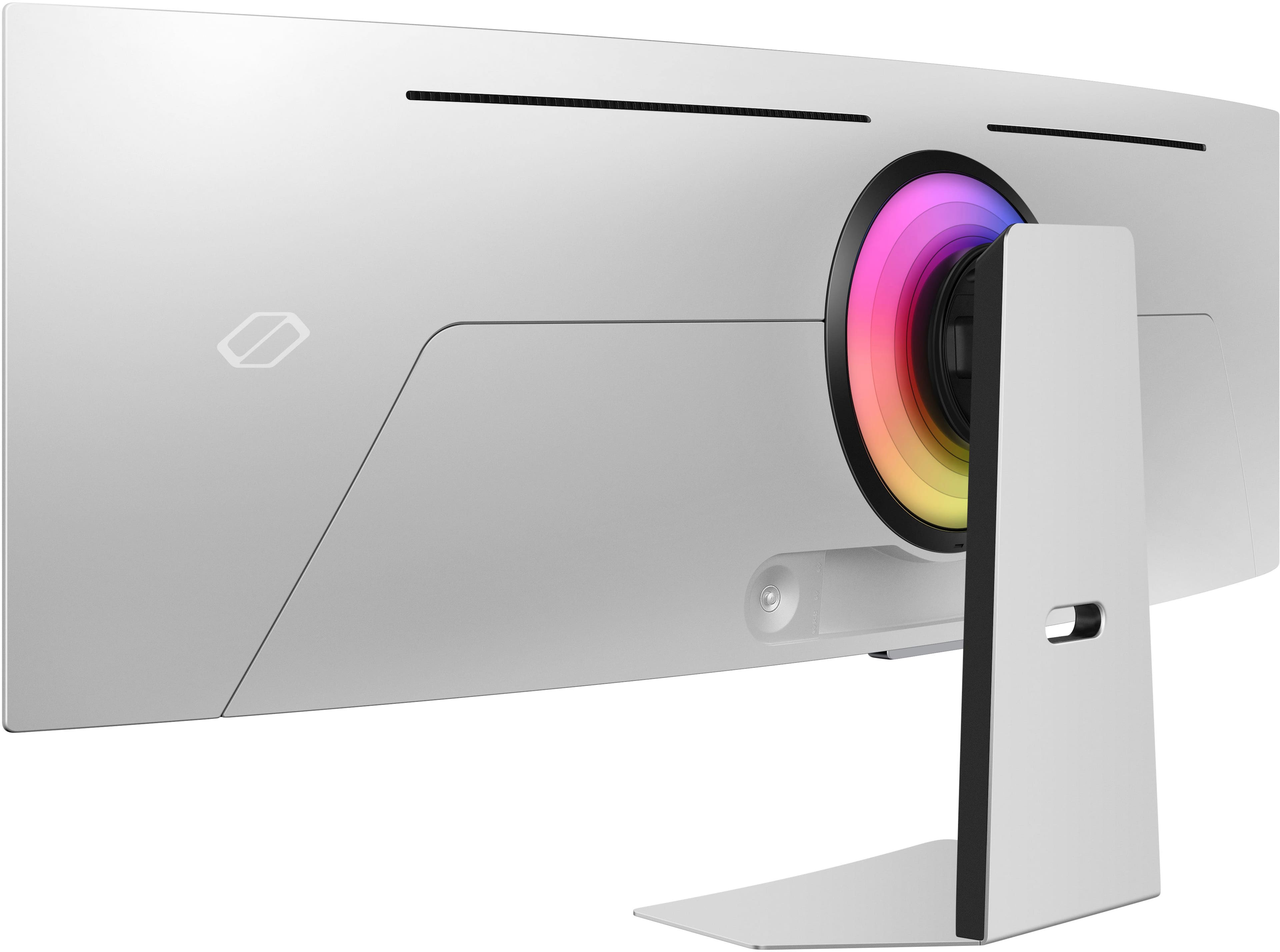
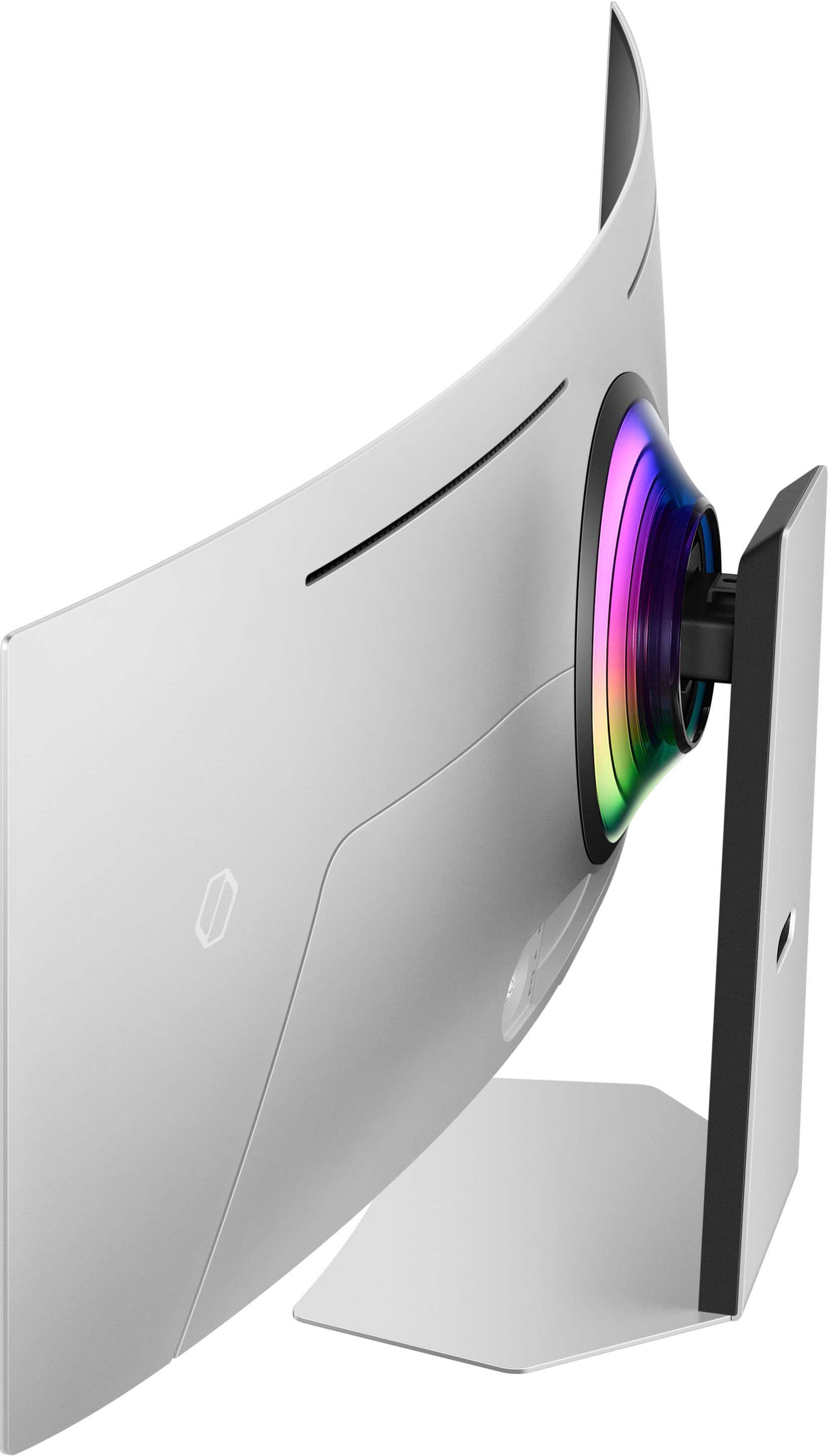


- Model:
- LS49CG954SNXZA
- SKU:
- 6544291
Rating by feature
- Display Quality
Rating 4.7 out of 5 stars
- Ease of Use
Rating 4.2 out of 5 stars
- Features
Rating 4.4 out of 5 stars
Customers are saying
Customers are satisfied with the monitor's picture quality, OLED quality, refresh rate, and color. Many users describe the picture quality and color as amazing. However, some customers have reported issues with connectivity and software. Additionally, a few users expressed concerns about the curvature, aspect ratio, and price.
This summary was generated by AI based on customer reviews.
- Pros mentioned:Resolution, Screen size
Odyssey G9
||Posted . Owned for less than 1 week when reviewed.This reviewer received promo considerations or sweepstakes entry for writing a review.Looking for gaming, streaming & productivity? This 4k OLED curve gaming monitor is what you want.
I would recommend this to a friend - Pros mentioned:Overall performance, Refresh rate
Very satisfied
||Posted .This reviewer received promo considerations or sweepstakes entry for writing a review.Insane monitor. Just an absolutely gorgeous picture with a solid 240 refresh rate.
I would recommend this to a friend - Pros mentioned:Overall performance, Screen size
Gaming Monitor
||Posted . Owned for 6 months when reviewed.This reviewer received promo considerations or sweepstakes entry for writing a review.Great monitor. Bought it on sale. Ultra wide is great for gaming.
I would recommend this to a friend - Pros mentioned:Overall performance
Just buy it.
||Posted .This reviewer received promo considerations or sweepstakes entry for writing a review.Breathtaking monitor. It's huge, but makes gaming and productivity a dream. I've bought two and they both amaze everyone who sees them.
I would recommend this to a friend - Pros mentioned:Resolution, Screen size
Crazy good-looking, and screen quality 4K monitor
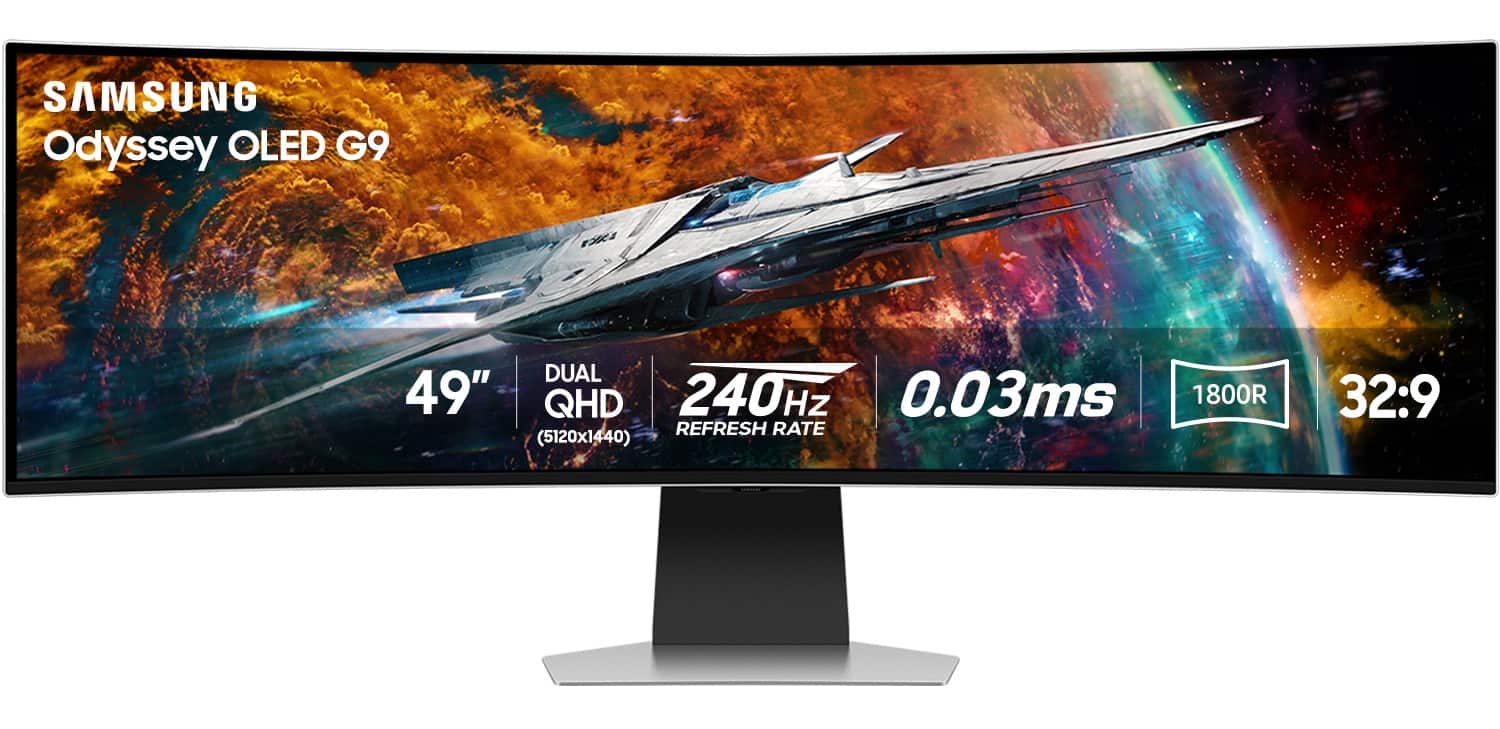
||Posted . Owned for 2 weeks when reviewed.This reviewer received promo considerations or sweepstakes entry for writing a review.This monitor is crazy good-looking, and the screen quality is amazing at 4K (5120 x 1440). Paired with my GTX 4090 Video card on my PC. The games I play look so realistic, crispy, and beautiful that I enjoy playing for hours.
I would recommend this to a friend - Cons mentioned:Software
Amazing panel, horrible software, go for the G93SC
||Posted . Owned for 8 months when reviewed.This reviewer received promo considerations or sweepstakes entry for writing a review.This panel is beautiful. I have no complaints regarding the visuals. The reason for the three stars is that the software/OS is terrible. Every time the panel turns on or wakes, it takes 22 seconds for all the different prompts and tips to get out of the way so I can actually use the screen. Why show these every time? Give me an option to say, "Yes, I understand how the screen works, stop showing me this." There are also an unnecessary number of steps to be able to change settings I'm commonly changing, like brightness and pixel shift. And these menus are often quite slow to navigate. I also never plan on using any of the smart TV features built in. I wish the G93SC was available at the time I purchased, which to my understanding does not include any of those "features". Love playing games on this, the real estate for productivity is excellent. Just wish all these prompts would go away, that I could disable the smart TV features, and that I could have quicker access to the Pixel Shift setting.
No, I would not recommend this to a friendBrand response from Samsung
Posted .Thank you for your review. Samsung is committed to providing the best possible product experience, quality, and value. Samsung greatly values our customers’ feedback and we utilize your concerns and opinions in our relentless efforts towards delivering world-class products. We are very sorry to hear this product didn't meet your expectations and hope to have you back as a customer again. If there is anything we can do to assist you and improve your product experience, please don't hesitate to contact Samsung Customer Support via: 1-800-SAMSUNG, available 8AM - 12AM EST (Mon-Fri) / 9AM - 11PM EST (Sat-Sun)

- Cons mentioned:Connectivity
Great Real Estate and Colors
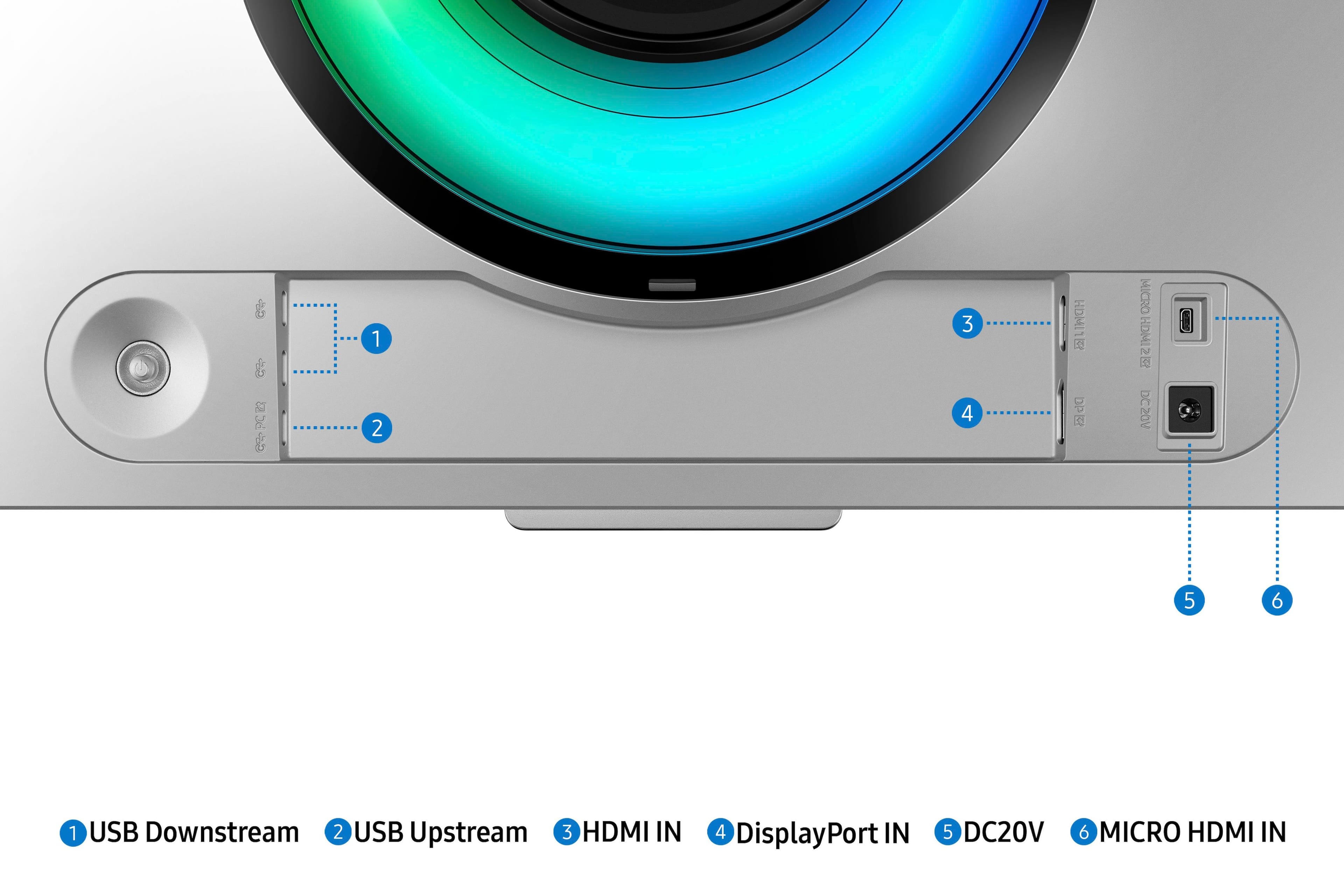
||Posted . Owned for 3 weeks when reviewed.This reviewer received promo considerations or sweepstakes entry for writing a review.Great monitor and a much needed one for me. View is great so are colors. I use this as a work from home monitor as well as personal use, including gaming, webs surfing, and whatever else. I'd say my biggest two gripes are that there is only 1 Display Port, which isn't ideal for my specific use case (juggling between home and work use) and sometimes the cable connection isn't established, so I need to dis/reconnect the DP in my computer. These aren't crazy but inconvenient for sure.
I would recommend this to a friendBrand response from Samsung
Posted .We are delighted to hear you've had an overall, positive experience with your OLED G9 Monitor.
Thank you for your feedback to help us improve our products and services. If there is anything we can do to assist you and improve your product experience, please don't hesitate to contact Samsung Customer Support via:
1-800-SAMSUNG, available 8AM - 12AM EST (Mon-Fri) / 9AM - 11PM EST (Sat-Sun).
Your thoughts and opinions are very important to Samsung.
- Pros mentioned:Refresh rate
It was as i expected.
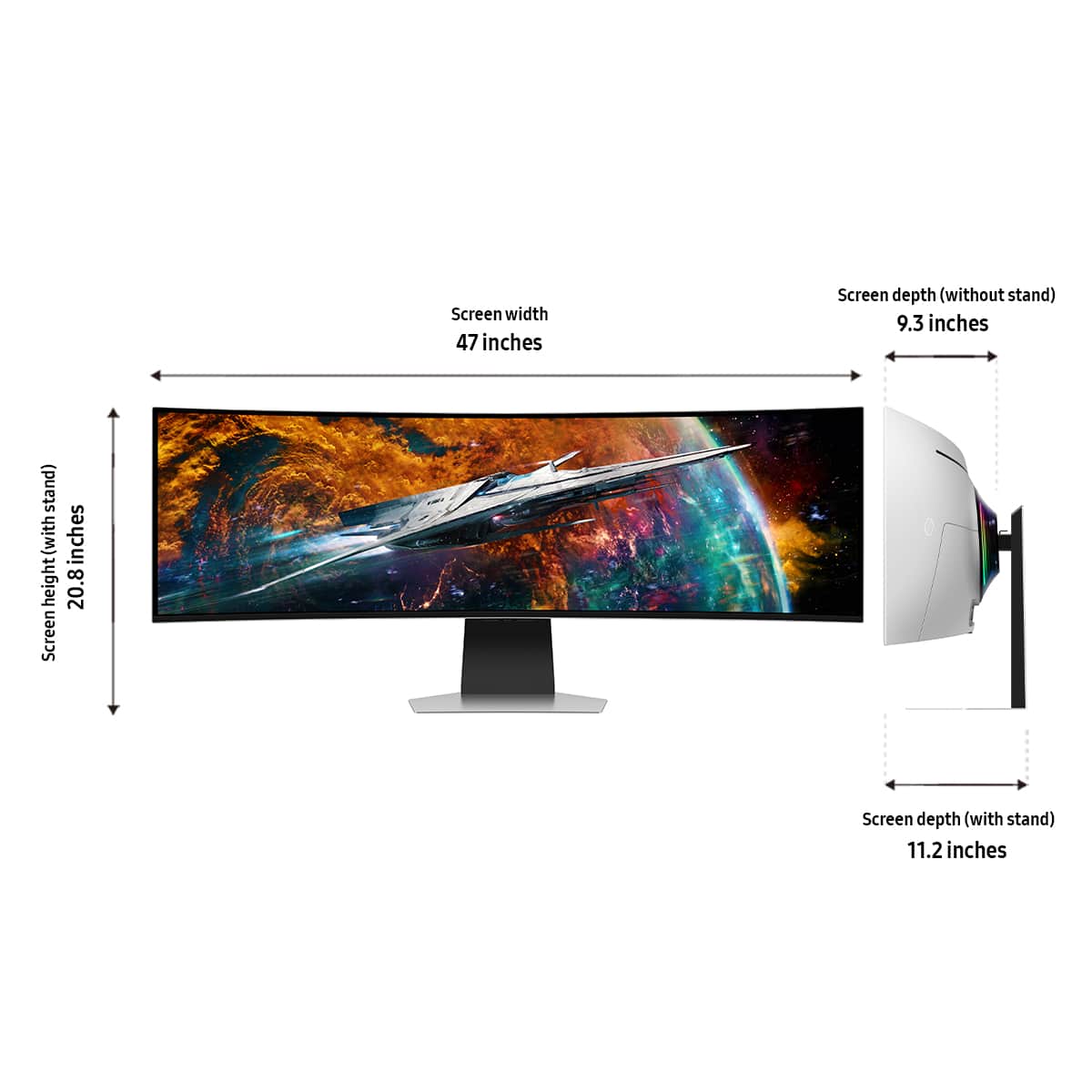
||Posted .This reviewer received promo considerations or sweepstakes entry for writing a review.I've had this product for about a week so far and i have to admit the monitor is clear and huge. The 240 hz only works in gaming mode and when you are not in gaming mode it puts you at a default 120 hz. Setting the monitor up was easy but i would recommend 2 people to do so. I'd rather have the power supply integrated into the monitor but the cords are long enough where it's not much of an issue for me. This monitor looks great, the base is ideal and the height is perfect for my desk. My only main downside is that i have a samsung TV and when i go to change the input, volume or channels, the monitor also receives the signal and tries to do what the TV is doing. I do wish there were more display port inputs or even USB A ports to connect my peripherals from my desk it does have 3 usb type c ports which i assume will be to it's benefit in the further future.
I would recommend this to a friend - Pros mentioned:Screen size
Love it
||Posted .This reviewer received promo considerations or sweepstakes entry for writing a review.This monitor is so nice. Easy to setup and is a huge upgrade from my previous 2 monitor setup. I am using it for productivity, and I love being able to actually use the center! The oled screen did take a little bit getting used to coming from IPS (made me a little nauseous) but now my eyes are used to it and its great. The real estate on this thing is just amazing.
I would recommend this to a friend - Pros mentioned:Screen size
Lots of screen! Great product.
||Posted .This reviewer received promo considerations or sweepstakes entry for writing a review.This screen is Amazing. The quality and size is perfect for me. I can have multiple large tabs open and makes it so easy to work on design projects.
I would recommend this to a friend - Pros mentioned:Overall performance
Excellent widescreen!
||Posted . Owned for 3 months when reviewed.This reviewer received promo considerations or sweepstakes entry for writing a review.Great picture quality and easy connection. The build in UI is easy to use and the remote that comes with it makes setup easy. Only issue was screen flicker which was easily fixed by correcting GPU settings.
I would recommend this to a friend I have two of these.
||Posted . Owned for 1 week when reviewed.This reviewer received promo considerations or sweepstakes entry for writing a review.Amazing monitor. I have two of these. Great dark blacks and colors are vibrant. Only drawback is that it does not wake up when plugged into a Display Port. HDMI works fine but with Display Port it takes a lot of messing around in the menu to get it to work. Oddly, if you have 3 monitors on Display Port, it works fine, but not with one.
I would recommend this to a friend- Pros mentioned:Overall performance
Should Be Your Top Choice for OLED Gaming Monitor
||Posted . Owned for 4 months when reviewed.This reviewer received promo considerations or sweepstakes entry for writing a review.Incredible monitor, it looks great on the desk and in the room but the picture quality is awesome. Looks great playing all next gen games. It's also great for productivity due to the size - I split the screen with an app for work. Makes spreadsheets a million times easier.
I would recommend this to a friend - Pros mentioned:Overall performance
Great product but lacks some features
||Posted . Owned for 1 week when reviewed.This reviewer received promo considerations or sweepstakes entry for writing a review.Great picture quality, needs a kvm included and Samsung needs to add support for dolby vision. Also does not have a true pnp featuer and the samsung included method is limited. Out of box picture needs some tweaking. Display port needed for macos to get full resolution. If not on game mode the frequency is reduced. It would be nice to have a more agressive curve for gaming but it works great for coding Text ppi is comparable to my former ips monitor. The process to change inputs is annoying and could have been better to have a button on the remote.
I would recommend this to a friendBrand response from Samsung
Posted .We are delighted to hear you've had an overall positive experience with your Odyssey Monitor.
Thank you for your feedback to help us improve our products and services. If there is anything we can do to assist you and improve your product experience, please don't hesitate to contact Samsung Customer Support via:
1-800-SAMSUNG, available 8AM - 12AM EST (Mon-Fri) / 9AM - 11PM EST (Sat-Sun).
Your thoughts and opinions are very important to Samsung.
Great monitor, worth the price
||Posted . Owned for 9 months when reviewed.This reviewer received promo considerations or sweepstakes entry for writing a review.This monitor has been great for me. I got it originally for play, but had to work the night it arrived. And it was bought almost on a whim and I thought I might return it if it didn’t live up to the hype. But I was amazed how good it was for work right away, which sold me. I work on multiple documents at once (I’m a lawyer so having 4+ docs open side by side is a regular thing) and it is so much better than multiple screens. For games it is awesome. Very immersive with great colors and contrast. I’ve been very pleased with my purchase.
I would recommend this to a friend- Pros mentioned:Oled quality, Overall performance
Best super ultrawide on the market
||Posted . Owned for 1 month when reviewed.This reviewer received promo considerations or sweepstakes entry for writing a review.Upgraded from the CRG9 to OLED is a massive difference. Other OLED monitors struggle from text fringing from what I've researched but the 2nd get OLEDs from Samsung have no problems. Picture quality and colors are some of the best. Very happy with my purchase!
I would recommend this to a friend - Pros mentioned:Oled quality, Screen size
FANTASTIC PICTURE
||Posted . Owned for 1 month when reviewed.This reviewer received promo considerations or sweepstakes entry for writing a review.I used two monitors that were 27" each and the total screen would have been larger than this 49" ultrawide, although the ultrawide feels larger. I highly recommend the extra money and pick up the OLED.
I would recommend this to a friend - Pros mentioned:Oled quality
Gorgeous but at a cost
||Posted . Owned for 1 week when reviewed.This reviewer received promo considerations or sweepstakes entry for writing a review.I love this monitor and have been wanting it since I launched. I was able to get it in sale finally. The screen is beautiful but takes some time to get the settings just right. My biggest annoyance with it so far is that the screen will randomly go black and then come back after a few seconds while I currently have it connected to my computer via HDMI with a proper HDMI 2.1 cable. I looked at Samsung's forums and other people are experiencing the same thing with no fix. I don't recommend the monitor at full price but worth it on sale.
I would recommend this to a friend Perfect Monitor and Sound Quality!
||Posted . Owned for 1 year when reviewed.This reviewer received promo considerations or sweepstakes entry for writing a review.I used this monitor screen for my computer desktop and it works perfectly and it helps to get everything done from my work Presentation to Zoom Calls.
I would recommend this to a friend- Pros mentioned:Overall performance, Resolution
Monitor is great!!!
||Posted . Owned for 1 week when reviewed.This reviewer received promo considerations or sweepstakes entry for writing a review.Wow. Just wow. Amazing picture for gaming with incredible resolution. I wanted this for many year but finally did it. Worth every cent.
I would recommend this to a friend