Customer Ratings & Reviews
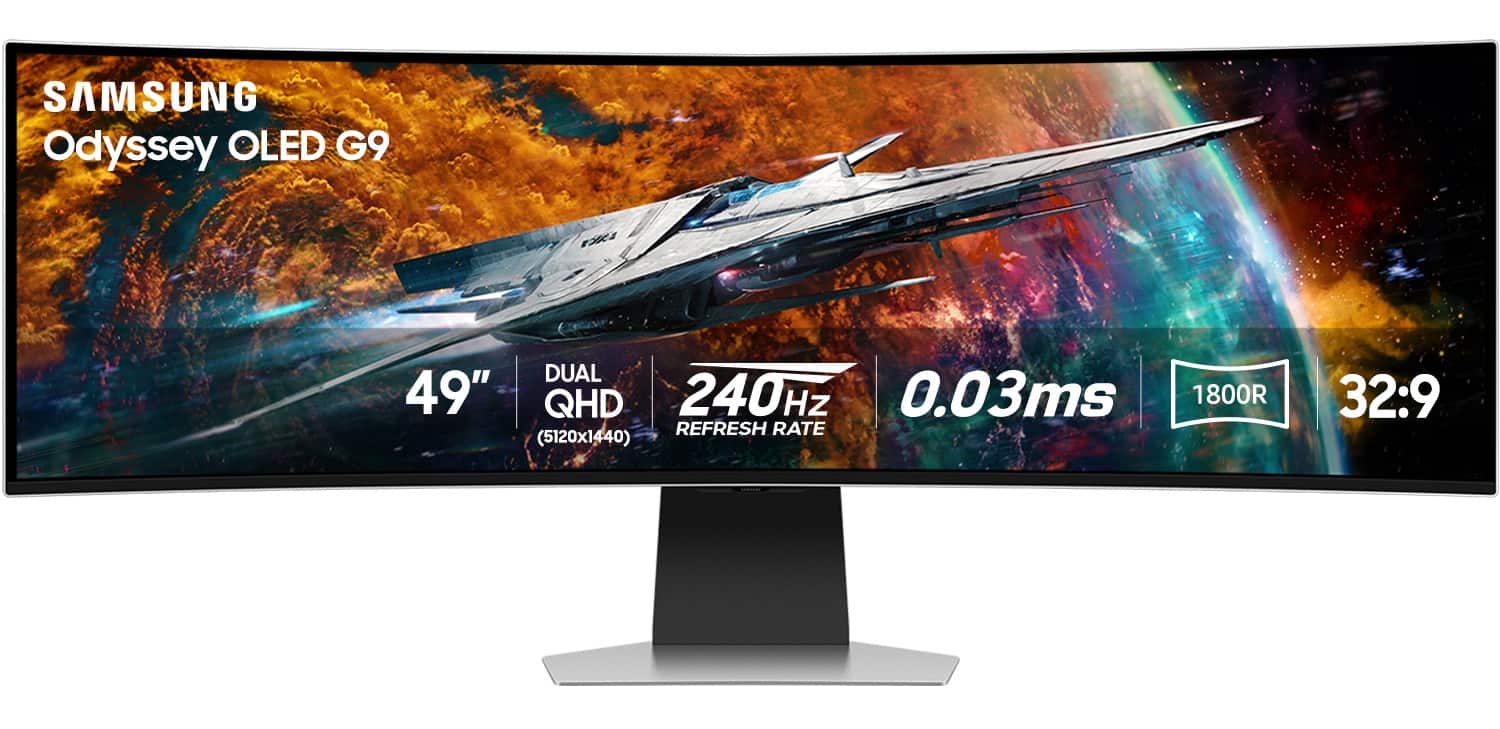
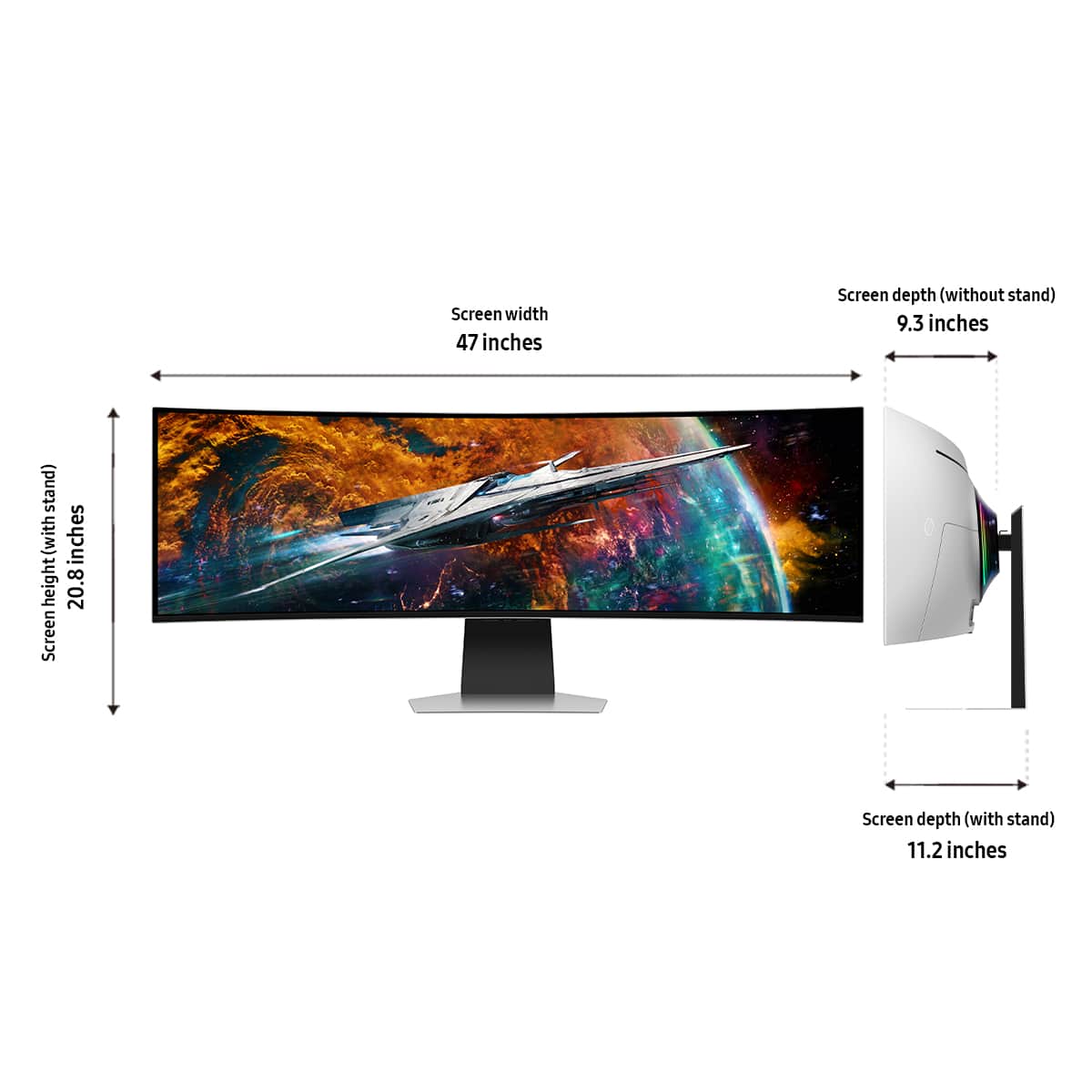
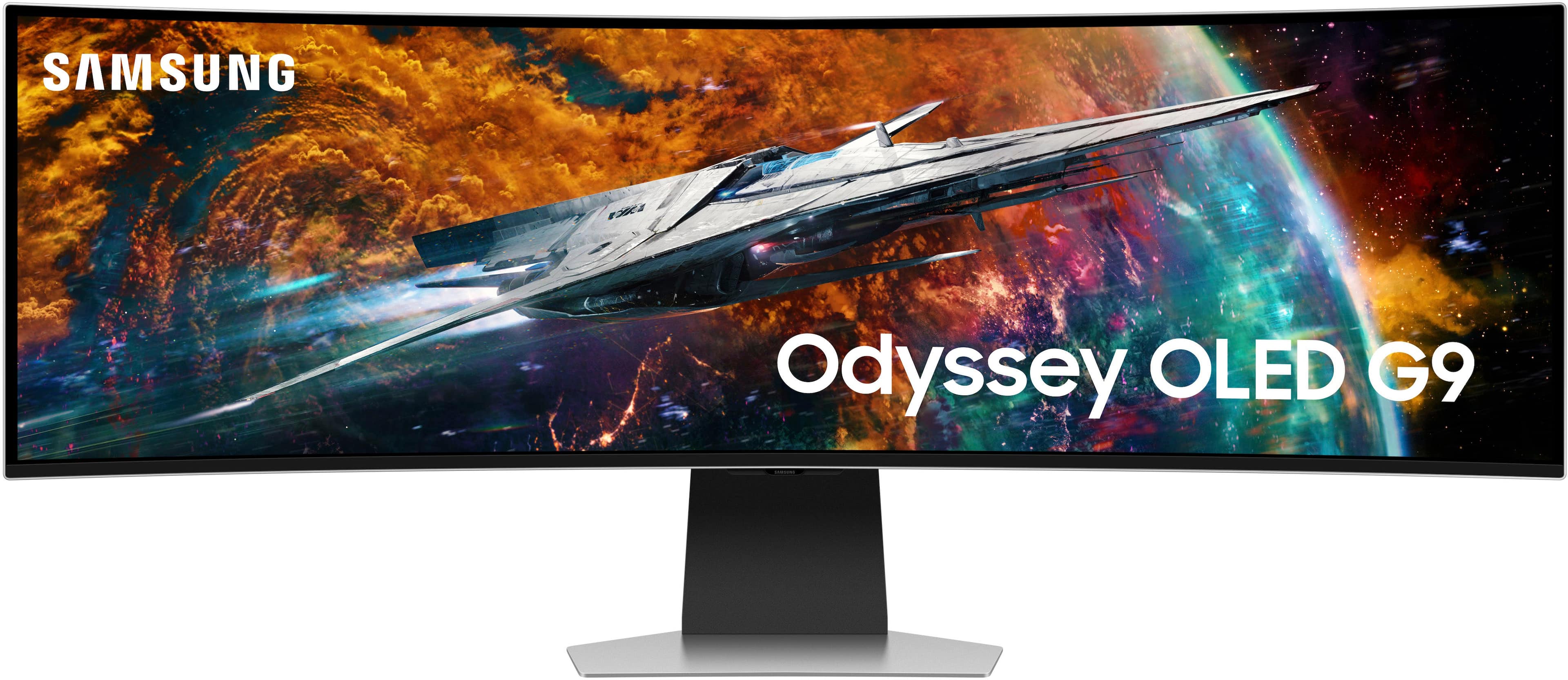



- Model:
- LS49CG954SNXZA
- SKU:
- 6544291
Rating by feature
- Display Quality
Rating 4.7 out of 5 stars
- Ease of Use
Rating 4.2 out of 5 stars
- Features
Rating 4.4 out of 5 stars
Customers are saying
Customers are satisfied with the monitor's picture quality, OLED quality, refresh rate, and color. Many users describe the picture quality and color as amazing. However, some customers have reported issues with connectivity and software. Additionally, a few users expressed concerns about the curvature, aspect ratio, and price.
This summary was generated by AI based on customer reviews.
Don’t waste your money!
||Posted .This reviewer received promo considerations or sweepstakes entry for writing a review.The first few months this monitor was amazing and then it started flickering on and off which turned into a white screen. The monitor now won’t stay on and is bright white. We now have a very large and expensive paperweight. Stay away from this monitor and save your money.
No, I would not recommend this to a friendBrand response from Samsung
Posted .Please know you are leaving a review for the [series/model], not the service provided by a third party seller. Please follow up directly with the seller for further assistance. We hope your issue is resolved in a timely manner. Should you have questions regarding Samsung TVs, please contact Samsung Support at 1-800-SAMSUNG, 8AM - 12AM EST, 7 days a week. Our LiveChat agents are also available by clicking on the ‘Support’ link on our website.

was great till it wasnt
||Posted . Owned for 4 months when reviewed.This reviewer received promo considerations or sweepstakes entry for writing a review.Bought this monitor in dec 24 and it was perfect, but its april 25 now and it wont stop rapidly blinking when i switch between apps or a game
No, I would not recommend this to a friendBrand response from Samsung
Posted .We are very sorry to see that you have encountered issues with the Samsung Odyssey G95SC Monitor. We understand your disappointment and hope that you will give us a chance to assist with troubleshooting or warranty service.
Samsung products are engineered to the highest standards of performance and quality and we back this model with a limited time manufacturer's warranty, if purchased brand-new from an authorized dealer.
For further assistance or to begin warranty service, please contact Samsung Customer Support via:
1-800-SAMSUNG, available 8AM - 12AM EST (Mon-Fri) / 9AM - 11PM EST (Sat-Sun)
Samsung is committed to providing the best possible product experience, quality, and value, and we are always here to help with any of your questions or concerns.
Avoid this monitor
||Posted . Owned for less than 1 week when reviewed.This reviewer received promo considerations or sweepstakes entry for writing a review.I don’t normally write reviews because I normally don’t care enough. However, this monitor: - requires you to install an app and use your phone - defaults to a weird smart tv menu instead of displaying your device’s video output - comes with typical samsung bloatware But most importantly it has known issues with the screen being stuck on black or in sleep mode. Just search “samsung odyssee black screen” and you will see all you need to. Leave it to Samsung to completely ruin decent hardware.
No, I would not recommend this to a friendBrand response from Samsung
Posted .Thank you for your review of the 49" Odyssey OLED G9 gaming monitor. Samsung is committed to providing the best possible product experience, quality, and value. We greatly value our customers’ feedback and we utilize your concerns and opinions in our relentless efforts towards delivering world-class products. If there is anything we can do to assist you and improve your product experience, please don't hesitate to contact Samsung Customer Support via: 1-800-SAMSUNG, available 8AM - 12AM EST (Mon-Fri) / 9AM - 11PM EST (Sat-Sun).
R.i.p
||Posted . Owned for 10 months when reviewed.This reviewer received promo considerations or sweepstakes entry for writing a review.Was a great monitor until samsung pushed an update and gave me the white screen of death
No, I would not recommend this to a friendBrand response from Samsung
Posted .We are very sorry to see that you have encountered issues with the 49" Odyssey OLED G9 gaming monitor. We understand your disappointment and hope that you will give us a chance to assist with troubleshooting or warranty service. For further assistance, please contact Samsung Customer Support via: 1-800-SAMSUNG, available 8AM - 12AM EST (Mon-Fri) / 9AM - 11PM EST (Sat-Sun).
Great with issues
||Posted . Owned for 7 months when reviewed.This reviewer received promo considerations or sweepstakes entry for writing a review.Looks amazing just held back from the stupid tv os.
I would recommend this to a friendBrand response from Samsung
Posted .Thank you for your review. Samsung is committed to providing the best possible product experience, quality, and value. Samsung greatly values our customers’ feedback and we utilize your concerns and opinions in our relentless efforts towards delivering world-class products. We are very sorry to hear this product didn't meet your expectations and hope to have you back as a customer again. If there is anything we can do to assist you and improve your product experience, please don't hesitate to contact Samsung Customer Support via: 1-800-SAMSUNG, available 8AM - 12AM EST (Mon-Fri) / 9AM - 11PM EST (Sat-Sun)
Absolutely horrible experience!
||Posted . Owned for less than 1 week when reviewed.This reviewer received promo considerations or sweepstakes entry for writing a review.I purchased this monitor in store. They did not open it or check it prior to selling it to me. When i got home to set it up upon opening the box i realized it was damaged. I returned to the store the next day to exchange it and they refused. The manager at the store accused me of damaging it and they gave me a corporate 800 number to call. Upon calling them they told me they couldnt do anything because it wasnt an online purchase and that i had to go back to the store. Completely unacceptable customer service.
No, I would not recommend this to a friendMonitor Died
||Posted . Owned for less than 1 week when reviewed.This reviewer received promo considerations or sweepstakes entry for writing a review.I bought this monitor on Nov 23rd and it died on me. It would not turn on at all after a month of having it. They were out of the monitor so I couldnt exchange it. I liked it but the monitor dying did become concerning.
No, I would not recommend this to a friendNot worth the Frustration.
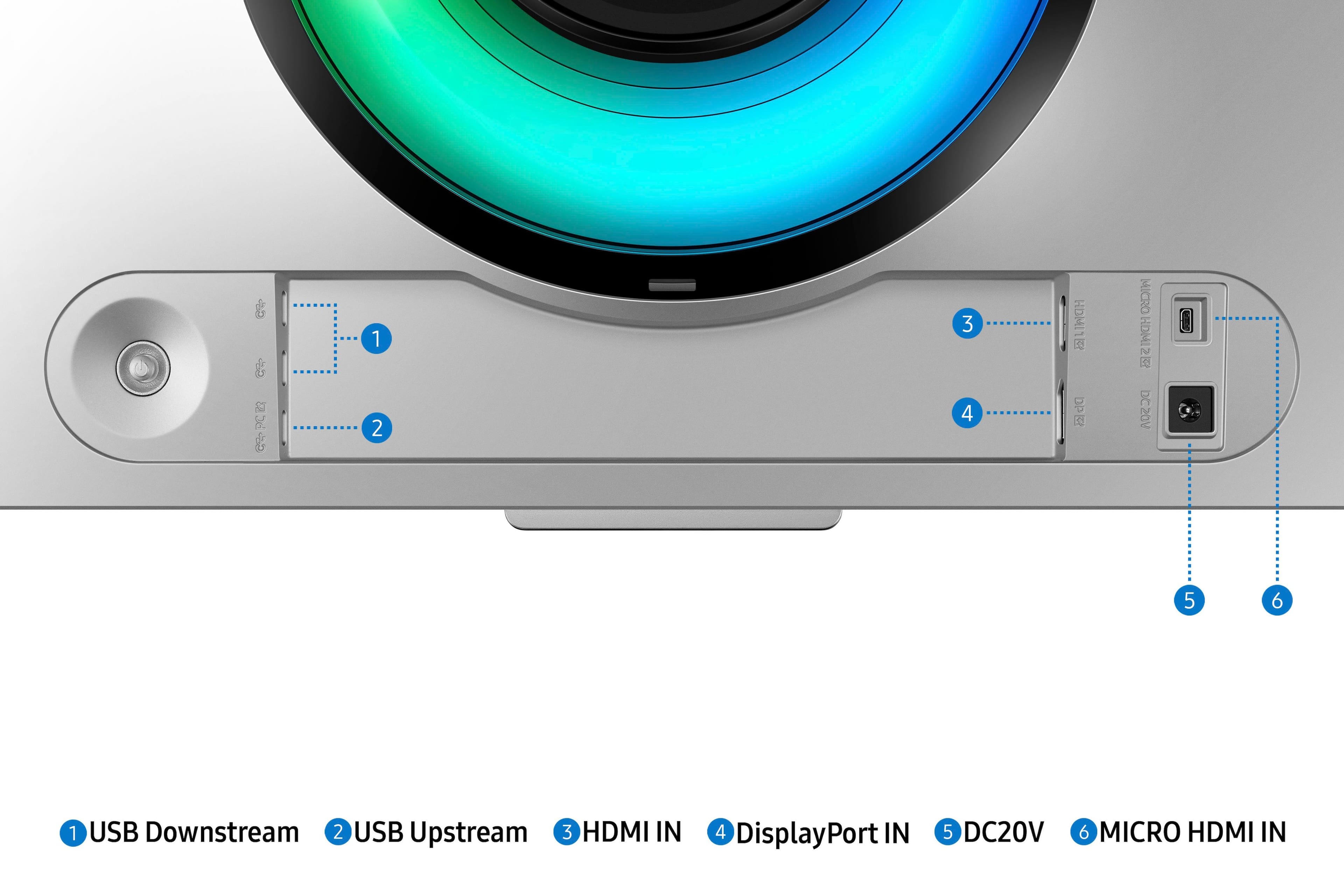
||Posted . Owned for 3 months when reviewed.This reviewer received promo considerations or sweepstakes entry for writing a review.I purchased this monitor last Oct. It has been and continues to be a pain in my @$$. When and that's a big WHEN it works, its great. The problem is when gamming and in max resolution at 240Hz it will cut out. Just loses connection. It happens way too frequently. It's frustrating. I use a DP and purchased a better cable. This is not an isolated incident, do a search and you will others with similar issues. It has ONE DP connection and ONE HDMI connection.
No, I would not recommend this to a friendBrand response from Samsung
Posted .We are very sorry to see that you have encountered issues with the Samsung Odyssey OLED G9 Monitor. We understand your disappointment and hope that you will give us a chance to assist with troubleshooting or warranty service.
Samsung products are engineered to the highest standards of performance and quality and we back this model with a limited time manufacturer's warranty, if purchased brand-new from an authorized dealer.
For further assistance or to begin warranty service, please contact Samsung Customer Support via:
1-800-SAMSUNG, available 8AM - 12AM EST (Mon-Fri) / 9AM - 11PM EST (Sat-Sun)
Samsung is committed to providing the best possible product experience, quality, and value, and we are always here to help with any of your questions or concerns.
Had to take it back. I really wanted it to work.
||Posted . Owned for 1 month when reviewed.This reviewer received promo considerations or sweepstakes entry for writing a review.Not easy to use. In Samsungs defense I bought an open box product however the remote was missing making it hard to set up. Was able to get mobile app to help but still had trouble with display port and hdmi recognizing devices.
No, I would not recommend this to a friendBrand response from Samsung
Posted .Thank you for bringing this issue to our attention as Samsung is committed to providing the best possible product experience, quality, and value. Samsung greatly values our customers’ feedback and we utilize your concerns and opinions in our relentless efforts towards delivering world-class products. We are very sorry to hear that you received an open-box product without the remote.
We also recommend you contact Best Buy directly for assistance in correcting the situation.
If you ever need assistance in the future, please contact Samsung Customer Support and a rep will be happy to assist you:
1-800-SAMSUNG, available 8AM - 12AM EST (Mon-Fri) / 9AM - 11PM EST (Sat-Sun)
Not that great in my opinion.
||Posted . Owned for 1 month when reviewed.This reviewer received promo considerations or sweepstakes entry for writing a review.Ehhh it was okay but definitely not for me. The screen was too stretch but not from the hight. So pictures kinda show half way. I did not like it at all so I returned it. And only has 1 HDMI why???
No, I would not recommend this to a friendBrand response from Samsung
Posted .TWe are delighted to hear you've had an overall, positive experience with your Odyssey OLED G9 Monitor.
Thank you for your feedback to help us improve our products and services. If there is anything we can do to assist you and improve your product experience, please don't hesitate to contact Samsung Customer Support via:
1-800-SAMSUNG, available 8AM - 12AM EST (Mon-Fri) / 9AM - 11PM EST (Sat-Sun).
Your thoughts and opinions are very important to Samsung.
Black screen
||Posted . Owned for 1.5 years when reviewed.This reviewer received promo considerations or sweepstakes entry for writing a review.Bad product, last 18 month, NOT recommended go LG brand
No, I would not recommend this to a friend- Pros mentioned:Screen size
only good for gaming, not for business
||Posted . Owned for 3 weeks when reviewed.This reviewer received promo considerations or sweepstakes entry for writing a review.It's only good for gaming, not for business, not good for sharing the screen with others. Screen is getting very hot, not good for eyes
No, I would not recommend this to a friendBrand response from Samsung
Posted .Thank you for your review. Samsung is committed to providing the best possible product experience, quality, and value. Samsung greatly values our customers’ feedback and we utilize your concerns and opinions in our relentless efforts towards delivering world-class products. We are very sorry to hear this product didn't meet your expectations and hope to have you back as a customer again. If there is anything we can do to assist you and improve your product experience, please don't hesitate to contact Samsung Customer Support via: 1-800-SAMSUNG, available 8AM - 12AM EST (Mon-Fri) / 9AM - 11PM EST (Sat-Sun)
Avoid at all costs
||Posted .This reviewer received promo considerations or sweepstakes entry for writing a review.White screen of death shortly after warranty expires. Common problem with Samsung's. You'll see a firmware update and then shortly after this happens. Capitalist pigs.
No, I would not recommend this to a friendBrand response from Samsung
Posted ."Thank you for your review.
We are sorry you were not satisfied with your experience. Your overall feedback is important to us and we will document your concerns.
We also recommend you contact Best Buy directly for assistance in correcting the situation.
If you ever need assistance with the monitor itself, please contact Samsung Customer Support and a rep will be happy to assist you:
1-800-SAMSUNG, available 8AM - 12AM EST (Mon-Fri) / 9AM - 11PM EST (Sat-Sun)
Samsung is committed to providing the best possible product experience, quality, and value, and we are always here to help with any of your questions or concerns.
"
GARBAGE FOR 1800
||Posted .This reviewer received promo considerations or sweepstakes entry for writing a review.Two monitors same issue Screen goes black and won't come back on unless i unplug my cables.... Samsung doesnt know what the issue is but its a common issue. Returned it, tried the new one still did it... uninstalled my own video drivers thinking maybe thats it....nope....their drivers didnt help their firmwar didnt help. DONT BUY THIS GARBAGE
No, I would not recommend this to a friendBrand response from Samsung
Posted .Thank you for bringing these issues to our attention as Samsung is committed to providing the best possible product experience, quality, and value. Samsung greatly values our customers’ feedback and we utilize your concerns and opinions in our relentless efforts towards delivering world-class products. We are very sorry to hear that you returned this product and hope to have you back as a customer again.
If you ever need assistance in the future, please contact Samsung Customer Support and a rep will be happy to assist you:
1-800-SAMSUNG, available 8AM - 12AM EST (Mon-Fri) / 9AM - 11PM EST (Sat-Sun)
Half of the screen had a different color from the
||Posted . Owned for 3 weeks when reviewed.This reviewer received promo considerations or sweepstakes entry for writing a review.I was dreaming about this for a while and then I decided to buy it. Became my nightmare, what I thought was a configuration problem was in reality a factory problem that affects some units of this monitor. Each half of this monitor had a different color calibration and there was no way to fix it. Sadly I had to return it trhe day after I got it in my hands.
No, I would not recommend this to a friendBrand response from Samsung
Posted .Thank you for bringing this issue to our attention as Samsung is committed to providing the best possible product experience, quality, and value. Samsung greatly values our customers’ feedback and we utilize your concerns and opinions in our relentless efforts towards delivering world-class products. We are very sorry to hear that you returned this product and hope to have you back as a customer again.
If you ever need assistance in the future, please contact Samsung Customer Support and a rep will be happy to assist you:
1-800-SAMSUNG, available 8AM - 12AM EST (Mon-Fri) / 9AM - 11PM EST (Sat-Sun)
Do not buy this monitor.
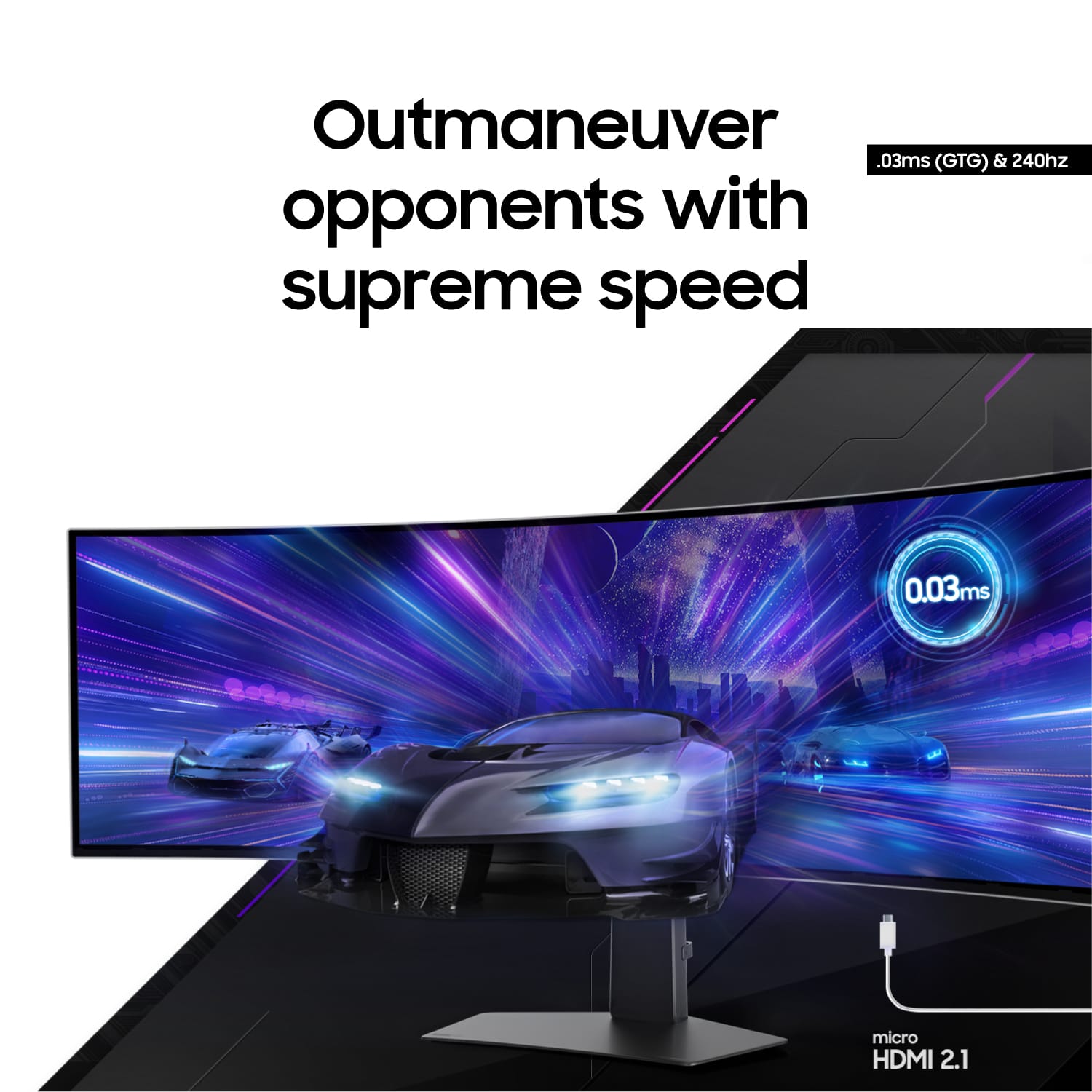
||Posted . Owned for 1 year when reviewed.This reviewer received promo considerations or sweepstakes entry for writing a review.Cannot run 240hz since latest update, on either HDMI or DP. Well-documented issue for a year now, Samsung refuses to address. Monitor is limited to 120hz, otherwise the screen will just shut off if you have 240hz/VRR on. Basically unusable. It's still the best 49" ultrawide as far as picture quality is concerned, but sadly, just can't do the advertised 240hz.
No, I would not recommend this to a friendBrand response from Samsung
Posted .We are very sorry to see that you have encountered issues with the Samsung Odyssey G95SC Monitor. We understand your disappointment and hope that you will give us a chance to assist with troubleshooting or warranty service.
Samsung products are engineered to the highest standards of performance and quality and we back this model with a limited time manufacturer's warranty, if purchased brand-new from an authorized dealer.
For further assistance or to begin warranty service, please contact Samsung Customer Support via:
1-800-SAMSUNG, available 8AM - 12AM EST (Mon-Fri) / 9AM - 11PM EST (Sat-Sun)
Samsung is committed to providing the best possible product experience, quality, and value, and we are always here to help with any of your questions or concerns.
Do not buy
||Posted . Owned for 1 year when reviewed.This reviewer received promo considerations or sweepstakes entry for writing a review.In the past year of owning this monitor ive had to have aamsung repair it 4 times. At one point they didnt have the part so it was down for over 2 months. I just recently got it repair through thier provider and it went down within a month but i just passed the 1 year warranty so not im stuck with a dead $1700 monitor with a “oh well” from samsung
No, I would not recommend this to a friendBrand response from Samsung
Posted .We are very sorry to hear that you are experiencing issues with your monitor. Although your monitor is out of warranty, we invite you to contact Samsung Customer Support for troubleshooting to see if we can resolve your issue over the phone.
If our Customer Support agent determines that service is required, they will review the flat-rate service fee for your monitor. It would not cover the cost of shipping your monitor to us, but does cover the cost of shipping the monitor back to you. You are responsible for shipping fees to Samsung Customer Service; we recommend using a trackable shipping service like UPS.
You can reach Samsung Customer Support at 1-800-SAMSUNG and a representative will gladly help you.
Thank you for choosing Samsung. Again, I am very sorry for the current issue. We look forward to hearing from you.
Black screens and frustration
||Posted . Owned for 2 months when reviewed.This reviewer received promo considerations or sweepstakes entry for writing a review.It's an unreliable waste of money. Any slight adjustment in software settings or just a loading screen can make it decide to go black and who knows if it will ever come back on. It cannot handle 240hz + variable refresh rate + HDR, the specifications are misleading. I'm never buying a samsung product again its so disappointingly bad.
No, I would not recommend this to a friendBrand response from Samsung
Posted .We are very sorry to see that you have encountered issues with the Samsung Odyssey G95SC Monitor. We understand your disappointment and hope that you will give us a chance to assist with troubleshooting or warranty service.
Samsung products are engineered to the highest standards of performance and quality and we back this model with a limited time manufacturer's warranty, if purchased brand-new from an authorized dealer.
For further assistance or to begin warranty service, please contact Samsung Customer Support via:
1-800-SAMSUNG, available 8AM - 12AM EST (Mon-Fri) / 9AM - 11PM EST (Sat-Sun)
Samsung is committed to providing the best possible product experience, quality, and value, and we are always here to help with any of your questions or concerns.
Disappointment
||Posted . Owned for 2 weeks when reviewed.This reviewer received promo considerations or sweepstakes entry for writing a review.I returned three times this monitor. Always flickering and image disappearing for seconds. It is impossible to be working because the screen goes black .
No, I would not recommend this to a friendBrand response from Samsung
Posted .Thank you for purchasing the Samsung OLED G9 Monitor. We are sorry for the inconveniences you had.
Your review was brought to the attention of our Customer Care Center. If you ever need assistance again or have further questions, please reach out to Samsung via any of the below options:
1-800-SAMSUNG, available 8AM - 12AM EST (Mon-Fri) / 9AM - 11PM EST (Sat-Sun).
Again, thank you for taking the time to share your experience and provide us with information that helps improve our service.
Dead after a few months
||Posted .This reviewer received promo considerations or sweepstakes entry for writing a review.The monitor died after only a few months of owning it. I work from home and now I must wait who knows how many days or weeks for Samsung to get my warranty repair scheduled.
No, I would not recommend this to a friendBrand response from Samsung
Posted .Please know you are leaving a review for the Samsung-49" Odyssey OLED G9 (G95SC), not the service provided by a third party seller. Please follow up directly with the seller for further assistance. We hope your issue is resolved in a timely manner. Should you have questions regarding Samsung TVs, please contact Samsung Support at 1-800-SAMSUNG, 8AM - 12AM EST, 7 days a week. Our LiveChat agents are also available by clicking on the ‘Support’ link on our website.