Customer Ratings & Reviews
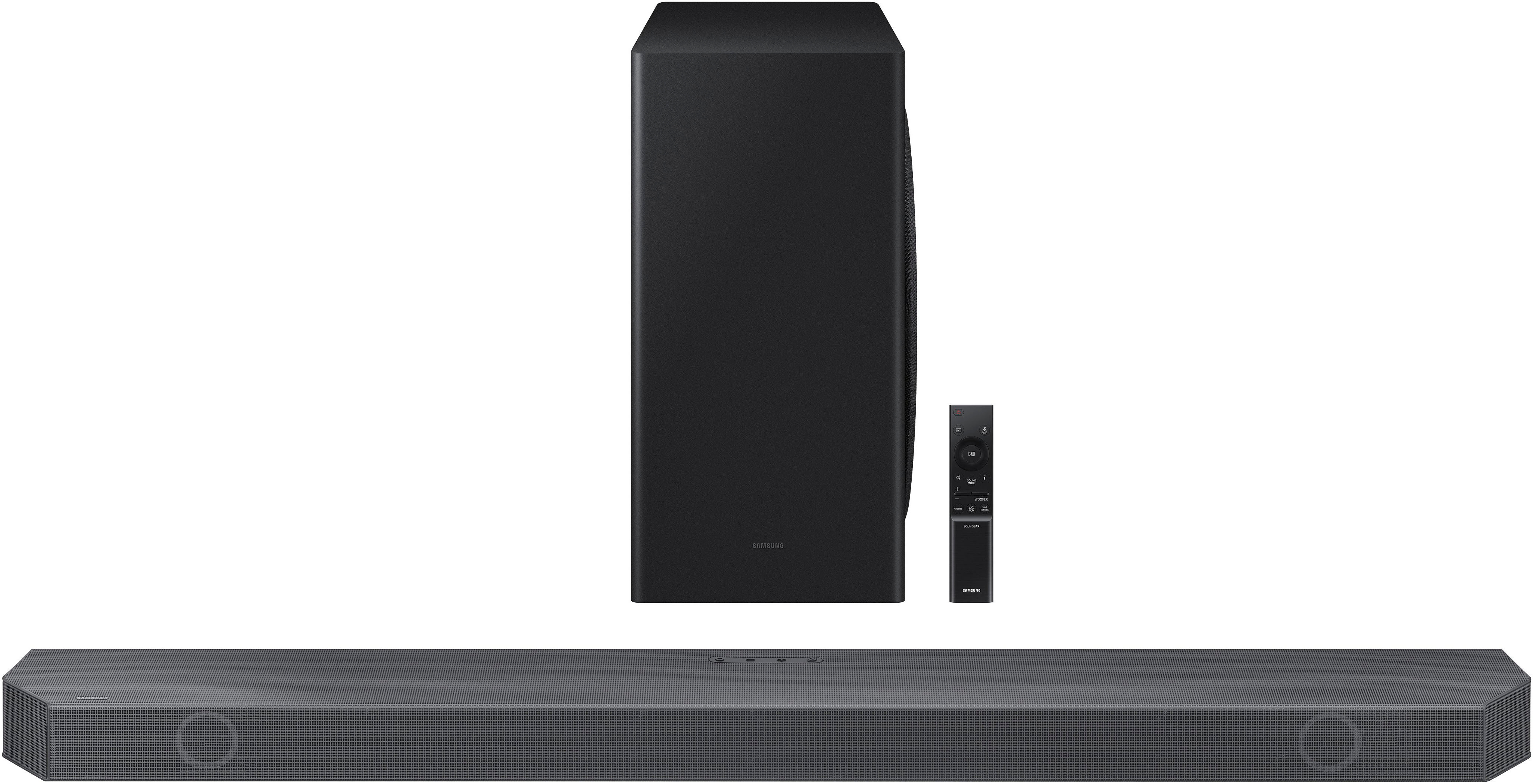
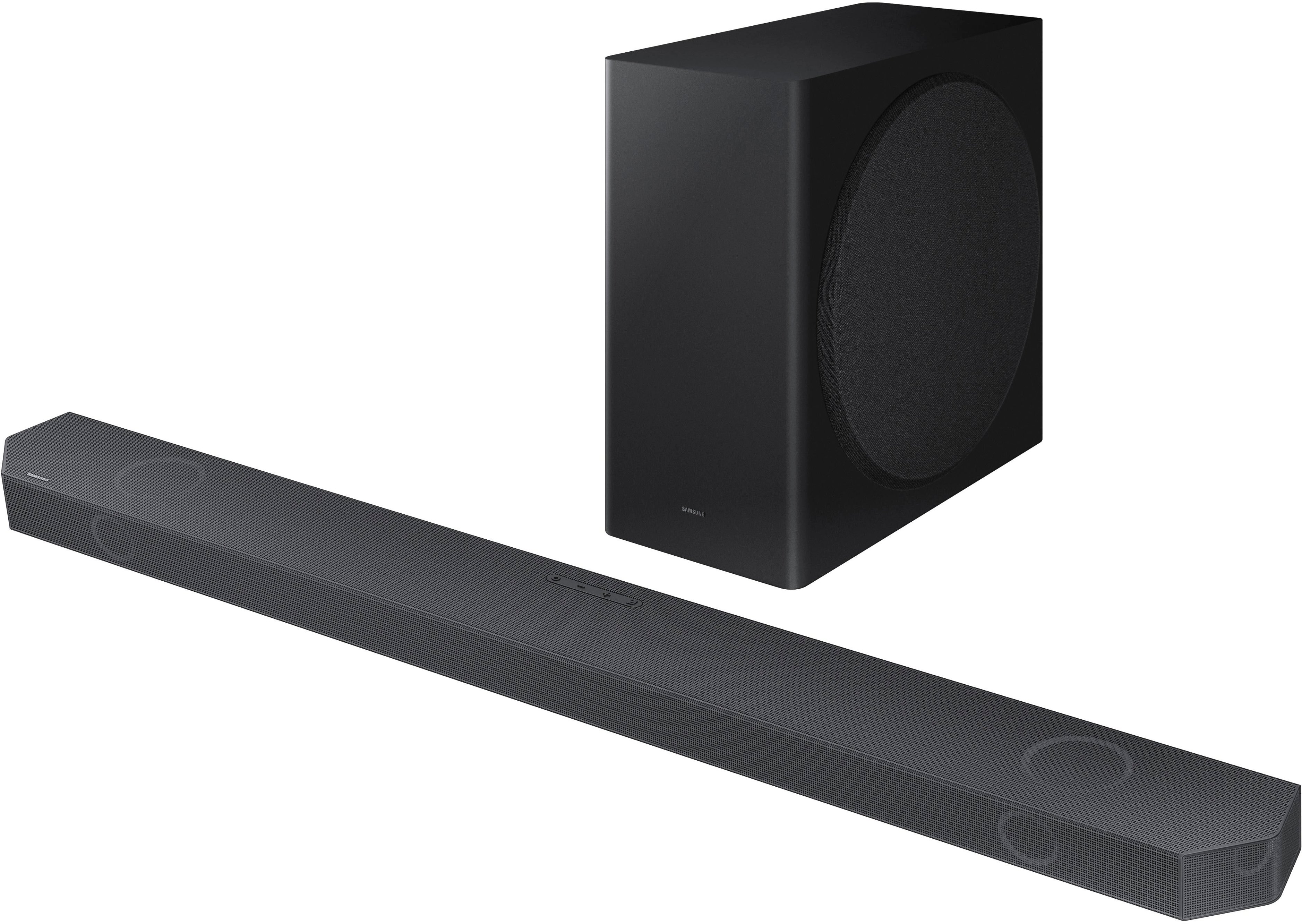
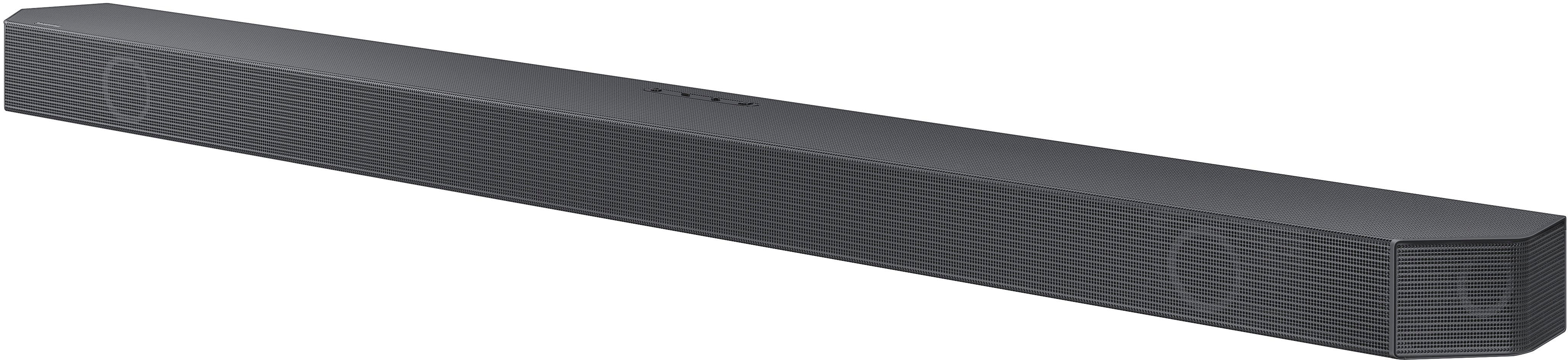
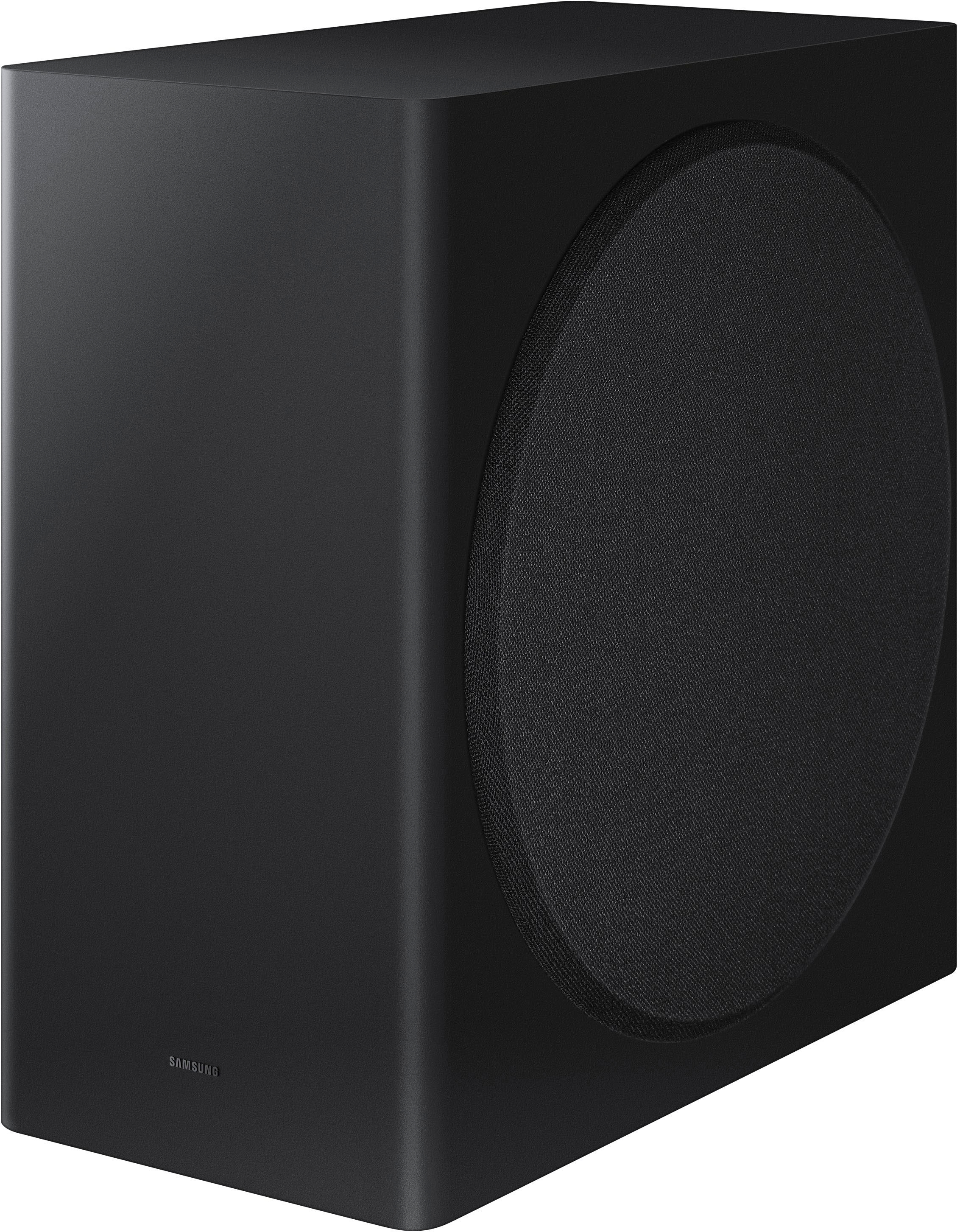

- Model:
- HW-Q800B/ZA
- SKU:
- 6505154
Rating by feature
- Value
Rating 4.5 out of 5 stars
- Quality
Rating 4.7 out of 5 stars
- Ease of Use
Rating 4.6 out of 5 stars
Customers are saying
Customers enjoy the soundbar's exceptional sound quality, describing it as crisp, clean, and loud. The easy setup process is also appreciated. The bass is impressive, adding depth to the audio experience. While some customers find the price to be a con, others managed to get a great deal on an open-box item.
This summary was generated by AI based on customer reviews.
- Pros mentioned:Sound quality
Nobody
||Posted .This reviewer received promo considerations or sweepstakes entry for writing a review.Produced great sounds. I like how the subwoofer function.
I would recommend this to a friend - Pros mentioned:Sound quality
Disappointed
||Posted . Owned for 1 year when reviewed.This reviewer received promo considerations or sweepstakes entry for writing a review.The sound was wonderful unfortunately SIX days after its 1 year warranty and it is no longer producing sound. I am extremely disappointed with Samsungs build quality.
No, I would not recommend this to a friend Good choice/swap out
||Posted . Owned for 3 weeks when reviewed.This reviewer received promo considerations or sweepstakes entry for writing a review.Much better than a more expensive one I purchased! Initially didn’t want the separate sub woofer speaker...but the Total Tech guys made sure it was not in view when they came and installed everything.
I would recommend this to a friend- Pros mentioned:Sound quality
Good Sound
||Posted . Owned for 1 month when reviewed.This reviewer received promo considerations or sweepstakes entry for writing a review.Good sound quality, was hoping for better. Not in sync with the tv.
No, I would not recommend this to a friendBrand response from Samsung
Posted .Hi Pickytvperson,
I am sorry your experiencing issues with the audio not syncing correctly.
If you click on the SOUND CONTROL button (which looks like a gear) select SYNC and then use the UP/DOWN buttons to set the audio delay between 0~300 ms.
If the Soundbar is still out of Sync, try doing a full reset. Make sure the Soundbar is ON, then hold both the + and - Volume buttons until you see INIT OK come across the LED display.
This will erase any settings you have already chosen but will not unpair the subwoofer.
Should you ever have questions or need help, please call us at 1-800-SAMSUNG (ask for Soundbars), available 8 AM – 12 AM EST, 7 days a week.
For additional support resources, visit us on the Samsung website and click on the ‘Support’ link in the upper right corner of the homepage for:
1) Chat with Us/Product Help: To begin a chat or find solutions, choose ‘TVs & Home Theater’ and select your model & topic.
2) Manuals & Software
3) Warranty Info
4) Register a Product: For access to easy warranty support, convenient opt-in to special promos and offers, faster troubleshooting and service, and quick notification of system updates
5) Contact Us
~ Samsung Solutions
SoundBar
||Posted . Owned for 1 month when reviewed.This reviewer received promo considerations or sweepstakes entry for writing a review.Not the best soundbar out there but if you live in a condo or apartment you can hardly do much without disturbing your neighbors. And this is satisfactory enough and gets the job done.
I would recommend this to a friendExcellent!
||Posted . Owned for 1 month when reviewed.This reviewer received promo considerations or sweepstakes entry for writing a review.Seamlessly paired this sound bar with Samsung SWA-9500S 2.0.2 Ch rear speakers for a 7.1.4 experience.
I would recommend this to a friendWould not buy again.
||Posted . Owned for 3 months when reviewed.This reviewer received promo considerations or sweepstakes entry for writing a review.The subwoofer disconnected shortly after the system was set up. Now I am unable to pair it with the soundbar.
No, I would not recommend this to a friendBrand response from Samsung
Posted .Hello AaronS,
Thank you for sharing the issues you are experiencing with your Samsung HW-Q800B Soundbar.
So we can better understand the problems you are experiencing and provide you with troubleshooting assistance or warranty service, please contact Samsung Customer Support. Call us at 1-800-SAMSUNG (ask for Soundbars), available 8 AM – 12 AM EST, 7 days a week.
LiveChat with an agent by clicking the ‘Support’ link on the Samsung website.
~Samsung Solutions
Samsung has taken over my house
||Posted . Owned for 2 weeks when reviewed.This reviewer received promo considerations or sweepstakes entry for writing a review.This seamlessly worked with my tv replacinging an archaic traditional receiver.
I would recommend this to a friend- Cons mentioned:Price
Samsung High Priced Dud
||Posted . Owned for 2 weeks when reviewed.This reviewer received promo considerations or sweepstakes entry for writing a review.Overpriced. Dolby Atmos is fair. The Bass is a window rattler. Unfortunately, it overwhelms the voices in action films. I would probably recommend at half the price. Very disappointing for the expense. I would not recommend at this price point. Took it back and purchased another brand . Far superior and $100 less.
No, I would not recommend this to a friendBrand response from Samsung
Posted .Hello,
Thank you for sharing your opinions of the HW-Q800B Soundbar.
Should you ever decide to give Samsung audio products another try and have concerns or questions, please know we are always here to help. You can contact Samsung Customer Support by any of the below options:
Call us at 1-800-SAMSUNG (ask for Soundbars), available 8 AM – 12 AM EST, 7 days a week.
LiveChat with an agent by clicking the ‘Support’ link on the Samsung website.
~Samsung Solutions
Samsung Sound Bar
||Posted . Owned for less than 1 week when reviewed.This reviewer received promo considerations or sweepstakes entry for writing a review.New Samsung TV so Ordered new sound bar. Fast delivery. Easy to install.
I would recommend this to a friendBrand response from Samsung
Posted .Hi ChantillyLace,
Thank you for purchasing the Samsung HW-Q800B soundbar, bringing you realistic 3D audio with sound precisely projected from above, in front, behind, and to the side of you.
Turn on Adaptive Sound mode to enjoy dynamically optimized audio with enhanced voice clarity so you can follow along with action-packed games and blockbuster films. Enjoy dynamically optimized audio with enhanced voice clarity so you can follow along with action-packed games and blockbuster films.
Should you ever have questions or need help, please call us at 1-800-SAMSUNG (ask for Soundbars), available 8 AM – 12 AM EST, 7 days a week.
For additional support resources, visit us on the Samsung website and click on the ‘Support’ link in the upper right corner of the homepage for:
1) Chat with Us/Product Help: To begin a chat or find solutions, choose ‘TVs & Home Theater’ and select your model & topic.
2) Manuals & Software
3) Warranty Info
4) Register a Product: For access to easy warranty support, convenient opt-in to special promos and offers, faster troubleshooting and service, and quick notification of system updates
5) Contact Us
~ Samsung Solutions
Soundbar
||Posted . Owned for 3 weeks when reviewed.This reviewer received promo considerations or sweepstakes entry for writing a review.Good product just can't regulate the woofer like I want.
I would recommend this to a friendBrand response from Samsung
Posted .Hello Doug,
Thank you for sharing your experiences with the HW-Q800B Soundbar, your feedback is invaluable to us and will be shared with our product team.
To fully control your subwoofer and bass levels try these steps. With the sound mode set to standard, press and hold the SOUND CONTROL button for about 5 seconds to adjust the sound for each frequency band. 150Hz, 300Hz, 600Hz, 1.2kHz, 2.5kHz, 5kHz, and 10kHz are selectable using the Left/Right buttons and each can be adjusted to a setting between -6 to +6 using the Up/Down buttons.
There are two adjustments that can be made to maximize bass from the soundbar and subwoofer:
1) Using the WOOFER button on the remote, you can adjust the level between -6 to +6. To set the subwoofer volume level to 0, press the button in.
2) Adjust the bass or treble levels by pressing the TONE CONTROL button on the remote control. You can adjust the volume between -6 to +6 by using the Up/Down buttons.
I hope these tips help you further enjoy the experience from your new Samsung Soundbar.
Should you ever have questions or need help, please call us at 1-800-SAMSUNG (ask for Soundbars), available 8 AM – 12 AM EST, 7 days a week.
For additional support resources such as downloading a full manual, visit us on the Samsung website and click on the ‘Support’ link in the upper right corner of the homepage.
~Samsung Solutions
Another Garbage Samsung product
||Posted . Owned for 1.5 years when reviewed.This reviewer received promo considerations or sweepstakes entry for writing a review.Changes modes. Powers off. Indecipherable menu. Another garbage Samsung product.
No, I would not recommend this to a friendnot good without subwoofer
||Posted . Owned for 2 months when reviewed.This reviewer received promo considerations or sweepstakes entry for writing a review.i didn't get the subwoofer with the purchase and customer service didn't help
No, I would not recommend this to a friendStopped working at 15 months.
||Posted . Owned for 1 year when reviewed.This reviewer received promo considerations or sweepstakes entry for writing a review.Warranty is 12 months. Expensive junk. Quote to fix it is $216 plus shipping.
No, I would not recommend this to a friendReturned
||Posted . Owned for 3 weeks when reviewed.This reviewer received promo considerations or sweepstakes entry for writing a review.The unit I bought was locked in store display mode, had to return.
No, I would not recommend this to a friendDon’t buy
||Posted . Owned for 1 month when reviewed.This reviewer received promo considerations or sweepstakes entry for writing a review.Terrible! My tv put out more sound. Very disappointed
No, I would not recommend this to a friendBrand response from Samsung
Posted .Hello Kenny,
Thank you for sharing your thoughts regarding the audio quality of the HW-Q800B Soundbar. Your feedback is very important to us and will be shared with our internal teams.
To improve your audio experience, the HW-Q800B features a wide range of sound modes and settings allowing you to fine tune the sound to your liking. Pressing the SOUND CONTROL button on your remote allows you to select the desired sound effect. You can select Spacefit sound, AVA, Voice Enhance mode, Night mode, Sync, Surround speaker mode, and Virtual. The desired item can be adjusted using the Up/Down buttons.
Alternatively, with the sound mode set to standard, press and hold the SOUND CONTROL button for about 5 seconds to adjust the sound for each frequency band. 150Hz, 300Hz, 600Hz, 1.2kHz, 2.5kHz, 5kHz, and 10kHz are selectable using the Left/Right buttons and each can be adjusted to a setting between -6 to +6 using the Up/Down buttons.
There are two adjustments that can be made to maximize bass from the soundbar and subwoofer:
1) Using the WOOFER button on the remote, you can adjust the level between -6 to +6. To set the subwoofer volume level to 0, press the button in.
2) Adjust the bass or treble levels by pressing the TONE CONTROL button on the remote control. You can adjust the volume between -6 to +6 by using the Up/Down buttons.
We do also recommend that you use a HDMI cable, as this will offer the best audio and user experience available to you.
If you’d like more help with settings, please know we’re here to help! Call us at 1-800-SAMSUNG (Ask for Soundbars), 8AM - 12AM EST, 7 days a week. Or visit us on the Samsung website and click on the ‘Support’ link for:
• LiveChat
• Manuals, Software, & Warranty Info
~ Samsung Solutions
Unimpressed
||Posted . Owned for 1 month when reviewed.This reviewer received promo considerations or sweepstakes entry for writing a review.Not as impressive as I hoped. Volume weak….bass weak….does not immerse our family room. Would only recommend in a small room (less than ~400 sqft). Also - struggles to keep sync/Bluetooth connected to multiple devices…so frustrating to use daily.
No, I would not recommend this to a friendBrand response from Samsung
Posted .Hi JimB,
Thank you for sharing your thoughts and experiences with us in a review for the HW-Q800B Soundbar.
I am sorry that your experience has been less than ideal, there are a few things that you can do to improve your overall audio quality.
The HW-Q800B features a wide range of sound modes and settings allowing you to fine tune the sound to your liking. By pressing the SOUND CONTROL button on your remote allows you to select the desired sound effect. You can select Spacefit sound, AVA, Voice Enhance mode, Night mode, Sync, Surround speaker mode, and Virtual. The desired item can be adjusted using the Up/Down buttons.
When you press the SOUND MODE button, you can select the desired audio mode such as Surround, Game, Standard, Adaptive sound.
Alternatively, with the sound mode set to standard, press and hold the SOUND CONTROL button for about 5 seconds to adjust the sound for each frequency band. 150Hz, 300Hz, 600Hz, 1.2kHz, 2.5kHz, 5kHz, and 10kHz are selectable using the Left/Right buttons and each can be adjusted to a setting between -6 to +6 using the Up/Down buttons.
There are two adjustments that can be made to maximize bass from the soundbar and subwoofer:
Using the WOOFER button on the remote, you can adjust the level between -6 to +6. To set the subwoofer volume level to 0, press the button in.
Adjust the bass or treble levels by pressing the TONE CONTROL button on the remote control. You can adjust the volume between -6 to +6 by using the Up/Down buttons.
Lastly use the CH LEVEL button to adjust the volume of each speaker such as Center level, Side level, Wide level, and Front Top level. And when you pair the SWA-9500S Wireless Rear Speakers, you will be able to adjust the Rear Level and Rear Top Level using the same button on your soundbar remote.
For Bluetooth, make sure that there are not any obstructions between your device and the soundbar, metal furniture can also be an issue when using Bluetooth. The maximum recommended distance between your device and the soundbar is roughly 32 feet.
I hope these tips help you further enjoy the experience from your new Samsung Soundbar.
Sounds good, but constantly fall off wifi.
||Posted . Owned for 2 months when reviewed.This reviewer received promo considerations or sweepstakes entry for writing a review.Also really difficult to switch from Bluetooth phone back to TV. Have a Sony that cost half the price and works way better.
No, I would not recommend this to a friendBrand response from Samsung
Posted .Hello Bentonski,
Thank you for sharing your thoughts on the HW-Q800B Soundbar. Your feedback is important to us and will be shared with our product teams.
I'm sorry you've been having some issues with your Wi-Fi connection, there are a few things to keep in mind. Make sure that you do not have any metal furniture near your soundbar as this can cause signal issues with your router.
I would do try do a hard reset as well, with your soundbar powered ON, press and hold the - & + (VOLUME UP/DOWN) on your soundbar unit for roughly five seconds. You will see "INIT OK" scroll across your LED display, this will mean that the soundbar has been rest.
After doing the reset, if you are still experiencing issues with Wi-Fi, update the firmware for your soundbar using a USB thumb stick. Go to Samsung's website and hover your mouse over SUPPORT in the top right corner. From there you will see a second menu pop up, click on MANUALS & SOFTWARE. Then type in your full model number of your soundbar and follow the provided instructions on how to update the firmware.
For your Bluetooth connection, the easiest way would be to use the SmartThings app, as this allows you to be on one screen to connect your soundbar to different devices. If not you will need to unpair your phone from the soundbar to pair it to your TV first, and then reverse the order to pair back to your phone.
If we can further help with any other issues, please know we are here for you. Just call us at 1-800-SAMSUNG (Ask for Soundbars), 8 AM – 12 AM EST, 7 days a week. Or visit us on the Samsung website and click on the ‘Support’ link for:
• LiveChat with an agent
• Manuals, Software, & Warranty Info
~ Samsung Solutions
- Pros mentioned:Ease of use, Sound quality
Best Soundbar - Not the most expensive
Posted .This reviewer received promo considerations or sweepstakes entry for writing a review.Wow! I was immediately impressed with the sound quality, clarity and ease of installation. As it was recommended by others, I downloaded the latest firmware to a flash drive, put the drive in the back before I turned on the TV, let the soundbar upload the latest firmware. Once it was complete, turned on the TV (Samsung) and it automatically identified the soundbar, couple of clicks for preferences and it was that simple.
I would recommend this to a friend Defective soundbar
||Posted . Owned for 3 weeks when reviewed.This reviewer received promo considerations or sweepstakes entry for writing a review.It appears our soundbar is not functional. :-( It keeps shutting off. Have had two cable reps to our home. The soundbar in the bedroom works perfectly. The one in the living room does not
No, I would not recommend this to a friendBrand response from Samsung
Posted .Hello MaryG,
Thank you for sharing the issues you are experiencing with your Samsung HW-Q800B Soundbar. So we can better understand the problems you are experiencing and provide you with troubleshooting assistance or warranty service, please contact Samsung Customer Support.
Please call us at 1-800-SAMSUNG (ask for Soundbars), available 8 AM – 12 AM EST, 7 days a week.
For additional support resources such as downloading a full manual, visit us on the Samsung website and click on the ‘Support’ link in the upper right corner of the homepage.
~Samsung Solutions