Customer Ratings & Reviews
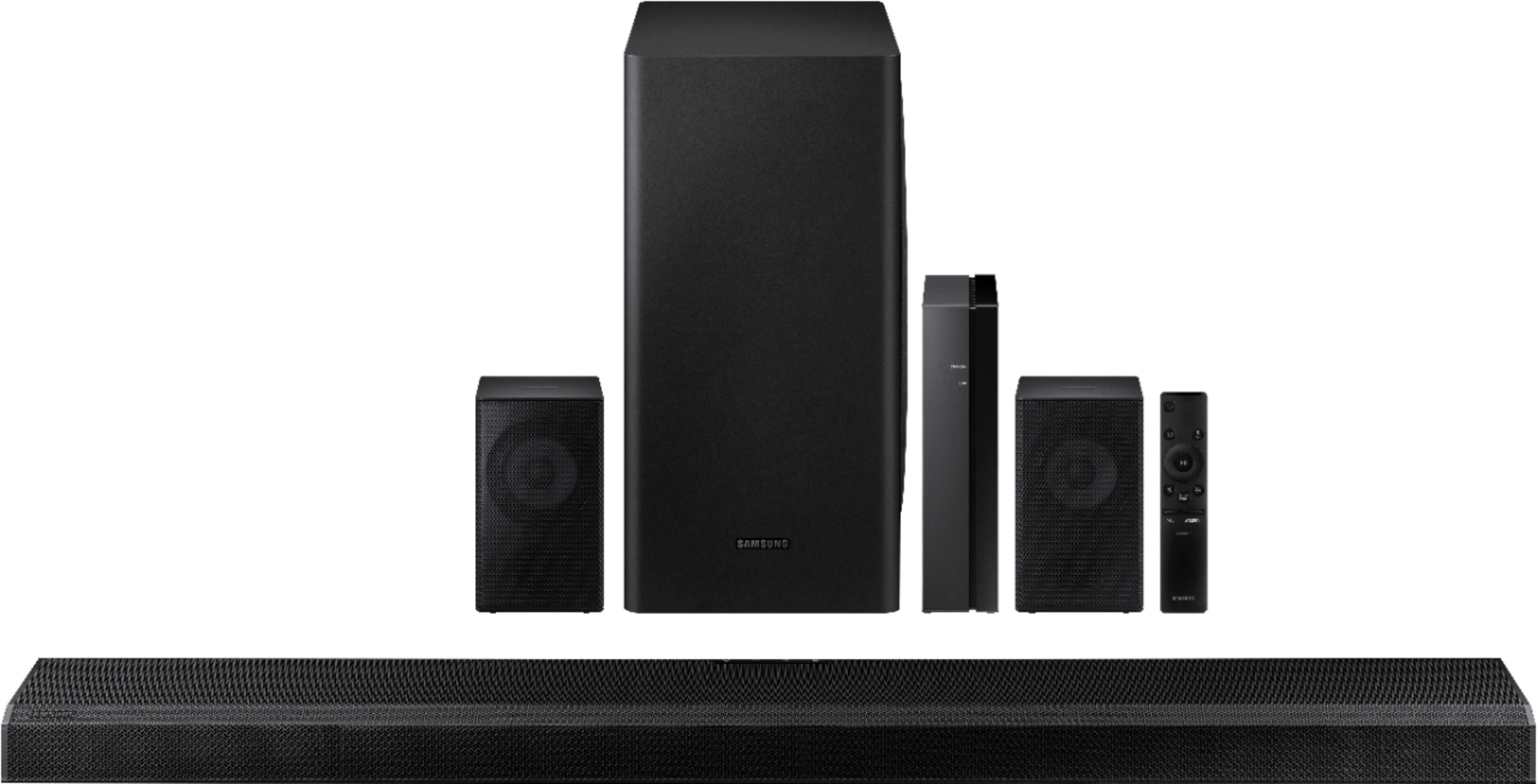
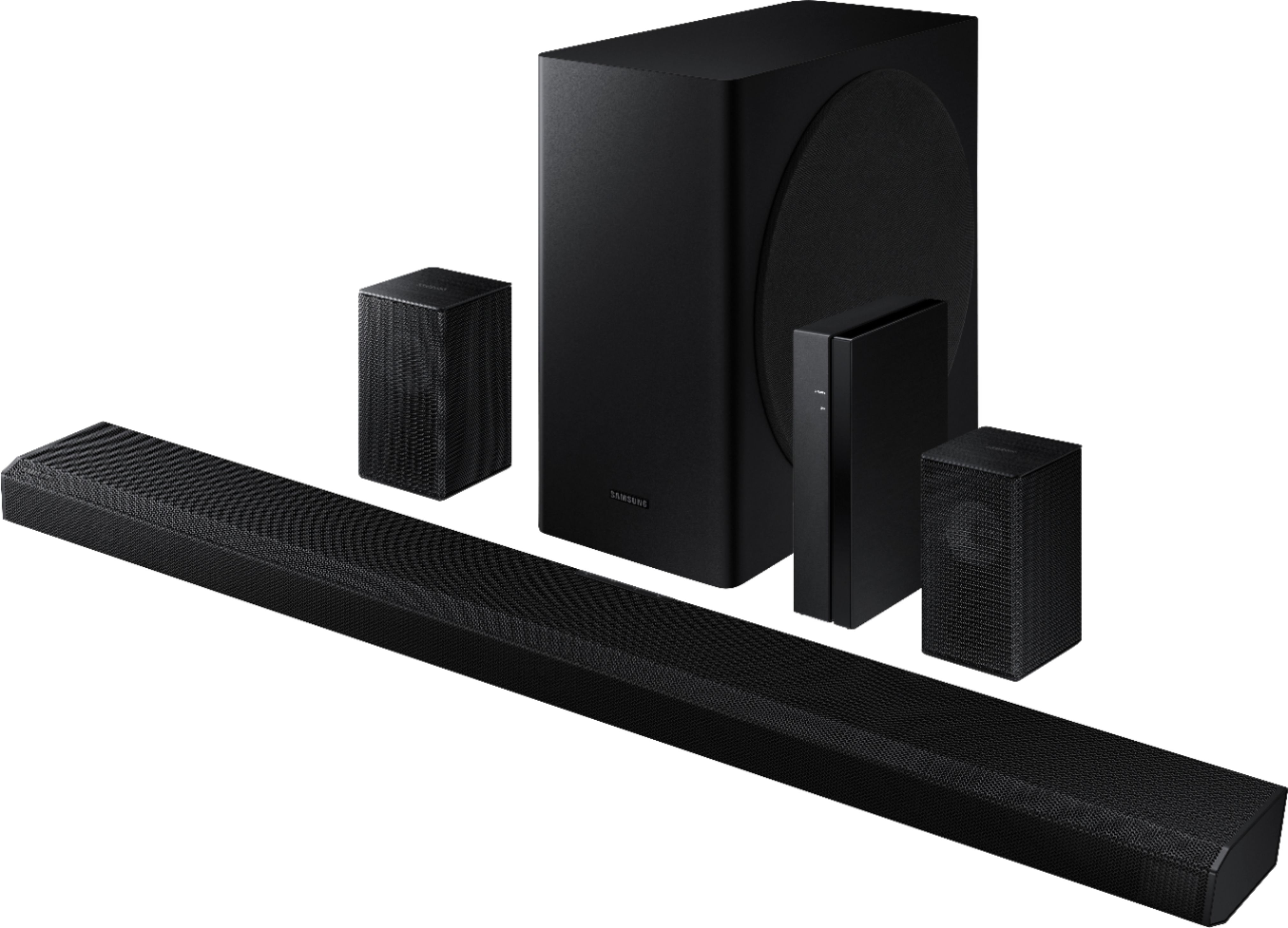
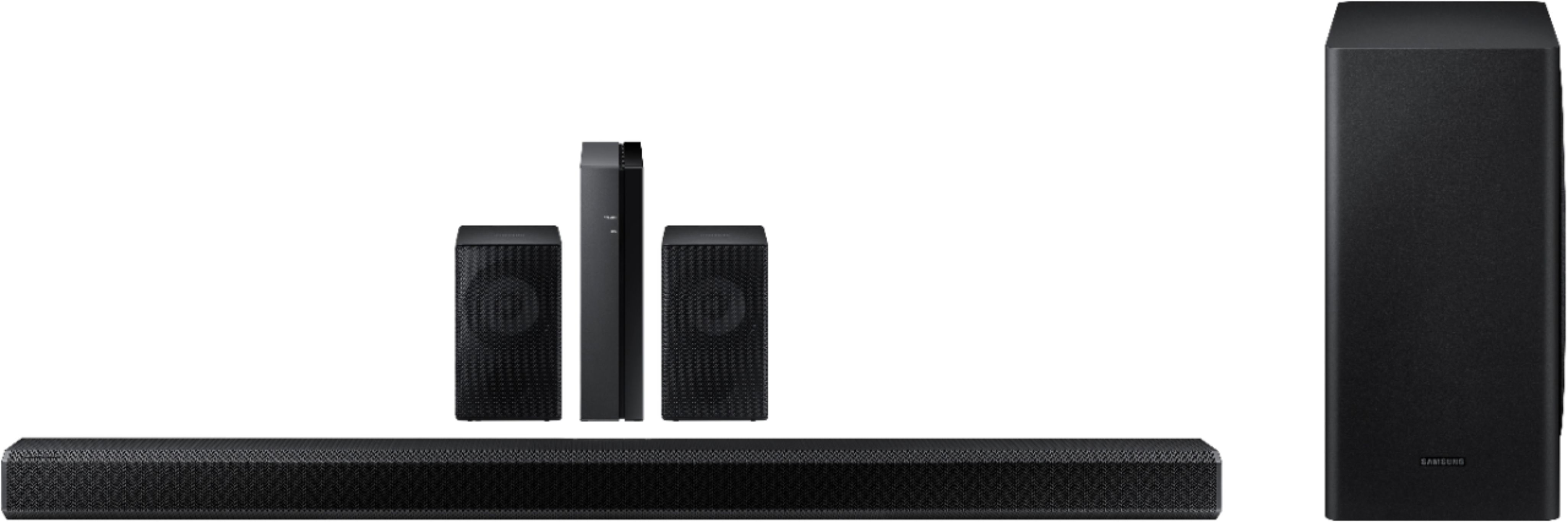

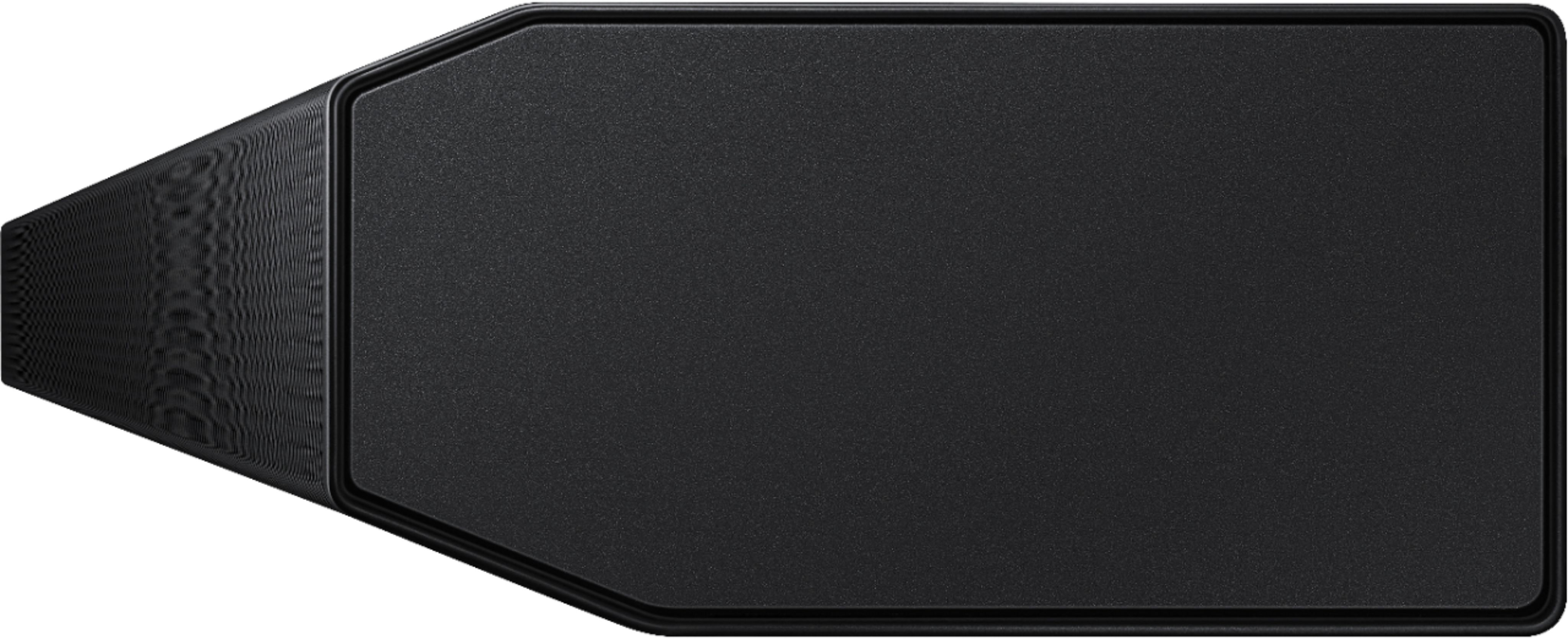


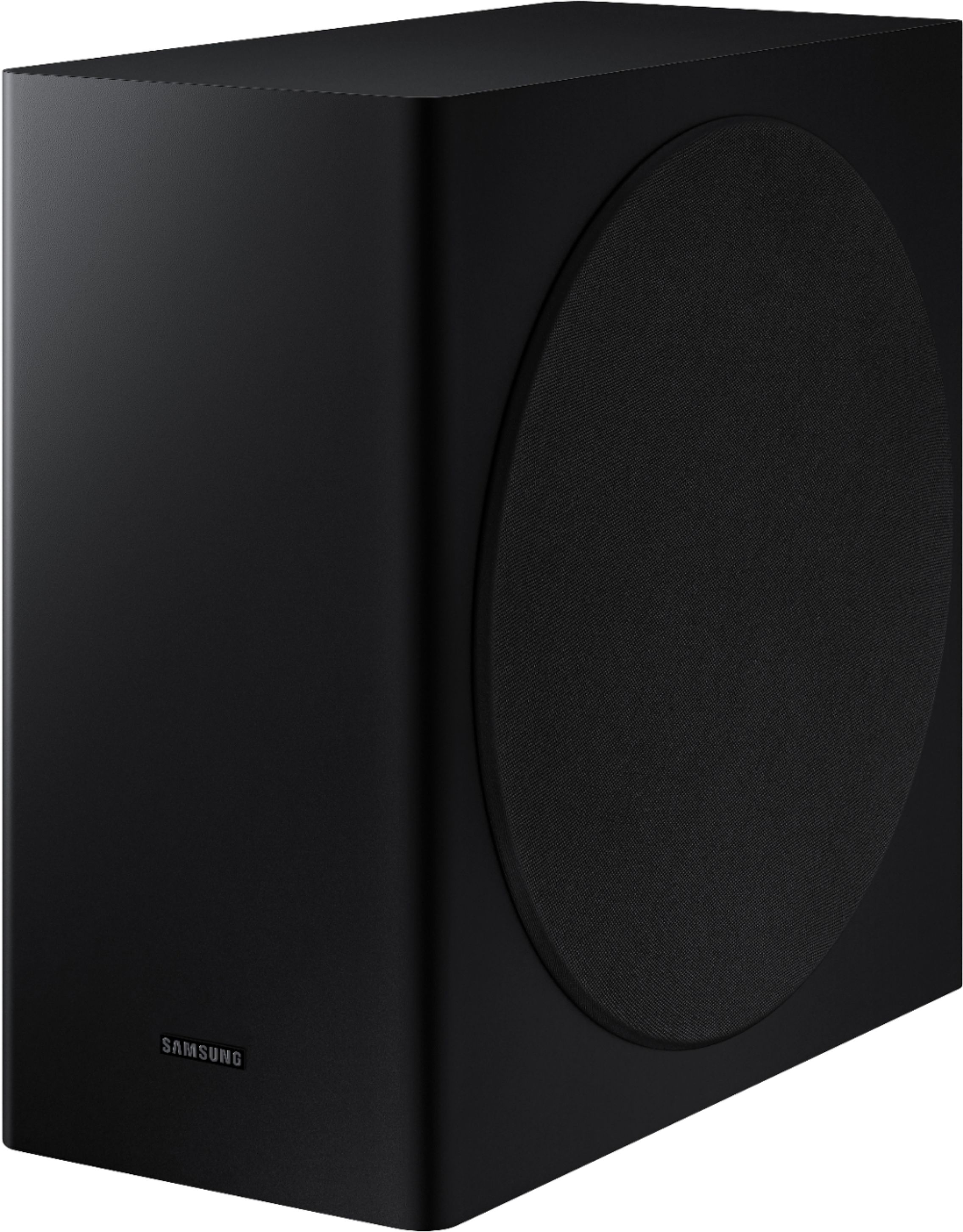
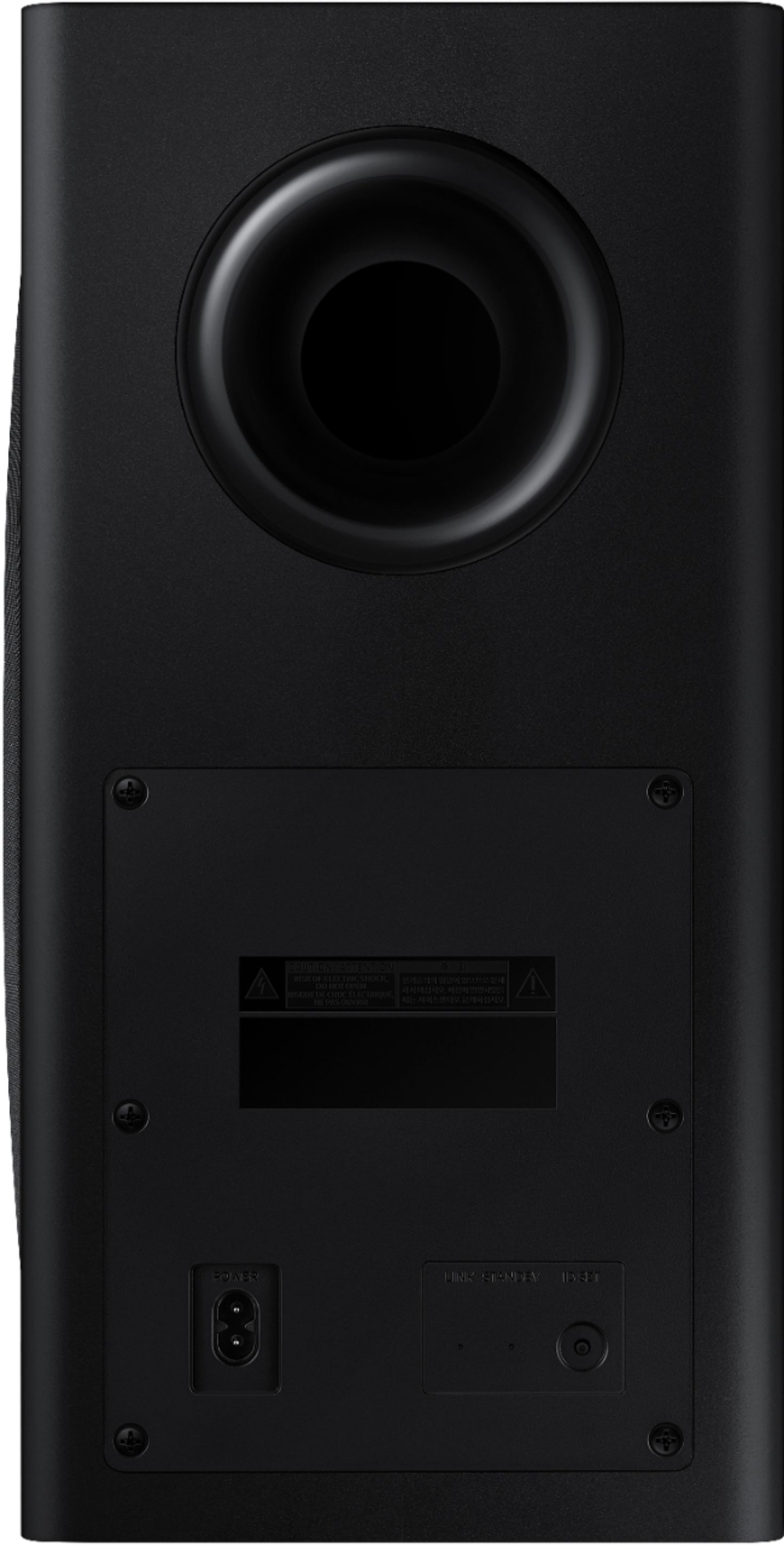
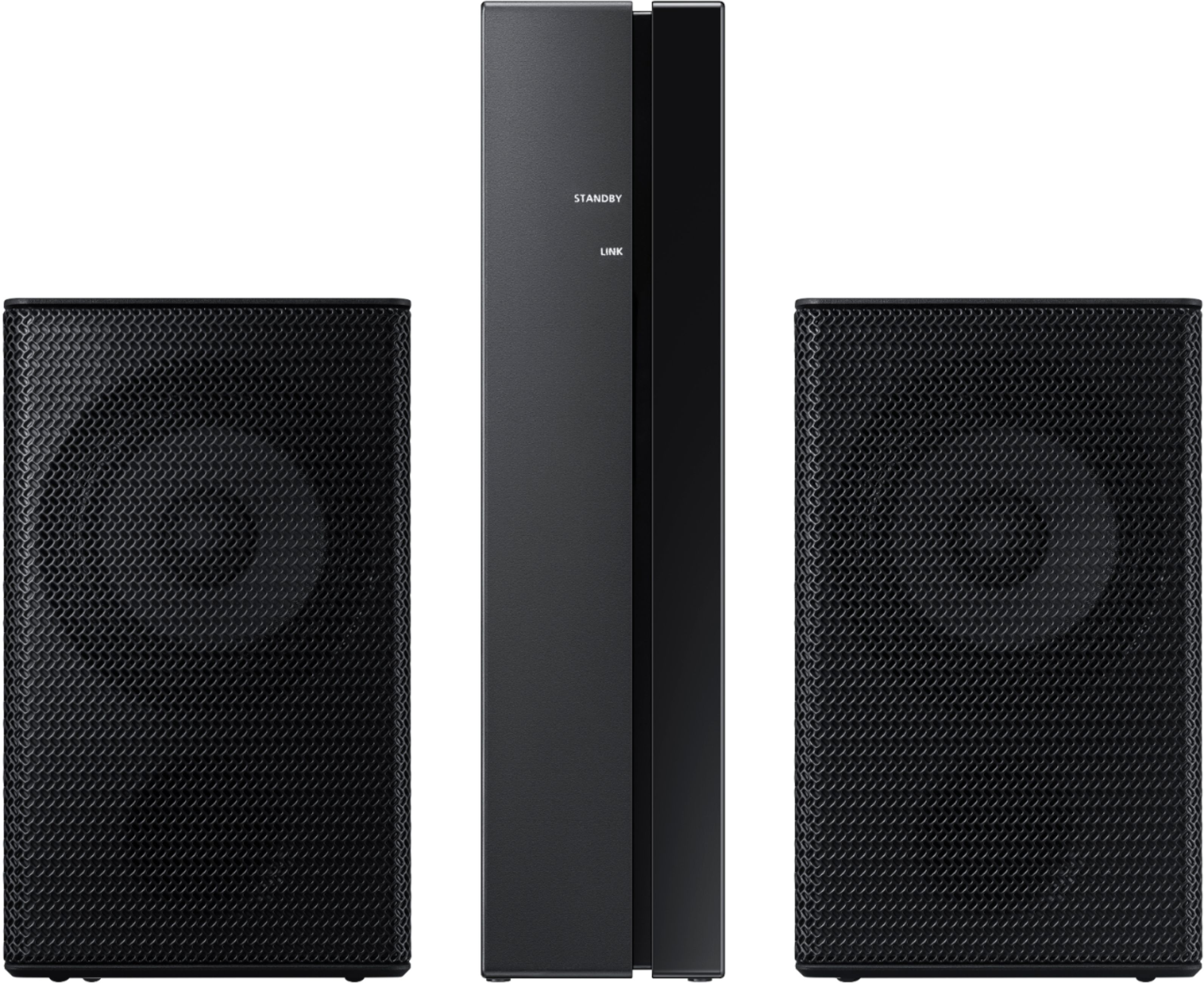
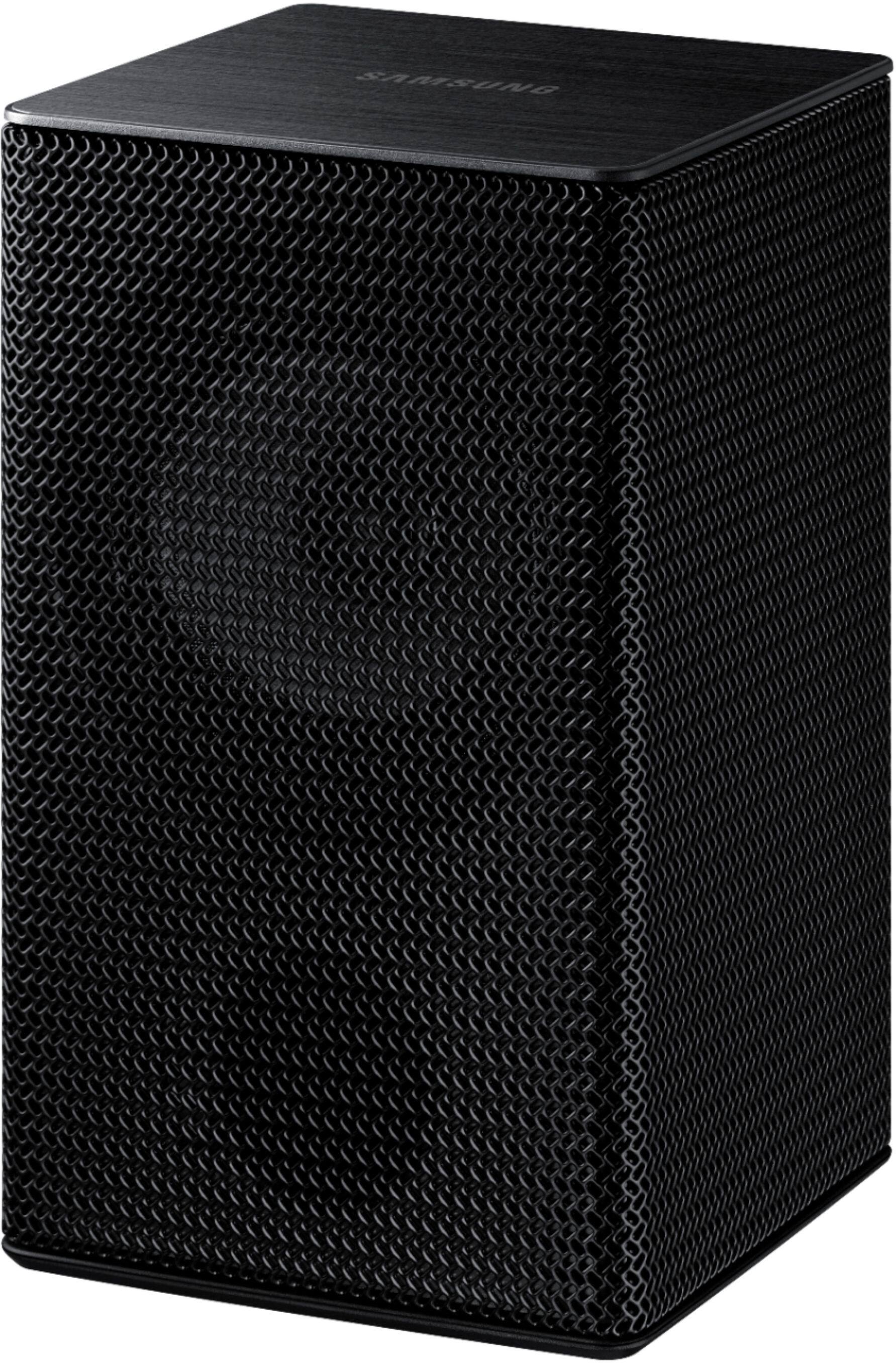
- Model:
- HW-Q850T/ZA
- SKU:
- 6400657
Rating by feature
- Value
Rating 4.0 out of 5 stars
- Quality
Rating 4.3 out of 5 stars
- Ease of Use
Rating 4.2 out of 5 stars
Customers are saying
Customers have good things to say about the sound quality, easy setup, Dolby Atmos, and bass of the 5.1.2-Channel Soundbar. They appreciate the good sound quality and features, easy hookup system, amazing Dolby Atmos, and shockingly good bass. However, some customers have concerns about the rear speakers not being Bluetooth, the price not being worth it, and connectivity issues with Samsung TVs.
This summary was generated by AI based on customer reviews.
Samsung HW-Q850T 5.1.2 soundbar w/Dolby Atmos
||Posted .This reviewer received promo considerations or sweepstakes entry for writing a review.Great sound and love the bluetooth rear speakers. Gives you much more flexibility in placement. Atomsphere sound is great. Voices are clear. Using HDMI - ARC
I would recommend this to a friend- Cons mentioned:Connectivity
Ehh
||Posted . Owned for 1 month when reviewed.This reviewer received promo considerations or sweepstakes entry for writing a review.I wouldn’t recommend this product. I couldn’t get it to work right to save my life and that was after having 2. It cuts off on its own and won’t work properly with Alexa. Spend a little more and get the Q series.
No, I would not recommend this to a friendBrand response from Samsung
Posted .Jack:
Thank you for purchasing the HW-Q850T Soundbar. I am very sorry you are experiencing issues with your unit cutting out and with Alexa. . Please make sure you are running the latest firmware update which includes improved connectivity. You can update your firmware ver. 1016.0 by Auto Update, using the SmartThings app, or by using a USB device.
Should you need further assistance with this issue, or have any questions about features or operation, please know that Samsung is here to help. You can contact us via any of the below options:
1) Phone: 1-800-SAMSUNG, (available 8AM to 12AM EST - 7 days a week)
2) LiveChat: https://www.samsung.com/us/support/#contact_us_for_support
3) Facebook Messenger: https://www.facebook.com/samsungsupport
4) Twitter: https://twitter.com/SamsungSupport
5) The Samsung Members Community is also a great resource for getting help from Samsung moderators and customers: https://us.community.samsung.com
If you have not already done so, we invite you to register your new Samsung product at:
https://www.samsung.com/us/account/signin/?redirect=https%3A%2F%2Fwww.samsung.com%2Fus%2Fsupport%2Fregister%2F&user=dsr-registration
Registering your product gives you access to easy warranty support, convenient opt-in to special promos and offers, faster troubleshooting and service, and quick notification of system updates.
~ Samsung Solutions
It was just OK
||Posted . Owned for 1 month when reviewed.This reviewer received promo considerations or sweepstakes entry for writing a review.I purchased a crowded home hooked it up wasn’t happy with the sound from the rear speakers they were light and insignificant, ended up bringing it back and purchasing a Samsung QR 90 if it was on clearance.
No, I would not recommend this to a friendBrand response from Samsung
Posted .MAGAMAN:
Thank you for sharing your review of the Samsung HW-Q850T soundbar. I am very sorry that your experience with this soundbar was less than perfect, and you have decided to exchange it for a different model. Thank you for being a loyal Samsung customer.
Your feedback regarding this model is important to us and will be shared with our internal teams.
Should you have questions or need assistance with settings, setup, or features, with your new Samsung soundbar, please know we are always here to help.
1) Phone: 1-800-SAMSUNG, (available 8AM to 12AM EST - 7 days a week)
2) LiveChat: https://www.samsung.com/us/support/#contact_us_for_support
3) Facebook Messenger: https://www.facebook.com/samsungsupport
4) Twitter: https://twitter.com/SamsungSupport
5) The Samsung Members Community is also a great resource for getting help from Samsung moderators and customers: https://us.community.samsung.com
If you have not already done so, we invite you to register your new Samsung product at:
https://www.samsung.com/us/account/signin/?redirect=https%3A%2F%2Fwww.samsung.com%2Fus%2Fsupport%2Fregister%2F&user=dsr-registration
Registering your product gives you access to easy warranty support, convenient opt-in to special promos and offers, faster troubleshooting and service, and quick notification of system updates.
~ Samsung Solutions
two thumbs up
||Posted .This reviewer received promo considerations or sweepstakes entry for writing a review.Awesome product, worth the cost!! Whether its watching movies or blasting music, this set up emmerses the room with incredible sound quality.
I would recommend this to a friendUnreal
||Posted . Owned for 2 weeks when reviewed.This reviewer received promo considerations or sweepstakes entry for writing a review.This is awesome, it's paired with a Samsung Q70 tv. The quality of sound that comes out of this is unreal. Time to rewatch the Battle of Coruscant.
I would recommend this to a friendAwesone
||Posted . Owned for 1 month when reviewed.This reviewer received promo considerations or sweepstakes entry for writing a review.impressive audio quality. easy installation. simple configuration with equipment from the Samsung range. different audio options. worth buying
I would recommend this to a friendDynamic
||Posted . Owned for 7 months when reviewed.This reviewer received promo considerations or sweepstakes entry for writing a review.I bought this as an upgrade to my 650. the 650 was good so this would been even better. Can't wait til i move into the new house to install this
I would recommend this to a friendGreat Product!
||Posted . Owned for 8 months when reviewed.This reviewer received promo considerations or sweepstakes entry for writing a review.We purchased this nearly a year ago and it still works amazingly. It was simple to install and simple to use. The sound quality is amazing as well.
I would recommend this to a friendVery impressive
||Posted . Owned for 1 month when reviewed.This reviewer received promo considerations or sweepstakes entry for writing a review.Purchased on sale. Great sound with Atmos media. I previously had a Bose Soundbar with sub and this Samsung Soundbar produces much more accurate sound clarity.
I would recommend this to a friend- Cons mentioned:Price
Disappointed in samsung
||Posted . Owned for 1 month when reviewed.This reviewer received promo considerations or sweepstakes entry for writing a review.For the price, definitely not worth it.. I have a Sony that was 1/4 of the price, is louder, sounds a lot clearer, and doesn't randomly stop working while your in the middle of playing playstation.
No, I would not recommend this to a friendBrand response from Samsung
Posted .Hi Tommy,
Thank you for sharing your review of the Samsung HW-Q850T Soundbar. I am sorry to see that you are not completely happy with the sound performance. You can try manually optimizing your audio experience by pressing the SOUND CONTROL button (looks like a gear) to access the setting items such as TREBLE, BASS, SYNC, CENTER LEVEL, SIDE LEVEL, FRONT TOP LEVEL, REAR LEVEL, REAR TOP LEVEL, and VIRTUAL ON/OFF. The selected item can be adjusted using the Up/Down buttons.
– To control the volume of the treble or bass sound, select TREBLE or BASS in Sound Settings, and then adjust the volume between -6~+6 by using the Up/Down buttons.
– Press and hold the SOUND CONTROL button for about 5 seconds to adjust the sound for each frequency band. 150Hz, 300Hz, 600Hz, 1.2kHz, 2.5kHz, 5kHz, and 10kHz are selectable using the Left/Right buttons and each can be adjusted to a setting between -6 to +6 using the Up/Down buttons. (Make sure the Sound mode is set to “STANDARD”.)
– To control the volume of each speaker select CENTER LEVEL, SIDE LEVEL, or FRONT TOP LEVEL in Sound Settings, and then adjust the volume between -6~+6 by using the Up/Down buttons.
– If the video on the TV and audio from the Soundbar are not synchronized, select SYNC in Sound Control, and then set the audio delay between 0~300 milliseconds by using the Up/Down buttons.
– SYNC is only supported for some functions.
– If Surround Speakers are connected, select REAR LEVEL and then use the Up/Down buttons to adjust the volume within a -6 to +6 range.
– The VIRTUAL Speaker function can be turned ON/OFF by using the Up/Down buttons.
I am also very sorry you are occasionally not hearing any sound from your soundbar. You may want to check that the cable connection is not loose. Remove the cable and connect again.
You may also want to initialize your soundbar again by pressing the - + (volume) buttons at the same time for at least 5 seconds. “INIT” appears on the display when the soundbar is initialized.
Please also make sure that you have the latest firmware update, ver. 1017.5. You can update your firmware by Auto Update, using the SmartThings app, or by using a USB device.
For further assistance, please contact Samsung Customer Support at:
1) Phone: 1-800-SAMSUNG, (available 8AM to 12AM EST - 7 days a week)
2) LiveChat: https://www.samsung.com/us/support/#contact_us_for_support
3) Facebook Messenger: https://www.facebook.com/samsungsupport
4) Twitter: https://twitter.com/SamsungSupport
5) The Samsung Members Community is also a great resource for getting help from Samsung moderators and customers: https://us.community.samsung.com
If you have not already done so, we invite you to register your new Samsung product at:
https://www.samsung.com/us/account/signin/?redirect=https%3A%2F%2Fwww.samsung.com%2Fus%2Fsupport%2Fregister%2F
Registering your product gives you access to easy warranty support, convenient opt-in to special promos and offers, faster troubleshooting and service, and quick notification of system updates.
~ Samsung Ambassador
Samsung Sound Bar
||Posted .This reviewer received promo considerations or sweepstakes entry for writing a review.This sound bar makes the TV experience! Absolutely fun way to watch a movie with the sounds all around you and sounds you never heard before with a movie.
I would recommend this to a friendGreat sound, but surround sound is weak
||Posted . Owned for 1 month when reviewed.This reviewer received promo considerations or sweepstakes entry for writing a review.The surround sound speakers are not volume-adjustable, which is annoying. For music i really wish I could make them louder. Also switching inputs sometimes causes the soundbar to be unable to play any sound at all, i have to unplug it and plug it back in.
No, I would not recommend this to a friendBrand response from Samsung
Posted .Alex:
Thank you for purchasing the Samsung HW-Q850T Soundbar System which comes with a Rear Speaker Kit. Once this kit is connected to the soundbar, the soundbar remote is then used to control the volume level of the rear kit.
Press the Sound Control button on your Soundbar remote (looks like a gear), then select REAR LEVEL and use the Up/Down buttons to adjust the volume within a -6 to +6 range. I hope these tips help to improve your audio experience with the system.
Please feel free to reach out to us for further assistance via any of the below options:
1) Phone: 1-800-SAMSUNG, (available 8AM to 12AM EST - 7 days a week)
2) LiveChat: https://www.samsung.com/us/support/#contact_us_for_support
3) Facebook Messenger: https://www.facebook.com/samsungsupport
4) Twitter: https://twitter.com/SamsungSupport
5) The Samsung Members Community is also a great resource for getting help from Samsung moderators and customers: https://us.community.samsung.com
If you have not already done so, we invite you to register your new Samsung product at:
https://www.samsung.com/us/account/signin/?redirect=https%3A%2F%2Fwww.samsung.com%2Fus%2Fsupport%2Fregister%2F&user=dsr-registration
Registering your product gives you access to easy warranty support, convenient opt-in to special promos and offers, faster troubleshooting and service, and quick notification of system updates.
~ Samsung Solutions
Very good improvement
||Posted .This reviewer received promo considerations or sweepstakes entry for writing a review.Considering I dont have a whole lot to compare it too, my single bose soundbar was good but this is easily a very good improvement with no complaints.
I would recommend this to a friend10/10
||Posted . Owned for 2 months when reviewed.This reviewer received promo considerations or sweepstakes entry for writing a review.Absolutely love this thing! I’ve been recommending it to anyone looking for an all around perfect living room sound system. 10/10.
I would recommend this to a friendGreat sound!!!
||Posted .This reviewer received promo considerations or sweepstakes entry for writing a review.Great Sound and easy installation on this unit!! Had it up and running in less than 15 minutes. Great for watching movies with the family!!
I would recommend this to a friendGreat atmos set-up!
||Posted . Owned for 1 month when reviewed.This reviewer received promo considerations or sweepstakes entry for writing a review.An amazing sound experience. Very visually pleasing and easy to set up, works amazing in conjunction with other Samsung products.
I would recommend this to a friendEh it’s okay.
||Posted .This reviewer received promo considerations or sweepstakes entry for writing a review.Overall it’s okay,but comparing with Bose SoundTouch surround sound system it’s eh. When watching a movie I was expecting a louder boom(base)when the volume is turned up to 60 and not a match. But it’s done the job
No, I would not recommend this to a friendBrand response from Samsung
Posted .Hi Riri,
Thank you for purchasing the Samsung HW-Q850T and for your review. We appreciate your feedback regarding the performance of your soundbar.
You can try manually optimizing your audio experience by pressing the SOUND CONTROL button (looks like a gear) to access the setting items such as TREBLE, BASS, SYNC, CENTER LEVEL, SIDE LEVEL, FRONT TOP LEVEL, REAR LEVEL, REAR TOP LEVEL, and VIRTUAL ON/OFF. The selected item can be adjusted using the Up/Down buttons.
– To control the volume of the treble or bass sound, select TREBLE or BASS in Sound Settings, and then adjust the volume between -6~+6 by using the Up/Down buttons.
– Press and hold the SOUND CONTROL button for about 5 seconds to adjust the sound for each frequency band. 150Hz, 300Hz, 600Hz, 1.2kHz, 2.5kHz, 5kHz, and 10kHz are selectable using the Left/Right buttons and each can be adjusted to a setting between -6 to +6 using the Up/Down buttons. (Make sure the Sound mode is set to “STANDARD”.)
– To control the volume of each speaker select CENTER LEVEL, SIDE LEVEL, or FRONT TOP LEVEL in Sound Settings, and then adjust the volume between -6~+6 by using the Up/Down buttons.
– If the video on the TV and audio from the Soundbar are not synchronized, select SYNC in Sound Control, and then set the audio delay between 0~300 milliseconds by using the Up/Down buttons.
– SYNC is only supported for some functions.
– If Surround Speakers are connected, select REAR LEVEL and then use the Up/Down buttons to adjust the volume within a -6 to +6 range.
– The VIRTUAL Speaker function can be turned ON/OFF by using the Up/Down buttons.
Should you ever have questions or need help, please call us at 1-800-SAMSUNG (ask for Soundbars), available 8AM -12AM EST, 7 days a week. Or text HELP to 62913.
For additional support resources, visit us on the Samsung website and click on the ‘Support’ link in the upper right corner of the homepage for:
1) More ‘Contact Us’ options – LiveChat, Facebook, Twitter, Samsung Community, Samsung Members app
2) Manuals & Software
3) Warranty Info
4) Product Registration: For access to easy warranty support, convenient opt-in to special promos and offers, faster troubleshooting and service, and quick notification of system updates.
~ Samsung Specialist
Not a fan
||Posted . Owned for 1 year when reviewed.This reviewer received promo considerations or sweepstakes entry for writing a review.It worked fine for about a year, the system itself pumps good sound. The issue was that it stopped working after an update and refused to acknowledge what input it was supposed to be in.
No, I would not recommend this to a friendSony worth the wait
||Posted .This reviewer received promo considerations or sweepstakes entry for writing a review.Movie theatre quality. We have been awaiting this system for many years. Well worth the wait. Clear, loud life like sound quality
I would recommend this to a friendAverage Soundbar.
||Posted . Owned for 1 month when reviewed.This reviewer received promo considerations or sweepstakes entry for writing a review.Moderately adequate. The wifi speaker hardly connect and are so under performing you barely notice when they are on. I paired the sound-bar with a new Samsung TV... so they can't say it is due to an incompatible TV
No, I would not recommend this to a friendBrand response from Samsung
Posted .Hi CAMFLA,
Thank you for sharing your review of the Samsung HW-Q850T Soundbar. I am sorry to see that you are not completely happy with the sound performance.
You can try manually optimizing your audio experience by pressing the SOUND CONTROL button (looks like a gear) to access the setting items such as TREBLE, BASS, SYNC, CENTER LEVEL, SIDE LEVEL, FRONT TOP LEVEL, REAR LEVEL, REAR TOP LEVEL, and VIRTUAL ON/OFF. The selected item can be adjusted using the Up/Down buttons.
– To control the volume of the treble or bass sound, select TREBLE or BASS in Sound Settings, and then adjust the volume between -6~+6 by using the Up/Down buttons.
– Press and hold the SOUND CONTROL button for about 5 seconds to adjust the sound for each frequency band. 150Hz, 300Hz, 600Hz, 1.2kHz, 2.5kHz, 5kHz, and 10kHz are selectable using the Left/Right buttons and each can be adjusted to a setting between -6 to +6 using the Up/Down buttons. (Make sure the Sound mode is set to “STANDARD”.)
– To control the volume of each speaker select CENTER LEVEL, SIDE LEVEL, or FRONT TOP LEVEL in Sound Settings, and then adjust the volume between -6~+6 by using the Up/Down buttons.
– If the video on the TV and audio from the Soundbar are not synchronized, select SYNC in Sound Control, and then set the audio delay between 0~300 milliseconds by using the Up/Down buttons.
– SYNC is only supported for some functions.
– The VIRTUAL Speaker function can be turned ON/OFF by using the Up/Down buttons.
By design, the surround speakers are supposed to simulate sounds happening behind the viewer. Therefore, most of the time the surround channels are only used for ambient sounds, which are naturally lower in volume.
However, there are a few settings you can change to adjust the surround effect to your preference:
1) Make sure that the source (e.g. TV output) is sending surround channels to the Soundbar. If the source is not capable of surround, then set the Surround mode to OFF on the Soundbar by pressing the Surround button on the remote.
2) If the source has surround channels, select the desired Sound Mode from the Soundbar remote.
3) Turn off Dynamic Range Control. This is done by pressing and holing the Sound Mode button while the Soundbar is in standby mode. Depending on your soundbar model, you may or may not have DRC.
4) Increase the volume level of the surround speakers using the Sound Control button on the Soundbar remote control. Press the Sound Control button on the soundbar remote (looks like a gear), then select REAR LEVEL and use the Up/Down buttons to adjust the volume within a -6 to +6 range.
I hope these tips help to enhance your audio enjoyment.
Should you need further assistance with this issue or have any questions, please contact Samsung Customer Support at:
1) Phone: 1-800-SAMSUNG, (available 8AM to 12AM EST - 7 days a week)
2) LiveChat: https://www.samsung.com/us/support/#contact_us_for_support
3) Facebook Messenger: https://www.facebook.com/samsungsupport
4) Twitter: https://twitter.com/SamsungSupport
5) The Samsung Members Community is also a great resource for getting help from Samsung moderators and customers: https://us.community.samsung.com
If you have not already done so, we invite you to register your new Samsung product at:
https://www.samsung.com/us/account/signin/?redirect=https%3A%2F%2Fwww.samsung.com%2Fus%2Fsupport%2Fregister%2F
Registering your product gives you access to easy warranty support, convenient opt-in to special promos and offers, faster troubleshooting and service, and quick notification of system updates.
~ Samsung Ambassador