Customer Ratings & Reviews
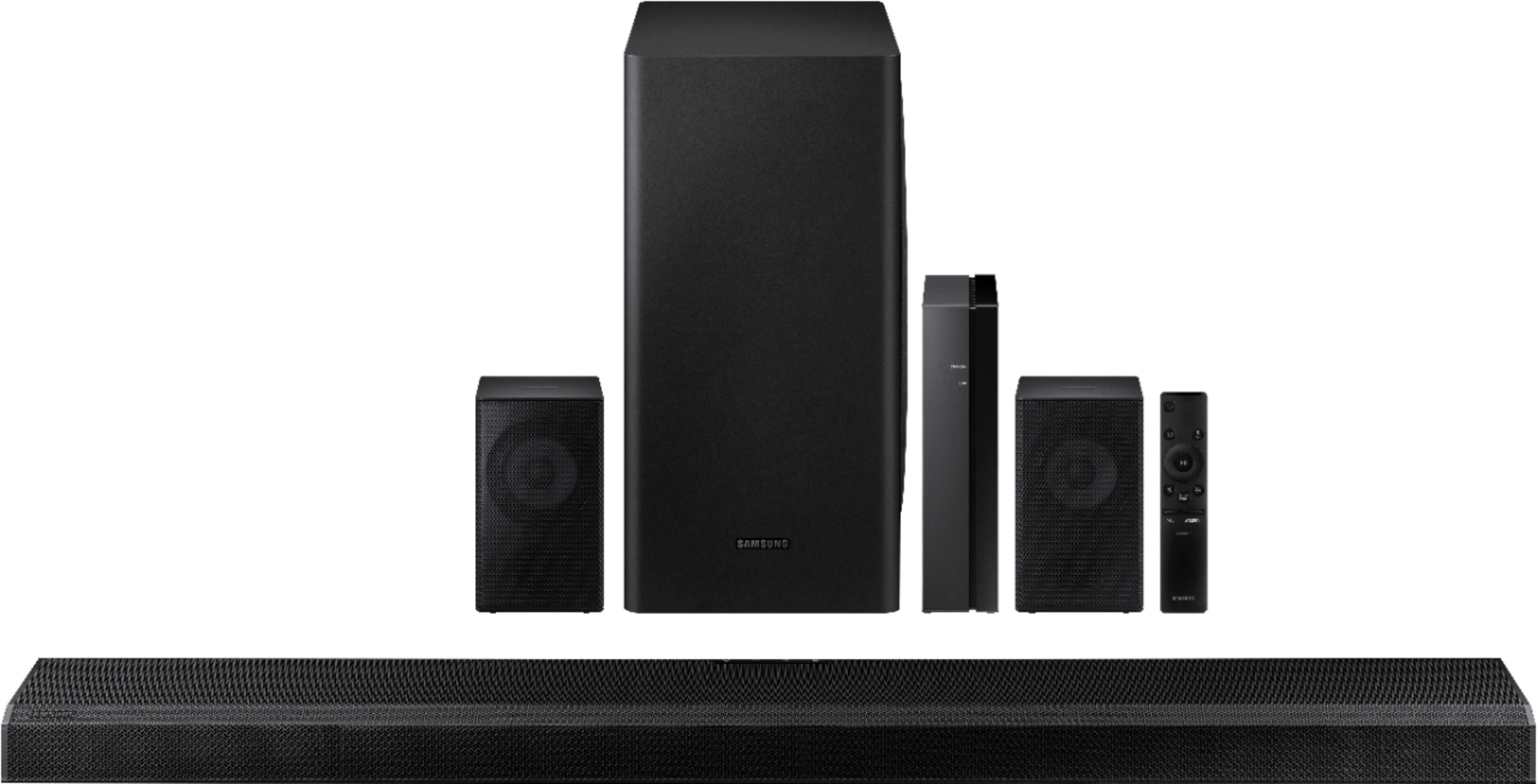
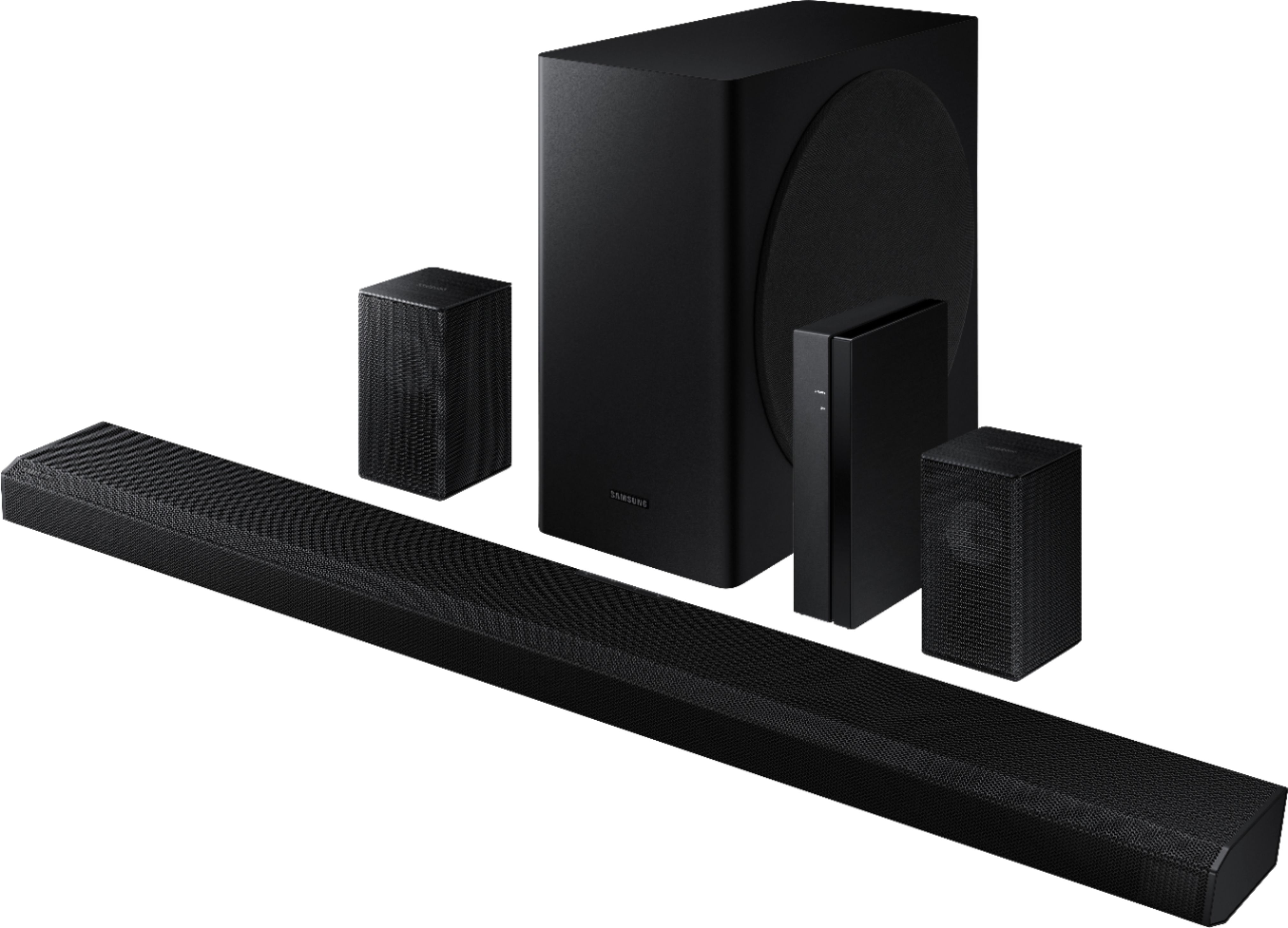
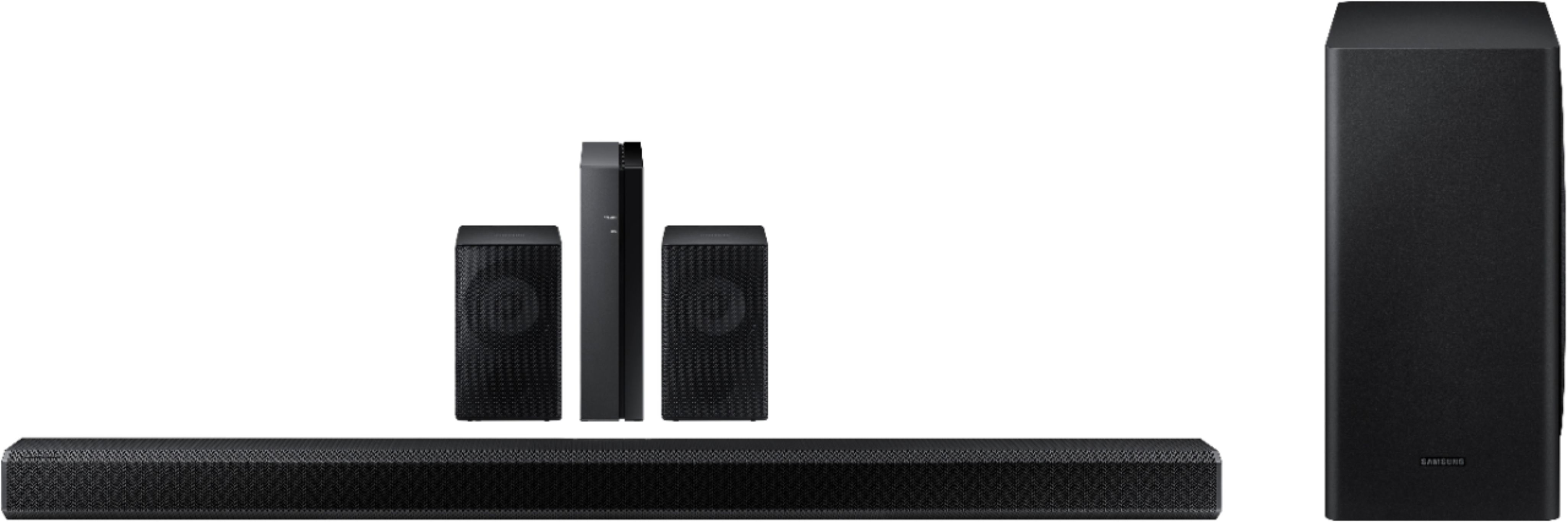




- Model:
- HW-Q850T/ZA
- SKU:
- 6400657
Rating by feature
- Value
Rating 4.0 out of 5 stars
- Quality
Rating 4.3 out of 5 stars
- Ease of Use
Rating 4.2 out of 5 stars
Customers are saying
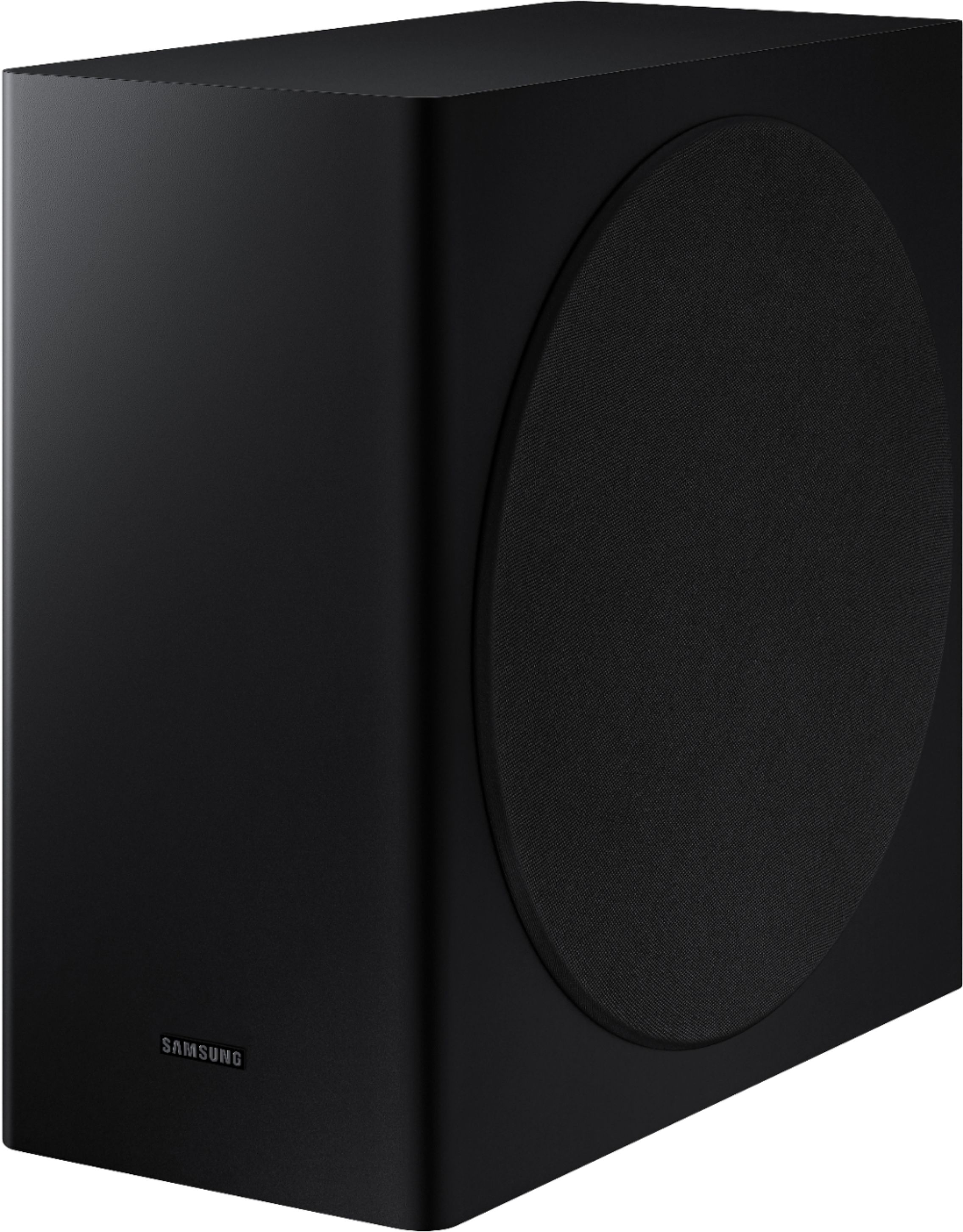
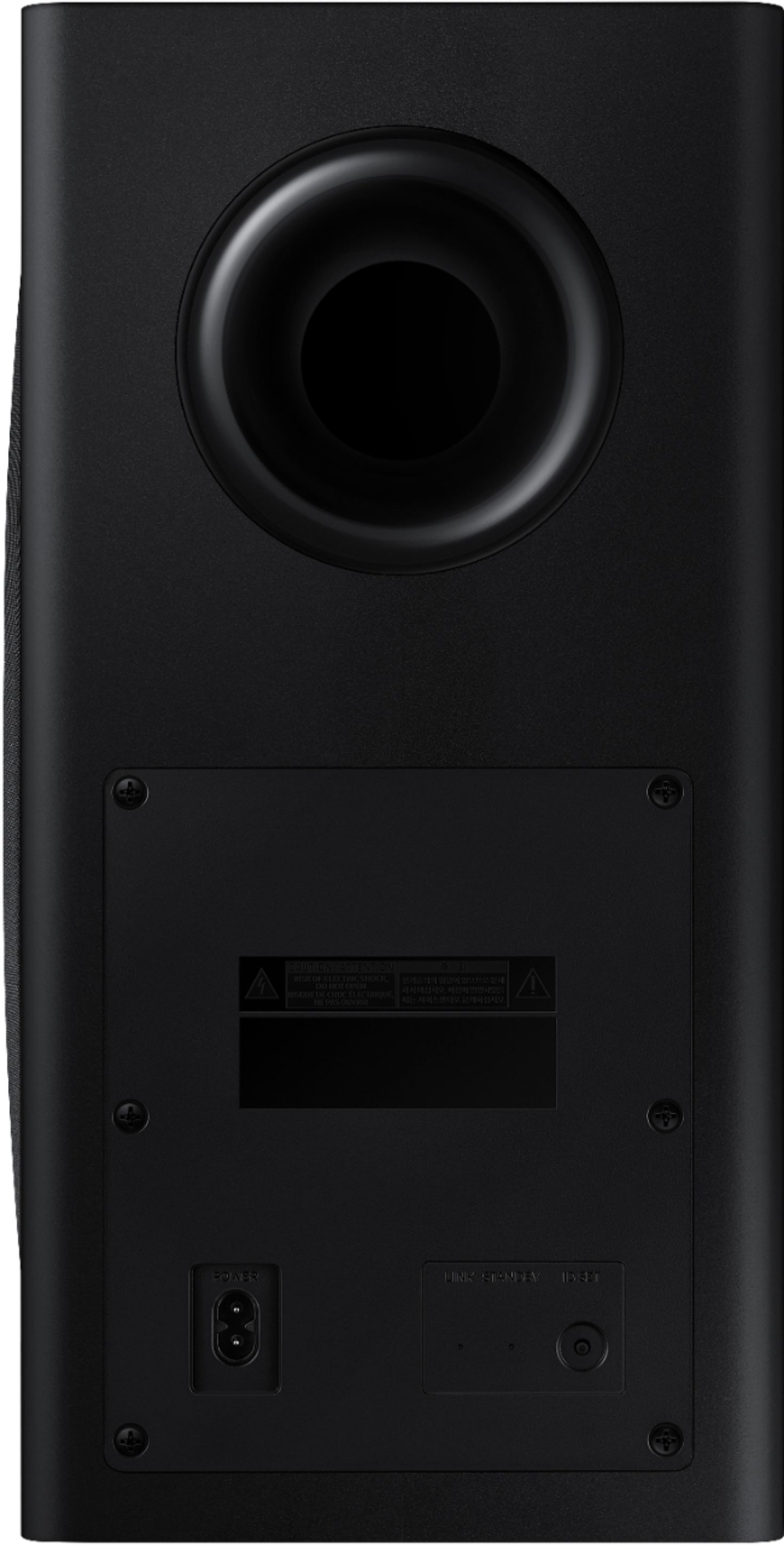
Customers have good things to say about the sound quality, easy setup, Dolby Atmos, and bass of the 5.1.2-Channel Soundbar. They appreciate the good sound quality and features, easy hookup system, amazing Dolby Atmos, and shockingly good bass. However, some customers have concerns about the rear speakers not being Bluetooth, the price not being worth it, and connectivity issues with Samsung TVs.
This summary was generated by AI based on customer reviews.
Samsung - HW-Q850T
||Posted . Owned for 1 month when reviewed.This reviewer received promo considerations or sweepstakes entry for writing a review.Samsung - HW-Q850T 5.1.2ch Soundbar with Dolby Atmos/DTS:X and Wireless Rear Speakers (2020) - Black Very nice speakers
I would recommend this to a friendAmazing sound
||Posted . Owned for 2 weeks when reviewed.This reviewer received promo considerations or sweepstakes entry for writing a review.Such an awesome system for the price. I just wish the mounting holes were bigger. Good luck finding a stand that will support it
I would recommend this to a friendAMAZING
||Posted . Owned for less than 1 week when reviewed.This reviewer received promo considerations or sweepstakes entry for writing a review.You will not regret this purchase. I'm extremely picky and this had been by far the best purchase I have ever made. Truly 5 stars.
I would recommend this to a friendGreat Speakers
||Posted . Owned for 3 weeks when reviewed.This reviewer received promo considerations or sweepstakes entry for writing a review.I'm very happy with the sound quality of these speakers. Also, were very easy to install. I highly recommend them.
I would recommend this to a friendDo not get this.
||Posted . Owned for 6 months when reviewed.This reviewer received promo considerations or sweepstakes entry for writing a review.I was highly disappointed. I went from my Vizio sound bar to this and I was not happy. Yes some of the sound was great but it had some defects that I had to return it back. My sound would cut off as if it was restarting. My sound volume would not go higher after a certain db level. My sound was the same at 75 vs 35. All sound was dependent on the software so. All of my Disney channels sounded very low. Once I switched channels it was extremely loud. Sad to see the return and go back to my 7 year old sound bar which produced louder and better sound still. O_o
No, I would not recommend this to a friendBrand response from Samsung
Posted .Hi TechGeek,
Thank you for your review of the Samsung Q850T Soundbar. Your feedback is very important to us and will be shared with our product team.
It is possible that your unit needed minor troubleshooting, a firmware update, or adjustments in settings.
Please know that should you ever need assistance with settings or adjustments with a future Samsung purchase to optimize your sound experience, Samsung Customer Support is here to help. You can reach us at 1-800-SAMSUNG (ask for Soundbars), available 8AM -12AM EST, 7 days a week. Or text HELP to 62913.
For additional support resources, visit us on the Samsung website and click on the ‘Support’ link in the upper right corner of the homepage for:
1) More ‘Contact Us’ options – LiveChat, Facebook, Twitter, Samsung Community, Samsung Members app
2) Manuals & Software
3) Warranty Info
4) Product Registration: For access to easy warranty support, convenient opt-in to special promos and offers, faster troubleshooting and service, and quick notification of system updates.
~ Samsung Specialist
Wired. Not wireless.
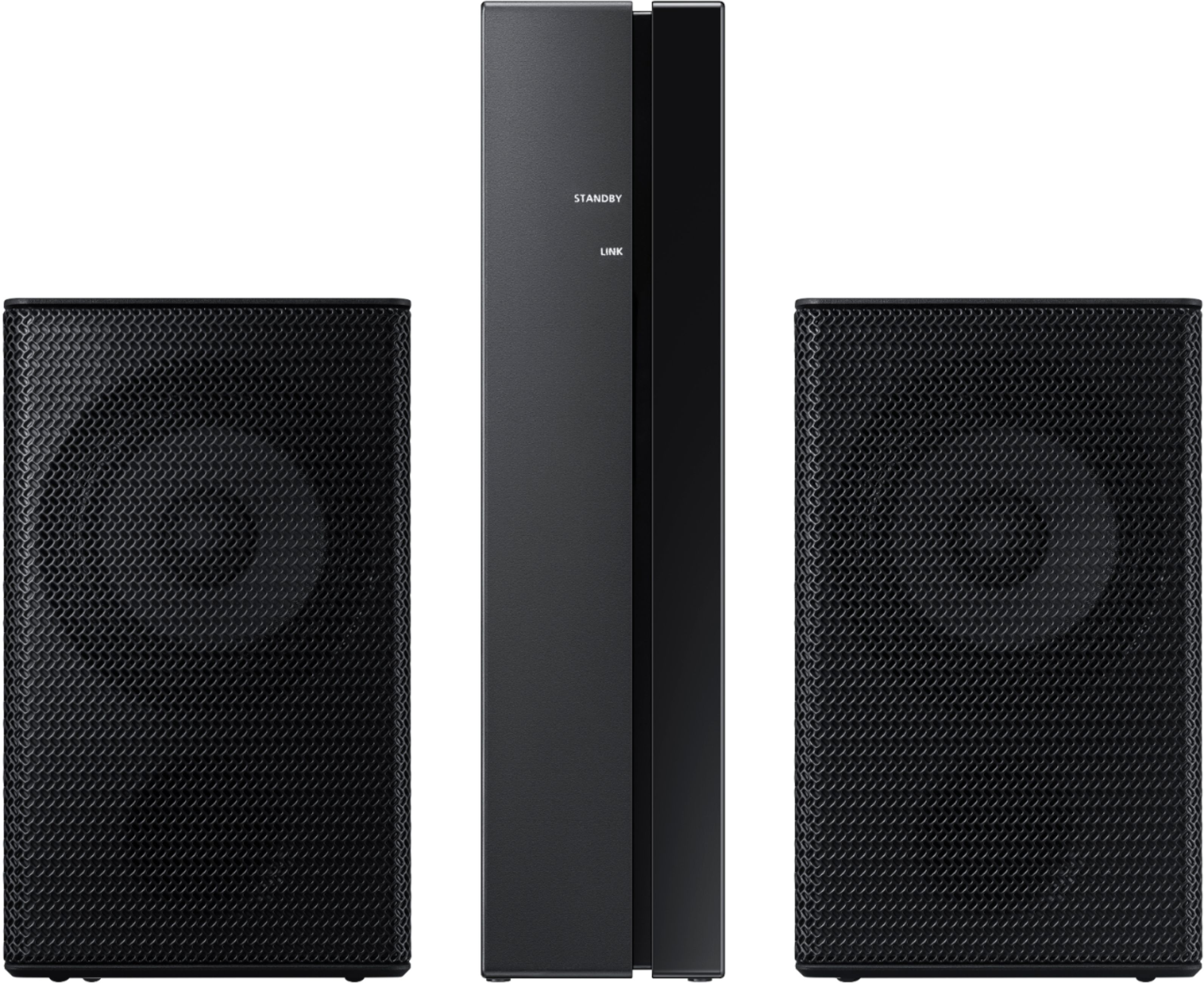
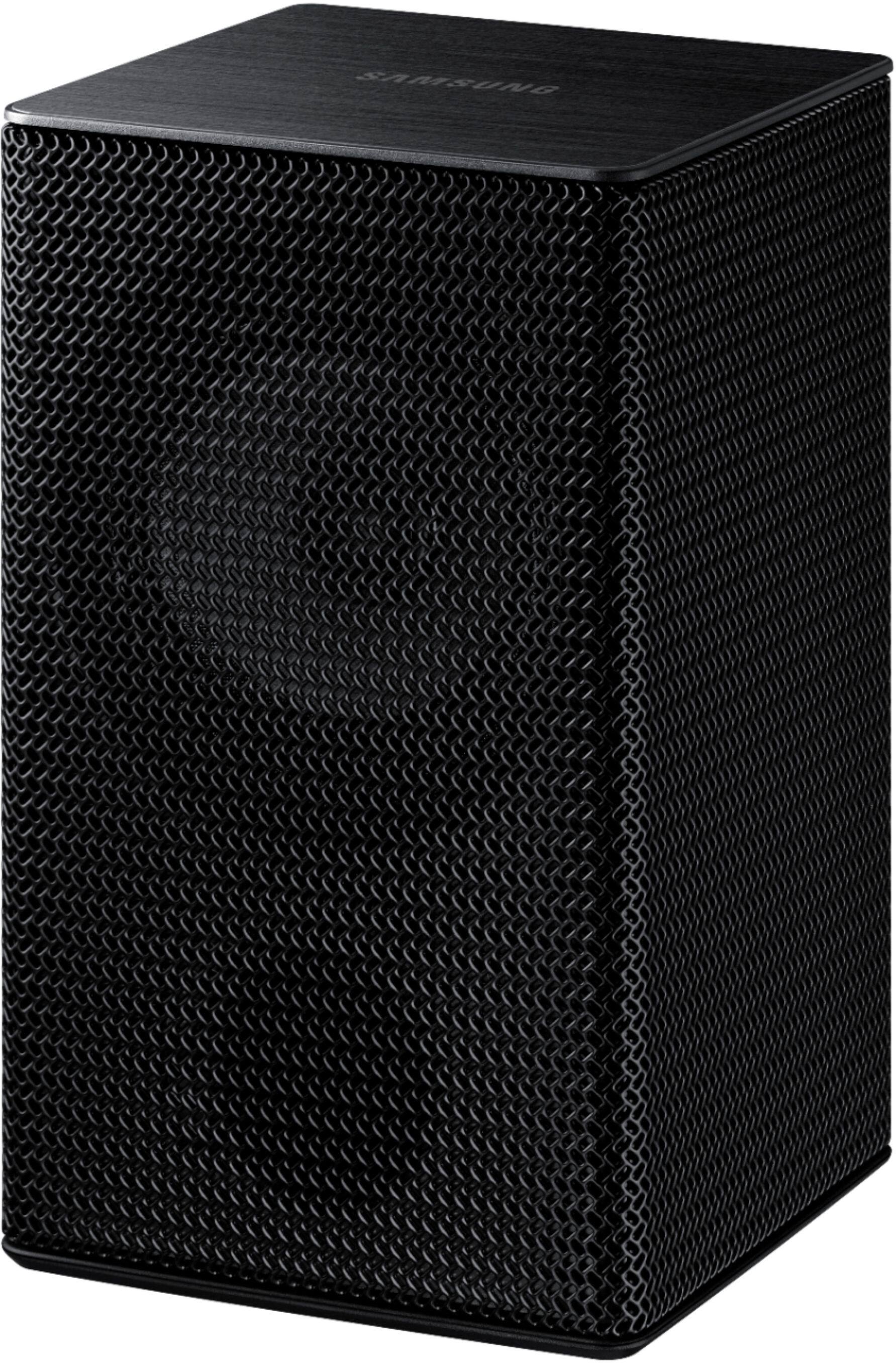
||Posted .This reviewer received promo considerations or sweepstakes entry for writing a review.The "wireless" rear speakers are not wireless. They have wires that connect it to receiver module that connects wirelessly to the main unit. So, NOT wireless. Wired. Not happy as this is deceiving.
No, I would not recommend this to a friendBrand response from Samsung
Posted .Hi Wired,
Thank you for purchasing the Samsung HW-Q850T Soundbar System which comes with a subwoofer and rear speaker kit. I am very sorry for any confusion about the wireless description of the rear speakers.
Occasionally, customers have trouble hiding and running speaker wires from the front of the room (where their soundbar is) to the back of their room (where they have their rear speakers). The Rear Speaker Kit eliminates that hassle. Connect the rear speakers to its wireless module and place these three in the back of your room. One wire is required to connect each rear speaker to the wireless module. Then plug in the power cable to the module. The “wireless” convenience is in connecting your soundbar and any other speakers at the front of the room to the rear speakers – this can now be done via Wi-Fi through the wireless module, eliminating any clutter of long wires running the length of your room.
For complete setup instructions, please refer to your User Manual or go to this link:
HW-Q850T & SWA-9000S Rear Kit:
https://downloadcenter.samsung.com/content/UM/202005/20200522132321716/AH81-11670A-00_FM_HW-Q850T_ZA_ENG_20200508.pdf
If you need further assistance or have questions, please feel free to reach Samsung Support at:
1) Phone: 1-800-SAMSUNG, (available 8AM to 12AM EST - 7 days a week)
2) LiveChat: https://www.samsung.com/us/support/#contact_us_for_support
3) Facebook Messenger: https://www.facebook.com/samsungsupport
4) Twitter: https://twitter.com/SamsungSupport
5) The Samsung Members Community is also a great resource for getting help from Samsung moderators and customers: https://us.community.samsung.com
If you have not already done so, we invite you to register your new Samsung product at:
https://www.samsung.com/us/account/signin/?redirect=https%3A%2F%2Fwww.samsung.com%2Fus%2Fsupport%2Fregister%2F
Registering your product gives you access to easy warranty support, convenient opt-in to special promos and offers, faster troubleshooting and service, and quick notification of system updates.
~ Samsung Ambassador
Great deal
||Posted . Owned for less than 1 week when reviewed.This reviewer received promo considerations or sweepstakes entry for writing a review.Super easy to install, and great sounding experience. If you can get it for $699 get it it's definitely a steal
I would recommend this to a friendSpeakers
||Posted . Owned for 1 year when reviewed.This reviewer received promo considerations or sweepstakes entry for writing a review.Great edition to my home theatre entertainment center . Amazing for football season
I would recommend this to a friendEasy connection
||Posted . Owned for 2 months when reviewed.This reviewer received promo considerations or sweepstakes entry for writing a review.Works great.. place rear speakers in a mid level height... Connect great with all devices... Easy to connect...
I would recommend this to a friendYou will love it!
||Posted . Owned for 3 weeks when reviewed.This reviewer received promo considerations or sweepstakes entry for writing a review.This soundbar is awesome. It can get very loud and the sound is still crystal clear. You won't be disappointed
I would recommend this to a friendNot wireless!!!
||Posted . Owned for 3 weeks when reviewed.This reviewer received promo considerations or sweepstakes entry for writing a review.The box and employee clearly said the rear speakers are wireless...they are NOT!!! False advertising!! They sound good, but each rear speaker has a wire that runs from the speaker to the small receiver box.
No, I would not recommend this to a friendBrand response from Samsung
Posted .Jayson:
Thank you for purchasing the Samsung HW-Q850T Soundbar System which comes with a subwoofer and rear speaker kit. I am very sorry for any confusion about the wireless description of the rear speakers
Often times, customers have trouble hiding and running speaker wires from the front of the room (where their soundbar is) to the back of their room (where they have their rear speakers). The Rear Speaker Kit eliminates that hassle. Connect the rear speakers to its wireless module and place these three in the back of your room. One wire is required to connect each rear speaker to the wireless module. Then plug in the power cable to the module. The “wireless” convenience is in connecting your soundbar and any other speakers at the front of the room to the rear speakers – this can now be done via Wi-Fi through the wireless module, eliminating any clutter of long wires running the length of your room.
For complete setup instructions, please refer to your User Manual or go to this link: https://downloadcenter.samsung.com/content/UM/202005/20200522132321716/AH81-11670A-00_FM_HW-Q850T_ZA_ENG_20200508.pdf
If you need further assistance or have questions, please feel free to reach Samsung Support.
1) Phone: 1-800-SAMSUNG, (available 8AM to 12AM EST - 7 days a week)
2) LiveChat: https://www.samsung.com/us/support/#contact_us_for_support
3) Facebook Messenger: https://www.facebook.com/samsungsupport
4) Twitter: https://twitter.com/SamsungSupport
5) The Samsung Members Community is also a great resource for getting help from Samsung moderators and customers: https://us.community.samsung.com
If you have not already done so, we invite you to register your new Samsung product at:
https://www.samsung.com/us/account/signin/?redirect=https%3A%2F%2Fwww.samsung.com%2Fus%2Fsupport%2Fregister%2F&user=dsr-registration
Registering your product gives you access to easy warranty support, convenient opt-in to special promos and offers, faster troubleshooting and service, and quick notification of system updates.
~ Samsung Solutions
Sound bar
||Posted . Owned for 1 month when reviewed.This reviewer received promo considerations or sweepstakes entry for writing a review.The geek squad did their job in a timely and professional manner. Explained.How to use different functions.
I would recommend this to a friendBest Soundbar out there!
||Posted . Owned for 1 month when reviewed.This reviewer received promo considerations or sweepstakes entry for writing a review.Surprisingly loud for a soundbar. Several modes available and you get the most bang for your buck with this setup
I would recommend this to a friendGreat bang for the buck
||Posted . Owned for 1 year when reviewed.This reviewer received promo considerations or sweepstakes entry for writing a review.Awesome sound, very powerfully bass. Sounds like your in a movie theater
I would recommend this to a friendGreat but
||Posted . Owned for 2 weeks when reviewed.This reviewer received promo considerations or sweepstakes entry for writing a review.Great product but decided to return due to husband wanting a 7.2 surround sound system for his projector.
I would recommend this to a friendHome theater
||Posted . Owned for 6 months when reviewed.This reviewer received promo considerations or sweepstakes entry for writing a review.I love this home theater system it’s has very good quality sound from the sound bar to the subwoofer
I would recommend this to a friendExcellent
||Posted . Owned for 1 month when reviewed.This reviewer received promo considerations or sweepstakes entry for writing a review.My TV is the best thing I have purchased so far this year. It does everything you would want it to do.
I would recommend this to a friend- Cons mentioned:Rear speakers
Look Elsewhere
||Posted . Owned for less than 1 week when reviewed.This reviewer received promo considerations or sweepstakes entry for writing a review.The purpose of a soundbar by definition is to creat sound and this product absolutely fails at its only purpose. The rear speakers rarely work but sound pretty good when they do. The main soundbar has too little bass along with the subwoofer for any large size room. The biggest issue is that the system gets stuck in surround mode and no other mode becomes available. This will definitely be returned and my last Samsung soundbar for sure.
No, I would not recommend this to a friendBrand response from Samsung
Posted .Hi Nkozi,
I am sorry to see that you are not completely happy with the performance of the HW-Q850T sound system featuring audio-enhancing technologies like Acoustic Beam for directional sound, Adaptive Sound mode to optimize content, and wireless subwoofer for deep bass.
You can try manually optimizing your settings by pressing the SOUND MODE button on your remote, and then selecting the desired sound effect by choosing STANDARD, SURROUND SOUND, GAME PRO, or ADAPTIVE SOUND.
STANDARD - Outputs the original sound.
SURROUND SOUND - Provides a wider sound field than standard.
GAME PRO - Provides stereoscopic sound to immerse you in the action while gaming.
ADAPTIVE SOUND - Analyzes the content in real time and automatically provides the optimal sound field based on the characteristics of the content.
You can try manually optimizing your audio experience by pressing the SOUND CONTROL button (looks like a gear) to access the setting items such as TREBLE, BASS, SYNC, CENTER LEVEL, SIDE LEVEL, FRONT TOP LEVEL, REAR LEVEL, REAR TOP LEVEL, and VIRTUAL ON/OFF. The selected item can be adjusted using the Up/Down buttons.
– To control the volume of the treble or bass sound, select TREBLE or BASS in Sound Settings, and then adjust the volume between -6~+6 by using the Up/Down buttons.
– Press and hold the SOUND CONTROL button for about 5 seconds to adjust the sound for each frequency band. 150Hz, 300Hz, 600Hz, 1.2kHz, 2.5kHz, 5kHz, and 10kHz are selectable using the Left/Right buttons and each can be adjusted to a setting between -6 to +6 using the Up/Down buttons. (Make sure the Sound mode is set to “STANDARD”.)
– To control the volume of each speaker select CENTER LEVEL, SIDE LEVEL, or FRONT TOP LEVEL in Sound Settings, and then adjust the volume between -6~+6 by using the Up/Down buttons.
– If Surround Speakers are connected, select REAR LEVEL and then use the Up/Down buttons to adjust the volume within a -6 to +6 range. Please know that by design, the surround rear speakers are supposed to simulate sounds happening behind the viewer. Therefore, most of the time the surround channels are only used for ambient sounds, which are naturally lower in volume.
Please note:
• When the input source is Dolby Atmos®, the Subwoofer-only setup provides 3.1.2 channel audio, while the Subwoofer & Wireless Rear Speaker Kit setup provides 5.1.2 channel audio.
• The Surround Speakers will not produce sounds for 2 channel output while STANDARD mode is
in use. To enable sound for the Surround Speakers, change the effect mode to SURROUND.
I hope these tips help to enhance your audio enjoyment. Should you need further assistance with this issue or have any questions, please contact Samsung Customer Support via any of the below options:
1) Phone: 1-800-SAMSUNG, (available 8AM to 12AM EST - 7 days a week)
2) LiveChat: https://www.samsung.com/us/support/#contact_us_for_support
3) Facebook Messenger: https://www.facebook.com/samsungsupport
4) Twitter: https://twitter.com/SamsungSupport
5) The Samsung Members Community is also a great resource for getting help from Samsung moderators and customers: https://us.community.samsung.com
~ Samsung Ambassador
Dolby Atmos
||Posted . Owned for 2 months when reviewed.This reviewer received promo considerations or sweepstakes entry for writing a review.This sound at sounds amazing!! I live in a small apartment and it fills the room with sound.
I would recommend this to a friendClean, crisp, rich surround sound
||Posted . Owned for 1 month when reviewed.This reviewer received promo considerations or sweepstakes entry for writing a review.amazing sound especially when combined with my samsung q90t tv
I would recommend this to a friend