Customer Ratings & Reviews





- Model:
- HW-Q60T/ZA
- SKU:
- 6400661
Rating by feature
- Value
Rating 4.4 out of 5 stars
- Quality
Rating 4.5 out of 5 stars
- Ease of Use
Rating 4.6 out of 5 stars
Customers are saying
Customers appreciate the superb sound quality and easy setup of the 5.1-Channel Soundbar. They are pleased with the price-to-value ratio and find that the bass is well-balanced. However, some users have experienced connectivity issues and feel that the volume could be louder.
This summary was generated by AI based on customer reviews.
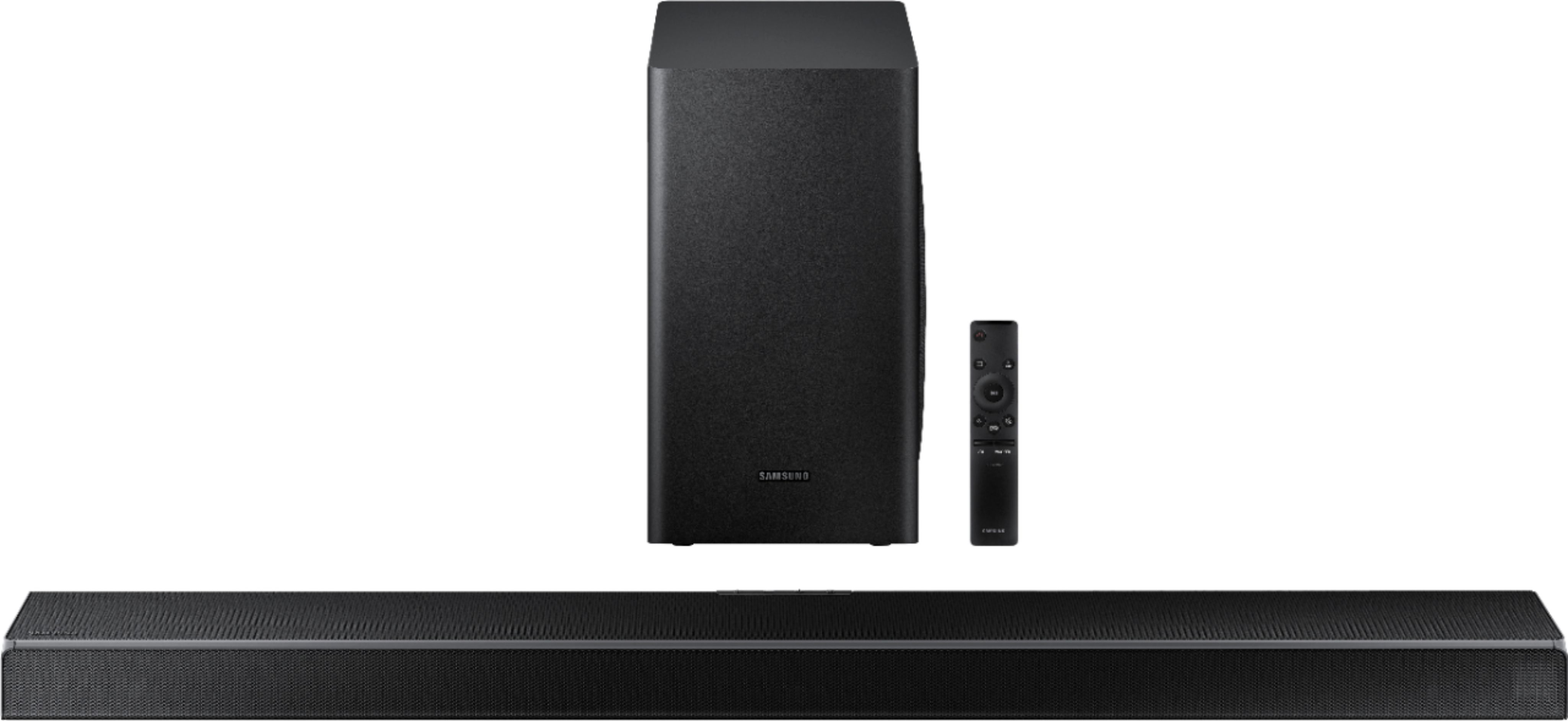
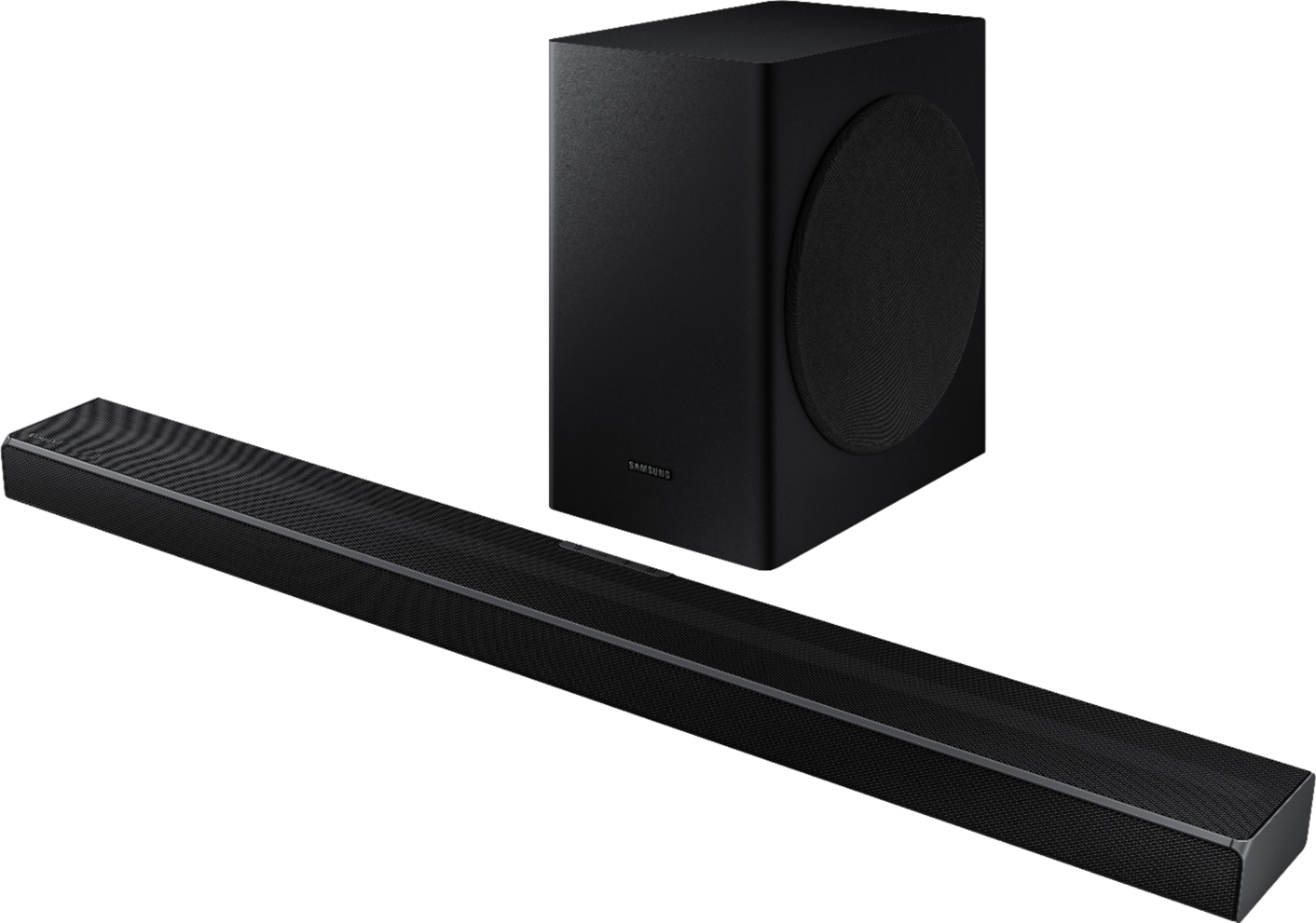
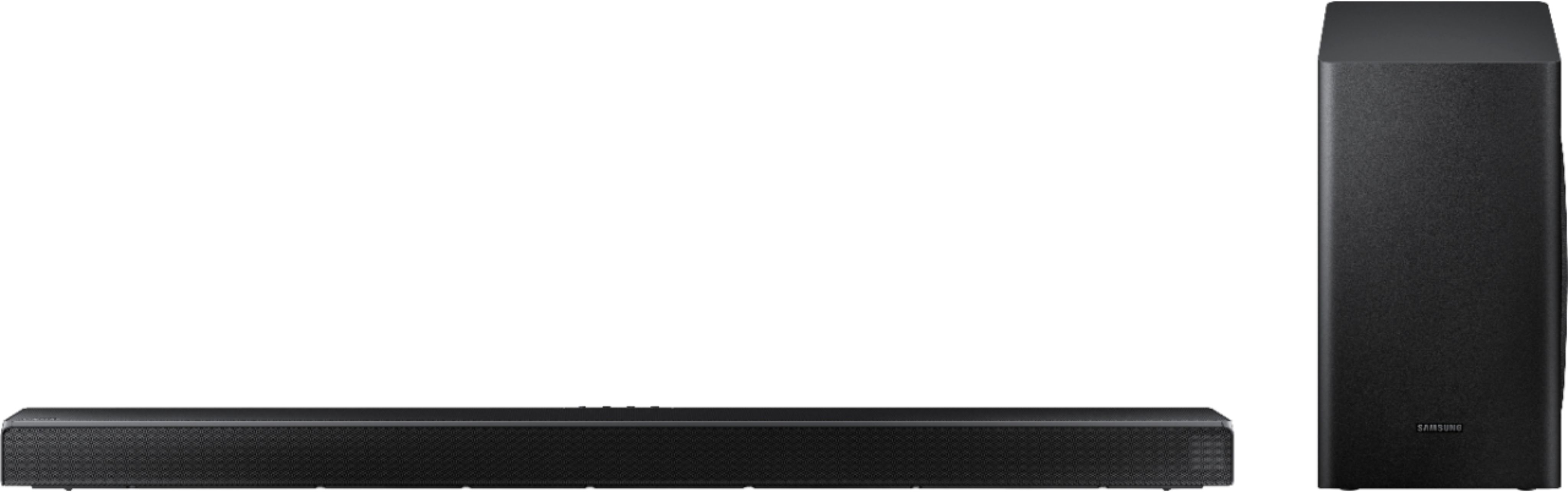
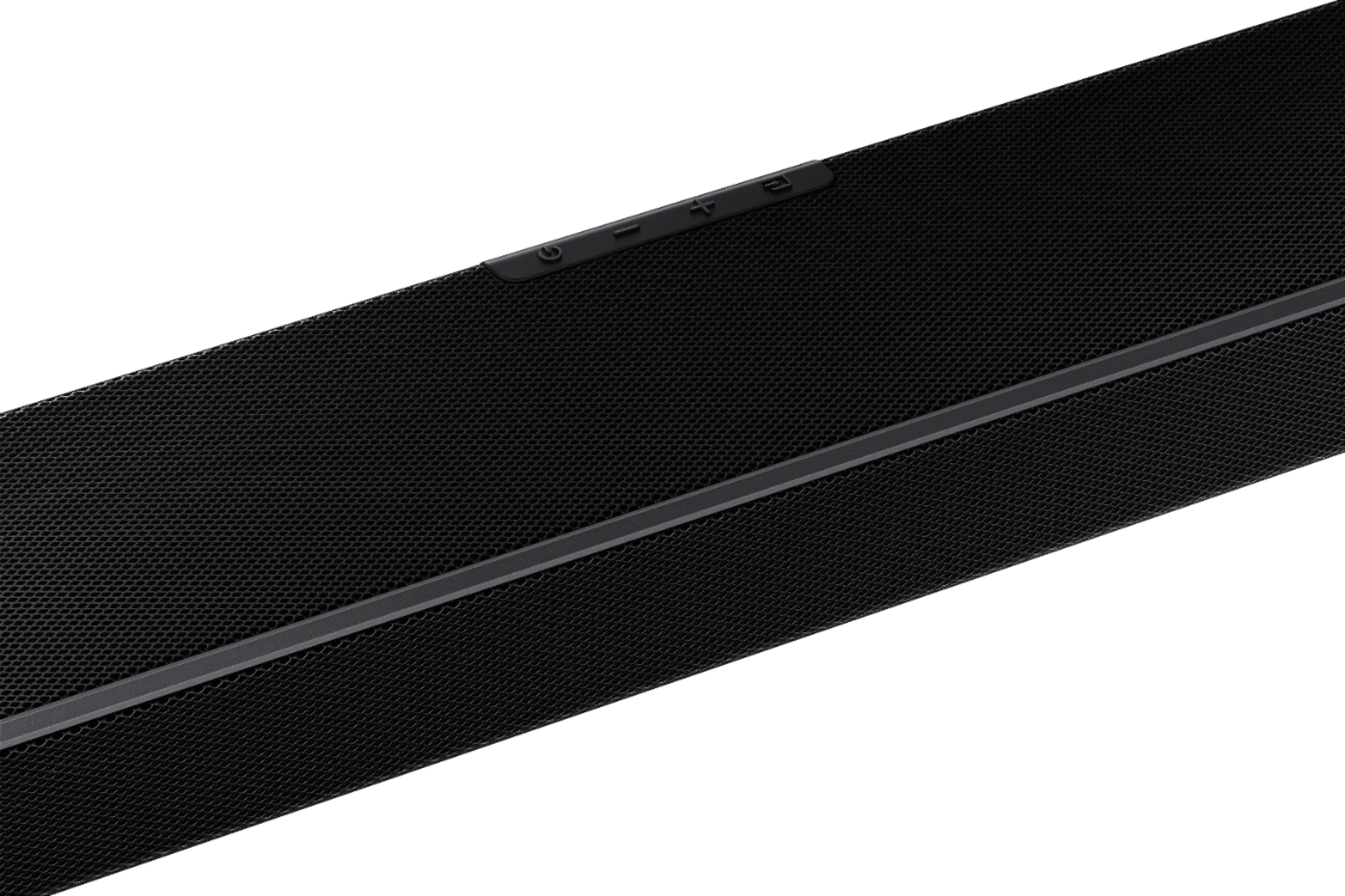
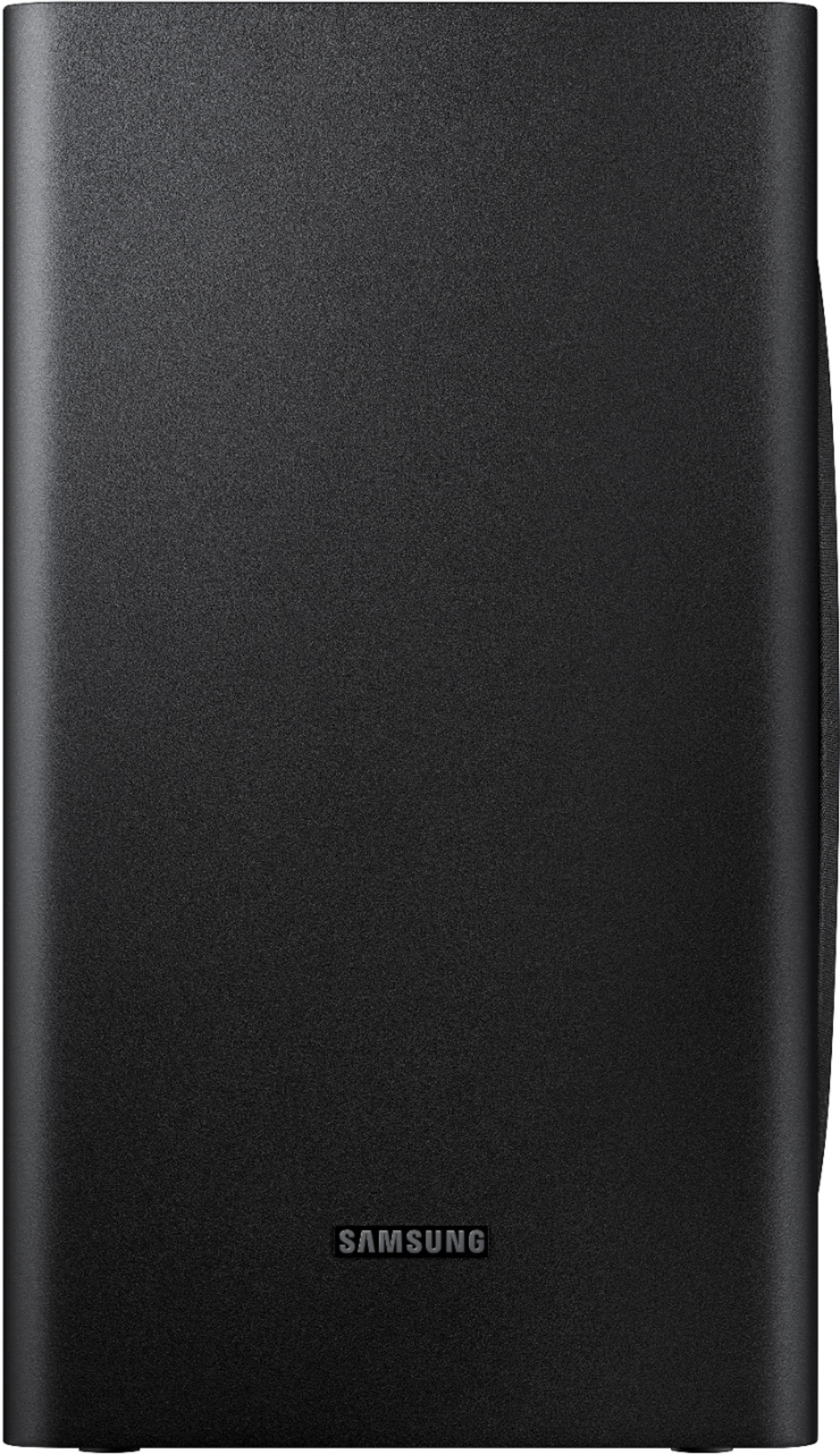
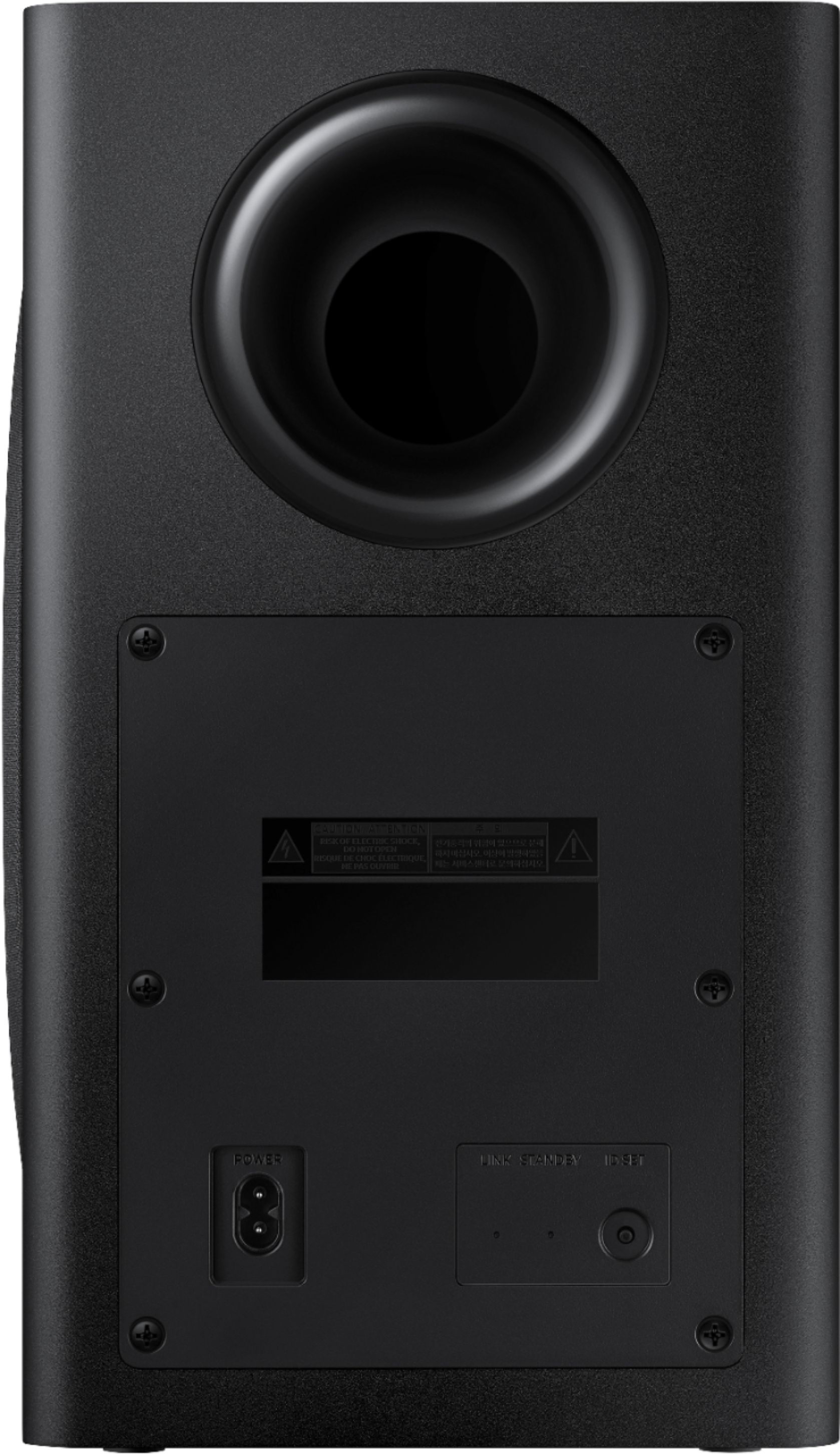
Samsung sound bar and woofer.
||Posted . Owned for 1 month when reviewed.This reviewer received promo considerations or sweepstakes entry for writing a review.Installation was quick and easy, although I think that the requirement for an optical cord should be made clear on the box, or noted by the Best Buy staff. Fortunately, I had one that I wasn't using.
I would recommend this to a friendSound bar
||Posted . Owned for 3 weeks when reviewed.This reviewer received promo considerations or sweepstakes entry for writing a review.I purchased to compliment a Samsung TV. Integration is excellent and set up is very easy. Sounds was less than what I expected. Just doesn’t produce that rich sound with strong bass.
I would recommend this to a friendGood sound at a reasonable price
||Posted . Owned for 3 weeks when reviewed.This reviewer received promo considerations or sweepstakes entry for writing a review.I love it. It was easy to install. Takes up so much less room than our other system and sounds pretty impressive especially for the modest price I paid. I would highly recommend the Samsung Soundbar
I would recommend this to a friendBarely notice at times
||Posted . Owned for more than 2 years when reviewed.This reviewer received promo considerations or sweepstakes entry for writing a review.Some times I barely notice it is even on. Doesn’t always pick up and can barely hear anything out of the speakers
No, I would not recommend this to a friendGreat sound bar!
||Posted . Owned for 5 months when reviewed.This reviewer received promo considerations or sweepstakes entry for writing a review.Love this surround bar! It worked great with our samsung smart tv. Just plugged it in and it worked with the tv and the tv remote. Really easy to use and to mount to the soundbar mount.
I would recommend this to a friendCrisp, high quality sound bar in a sleek design
||Posted . Owned for 3 weeks when reviewed.This reviewer received promo considerations or sweepstakes entry for writing a review.We bought this sound bar with the Q60T 65” TV and it sounds great. Has the HDMI arc feature which is very nice. The Bluetooth feature also makes connecting audio from wireless devices easy.
I would recommend this to a friendSound Bar, by guy optional rear speakers
||Posted . Owned for 1 month when reviewed.This reviewer received promo considerations or sweepstakes entry for writing a review.Could not get optional rear speakers to work. Terrible thin wires to connect to wireless device. Sound would not turn up. Returned the paid for extra add on rear speakers.
I would recommend this to a friendFull sound for movies, games, and music.
||Posted . Owned for 2 weeks when reviewed.This reviewer received promo considerations or sweepstakes entry for writing a review.The sound is incredible! Deep bass, all mids and highs are clear. Simple connectivity with the ARC input. Switching to Bluetooth to stream music was pleasantly easy. Exceeded my expectations.
I would recommend this to a friendGood sound
||Posted . Owned for 1 month when reviewed.This reviewer received promo considerations or sweepstakes entry for writing a review.For the day that I had this soundbar,it was great, but returned it for another system with the rear speakers, which was basically the same soundbar in the box with rear speakers
I would recommend this to a friendGreat product
||Posted . Owned for 3 weeks when reviewed.This reviewer received promo considerations or sweepstakes entry for writing a review.I purchased it for my wife it was hard to hear her Curved screen Samsung but after installation of the sound bar she said she could hear everything clearly. She is very pleased with the results.
I would recommend this to a friendGreat speakers!
||Posted . Owned for 1.5 years when reviewed.This reviewer received promo considerations or sweepstakes entry for writing a review.Sounds like a movie theater… seriously. This is one of the best soundbars I’ve ever listend to! Bluetooth works seemlessly with Samsung TV
I would recommend this to a friendGreat sound bar!
||Posted . Owned for 1 month when reviewed.This reviewer received promo considerations or sweepstakes entry for writing a review.Fabulous sound, and the subwoofer gives wonderful depth to movies and streaming music. I love having it attached to the bottom of the tv (which is mounted to the wall) Looks modern and sleek!
I would recommend this to a friendNice addition to your TV
||Posted . Owned for 1 month when reviewed.This reviewer received promo considerations or sweepstakes entry for writing a review.Bought this soundbar after upgrading my TV. It makes very rich sound. If you're watching movies a lot or listen to music a lot, you'll really appreciate this soundbar.
I would recommend this to a friend- Cons mentioned:Connectivity
Eh
||Posted . Owned for 1 month when reviewed.This reviewer received promo considerations or sweepstakes entry for writing a review.I have a bose 700 surround sound system in my living room and thought I'd get this one for the bedroom. The sound is pretty disappointing. I was thinking about returning it but the price wasn't bad. Another thing was that I thought it would be perfect pairing it with a Samsung TV, but it disconnects every so often. It's a process to connect it which I found on an online forum. Samsung needs to get it together.
No, I would not recommend this to a friendBrand response from Samsung
Posted .Hi Maav,
Thank you for sharing your review of the Samsung HW-Q60T Soundbar. I am sorry to see that you are not completely happy with the sound performance. This soundbar features a powerful wireless subwoofer, as well as Game Pro Mode, Dolby Digital Plus, and DTS Digital Surround for deep bass, rich sound, and clear tones.
You can try optimizing audio performance for your specific content by pressing the SOUND MODE button on your remote, and then selecting the desired sound effect by choosing STANDARD, SURROUND SOUND, GAME PRO, ADAPTIVE SOUND, or DTS VIRTUAL:X.
You can further adjust TREBLE and BASS via the SOUND CONTROL button (looks like a gear symbol).
There are two adjustments that can be made to maximize bass from the soundbar and subwoofer:
1) Using the WOOFER button on the remote, you can adjust the volume of the subwoofer between -6 to +6 by toggling the button up or down. To set the subwoofer volume level to 0, press the button in.
2) Adjust the bass control by pressing the SOUND CONTROL button (gear icon) on the remote control, then select BASS to increase the level. You can adjust the volume between -6 to +6 by using the Up/Down buttons.
For precise audio adjustments, you can use the 7-band frequency equalizer to optimize the sound for your room acoustics.
I am also sorry to hear that your soundbar disconnects every so often.
If you are connecting wirelessly via Bluetooth, please follow these steps:
1) Press the PAIR button on the remote to enter BT PAIRING mode
- “BT” changes to “BT PAIRING” in a few seconds automatically or changes to “BT READY” if there is a connect record.
- When “BT READY” appears, press and hold the (Mic On/Off) button on the top panel of the Soundbar for more than 5 seconds to display “BT PAIRING”.
2) Select Bluetooth mode on the Samsung TV: Home > Settings (gear button on remote) > Sound > Sound Output > Bluetooth Speaker List > [AV] Samsung Soundbar Q60T (Bluetooth))
3) Select “[AV] Samsung Soundbar Q60T” from the list on TV’s screen. An available Soundbar is indicated with “Need Pairing” or “Paired” on the TV’s Bluetooth device list. To connect the Samsung TV to the Soundbar, select the message, and then establish a connection.
- When the Samsung TV is connected, [TV Name] > “BT” appears on the Soundbar’s front display
4) After you have connected the Soundbar to your Samsung TV the first time, use the “BT READY” mode to reconnect.
If you have an existing Soundbar (e.g., [AV] Samsung Soundbar Q60T) on the list of speakers on the Samsung TV, delete it. Then repeat steps 1 through 3.
• After you have connected the Soundbar to your TV the first time, use the “BT READY” mode to
reconnect.
If you are disconnecting the Soundbar from the TV, press the (Source) button on the top panel or on the remote control and switch to any mode but “BT”.
• Disconnecting takes time because the TV must receive a response from the Soundbar.
(The time required may differ, depending on the TV model.)
• To cancel the automatic Bluetooth connection between the Soundbar and TV, press the Left button
on the remote control for 5 seconds with the Soundbar in “BT READY” status. (Toggle On → Off)
What is the difference between BT READY and BT PAIRING?
• BT READY : In this mode, you can search for previously connected TVs or connect a previously
connected mobile device to the Soundbar.
• BT PAIRING : In this mode, you can connect a new device to the Soundbar. (Press the PAIR button
on the remote control or press and hold the (Source) button on the top of the Soundbar for
more than 5 seconds while the Soundbar is in “BT” mode.)
Please note:
• If asked for a PIN code when connecting a Bluetooth device, enter <0000>.
• In Bluetooth connection mode, the Bluetooth connection will be lost if the distance between the
Soundbar and the Bluetooth device exceeds 32.8 ft (10 meters).
• The Soundbar automatically turns off after 20 minutes in the Ready state.
• The Soundbar may not perform Bluetooth search or connection correctly under the following
circumstances:
– If there is a strong electrical field around the Soundbar.
– If two or more Bluetooth devices are simultaneously paired with the Soundbar.
– If the Bluetooth device is turned off, not in place, or malfunctions.
• Electronic devices may cause radio interference. Devices that generate electromagnetic waves
must be kept away from the Soundbar main unit - e.g., microwaves, wireless LAN devices, etc.
If your issue persists, please contact Samsung Customer Support for assistance.
For further assistance, please contact Samsung Customer Support.
1) Phone: 1-800-SAMSUNG, (available 8AM to 12AM EST - 7 days a week)
2) LiveChat: https://www.samsung.com/us/support/#contact_us_for_support
3) Facebook Messenger: https://www.facebook.com/samsungsupport
4) Twitter: https://twitter.com/SamsungSupport
5) The Samsung Members Community is also a great resource for getting help from Samsung moderators and customers: https://us.community.samsung.com
If you have not already done so, we invite you to register your new Samsung product at:
https://www.samsung.com/us/account/signin/?redirect=https%3A%2F%2Fwww.samsung.com%2Fus%2Fsupport%2Fregister%2F
Registering your product gives you access to easy warranty support, convenient opt-in to special promos and offers, faster troubleshooting and service, and quick notification of system updates.
~ Samsung Ambassador
Surround sound
||Posted . Owned for 1 week when reviewed.This reviewer received promo considerations or sweepstakes entry for writing a review.I already have a full surround sound system but with my new smart tv I couldn't turn off internal speakers and hear my local stations through my surround sound system. This soundbar is awesome.
I would recommend this to a friendSamsung does it again....we love you Samsung!
||Posted . Owned for 3 weeks when reviewed.This reviewer received promo considerations or sweepstakes entry for writing a review.Samsung Q60 makes my Samsung 55 inch tv's audio sooooo much easier to understand. I later bought the matching rear speakers and am well pleased!
I would recommend this to a friendNice sound
||Posted . Owned for 3 weeks when reviewed.This reviewer received promo considerations or sweepstakes entry for writing a review.Nice sound wish tv and sound bar work together to give it more level of sound. It took a little while to figure how to set it up but once I got it I was happy.
I would recommend this to a friendGreat
||Posted . Owned for 1 week when reviewed.This reviewer received promo considerations or sweepstakes entry for writing a review.Great sound from the subwoofer and soundbar. Recommend pairing with wireless speakers for even better sound.
I would recommend this to a friendGreat soundbar
||Posted . Owned for 3 weeks when reviewed.This reviewer received promo considerations or sweepstakes entry for writing a review.The only problem I have is they don't give you good screws. I had to go find my own because the screws that it came with did not fit in the holes on the back of the soundbar.
I would recommend this to a friend- Pros mentioned:Bass
Soundbar
||Posted .This reviewer received promo considerations or sweepstakes entry for writing a review.Not exactly what I was expecting but is a bit better than just the tv alone. If you want it with a lot of bass it does do that.
I would recommend this to a friendBrand response from Samsung
Posted .Computer:
Thank you for purchasing the Samsung HW-S60T featuring Side Horn Speakers with Acoustic Beam and Adaptive Sound which delivers optimized sound based on each scene. I'm sorry to see that you are not completely happy with performance.
To optimize your audio experience, please try the various sound modes this model offers. Press the SOUND MODE button on your remote, and then select your desired sound effect: STANDARD, MUSIC, or ADAPTIVE SOUND.
You can further adjust TREBLE and BASS via the SOUND CONTROL button (looks like a gear symbol).
I hope this tip helps improve your sound experience. Should you need further assistance with features, functions, settings, or adjustments, please contact Samsung Customer Support.
1) Phone: 1-800-SAMSUNG, (available 8AM to 12AM EST - 7 days a week)
2) LiveChat: https://www.samsung.com/us/support/#contact_us_for_support
3) Facebook Messenger: https://www.facebook.com/samsungsupport
4) Twitter: https://twitter.com/SamsungSupport
5) The Samsung Members Community is also a great resource for getting help from Samsung moderators and customers: https://us.community.samsung.com
If you have not already done so, we invite you to register your new Samsung product at:
https://www.samsung.com/us/account/signin/?redirect=https%3A%2F%2Fwww.samsung.com%2Fus%2Fsupport%2Fregister%2F
Registering your product gives you access to easy warranty support, convenient opt-in to special promos and offers, faster troubleshooting and service, and quick notification of system updates.
~ Samsung Ambassador