Customer Ratings & Reviews


- Model:
- UN50MU6300FXZA
- SKU:
- 5762002
Rating by feature
- Value
Rating 4.5 out of 5 stars
- Quality
Rating 4.6 out of 5 stars
- Ease of Use
Rating 4.6 out of 5 stars
Customers are saying
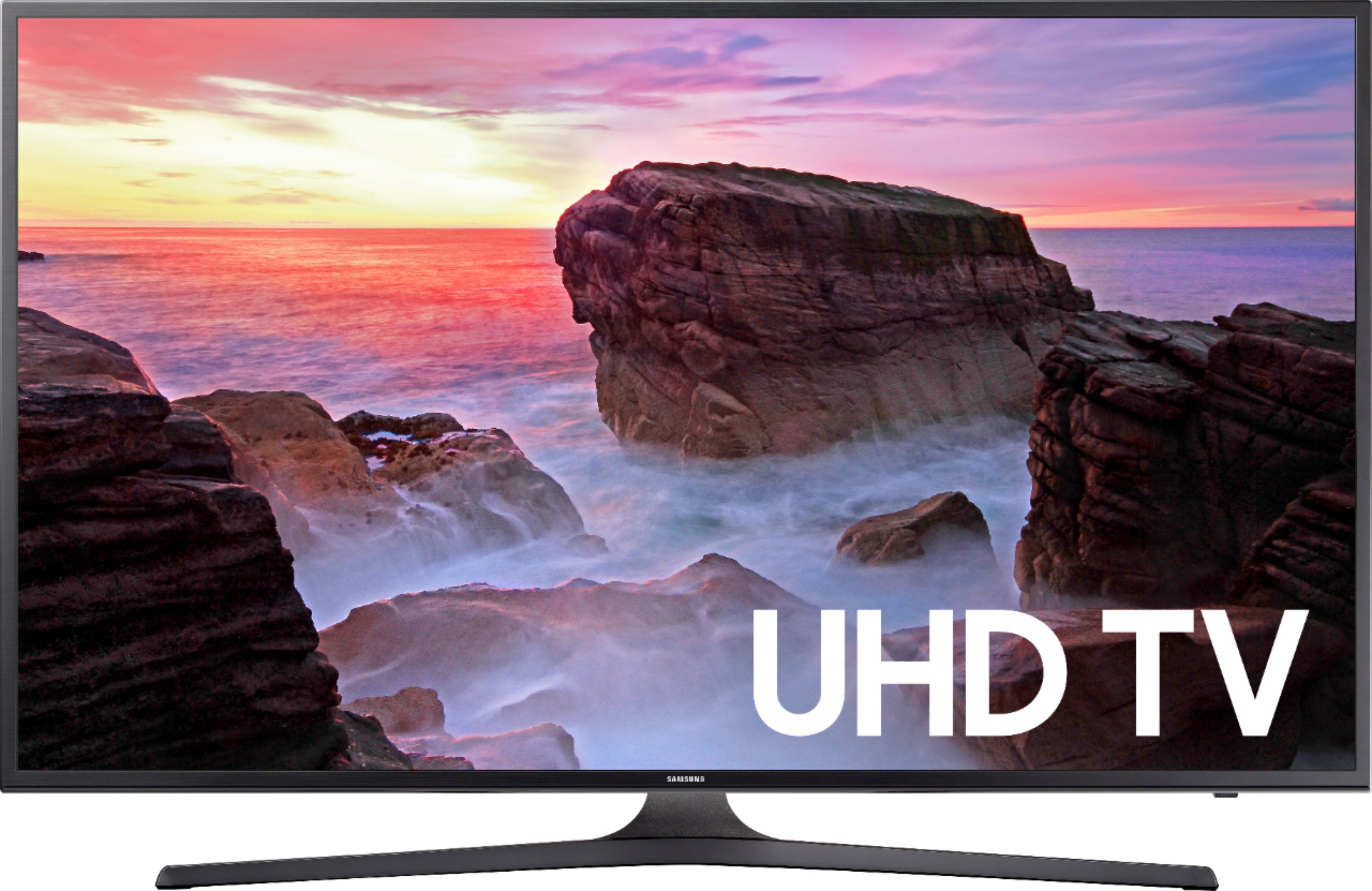
Customers admire the 50" Class 4K Ultra HD TV for its exceptional picture quality and user-friendly setup process. Many users also appreciate the great value for the price. While some users have concerns about the remote control's usability and the sound quality, the overall positive feedback suggests that this TV meets the expectations of most customers.
This summary was generated by AI based on customer reviews.
- Pros mentioned:Picture qualityCons mentioned:Bluetooth
Not a good TV if you use with AV receiver
Posted .This reviewer received promo considerations or sweepstakes entry for writing a review.This TV is anything but smart. It might be ok for a standalone, but with an AV system its very annoying. It also has bad bluetooth- it cuts out badly at short distance with my Beats wireless headphones. As for the AV issues, here goes- does not play well with Amazon Firestick. I gave up on trying to rename the input to Firestick, it always reverts back to HDMI3. It also has an annoying habit of switching to a different input device when you don't want it to. The remote falls short of being compatible with my dish receiver and my Pioneer Elite AV receiver. Other comments- picture is ok, better than some other LED tvs, good blacks. I had to adjust it some to get it pleasing. Also it sometimes forgets settings and you have to start over. I am thinking at this point of switching to a Vizio or another tv, that is not so "smart".
No, I would not recommend this to a friendBrand response from MrSamsung
Posted .DCnWV,
Thank you for purchasing and reviewing this Samsung 50" Class MU6300 UHD TV. Your user feedback about the control functionality is very important to us and will be shared with our TV team for future improvement.
Please do reach out to us should you have any questions, concerns, or need assistance.
You can contact Samsung Customer Support toll-free at 1-800-SAMSUNG.
Or by LiveChat or email. Please copy-paste this link into your browser: http://www.samsung.com/us/support/contact
We are likewise reachable on our Samsung Support Facebook page at: https://www.facebook.com/samsungsupport/app/158125230916392/
Again, thank you for taking the time to share your experience and provide us with information that helps improve our products and service.
-Samsung Ambassador
Having problems with the sound and pixels
||Posted .This reviewer received promo considerations or sweepstakes entry for writing a review.Sound cuts out intermittently after a couple of hours, and also goes quiet then back to normal.
No, I would not recommend this to a friendOld Tv was 100% better!!
||Posted .This reviewer received promo considerations or sweepstakes entry for writing a review.Sorry to say but the worse tv I ever purchased. Lousy sound and judder functions.
No, I would not recommend this to a friendBrand response from MsSamsung
Posted .Hello 1227, we understand your frustration with this TV. If you are still having issues, please feel free to fill out this form and our Social Media department would be more than happy to assist you. http://smsn.us/SamsungSupportUSA ^Michelle

Tv came Marks and scuffs
||Posted .This reviewer received promo considerations or sweepstakes entry for writing a review.Don’t like the tv, the tv came with scuffs and dings looks like it was a used tv
No, I would not recommend this to a friendBrand response from MrSamsung
Posted .Reyna
,
Thank you for your review on this Samsung MU6300 4K Smart TV.
I am sorry you had issues with the purchase experience of your TV. Your feedback is important to us and we will document your concerns.
If you ever need assistance with the TV itself, please reach out to Samsung Customer Support at 1-800-SAMSUNG
You can also contact Samsung via LiveChat or email. Please copy-paste this link into your browser: http://www.samsung.com/us/support/contact
We are likewise reachable on our Samsung Support Facebook page at: https://www.facebook.com/samsungsupport/app/158125230916392/
Again, thank you for bringing the issue to our attention – we greatly value your feedback and utilize your concerns and opinions in our relentless efforts towards delivering world-class service and products.
-Samsung Ambassador
- Pros mentioned:Picture quality
Great and Terrible!!!
Posted .This reviewer received promo considerations or sweepstakes entry for writing a review.The picture is beautiful when watching movies/tv or anything that isn't moving fast! BUT, I love to watch sports! The 120 motion or 60htz cannot come close to keeping up with the movement in a game. A hockey game looks like there are 3 pucks following each other and each player looks like he's swinging 3 sticks! lol I rate the tv 5 stars for movies and shows but 1 star for sports! I actually get nervous and jittery from watching all the flickering during a game...for that I will be forced to return the tv! Love the internet browser and tv software set up too, easy to use! If you don't like sports, this is a great tv especially for under a $500 price tag!
No, I would not recommend this to a friendBrand response from MrSamsung
Posted .samsungian,
Thank you for your review of this Samsung MU6300 UHD Smart TV.
I am sorry to see that you are not happy with the motion image quality.
Have you tried adjusting Auto Motion Plus? It is a feature designed to eliminate blur and judder on an LED TV, specifically in fast moving images. It does so by taking a 30 fps signal and adds in additional frames to help smooth out any blur or judder between frames, called interpolation.
Here is the step-by-step guide to change Auto Motion Plus settings:
With the TV powered on, press the Home button on the Samsung remote to open the Home screen> Select Settings>.Select Picture > Select Expert Settings> Select Auto Motion Plus.
(Note: This option may not be visible initially. Continue scrolling through the Expert Settings Menu to locate Auto Motion Plus)
>Select Auto Motion Plus again, and you will see the following three options:
◦Off: Auto Motion Plus will always be off.
◦Auto: Auto Motion Plus will automatically activate and deactivate based on the type of program being watched.
◦Custom: Allows custom adjustments and settings to be used.
By selecting the Custom option, you can access these advanced settings:
- Blur Reduction: Use the directional keys on the remote to adjust the Blur setting.
- Judder Reduction: Use the directional keys on the remote to adjust the Judder setting.
- LED Clear Motion: Select to turn On/Off.
For further assistance, please contact Samsung Customer Support toll-free at 1-800-SAMSUNG and a representative will gladly help you.
You can also contact Samsung via LiveChat or email. Please copy-paste this link into your browser: http://www.samsung.com/us/support/contact
We are likewise reachable on our Samsung Support Facebook page at: https://www.facebook.com/samsungsupport/app/158125230916392/
Again, thank you for taking the time to share your experience and provide us with information that helps improve our products and service.
-Samsung Ambassador
- Pros mentioned:Picture quality
Loaded for the price
Posted .This reviewer received promo considerations or sweepstakes entry for writing a review.I did a lot of comparing between TV size and options. This one has all of the functions that pricier TVs have. I previously had a 2010 model 47” Samsung and never had a problem until a lightening strike last month. This one has a super picture and sound. I set this up in less than 20 minutes. Thank you lightening strike!!!
I would recommend this to a friend - Pros mentioned:Ease of use, Picture quality, Remote control
Met my expectations
Posted .This reviewer received promo considerations or sweepstakes entry for writing a review.Tv has a clear picture and remote is really easy to use. The apps are easy to navigate and so far TV has met my expectations. I would recommend this TV to a friend or family member.
I would recommend this to a friend - Pros mentioned:Picture quality
Awesome smart TV
Posted .This reviewer received promo considerations or sweepstakes entry for writing a review.Incredible smart tv. Never been disappointed by a smart tv from Samsung. Great picture and accurate colors
I would recommend this to a friend - Pros mentioned:Picture quality
Poor Customer Service, Unwanted Ads
Posted .This reviewer received promo considerations or sweepstakes entry for writing a review.Upon setting up this TV, I was very happy. The picture quality was awesome and the smart features were fast and plentiful. About a week into use, I noticed that the "smart hub" was providing me with "sponsored" apps or TV shows. When I registered my TV, i made sure to restrict the TV from sending me any unwanted advertisements. After spending $600+, I did not feel that is was necessary for me to be subject to unwanted advertisements. I have spent over an hour on the phone with 3 customer service reps and am still unable to remove the ads from the smart hub feature. If you plan on using the smart features of this TV, I strongly urge you to look into other brands that will not spam you with advertisements. If I am unable to resolve my issue, I will be returning this TV for another brands.
No, I would not recommend this to a friend - Cons mentioned:Viewing angle
Great picture, easy to set up
Posted .This reviewer received promo considerations or sweepstakes entry for writing a review.We are very happy with this TV. But, 2 'cons' I will point out: o The audio is weak. We solved this with a Samsung sound bar. o This replaced a (dead) plasma TV. The old plasma allowed us to see a great picture from any angle. Unfortunately, this LED technology only really viewable from in front.
I would recommend this to a friend - Pros mentioned:Picture quality
Buy this tv lol
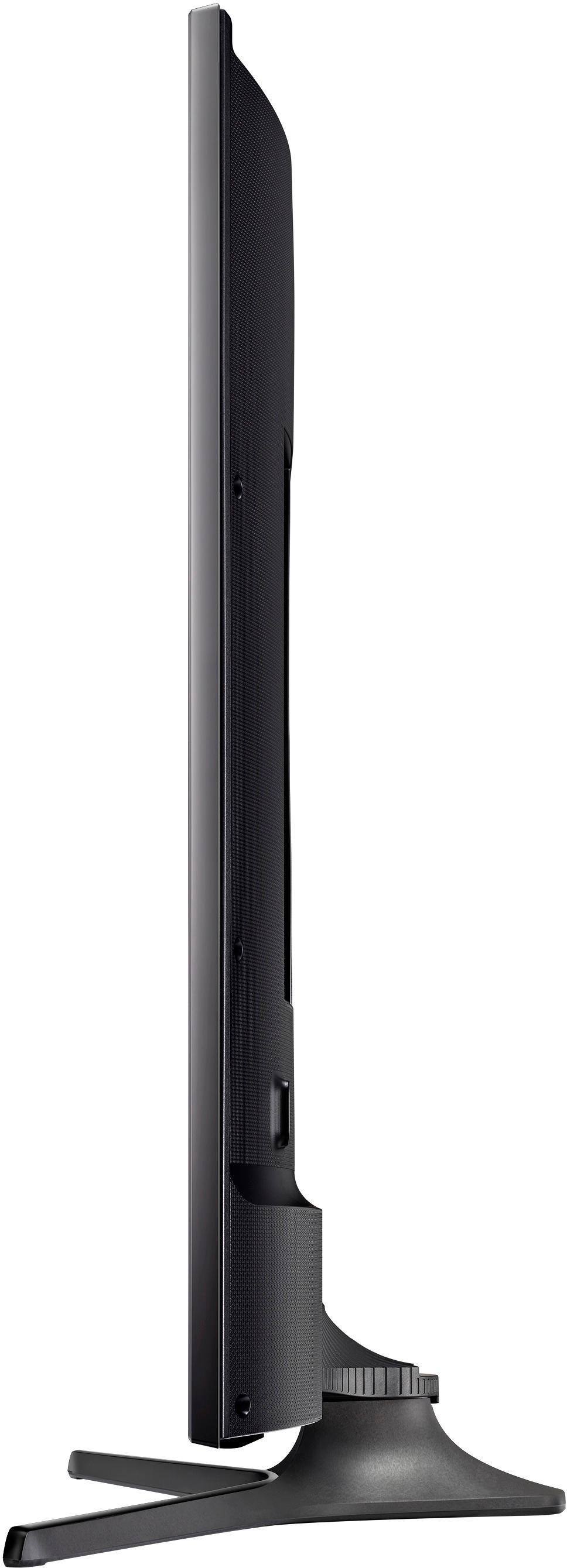
Posted .This reviewer received promo considerations or sweepstakes entry for writing a review.So I bought it on Black Friday for 399 which was a good deal to begin with. But the tv quality is great. The visuals are top notch. The tv comes on very fast when clicking the power button, you will wait less than a second before the picture comes up. Same thing with the apps like Netflix and Hulu which we have. There’s no wait time to connect to the internet when you turn the tv on. The last Samsung we had, had about a minute wait before it connected to the internet and open Netflix which was a bit annoying so now that you don’t have to wait is great. The only thing I can actually complain about is the stand itself. It is plastic. It’s well made plastic but plastic none the less. I’m sure I could go out and buy one that’s metal or something but talking straight out the box, that’s really all I could complain about but I think it’s a standard tv stand with almost all the Samsung models. Also the 2 hdmi cords but whatever, it was $399 so. All in all the quality is great, the 4K really stands out (watch some 4K videos on YouTube and it will blow you away) and is a good size for apartments or houses really for that matter.
I would recommend this to a friend Love Samsung
Posted .This reviewer received promo considerations or sweepstakes entry for writing a review.I've had this smart TV for six years and it's still going strong. The quality has not diminished and now looking to purchase another one this year 2023. I've never had any issues with Samsung.
I would recommend this to a friend- Pros mentioned:Picture quality, Remote control
Nice bedroom TV
Posted .This reviewer received promo considerations or sweepstakes entry for writing a review.I up graded my TV in my bedroom. it has great picture quality. best thing for me is the easy to use remote control. I'm buying one for my son's room
I would recommend this to a friend Samsung
Posted .This reviewer received promo considerations or sweepstakes entry for writing a review.It’s a great tv…………………………………………. ………………………… …………………………
I would recommend this to a friendGreat tv for the price
Posted .This reviewer received promo considerations or sweepstakes entry for writing a review.It has HDR and gets pretty bright around 350 nits for it's class of tv. The smart tv apps run smooth and the viewing angles are great for a VA panel.
I would recommend this to a friend- Pros mentioned:Picture quality
Not so smart tv
Posted .This reviewer received promo considerations or sweepstakes entry for writing a review.TV picture and sound are excellent. Smart tv is not smart enough to connect to the Samsung Server. Customer service is not any smarter. Based on the online forums this is a very common problem and no one including customer service after hours can solve the issue. If you don't care about the smart capability and getting an error message every time you turn it on, it is a great deal.
No, I would not recommend this to a friendBrand response from MrSamsung
Posted .umsokc,
Thank you for purchasing the Samsung 50" Class MU6300 UHD TV. I am sorry to hear that you are experiencing issue with the Smarthub.
Please give us the opportunity to assist you by contacting us via one of the following options:
1) call Samsung Customer Support toll-free at 1-800-SAMSUNG.
2) reach us via LiveChat or email. Please copy-paste this link into your browser: http://www.samsung.com/us/support/contact
3) Connect with us on our Samsung Support Facebook page at: https://www.facebook.com/samsungsupport/app/158125230916392/
Again, I am very sorry for the inconveniences you have had, and hope that we will hear from you soon.
-Samsung Ambassador
- Pros mentioned:Picture quality
Remote Control is Awful
Posted .This reviewer received promo considerations or sweepstakes entry for writing a review.I bought this to replace a Roku TV that I returned to the store and I have to say that the picture seems to be nice. That's about where it ends. The audio is terrible which shouldn't be. The big problem is the horrible remote control. Who ever designed this remote control did an awful job. First of all the remote is too small and my hand is too large making it really difficult to use and requiring me to use both hands. Family members complain about the remote control also and apparently only one can be used at time once it's paired with the TV. No way to control the volume except through a voice command which is ridiculous. I don't know if it's possible to purchase a better remote that can allow full functionality so it looks like I will have to use a universal remote to change the channel and volume and the TV remote to enter the smart settings. The fact I need two remotes to operate one TV should have been a thing in the distant past. The other issue is there is no way to stretch pictures in order to eliminate the annoying bars that come up on the sides and top of the screen when watching non HD programming. Overall not really that happy with this purchase and I probably should have returned it but there isn't that many other options right now in this price range.
No, I would not recommend this to a friendBrand response from MrSamsung
Posted .JWishbone,
Thank you for purchasing and reviewing this Samsung MU6300 4K TV. We value your user feedback on the remote functionality and will share it with our product team.
Should you need assistance with features or usage, please contact Samsung Customer Support toll-free at 1-800-SAMSUNG and a representative will gladly help you.
You can also contact Samsung via LiveChat or email. Please copy-paste this link into your browser: http://www.samsung.com/us/support/contact
We are also live on our Samsung Support Facebook page at: https://www.facebook.com/samsungsupport/app/158125230916392/
Again, thank you for taking the time to share your experience and provide us with information that helps improve our products and service.
-Samsung Ambassador
- Pros mentioned:Picture quality
Samsung TV
Posted .This reviewer received promo considerations or sweepstakes entry for writing a review.I love this TV. We have decided to upgrade to a 2021 model but there is absolutely nothing wrong with this model. I will stay with all Samsung products!!
I would recommend this to a friend - Pros mentioned:Picture qualityCons mentioned:Bluetooth
Bluetooth
Posted .This reviewer received promo considerations or sweepstakes entry for writing a review.Installed in garage. Great image. Used a decent wall mount that swivels and tilts to alleviate glare issues. Bluetooth device (Bose QC35 headphones) need to be disconnected from any other device and rebooted to be seen by TV. If other device (iPhone) reconnects automatically to headphones, Bluetooth in iPhone (or any other device) needs to be shut off to prevent reconnect before rebooting headphones. Something is screwy in the Bluetooth firmware in this TV. I've spent plenty of time and money on other Bluetooth transmitters and tested all other interfaces with these headphones and conclusively determined the tv is the problem. I'm recommending this product because we (who connect and disconnect a Bluetooth device regularly) are likely few and far between.
I would recommend this to a friend Great TV
Posted .This reviewer received promo considerations or sweepstakes entry for writing a review.I purchased my TV around Christmas and received an excellent deal. The color is great. Customer service is great. I have two complaints. I don’t care for the TV stand and my TV remote.
I would recommend this to a friend