Customer Ratings & Reviews
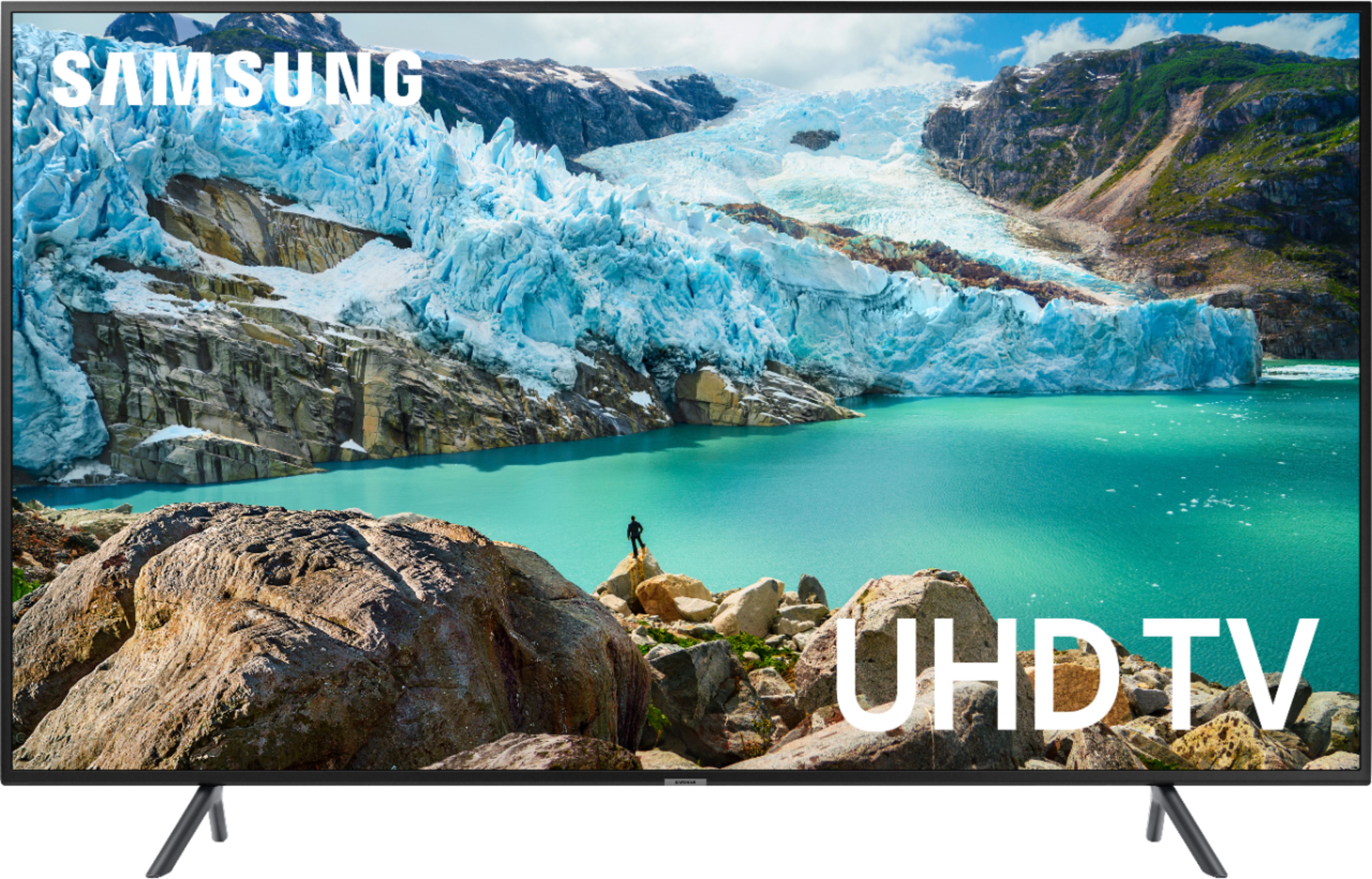
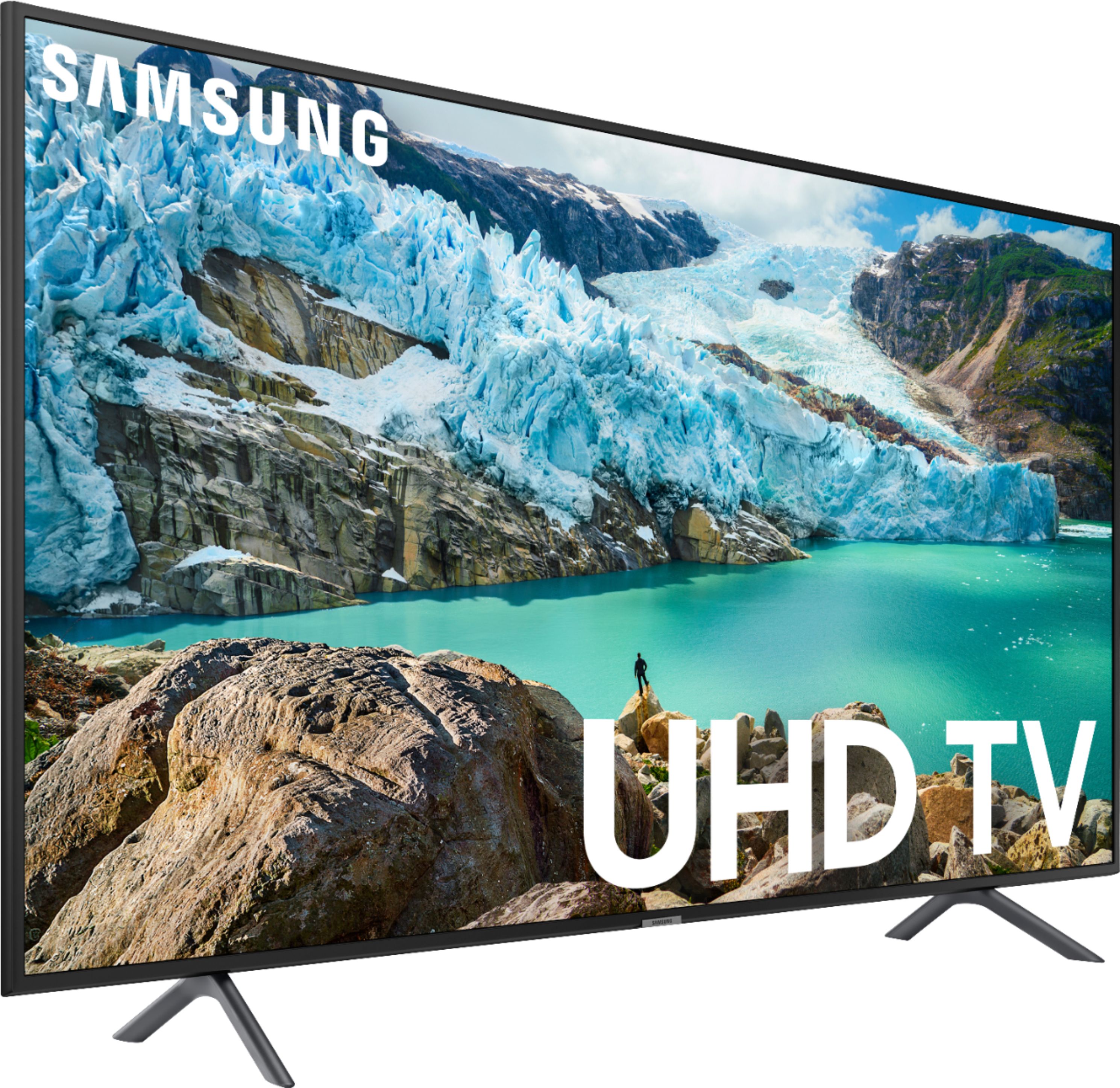
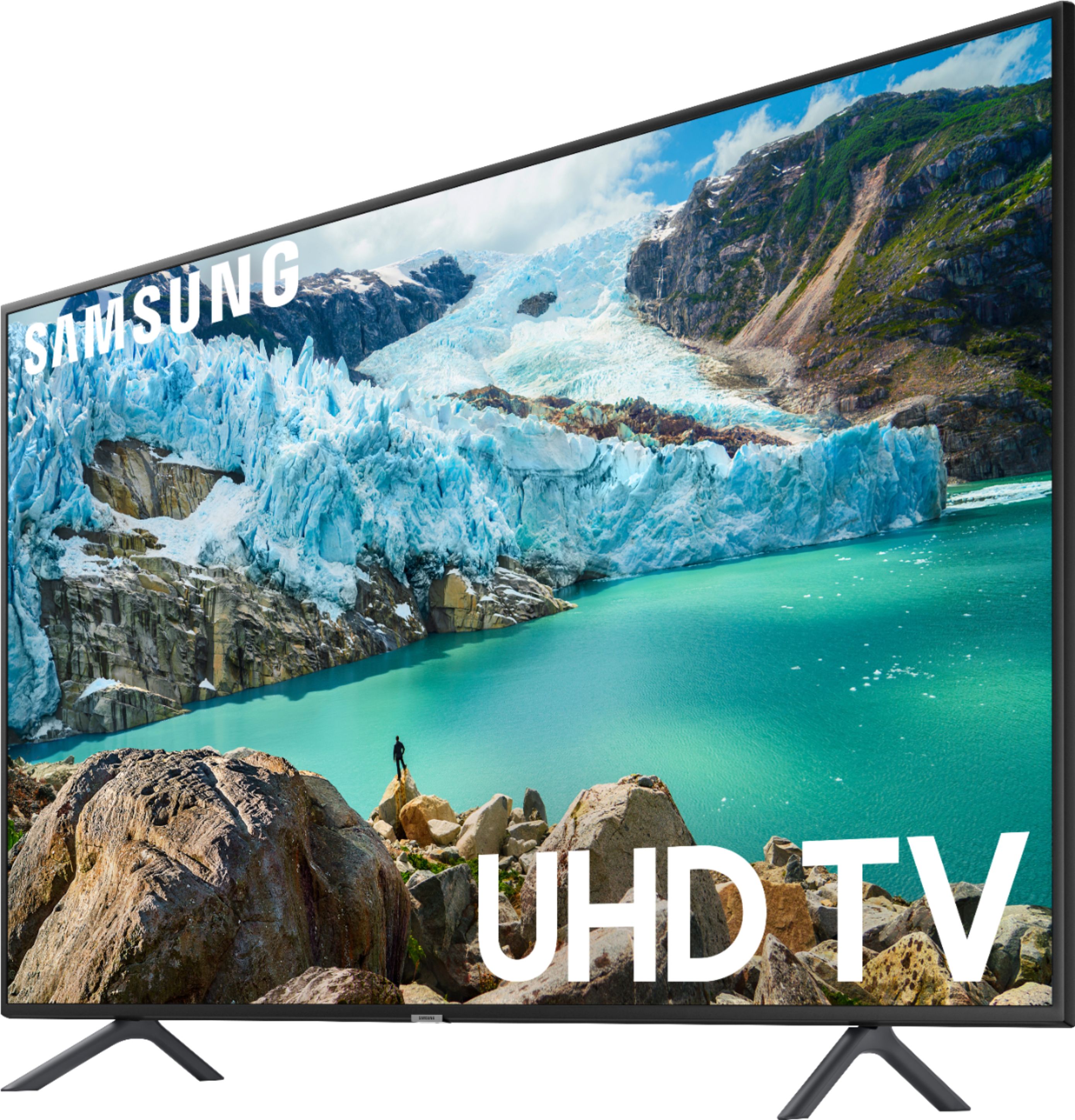
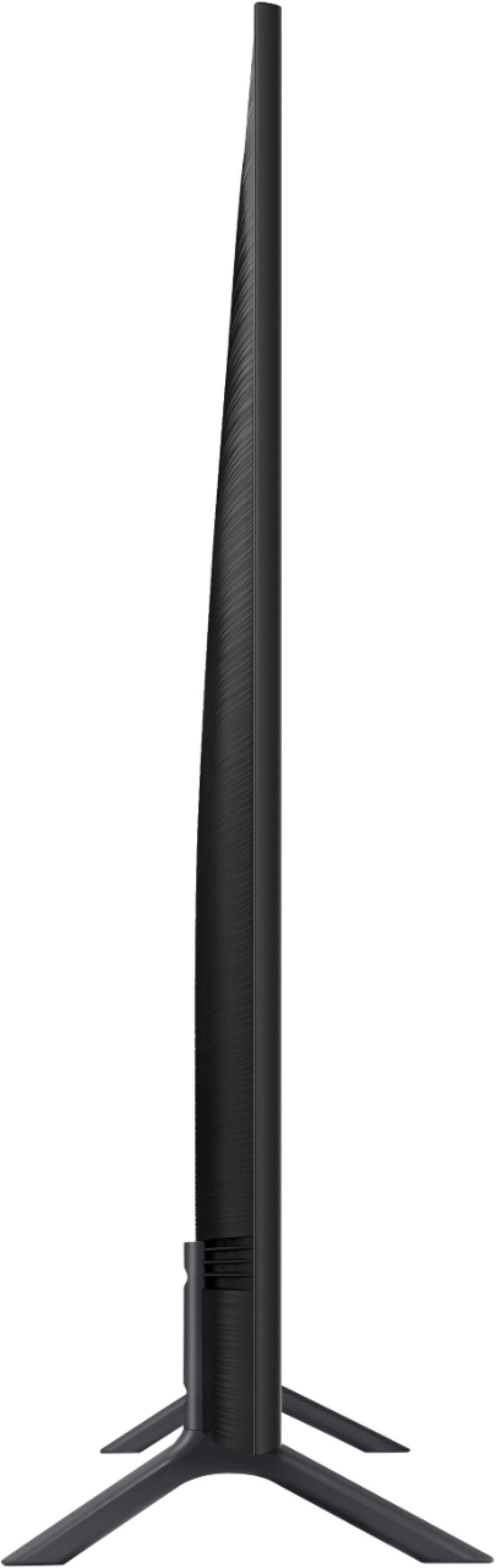


- Model:
- UN50RU7100FXZA
- SKU:
- 6323733
Rating by feature
- Picture Quality
Rating 4.5 out of 5 stars
- Sound Quality
Rating 4.3 out of 5 stars
- Brightness
Rating 4.5 out of 5 stars
Customers are saying
Customers are impressed with the 50" Class 7 Series LED 4K UHD Smart Tizen TV's picture quality, calling it "amazing" and praising its "great" quality. Many also appreciate its easy setup and simple remote, as well as its affordable price. However, some customers have expressed dissatisfaction with the remote control and the limited viewing angle.
This summary was generated by AI based on customer reviews.
Defective Screen
||Posted .This reviewer received promo considerations or sweepstakes entry for writing a review.TV screen suddenly stopped working after 2 years without any kind of shock or whatsoever. It went dark on its own and will not come on. the TV still powers on and still has audio sound.
No, I would not recommend this to a friendCan’t use it, didn’t get the screws to attach stan
||Posted . Owned for 3 weeks when reviewed.This reviewer received promo considerations or sweepstakes entry for writing a review.The TV came without the screws necessary to attach the stand. A second TV that came at the same time did have the screws so I was able to give Best Buy the part number, but they never asked. After 45 minutes on the telephone and having been transferred no less than 7 times I learned that Best Buy does not have any system in place to send me 4 screws. One of the means to rectify the situation was to return the tv and get a new one because they can’t send me 4 screws. If this is the way they do business, I would recommend all stockholders to sell, really, return the tv for a new one is easier than sending me 4 screws.
No, I would not recommend this to a friendKeeps Turning Off
||Posted . Owned for 1 year when reviewed.This reviewer received promo considerations or sweepstakes entry for writing a review.This TV has given me quite the headache as it keeps turning off while I am watching something on it's own and I don't have any timers set for it to be doing so. I can't find any way to fix it.
No, I would not recommend this to a friendexcellent clear picture on most all channels
||Posted . Owned for 1 month when reviewed.This reviewer received promo considerations or sweepstakes entry for writing a review.Love my new samsung tv, but does anyone know why it keeps telling me I have no network connection for some of the channels, when I do have a connection. I'm unable to view these lower tier channels at times.
I would recommend this to a friendBrand response from Samsung
Posted .bonbon,
Thank you for purchasing the Samsung 4K Smart TV. I am sorry to hear that you are experiencing issues with your network connection.
We suggest you to perform a network test to check if there is a network problem.
Press the Home button on your remote. Navigate to Settings > General. Then, select Network > Network Status. The network status test will finish and show the status of your network connection. If the test concludes that the unit needs service, please contact us via any of the following options:
1) Phone: 1-800-SAMSUNG (ask for TVs) Available 8AM - 12AM EST (Mon-Fri) / 9AM - 11PM EST (Sat-Sun)
2) LiveChat or Email: https://www.samsung.com/us/support/#contact_us_for_support
3) Facebook Messenger: https://www.facebook.com/samsungsupport
4) Twitter: https://twitter.com/SamsungSupport
Again, my apologies for the inconveniences you have had. We do hope to hear from you.
-Samsung Ambassador
terrible picture
||Posted . Owned for 2 weeks when reviewed.This reviewer received promo considerations or sweepstakes entry for writing a review.Purchased because 50" LG finally failed. I thought I was getting a better model than the LG because I hat purchased a Samsung 55" in December and everything about the 55" was superb. After unpacking the new Samsung and setting up I noticed that the picture quality was terrible, not clear, Called cable company and they sent a installer to check to see if my tivo was at fault and it was not so it had to be the tv which I returned and exchanged for a different model.
No, I would not recommend this to a friendBrand response from Samsung
Posted .mikeM:
I am so very sorry to hear that you were not happy with the picture quality of your Samsung 7 Series and have returned it.
If you should ever decide to give Samsung TVs another try, and have concerns or questions, please know that we are here to help. You can reach us via any of the below options:
1) Phone: 1-800-SAMSUNG (ask for TVs) Available 8AM - 12AM EST (Mon-Fri) / 9AM - 11PM EST (Sat-Sun)
2) LiveChat or Email: https://www.samsung.com/us/support/#contact_us_for_support
3) Facebook Messenger: https://www.facebook.com/samsungsupport
4) Twitter: https://twitter.com/SamsungSupport
5) The Samsung TV Community is also a great resource for getting help from Samsung moderators and customers: https://us.community.samsung.com/
Again, our apologies...and we hope to regain your interest in the future.
Poor picture quality
||Posted . Owned for 3 weeks when reviewed.This reviewer received promo considerations or sweepstakes entry for writing a review.I have owned nothing but Samsung TV’s and have five currently. This one is by far the worse. Picture is not sharp at all. I understand it’s not the best TV, but certainly expected better.
No, I would not recommend this to a friendStopped working after 2 months
||Posted . Owned for 2 months when reviewed.This reviewer received promo considerations or sweepstakes entry for writing a review.I bought this TV during Christmas, brand new in the box, unopened. The TV does not have any physical buttons on it. So one day we were watching it and it just stop, black out, no sign of live, it was the first and the last time that happened. Nothing we did brought it back to life after that. We press the power button on the remote first, nothing. We unplugged it from the power source and plug it back in, nothing. We unplugged let it seat for two days plug it back, nothing. Tried to reset the remote, nothing.
No, I would not recommend this to a friendOk
||Posted . Owned for 1 month when reviewed.This reviewer received promo considerations or sweepstakes entry for writing a review.In store the picture was clearer than now I have it at home. I believed the 4K meant that I would have a cleaner brighter picture but that not true. My old TV picture is better .
No, I would not recommend this to a friendBrand response from Samsung
Posted .Trina,
Thank you for your review of this TV. I am sorry to hear that you were not happy with picture quality.
The TV will upscale as best as possible any content sent to it. The closer the signal is to 4K, the better it will look coming out. It is also designed with lots of custom settings, allowing users to adjust images to their liking.
You can configure the screen settings to your taste. Complete details can be found on page 95-96 of the eManual:
http://downloadcenter.samsung.com/content/UM/201907/20190701114654234/MUSATSCR-3.0.8_EM_MUSE_USA_ENG-US.pdf
Our customer support representatives are more than happy to assist you with finer adjustments. Simply phone us at 1-800-SAMSUNG (ask for TVs).
You can also contact Samsung via LiveChat or email. Please copy-paste this link into your browser: http://www.samsung.com/us/support/contact
We are likewise reachable by Facebook Messenger at: https://www.facebook.com/samsungsupport
Or Find us on Twitter at: https://twitter.com/SamsungSupport
-Samsung Ambassador
- Cons mentioned:Remote control
open box no remote include.
||Posted . Owned for 1 week when reviewed.This reviewer received promo considerations or sweepstakes entry for writing a review.open box did not had the remote include. i just found about it after they gave me the tv
No, I would not recommend this to a friend Dull tv
||Posted . Owned for 3 weeks when reviewed.This reviewer received promo considerations or sweepstakes entry for writing a review.This TV was very dull , looking from the side was a wash out and had ambient light adjustment that you could not change , crappy TV
No, I would not recommend this to a friendEasy setup but having issues
||Posted . Owned for 1 month when reviewed.This reviewer received promo considerations or sweepstakes entry for writing a review.Having issues with sound not coming back when turning on. Have to bounce between sources to get it back.
No, I would not recommend this to a friendDon't buy - Screen went out after 2 years
||Posted .This reviewer received promo considerations or sweepstakes entry for writing a review.Setup from the get go was a pain and the screen went out after 2 years. Such a disappointment I have always heard good things about Samsung but I should have looked more closely at the negative reviews. I will never purchase a Samsung again.
No, I would not recommend this to a friendsamsung tv
||Posted . Owned for 3 weeks when reviewed.This reviewer received promo considerations or sweepstakes entry for writing a review.hate it, need to unplug from wall to reset it so we can have sound
No, I would not recommend this to a friendBrand response from Samsung
Posted .arline:
I am very sorry to see that you are experiencing some issues with sound.
So that we can better understand and troubleshoot this issue, please reach out to Samsung TV Support at:
1) Phone: 1-800-SAMSUNG (ask for TVs) Available 8AM - 12AM EST (Mon-Fri) / 9AM - 11PM EST (Sat-Sun)
2) LiveChat or Email: https://www.samsung.com/us/support/#contact_us_for_support
3) Facebook Messenger: https://www.facebook.com/samsungsupport
4) Twitter: https://twitter.com/SamsungSupport
5) The Samsung TV Community is also a great resource for getting help from Samsung moderators and customers: https://us.community.samsung.com/
If you have not already done so, we invite you to register your new Samsung product at: https://www.samsung.com/us/support/register/
Registering your product gives you access to easy warranty support, convenient opt-in to special promos & offers, faster troubleshooting & service, and quick notification of system updates.
Not what I expected from Samsung.
||Posted . Owned for 5 months when reviewed.This reviewer received promo considerations or sweepstakes entry for writing a review.No matter what I did, the picture was just below par...so much so that I brought it back.
No, I would not recommend this to a friend- Pros mentioned:Ease of use
Good Tv
||Posted . Owned for 1 month when reviewed.This reviewer received promo considerations or sweepstakes entry for writing a review.Easy to set up and just what I needed. Use it mostly for games.
I would recommend this to a friendBrand response from Samsung
Posted .gman,
Thank you for purchasing the Samsung 50" RU7100 Smart 4K TV.
I'm glad to see that you are happy with this TV, and using it for gaming.
However, you have given this model a 1-star rating, which is the worst rating possible.
If there is anything we can do to assist you and provide solutions to improve your experience to 5 stars, please contact Samsung Support via any of the below options:
1) Phone: 1-800-SAMSUNG (ask for TVs) Available 8AM - 12AM EST (Mon-Fri) / 9AM - 11PM EST (Sat-Sun)
2) LiveChat or Email: https://www.samsung.com/us/support/#contact_us_for_support
3) Facebook Messenger: https://www.facebook.com/samsungsupport
4) Twitter: https://twitter.com/SamsungSupport
5) The Samsung TV Community is also a great resource for getting help from Samsung moderators and customers: https://us.community.samsung.com/
To optimize your product experience, we encourage you to register your new Samsung product at: https://www.samsung.com/us/support/register/
…and gain access to easy warranty support, convenient opt-in to special promos & offers, faster troubleshooting & service, and quick notification of system updates.
Thank you for choosing Samsung.
50 Inch Samsung 7100 Series has worst picture ever
||Posted . Owned for 3 weeks when reviewed.This reviewer received promo considerations or sweepstakes entry for writing a review.7100 Series Samsung TV has the worst picture. Picture is Washed out and too bright. Best Buy agents had no explanation nor help and would not take the TV back. All Best Buy would do was try to up sell me on a more expense TV. Do not waste your time with this TV
No, I would not recommend this to a friendBrand response from Samsung
Posted .FirstB1B,
Please know that the NU7 offers several preset picture modes for easily optimizing your viewing experience:
1) Dynamic: Makes the picture brighter and clearer in bright viewing environments.
2) Standard: Is the default mode suitable for general viewing environments.
3) Natural: Reduces eye strain for a comfortable viewing experience.
4) Movie: Is suitable for watching TV or movies in a dark room.
You may also wish to try configuring advanced picture settings. Instructions can be found on Page 96-99 of our e-manual: http://downloadcenter.samsung.com/content/UM/201907/20190701114654234/MUSATSCR-3.0.8_EM_MUSE_USA_ENG-US.pdf
Our TV Support Team is ready to assist you with image quality adjustments tailored to your preferred viewing experience. You can reach us via any of the following options:
1) Phone: 1-800-SAMSUNG (ask for TVs) Available 8AM - 12AM EST (Mon-Fri) / 9AM - 11PM EST (Sat-Sun)
2) LiveChat or Email: https://www.samsung.com/us/support/#contact_us_for_support
3) Facebook Messenger: https://www.facebook.com/samsungsupport
4) Twitter: https://twitter.com/SamsungSupport
5) The Samsung TV Community is also a great resource for getting help from Samsung moderators and customers: https://us.community.samsung.com/
Again, thank you for taking the time to share your thoughts on this product. Your invaluable feedback helps us continuously deliver exceptional products and service.
- Samsung Ambassador
Color not great
||Posted . Owned for 3 weeks when reviewed.This reviewer received promo considerations or sweepstakes entry for writing a review.TV picture is not great at all when you are looking from the side- color is terrible !
No, I would not recommend this to a friendOkay
||Posted .This reviewer received promo considerations or sweepstakes entry for writing a review.Doing it's job. I will buy again if the price is right.
I would recommend this to a friendBad connection
||Posted . Owned for 1 month when reviewed.This reviewer received promo considerations or sweepstakes entry for writing a review.It’s junk it will not connect to internet and if it did it disconnects
No, I would not recommend this to a friendBrand response from Samsung
Posted .VeeAnne,
Please know that Samsung has been working on a solution for the WiFi connection issue and will be releasing a firmware update soon.
Meanwhile, we recommend to reboot your TV as a temporary fix.
Please unplug TV’s power cord and re-plug in, or press power button on the remote, hold power button 5+ sec to restart the TV.
If the WiFi connection issue persists, please contact Samsung TV Support for assistance:
1) Phone: 1-800-SAMSUNG (ask for TVs) Available 8AM - 12AM EST (Mon-Fri) / 9AM - 11PM EST (Sat-Sun)
2) LiveChat or Email: https://www.samsung.com/us/support/#contact_us_for_support
3) Facebook Messenger: https://www.facebook.com/samsungsupport
4) Twitter: https://twitter.com/SamsungSupport
Thank you for your patience and for choosing Samsung.
- Samsung Ambassador
Very disappointed in both the product and service.
||Posted . Owned for 2 months when reviewed.This reviewer received promo considerations or sweepstakes entry for writing a review.This tv has problems with the sound cutting out. Customer service with Samsung tried various things which didn't help so after about 30 days the Geek Squad replaced a board. I'm still having the same problem i have two other Samsung T.V.s that work fine I'm very disappointed.
No, I would not recommend this to a friend