Customer Ratings & Reviews

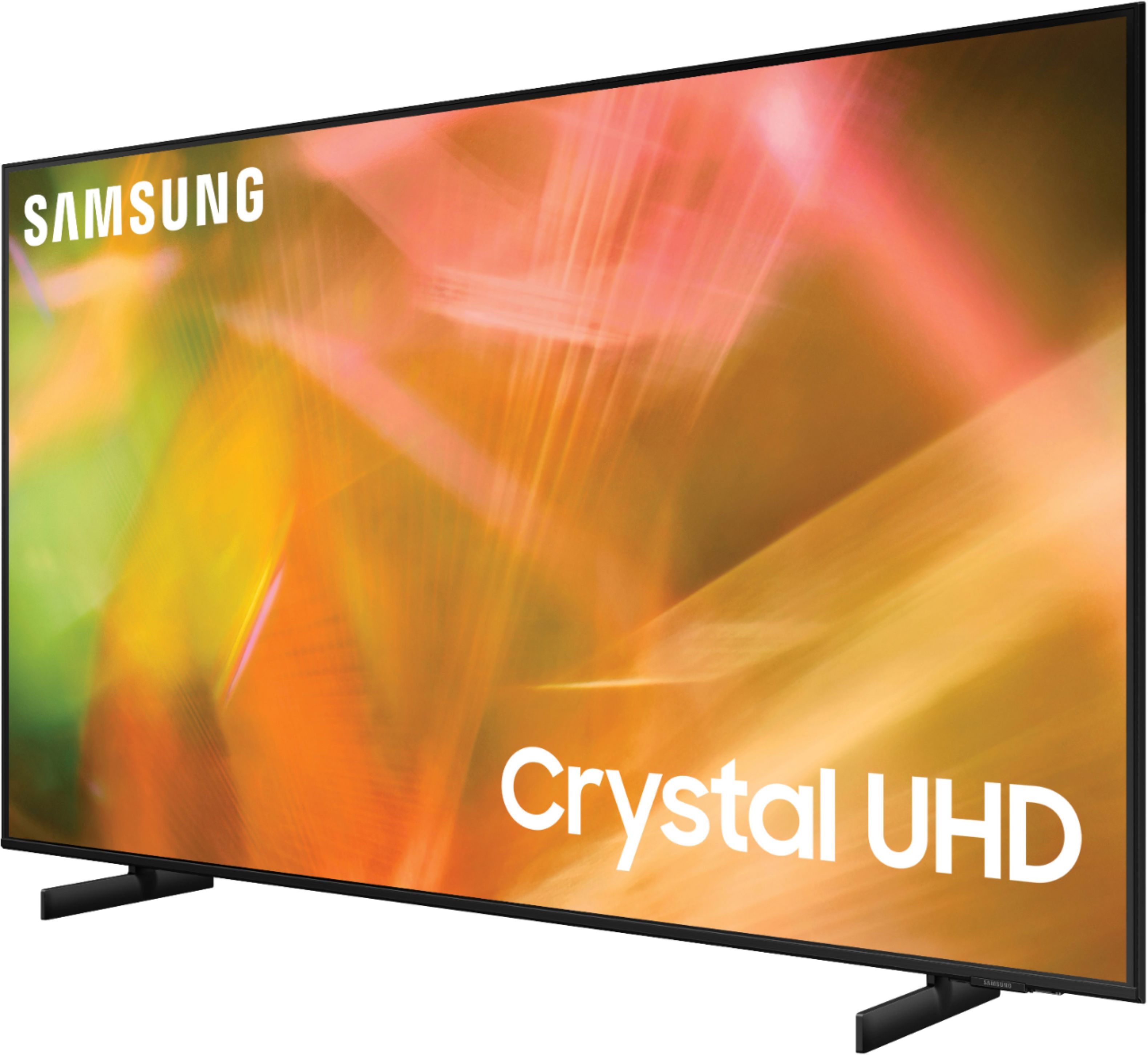


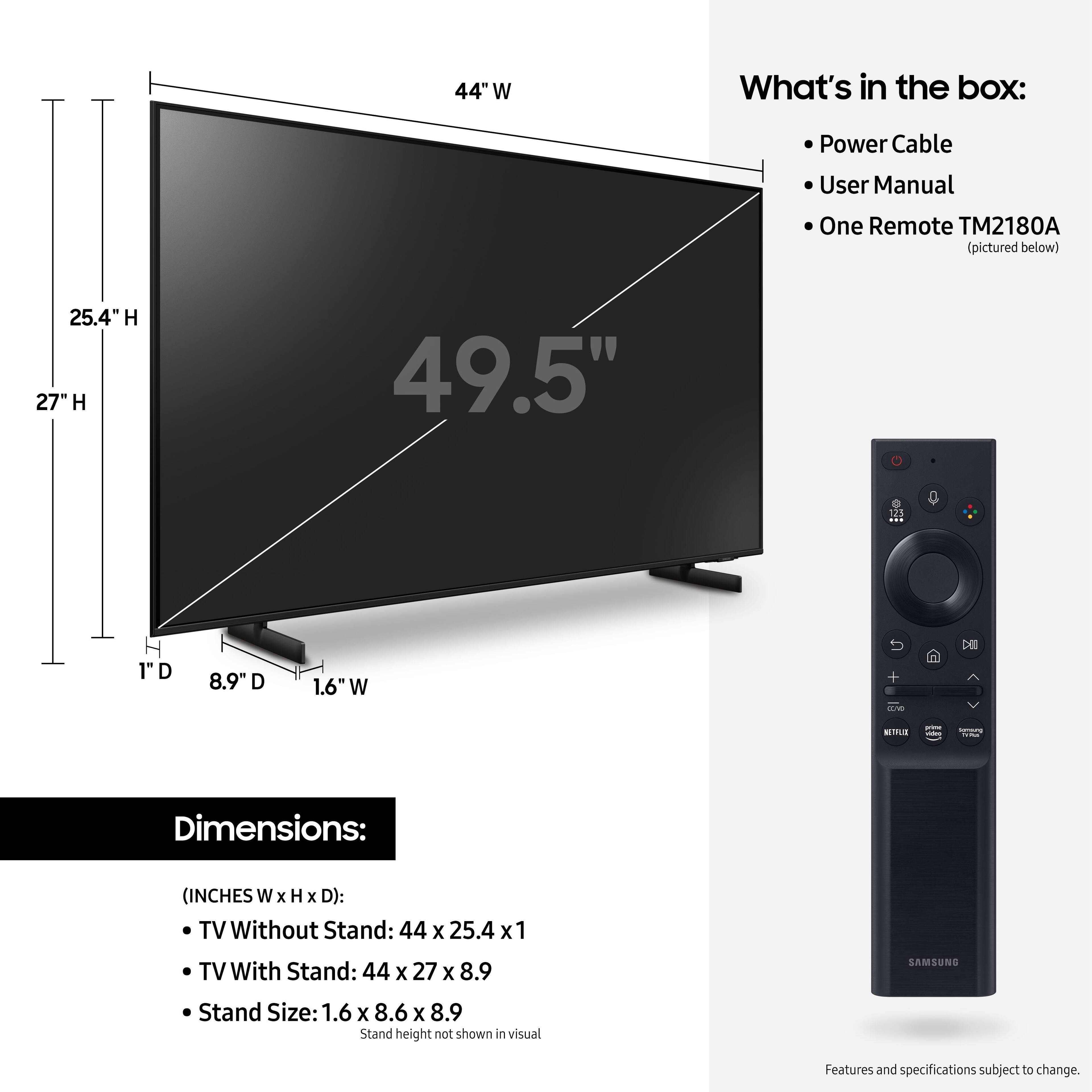






- Model:
- UN50AU8000FXZA
- SKU:
- 6452997
Rating by feature
- Picture Quality
Rating 4.6 out of 5 stars
- Sound Quality
Rating 4.2 out of 5 stars
- Brightness
Rating 4.6 out of 5 stars
Customers are saying
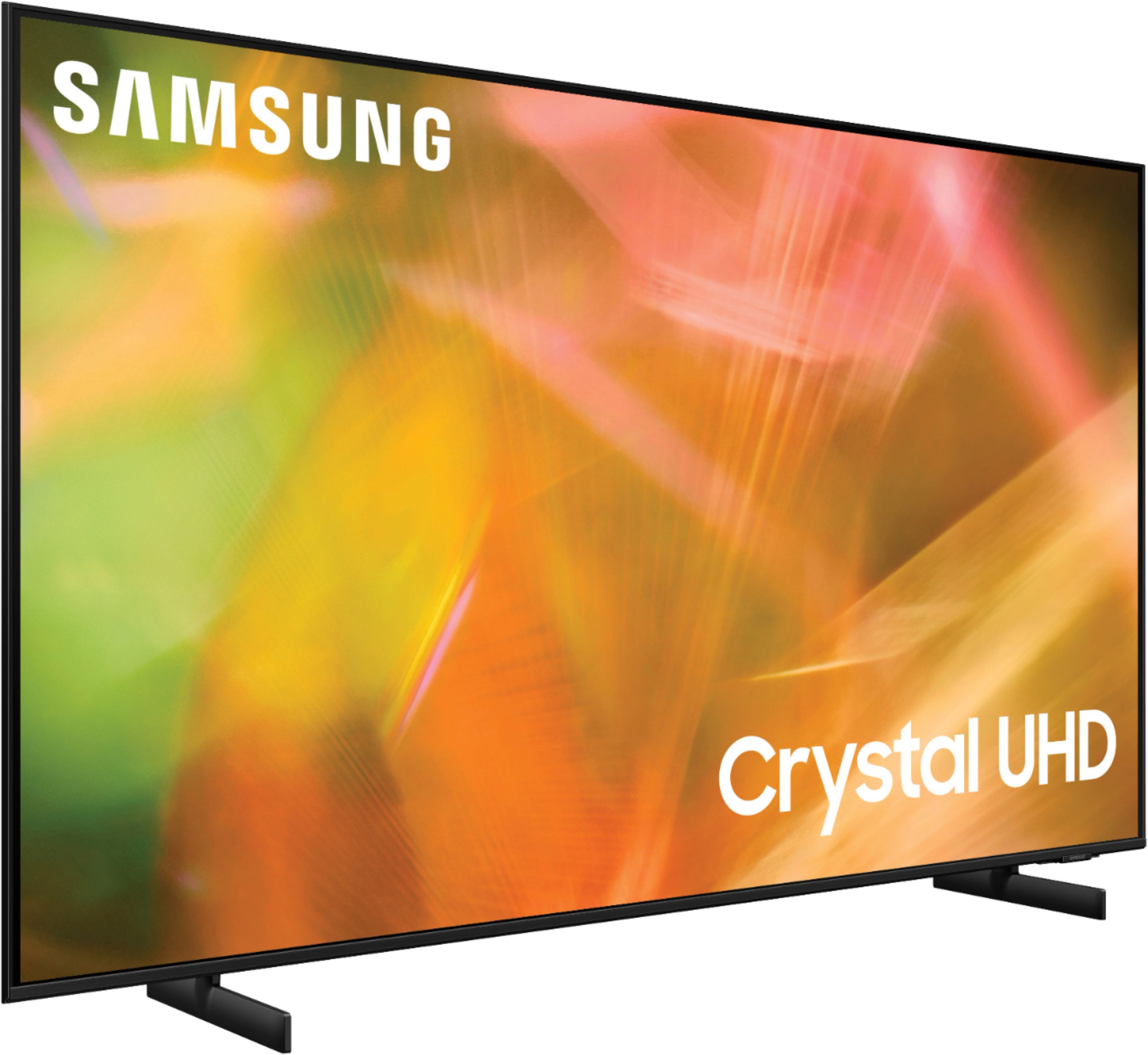
Customers are satisfied with the picture quality, easy setup, price, color, and size of the 50" Class 8000 Series LED 4K UHD Smart Tizen TV. They appreciate the excellent picture clarity, vibrant colors, and user-friendly interface. However, some customers have concerns about the durability and lifespan of the TV, as well as issues with the remote control and screen.
This summary was generated by AI based on customer reviews.
Great Purchase
||Posted . Owned for 2 months when reviewed.This reviewer received promo considerations or sweepstakes entry for writing a review.Great colors, easy setup and good packaging. Really like the interface and has live tv available, which was a bonus. Would recommend. After owning a Sony for a couple of years, I'm very happy to back with Samsung
I would recommend this to a friendSound quality
||Posted . Owned for 1 month when reviewed.This reviewer received promo considerations or sweepstakes entry for writing a review.Good tv for this price point. The only thing I wish that was better sound quality on the speakers. If you have a Bluetooth device you can connect it to tv to have a better experience.
I would recommend this to a friend- Pros mentioned:Ease of use, Picture quality
C Kane
||Posted . Owned for 3 weeks when reviewed.This reviewer received promo considerations or sweepstakes entry for writing a review.Salesperson was very helpful and patient. The TV seems to have a good picture and is easy to control. Would consider buying another Samsung if I felt so inclined.
I would recommend this to a friend - Pros mentioned:Picture quality
Bad Sound
||Posted . Owned for 1 month when reviewed.This reviewer received promo considerations or sweepstakes entry for writing a review.the picture is good but the sound is awful. I trued turning the sound up but still is bad. If you Buy this tv plan on buying a sound bar so u can hear it
No, I would not recommend this to a friendBrand response from Samsung
Posted .Hi OneWatt,
Thank you for sharing your experience with low volume. There are several volume features you can adjust, which may improve your audio experience.
1) Auto Volume automatically adjusts the sound to a certain level when changing channels or switching to another external input. Go to Settings > Sound > Expert Settings > Auto Volume.
2) Adaptive Sound automatically adjusts to a specific volume level while watching TV. The TV analyzes your volume usage history by time period to automatically adjust the volume when you use an app or switch to an external input source. Go to Settings> Sound> Sound Mode> Adaptive Sound.
3) Several Sound Modes are likewise available to meet your personal preferences: Home > Settings > Sound > Sound Mode
Also, some sources have their own volume control, which might need to be set higher. Please check the volume control of the external device (cable box or satellite box, DVD, Blu-ray, etc.) connected to your TV. Also, check the cable connection between an external device and the TV and then try the cable connection again.
I hope these tips help you enjoy your new product.
You can contact us for further help at 1-800-SAMSUNG, 8 AM - 12 AM EST, seven days a week. Our LiveChat agents are also available by clicking on the ‘Support’ link on our website.
~ Samsung Advisor
- Pros mentioned:Color
Mostly works
||Posted . Owned for 1.5 years when reviewed.This reviewer received promo considerations or sweepstakes entry for writing a review.It works most of the time. Although i've had the color off a few times. It seems to color correct after a few off and ons.
No, I would not recommend this to a friend Best Service from Best Buy
||Posted . Owned for 3 weeks when reviewed.This reviewer received promo considerations or sweepstakes entry for writing a review.Bought 3 New TVs over the past 45 days, and all were professionally installed by Best Buy under their TotalTech delivery and installation program. Everything worked out perfectly - Geek Squad arrived on time and did a great job.
I would recommend this to a friend- Pros mentioned:Price
An average tv
||Posted . Owned for 1 month when reviewed.This reviewer received promo considerations or sweepstakes entry for writing a review.Its a good tv overall nothing wrong with it. But now that i have it for a couple of months i think i should have spent an extra 150 $ and get the q series. The quality is ok but the speed is just average. But if you're in a budget like i was it's worth the money.
No, I would not recommend this to a friend great tv
||Posted . Owned for 1.5 years when reviewed.This reviewer received promo considerations or sweepstakes entry for writing a review.Video quality is amazing!!! i absolutely love it. tv speakers are small, so you’ll need to set this up with speakers to have a nice define sound. if not, sound is kinda empty, but video quality is wonderful
I would recommend this to a friend- Pros mentioned:Picture quality
Excellent purchase
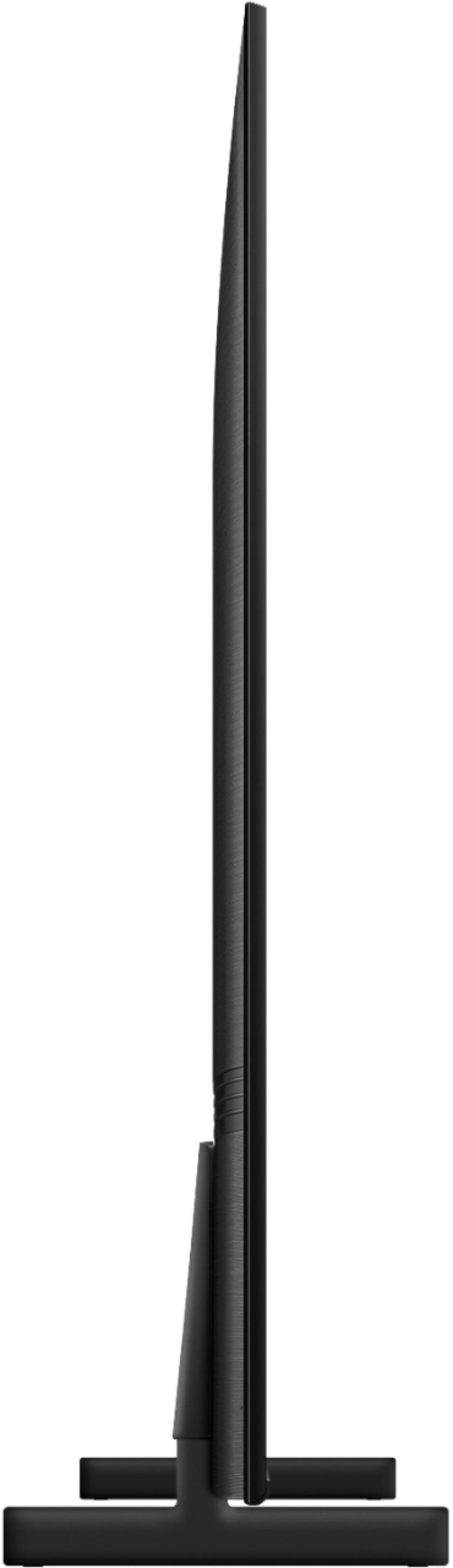
||Posted . Owned for 11 months when reviewed.This reviewer received promo considerations or sweepstakes entry for writing a review.Needed a Tv to fit a small place on a mantle. This design with short legs allowed me to have good size tv fit in the space. Great picture like my other Samsungs
I would recommend this to a friend - Pros mentioned:Ease of use, Picture quality
Nice TV
||Posted . Owned for 3 weeks when reviewed.This reviewer received promo considerations or sweepstakes entry for writing a review.The TV was Perfect for the spot we had available for it. The 4K Picture takes a little getting used to as it has a Real Life Reality TV type feel to all Shows. Easy to use and set up.
I would recommend this to a friend - Pros mentioned:Picture quality
Solid picture, at most viewing angles
||Posted . Owned for 1 month when reviewed.This reviewer received promo considerations or sweepstakes entry for writing a review.Excellent picture quality. Easy to setup and connect. Ideal for mid size rooms and the viewing angle does not negative the view.
I would recommend this to a friend - Cons mentioned:Remote control
Samsung TV
||Posted . Owned for 4 months when reviewed.This reviewer received promo considerations or sweepstakes entry for writing a review.TV has a fantastic screen. Realistic view. Problem is the stupid remote it came with. Terrible remote for such a nice TV
I would recommend this to a friend - Pros mentioned:Ease of use, Picture quality
Samsung TV Great Picture Quality
||Posted . Owned for 5 months when reviewed.This reviewer received promo considerations or sweepstakes entry for writing a review.Beautiful picture quality.Samsung quality can’t be beat. I purchased this for my son for his new home and he is very pleased with the quality and ease of use.
I would recommend this to a friend - Pros mentioned:Picture quality
Happy Customer
||Posted . Owned for 1 month when reviewed.This reviewer received promo considerations or sweepstakes entry for writing a review.Love the picture quality and the vivid 4K UHD. Also, set the TV up through google to use voice commands to control the tv and ask questions about weather forecasts, sports schedule or scores, etc! Best TV ever! As far as sound quality, I have the TV volume / sound hooked up to a Samsung sound bar with a remote base module! It has several modes of sounds you can choose from. I like the DTS Virtual: X. The quality of the sound is clear and gives a fullness of surround sound to the room. It gives you a sound of a movie experience! You can’t go wrong with the Samsung 50” Class 8000 series LED 4K UHD Smart Tizen TV with the Samsung sound bar!
I would recommend this to a friend Great
||Posted . Owned for 1.5 years when reviewed.This reviewer received promo considerations or sweepstakes entry for writing a review.We are happy to buy this product. Easy to use with best feature
I would recommend this to a friend- Pros mentioned:Picture quality
Not so good on the sound quality.
||Posted . Owned for 1 month when reviewed.This reviewer received promo considerations or sweepstakes entry for writing a review.The TV is clear, but the sound is not as good as my older Samsung TV. I might have to purchase a sound bar to get better sound.
I would recommend this to a friend Samsung tv
||Posted . Owned for 1 month when reviewed.This reviewer received promo considerations or sweepstakes entry for writing a review.I like the tv. But i don't like the new way the menu is set up on initial screen. It also has a long pause switching between channels compared to all my other Samsung products
No, I would not recommend this to a friend- Pros mentioned:Picture quality
Very Nice TV, with one disappointing MISS
||Posted . Owned for less than 1 week when reviewed.This reviewer received promo considerations or sweepstakes entry for writing a review.I do like this TV...great picture and better sound than most flat screens...however, SAMSUNG has inexplicably removed the "ON TIMER" option from this model and I'm told other newer models. The online manuals still include it and the Best Buy personnel promised this model had it (could not locate the TV's remote on the sales floor so I was unable to verify). Very disappointing as I've had a samsung as my bedroom TV for many years that also functioned as an alarm clock. Still weighing whether to return to the store and buy a non-samsung model.
No, I would not recommend this to a friend Be afraid...be very afraid!
Posted .This reviewer received promo considerations or sweepstakes entry for writing a review.My TV is 2 years old today 5/2/2023 and has black lines coming across the screen and multiplying more and more daily. AND every now and then...my TV decides to turn to a negative..(see picture)...unplug it and plug it back in and then it's fine. The best thing about this television is the Samsung channel that comes for free on Samsung TV's. But, I should get more that 2 years out of a $500 telly.
No, I would not recommend this to a friend- Pros mentioned:Ease of use, Picture quality
Make sure you can get your channels
||Posted . Owned for less than 1 week when reviewed.This reviewer received promo considerations or sweepstakes entry for writing a review.Check in advance to make sure that the channels you watch are available on this model in their app store. Not all are! I was dismayed to learn after I got at home that you cannot get the History Channel on this Samsung model. I spent 90 minutes with tech support on a question they could have answered in five. beautiful picture easy setup but I cannot read it higher because this is just absurd. Customer service is sending me a gift card to buy a Roku.
No, I would not recommend this to a friendBrand response from Samsung
Posted .Hi Nope!
Thank you for purchasing the 50" AU8000 Crystal UHD TV and sharing your experience with the streaming applications. Samsung offers hundreds of apps in our App Store, including the History app, that you can download, and we are continuously adding more premium content and new services to our Smart TV platform. In order to see our full offering of apps, you will need to be connected to the internet and logged into your Samsung.com account.
Please make sure that Auto Update is turned on so that your apps can stay current with the latest updates and patches. Navigate to the Settings within the App Store and set Auto Update to: On.
Please also be sure you are running the latest firmware. You can check to see what software version your TV is using and if there is an available update through the settings on your TV. Go to: Settings > Support > Software Update.
You may want to enable automatic updates for conveniences.
Select Settings- Support- Software Update, then select Auto Update.
Should you ever have questions or need help, please call us at
1-800-SAMSUNG (ask for TVs), available 8AM -12AM EST M-F (9AM – 6PM EST Sat). Or text HELP to 62913.
For additional support resources, visit us on the Samsung website and click on the ‘Support’ link in the upper right corner of the homepage for:
1) More ‘Contact Us’ options – LiveChat, Facebook, Twitter, Samsung Community, Samsung Members app
2) Manuals & Software
3) Warranty Info
4) Product Registration: For access to easy warranty support, convenient opt-in to special promos and offers, faster troubleshooting and service, and quick notification of system updates.
~ Samsung Solutions