Customer Ratings & Reviews

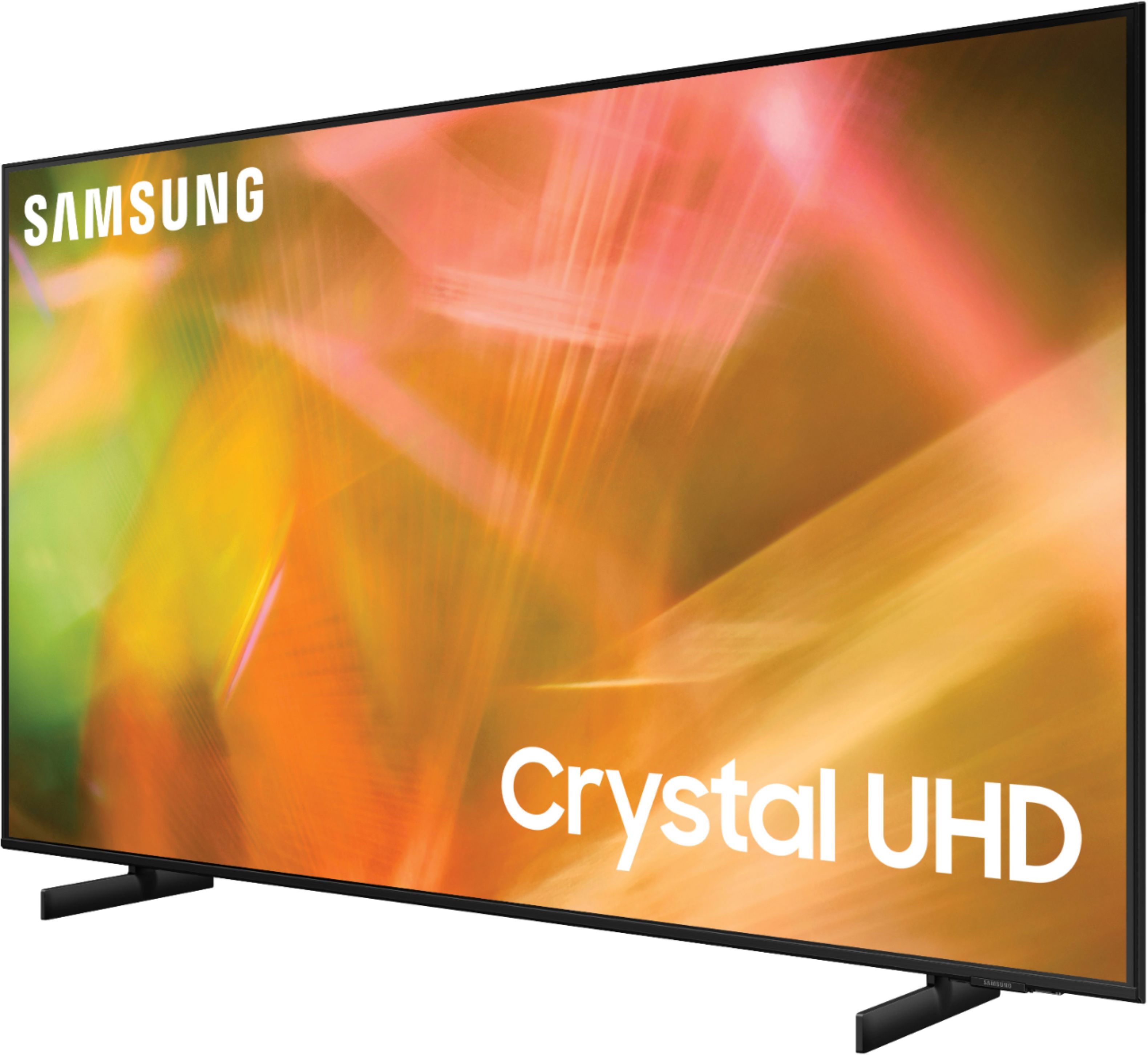

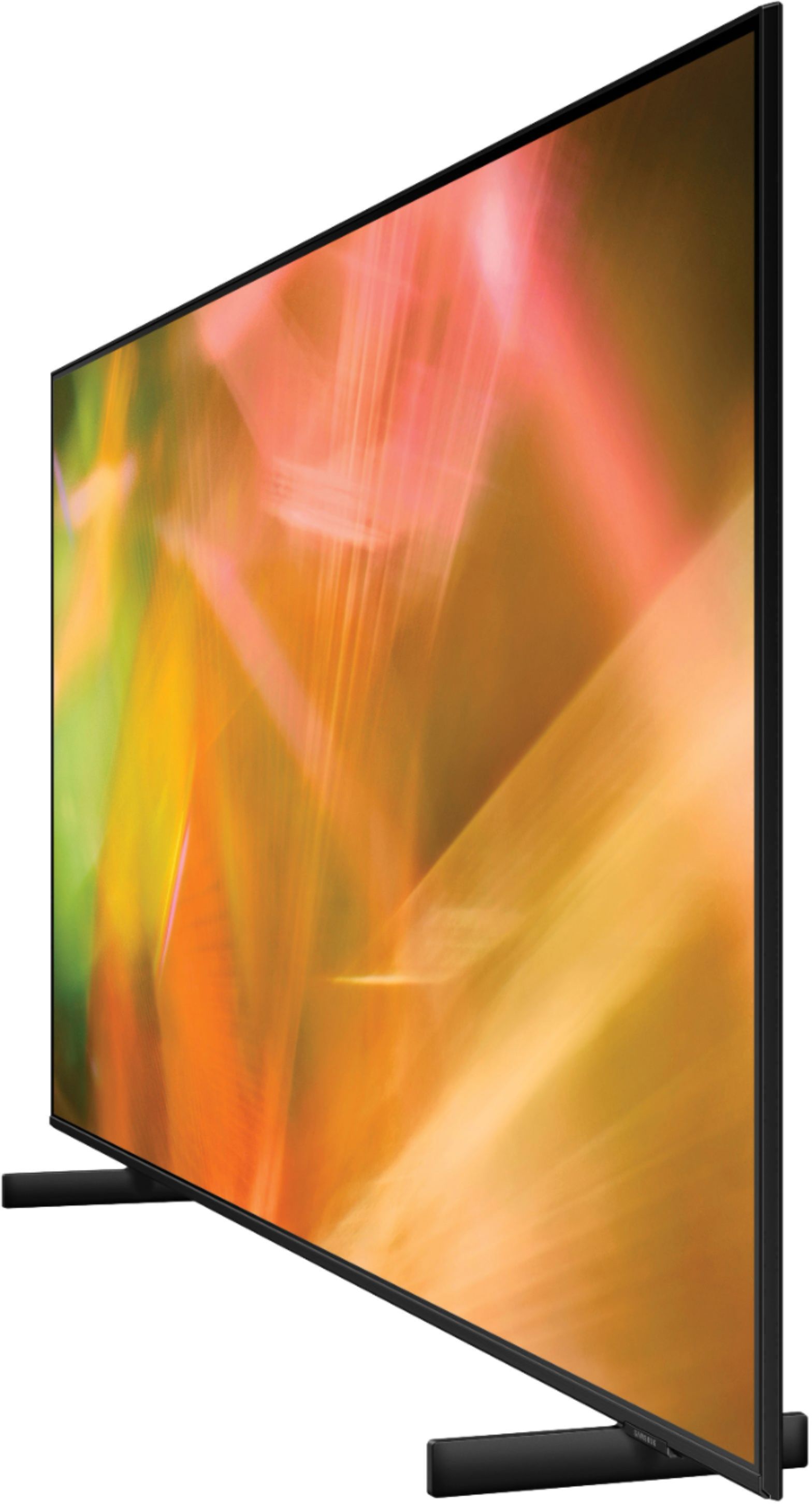
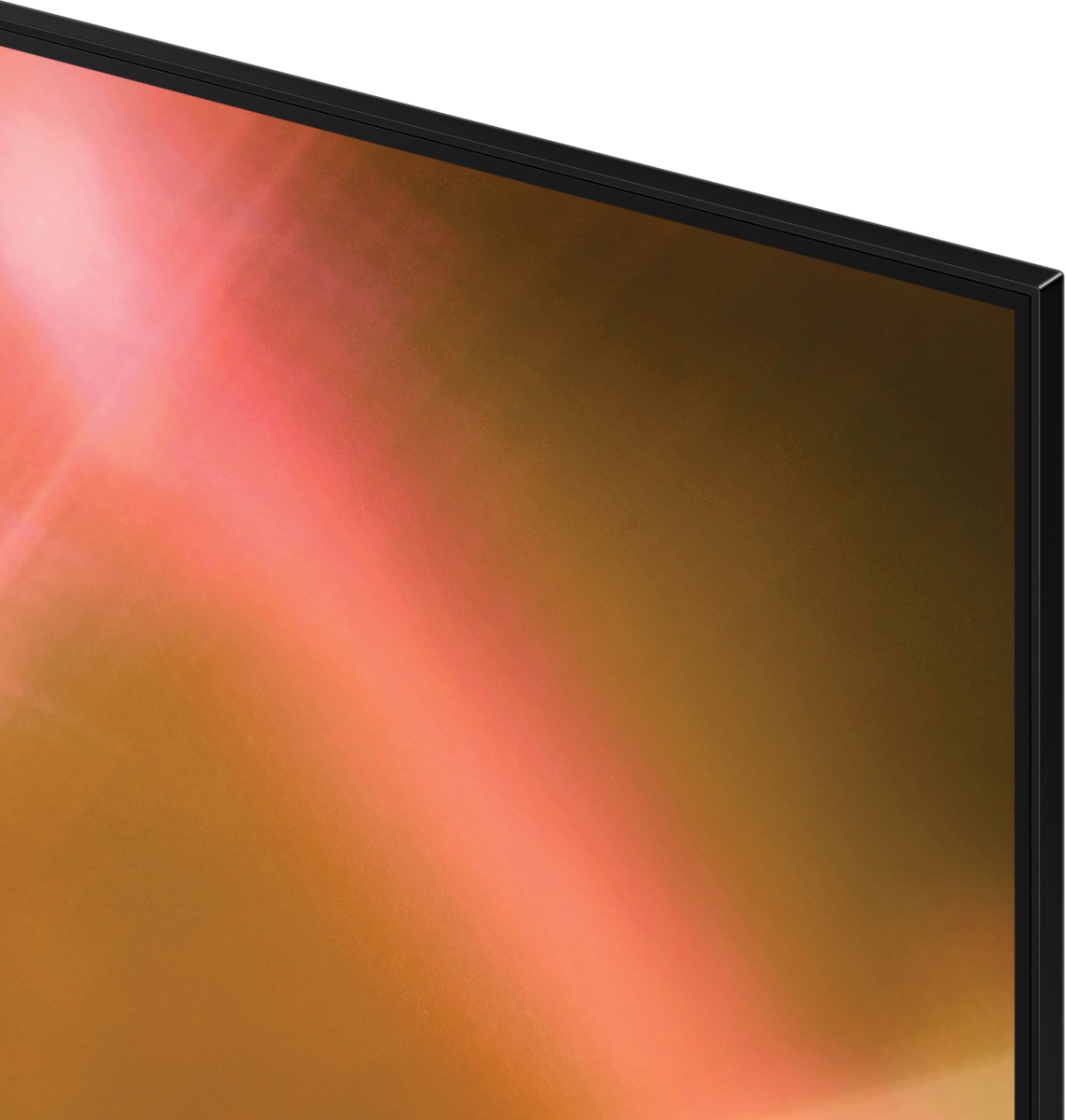
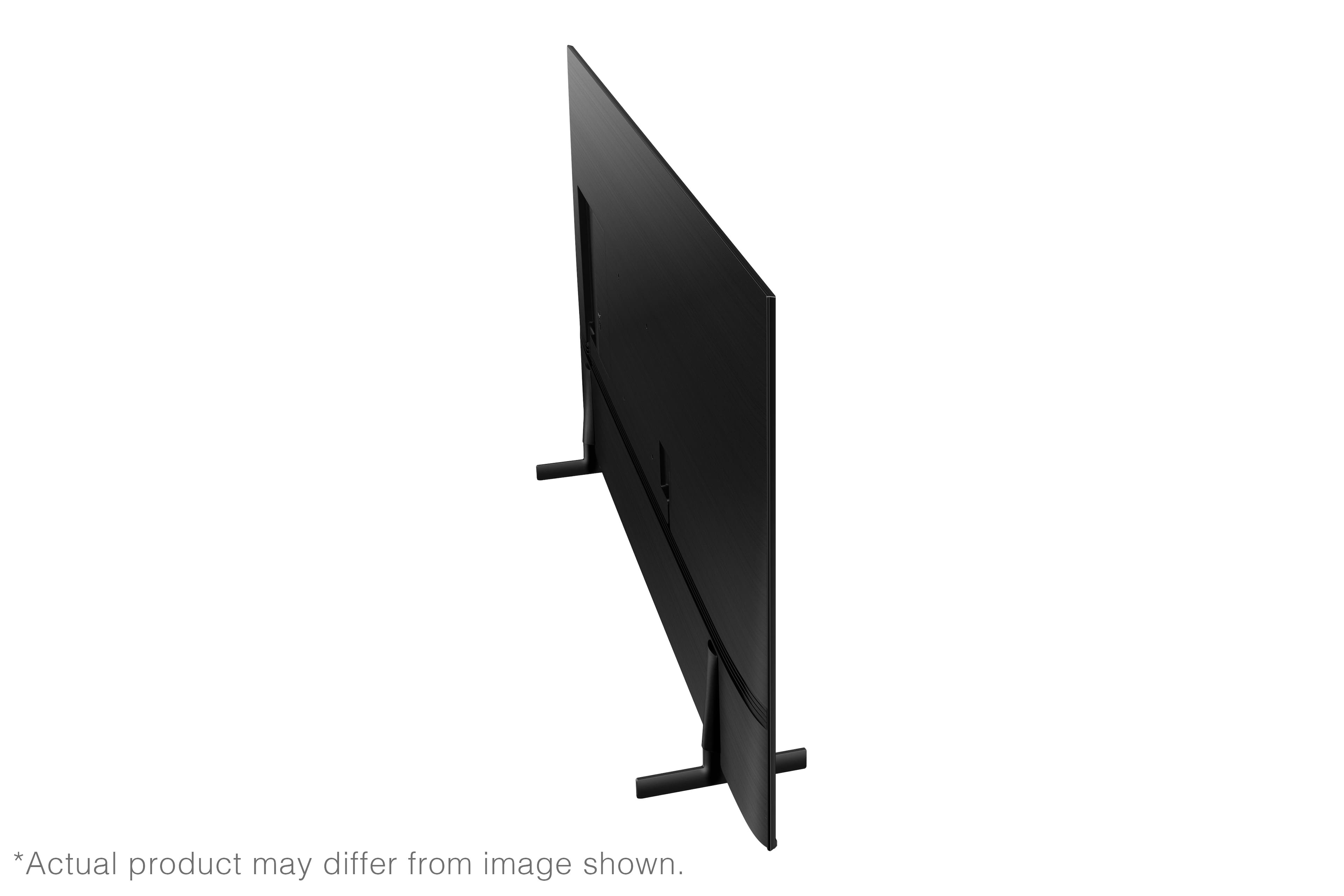





- Model:
- UN50AU8000FXZA
- SKU:
- 6452997
Rating by feature
- Picture Quality
Rating 4.6 out of 5 stars
- Sound Quality
Rating 4.2 out of 5 stars
- Brightness
Rating 4.6 out of 5 stars
Customers are saying
Customers are satisfied with the picture quality, easy setup, price, color, and size of the 50" Class 8000 Series LED 4K UHD Smart Tizen TV. They appreciate the excellent picture clarity, vibrant colors, and user-friendly interface. However, some customers have concerns about the durability and lifespan of the TV, as well as issues with the remote control and screen.
This summary was generated by AI based on customer reviews.
Love hate relationship
||Posted . Owned for 9 months when reviewed.This reviewer received promo considerations or sweepstakes entry for writing a review.I want to love this tv so bad. I had it since March with no issues now exactly 9 months later it won’t turn on the red light at the bottom just constantly blinks. At least I got an extended warranty and will be calling Best Buy first thing in the morning
No, I would not recommend this to a friendBrand response from Samsung
Posted .Hi MichaelB,
Although I'm happy to hear that you have been enjoying your Samsung AU8000 TV, I'm sorry that it is now having issues.
We back this Samsung TV with a 1-year limited manufacturer's warranty, including authorized repair for manufacturer defect, if purchased brand-new directly from an authorized seller. Please give us a chance to make this right by calling us at 1-800-SAMSUNG, 8 AM - 12 AM EST, seven days a week. Our LiveChat agents are also available by clicking on the ‘Support’ link on our website.
~ Samsung Advisor
iiii
||Posted . Owned for 1 month when reviewed.This reviewer received promo considerations or sweepstakes entry for writing a review.not bad iiiiiiiiiiiiiiiiiiiiiiiiiiiiiiiiiiiiiiiiiiiiiiiiiiiiiiii
No, I would not recommend this to a friendBrand response from Samsung
Posted .Hi xmxmxm,
Thank you for purchasing the Samsung AU8000 Crystal UHD TV and for sharing your review. If you should have any questions or concerns with usage, features, or how to best optimize your settings, Samsung Customer Support is here to help. Please call us at 1-800-SAMSUNG (ask for TVs), available 8AM - 12AM EST, 7 days a week.
For additional support resources, visit us on the Samsung website and click on the ‘Support’ link in the upper right corner of the homepage for:
1) Chat with Us/Product Help: To begin a chat or find solutions, choose ‘TVs & Home Theater’ and select your model & topic.
2) Register a Product: For access to easy warranty support, convenient opt-in to special promos and offers, faster troubleshooting and service, and quick notification of system updates.
3) Manuals & Software
4) Warranty Info
5) Contact Us
~ Samsung Solutions
Great features, frame rate is bad
||Posted . Owned for 3 weeks when reviewed.This reviewer received promo considerations or sweepstakes entry for writing a review.My tv did not process 60 frames per second correctly on a lot of shows. All my cables we’re replaced and cable box. Did not fix the problem. All motion controls were shut off and turned on and made no difference. I ended up returning the tv and getting a Sony x85j. Which has a way better picture.
No, I would not recommend this to a friendBrand response from Samsung
Posted .Hi Mopar57,
Thank you for sharing your review of the Samsung AU8000 Crystal UHD TV. Your details regarding the motion performance are appreciated and will be shared with our internal teams.
Should you ever decide to give Samsung TVs another try and have questions or need assistance with settings, setup, or features, please know we are always here to help. Call us at 1-800-SAMSUNG (ask for TVs), available 8AM - 12AM EST, 7 days a week.
For additional support resources, visit us on the Samsung website and click on the ‘Support’ link in the upper right corner of the homepage for:
1) Chat with Us/Product Help: To begin a chat or find solutions, choose ‘TVs & Home Theater’ and select your model & topic.
2) Manuals, Software, & Warranty Info
We hope to regain you as a customer in the future.
~ Samsung Solutions
Samsung smart tv
||Posted .This reviewer received promo considerations or sweepstakes entry for writing a review.Good tv so far i haven't had any problems so far that ive seen
I would recommend this to a friendBrand response from Samsung
Posted .Hi SmartTv,
I am glad to hear you are satisfied with the experience provided by your new Samsung Crystal UHD TV. If there is anything we can do to further improve your experience with the product from 3-stars, please contact us at 1-800-SAMSUNG (ask for TVs), available 8AM - 12AM EST, 7 days a week.
For additional support resources, visit us on the Samsung website and click on the ‘Support’ link in the upper right corner of the homepage for:
1) Chat with Us/Product Help: To begin a chat or find solutions, choose ‘TVs & Home Theater’ and select your model & topic.
2) Register a Product: For access to easy warranty support, convenient opt-in to special promos and offers, faster troubleshooting and service, and quick notification of system updates.
3) Manuals & Software
4) Warranty Info
5) Contact Us
~ Samsung Solutions
Ok tv set
||Posted . Owned for 1 month when reviewed.This reviewer received promo considerations or sweepstakes entry for writing a review.Nice tv, I'm not overly techy & was able to set it up ok.
I would recommend this to a friendBrand response from Samsung
Posted .Hi Buyer,
Thank you for purchasing the Samsung 50" AU8000. I'm very glad to see that you are happy with this product; however, you have given this model a 3-star rating.
If there is anything we can do to assist you or provide solutions to improve your experience, please contact Samsung Support at 1-800-SAMSUNG (ask for TVs), available 8AM - 12AM EST, 7 days a week.
For additional support resources, visit us on the Samsung website and click on the ‘Support’ link in the upper right corner of the homepage for:
1) Chat with Us/Product Help: To begin a chat or find solutions, choose ‘TVs & Home Theater’ and select your model & topic.
2) Register a Product: For access to easy warranty support, convenient opt-in to special promos and offers, faster troubleshooting and service, and quick notification of system updates.
3) Manuals & Software
4) Warranty Info
5) Contact Us
~ Samsung Solutions
Buyer beware! I should have listened to my friend.
||Posted . Owned for 7 months when reviewed.This reviewer received promo considerations or sweepstakes entry for writing a review.I bought tv in February 2022 and in 2 months time I started noticing black lines across the screen they just kept multiplying and on Friday (Sept 2022) it shut itself off and then came back on. This time only the backlight came on with a few blotchy colors. From then on it proceeded to do this (Still only backlight but minus colors) until I ended up unplugging it. I tried everything that was suggested but nothing worked, I believe it's the motherboard. I'm so disappointed. I will not be getting another Samsung tv again.
No, I would not recommend this to a friendBrand response from Samsung
Posted .Hi BRob,
We are sorry to hear that your AU8000 TV is having issues. Please know Samsung prides itself on high-quality products and a great customer experience, and we are here to help you.
We back your Samsung TV with a 1-year limited manufacturer's warranty, including authorized repair for manufacturer defects, if purchased brand-new directly from an authorized seller.
Please give us a call so we can make this right. You can contact us at 1-800-SAMSUNG, 8 AM - 12 AM EST, seven days a week. Or visit us on the Samsung website and click on the ‘Support’ link for:
1) LiveChat with an agent
2) Manuals, Software, & Warranty Info
~ Samsung Advisor
The Crystal had broken - Stinky Samsung 50" TV
||Posted .This reviewer received promo considerations or sweepstakes entry for writing a review.This Samsung 50" TV stunk, and I returned it. First, there were top horizonal lines and right vertical lines on the screen. Then the TV would restart without "being told to." It did it on its own. When I turned off the TV, I would have to remain seated until it turned itself on so I could turn it off. Not fun. Then the red off switch on the right bottom of the set blinked when off. The Samsung rep said it should be a solid red light and told me to return it to Best Buy. Which I did. Had no trouble with Best Buy.
No, I would not recommend this to a friendBrand response from Samsung
Posted .Hi DELI,
Thank you for your review of the Samsung AU8000 Crystal UHD TV and for sharing the issues that have caused you to return your unit. Your experience is very important to us and will be shared with our product team.
Should you ever decide to give Samsung TVs another try and have questions or need assistance with settings, setup, or features, please know we are always here to help. Call us at 1-800-SAMSUNG (ask for TVs), available 8AM - 12AM EST, 7 days a week.
For additional support resources, visit us on the Samsung website and click on the ‘Support’ link in the upper right corner of the homepage for:
1) Chat with Us/Product Help: To begin a chat or find solutions, choose ‘TVs & Home Theater’ and select your model & topic.
2) Manuals, Software, & Warranty Info
We hope to regain you as a customer in the future.
~ Samsung Solutions
Zero stars if I could
||Posted . Owned for 2 months when reviewed.This reviewer received promo considerations or sweepstakes entry for writing a review.Had to return. First issue was TV turning on in the middle of the night. Went through all the troubleshooting tips, but nothing helped. Internal log of events only showed first few days of the TV so that didn't help. Mysteriously stopped happening for two weeks. Then TV suddenly just turned off one evening and never could boot up again. It would cycle on, boot up, show a picture, and then shut off.
No, I would not recommend this to a friendBrand response from Samsung
Posted .Hi smeeth,
Thank you for your review of the Samsung AU8000 TV and for sharing the issues that have caused you to return your unit. Your experience is very important to us and will be shared with our product team. It is our customers’ concerns and opinions that drive our continuous efforts towards delivering world-class service and products.
Should you ever decide to give Samsung TVs another try and have questions or need assistance with settings, setup, or features, please know we are always here to help. Call us at 1-800-SAMSUNG (ask for TVs), available 8AM - 12AM EST, 7 days a week.
For additional support resources, visit us on the Samsung website and click on the ‘Support’ link in the upper right corner of the homepage for:
1) Chat with Us/Product Help: To begin a chat or find solutions, choose ‘TVs & Home Theater’ and select your model & topic.
2) Manuals, Software, & Warranty Info
We hope to regain you as a customer in the future.
~ Samsung Solutions
- Cons mentioned:Remote control
Dont buy
||Posted . Owned for 1 week when reviewed.This reviewer received promo considerations or sweepstakes entry for writing a review.The new remote that came with the TV didnt work. Had to order a separate remote to get the tv working. I was so excited when i opened the box
No, I would not recommend this to a friendBrand response from Samsung
Posted .Hi Apurva,
I’m sorry to hear that your out-of-box experience fell short of your expectations. Your feedback is important to us and will be shared with our product teams.
Samsung is committed to providing the best possible product experience, quality, and value. We back this Samsung TV with a 1-year limited manufacturer's warranty, including authorized repair for manufacturer defect, if purchased brand-new directly from an authorized seller. You can see the full details of your warranty here: https://www.samsung.com/us/support/service/warranty/UN50AU8000FXZA
Please give us the opportunity to assist you by contacting Samsung Customer Support at 1-800-SAMSUNG (ask for TVs), available 8AM - 12AM EST, 7 days a week.
For additional support resources, visit us on the Samsung website and click on the ‘Support’ link in the upper right corner of the homepage for:
1) Chat with Us/Product Help: To begin a chat or find solutions, choose ‘TVs & Home Theater’ and select your model & topic.
2) Register a Product: For access to easy warranty support, convenient opt-in to special promos and offers, faster troubleshooting and service, and quick notification of system updates.
3) Manuals & Software
4) Warranty Info
5) Contact Us
~ Samsung Solutions
Shipped open box—LITERALLY— it wasn’t taped closed
||Posted . Owned for 1 week when reviewed.This reviewer received promo considerations or sweepstakes entry for writing a review.This was a gift & it was a nightmare. I have purchased open box items previously & had them shipped. The box arrived wide open meaning not taped closed. They pulled out the TV and there was no power cord, no remote, no instructions. I went to the chat area to resolve & after being transferred 4x was told to go to their store & explain & would be handed the missing items. Didn’t happen. I think I should return the item. I purchased the geek squad five year program.
No, I would not recommend this to a friendBrand response from Samsung
Posted .Hi Literal,
We appreciate you sharing feedback regarding your Open Box TV. If purchased brand-new and unopened, please contact Samsung Customer Support, and a representative will gladly help you. We recommend contacting Best Buy directly for assistance if purchased in open-box condition. We hope your issue is resolved in a timely manner.
If we can further help with any other issues, please know that we are here for you. Just call us at 1-800-SAMSUNG, 8 AM - 12 AM EST, seven days a week. Or visit us on the Samsung website and click on the ‘Support’ link for:
1) LiveChat with an agent
2) Manuals, Software, & Warranty Info
~ Samsung Advisor
Don’t buy!
||Posted . Owned for 3 months when reviewed.This reviewer received promo considerations or sweepstakes entry for writing a review.Bought this tv 3 months ago and started having problems. Picture was turning orange, reset and worked okay. This happened a couple of times. Two days later screen just went blank. Called Samsung and it will take a week for them to have someone out to look at it. We have purchased other Samsung tv’s and have never had a problem. I wish i had never purchased.
No, I would not recommend this to a friendBrand response from Samsung
Posted .Hi there,
I am very sorry that you are experiencing issues with your AU8000 TV and are currently waiting for a service appointment. We appreciate your patience. While you are waiting, you may want to try the following:
1) Your TV has several self-diagnosis tools built in that can help solve problems with signal, network, picture, or sound. Go to Settings > Support> Device Care > Start Device Care
2) You may also want to clear out your TV's temporary storage space by pressing and holding the Power button for 6 seconds.
Should you need further assistance even after your service appointment, please contact Samsung Customer Support at 1-800-SAMSUNG (ask for TVs), available 8AM - 12AM EST, 7 days a week.
For additional support resources, visit us on the Samsung website and click on the ‘Support’ link in the upper right corner of the homepage for:
1) Chat with Us/Product Help: To begin a chat or find solutions, choose ‘TVs & Home Theater’ and select your model & topic.
2) Register a Product: For access to easy warranty support, convenient opt-in to special promos and offers, faster troubleshooting and service, and quick notification of system updates.
3) Manuals & Software
4) Warranty Info
5) Contact Us
~ Samsung Solutions
Samsung did not honor their warranty
||Posted . Owned for 1 year when reviewed.This reviewer received promo considerations or sweepstakes entry for writing a review.This TV stopped working the 364th day after I took possession curbside at Best Buy. Samsung refused to honor the 1-year warranty, since was purchased a few days earlier on-line before I took delivery. Do not buy a Samsung television.
No, I would not recommend this to a friendBrand response from Samsung
Posted .Hi ChrisB,
We appreciate your purchase and feedback on the AU8000 TV. Please know that we do offer a 1-year limited warranty that begins from the date of purchase. I'm very sorry for any confusion.
Should you ever decide to give Samsung TVs another try and have questions or need help with settings, setup, or features, please know we’re here to help. Call us at 1-800-SAMSUNG, 8 AM – 12 AM EST, seven days a week.
LiveChat with an agent, as well as manuals, software, and warranty info, can be found at the ‘Support’ link on our Samsung website.
We hope to regain you as a customer in the future.
~ Samsung Advisor
SAMSUNG IS BUILDING BAD PRODUCTS.
||Posted . Owned for 3 weeks when reviewed.This reviewer received promo considerations or sweepstakes entry for writing a review.BAD TV. SMART HUB BY SAMSUNG IS GETTING WORST EVERY YEAR. SMART TV FROM 2018, THE SMART HUB WORKS PERFECTLY. THIS IS THE SECOND TV THAT I BUY WHERE THE APPS IN THE HUB FREEZE AND WON'T OPEN. I KEEP UNPLUGING AND PLUGING THE TV BACK IN ORDER TO FIX IT. 4 TO 5 TIMES A WEEK. RIDICULOUS!!! PLUS THE SOUND IS LIKE A TRANSISTOR RADIO FROM 40 YEARS AGO.
No, I would not recommend this to a friendBrand response from Samsung
Posted .Hi JeanC,
We are very sorry to hear about your experience with the AU8000 TV's SmartHub. Please try the below troubleshooting tips to help resolve your issue.
If your app is freezing, not loading, or crashing, you can try cold booting your TV by holding down the power button on your remote for 5+ sec until the TV turns off and on again, deleting and downloading the apps again, and completing full reset of Smart Hub to correct the issue.
Additionally, to optimize the TV’s performance, try running Device Care, which improves your app's performance by freeing up unused cached memory and closing background apps. Go to: Settings > Support > Open e-Manual, then select Device Care.
I hope these tips help improve your streaming experience. If you need further help, please call us at 1-800-SAMSUNG, 8 AM - 12 AM EST, seven days a week. Our LiveChat agents are also available by clicking on the ‘Support’ link on our website.
~ Samsung Advisor
Please also make sure your TV is running the latest firmware version. Go to: Settings > Support > Software Update.
Samsung TV
||Posted . Owned for 2 weeks when reviewed.This reviewer received promo considerations or sweepstakes entry for writing a review.I returned it over 2 weeks ago because the remote didn’t sync up to the TV and I still haven’t seen my refund in my bank statement.
No, I would not recommend this to a friendBrand response from Samsung
Posted .Hi Marty!
Thank you for your review of the Samsung AU8000 TV and for sharing the issues that have caused you to return your unit. Your experience is very important to us and will be shared with our product team.
It is possible that your unit needed minor troubleshooting, a firmware update, or adjustments in settings.
Should you ever decide to give Samsung TVs another try and have questions or need assistance with settings, setup, or features, please know we are always here to help.
Call us at 1-800-SAMSUNG (ask for TVs), available 8AM -12AM EST M-F (9AM – 6PM EST Sat). Or text HELP to 62913.
For additional support resources, visit us on the Samsung website and click on the ‘Support’ link in the upper right corner of the homepage for:
1) More ‘Contact Us’ options – LiveChat, Facebook, Twitter, Samsung Community, Samsung Members app
2) Manuals, Software, & Warranty Info
We hope to regain you as a customer in the future.
~ Samsung Solutions
- Pros mentioned:Picture quality
A Thrilling TV that does all you want
Posted .This reviewer received promo considerations or sweepstakes entry for writing a review.I just love this TV. I have been looking at it for a long time. It has several of the features that I really wanted. Bluetooth was one that I wanted for a while. I was always accused of keeping my wife awake while I watched tv at night. Compared to the TV it replaced, it weighed almost nothing. It has a beautiful picture that is clear and natural. The sound is very clear and allows you the choice of different levels by using the equalizer. I'm still learning the many things that it can do, including the many channels it has. Learning the remote has been a little of a challenge, but I'm figuring it out.
I would recommend this to a friend Just Say No!
||Posted . Owned for 9 months when reviewed.This reviewer received promo considerations or sweepstakes entry for writing a review.Stopped working properly after seven months and neither Samsung nor Best Buy would repair or refund purchase price. Distorting fat lines and static suddenly appeared across the image — and without diagnosing the reason, both the manufacturer and Best Buy in essence shrugged and said: “Not our problem.”
No, I would not recommend this to a friendBrand response from Samsung
Posted .Disappointed,
Thank you for purchasing the Samsung AU8000 TV and for sharing your experience with your TV not displaying properly. You may want to try the following troubleshooting steps:
1. Run a Picture Test on the TV.
Navigate to Settings, select Device Care, and then select Self Diagnosis. Select Picture Test, select OK, and then view the test. You can select Yes if the picture looks normal, No if there is a problem with the picture, or Show again to see the picture a second time.
2. Determine if lines are appearing during the Picture Test.
Look for a line or lines on the screen during the Picture Test. If there are no lines, this means your TV is working fine. To identify and fix the issue, first try replacing the cable of the external device that is showing lines.
- If the lines still appear after replacing the cable, troubleshoot the external device.
- If lines appear during the Picture Test, proceed to the next step.
3. Request service if lines appear during the Picture Test.
If you see lines during the Picture Test, please visit our Support Center to request service. Make sure you have the TV's model code, software version, and serial number when calling.
In some cases, lines (especially if they are black) can be caused by a cracked screen. If this is the case, it would still need service if you want to fix it. However, since physical damage is not covered by the warranty, it may be more economical to buy a new TV rather than pay for repairs and a new screen.
Should your issue persist, please contact Samsung Customer Support at 1-800-SAMSUNG, 8AM - 12AM EST, 7 days a week. Or visit us on the Samsung website and click on the ‘Support’ link for:
1) LiveChat
2) Manuals, Software, & Warranty Info
~ Samsung Specialist
This TV clicks when off buy a better brand of TV
||Posted . Owned for less than 1 week when reviewed.This reviewer received promo considerations or sweepstakes entry for writing a review.Not good for any price, this TV looks ok but my 11 year old LG looks better and it's not even 4k. This TV also makes an annoying clicking sound when it's off, pretty sure the power supply is garbage. It literally sounds like water dripping. Now I have to return it and buy a different brand instead.
No, I would not recommend this to a friendBrand response from Samsung
Posted .Chris,
Thank you for purchasing the Samsung AU8000 Crystal UHD TV and for sharing your review. Please know Samsung TVs use a combination of metal and plastic which are subject to expansion and contraction due to temperature changes. Occasional creaking, popping, or cracking may be heard. Additionally, certain components within the TV may cause these temporary noises once powered off. This does not indicate a product malfunction, and your TV is safe to use.
If the image you're seeing isn't to your liking, you may want to try adjusting image settings. Go to Home > Settings > Picture > Picture Mode
...and choose from:
1) Standard: Is the default mode suitable for general viewing environments.
2) Natural: Reduces eye strain for a comfortable viewing experience.
3) Movie: Is suitable for watching TV or movies in a dark room.
4) Dynamic: Makes the picture brighter and clearer in bright viewing environments.
5) Filmmaker Mode: You can watch the source content (e.g., movie) as it is. If the image is defined as Filmmaker Mode, it will automatically switch to Filmmaker Mode while watching.
You can also go to: Settings > Picture > Expert Settings and configure the TV settings to your taste with additional functions.
If you need more help, Samsung is here for you. Please call us at 1-800-SAMSUNG, 8AM - 12AM EST, 7 days a week. Our LiveChat agents are also available by clicking on the ‘Support’ link on our website.
~ Samsung Specialist
Xxxxxx
||Posted . Owned for 1 month when reviewed.This reviewer received promo considerations or sweepstakes entry for writing a review.Not happy with the picture. Colours blend causing ghosting
No, I would not recommend this to a friendBrand response from Samsung
Posted .Hi there,
Thanks for taking a moment to review Samsung’s AU8000 TV. If you’re experiencing specific issues which caused you to give this a 2-star rating, please know Samsung Customer Support is here to help.
Please call us at 1-800-SAMSUNG, 8 AM - 12 AM EST, 7 days a week. LiveChat with an agent as well as manuals, software, and warranty info can be found at the ‘Support’ link on our Samsung website.
~ Samsung Advisor
DO NOT BUT THIS TV!!!!
||Posted . Owned for 1 week when reviewed.This reviewer received promo considerations or sweepstakes entry for writing a review.Trash TV!! I purchased SAME TV from Sears and Best Buy!! It clicks loudly and turns off and on. Both TVs did sane thing. Returned them both! DO NOT BUY THIS MODEL TV!!! Unfortunate because Samsungs are usually pretty good - not this time.
No, I would not recommend this to a friendBrand response from Samsung
Posted .Hi!
Thank you for your review of the Samsung AU8000 Crystal UHD TV and for sharing the issues that have caused you to return your unit. Your experience is very important to us and will be shared with our product team.
It is possible that your unit needed minor troubleshooting, a firmware update, or adjustments in settings.
Should you ever decide to give Samsung TVs another try and have questions or need assistance with settings, setup, or features, please know we are always here to help. Call us at 1-800-SAMSUNG (ask for TVs), available 8AM -12AM EST M-F (9AM – 6PM EST Sat). Or text HELP to 62913.
For additional support resources, visit us on the Samsung website and click on the ‘Support’ link in the upper right corner of the homepage for:
1) More ‘Contact Us’ options – LiveChat, Facebook, Twitter, Samsung Community, Samsung Members app
2) Manuals, Software, & Warranty Info
We hope to regain you as a customer in the future.
~ Samsung Solutions
DO NOT BUY THIS
||Posted .This reviewer received promo considerations or sweepstakes entry for writing a review.If it was possible to give this a half star I would. This is the absolute worse TV. The people talking on screen does not match the folks on screen. Its like they are lip-synching. I had to continually reboot the TV to watch my shows. Worse purchase. DO NOT BUY
No, I would not recommend this to a friendBrand response from Samsung
Posted .Hi,
We appreciate you sharing feedback regarding the sound delay issues you are experiencing. It could possibly a source issue, but if you are hearing an audio delay across all sources/channels and you have a Home Theatre System or other speakers connected to your TV, you can access the Audio Delay settings to increase the audio delay. Go to: Settings > Sound > Expert Settings > Digital Output Audio Delay
Please know that our 2020 TVs do have an audio Pass-Through feature. This feature allows the audio signal to be sent out unprocessed to an external Soundbar or receiver connected to the TV. The external Soundbar or receiver then processes the audio, thereby eliminating the added step of processing by the TV, which adds delay.
On your TV go to: Settings > Sound > Expert Settings > Digital Audio Output Format > Pass-Through
If you have tried this and your issue persists, please reach out to Samsung Customer Support so that we can provide further troubleshooting. Call us at 1-800-SAMSUNG, 8AM - 12AM EST, 7 days a week. Our LiveChat agents are also available by clicking on the ‘Support’ link on our website.
~ Samsung Specialist