Customer Ratings & Reviews


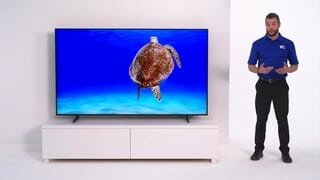





- Model:
- UN50AU8000FXZA
- SKU:
- 6452997
Rating by feature
- Picture Quality
Rating 4.6 out of 5 stars
- Sound Quality
Rating 4.2 out of 5 stars
- Brightness
Rating 4.6 out of 5 stars
Customers are saying
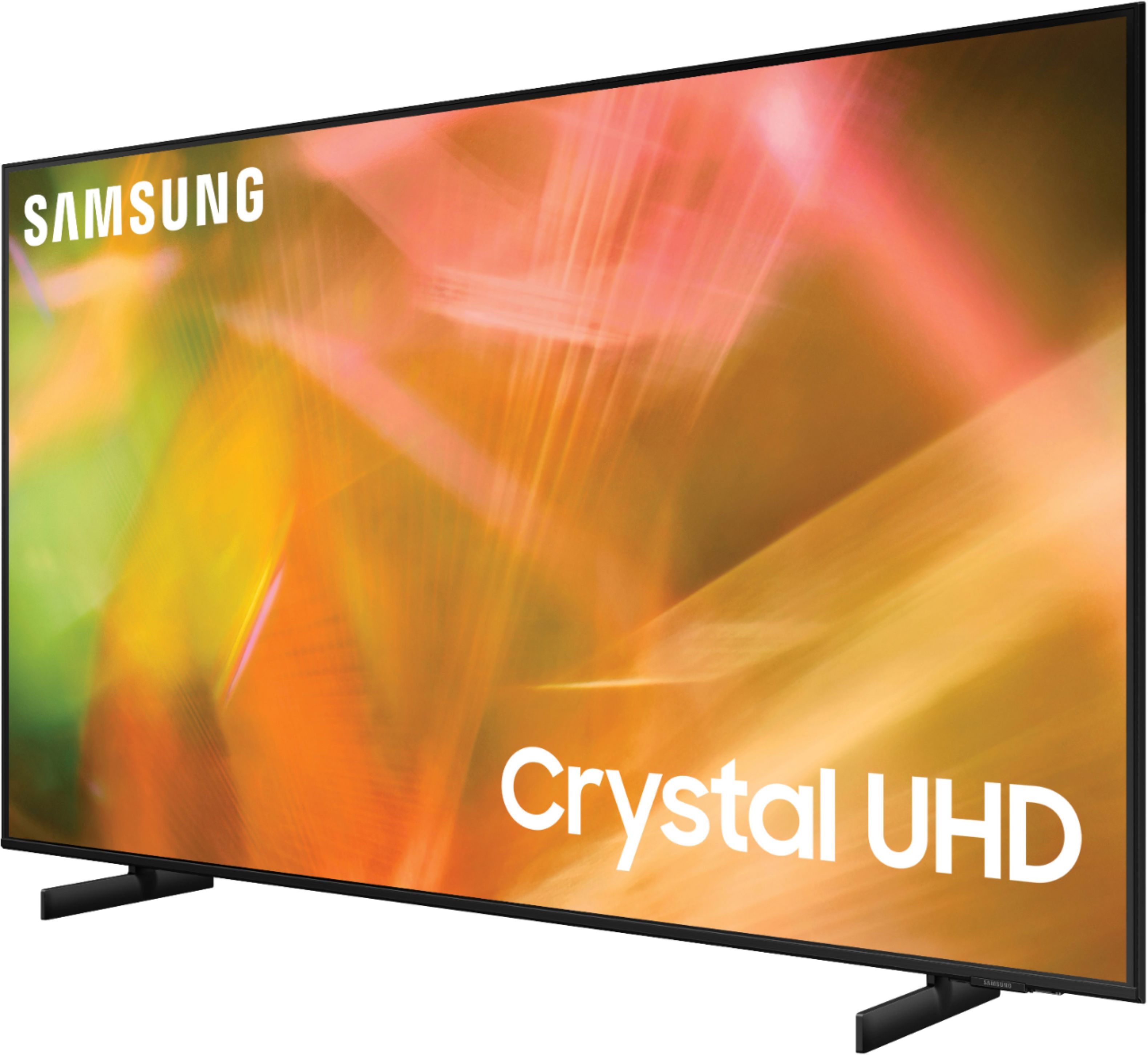
Customers are satisfied with the picture quality, easy setup, price, color, and size of the 50" Class 8000 Series LED 4K UHD Smart Tizen TV. They appreciate the excellent picture clarity, vibrant colors, and user-friendly interface. However, some customers have concerns about the durability and lifespan of the TV, as well as issues with the remote control and screen.
This summary was generated by AI based on customer reviews.
- Pros mentioned:Picture quality
picture
Posted .This reviewer received promo considerations or sweepstakes entry for writing a review.great picture and the price was great would consider it again
I would recommend this to a friend - Pros mentioned:Picture quality
Review
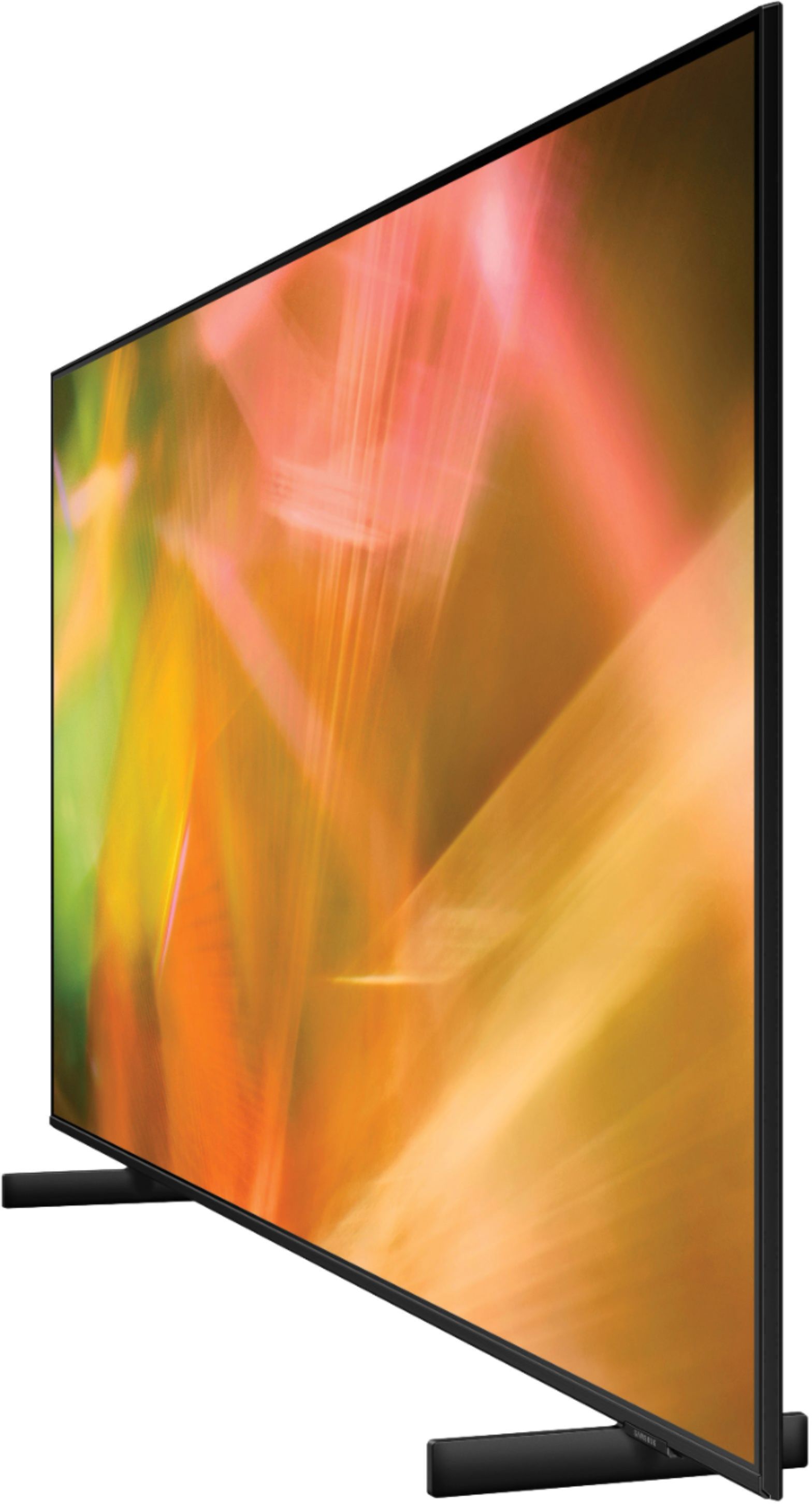
Posted .This reviewer received promo considerations or sweepstakes entry for writing a review.Great picture, even from the side view,day or night
I would recommend this to a friend - Pros mentioned:Picture quality
Owner
Posted .This reviewer received promo considerations or sweepstakes entry for writing a review.We love it. The picture is beautiful and the sound is good.
I would recommend this to a friend JOHN
Posted .This reviewer received promo considerations or sweepstakes entry for writing a review.I was very pleased with JOHN, the sales agent for advising me on the the tv's I was interested in. He spent time making sure I would be satisfied with my purchase in every way possible. the men that delivered my tv were knowledgeable and helped me understand the various features that I would be using.
I would recommend this to a friend- Pros mentioned:Picture quality
Good choice
Posted .This reviewer received promo considerations or sweepstakes entry for writing a review.Easy to set up and great picture! Easy ordering too
I would recommend this to a friend - Pros mentioned:Picture quality
Great TV
Posted .This reviewer received promo considerations or sweepstakes entry for writing a review.Amazing picture....learning how to navigate system
I would recommend this to a friend - Pros mentioned:Picture quality
Great Second Samsung
Posted .This reviewer received promo considerations or sweepstakes entry for writing a review.Awesome family TV selection for second Samsung purchase
I would recommend this to a friend No picture after 2 years.
Posted .This reviewer received promo considerations or sweepstakes entry for writing a review.So after 27 months all I get is a flashing black screen. When it did work it was nice but out of the blue I turn it on and nothing but a black flashing screen. So I'm givibg this 1 star for awful as a tv that costs over $500 should not have this issue and Ive tried everything except shelling out more money for repairs. The sad thing is my 2 yr protection plan expired 3 months ago.
No, I would not recommend this to a friendKnown issue--TV dies after 1-2 years
Posted .This reviewer received promo considerations or sweepstakes entry for writing a review.As many other reviewers have noted, this model has a design flaw. Sometime between 1-2 years after purchase the TV will start to turn on, then turn off, and cycle like that until you pull the plug in frustration. Samsung offers NO help or compensation when your TV dies--I would avoid at all cost.
I would recommend this to a friend3 years and major issues.
Posted .This reviewer received promo considerations or sweepstakes entry for writing a review.Such a shame. We have other Samsung's that are fine but this model crapped out after 3 years. We got the "Samsung black screen of death". It's almost like it's possessed. Turns off and on with no picture, only sound when it's on. I've tried recommended fixes and nothing works. Looks like we'll have to replace, but it may not be a Samsung.
No, I would not recommend this to a friend- Pros mentioned:Picture quality
Just ok
Posted .This reviewer received promo considerations or sweepstakes entry for writing a review.This tv picture quality is great but the sound quality is is pretty poor. Other than that I think I made a good purchase.
I would recommend this to a friendBrand response from Samsung
Posted .Hi Tresa,
We appreciate you sharing your experience with us. To tune the sound to your liking, you may want to try adjusting the several sound settings to suit your personal sound preferences. You can change the Sound Mode by going to: Settings > Sound > Sound Mode
You can also customize the sound with Expert Settings by going to: Settings > Sound > Expert Settings
To assist you with possible sound settings adjustments for a better audio experience, or choosing a Samsung Soundbar to complement your viewing enjoyment, please reach out to us at 1-800-SAMSUNG (ask for TVs), available 8AM - 12AM EST, 7 days a week.
For additional support resources, visit us on the Samsung website and click on the ‘Support’ link in the upper right corner of the homepage for:
1) Chat with Us/Product Help: To begin a chat or find solutions, choose ‘TVs & Home Theater’ and select your model & topic.
2) Register a Product: For access to easy warranty support, convenient opt-in to special promos and offers, faster troubleshooting and service, and quick notification of system updates.
3) Manuals & Software
4) Warranty Info
5) Contact Us
~ Samsung Solutions
- Cons mentioned:Volume
Turn it up
Posted .This reviewer received promo considerations or sweepstakes entry for writing a review.Tv volume really low had to put volume on 20 so had to buy a sound bar more money
No, I would not recommend this to a friendBrand response from Samsung
Posted .Hi R22R,
Thank you for sharing your experience with low volume. There are several volume features you can adjust, which may improve your experience.
1) Auto Volume automatically adjusts the sound to a certain level when changing channels or switching to another external input. Go to Settings > Sound > Expert Settings > Auto Volume.
2) Adaptive Sound automatically adjusts to a specific volume level while you are watching TV. The TV analyzes your volume usage history by time period to automatically adjust the volume when you use an app or switch to an external input source. Go to Settings> Sound> Sound Mode> Adaptive Sound.
2) Several Sound are likewise available to meet your personal preferences: Home > Settings > Sound > Sound Mode.
Also, some sources have their own volume control, which might be set too low. Please check the volume control of the external device (cable box or satellite box, DVD, Blu-ray, etc.) connected to your TV. Also, check the cable connection between an external device and the TV and then try cable connection again.
If you’d like more help with settings, please know we’re here to help! Call us at 1-800-SAMSUNG, 8 AM - 12 AM EST, seven days a week. Or visit us on the Samsung website and click on the ‘Support’ link for:
1) LiveChat
2) Manuals, Software, & Warranty Info
~ Samsung Advisor
Poor quality. Last 16 months. Panel failures.
Posted .This reviewer received promo considerations or sweepstakes entry for writing a review.Tv failed just out of warranty. Tv panel itself failed. Started with dead pixel rows and ultimately started to tune in and off due to failed panel. Check repair videos as its apparently a common failure with all those units. New panel is almost $500. Plus install cost it cheaper to buy a new TV.
No, I would not recommend this to a friendJunk, Samsung has an issue
Posted .This reviewer received promo considerations or sweepstakes entry for writing a review.Bought two. Both died (screen doesn’t turn on) between 14 and 16 months. It would be one thing if one died, but both with months of each other? Must be a flaw.
No, I would not recommend this to a friendBad TV product
Posted .This reviewer received promo considerations or sweepstakes entry for writing a review.Screen died 2.5 year later. It just started being blurry from one corner to the middle, then id would shut off. This factory defect is not covered by warranty
No, I would not recommend this to a friendSamsung au8000 Freezes,restarts
Posted .This reviewer received promo considerations or sweepstakes entry for writing a review.Picked this little number up a while ago not even had it a year and it randomly freezes, restarts. Picture is nice on the 4k LED display. The sound quality is lacking. The tv does support dolby atmos but only though hdmi soundbar. If you buy this or not, do some research.
No, I would not recommend this to a friendBrand response from Samsung
Posted .Hi there,
Thank you for sharing details of the menu/interface lag you’ve experienced on your Samsung AU8000 TV. Please ensure your TV’s firmware is up to date with the latest version, which includes updates to improve lag. You can check this by going to Settings > Support > Software Update and then easily update from there.
You may also want to further optimize performance with the self-diagnostic tool, which checks memory, frees up unused cached memory, and closes background apps. Go to Settings > Support > Device Care > Start Device Care.
If we can help with anything else, please call us at 1-800-SAMSUNG, 8 AM - 12 AM EST, 7 days a week. LiveChat with an agent, as well as manuals, software, and warranty info, can be found at the ‘Support’ link on our Samsung website.
~ Samsung Advisor
You can trust Best Buy
Posted .This reviewer received promo considerations or sweepstakes entry for writing a review.Good tv easy to order. Quick service at Best Buy. I am very happy with this purchase.
I would recommend this to a friendSamsung TV black screen
Posted .This reviewer received promo considerations or sweepstakes entry for writing a review.Black screen within less than 3 years. Very disappointing.
No, I would not recommend this to a friendStopped working after 1 1/2 years
Posted .This reviewer received promo considerations or sweepstakes entry for writing a review.I don't remember ever owning a TV that would stop working after a year. We have always owned Sony TVs and after the screen of our last Bravia accidentally broke we decided to try this Samsung TV. Since we have never owned Samsung before we were a bit concerned about quality/reliability of Samsung TVs however we followed the reviews and took a chance. Big mistake. Right after a year (after the warranty expired) the TV started suddenly (and without explanation) loosing the network connection. This happened for about 2 months. Although incredibly annoying the TV would still work. Then it started turning off and on by itself after a few minutes. At that point we contacted Samsung Support and they helped reset the TV remotely. This helped temporarily however 2 days later the TV broke down for good. Now the TV appears to be turning on (there is a slight change in the black screen tone) but turns off immediately after. Since it is out of warranty the cost of repairing would probably be higher than just buying another TV so we will need to throw it away. Unbelievable. We should have stayed with a reliable brand with many decades of market history backing up that they are built to last. This is the last Samsung product we buy unless they come with a 10 year warranty. For customers considering buying this brand it would be beneficial to look for and read reviews of people owning Samsung product after a few years. In our experience this seems to be the issue with this brand.
No, I would not recommend this to a friendBrand response from Samsung
Posted .Hi BrianB,
Thank you for reaching out and letting us know about the issues you are experiencing with the AU8000 TV having a black screen. I have a few troubleshooting steps for you to try that may help resolve this issue.
1. Press the Home button on the remote.
If the menu appears, the TV is powered on but is either not on the correct source or not receiving a signal. If the menu does not appear, the TV may be having power issues.
Check the red standby light, a little red light at the edge of the TV that you aim the remote at. In normal use, the red standby light is on when the TV is off (indicating the TV is on standby), and the red standby light is off when the TV is in use (or doesn't have power).
2. Confirm that the TV is set to the same source as the external device.
For instance, if your cable box is connected to HDMI 1, set the TV source to HDMI 1. If the TV is set to the correct source, but there is still no image, unplug and reconnect the AV connections one cable at a time from both ends of each cable. If there's any damage to the cable, it will need to be replaced.
After reconnecting the external device, please turn it off and back on.
3. Test the HDMI cable.
Some TVs have an HDMI cable test. Some models only have this test after a software update, and older models do not. If your model does not have this test or is not connected by HDMI, skip to the next step.
The test is designed for HDMI cords less than 6 feet long and may not give accurate results on longer cords.
To perform the test, make sure the TV's source is still on the HDMI setting for the cable you want to test, and then navigate to Settings > Support > Self Diagnosis > Signal Information > HDMI Cable Test > Start Test.
If the test says the cable is bad, replace the cable. Service is not required.
4. Test different external devices.
The final thing to rule out is the external device you're using. Try connecting a different device or using a different source port.
If the TV can display a picture in any other setup, then you've ruled the TV out as the cause of the issue. Keep trying various setups until you identify the device or cable that is not working and troubleshoot or replace it.
The TV will need service if the issue persists after these steps. Please get in touch with us so that we can better investigate your issue and assist you with a solution. Call us at 1-800-SAMSUNG, 8 AM - 12 AM EST, seven days a week. Or visit us on the Samsung website and click on the ‘Support’ link for:
1) LiveChat
2) Manuals, Software, & Warranty Info
~ Samsung Advisor
Lasted 13 months.
Posted .This reviewer received promo considerations or sweepstakes entry for writing a review.Lasted 13 months and Samsung said my best option is to buy a new tv. Absolute junk and I will never buy Samsung again. Don’t waste your money.
No, I would not recommend this to a friend