Customer Ratings & Reviews



- Model:
- UN50CU7000FXZA
- SKU:
- 6537418
Rating by feature
- Picture Quality
Rating 4.8 out of 5 stars
- Sound Quality
Rating 4.5 out of 5 stars
- Brightness
Rating 4.7 out of 5 stars
Customers are saying
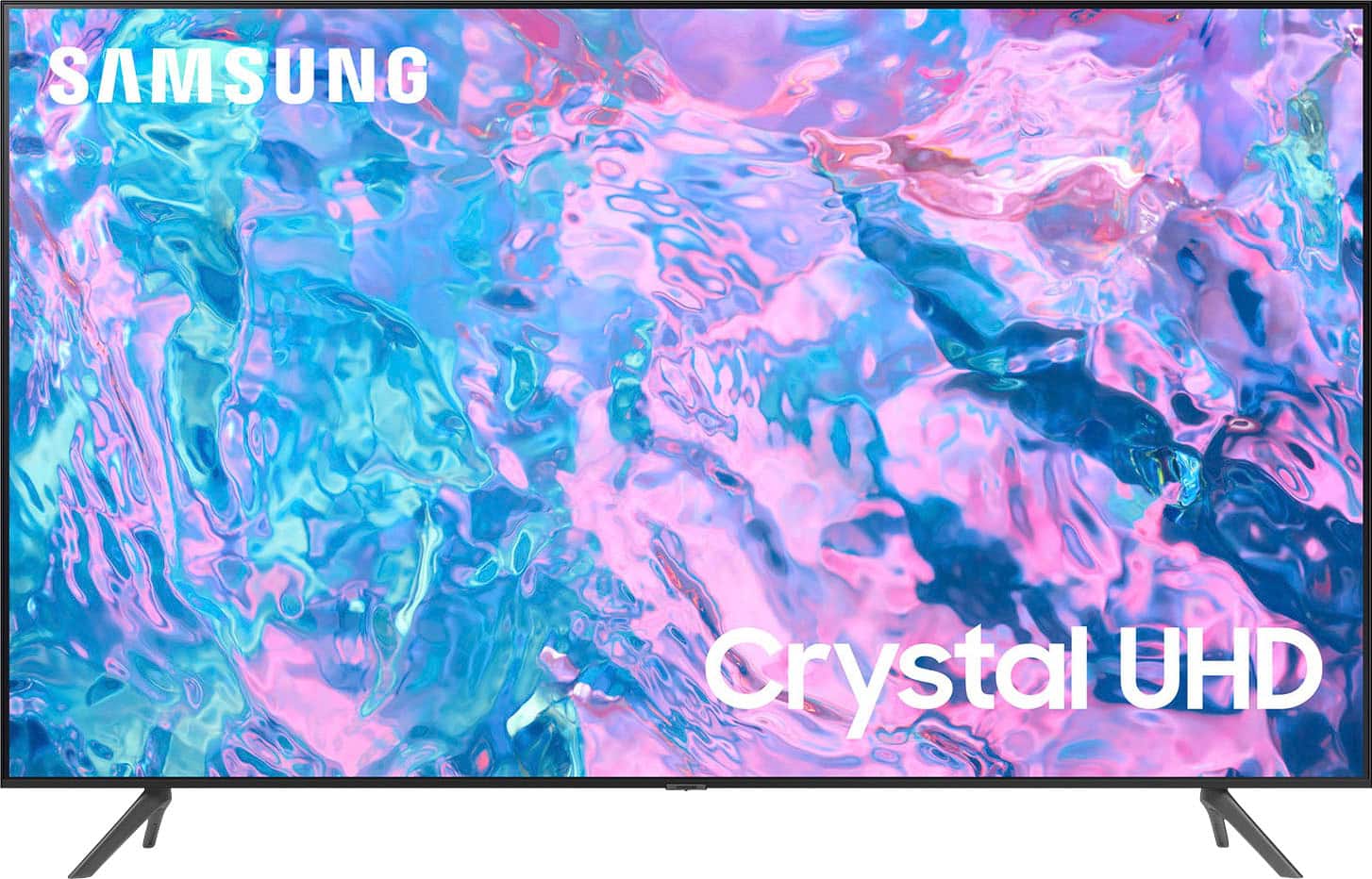
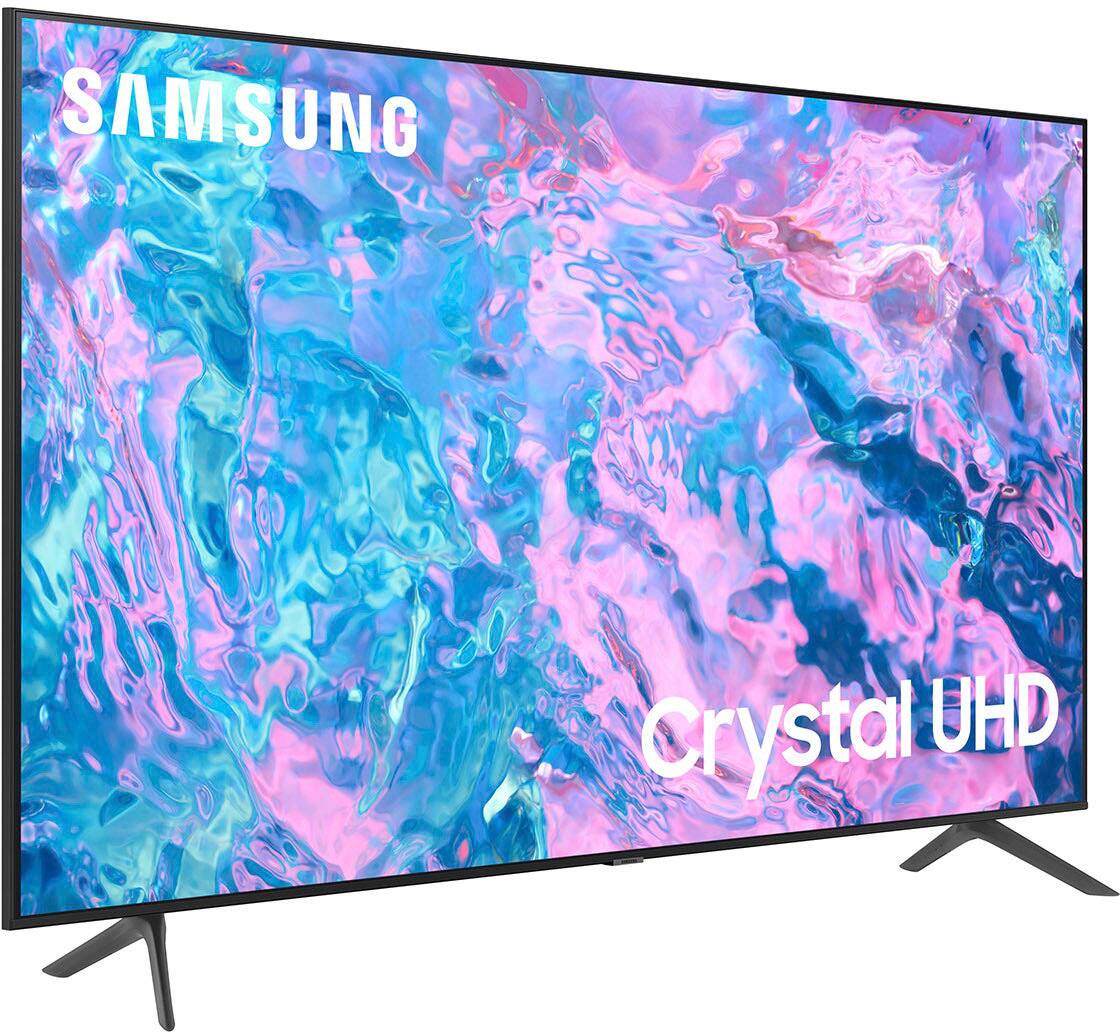
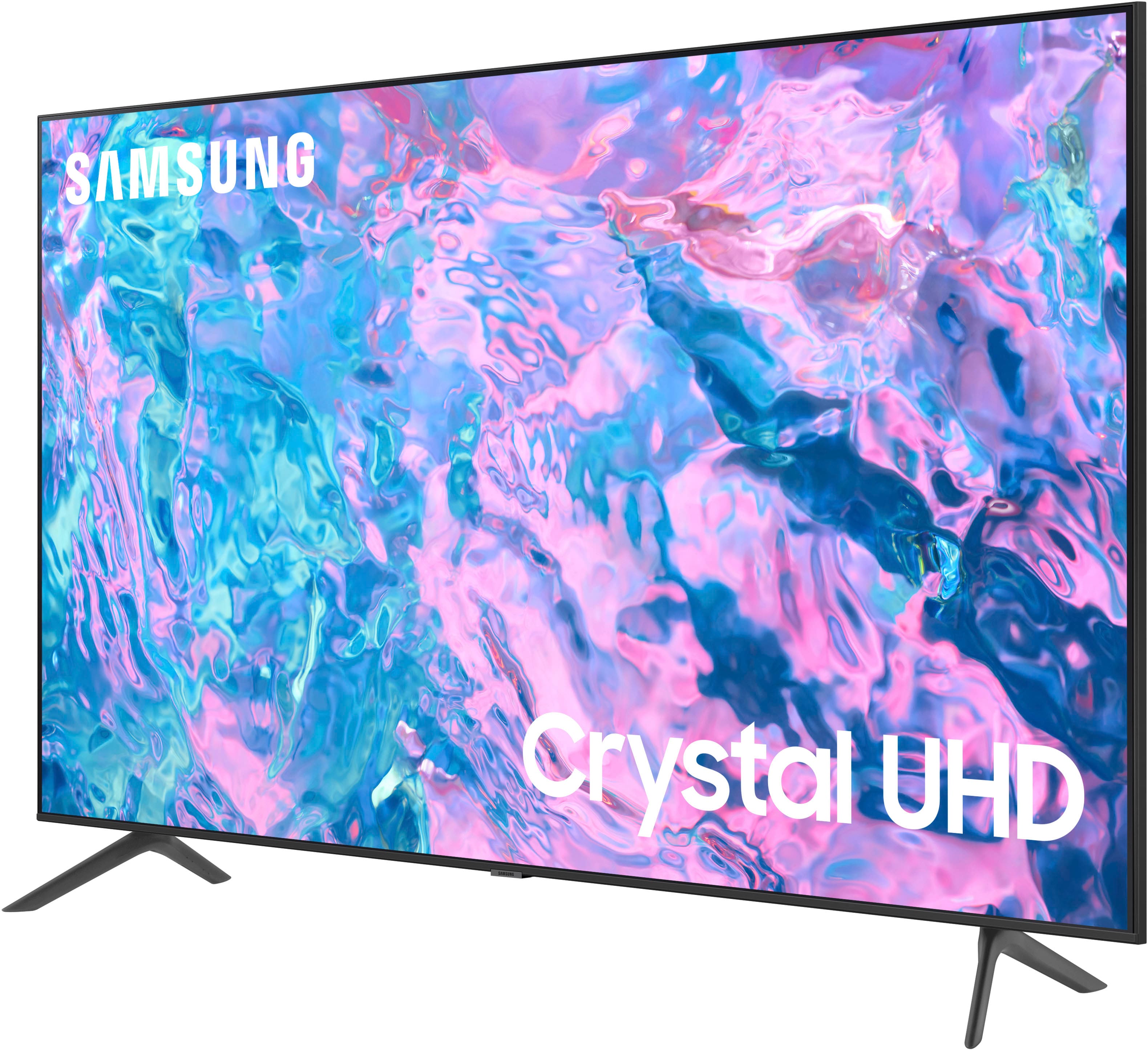
Customers express satisfaction with the picture quality, ease of setup, price, sound, and user-friendly features of the 50” Class CU7000 Crystal UHD 4K Smart Tizen TV. They appreciate the clear and sharp picture, simple setup process, affordability, great sound quality, and user-friendly remote control. However, some customers have concerns about the remote control's lack of user-friendly features, Wi-Fi connectivity issues, limited size options, and speaker quality.
This summary was generated by AI based on customer reviews.
Don't buy this tv
Posted .This reviewer received promo considerations or sweepstakes entry for writing a review.The tv set failed in 6 days. Best Buy was great about returning it and I selected a different brand. No tv should have a major fail in 6 days. I would say do not buy this tv, however Best Buy was great to work with!
No, I would not recommend this to a friendStreaming
Posted .This reviewer received promo considerations or sweepstakes entry for writing a review.Be aware of the streaming proplems with this TV. A lot of buffering, freezing and dropping occur while streaming. The internet has numerous reports of this.
No, I would not recommend this to a friendBrand response from Samsung
Posted .Hi user699667,
We appreciate your feedback on the Samsung CU7000 TV. I'm sorry to hear you are experiencing issues with your TV buffering, freezing and dropping. Please know we have various tips to resolve this issue.
First, let's ensure you are running the latest Firmware. Go to Settings> Support> Software Update. To ensure you do not miss any Firmware Updates, I recommend enabling Auto Updates. Go to Settings> Support> Software Update> then select Auto Update.
Next, let's try running a cold boot on your TV. To do so, hold down the Power button on the Samsung TV remote until the TV turns off and then on again. This should take about 5 seconds.
If you continue to have issues, please call us at 1-800-SAMSUNG, 8 AM - 12 AM EST, seven days a week. LiveChat with an agent, as well as manuals, software, and warranty info, can be found at the ‘Support’ link on our Samsung website.
~ Samsung Advisor
No way. 29910 manager not trustworthy
Posted .This reviewer received promo considerations or sweepstakes entry for writing a review.Never again. Treated me horrible. Bought 4 TVs that day. Tried to return a broken one and the manager denied and said we were lying.
No, I would not recommend this to a friendBrand response from Samsung
Posted .Hi user749775,
I'm sorry to hear about your experience with Best Buy. Please know that we are here to help you. If you need help with your Samsung TV, please give us a call at at 1-800-SAMSUNG, 8 AM - 12 AM EST, seven days a week. Our LiveChat agents are also available by clicking on the ‘Support’ link on our website.
~ Samsung Advisor
Can't get to settings
Posted .This reviewer received promo considerations or sweepstakes entry for writing a review.2yrs in and it is cutting on and off continuously can't even get to the recommended option to reset.
No, I would not recommend this to a friendBrand response from Samsung
Posted .Hi SandyB,
I'm sorry you are experiencing issues with your TV. Please know we are here to help and have a few recommendations for you.
1) With your TV turned on, unplug the power cord from the wall outlet.
2) Wait 30 seconds and then reconnect the power plug. Turn on your TV again using your remote.
If you continue to have issues, please give us a call at 1-800-SAMSUNG, 8 AM - 12 AM EST, seven days a week. Our LiveChat agents are also available by clicking on the ‘Support’ link on our website.
~ Samsung Advisor