Customer Ratings & Reviews
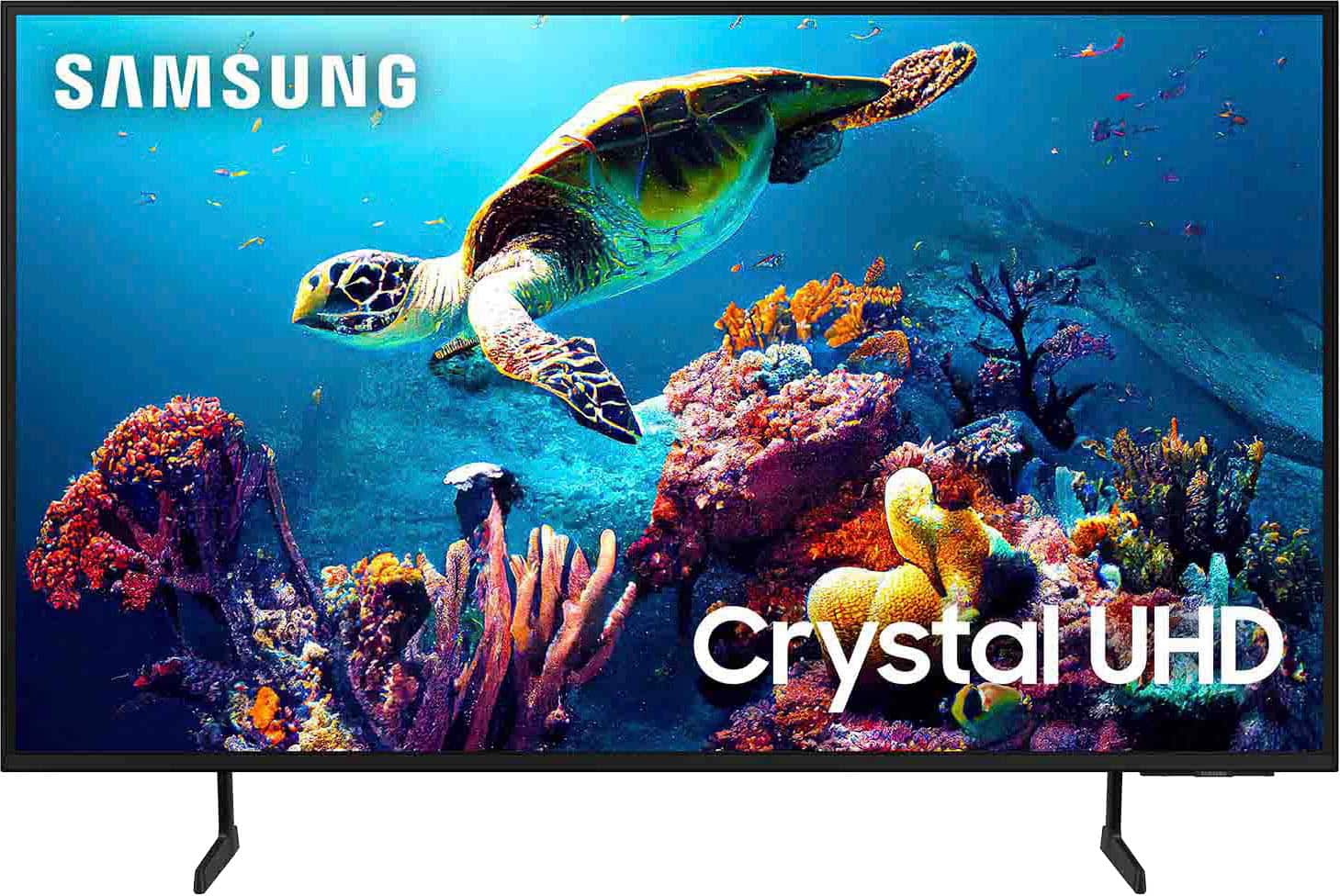

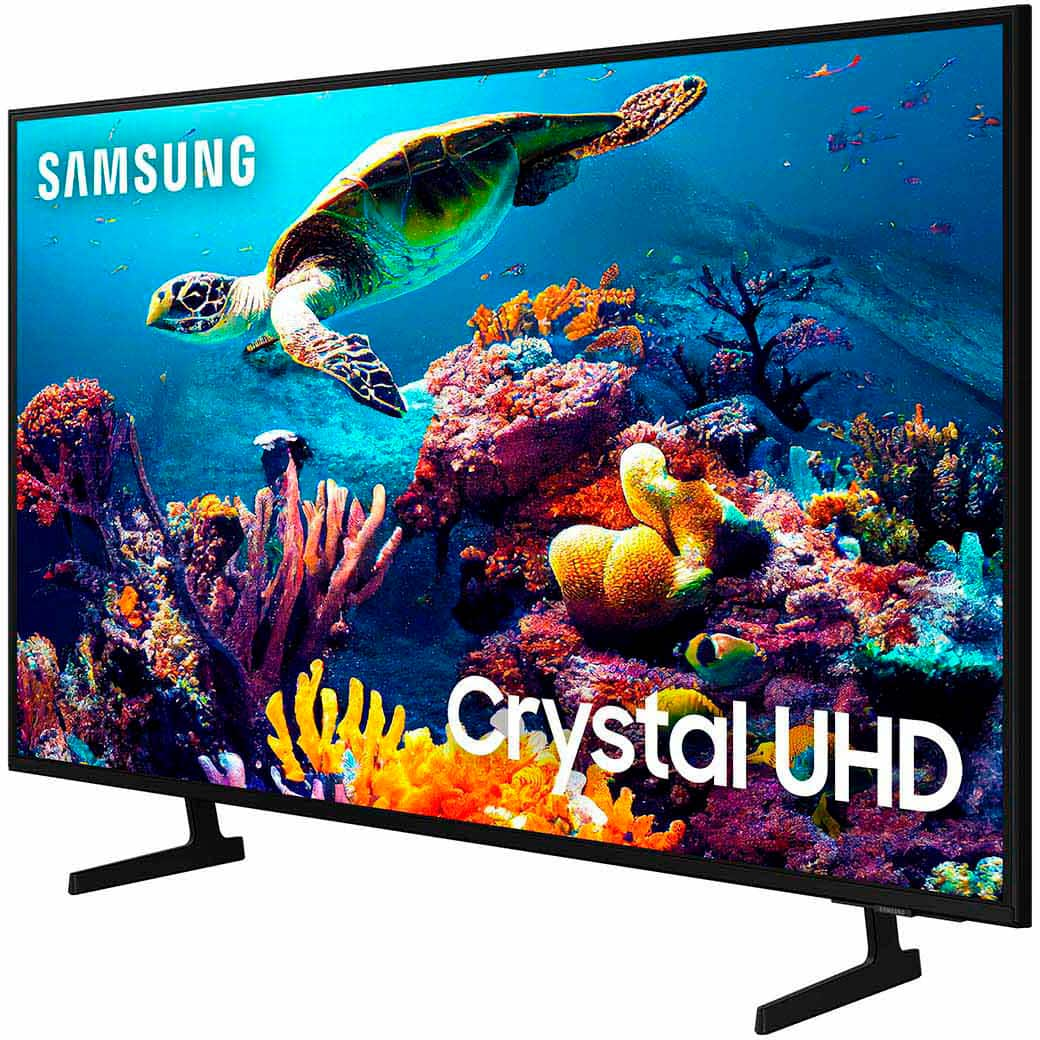
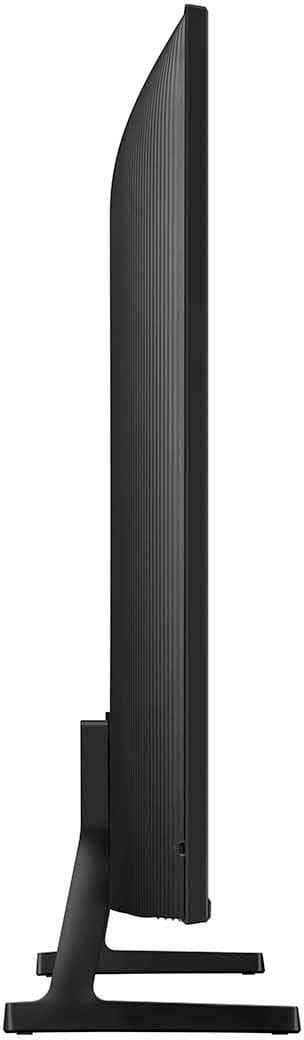

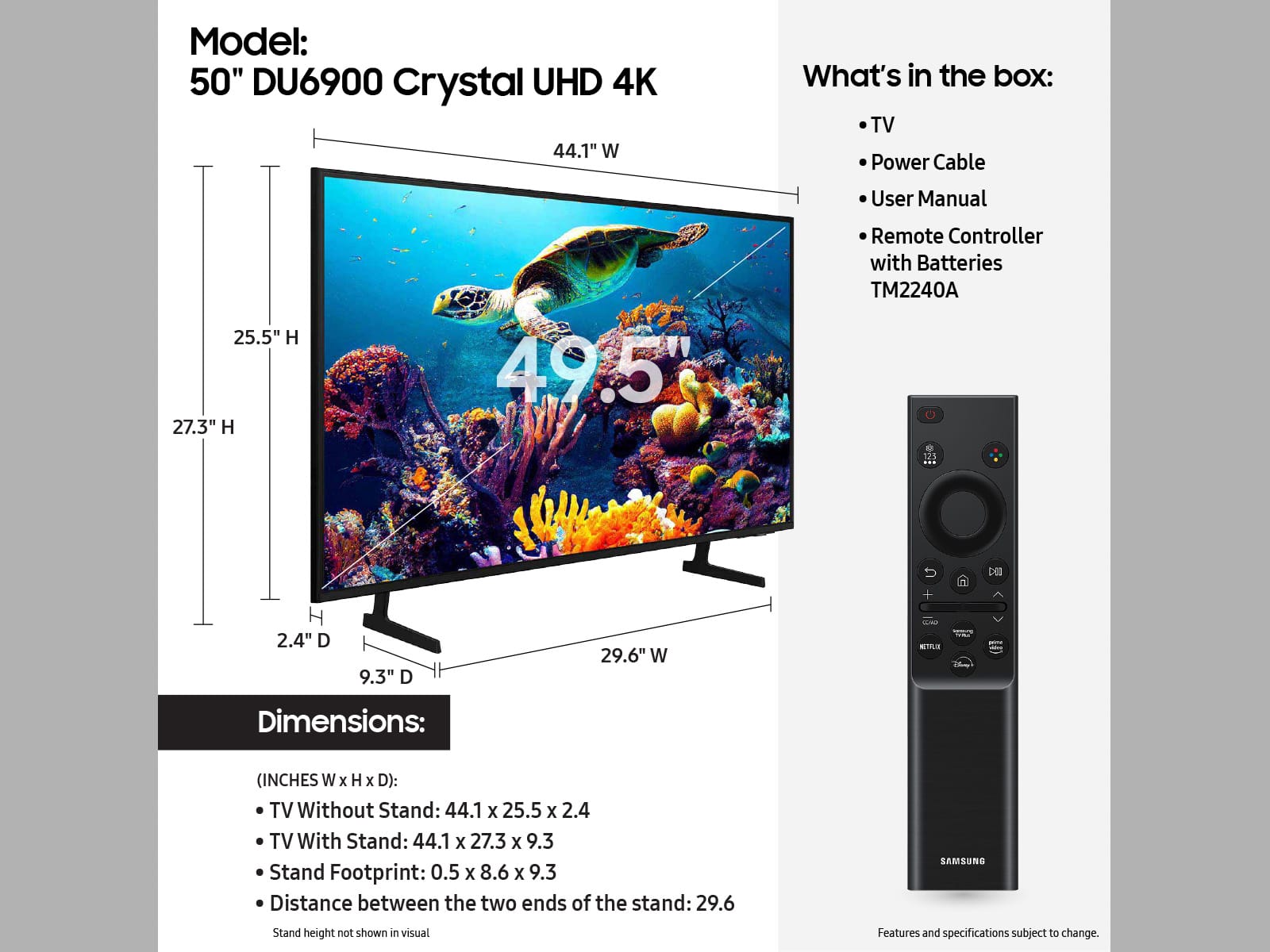







- Model:
- UN50DU6900FXZA
- SKU:
- 6584869
Rating by feature
- Picture Quality
Rating 4.8 out of 5 stars
- Sound Quality
Rating 4.6 out of 5 stars
- Brightness
Rating 4.8 out of 5 stars
Customers are saying
Customers regard the 50” Class DU6900 Series Crystal UHD 4K Smart Tizen TV (2024) highly for its exceptional picture quality, vibrant colors, ease of use, and reasonable price. Many also appreciate the simple setup and smart TV functionality. Some customers feel that the remote control could be improved, and a few noted that the viewing angles are not ideal.
This summary was generated by AI based on customer reviews.
TV
||Posted . Owned for 2 weeks when reviewed.This reviewer received promo considerations or sweepstakes entry for writing a review.Great quality tv for the price. It is a game changer
I would recommend this to a friendBlack screen
||Posted . Owned for 1 year when reviewed.This reviewer received promo considerations or sweepstakes entry for writing a review.The screen went black 17 days after the warranty was over. You can hear audio but screen is just black. Called Samsung and let them how how upset I was especially because it happened 17 days after warranty was over and all they said was I have to pay out of pocket. I had a similar experience years ago and I already know it’s not even worth trying to fix it. Just cheaper getting another tv. Samsung tvs aren’t reliable at all.
No, I would not recommend this to a friendBrand response from Samsung
Posted .VictorR,
If your TV has a black screen even when it's on, it's quite possible it could actually be your external device and not your TV. Please try these troubleshooting steps for your blank screen issue:
1. Press the Home button on the remote.
If the menu appears, the TV is powered on but is either not on the correct source or not receiving a signal. If the menu does not appear, the TV may be having power issues.
Check the red standby light, a little red light at the edge of the TV that you aim the remote at. In normal use, the red standby light is on when the TV is off (indicating the TV is on standby), and the red standby light is off when the TV is in use (or doesn't have power).
2. Confirm that the TV is set to the same source as the external device.
For instance, if your cable box is connected to HDMI 1, set the TV source to HDMI 1.
If the TV is set to the correct source, but there is still no image, unplug and reconnect the AV connections one cable at a time from both ends of each cable. If there's any damage to the cable, it will need to be replaced.
After reconnecting the external device, please turn it off and back on.
3. Test the HDMI cable.
The test is designed for HDMI cords less than 6 feet long and may not give accurate results on longer cords.
To perform the test, make sure the TV's source is still on the HDMI setting for the cable you want to test, and then navigate to Settings > Support > Self Diagnosis > Signal Information > HDMI Cable Test > Start Test. If the test says the cable is bad, replace the cable. Service is not required.
4. Test different external devices.
The final thing to rule out is the external device you're using. Try connecting a different device or using a different source port.
If the TV can display a picture in any other setup, then you've ruled the TV out as the cause of the issue. Keep trying various setups until you identify the device or cable that is not working and troubleshoot or replace it.
The TV will need service if the issue persists after these steps. Please contact us so that we can better investigate your issue and assist you with a solution or replacement. You can call us at 1-800-SAMSUNG, 8 AM - 12 AM EST, seven days a week. Our LiveChat agents are also available by clicking on the ‘Support’ link on our website.
~ Samsung Pro
Good tv for the price
||Posted . Owned for 1 month when reviewed.This reviewer received promo considerations or sweepstakes entry for writing a review.The sound isn’t the best quality but overall it’s a good tv.
I would recommend this to a friendShort life. Poor Customer Satisfaction
||Posted . Owned for 1 year when reviewed.This reviewer received promo considerations or sweepstakes entry for writing a review.This TV lasted exactly 1yr and was only used once in a while for a couple hours on the weekend. Samsung told me it was out of warranty, which by the time (after the holidays) that i got through to Samsung, was too late. It was a couple days past and Samsung was not willing at all to accommodate us. Will nit be purchasing any Samsung TVs in the future.
No, I would not recommend this to a friendreview of my puchase
||Posted . Owned for 1 month when reviewed.This reviewer received promo considerations or sweepstakes entry for writing a review.purchased for granddaughter for xmas. good delivery
I would recommend this to a friendreview
||Posted . Owned for 2 weeks when reviewed.This reviewer received promo considerations or sweepstakes entry for writing a review.bought this as a christmas gift for mt dad. he loves it!
I would recommend this to a friendFuzzy picture
||Posted . Owned for 1 week when reviewed.This reviewer received promo considerations or sweepstakes entry for writing a review.Not happy with picture quality. Seems a bit fuzzy. 4 year old Samsung 48” was clearer. Samsung customer service doesn’t think it’s the tv so maybe it’s my cable/internet provider. Picture is the same whether using cable or streaming. Will probably exchange for another model.
No, I would not recommend this to a friendBrand response from Samsung
Posted .MarkM,
We appreciate you sharing your experience with the DU6900 TV. Your feedback regarding image quality is essential to us and will be shared with our internal teams. Please try adjusting the below image settings to improve your picture.
Go to Home > Settings > All Settings > Picture > Picture Mode and select the mode that best fits your usage:
1) Standard: Default mode suitable for general viewing environments.
2) Natural: Reduces eye strain for a comfortable viewing experience.
3) Movie: Most suitable for watching TV or movies in a dark room.
4) Dynamic: Makes the picture brighter and clearer in bright viewing environments.
You can also go to Settings > All Settings> Picture > Expert Settings > to manually fine-tune your image.
If you need more help, Samsung is here for you. Call us at 1-800-SAMSUNG, 8 AM - 12 AM EST, seven days a week. Our LiveChat agents are also available by clicking on the ‘Support’ link on our website.
~ Samsung Pro
Best buy
||Posted . Owned for 3 weeks when reviewed.This reviewer received promo considerations or sweepstakes entry for writing a review.Great buy. The auto-setup was the best feature of the TV
I would recommend this to a friendNetwork issues
||Posted .This reviewer received promo considerations or sweepstakes entry for writing a review.Had to return the TV, could never get it set up. Kept get network errors, thought it was my internet but it was there system.
No, I would not recommend this to a friendBrand response from Samsung
Posted .RoZe0915,
We appreciate you taking the time to let us know about your experience with your TV. Should you ever decide to give Samsung TVs another try and have questions or need help with settings, setup, or features, please know we’re here to help. Call us at 1-800-SAMSUNG, 8AM - 12AM EST, 7 days a week.
LiveChat with an agent as well as manuals, software, and warranty info can be found at the ‘Support’ link on our Samsung website.
We hope to regain you as a customer in the future.
~ Samsung Pro
Nice
||Posted . Owned for 2 months when reviewed.This reviewer received promo considerations or sweepstakes entry for writing a review.Delivery was quick and easy, and the TV works fine for the price. It's not the best I've had, but it does its job. The picture and sound are decent, though not exceptional. Overall, it's a solid choice for those looking for an affordable option without high expectations.
No, I would not recommend this to a friendBrand response from Samsung
Posted .NancyLmnop,
Thank you for purchasing the Samsung DU6900 Crystal UHD TV. I am happy that you are enjoying your new TV. Please know you can contact Samsung Customer Support with any questions or concerns with usage, features, or how to best optimize your settings.
You can call us at 1-800-SAMSUNG, 8 AM - 12 AM EST, seven days a week. Our LiveChat agents are also available by clicking on the ‘Support’ link on our website.
~Samsung Pro
Very dim for bright rooms
||Posted . Owned for 2 weeks when reviewed.This reviewer received promo considerations or sweepstakes entry for writing a review.Not very bright, disappointed for Samsung name. I didn't know when I ordered this that there was a difference between edge lit and direct lit and this is edge lit, making it very dim in well-lit rooms. I will be returning this.
No, I would not recommend this to a friendBrand response from Samsung
Posted .Danielle33,
If you have not returned your unit, we are available and happy to assist you with troubleshooting or to set up a warranty appointment.
You can reach Samsung Support at 1-800-SAMSUNG (ask for TVs), 8 AM – 12 AM EST, 7 days a week.
~Samsung Pro
Cool
||Posted . Owned for 3 weeks when reviewed.This reviewer received promo considerations or sweepstakes entry for writing a review.*+************************+*+++++++*********^^%%^%%#***
I would recommend this to a friend- Cons mentioned:Remote control
DO NOT PURCHASE, this TV is a disaster, BLURRY
||Posted . Owned for 3 weeks when reviewed.This reviewer received promo considerations or sweepstakes entry for writing a review.The picture is VERY blurry. The remote is almost useless and confounding. It is almost impossible to navigate internet sites including Samsung Plus tv content. If all Samsung TVs are as poorly designed as this model, Best Buy must stop selling any Samsung TVs My 40 year old RCA TV set was infinitely better than this 2024 Samsung Smart TV.
No, I would not recommend this to a friendBrand response from Samsung
Posted .RobertA,
We appreciate you sharing your experience with the DU6900 TV. Your feedback regarding image quality is essential to us and will be shared with our internal teams. Please try adjusting the below image settings to improve your picture.
Go to Home > Settings > All Settings > Picture > Picture Mode and select the mode that best fits your usage:
1) Standard: Default mode suitable for general viewing environments.
2) Natural: Reduces eye strain for a comfortable viewing experience.
3) Movie: Most suitable for watching TV or movies in a dark room.
4) Dynamic: Makes the picture brighter and clearer in bright viewing environments.
You can also go to Settings > All Settings> Picture > Expert Settings > to manually fine-tune your image.
If you need more help with image settings or learning to navigate the TV, Samsung is here for you. Call us at 1-800-SAMSUNG, 8 AM - 12 AM EST, seven days a week. Our LiveChat agents are also available by clicking on the ‘Support’ link on our website.
~Samsung Pro
Terrible in every way.
||Posted . Owned for 5 months when reviewed.This reviewer received promo considerations or sweepstakes entry for writing a review.Tis unit lasted 4 months before simply going black while watching. Best Buy says sorry, ttake it up with the manufacturer. Samsung’s warranty department just tries to wear you down to the point you just give up. After filing the warranty claim and jumping through all the hoops, they pass it on from the service department to the refund/replacement department. After many calls and text messages overseas, I’ve been told after jumping through the many hoops once again that my request has been okayed for payment and gave me multiple options as to how to receive my refund. E-payment, direct deposit, physical paper check or e-coupon to use exclusively on Samsung’s website to purchase a replacement or whatever else i wanted. I was told that Citi bank would contact me via email and/or text. Nothing! So I kept calling overseas and I keep hearing 3-5 business days. After 5-7 business days I call back and its like hitting a reset button, 3-5 business days. I’m convinced Samsung’s warranty department, service department and refund department are all a big scam. Buyer beware is all i can say.
No, I would not recommend this to a friendBrand response from Samsung
Posted .ToroTim,
It’s unfortunate that you’re experiencing issues with your DU6900 TV, and we appreciate your patience while waiting for your warranty service. So that we can better understand your particular situation, please contact TV support directly at 1-800-SAMSUNG, 8AM - 12AM EST, 7 days a week. Our LiveChat agents are also available by clicking on the ‘Support’ link on our website.
We look forward to hearing from you soon.
~ Samsung Pro
Volume issue
||Posted . Owned for 6 months when reviewed.This reviewer received promo considerations or sweepstakes entry for writing a review.I purchase new. (not open box) Volume issue. You have put so high volume to hear. I ask to replace and best buy decline,
I would recommend this to a friendBrand response from Samsung
Posted .celtics1,
Thank you for sharing your experience with volume issues. There are several volume features you can adjust, which may improve your audio experience.
1) Auto Volume automatically adjusts the sound to a certain level when changing channels or switching to another external input. Go to Settings > All Settings> Sound > Expert Settings > Auto Volume.
2) Adaptive Sound automatically adjusts to a specific volume level while watching TV. The TV analyzes your volume usage history by time period to automatically adjust the volume when you use an app or switch to an external input source. Go to Settings> All Settings> Sound> Sound Mode> Adaptive Sound.
3) Several Sound Modes are likewise available to meet your personal preferences: Home > Settings > All Settings> Sound > Sound Mode.
Also, some sources have their own volume control, which might need to be set higher. Please check the volume control of the external device (cable box or satellite box, DVD, Blu-ray, etc.) connected to your TV. Also, check the cable connection between an external device and the TV and then try the cable connection again.
If you’d like more help with settings, we are always happy to help! Call us at 1-800-SAMSUNG, 8 AM - 12 AM EST, seven days a week. Or visit us on the Samsung website and click on the ‘Support’ link for:
1) LiveChat
2) Manuals, Software, & Warranty Info
~ Samsung Pro
Save your money
||Posted . Owned for 1 year when reviewed.This reviewer received promo considerations or sweepstakes entry for writing a review.Skip Samsung tv get Sony instead, this tv died on me less than two years, screen went black no light or sound. Now have to buy a new tv smh !!! Super disappointed
No, I would not recommend this to a friendGood deal for a budget or extra TV
||Posted . Owned for 1 week when reviewed.This reviewer received promo considerations or sweepstakes entry for writing a review.I was able to grab this for $250. If you’re on a budget or need a TV for a guest room, this is a good deal. Or if you’re just stepping in to 4k, it should be a good deal for you. M
I would recommend this to a friendBrand response from Samsung
Posted .JamiePogue,
Thank you for purchasing Samsung’s Crystal UHD 4K DU6900 Smart TV, which allows you to stream your favorite shows, play games, or even work out with a trainer. Experience everything you love with the Smart TV powered by Tizen!
If you ever have questions or need help, Samsung is here for you! Give us a call at 1-800-SAMSUNG, 8 AM - 12 AM EST, seven days a week. Our LiveChat agents are also available by clicking on the ‘Support’ link on our website.
Thanks for being a part of the Samsung family!
~ Samsung Pro
Samsung DU6900 TV
||Posted . Owned for 1 month when reviewed.This reviewer received promo considerations or sweepstakes entry for writing a review.Didn't like it has no optical plug and soundbar are very difficult to connect. Only 2 HDMIs 1 is for sound or edci. I love Samsung tvs but this was a dud.
No, I would not recommend this to a friendBrand response from Samsung
Posted .DeannaD,
Thank you for choosing the Samsung DU6900 TV and for taking the time to provide us with detailed feedback on your experience. Your opinion is important to us and will be shared with our internal product teams.
The DU6900 TV offers 2 HDMI ports and is Bluetooth and Wi-Fi capable, allowing a seamless connection across multiple devices at a time. If your external device requires an Optical port, we recommend utilizing an HDMI to Optical Converter. These can be found at your local electronics store. Please also keep in mind that an Optical port can be found on our DU8000F Series and above.
If we can further help with any other issues, we are happy to help. Just call us at 1-800-SAMSUNG, 8 AM - 12 AM EST, seven days a week. Our LiveChat agents are also available by clicking on the ‘Support’ link on our website.
~ Samsung Pro
Samsung TV
||Posted .This reviewer received promo considerations or sweepstakes entry for writing a review.Disappointed tv died 15 months after purchased. I expected it to last longer. We have another Samsung that is older and still workin.
No, I would not recommend this to a friendGreat TV for a great price!
||Posted . Owned for 3 weeks when reviewed.This reviewer received promo considerations or sweepstakes entry for writing a review.This TV looks really good and was very light which I felt a lot better about when hanging on a wall mount in the kids room.
I would recommend this to a friendBrand response from Samsung
Posted .Jciphone12,
Thank you for your purchase and kind words about the new Samsung DU6900 TV. We hope you and your family enjoy watching your favorite movies and TV shows in captivating 4K resolution as the Crystal Processor automatically transforms every frame.
If you have any questions or need any help, please do not hesitate to reach out to us at 1-800-SAMSUNG, 8 AM - 12 AM EST, seven days a week. Our LiveChat agents are also available by clicking on our website's ‘Support’ link.
~ Samsung Pro