Customer Ratings & Reviews
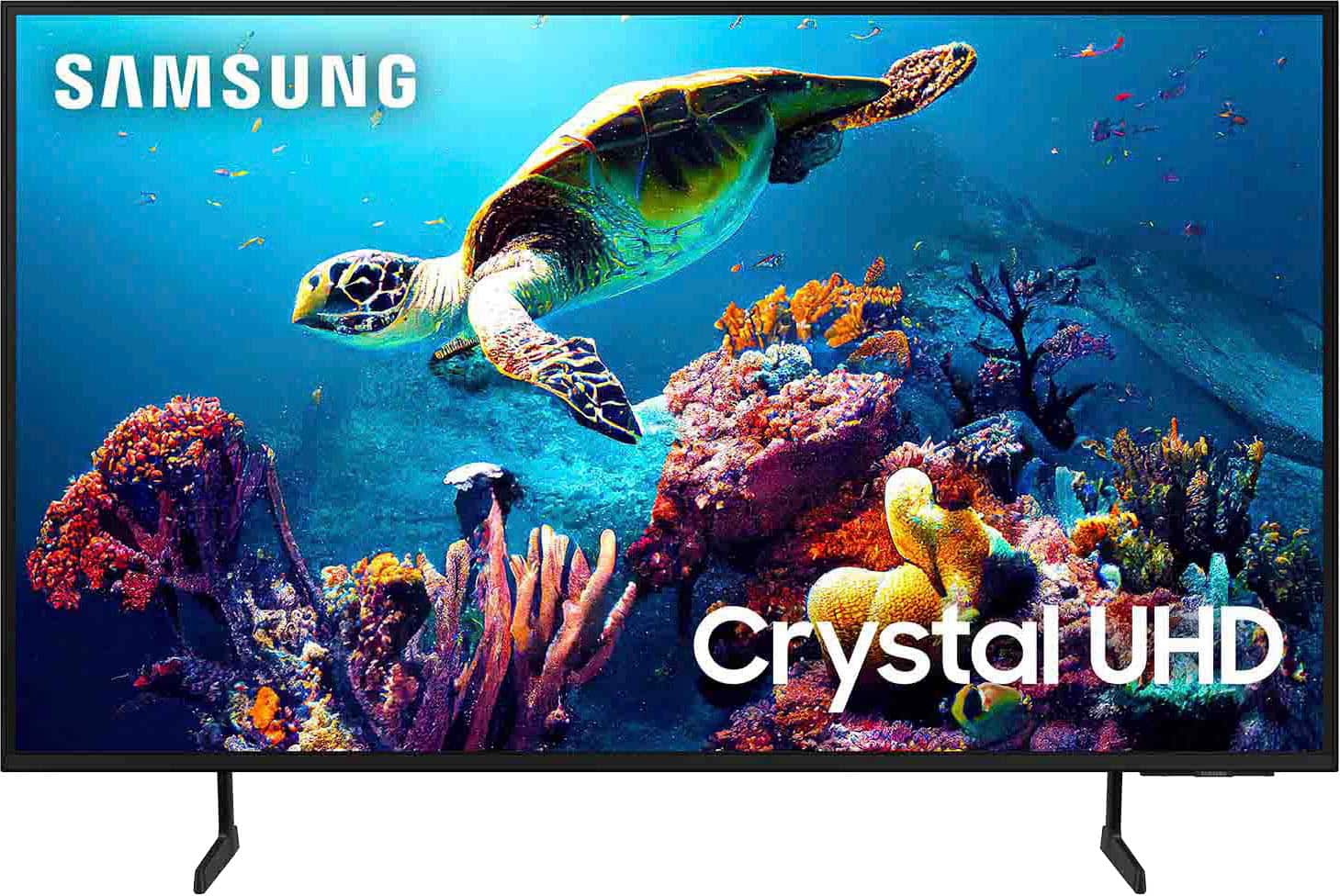

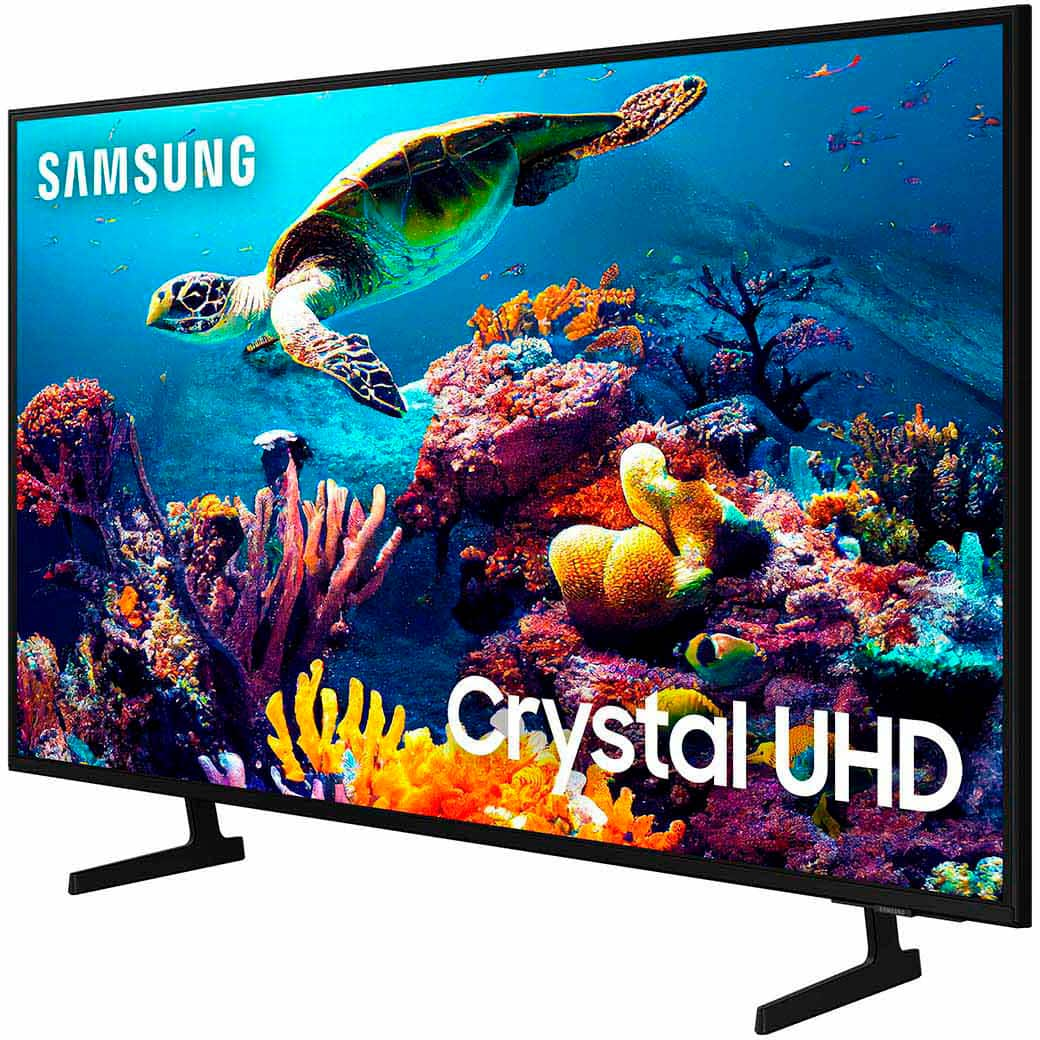
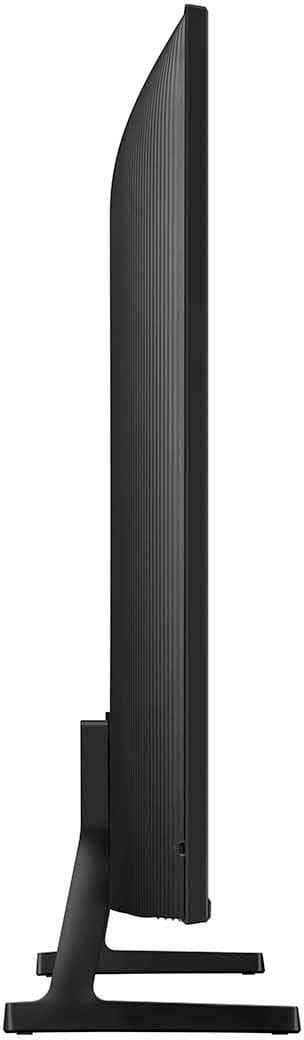

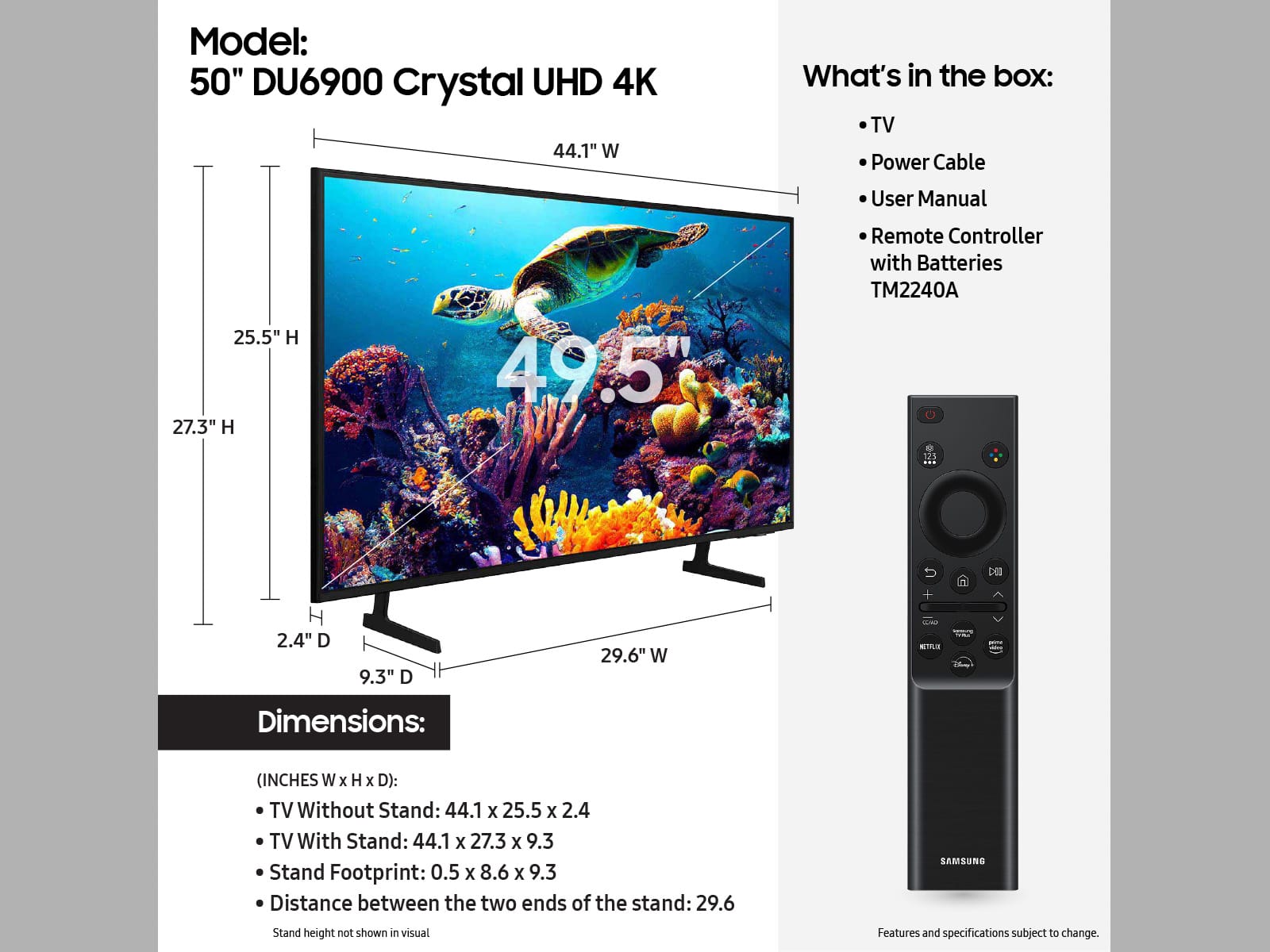







- Model:
- UN50DU6900FXZA
- SKU:
- 6584869
Rating by feature
- Picture Quality
Rating 4.8 out of 5 stars
- Sound Quality
Rating 4.6 out of 5 stars
- Brightness
Rating 4.8 out of 5 stars
Customers are saying
Customers regard the 50” Class DU6900 Series Crystal UHD 4K Smart Tizen TV (2024) highly for its exceptional picture quality, vibrant colors, ease of use, and reasonable price. Many also appreciate the simple setup and smart TV functionality. Some customers feel that the remote control could be improved, and a few noted that the viewing angles are not ideal.
This summary was generated by AI based on customer reviews.
Great tv
Posted .This reviewer received promo considerations or sweepstakes entry for writing a review.For the price this is a nice TV. Only complaint is the unusual screw holes for tv mount
I would recommend this to a friendGot to have it
Posted .This reviewer received promo considerations or sweepstakes entry for writing a review.Great way to upgrade your TV. Prices have never been better, really enjoy my new set and the easy purchase with Best Buy.
I would recommend this to a friendMrs
Posted .This reviewer received promo considerations or sweepstakes entry for writing a review.Great¡!!!!!!!!!!!!!!!!!!!!!!!!!!!!!!!!!!!!!!!!!!!!!!
I would recommend this to a friendDO NOT SHOP AT BEST BUY
Posted .This reviewer received promo considerations or sweepstakes entry for writing a review.TV was purchased as gift for parents returning from traveling. No physical damage to TV or box. TV was not powered on until 4 weeks after purchase; when parents returned home. It was broken. nothing but static on the screen. Best buy would not exchange due to 15 day return policy. My father went to local store and spoke to manager with same result. I spent an hour with the best buy call center, it was impossible to talk to a supervisor and when I finally did they told me the same: 15 day policy. Contacted Samsung, the said there is internal damage to TV and would not cover under manufacturers warranty. I have a brand new TV that is broken and no one will accept responsibility. Ended up buying another one directly from Samsung. Shop on Amazon! They have much better return policy! I will never shop at best buy again!
No, I would not recommend this to a friendBrand response from Samsung
Posted .GeraldP,
It’s unfortunate to hear of the issues that have caused you to return your DU6900 TV. Your experience is very important to us and will be shared with our product team.
Should you ever decide to give Samsung TVs another try and have questions or need help with settings, setup, or features, please know we’re here to help. Call us at 1-800-SAMSUNG, 8AM - 12AM EST, 7 days a week.
LiveChat with an agent as well as manuals, software, and warranty info can be found at the ‘Support’ link on our Samsung website.
~ Samsung Specialist
Horrible
Posted .This reviewer received promo considerations or sweepstakes entry for writing a review.The picture is absolutely horrible. This is probably the worst tv I've purchased from Samsung. The "brightness" doesn't adjust at all even when you adjust it. It stays the same.
No, I would not recommend this to a friendBrand response from Samsung
Posted .Hi Katie,
I’m sorry to hear you’re not fully satisfied with the DU6900 TV’s picture quality. Please know that we are here to help you.
First, let’s ensure you are running the latest Firmware Update. Go to Settings> Support> Software Update.
Next, If the colors on your TV are correct but just a little too dark or bright, you can try adjusting Picture Modes, Contrast, Brightness, or Sharpness settings.
For darker scenes, I recommend Dynamic Picture Mode, which makes pictures brighter and clearer in bright viewing environments. Go to Settings > All Settings> Picture > Picture Mode > Dynamic.
Or you can manually adjust the Brightness by pressing the HOME button on your remote, then navigating to Settings > All Settings> Picture > Expert Settings.
You may also want to disable Power Saving Mode, which automatically adjusts the brightness to reduce the TV’s power consumption. Go to Settings > All Settings> General > Eco Solution> Power Saving Mode.
I hope this helps to improve your picture. Should you need further assistance, please contact us at 1-800-SAMSUNG, 8 AM - 12 AM EST, seven days a week. Or visit us on the Samsung website and click on the ‘Support’ link for:
1) LiveChat
2) Manuals, Software, & Warranty Info
~ Samsung Advisor
Nightmare Experience
Posted .This reviewer received promo considerations or sweepstakes entry for writing a review.Absolutely the worst experience! We had an appointment for delivery of our TV and stayed home all day. Called at 6 and were told that technicians got stuck at other homes so rescheduled for a week later. Stayed home all day and were told they did not have our television. Tried to call store but they no longer answer their phones, you must speak to the people in the Philippines who do not care at all After talking to supervisor who offered no assistance or compensation for our time, we made an ally for the next week. They did come. Hung the television too high and broke our cable taking it off of the walll. I will NEVER use Best Buy again
No, I would not recommend this to a friendBrand response from Samsung
Posted .JodyR,
Please know you are leaving a review for the DU6900 TV, not the service provided by Best Buy. Please follow up directly with Best Buy for further assistance. We hope your issue is resolved in a timely manner. Should you have questions regarding Samsung TVs, please contact Samsung Support at 1-800-SAMSUNG, 8 AM – 12 AM EST, 7 days a week. Our LiveChat agents are also available by clicking on the ‘Support’ link on our website.
~Samsung Pro
- Cons mentioned:Remote control
Missing remote
Posted .This reviewer received promo considerations or sweepstakes entry for writing a review.Missing remote. How can you sell a tv without a remote b
No, I would not recommend this to a friendBrand response from Samsung
Posted .ChelseaC,
The DU6900 TV does come with a compatible remote, so it may be possible that you received an open-box model. We recommend contacting Best Buy Customer Support or your local Best Buy store directly for assistance in correcting this situation. We hope your issue is resolved quickly.
If you ever have product questions or need help, Samsung is here for you! Give us a call at 1-800-SAMSUNG, 8 AM - 12 AM EST, seven days a week. Our LiveChat agents are also available by clicking on the ‘Support’ link on our website.
~Samsung Pro
online
Posted .This reviewer received promo considerations or sweepstakes entry for writing a review.I will not buy anything online anymore. I didn't buy it on Friday and it's already Saturday and it still doesn't appear ready for pick up.
No, I would not recommend this to a friendBrand response from Samsung
Posted .Luis,
Thank you for sharing your shopping experience with us. Please know you are leaving a review for the DU6900 TV. Please reach out directly to Best Buy for assistance. We hope your issue is resolved quickly.
If you have any questions or concerns about your DU6900 TV, please reach out to Samsung.Call us at 1-800-SAMSUNG, 8 AM - 12 AM EST, seven days a week. Our LiveChat agents are also available by clicking on the ‘Support’ link on our website.
~Samsung Pro
Dont order online!!
Posted .This reviewer received promo considerations or sweepstakes entry for writing a review.I didnt recived yet even I paid extra $10 for next day shipment!! Its alread 5 pm and no one show up!! Never order online again!! If its not full screen i m going to refu d also!!
No, I would not recommend this to a friendBrand response from Samsung
Posted .Hi Dontpayforextraship,
I'm sorry you have not received your TV. Please reach out to your local Best Buy to best assist you if you have not already done so. We appreciate your patience!
Should you ever have questions or need help, Samsung is here for you. Just give us a call at 1-800-SAMSUNG, 8AM - 12AM EST, 7 days a week. Our LiveChat agents are also available by clicking on the ‘Support’ link on our website.
~Samsung Advisor
Disapointed
Posted .This reviewer received promo considerations or sweepstakes entry for writing a review.TV had issues, was returned. Very surprised, never had issues with brand new Samsung product.
No, I would not recommend this to a friendBrand response from Samsung
Posted .Hi StevenT,
I'm very sorry you experienced issues with your DU6900 TV that caused you to return it. Should you ever decide to give Samsung TVs another try and have questions or need help with settings, setup, or features, we would be happy to help. Call us at 1-800-SAMSUNG, 8 AM – 12 AM EST, seven days a week. LiveChat with an agent, as well as manuals, software, and warranty info, can be found at the ‘Support’ link on our Samsung website.
We hope to regain you as a customer in the future.
~ Samsung Advisor
Not very smart
Posted .This reviewer received promo considerations or sweepstakes entry for writing a review.Doesn't work well with Alexa. Doesn't record. Doesn't have voice control.
No, I would not recommend this to a friendBrand response from Samsung
Posted .AnyaD,
We appreciate your purchase and are sorry for any confusion regarding voice assistants. The DU6900 does not have voice assistants built in. However, it does work with Alexa. You can connect them to your existing Alexa device to ask them to turn on your TV, change channels, control volume, and more.
For more information about the usage and settings of Amazon Alexa, run Amazon Alexa Settings. Go to: Settings > All Settings> General > Voice > Amazon Alexa Settings
For further assistance, please contact Samsung Customer Support. You can call us at 1-800-SAMSUNG, 8 AM - 12 AM EST, seven days a week. Our LiveChat agents are also available by clicking on the ‘Support’ link on our website.
~ Samsung Pro