Customer Ratings & Reviews












- Model:
- UN50DU7200FXZA
- SKU:
- 6576368
Rating by feature
- Picture Quality
Rating 4.7 out of 5 stars
- Sound Quality
Rating 4.5 out of 5 stars
- Brightness
Rating 4.7 out of 5 stars
Customers are saying
Customers frequently mention the excellent picture quality of the 50” Class DU7200 Series Crystal UHD 4K Smart Tizen TV (2024), as well as its ease of use and reasonable price. Many find the setup process to be simple, and are surprised by how lightweight the TV is. However, some customers have reported issues with the remote control ceasing to function after a few months of use.
This summary was generated by AI based on customer reviews.
- Pros mentioned:Picture quality
Quality TV
||Posted . Owned for 3 weeks when reviewed.This reviewer received promo considerations or sweepstakes entry for writing a review.Great TV. Good picture and sound. Just what we were looking for.
I would recommend this to a friend - Cons mentioned:Remote control
Meh. Its alright
||Posted . Owned for 9 months when reviewed.This reviewer received promo considerations or sweepstakes entry for writing a review.Great tv but way too complicated for older folks. Just give them a simple over the air feed and they'll be happy. Btw if you purchase this tv..get a universal remote. The original remote on this tv sucks butt
I would recommend this to a friendBrand response from Samsung
Posted .Hi Poopmypants,
We appreciate your feedback on the DU7200 TV's user-friendliness. Please know that you can turn off Smart Hub and have your TV go to your antenna when powering on your TV instead.
To do so, please follow the below instructions:
1) Navigate to the Samsung TV Plus app and press and hold the enter or select button on the remote. This will bring up two options. ‘Move’ and ‘Remove.’
2) Navigate to ‘Remove’ and select. This option brings up the ability to remove the app icon or disable the service.
3) Navigate to ‘Disable’ and select. This will remove the service from the launcher bar and the channels from the TV Guide.
Alternatively, you can leave TV Plus enabled and utilize the Autorun Last App feature to automatically start the last app you used once the TV is turned on. To enable this feature, follow the steps below:
1) Navigate to Settings > All Settings> General > Smart Features > Autorun Smart Hub
2) Enable the Autorun Smart Hub feature
3) Navigate to Settings > General > Smart Features > Autorun Last App
4) Enable the Autorun Last App feature
If you’d like more help with settings, we are always happy to help! Call us at 1-800-SAMSUNG, 8 AM - 12 AM EST, seven days a week. Or visit us on the Samsung website and click on the ‘Support’ link for:
1) LiveChat
2) Manuals, Software, & Warranty Info
~ Samsung Advisor
- Pros mentioned:Price
Great T.V for Price
||Posted . Owned for 3 weeks when reviewed.This reviewer received promo considerations or sweepstakes entry for writing a review.Great TV for the Price. Will be greeting more as needed….
I would recommend this to a friend Samsung tv
||Posted . Owned for 1 month when reviewed.This reviewer received promo considerations or sweepstakes entry for writing a review.Can’t beat a Samsung tv. No matter what size. Love it
I would recommend this to a friendGreat customer service.
||Posted . Owned for 3 weeks when reviewed.This reviewer received promo considerations or sweepstakes entry for writing a review.I was surprised by next day delivery! Yah! But I had to return, as my current tv started working again. I think it was a cable issue, although Spectrum could not verify that. The return was super easy, too. Sent me a UPS delivery label, they picked up. Easy. Thank you. I will definitely use Best Buy again in the future.
I would recommend this to a friend- Pros mentioned:Price
50 inches of joy.
||Posted . Owned for 1 month when reviewed.This reviewer received promo considerations or sweepstakes entry for writing a review.The greatest Samsung, thats for me, with that price.
I would recommend this to a friend - Pros mentioned:Picture quality
Awesome tv
||Posted . Owned for 1 month when reviewed.This reviewer received promo considerations or sweepstakes entry for writing a review.Great picture perfect fit for the room I needed to use it in
I would recommend this to a friend - Pros mentioned:Price
Good deal
||Posted . Owned for 1 month when reviewed.This reviewer received promo considerations or sweepstakes entry for writing a review.Very good value for the price. Replaces an older Samsung.
I would recommend this to a friend - Pros mentioned:Picture quality
Awesome
||Posted . Owned for 2 months when reviewed.This reviewer received promo considerations or sweepstakes entry for writing a review.Great quality! My son loves it! Great for gaming as well.
I would recommend this to a friend - Pros mentioned:Picture quality
Best TV
||Posted . Owned for 3 months when reviewed.This reviewer received promo considerations or sweepstakes entry for writing a review.Great picture quality. The smart features are fantastic!
I would recommend this to a friend - Pros mentioned:Price
Samsung
||Posted . Owned for 3 weeks when reviewed.This reviewer received promo considerations or sweepstakes entry for writing a review.Excellent tv and terrific price. Service was quick and efficient
I would recommend this to a friend Nice TV for Price
||Posted . Owned for less than 1 week when reviewed.This reviewer received promo considerations or sweepstakes entry for writing a review.Love at first sight! This TV is our alternate (back room) TV. Therefore, we were not interested in the expensive features of larger and more expensive ones. After 3 days we are pleased with the start-up, picture quality, and application additions.
I would recommend this to a friendNew Samsung
||Posted . Owned for 7 months when reviewed.This reviewer received promo considerations or sweepstakes entry for writing a review.Great TV and buying experience! Staff was very helpful and knowledgeable!
I would recommend this to a friend50” tv
||Posted . Owned for 2 weeks when reviewed.This reviewer received promo considerations or sweepstakes entry for writing a review.50” tv replacement for grandson who had a non woorking tv
I would recommend this to a friend- Pros mentioned:Picture quality
Samsung tv
||Posted . Owned for 1 month when reviewed.This reviewer received promo considerations or sweepstakes entry for writing a review.Great picture and sound. Very happy with our purchase
I would recommend this to a friend - Cons mentioned:Remote control
Remote isn't working.
||Posted .This reviewer received promo considerations or sweepstakes entry for writing a review.Great TV but I am having issues with the remote, which is needed to access features. Otherwise the tv is good.
I would recommend this to a friendBrand response from Samsung
Posted .Hi LynnrobertA,
Thank you for sharing your experience with your DU7200 TV. Samsung’s accessibility features Learn TV Remote and Learn Menu Screen are designed to help users get familiar with the remote and menu layout – without affecting normal TV operation.
• Learn TV Remote: Pressing any button (except Power) will announce the button name and function, helping users learn their location and purpose. Enable via: Settings > All Settings > General & Privacy > Accessibility > Learn TV Remote; Exit by pressing the Return key twice.
• Learn Menu Screen: As you navigate your TV menus, the TV will announce each menu item and its function - without applying any changes. Enable via: Settings > All Settings > General & Privacy > Accessibility > Learn Menu Screen; Exit by pressing the Return key twice.
If you need additional assistance, please don’t hesitate to contact Samsung Support at 1-800-SAMSUNG, available 8AM – 12AM EST, 7 days a week. LiveChat agents are also available through the ‘Support’ link on our website.
~ Samsung Advisor
- Pros mentioned:Picture quality
Good Deal
||Posted . Owned for 2 months when reviewed.This reviewer received promo considerations or sweepstakes entry for writing a review.Great TV have never been so satisfied with my purchase
I would recommend this to a friend - Pros mentioned:Picture quality
Samsung 50" Class DU7200 Smart TV
||Posted . Owned for 1 month when reviewed.This reviewer received promo considerations or sweepstakes entry for writing a review.Great Picture and Sound. Samsung TV's are The Best.
I would recommend this to a friend - Pros mentioned:Picture quality
Great picture
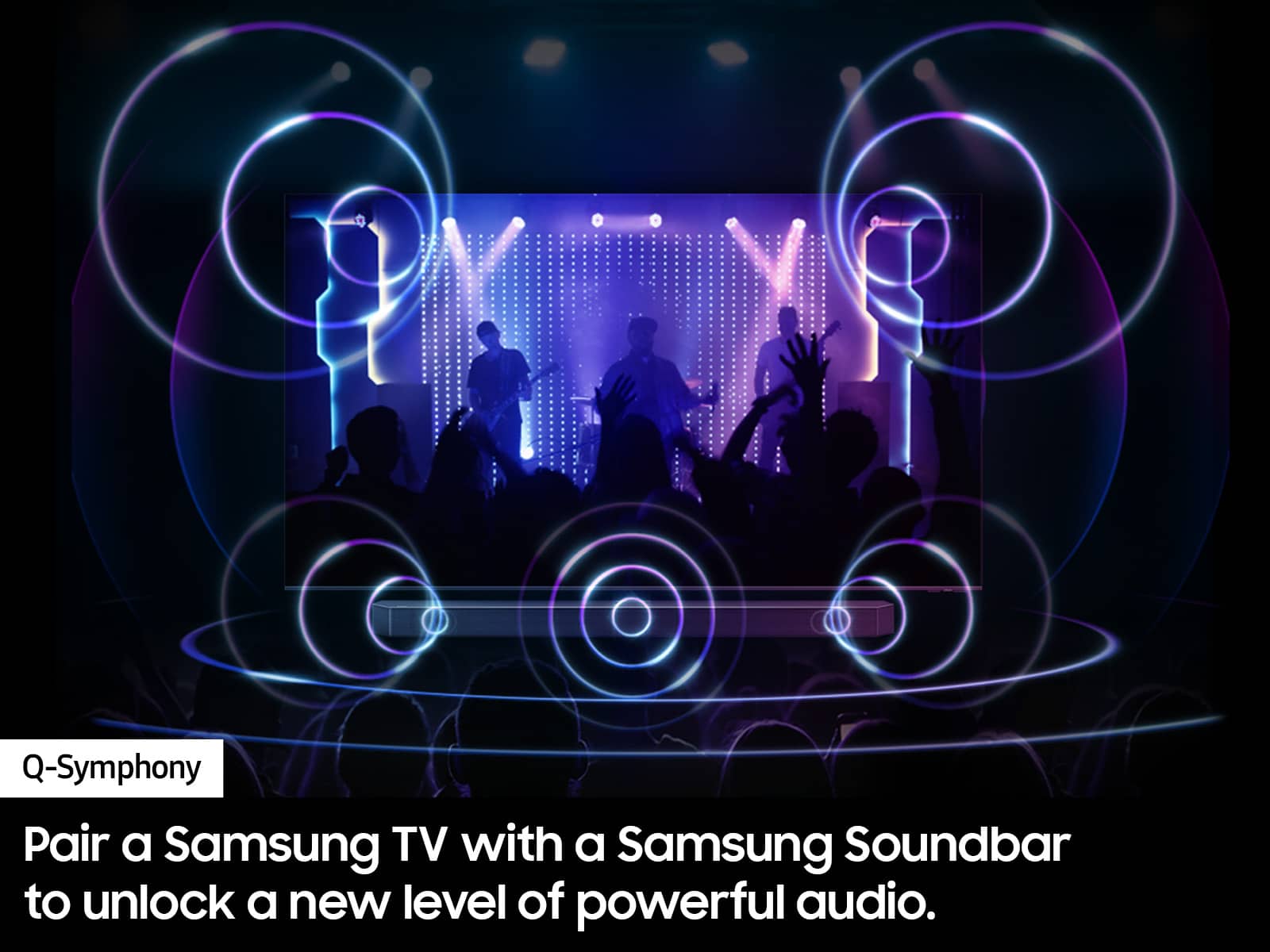
||Posted . Owned for 3 weeks when reviewed.This reviewer received promo considerations or sweepstakes entry for writing a review.Picture is great. Sound is a little weak, so I had to add a sound bar.
I would recommend this to a friend - Pros mentioned:Picture quality
Good Purchase
||Posted . Owned for 1 month when reviewed.This reviewer received promo considerations or sweepstakes entry for writing a review.Great TV. Just as described . It is used for outside.
I would recommend this to a friend