Customer Ratings & Reviews






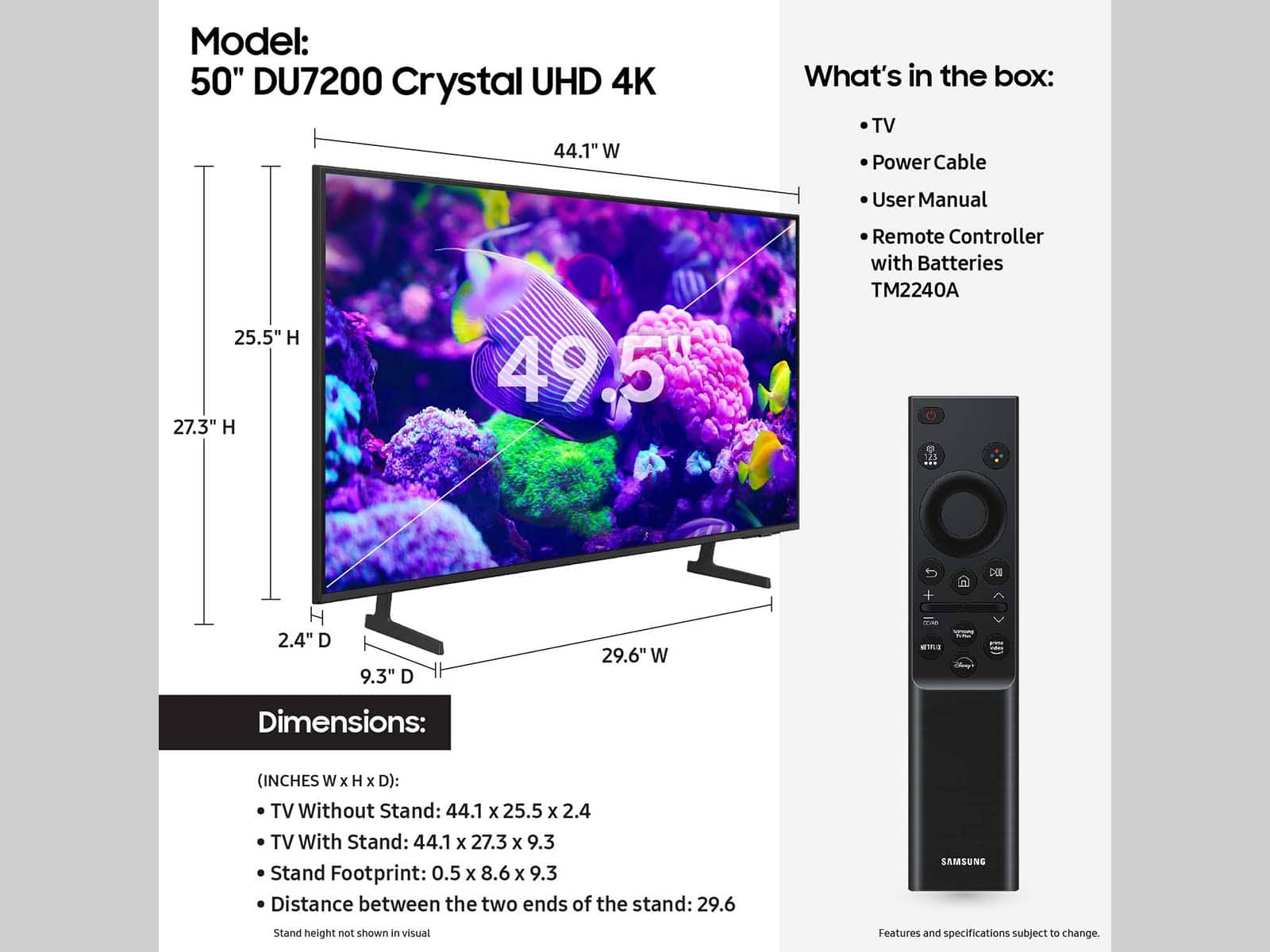
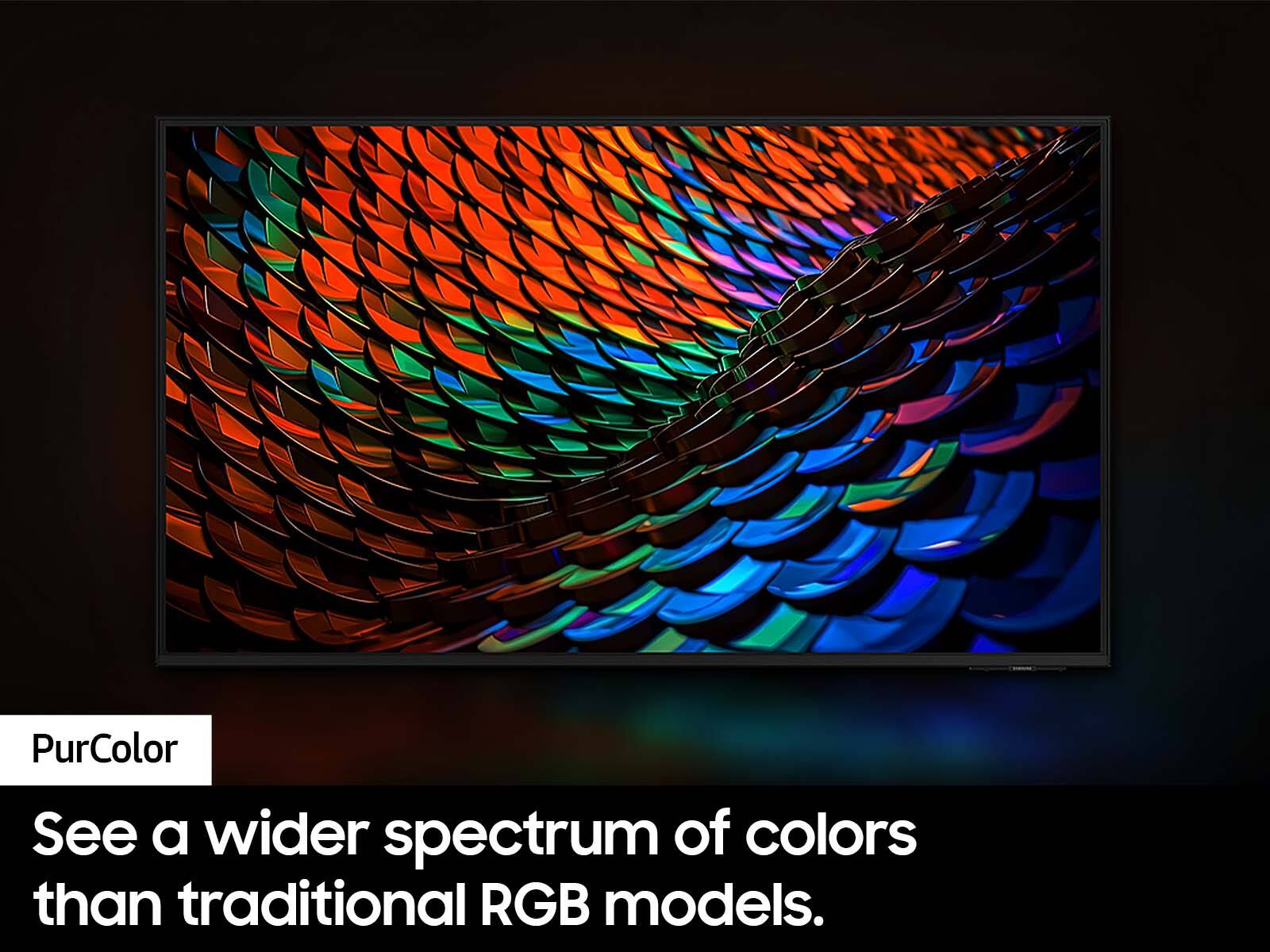



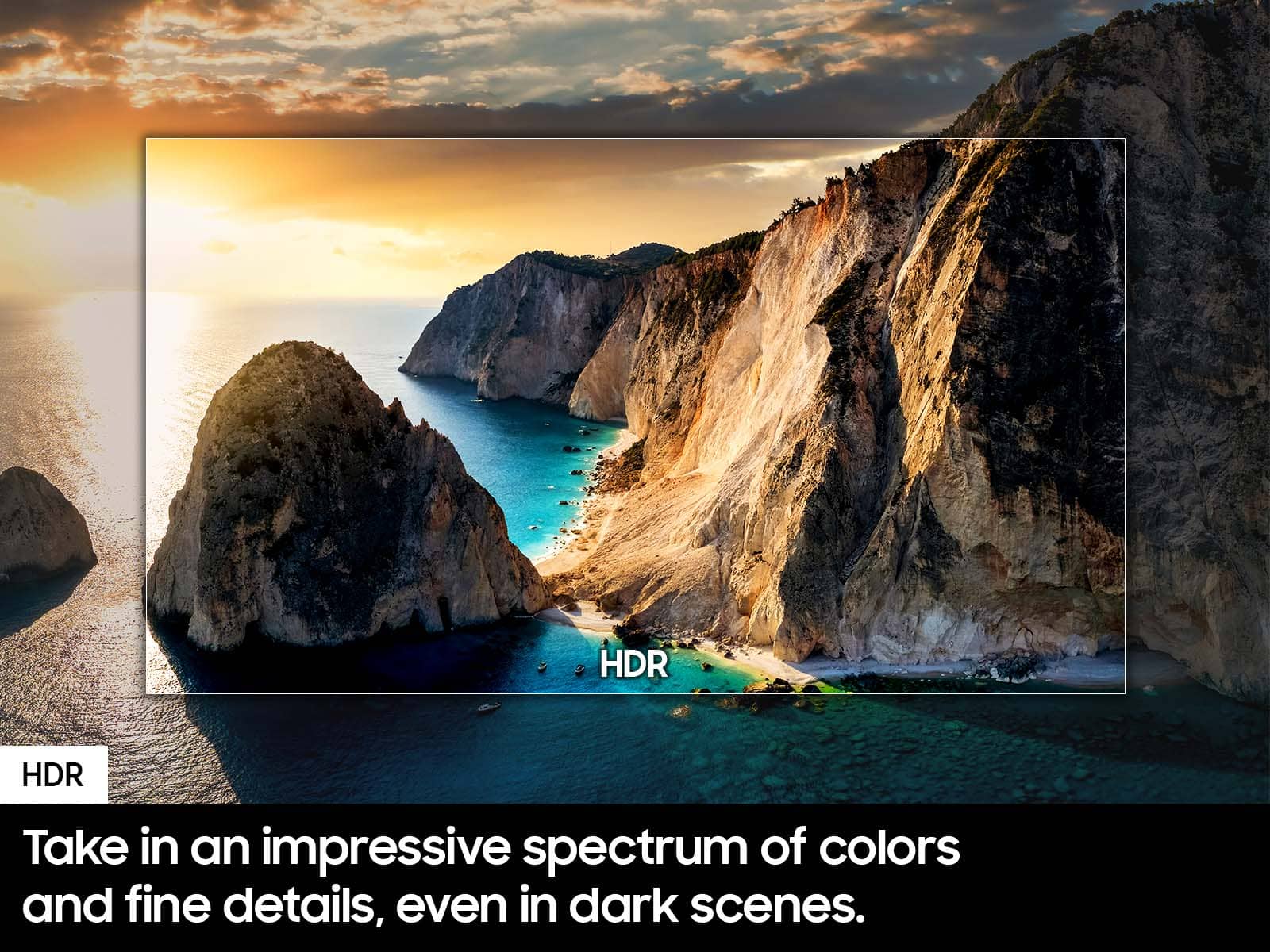
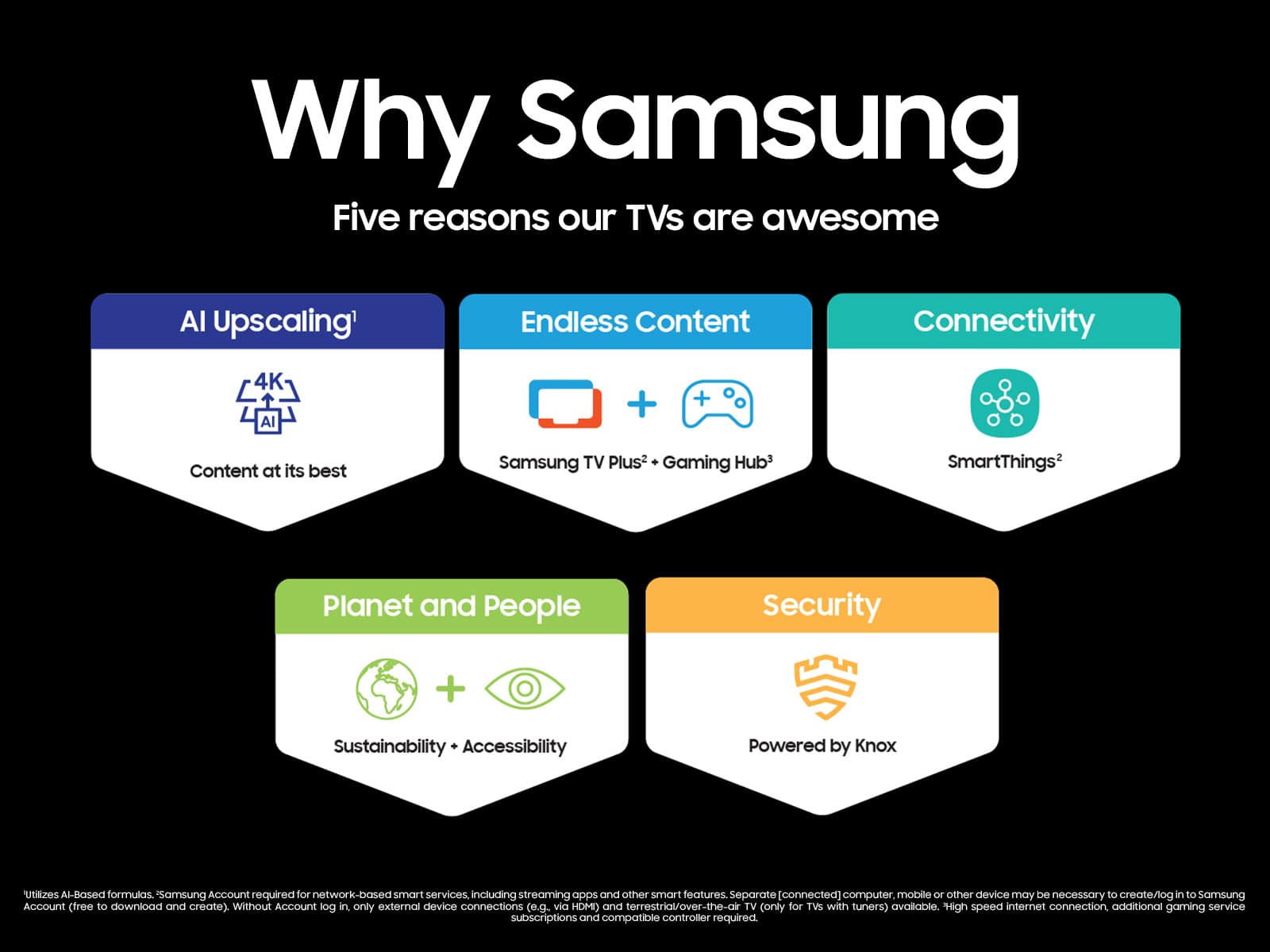



- Model:
- UN50DU7200FXZA
- SKU:
- 6576368
Rating by feature
- Picture Quality
Rating 4.7 out of 5 stars
- Sound Quality
Rating 4.5 out of 5 stars
- Brightness
Rating 4.7 out of 5 stars
Customers are saying
Customers frequently mention the excellent picture quality of the 50” Class DU7200 Series Crystal UHD 4K Smart Tizen TV (2024), as well as its ease of use and reasonable price. Many find the setup process to be simple, and are surprised by how lightweight the TV is. However, some customers have reported issues with the remote control ceasing to function after a few months of use.
This summary was generated by AI based on customer reviews.
Love Samsung
||Posted . Owned for 1 month when reviewed.This reviewer received promo considerations or sweepstakes entry for writing a review.Love everything about this Tv (down to the remote)
I would recommend this to a friendGreat service
||Posted . Owned for 3 weeks when reviewed.This reviewer received promo considerations or sweepstakes entry for writing a review.Ordered on line for pickup. TV was ready when we got there. Staff was very helpful!
I would recommend this to a friendSamsung TV
||Posted . Owned for 3 weeks when reviewed.This reviewer received promo considerations or sweepstakes entry for writing a review.Great purchase! The young lady who assisted us was very helpful.
I would recommend this to a friendGreat TV for the money.
||Posted . Owned for 1 month when reviewed.This reviewer received promo considerations or sweepstakes entry for writing a review.Great Deal on a UHD TV. Easy to navigate menus and lots of content choices. The Google connection really made it easier to set up.
I would recommend this to a friendWorst customer service experience, bar none
||Posted . Owned for 2 weeks when reviewed.This reviewer received promo considerations or sweepstakes entry for writing a review.Purchasing this Samsung TV has created what is easily the worst customer service experience I’ve had in my life. Through a combination of customer service incompetence and lack of integrity, it is doubtful that I will be purchasing from Best Buy again. I purchased this television for my parents, who live a four-hour drive away. I purchased online, then drove up to their home to stay with them a few days and set up their new TV for them. The television arrived a day before I did, and when I opened the box (which arrived in pristine condition), I saw that the screen was damaged/cracked in two places. Thinking that the TV was too big to fit in my car to drive to their local BB for a replacement, I used Best Buy online chat to start a replacement, and but was told the replacement would arrive a day after I was supposed to depart from my parents’ house. As I went to check with them how they wanted to proceed, the chat got disconnected. Annoyed, I tried to fit the TV in my car and was surprised to discover it actually fit. Good news! I could take to their local Best Buy the next day and get it replaced. Then an hour later I received an email notification that my replacement was being shipped, and that it would arrive the day after I was leaving. I got on the phone this time with a Best Buy customer service rep, who told me they couldn’t cancel the shipment. I asked if it could be expedited because I had never confirmed the that a replacement be sent. Customer service said, yes, they could guarantee an expedited shipment that would arrive in the time-frame I needed. Good news! Two days later, when the TV was supposed to arrive, I was notified that it was still being shipped standard and would arrive the day after I was set to leave. I was able to find some help for my parents to set up the television. I was annoyed, but they’d get their television set up. The next day, I’m shocked to discover that the replacement was not sent to my parents, but to my house 4 hours away (which is also an hour away the closes Best Buy). I get on the phone with Best Buy Customer service, and they tell me they are sorry. The best thy can do is offer me a refund, which would take 7-10 days to receive and had been approved, and they might or might not pick up the mis-delivered television. So now I need to order my parents another television, and then wait for the refund on the first purchase. Two days later my parents get their working television which is set up with the help of a friend. 10 days later I check the status of my refund, and Best Buy has not even started the process of the refund, and I am told they will need to start the process with their back office and get approval. At this point I’ve decided to contest the purchase with my credit card company, which is still being disputed. This has been a most unpleasant purchasing experience, and I will be sure to avoid making purchases from Best Buy in the future.
No, I would not recommend this to a friendBrand response from Samsung
Posted .Hi Goodbye,
I am very sorry to hear about all the troubles you experienced through your purchase. Please know you are leaving a rating for the DU7200 TV, not your experience with Best Buy. Regardless, I recommend reaching back out to Best Buy for an update on your refund.
If you ever have questions or need help, Samsung is here for you! Give us a call at 1-800-SAMSUNG, 8 AM - 12 AM EST, seven days a week. Our LiveChat agents are also available by clicking on the ‘Support’ link on our website.
Thanks for being a part of the Samsung family!
~ Samsung Advisor
Samsung review
||Posted . Owned for 3 weeks when reviewed.This reviewer received promo considerations or sweepstakes entry for writing a review.Love Samsung, have 3 . Highly recommend especially through Best Buy. Warranty is well worth it
I would recommend this to a friendAbsolutely amazing.
||Posted . Owned for 1 month when reviewed.This reviewer received promo considerations or sweepstakes entry for writing a review.This TV is sleek, modern, and fast. The purchase is definitely worth it.
I would recommend this to a friendMr
||Posted . Owned for 1 month when reviewed.This reviewer received promo considerations or sweepstakes entry for writing a review.Nice TV, good customer service. Will buy again, when need something
I would recommend this to a friendExactly
||Posted . Owned for 2 weeks when reviewed.This reviewer received promo considerations or sweepstakes entry for writing a review.Great job explaining this Samsung device to where’s
I would recommend this to a friendThe sound is weak
||Posted .This reviewer received promo considerations or sweepstakes entry for writing a review.The sound is very weak that is why I am giving this rate
No, I would not recommend this to a friendMr.
||Posted . Owned for 2 months when reviewed.This reviewer received promo considerations or sweepstakes entry for writing a review.I enjoy the picture clarity and selection of movies available
I would recommend this to a friendCP
||Posted . Owned for 1 month when reviewed.This reviewer received promo considerations or sweepstakes entry for writing a review.I always buy Samsung——not disappointed this time either
I would recommend this to a friendGreat TV, better price
||Posted . Owned for 3 weeks when reviewed.This reviewer received promo considerations or sweepstakes entry for writing a review.Bought this as a gift. Great reviews. Would do it again. Thanks Best Buy…
I would recommend this to a friendWhach TV home
||Posted . Owned for 2 weeks when reviewed.This reviewer received promo considerations or sweepstakes entry for writing a review.Good size for all rooms and easy access to all applications for my home
I would recommend this to a friendGreat value and solid picture quality
||Posted . Owned for 1 month when reviewed.This reviewer received promo considerations or sweepstakes entry for writing a review.Solid TV overall but a little confusing navigating between live and online TV channels.
I would recommend this to a friendMrs.
||Posted . Owned for 2 weeks when reviewed.This reviewer received promo considerations or sweepstakes entry for writing a review.The sound on the tv even when it is turned up as far as it can go is still too quiet.
I would recommend this to a friendSamsung
||Posted . Owned for 2 weeks when reviewed.This reviewer received promo considerations or sweepstakes entry for writing a review.Great screen and easy for a senior citizen. The associate who put it in my car was great
I would recommend this to a friendSamsung DU7200
||Posted . Owned for 1 week when reviewed.This reviewer received promo considerations or sweepstakes entry for writing a review.Loving my DU7200 thus far. Processes fairly fast and visuals is crisp especially with my 4k Apple TV and Firestick
I would recommend this to a friendThank you.
||Posted . Owned for 3 weeks when reviewed.This reviewer received promo considerations or sweepstakes entry for writing a review.The best purchase ever. I always recommend Best Buy for all my friends . Thank you. I’ m very happy.
I would recommend this to a friendGreat TV
||Posted . Owned for 1 month when reviewed.This reviewer received promo considerations or sweepstakes entry for writing a review.Great TV, and great and easy service. I love having Best Buy as my place to buy TV’s
I would recommend this to a friend