Customer Ratings & Reviews










- Model:
- UN50DU7200FXZA
- SKU:
- 6576368
Rating by feature
- Picture Quality
Rating 4.7 out of 5 stars
- Sound Quality
Rating 4.5 out of 5 stars
- Brightness
Rating 4.7 out of 5 stars
Customers are saying
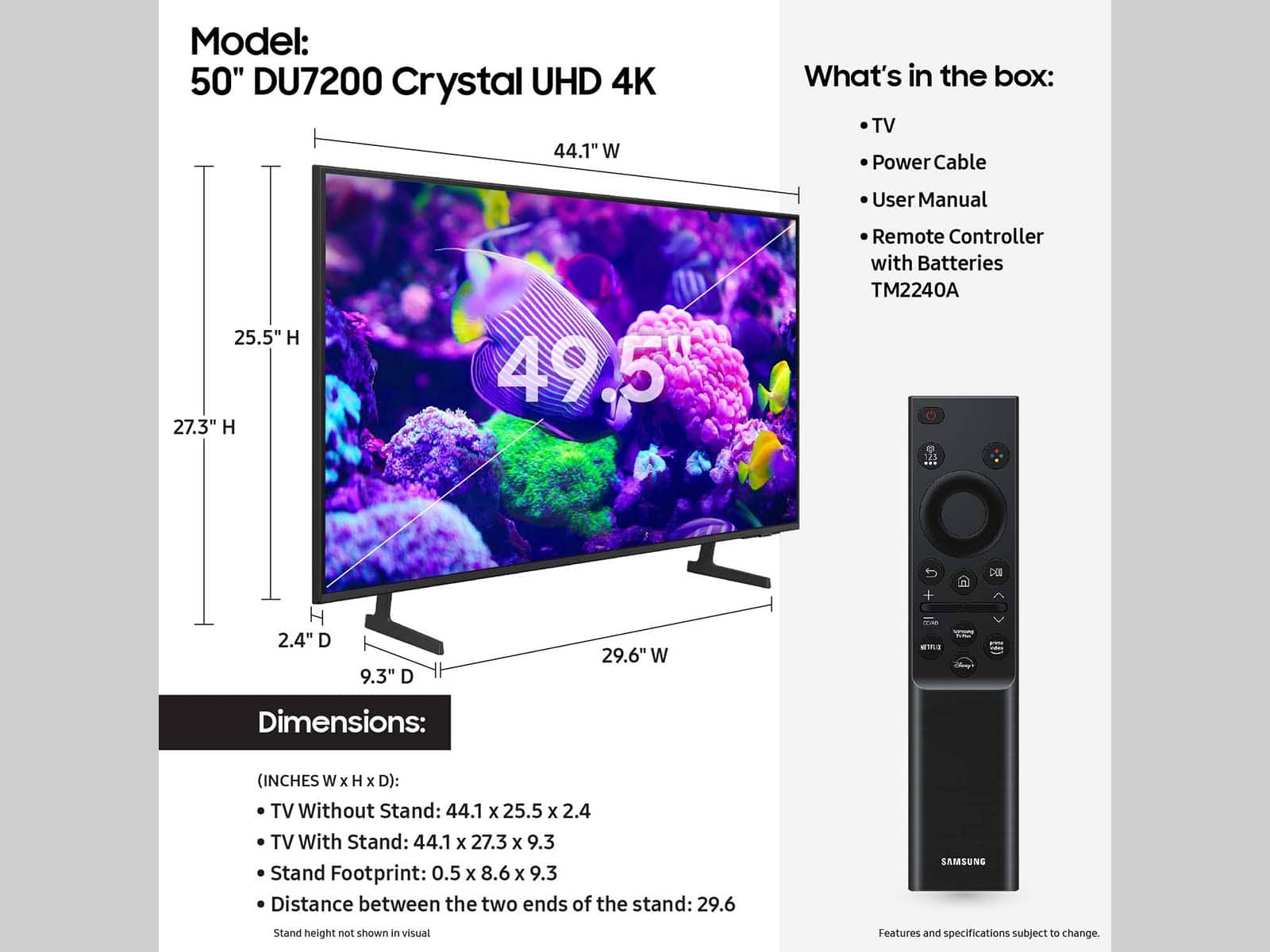
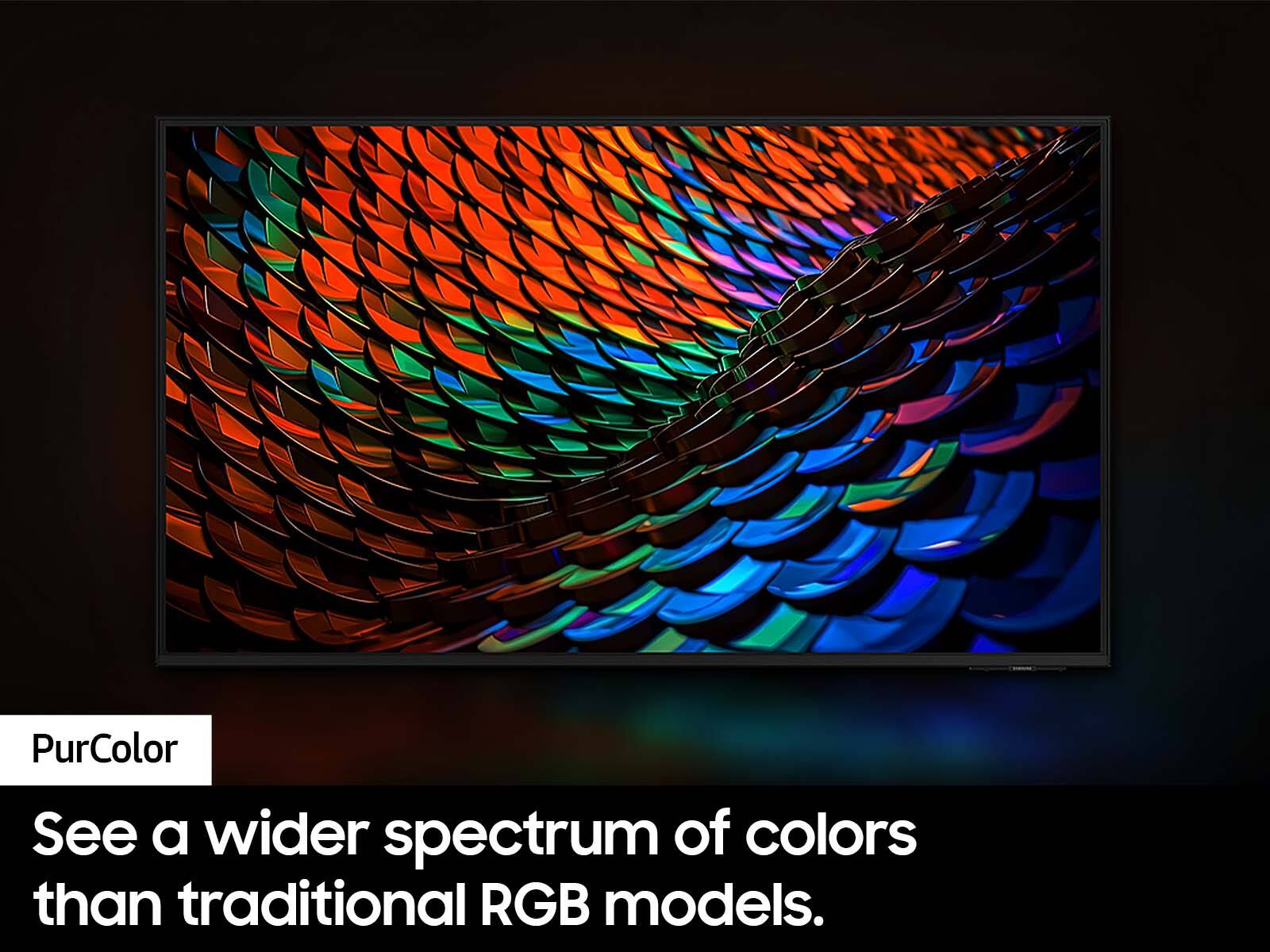
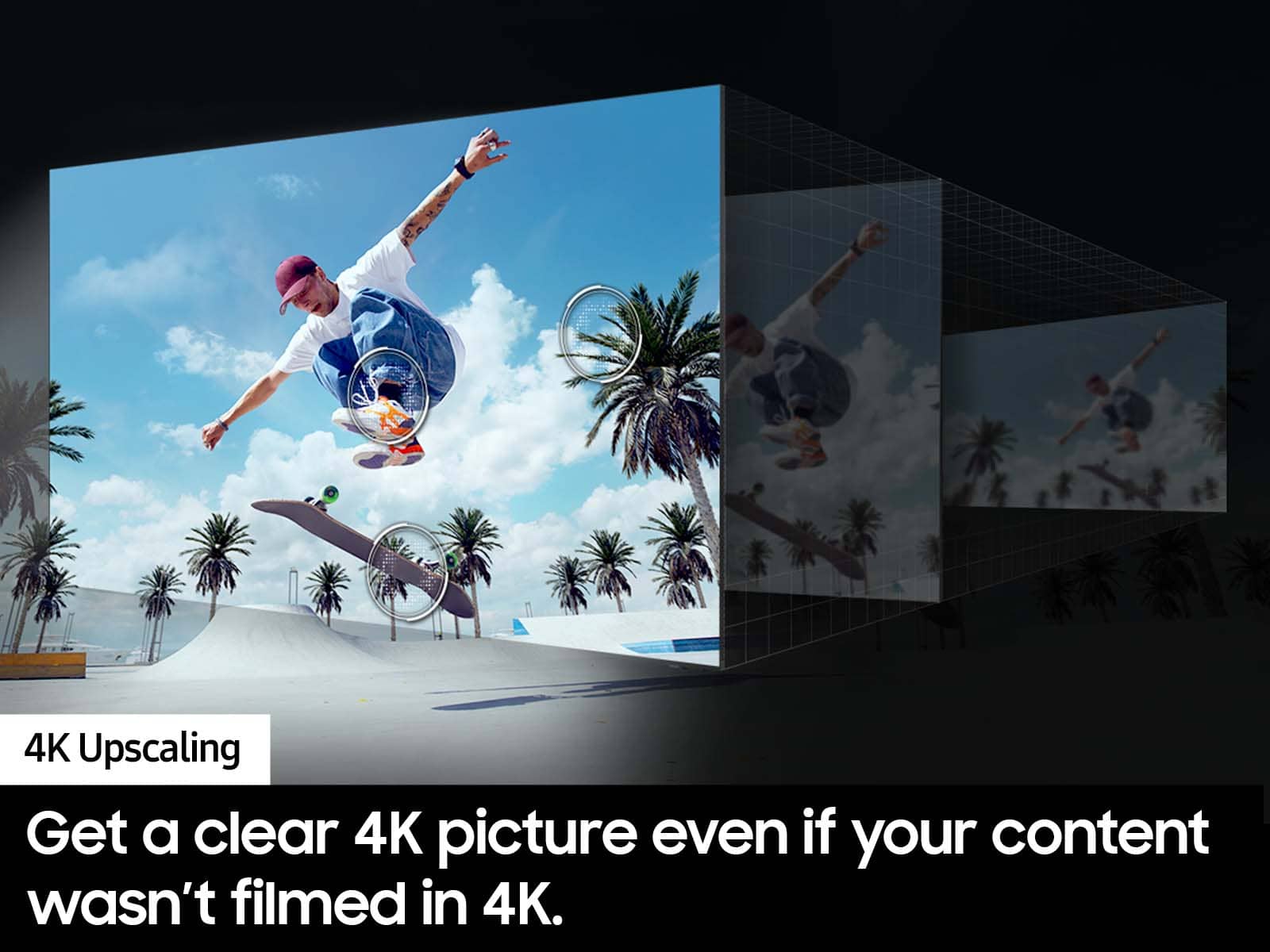
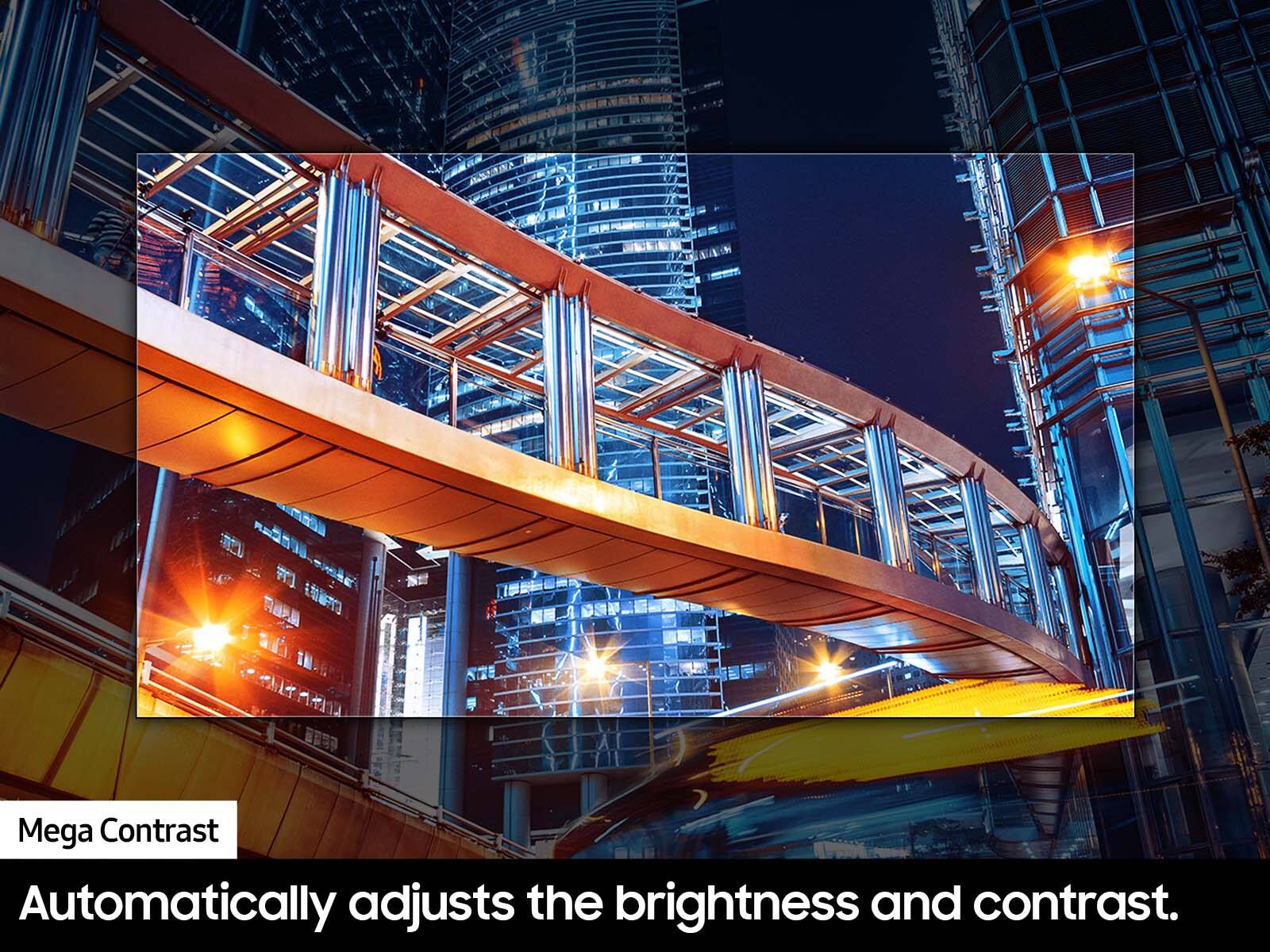
Customers frequently mention the excellent picture quality of the 50” Class DU7200 Series Crystal UHD 4K Smart Tizen TV (2024), as well as its ease of use and reasonable price. Many find the setup process to be simple, and are surprised by how lightweight the TV is. However, some customers have reported issues with the remote control ceasing to function after a few months of use.
This summary was generated by AI based on customer reviews.
Noz TV
||Posted . Owned for 1 month when reviewed.This reviewer received promo considerations or sweepstakes entry for writing a review.I did it over chat and picked up at store It couldn’t of been easier
I would recommend this to a friendSamsong Tv
||Posted . Owned for 3 weeks when reviewed.This reviewer received promo considerations or sweepstakes entry for writing a review.Very good Quality great customer service I have purchased 4TV’s
I would recommend this to a friendSatisfactory!
||Posted . Owned for 1 month when reviewed.This reviewer received promo considerations or sweepstakes entry for writing a review.Since we installed this TV set, we have maximally been enjoying it!
I would recommend this to a friendGood screen, terrible software.
||Posted . Owned for 1 week when reviewed.This reviewer received promo considerations or sweepstakes entry for writing a review.While the screen is great, the UI and speed of the internal processor is horrendous. If you get a Samsung, get the next model up. Pretty sure my PS1 could load games faster than this tv was able to switch apps.
No, I would not recommend this to a friendBrand response from Samsung
Posted .Hi ShaunP,
We appreciate your feedback on the response time, and for optimal performance, we ask that you please ensure you've got the latest firmware version installed on your xxx TV. You can check this by going to Home > Menu > Settings > Support > Software Update.
You may also want to further optimize performance with the self-diagnostic tool, which checks memory, frees up unused cached memory, and closes background apps. Go to: Home > Menu > Settings > Support > Device Care > Start Device Care.
If you need more help, Samsung is here for you! Please call us at 1-800-SAMSUNG, 8 AM - 12 AM EST, seven days a week. Our LiveChat agents are also available by clicking on the ‘Support’ link on our website.
~ Samsung Advisor
tv
||Posted . Owned for 1 month when reviewed.This reviewer received promo considerations or sweepstakes entry for writing a review.very cool tv like it so much will recommend to everyone
I would recommend this to a friendbirthday gift
||Posted . Owned for 3 weeks when reviewed.This reviewer received promo considerations or sweepstakes entry for writing a review.it was a gift to a family member and she loves her new smart tv.
I would recommend this to a friendPerfect tv
||Posted . Owned for 1 week when reviewed.This reviewer received promo considerations or sweepstakes entry for writing a review.I’ve stuck with samsung and will continue to stick with samsung.
I would recommend this to a friendEhhh not so good
||Posted . Owned for 1 year when reviewed.This reviewer received promo considerations or sweepstakes entry for writing a review.I bought this tv with high hopes. Its only been about a year and the picture goes in and out.Also, there's been a lot of lag going on with the t v.It has been not the best t v we've ever had next time.I might go with a different brand i'm not sure yet.
No, I would not recommend this to a friendBrand response from Samsung
Posted .AlecH:
We always aim to deliver a great experience, and it’s unfortunate to hear the DU7200 TV did not meet your expectations.
If you've switched on your TV and the sound comes through fine, but you do not see any picture, there are three potential issues.
1) A connection issue is the most common problem where there is a bad connection, faulty cables, or improper installation.
2) An issue with the device connected to the TV. There may be a video output setting on the device that you must set properly before it will output to the TV.
3) There is something wrong with the TV, requiring a technician to assess the TV and find a solution.
We also appreciate your feedback on the laggy navigation you're experiencing, and for optimal performance, we ask that you please check to ensure you've got the latest firmware version installed. You can check this by going to: Home > Menu > Settings > Support > Software Update > Update Now.
If we can further help with any other issues, please know we are here for you. Just call us at 1-800-SAMSUNG, 8AM - 12AM EST, 7 days a week. Or visit us on the Samsung website and click on the ‘Support’ link for:
• LiveChat with an agent
• Manuals, Software, & Warranty Info
~ Samsung Ambassador
Fabulous
||Posted . Owned for 1 month when reviewed.This reviewer received promo considerations or sweepstakes entry for writing a review.Fabulous. Deal and services. Abundance of choices.
I would recommend this to a friendTV
||Posted . Owned for 3 weeks when reviewed.This reviewer received promo considerations or sweepstakes entry for writing a review.Very good TV. Has this one Previously and lives it
I would recommend this to a friendNot completely satisfied
||Posted . Owned for 3 weeks when reviewed.This reviewer received promo considerations or sweepstakes entry for writing a review.The TV dies not provide a clear picture. This may be due to unavailability of hdmi at owner’s location. But if so this should have been mentioned by salesperson.
No, I would not recommend this to a friendSamsung TV
||Posted .This reviewer received promo considerations or sweepstakes entry for writing a review.Works okay. Have to turn volume way up. Remote is not as easy to use as my LG.
I would recommend this to a friendBrand response from Samsung
Posted .Hi MaryN,
Thank you for sharing your experience with low volume. There are several volume features you can adjust, which may improve your audio experience.
1) Auto Volume automatically adjusts the sound to a certain level when changing channels or switching to another external input. Go to Settings > All Settings> Sound > Expert Settings > Auto Volume.
2) Adaptive Sound automatically adjusts to a specific volume level while watching TV. The TV analyzes your volume usage history by time period to automatically adjust the volume when you use an app or switch to an external input source. Go to Settings> All Settings> Sound> Sound Mode> Adaptive Sound.
3) Several Sound Modes are likewise available to meet your personal preferences: Home > Settings > All Settings> Sound > Sound Mode.
Also, some sources have their own volume control, which might need to be set higher. Please check the volume control of the external device (cable box or satellite box, DVD, Blu-ray, etc.) connected to your TV. Also, check the cable connection between an external device and the TV and then try the cable connection again.
If you need more help, Samsung is here for you! Please call us at 1-800-SAMSUNG, 8 AM - 12 AM EST, seven days a week. Our LiveChat agents are also available by clicking on the ‘Support’ link on our website.
~ Samsung Advisor
- Cons mentioned:Remote control
Remote sucks
||Posted .This reviewer received promo considerations or sweepstakes entry for writing a review.Remote sucks. Slow, non responsive, tv freezes. I do not recommend this tv.
No, I would not recommend this to a friendBrand response from Samsung
Posted .Hi Jtho,
We appreciate your feedback on the response time, and for optimal performance, we ask that you please ensure you've got the latest firmware version installed on your DU7200 TV. You can check this by going to Home > Menu > Settings > Support > Software Update.
You may also want to further optimize performance with the self-diagnostic tool, which checks memory, frees up unused cached memory, and closes background apps. Go to: Home > Menu > Settings > Support > Device Care > Start Device Care.
If you need more help, Samsung is here for you! Please call us at 1-800-SAMSUNG, 8 AM - 12 AM EST, seven days a week. Our LiveChat agents are also available by clicking on the ‘Support’ link on our website.
~ Samsung Advisor
Fade to Black
||Posted . Owned for 1 year when reviewed.This reviewer received promo considerations or sweepstakes entry for writing a review.Was sitting watching TV in the screen faded to Black out of nowhere I tried all troubleshooting steps to no aval
No, I would not recommend this to a friend- Cons mentioned:Remote control
TV Remote Control Stops Working
||Posted . Owned for 1 month when reviewed.This reviewer received promo considerations or sweepstakes entry for writing a review.The TV remote control stops working after few months of usage, NOT good, bad quality control.
No, I would not recommend this to a friendBrand response from Samsung
Posted .Hi QuiT,
Thank you for your purchase and feedback on the Samsung DU7200 remote. Please try the following troubleshooting steps:
First, please remove the batteries from your remote, and then hold the Power button for eight seconds to reset the remote. Then, reinsert the batteries and try to use the remote again.
Next, Check if the remote is sending an IR signal. Take either a digital camera or use the camera on your phone or tablet. Point the remote at the camera, and then press and hold the Power button on the remote. As you hold the button down, look at the camera's screen. If the remote is sending an IR signal, you will see a colored light coming from the remote control.
If you do not see the IR light, replace the batteries with fresh ones and try again. If you still do not see the IR light, then replace the remote.
If you need more help, Samsung is here for you! Please call us at 1-800-SAMSUNG, 8 AM - 12 AM EST, seven days a week. Our LiveChat agents are also available by clicking on the ‘Support’ link on our website.
~ Samsung Advisor
Pick something else
||Posted . Owned for 1 year when reviewed.This reviewer received promo considerations or sweepstakes entry for writing a review.Worthless tv. Very few audio outputs and poor picture. We returned it.
No, I would not recommend this to a friendSpeak up for yourself!
||Posted . Owned for 3 weeks when reviewed.This reviewer received promo considerations or sweepstakes entry for writing a review.The TV that was delivered wasn’t the correct item that I wanted after being quite specific to the lady. And now it’s been a mess because I had Spectrum come over to look at it to see what was wrong. Meanwhile,cannot explain to anybody how professional and how wonderfully mannered Bryan .C.was and patient . he swooped down and started sorting everything out with phone calls and questions and I was very impressed and trusted him 99%. Now three days later I am very happy with my purchase and happy I got my money back as far as paying installation and hook up for $500. Plus I also got a Plus I also got a return on not having to pay for an Apple TV installation all because of the wrong order. Thank you again, Brian. I hope you get a promotion to CEO because you know how to run a business. Service that is. I’ll come back to Best Buy’s
I would recommend this to a friendBrand response from Samsung
Posted .Hi Akazak,
Thank you for your feedback. It's great to hear that Brian was able to assist you. If there's anything we can ever help with, please do not hesitate to contact us at 1-800-SAMSUNG, 8 AM - 12 AM EST, seven days a week. Our LiveChat agents are also available by clicking on the ‘Support’ link on our website.
~ Samsung Advisor
Dark Spot
Posted .This reviewer received promo considerations or sweepstakes entry for writing a review.After two months a dark spot appeared in the left hand corner of the TV.
No, I would not recommend this to a friendBrand response from Samsung
Posted .Hi RobertD,
We appreciate your feedback regarding the screen abnormalities you’re seeing on your DU7200 TV.
Please run a Picture Test to determine if the problem is caused by the TV. Picture Test displays a high-definition picture you can examine for flaws or faults. Go to Settings > Support > Device Care > Self Diagnosis > Picture Test.
If this occurs on all sources and the picture test, this may require service. For help with setting up a service appointment, please contact Samsung Support at 1-800-SAMSUNG, 8 AM - 12 AM EST, seven days a week. Or visit us on the Samsung website and click on the ‘Support’ link for:
1) LiveChat
2) Manuals, Software, & Warranty Info
~ Samsung Advisor
- Pros mentioned:Picture quality
So frustrating
||Posted . Owned for less than 1 week when reviewed.This reviewer received promo considerations or sweepstakes entry for writing a review.The picture is good. Tomorrow this TV is going back to BB. The remote lags so bad it takes up to 20-30 seconds to catch up. I read other reviews and they accused the remote of being laggy. it’s painfully slow.
No, I would not recommend this to a friendBrand response from Samsung
Posted .Hi Charlesbrown,
Thank you for letting us know about the issues you are having with your DU7200 TV remote lagging. For optimal performance, we ask that you please ensure you've got the latest firmware version installed on your TV. You can check this by going to Home > Menu > Settings > Support > Software Update.
Please also ensure nothing is blocking the remote from the IR Sensor located at the bottom of your TV below the Samsung logo. If you continue to have issues, please give us a call at 1-800-SAMSUNG, 8 AM - 12 AM EST, seven days a week. Our LiveChat agents are also available by clicking on the ‘Support’ link on our website.
~ Samsung Advisor
samsung
||Posted . Owned for 3 weeks when reviewed.This reviewer received promo considerations or sweepstakes entry for writing a review.I bought the exact TV 18 months ago and it failed. So i'm not a huge fan. we'll see how this long lasts
No, I would not recommend this to a friendBrand response from Samsung
Posted .Hi AndrewS,
Thank you for your feedback. We appreciate your loyalty and are here if you ever have questions or need help. Just call us at 1-800-SAMSUNG, 8 AM - 12 AM EST, seven days a week. Our LiveChat agents are also available by clicking on the ‘Support’ link on our website.
~ Samsung Advisor