Customer Ratings & Reviews






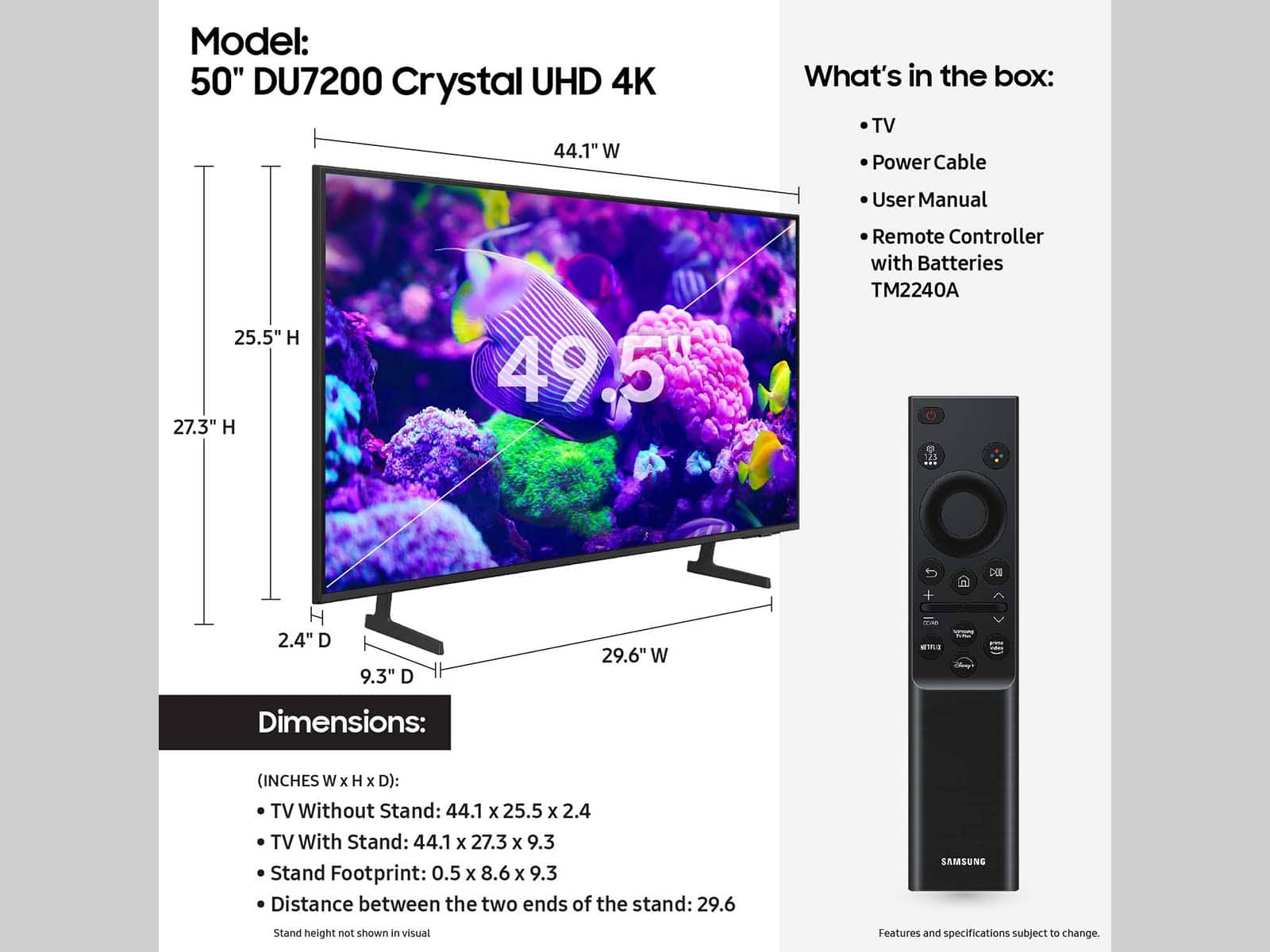
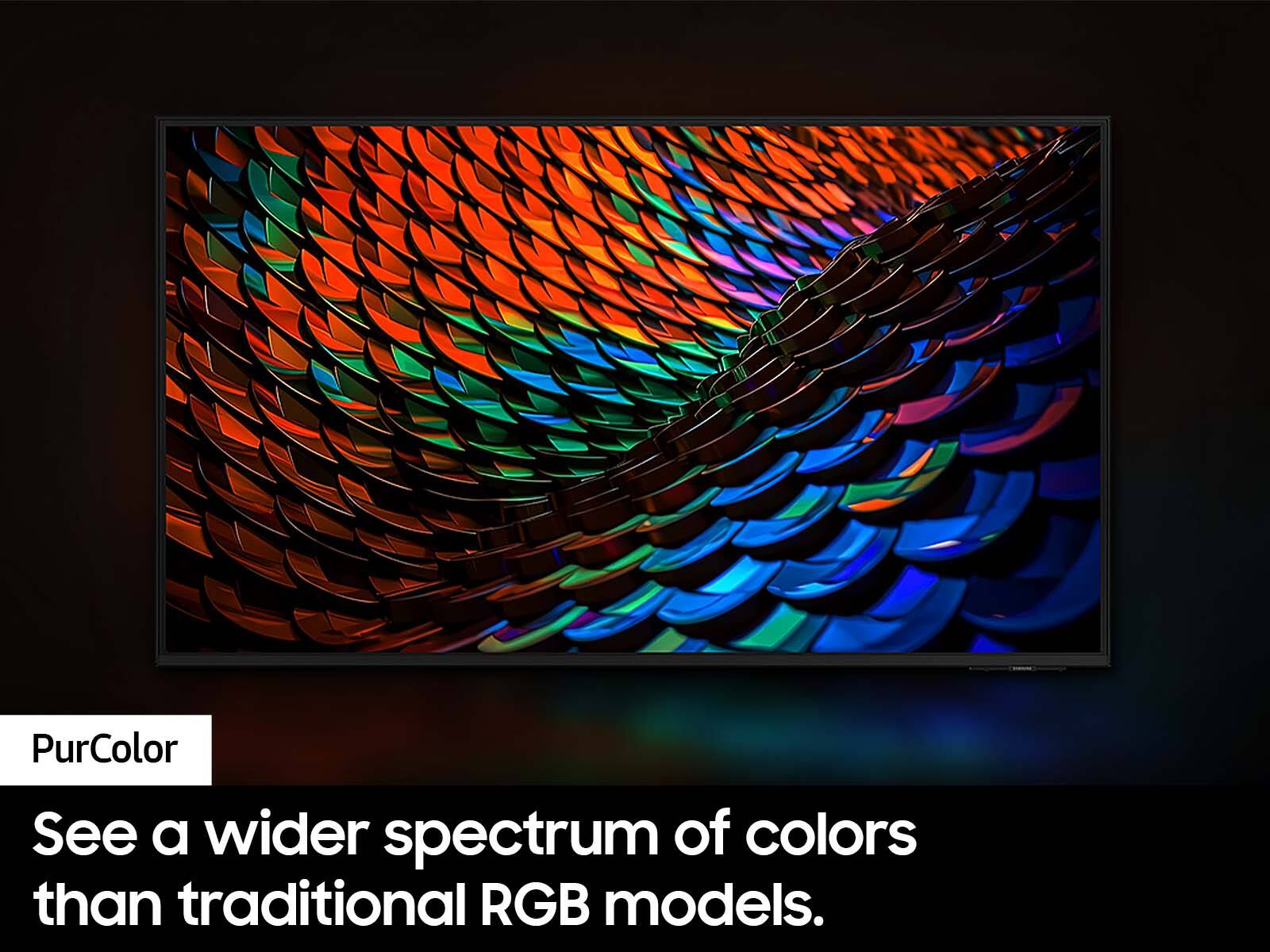
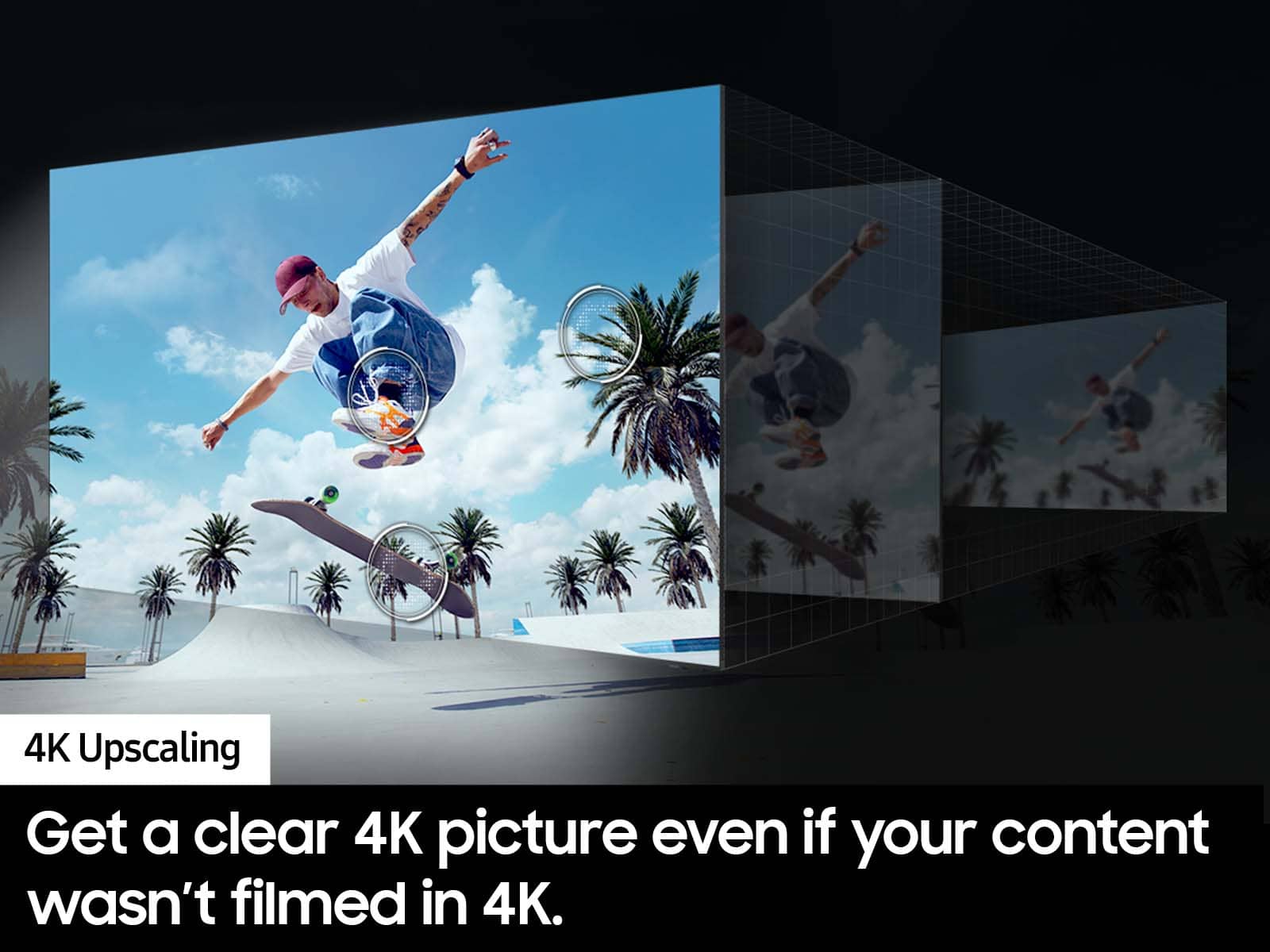

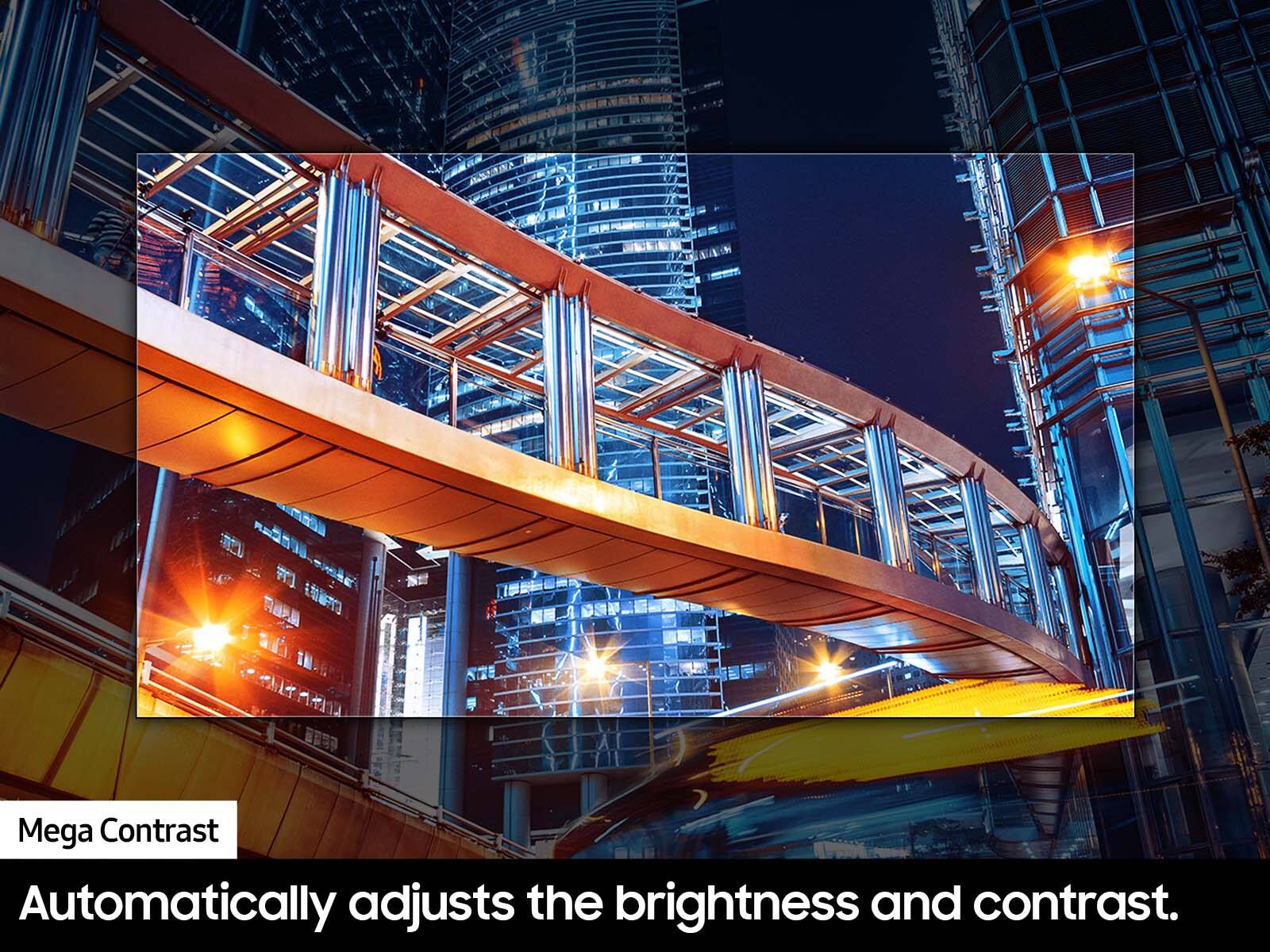



- Model:
- UN50DU7200FXZA
- SKU:
- 6576368
Rating by feature
- Picture Quality
Rating 4.7 out of 5 stars
- Sound Quality
Rating 4.5 out of 5 stars
- Brightness
Rating 4.7 out of 5 stars
Customers are saying
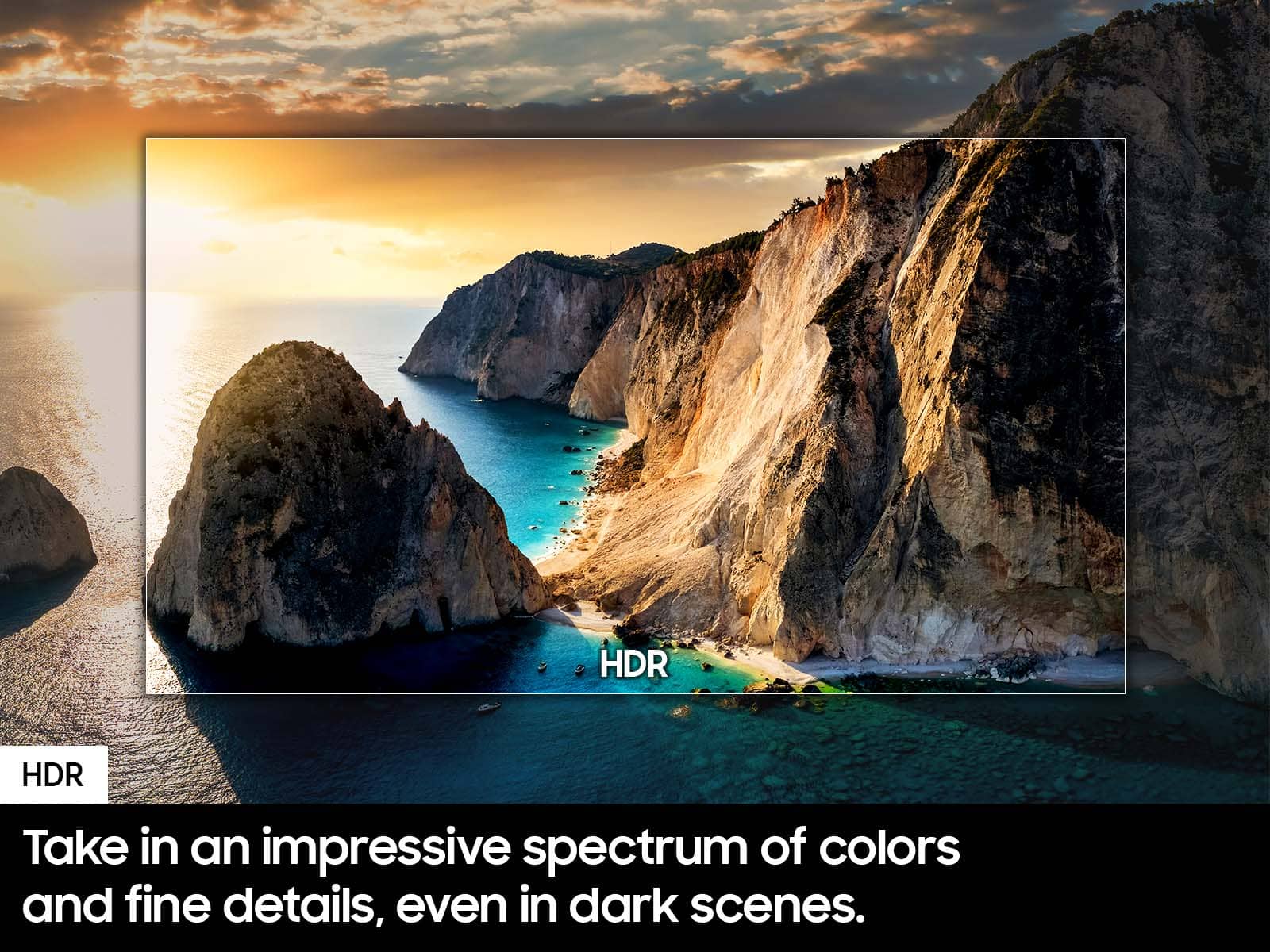
Customers frequently mention the excellent picture quality of the 50” Class DU7200 Series Crystal UHD 4K Smart Tizen TV (2024), as well as its ease of use and reasonable price. Many find the setup process to be simple, and are surprised by how lightweight the TV is. However, some customers have reported issues with the remote control ceasing to function after a few months of use.
This summary was generated by AI based on customer reviews.
Exceptional quality and service
Posted .This reviewer received promo considerations or sweepstakes entry for writing a review.I previously bought this online from another retailer. It arrived with a cracked screen. I was grateful to find the same model from BestBuy and took advantage of their curbside service. Easy setup and enjoying great 4K content.
I would recommend this to a friendSamsung - 50" DU7200 series
Posted .This reviewer received promo considerations or sweepstakes entry for writing a review.The Samsung TV was a good choice but it did not have the color and sound I was anticipating when I purchased the TV.
I would recommend this to a friendSamsung 50 inch TV
Posted .This reviewer received promo considerations or sweepstakes entry for writing a review.very friendly customer service answered all my questions
I would recommend this to a friendSamsung forces you to stay signed in to samsung
Posted .This reviewer received promo considerations or sweepstakes entry for writing a review.Worst tv experience that I had from samsung to remotes with no number buttons. Too having too stay signed in too samsung account to use smart features. I wanted to like the tv because it had 3 hdmi's but there are to many other bad features and bloat crap for me to keep it. I t makes you go thru game mode before you can play a ps5 you cant just choose an hdmi . Deal breaker for me I'm taking mine back tommorow to purchase the du 6900 I hate that they messed up the user interface so much on this tv that I dont want another new model from samsung
No, I would not recommend this to a friendBrand response from Samsung
Posted .Hi rohsi,
Thank you for sharing your experience with us. If you have any questions about which TV model may be best for you or if you need any help at all, do not hesitate to reach out to us at 1-800-SAMSUNG, 8 AM - 12 AM EST, seven days a week. Or visit us on the Samsung website and click on the ‘Support’ link for:
1) LiveChat
2) Manuals, Software, & Warranty Info
~ Samsung Advisor
Best Buy provides good customer service
Posted .This reviewer received promo considerations or sweepstakes entry for writing a review.Always enjoy and purchase Samsung audio/video products
I would recommend this to a friendTurning off
Posted .This reviewer received promo considerations or sweepstakes entry for writing a review.Over half of the time, possibly as much as 75% of the time, the TV turns itself back on after turning it off with the remote. Probably only going to get worse over time!
No, I would not recommend this to a friendBrand response from Samsung
Posted .Hi Philip,
Thank you for reaching out and letting us know about the issues you are experiencing with your DU7200 TV turning itself back on. Please try the below troubleshooting tips:
1. Unplug the TV from the wall outlet or surge protector and leave it unplugged for 30 seconds.
2. Check the power cord to see if there is any visible damage.
3. Plug the TV power cord back into the wall outlet. If you were using a surge protector, bypass it for now and use a wall outlet.
4. Try to update the software. In some cases, a software update can correct the problem. There is a risk, however. If the TV turns off during the software update, it could damage the TV. Updates can take up to 30 minutes, depending on network speed, so if the TV is not turning off too frequently, try updating the software.
5. Disable the Power On with Mobile option. TVs that can connect to SmartThings can be turned on using compatible devices, sometimes automatically. However, if abnormal "power on" signals are sent through the wireless network, they will trigger this function and make the TV turn on. If you do not want this function, navigate to Settings > All Settings> General > Network > Expert Settings > Power On with Mobile, and turn the setting off.
If the TV continues to turn on by itself continuously, please contact our Samsung Customer Support at 1-800-SAMSUNG, 8 AM - 12 AM EST, seven days a week. Our LiveChat agents are also available by clicking on the ‘Support’ link on our website.
~ Samsung Advisor
PJB
Posted .This reviewer received promo considerations or sweepstakes entry for writing a review.Unable to review or even turn it on because this "excellent" Open Box TV didn't have legs in the box. The Customer Service Department offered no assistance, so the TV was returned to the local store (very supportive,) for a refund.
I would recommend this to a friendBrand response from Samsung
Posted .Hi PerryB,
Thanks for sharing your thoughts. If there's anything we can do to improve your experience, please reach Samsung Support at 1-800-SAMSUNG, 8AM - 12AM EST, 7 days a week. Or visit us on the Samsung website and click on the ‘Support’ link for:
• LiveChat
• Manuals, Software, & Warranty Info
~ Samsung Advisor
Terrible Picture
Posted .This reviewer received promo considerations or sweepstakes entry for writing a review.Worst picture I have ever seen on a Samsung. I own 6 currently. I wasted 2 hours setting up and returning to Best Buy. I was certain that particular TV had to be defective. The girl at the checkout looked at the model number and said "you get what you pay for". I got a refund and left.
No, I would not recommend this to a friendBrand response from Samsung
Posted .GreggC,
Thank you for sharing your review. If you have not yet returned your unit, please give us the opportunity to troubleshoot your issue and to work towards a solution.
You can reach Samsung Support at 1-800-SAMSUNG (ask for TVs), 8 AM – 12 AM EST, 7 days a week.
We hope to hear from you.
~ Samsung Specialist
awful tv
Posted .This reviewer received promo considerations or sweepstakes entry for writing a review.just picked this one up today. the colors are horrible and it doesnt even get that bright. if you do get this tv, i reccomend getting a roku or apple tv becusse the menus are slow and laggy. overall not happy. save your money for something better.
No, I would not recommend this to a friendBrand response from Samsung
Posted .Hi Clutvhh,
Thank you for choosing Samsung and for sharing your experience with us regarding the DU72000 TV picture and operating system. We are sorry to hear that you are not satisfied with the picture you are seeing. I have a few recommendations that may improve your experience.
First, please know there are many Picture Settings available for you to adjust based on the content you are watching.
Go to Home > Settings > All Settings > Picture > Picture Mode and select the mode that best fits your usage:
1) Dynamic: Makes the picture brighter and clearer in bright viewing environments.
2) Standard: Default mode suitable for general viewing environments.
3) Eco: This screen is provided to save energy.
4) Movie: Most suitable for watching TV or movies in a dark room.
5) Filmmaker Mode: You can watch the source content (e.g., movie) as it is. If the image is defined as Filmmaker Mode, it will automatically switch to Filmmaker Mode while watching.
You can also fine-tune your screen with Expert Settings, which includes brightness, contrast, color, tint, and more. Go to Home> Settings > All Settings> Picture > Expert Settings.
Finally, I recommend ensuring you turn on Auto Updates for your Firmware so you do not miss any important Software Updates. Go to Home> Settings> Support> Software Update> Auto Update.
If you need more help, Samsung is here for you! Please call us at 1-800-SAMSUNG from 8 AM to 12 AM EST, seven days a week. Our LiveChat agents are also available by clicking on the ‘Support’ link on our website.
~ Samsung Advisor
Not bright
Posted .This reviewer received promo considerations or sweepstakes entry for writing a review.Worst TV color I’ve ever dealt with. Menu is bloated and laggy.
No, I would not recommend this to a friendBrand response from Samsung
Posted .Hi MnSnowta,
We appreciate your feedback on the picture color quality of the DU7200 TV. I have a few recommendations that may improve your experience:
Go to Home > Settings > All Settings > Picture > Picture Mode and select the mode that best fits your usage:
1) Standard: Default mode suitable for general viewing environments.
2) Natural: Reduces eye strain for a comfortable viewing experience.
3) Movie: Most suitable for watching TV or movies in a dark room.
4) Dynamic: Makes the picture brighter and clearer in bright viewing environments.
5) Filmmaker Mode: You can watch the source content (e.g., movie) as it is. If the image is defined as Filmmaker Mode, it will automatically switch to Filmmaker Mode while watching.
You can also go to Settings > All Settings> Picture > Expert Settings > to manually fine-tune your image.
Next, please ensure your software is up to date. Go to Settings> Support> Software Update.
If you’d like more help with settings, we are always happy to help! Call us at 1-800-SAMSUNG, 8 AM - 12 AM EST, seven days a week. Or visit us on the Samsung website and click on the ‘Support’ link for:
1) LiveChat
2) Manuals, Software, & Warranty Info
~ Samsung Advisor