Customer Ratings & Reviews
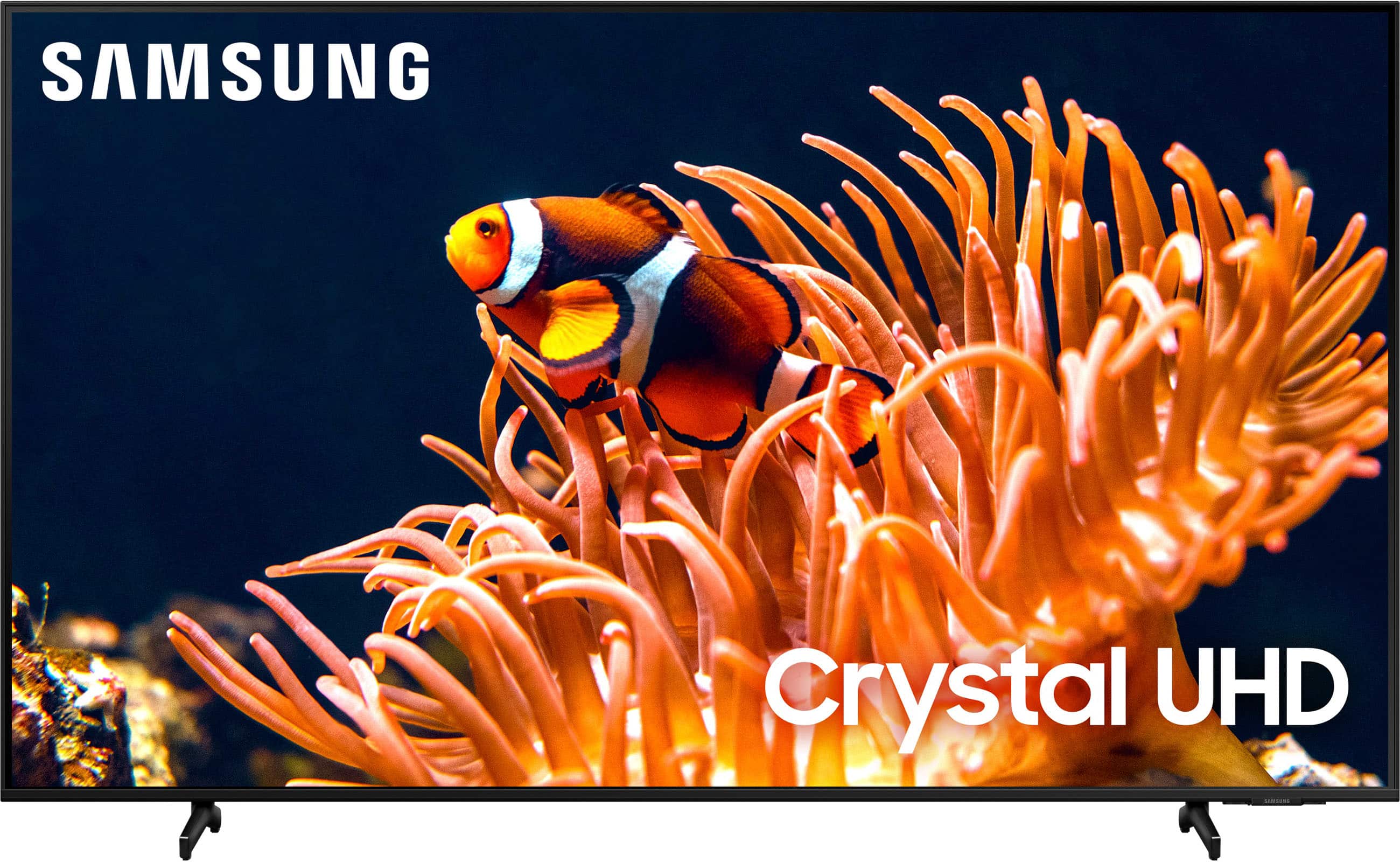
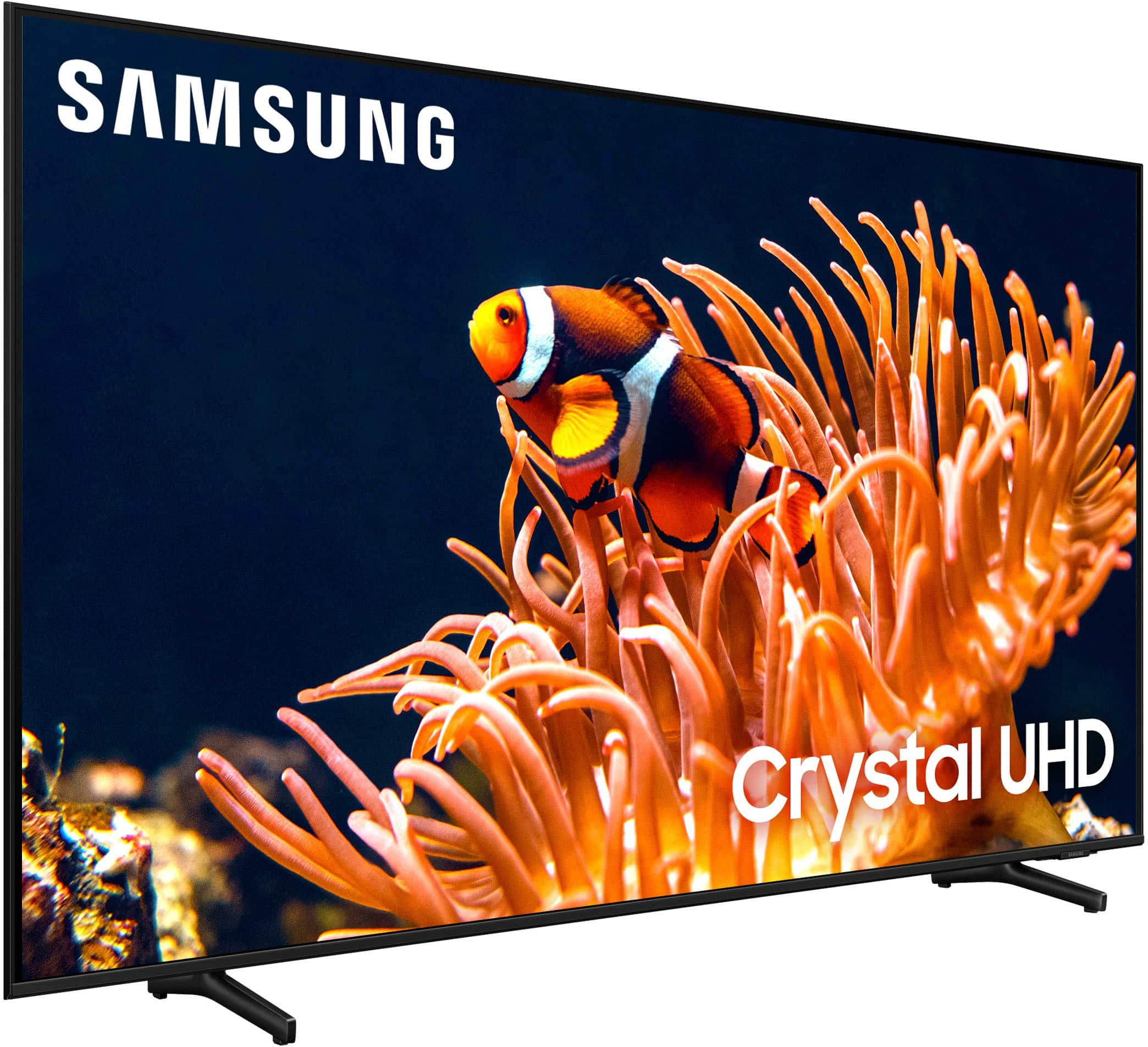
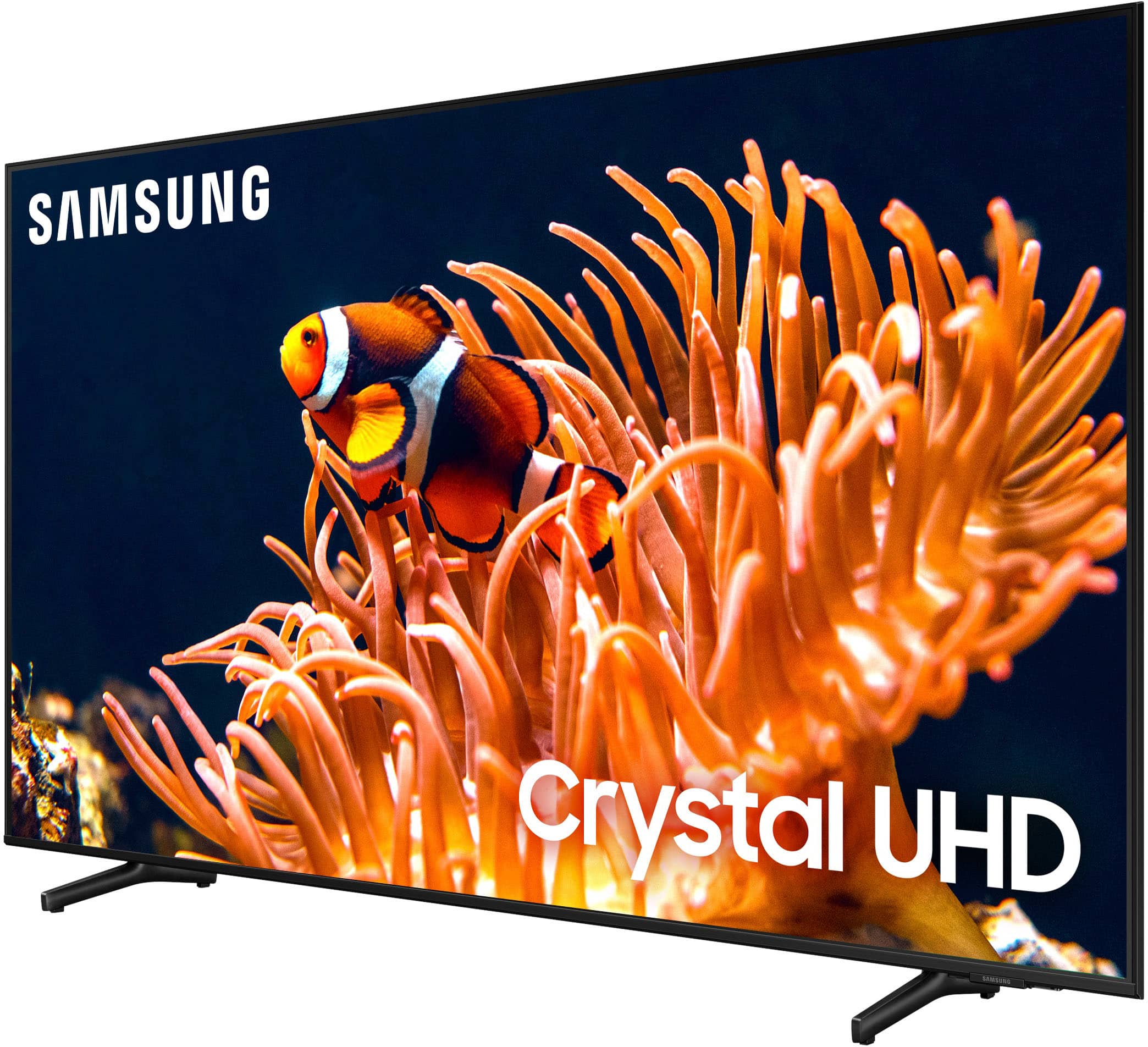
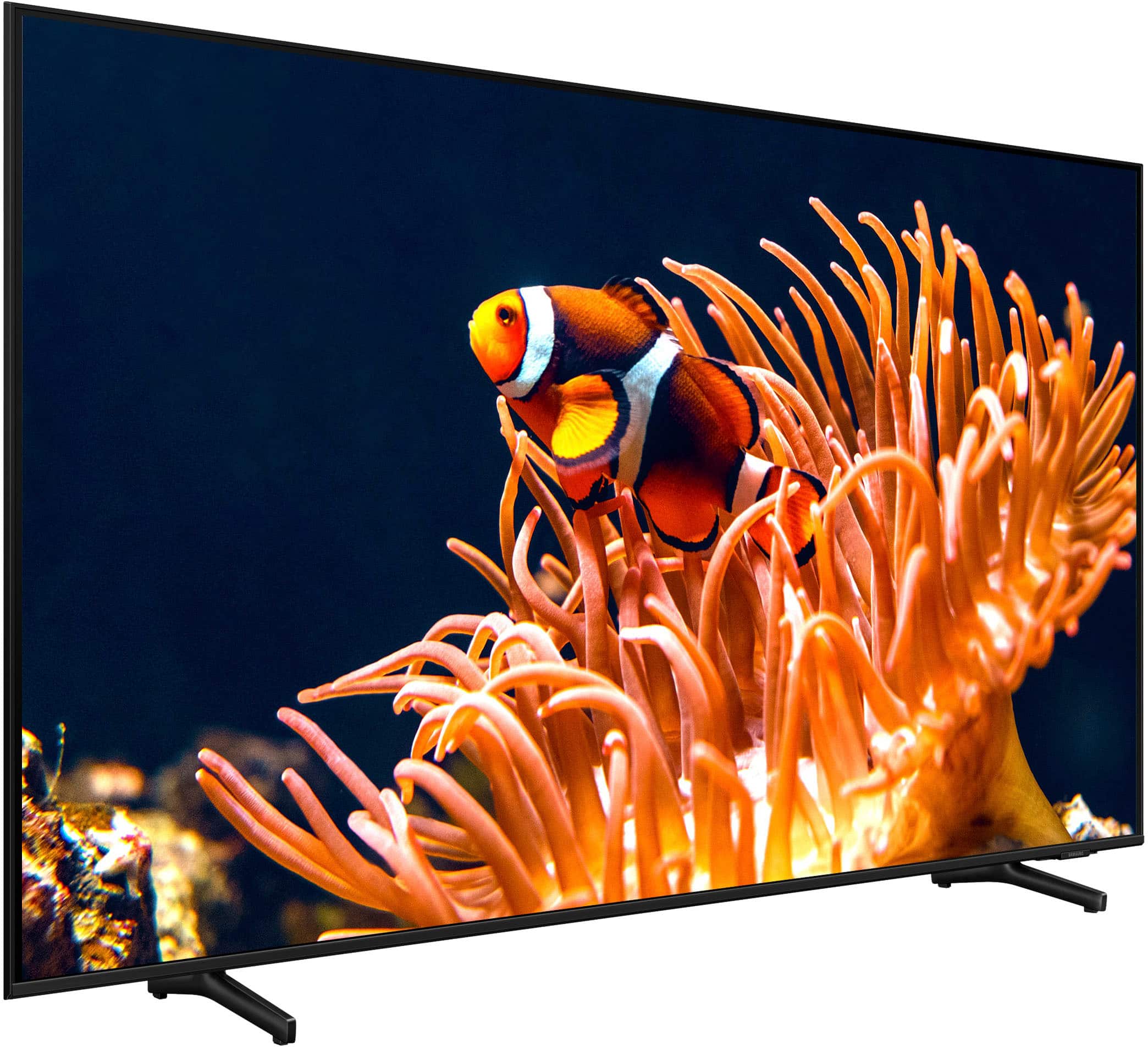







- Model:
- UN50DU8000FXZA
- SKU:
- 10187591
Rating by feature
- Picture Quality
Rating 4.8 out of 5 stars
- Sound Quality
Rating 4.5 out of 5 stars
- Brightness
Rating 4.8 out of 5 stars
to a friend
slim TV
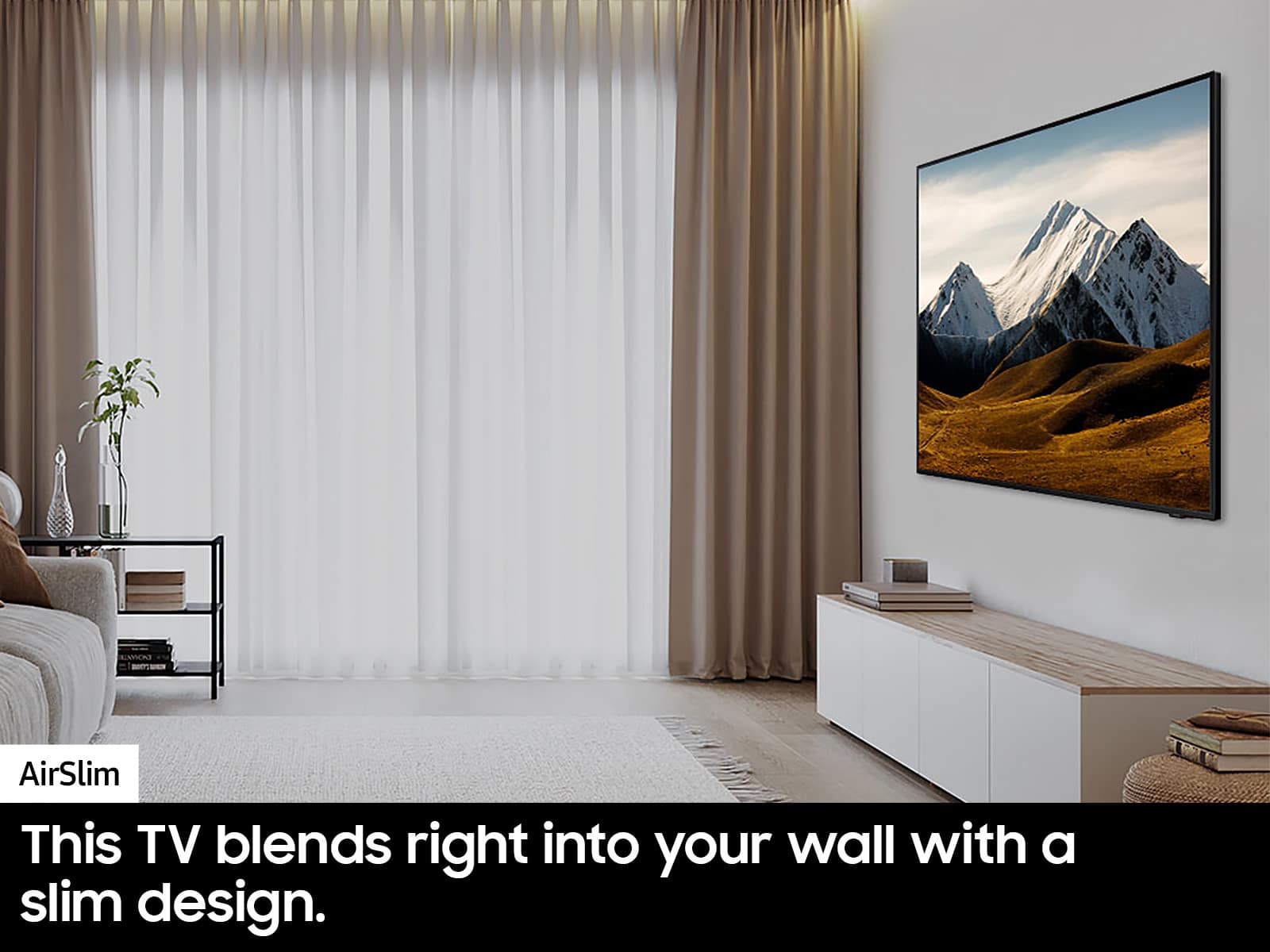
||Posted . Owned for 3 weeks when reviewed.This reviewer received promo considerations or sweepstakes entry for writing a review.a very thin television, mounts perfect to the wall
I would recommend this to a friendArguably worth it
||Posted . Owned for 1 week when reviewed.This reviewer received promo considerations or sweepstakes entry for writing a review.Not as many picture control options as I was expecting but an overall honest great picture very rich.
I would recommend this to a friendcrisp TV
||Posted . Owned for 1 month when reviewed.This reviewer received promo considerations or sweepstakes entry for writing a review.The picture on this model is so crisp and sharp. We love it.
I would recommend this to a friendQuick and efficient
||Posted . Owned for 3 weeks when reviewed.This reviewer received promo considerations or sweepstakes entry for writing a review.They knew exactly what they were doing and did a good job in informing me what to do with my new television. They were quick and efficient.
I would recommend this to a friend50’ samsung smart tv
||Posted . Owned for 1 week when reviewed.This reviewer received promo considerations or sweepstakes entry for writing a review.Smart tv at a good price with great picture quality
I would recommend this to a friend50”
||Posted . Owned for 1 month when reviewed.This reviewer received promo considerations or sweepstakes entry for writing a review.Great TV to buy with clear viewing picture quality and very nice sound
I would recommend this to a friendGood tv
||Posted .This reviewer received promo considerations or sweepstakes entry for writing a review.Great TV, slim and good image! I got the tv open box in alleged excellent condition however it was not. I suggest you purchase brand new worth the price
I would recommend this to a friendGreat buy
||Posted . Owned for 1 month when reviewed.This reviewer received promo considerations or sweepstakes entry for writing a review.Great product. Love having it. Terrific price for the size.
I would recommend this to a friendGood Price, Enojoyful
||Posted . Owned for 1 month when reviewed.This reviewer received promo considerations or sweepstakes entry for writing a review.Does not over heat, really good quality for the price
I would recommend this to a friendSamsung tv
||Posted . Owned for 1 month when reviewed.This reviewer received promo considerations or sweepstakes entry for writing a review.Great TV, looks good on the Wall. Great picture and sound
I would recommend this to a friendTv take over
||Posted . Owned for 1 month when reviewed.This reviewer received promo considerations or sweepstakes entry for writing a review.Good picture but it took over all the settings I had. I have cable and when I turn it on it goes to the tv wifi first. Also I lost the phone # showing up on the tv when I get a call
No, I would not recommend this to a friendBrand response from Samsung
Posted .Hi JohnH
I'm glad you reached out to us. While your DU8000 TV may currently default to Samsung’s TV Plus app, please know you can choose what your TV does when you turn it on by going to Menu > Settings > All Settings > General & Privacy > Start Screen Option.
1) Enabling Start with Smart Hub Home automatically launches Smart Hub when the TV is turned on. Navigate to this option to enable or disable the feature.
2) If Autorun Last App is set to on, the last used app is automatically run when you turn on the TV. You can turn this function on or off by pressing the Select button in the current menu
If we can help with anything else, please call us at 1-800-SAMSUNG, 8AM - 12AM EST, 7 days a week. LiveChat with an agent as well as manuals, software, and warranty info can be found at the ‘Support’ link on our Samsung website.
~Samsung Advisor
Family room TV
||Posted . Owned for 1 month when reviewed.This reviewer received promo considerations or sweepstakes entry for writing a review.After 2 months of use this TV has proven to be a good choice. It was easy to set up with a few adjustments to attach it to the bracket we already have in our room. I would recommend.
I would recommend this to a friendms
||Posted . Owned for 1 month when reviewed.This reviewer received promo considerations or sweepstakes entry for writing a review.picture is clear and bright tv sound is a lirrle low
I would recommend this to a friendWorth it
||Posted . Owned for 1 month when reviewed.This reviewer received promo considerations or sweepstakes entry for writing a review.It obviously isn't as good as the more modern expensive tvs but it's worth the price the only issue is that the sound quality isn't the best or the highest but it is a tv
I would recommend this to a friendALWAYS AN AMAZING EXPERIENCE
||Posted . Owned for 1 week when reviewed.This reviewer received promo considerations or sweepstakes entry for writing a review.Always amazing service when I got to Best Buy. Always have the electronics in looking for. Customer service is always top tier. My favorite store to go to.
I would recommend this to a friendReplacement tv
||Posted . Owned for 1 month when reviewed.This reviewer received promo considerations or sweepstakes entry for writing a review.Good definition and easy setup out of the box sharp colors
I would recommend this to a friendGood size, good quality.
||Posted . Owned for 1 month when reviewed.This reviewer received promo considerations or sweepstakes entry for writing a review.Tv was just the right size I was looking for and I didn’t have to sacrifice quality. Would definitely buy again.
I would recommend this to a friendGood tv
||Posted .This reviewer received promo considerations or sweepstakes entry for writing a review.Nice tv product software is slow sometimes buy nice soze
I would recommend this to a friendSo far so good
||Posted . Owned for 3 weeks when reviewed.This reviewer received promo considerations or sweepstakes entry for writing a review.I have had my Samsung for a few weeks and have not been disappointed. Easy to set up and has good resolution. Best Buy sales person was very helpful answering my questions and helping me choose the right TV for me.
I would recommend this to a friendSamsung 50”
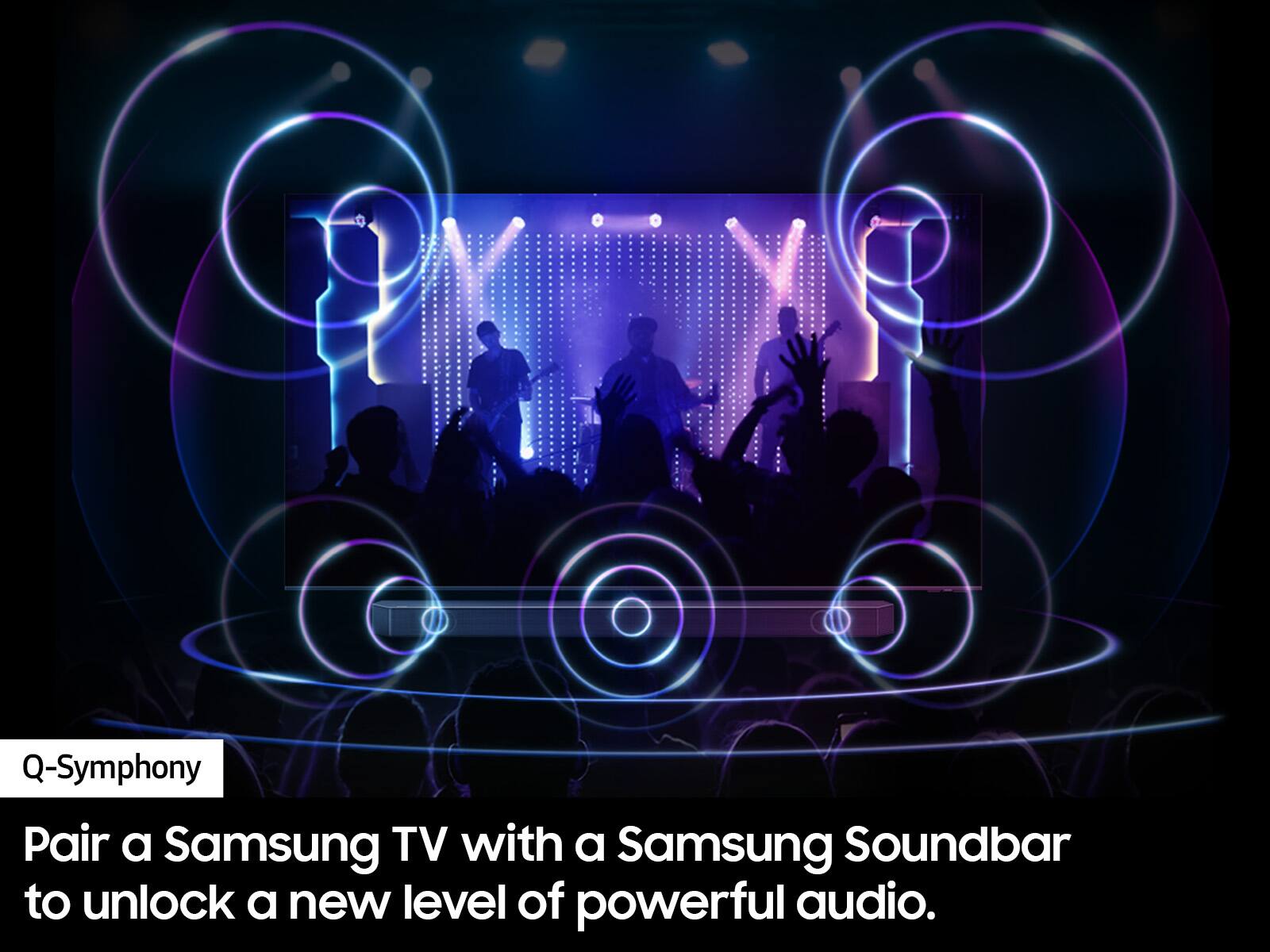
||Posted .This reviewer received promo considerations or sweepstakes entry for writing a review.Quality is great. Have to turn sound up but we were warned we might want a soundbar by the Geek Squad.
I would recommend this to a friend