Customer Ratings & Reviews
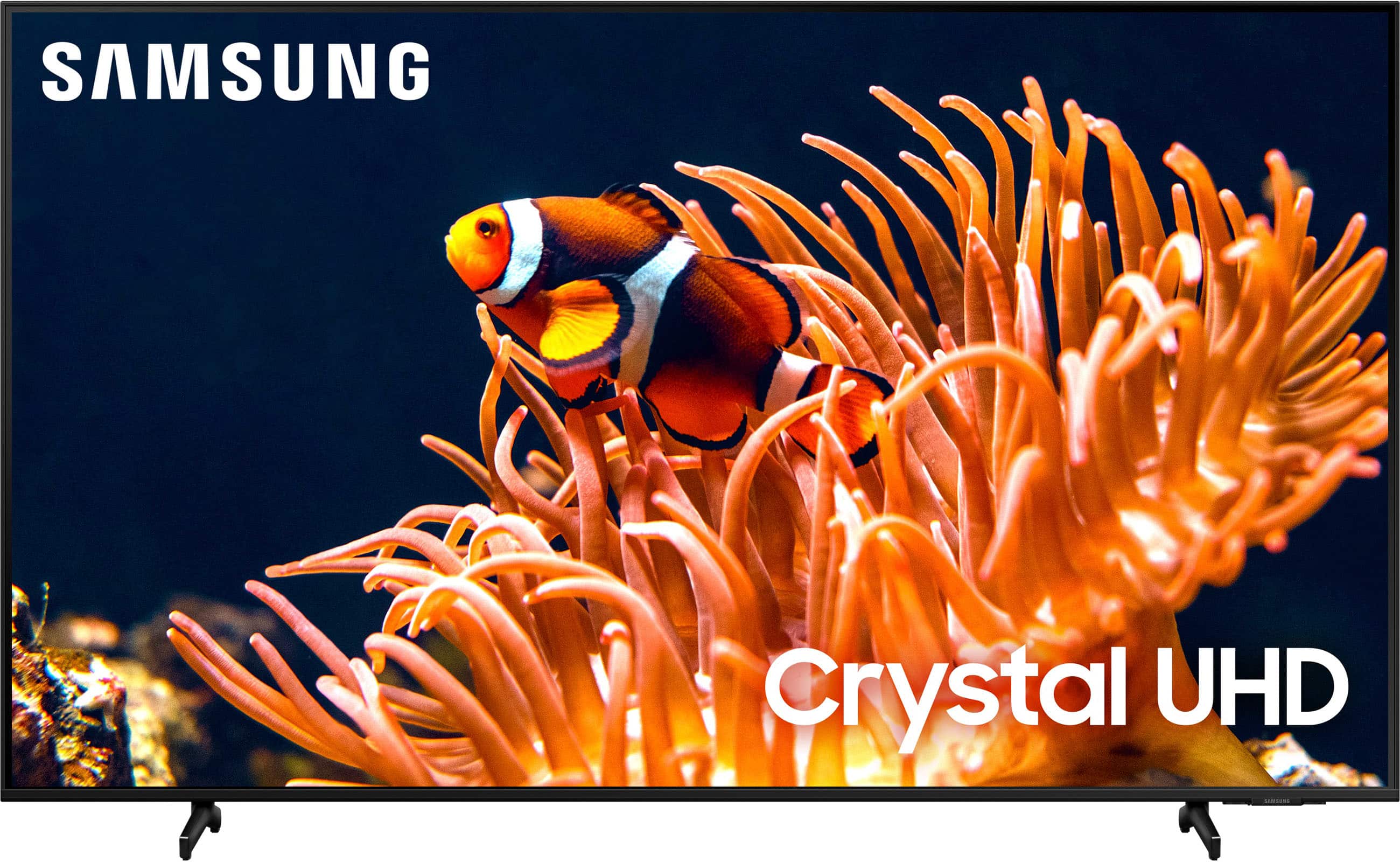
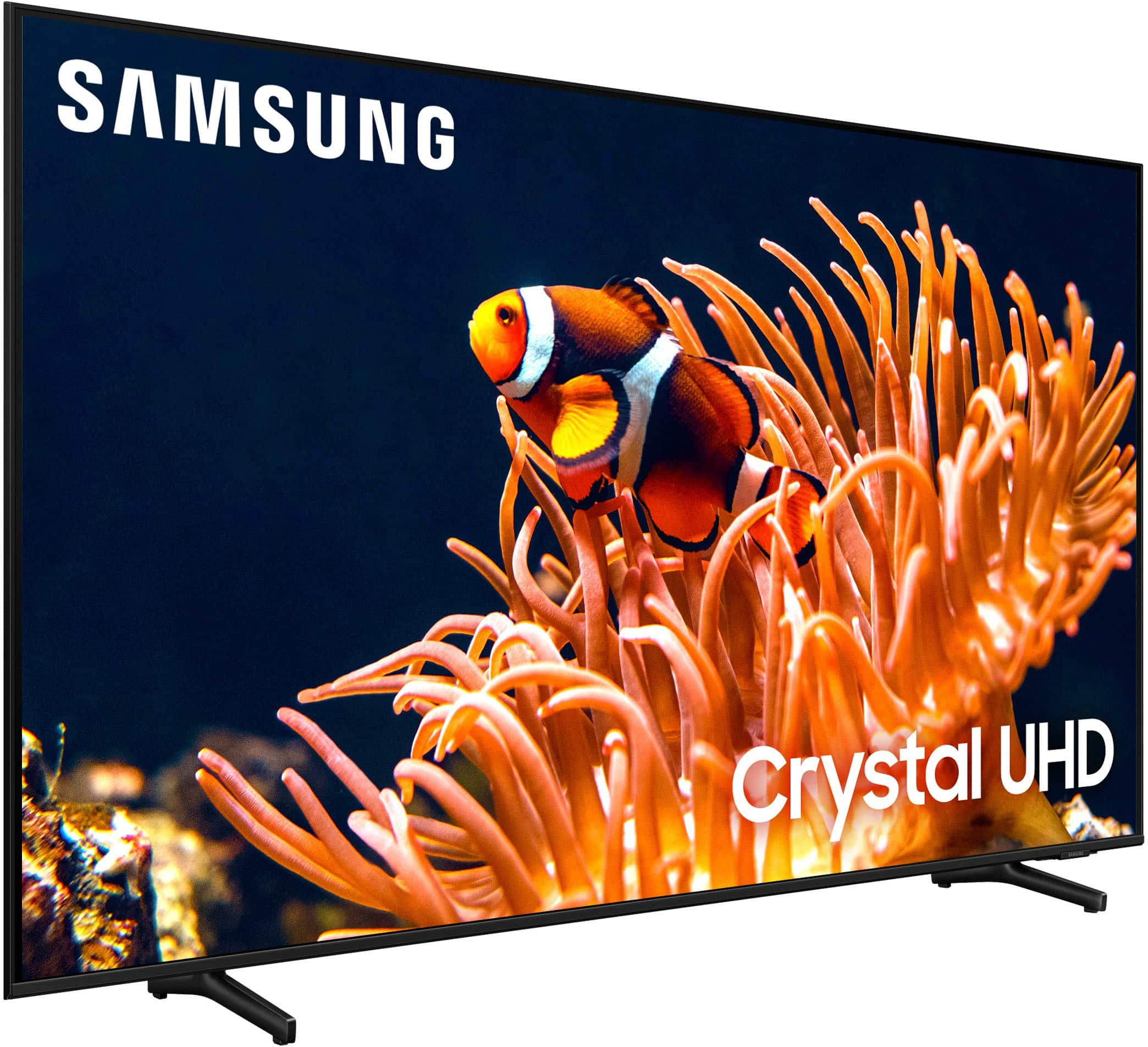
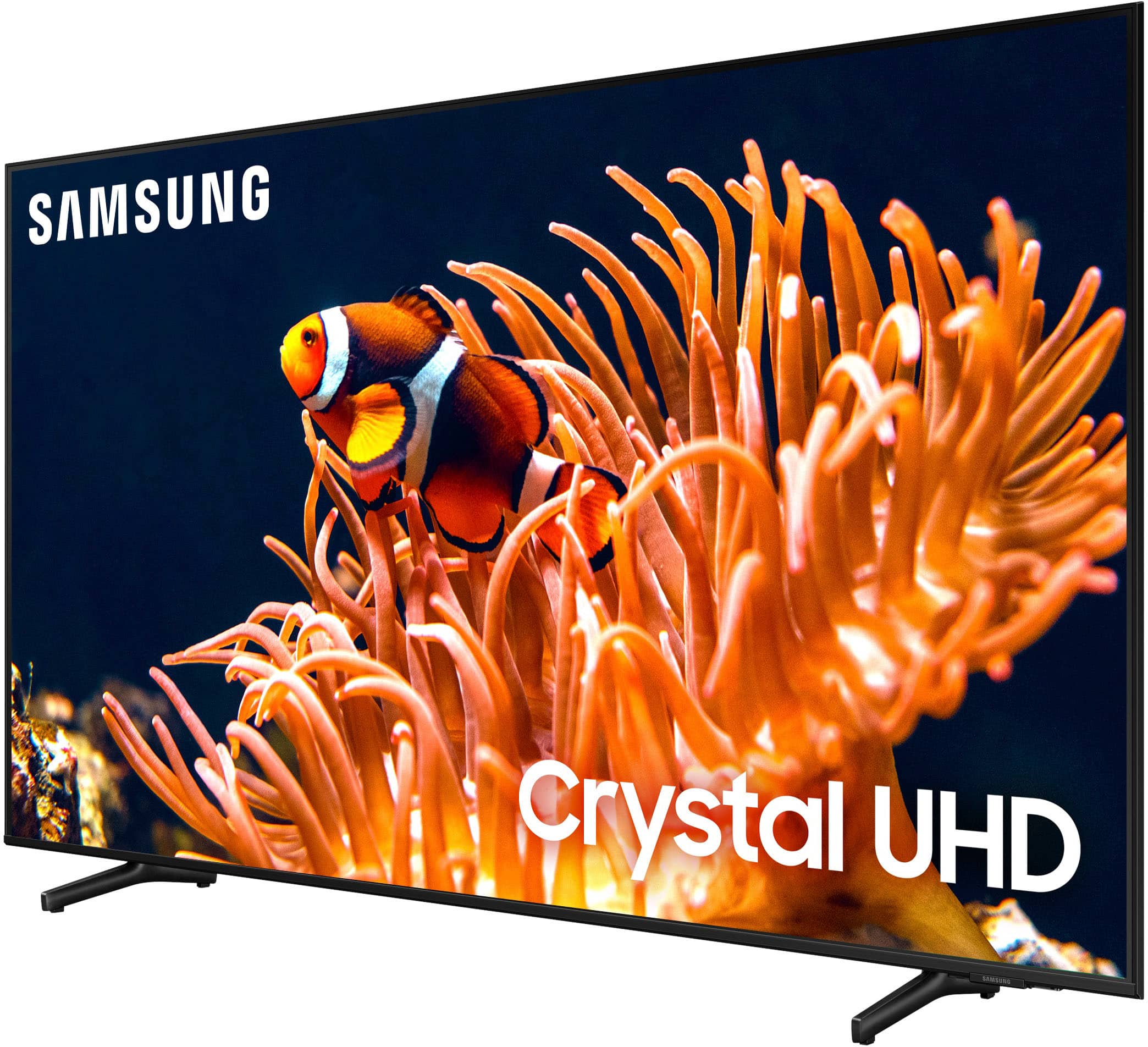
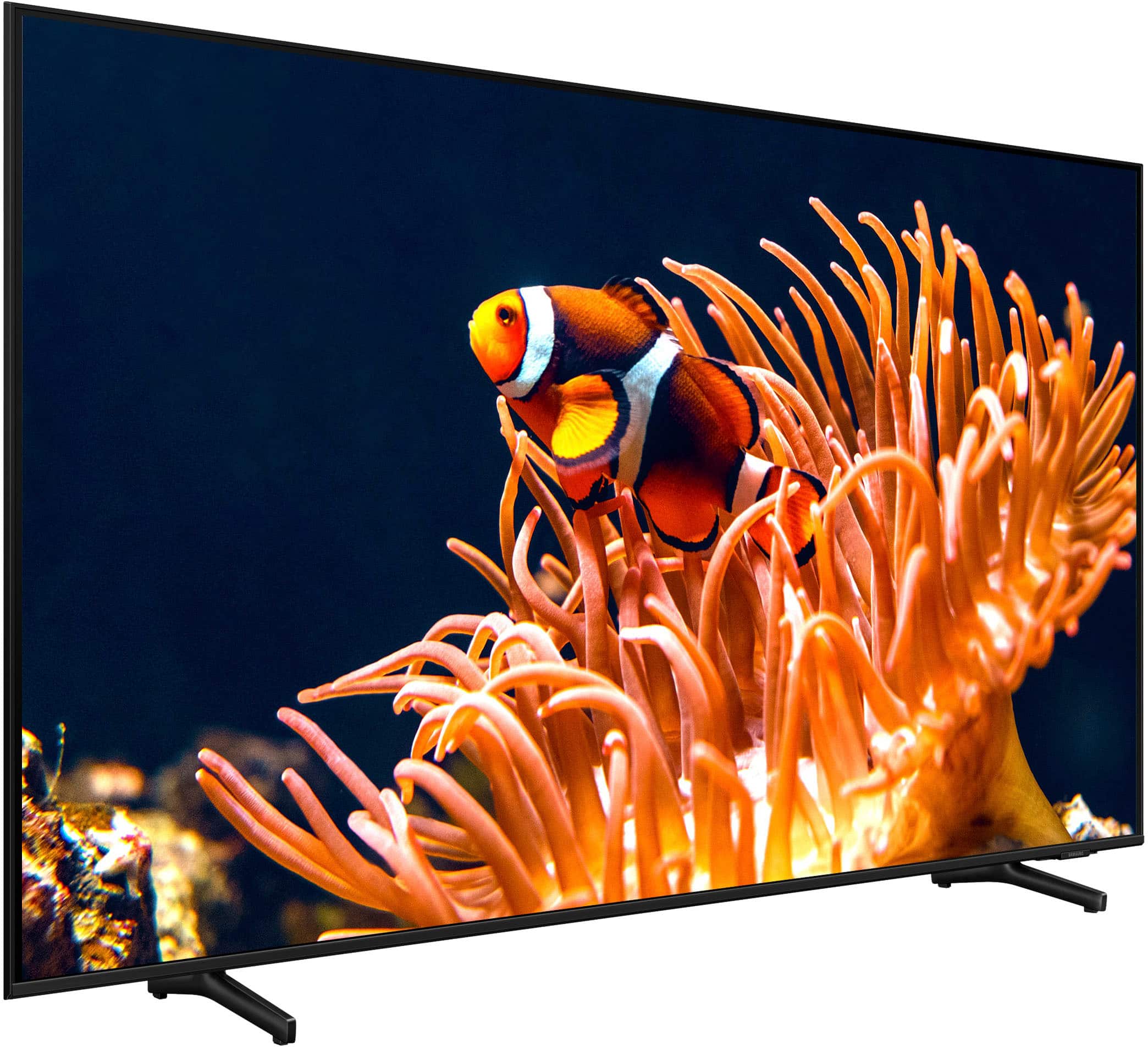






- Model:
- UN50DU8000FXZA
- SKU:
- 6575361
Rating by feature
- Picture Quality
Rating 4.8 out of 5 stars
- Sound Quality
Rating 4.5 out of 5 stars
- Brightness
Rating 4.8 out of 5 stars
Customers are saying
Customers highly value the 50” Class DU8000 Series Crystal UHD Smart Tizen TV (2024) for its excellent picture quality and ease of setup. Many appreciate its perfect size, lightweight design, and sleek appearance. The TV's brightness and reliable connectivity also receive positive feedback.
This summary was generated by AI based on customer reviews.
Great TV
||Posted . Owned for 3 weeks when reviewed.This reviewer received promo considerations or sweepstakes entry for writing a review.Beautiful quality of screen, samsung always do a great job
I would recommend this to a friendTv
||Posted . Owned for 1 week when reviewed.This reviewer received promo considerations or sweepstakes entry for writing a review.Great tv and great help great customer service thanks
I would recommend this to a friendGood Picture
||Posted . Owned for 4 months when reviewed.This reviewer received promo considerations or sweepstakes entry for writing a review.Happy with this purchase. Bought this for my bedroom.
I would recommend this to a friendGreat for gaming/ watching tv
||Posted . Owned for 3 weeks when reviewed.This reviewer received promo considerations or sweepstakes entry for writing a review.Always been a consistent customer for Samsung tvs.
I would recommend this to a friendGood deal
||Posted . Owned for 2 weeks when reviewed.This reviewer received promo considerations or sweepstakes entry for writing a review.Beautiful display and great price! Definitely worth it
I would recommend this to a friend
Love it
|Posted . Owned for 1 month when reviewed.This reviewer received promo considerations or sweepstakes entry for writing a review.[Employee of bestbuy] Amazing for someone who is looking fir a tv to throw in a garage
I would recommend this to a friendDisappointed client
||Posted . Owned for 1 month when reviewed.This reviewer received promo considerations or sweepstakes entry for writing a review.TV keeps repeating sounds on tv and interrupting programming. Very annoying.
No, I would not recommend this to a friendGreat TV
||Posted . Owned for 1 month when reviewed.This reviewer received promo considerations or sweepstakes entry for writing a review.Great TV. I love the Samsung brand and have several products.
I would recommend this to a friendTV ok, Samsung bloatware kills my happiness
||Posted . Owned for 1 month when reviewed.This reviewer received promo considerations or sweepstakes entry for writing a review.The actual TV is fine for my use. All the garbage that Samsung pre loads along with all suggested Channels is awful. The UI is a mess, no way delete unwanted junk. I haven’t found a way to rearrange any suggested apps
No, I would not recommend this to a friendBrand response from Samsung
Posted .Hi Derek,
We appreciate your feedback on the DU8000 TV. To adjust the apps on your Home Screen, go to Home> Apps> Select App of choice> Long hold return key> Add to Home Menu.
To move the app to a different position on your Home Screen Menu> Go to App of choice> Long hold return key> Move> Use left or right arrows to move.
If there’s anything we can ever help with such as optimizing settings, please reach Samsung Support at 1-800-SAMSUNG, 8AM - 12AM EST, 7 days a week. Or visit us on the Samsung website and click on the ‘Support’ link for:
• LiveChat with an agent
• Manuals, Software, & Warranty Info
~ Samsung Advisor
Piece of Junk
||Posted . Owned for 3 weeks when reviewed.This reviewer received promo considerations or sweepstakes entry for writing a review.I purchased this tv as a open box item and I can see why it was returned. Said it was in excellent condition, when I opened the box, the feet were missing, no way to stand it up, the remote was not the correct one for this model. Once plugged in and setup after a few minutes the TV constantly started cycling off and on. Yes, I followed all advice from Samsung to get this to stop and it wouldn't. There is obviously something very wrong with this unit. Best Buy refuses to allow me to exchange it even though I was literally 3 days past the 15 day return period. I would not recommend this TV as there are definite issues with this model and will never shop with Best Buy again unless they will agree to resolve this issue. When a product is marked as excellent as an open box item and says it comes with everything, it should come with everything. Never occurred to me that it would be necessary to open the box and test the product before leaving the store. Not something you should have to do.
No, I would not recommend this to a friendBeautiful TV but Defective
||Posted . Owned for 1 month when reviewed.This reviewer received promo considerations or sweepstakes entry for writing a review.This TV was purchased to replace another Samsung TV that broke after 2 years. I have had this TV for one month and there is a black line across the screen. Apparently this is a known issue. While I am glad I purchased an extended warranty this time around, I am not happy that this TV is already proving to be defective. Overall, not happy and cannot recommend Samsung--everything I purchase from this brand is a lemon.
No, I would not recommend this to a friendBrand response from Samsung
Posted .Hi ChristinaK,
We are glad that you reached out to us regarding the display issues you are seeing on your Samsung DU8000 TV. I have a few recommendations that may resolve the black line you are seeing on your screen.
First, let's ensure you are running the latest Firmware. Go to Settings> Support> Software Update.
Next, run a diagnostic test. Go to Home > Settings > Support > Device Care > Self Diagnosis > Picture Test. If there are no issues during the Picture Test, this means your TV is working fine. To identify and fix the issue, first, try replacing the cable of the external device that is showing line.
- If the line still appears after replacing the cable, troubleshoot the external device.
- If a line appears during the Picture Test, proceed to the next step.
If issues appear during your test, the TV will need service. Please reach out to us so we can schedule a warranty appointment. 1-800-SAMSUNG, 8 AM - 12 AM EST, seven days a week. LiveChat with an agent, as well as manuals, software, and warranty info, can be found at the ‘Support’ link on our Samsung website.
~Samsung Advisor
okay
||Posted . Owned for 1 month when reviewed.This reviewer received promo considerations or sweepstakes entry for writing a review.Product..okay. not great and not horrible. sales folks at best buy are wonderful!!
No, I would not recommend this to a friendBrand response from Samsung
Posted .SusanF,
We appreciate your review of Samsung’s DU8000F TV. So we can better understand the issues you’re experiencing and provide you with troubleshooting assistance, please reach out to Samsung Customer Support at 1-800-SAMSUNG, 8AM - 12AM EST, 7 days a week.
Our LiveChat agents are also available by clicking on the ‘Support’ link on our website.
~ Samsung Specialist
Sorry I bought open box
||Posted . Owned for 3 weeks when reviewed.This reviewer received promo considerations or sweepstakes entry for writing a review.I bought this open box TV. What a disappointment. The box arrived in pieces. The only items in the box were the TV screen and the remote. There was no power cable, no legs for the TV, no instructions or paperwork. I took the TV back to Best Buy and they asked me if the screen turned on. I said I had no idea since I was not provided a power cable. I was told that they had to make sure the TV would power on before I could return it. I will never again buy open box items from Best Buy.
No, I would not recommend this to a friendBrand response from Samsung
Posted .Hi Blueteeth,
Thank you for sharing your experience purchasing an open-box item from Best Buy. I recommend reaching out to Best Buy Customer Service to assist you with returning your item. If there’s anything we can ever help with, please call us at 1-800-SAMSUNG, 8 AM - 12 AM EST, seven days a week. Or visit us on the Samsung website and click on the ‘Support’ link for:
1) LiveChat
2) Manuals, Software, & Warranty Info
~ Samsung Advisor
Looks good, but a terrible catch
||Posted . Owned for less than 1 week when reviewed.This reviewer received promo considerations or sweepstakes entry for writing a review.You have to use the Samsung app to use Apple TV and other apps. As someone who works in this type data for a living - this is pathetic. No need to do this from Samsung - it’s just walling content so they can get you signed up and then they can sell your info. Gross - my last Samsung purchase right here
No, I would not recommend this to a friendBrand response from Samsung
Posted .Hi Person,
We appreciate your feedback on the DU8000 TV interface. Please know you can access your apps, such as Apple TV from the TV's Home Menu. On your remote, press the Home button and it will take you to the main menu which hosts your apps.
If you’d like more help with settings or if you have any questions, we are always happy to help! Call us at 1-800-SAMSUNG, 8 AM - 12 AM EST, seven days a week. Or visit us on the Samsung website and click on the ‘Support’ link for:
1) LiveChat
2) Manuals, Software, & Warranty Info
~ Samsung Advisor
Terrible Customer Service
||Posted . Owned for 3 weeks when reviewed.This reviewer received promo considerations or sweepstakes entry for writing a review.Terrible customer service, failed to deliver twice, cancelled my order and bought another TV from Amazon that was delivered as promised.
No, I would not recommend this to a friendBrand response from Samsung
Posted .Hi JamesV,
Thank you for choosing Samsung and for sharing your feedback with us. If you ever have questions or need help, Samsung is here for you! Give us a call at 1-800-SAMSUNG, 8 AM - 12 AM EST, seven days a week. Our LiveChat agents are also available by clicking on the ‘Support’ link on our website.
Thanks for being a part of the Samsung family!
~ Samsung Advisor
Ads much?
||Posted . Owned for less than 1 week when reviewed.This reviewer received promo considerations or sweepstakes entry for writing a review.Wonder why all the positive reviews are 'incentivized'??? Not a bad tv. Unless you don't like to be forced ads on streaming services, including the ones that you pay extra for so as not to have to deal with ads. Can't avoid forced ads on samsung. To be avoided!
No, I would not recommend this to a friendBrand response from Samsung
Posted .Hi CJTV,
Thank you for your purchase and for your feedback on the DU8000 interface. Please know your feedback will be shared with our internal teams. If you ever have questions or need help, Samsung is here for you! Give us a call at 1-800-SAMSUNG, 8 AM - 12 AM EST, seven days a week. Our LiveChat agents are also available by clicking on the ‘Support’ link on our website.
~Samsung Advisor
Crap experience
||Posted . Owned for 1 week when reviewed.This reviewer received promo considerations or sweepstakes entry for writing a review.Product delivered with no books no power cord no remote just a screen and stands,supposedly open box in excellent cond. B/S
No, I would not recommend this to a friendBrand response from Samsung
Posted .Hi JoeW,
Thank you for letting us know about your open-box purchase experience through Best Buy. Please reach out to the store to resolve any issues or missing products. If purchased new in-box, please reach out to Samsung Customer Support. You can call us at 1-800-SAMSUNG, 8 AM - 12 AM EST, seven days a week. Our LiveChat agents are also available by clicking on the ‘Support’ link on our website.
~ Samsung Advisor
Flimsy remote
||Posted . Owned for 2 weeks when reviewed.This reviewer received promo considerations or sweepstakes entry for writing a review.TV is good, remote is flimsy. 1 star for Samsung
No, I would not recommend this to a friendBrand response from Samsung
Posted .Hi Eddy,
Thank you for your feedback on the DU8000 TV remote. Samsung remotes are designed to be convenient and useful, but we understand if you’d prefer to use a third-party remote, whether it’s a universal remote, a game controller, or something else!
Please know you can also connect your Android or Apple phone to your TV via the SmartThings app.
To learn how to use your Samsung Remote, go to Home> (left directional button) Settings> Support> Remote Control Guide.
I hope these tips help you enjoy your new product.
You can contact us for further help at 1-800-SAMSUNG, 8 AM - 12 AM EST, seven days a week. Our LiveChat agents are also available by clicking on the ‘Support’ link on our website.
~ Samsung Advisor
- Pros mentioned:Design, Picture quality
Amazing TV!!!!!
Posted .This reviewer received promo considerations or sweepstakes entry for writing a review.I’ve been thoroughly impressed with the Samsung Crystal HD. The picture quality is outstanding, with vibrant colors and sharp details that make everything from movies to games look amazing. The sleek design fits perfectly in any room, and the build quality feels solid and reliable. Setting it up was a breeze, and it works seamlessly with all my devices. Overall, it’s a fantastic investment for anyone looking to upgrade their home entertainment setup
I would recommend this to a friend - Pros mentioned:Picture quality
my life
Posted .This reviewer received promo considerations or sweepstakes entry for writing a review.high quality i love watching it isounds is fantastic
I would recommend this to a friend