Customer Ratings & Reviews





- Model:
- UN50DU8000FXZA
- SKU:
- 6575361
Rating by feature
- Picture Quality
Rating 4.8 out of 5 stars
- Sound Quality
Rating 4.5 out of 5 stars
- Brightness
Rating 4.8 out of 5 stars
Customers are saying
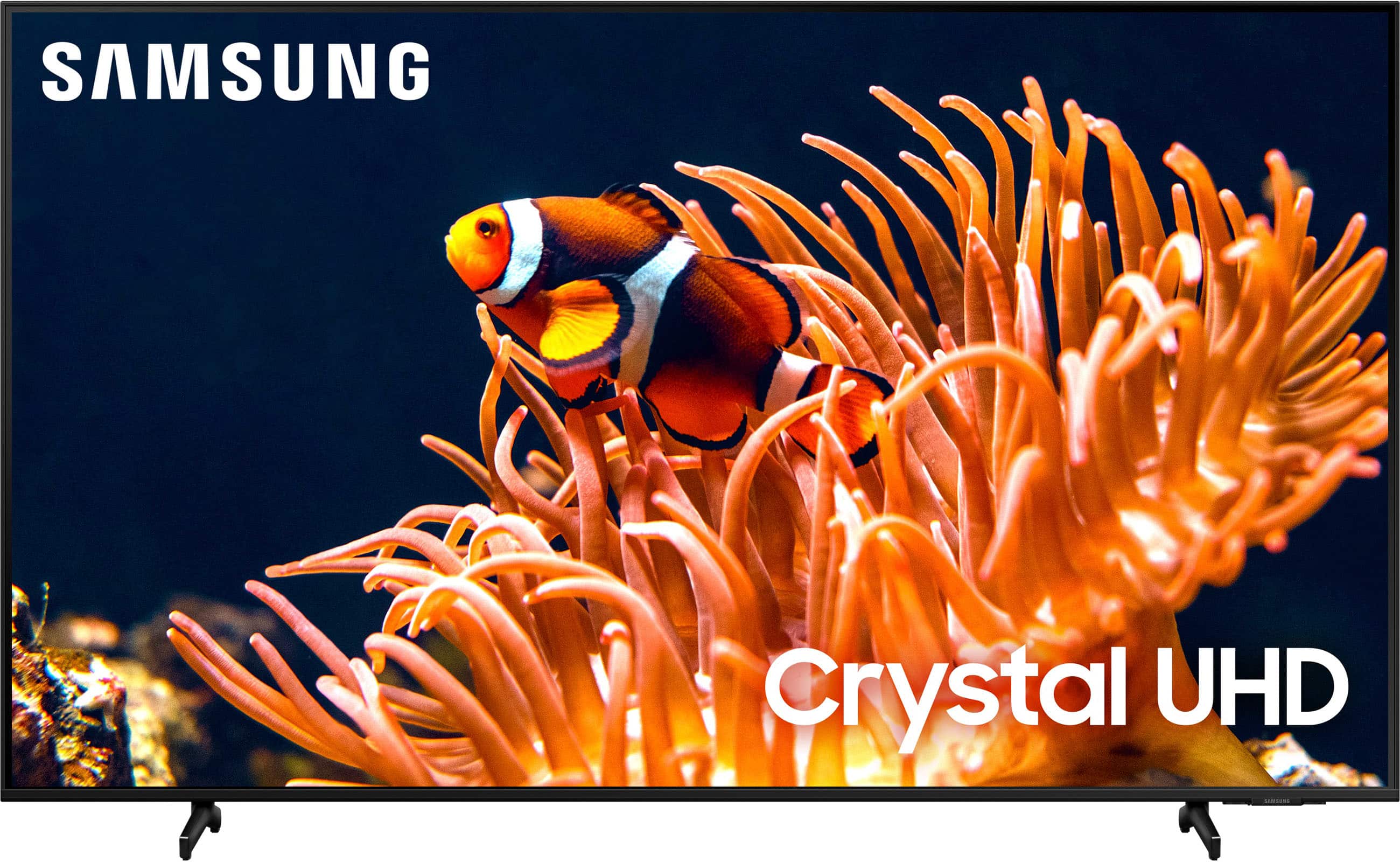
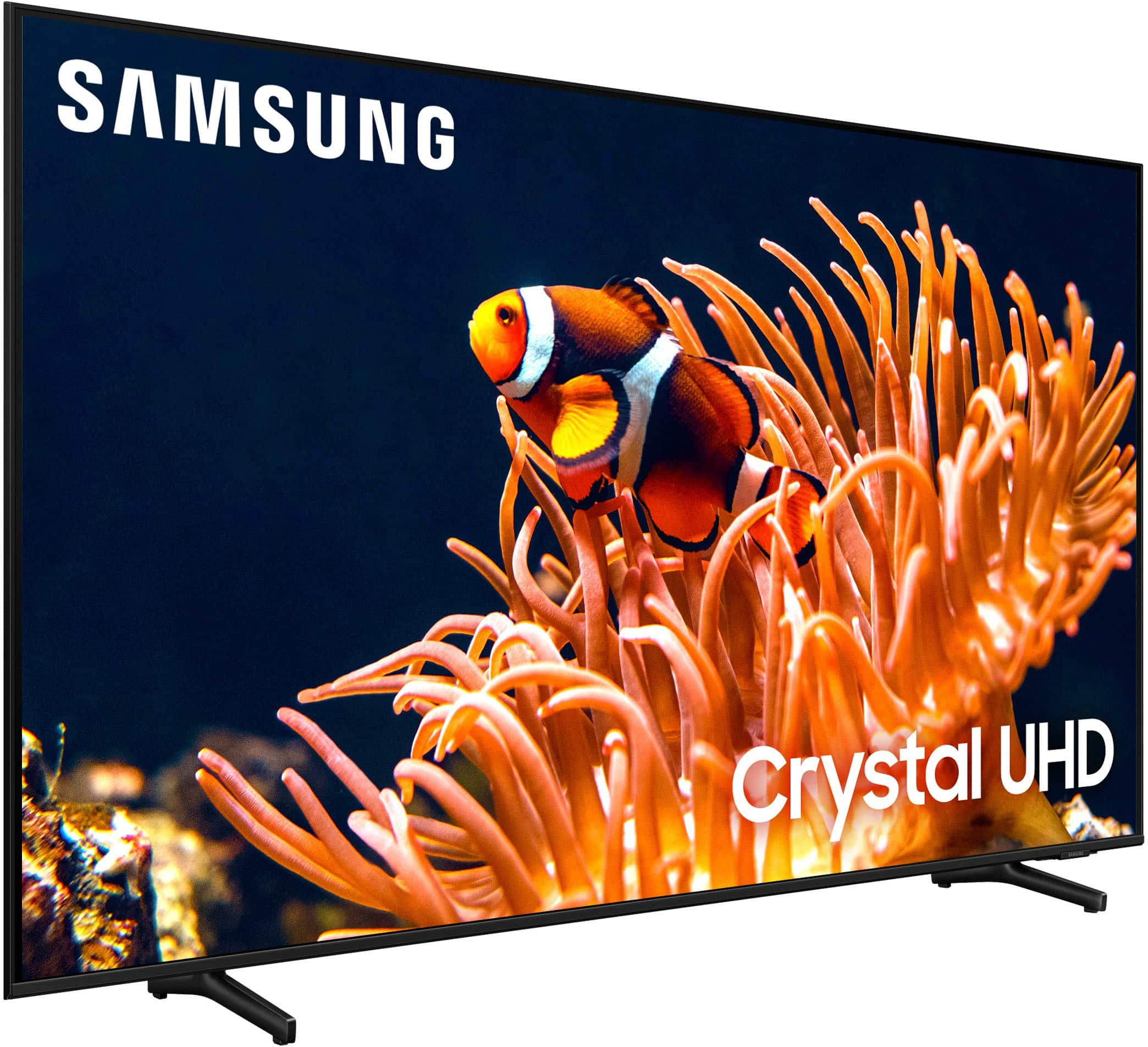
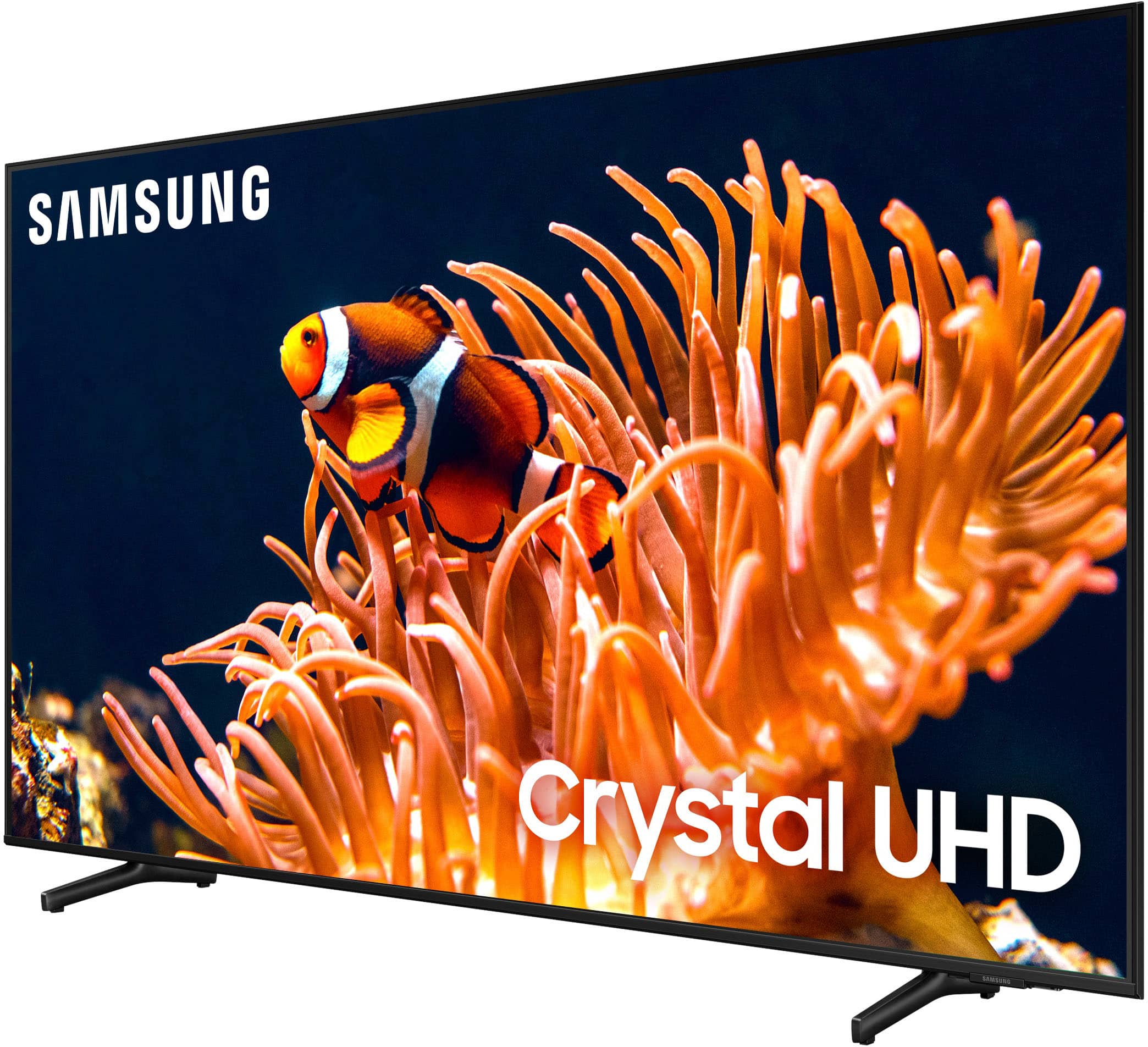
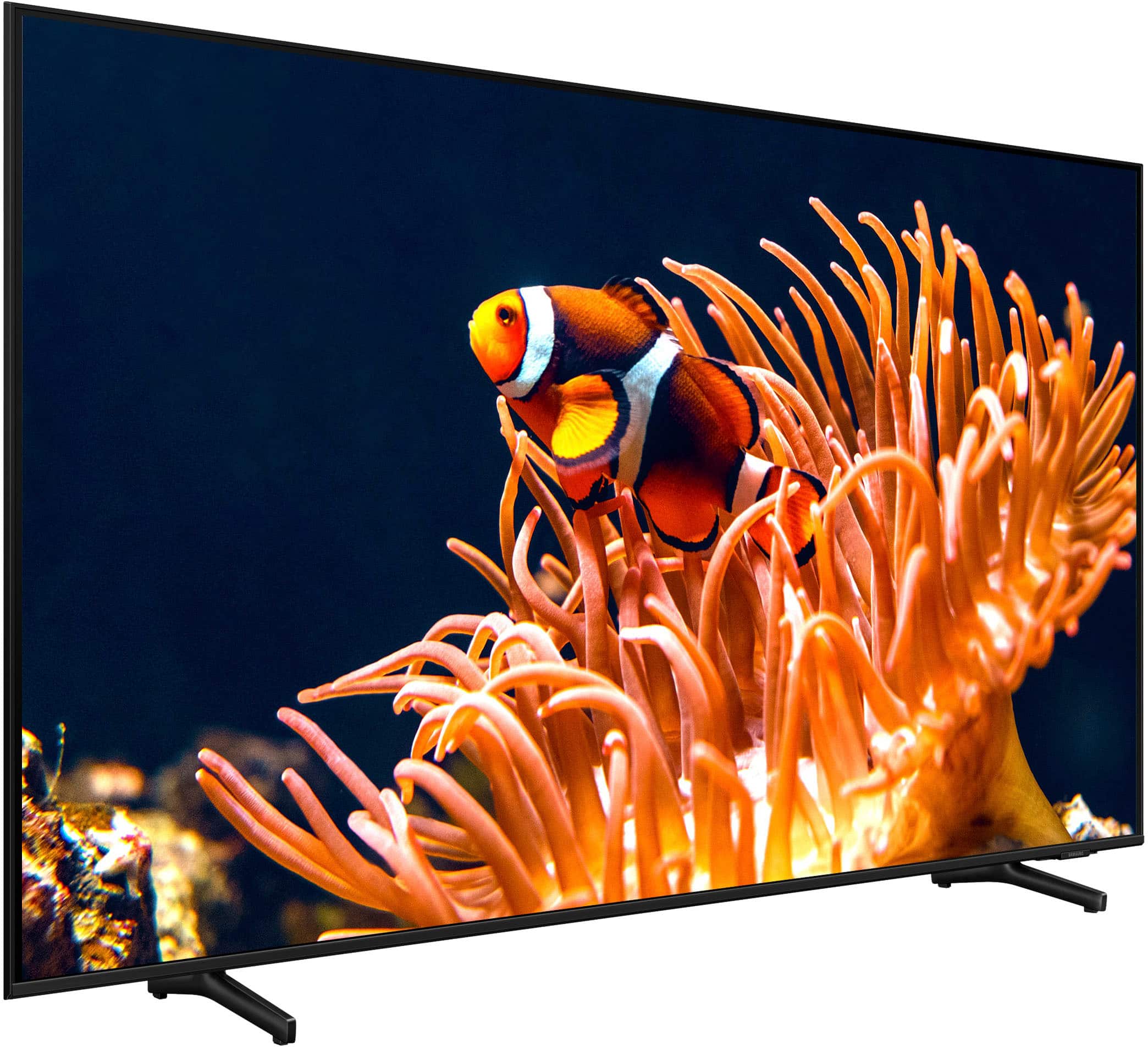
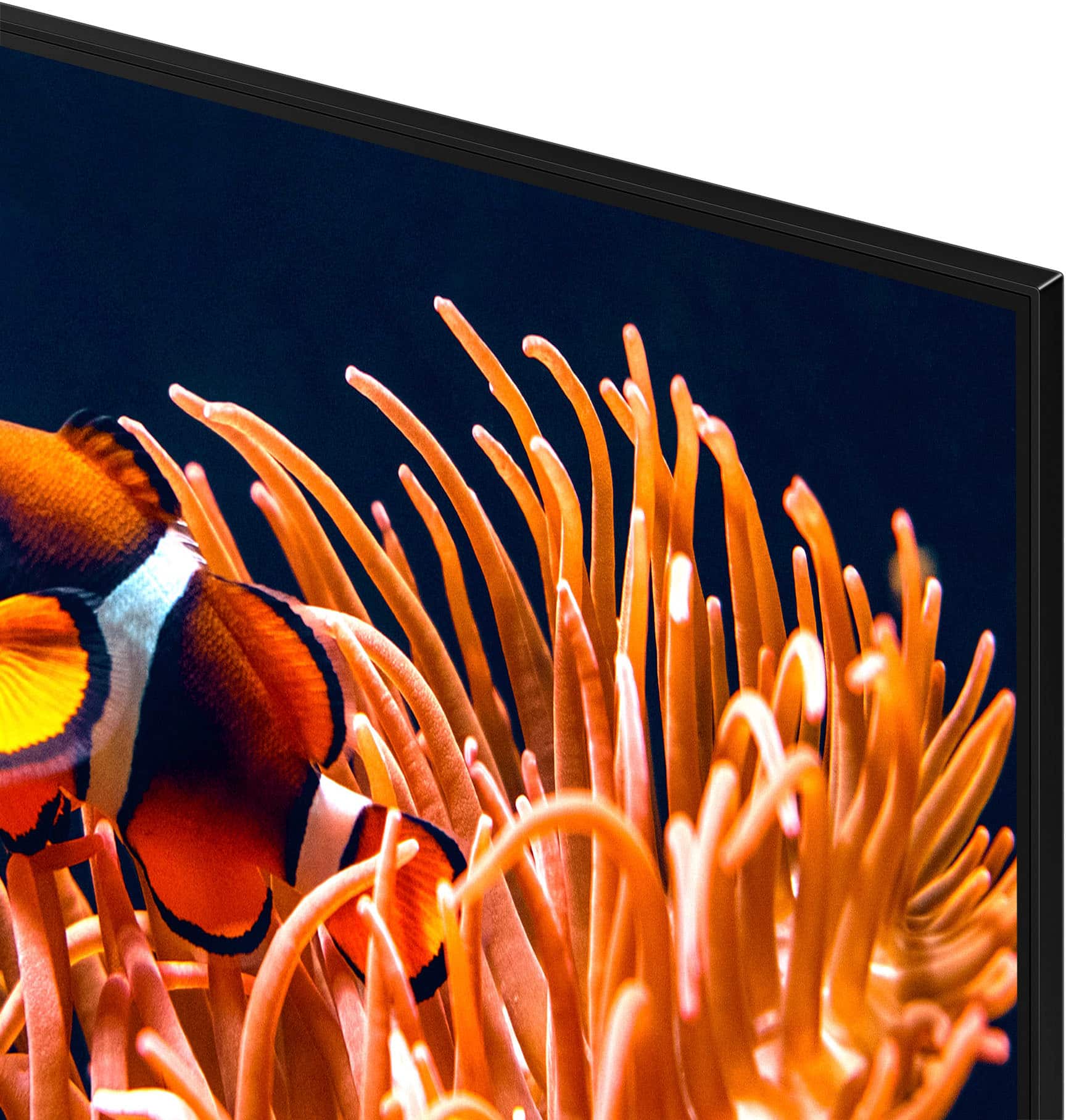
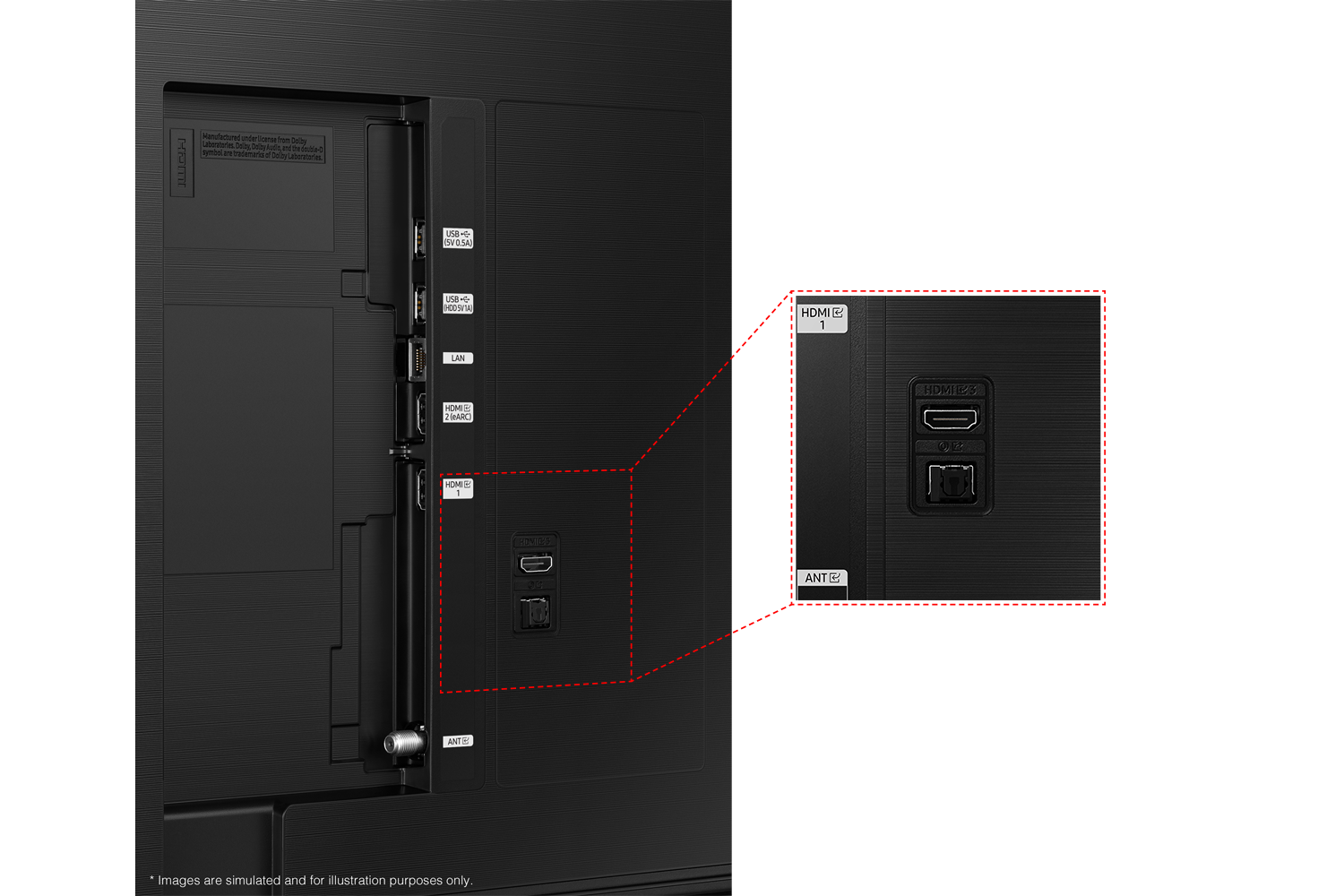
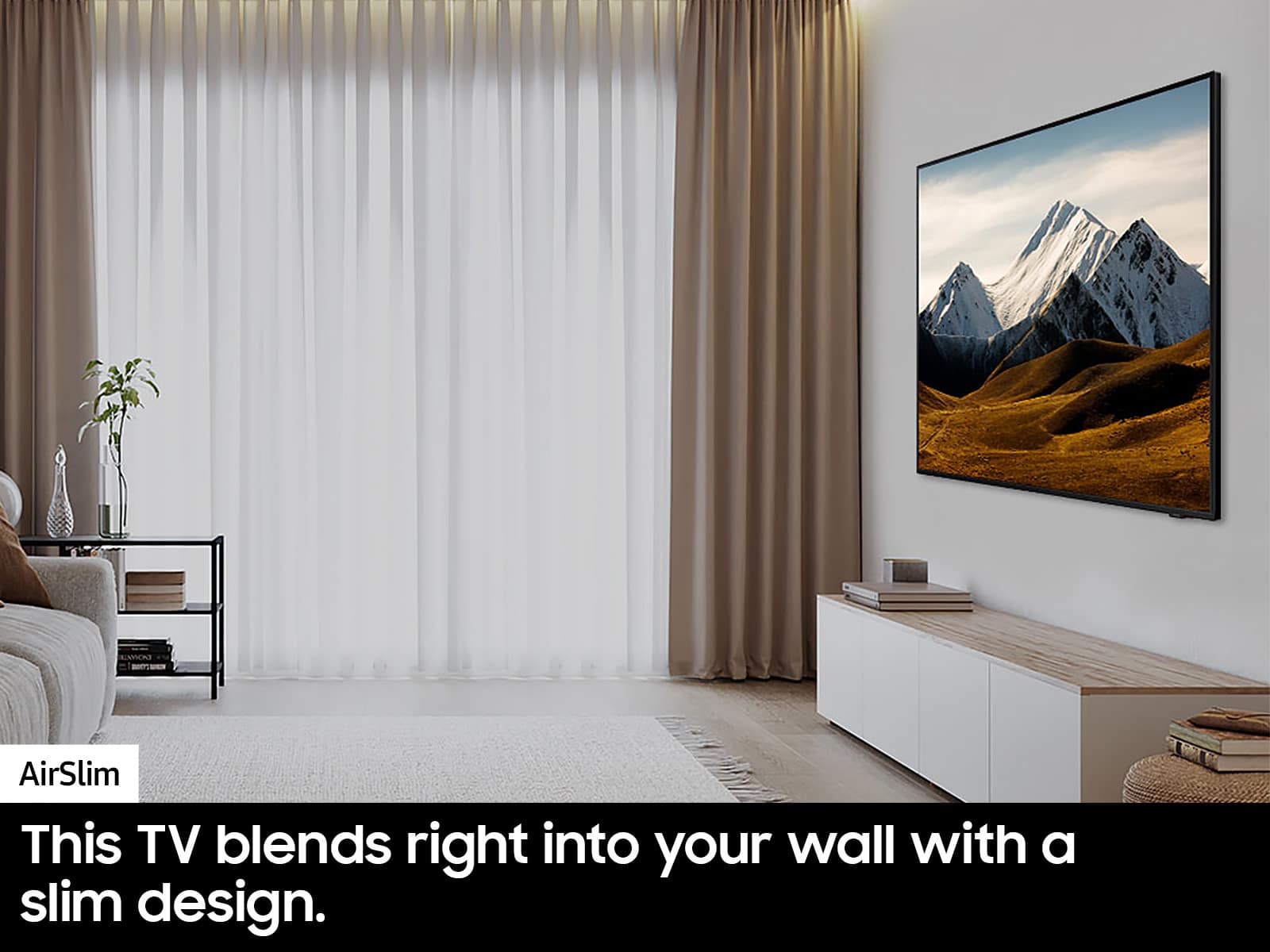
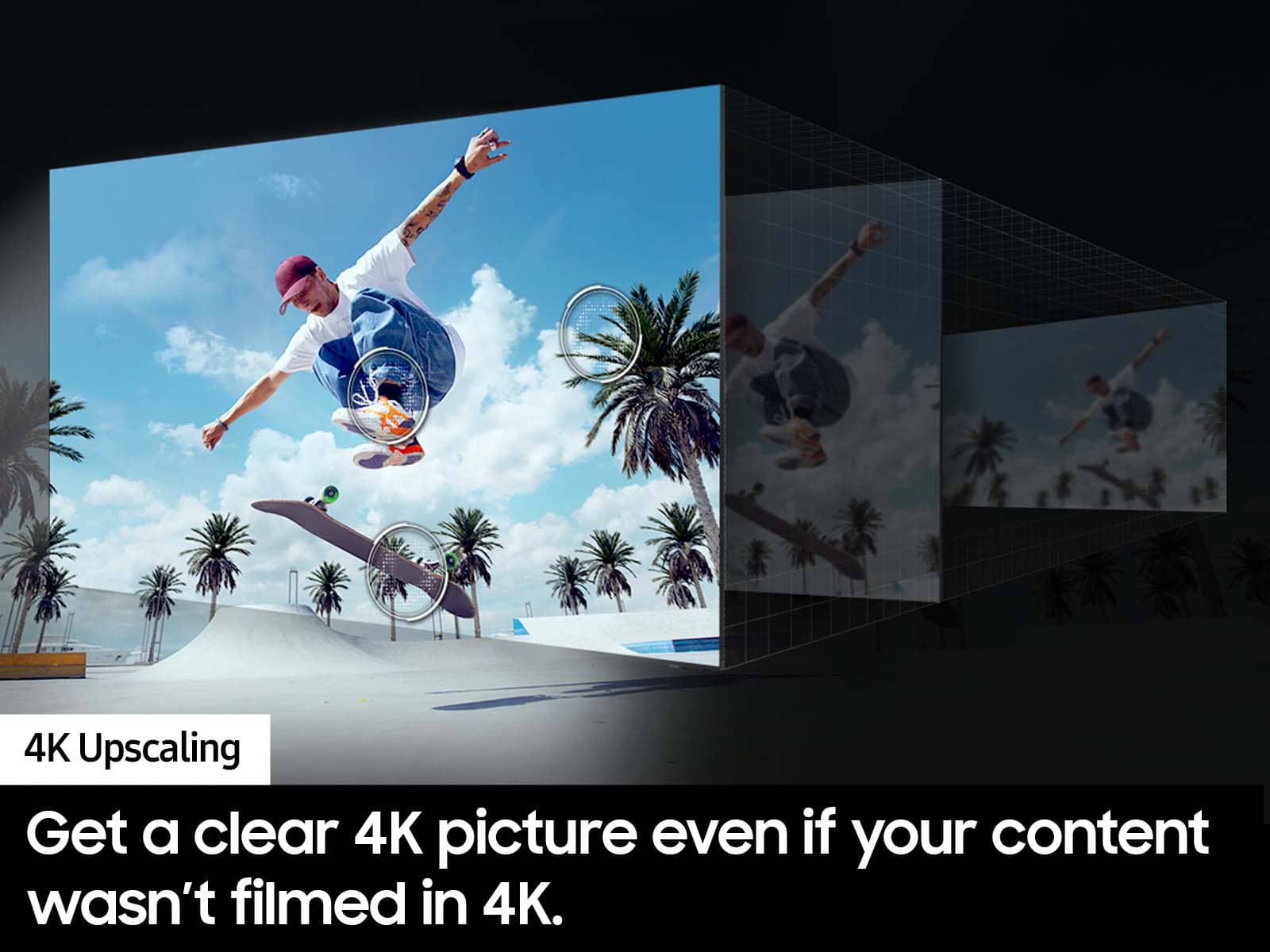
Customers highly value the 50” Class DU8000 Series Crystal UHD Smart Tizen TV (2024) for its excellent picture quality and ease of setup. Many appreciate its perfect size, lightweight design, and sleek appearance. The TV's brightness and reliable connectivity also receive positive feedback.
This summary was generated by AI based on customer reviews.
- Pros mentioned:Picture quality
Awesome
Posted .This reviewer received promo considerations or sweepstakes entry for writing a review.Excellent picture excellent tv. I can’t think of a better way to enjoy a night of tv than with the new a Samsung Tizen class 8000 !
I would recommend this to a friend - Pros mentioned:Picture quality
Samsung 50"
Posted .This reviewer received promo considerations or sweepstakes entry for writing a review.Great picture! Perfect size for our space. Easy set-up.
I would recommend this to a friend - Pros mentioned:Picture quality
Mr.
Posted .This reviewer received promo considerations or sweepstakes entry for writing a review.Tv is working fine. Delivered on time. No complaints.
I would recommend this to a friend - Pros mentioned:Picture quality
Samsung 50” UHd Tv
Posted .This reviewer received promo considerations or sweepstakes entry for writing a review.great TV. picture is bright and very colorful. i love this tv.
I would recommend this to a friend Delivery to the farm
Posted .This reviewer received promo considerations or sweepstakes entry for writing a review.Everything is good, delivery went awesome very friendly guys. My dogs fell in love with them, they were kind to them and I appreciate that..it was funny they did not know what a peacock was and they were scared of them and they are a harmless bird are scared of you. Thank you so much.
I would recommend this to a friend50 Inch Samsung
Posted .This reviewer received promo considerations or sweepstakes entry for writing a review.I’m definitely pleased with my new Samsung 50 inch tv
I would recommend this to a friendGreat TV
Posted .This reviewer received promo considerations or sweepstakes entry for writing a review.Nice TV! Bought online, picked up at the store - everything was great!
I would recommend this to a friendTerrible sound
Posted .This reviewer received promo considerations or sweepstakes entry for writing a review.The sound on the DU8000 is terrible. I have it up to 35 and still can barely hear it. The Game Show Network has no sound. I did all the troubleshooting I could find on the internet for sound and it didn’t change a thing. My old tv was 1000 times better on sound than this.
No, I would not recommend this to a friendBrand response from Samsung
Posted .Hi Texieannie,
Thank you for sharing your experience with low volume. There are several volume features you can adjust, which may improve your audio experience.
1) Auto Volume automatically adjusts the sound to a certain level when changing channels or switching to another external input. Go to Settings > All Settings> Sound > Expert Settings > Auto Volume.
2) Adaptive Sound automatically adjusts to a specific volume level while watching TV. The TV analyzes your volume usage history by time period to automatically adjust the volume when you use an app or switch to an external input source. Go to Settings> All Settings> Sound> Sound Mode> Adaptive Sound.
3) Several Sound Modes are likewise available to meet your personal preferences: Home > Settings > All Settings> Sound > Sound Mode.
Also, some sources have their own volume control, which might need to be set higher. Please check the volume control of the external device (cable box or satellite box, DVD, Blu-ray, etc.) connected to your TV. Also, check the cable connection between an external device and the TV and then try the cable connection again.
If you are not hearing any sound, please try the following:
1)Set Sound Output to the TV Speaker by going to Settings > All Settings> Sound > Sound Output.
2) Check whether Digital Output Audio Format is set to Pass-Through by going to Settings > All Settings> Sound > Expert Settings > Digital Output Audio Format > Auto.
I hope this helps. Should your issue persist, please contact Samsung Customer Support at 1-800-SAMSUNG, 8 AM - 12 AM EST, seven days a week. Our LiveChat agents are also available by clicking on the ‘Support’ link on our website.
~ Samsung Advisor