Customer Ratings & Reviews
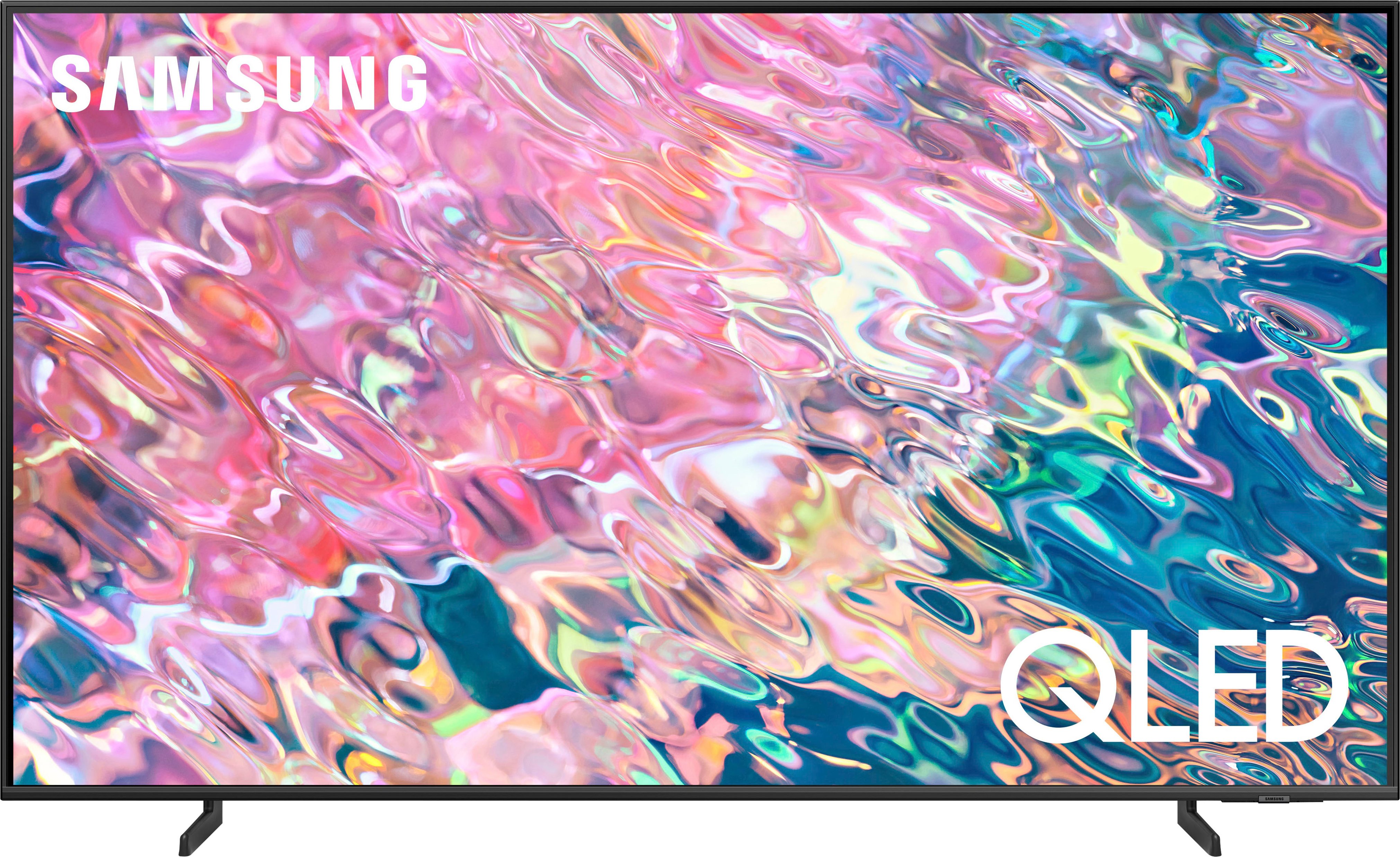
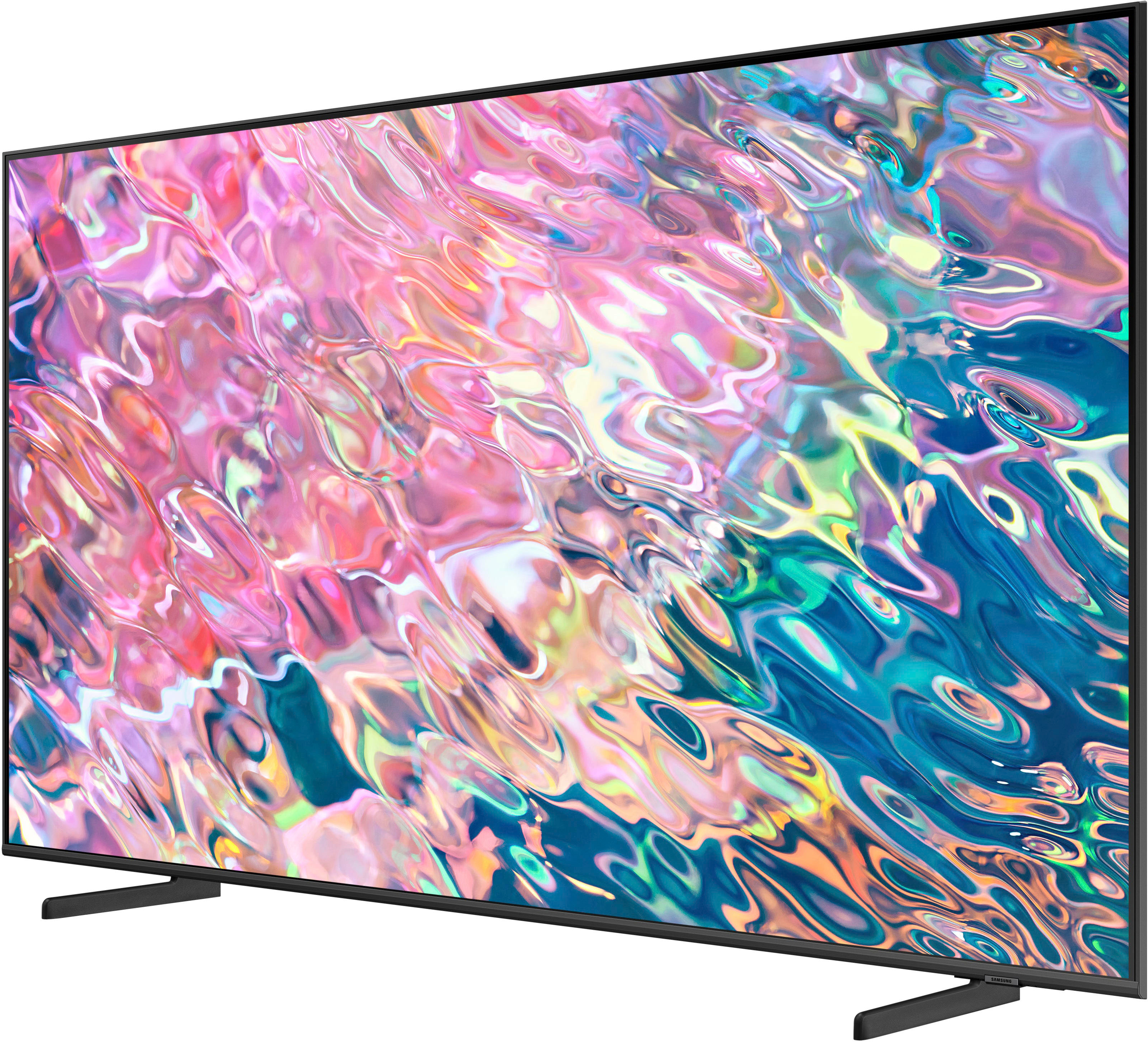
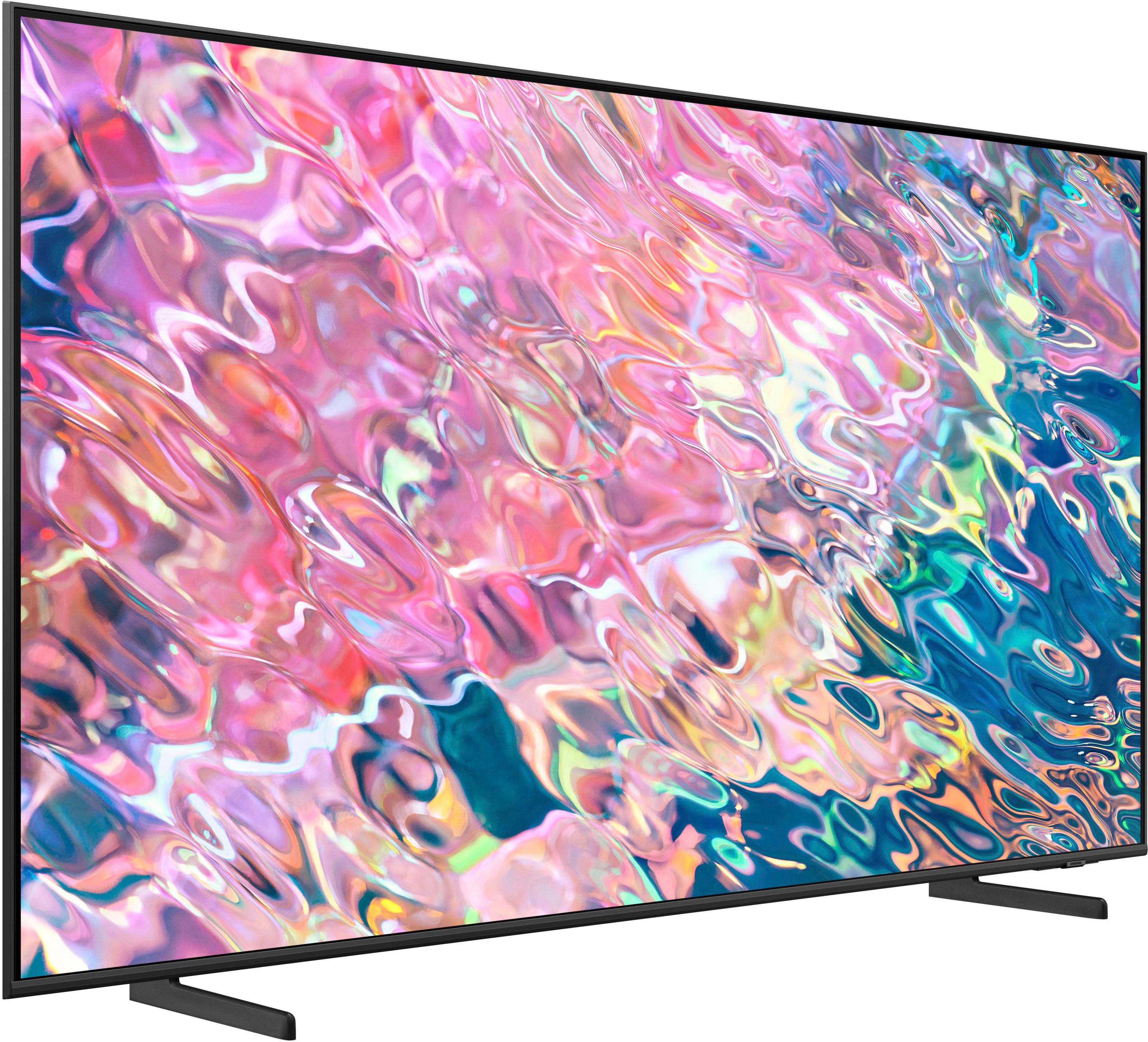

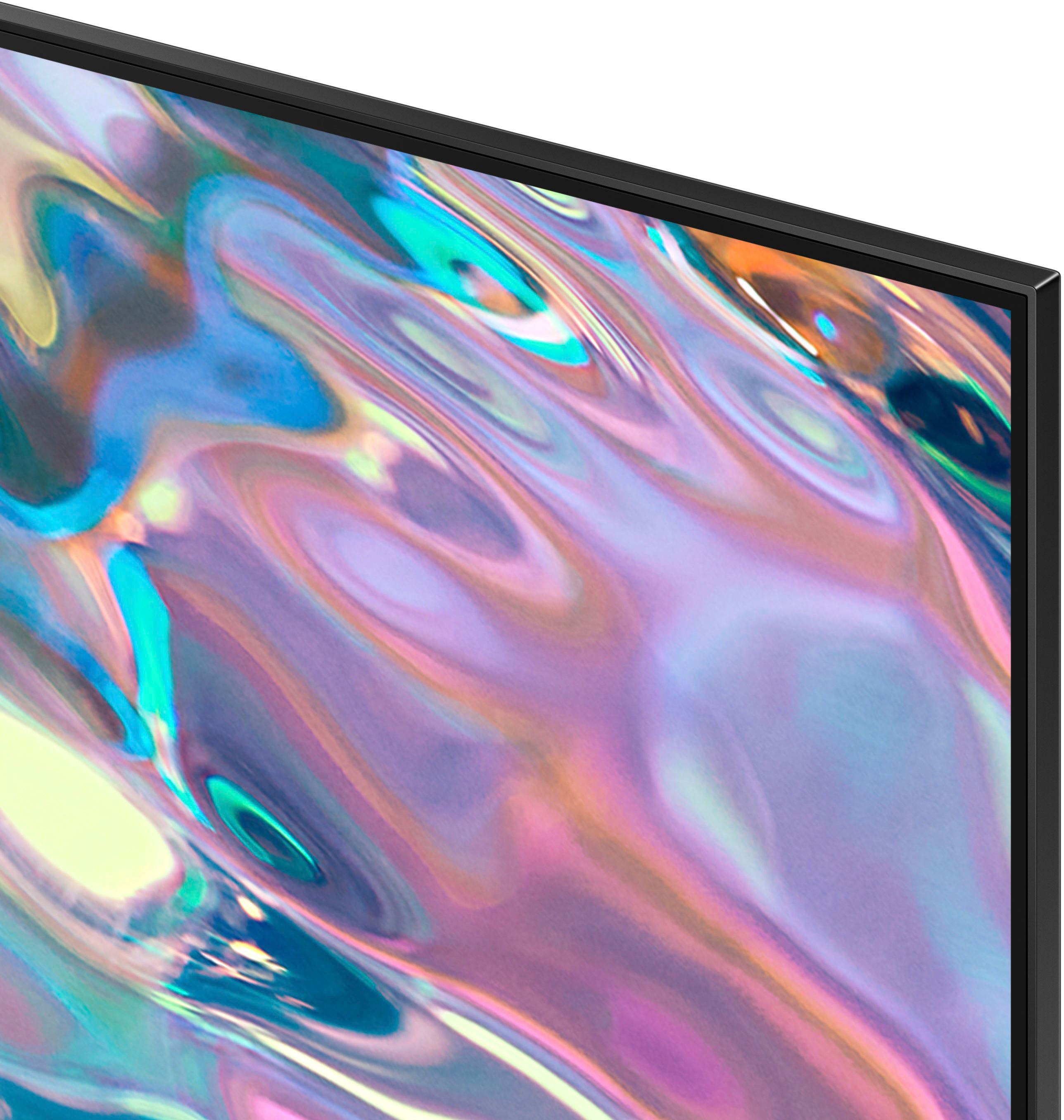











- Model:
- QN50Q60BAFXZA
- SKU:
- 6502236
Rating by feature
- Picture Quality
Rating 4.8 out of 5 stars
- Sound Quality
Rating 4.4 out of 5 stars
- Brightness
Rating 4.8 out of 5 stars
Customers are saying
Customers have good things to say about the 50” Class Q60B QLED 4K Smart Tizen TV's picture quality, ease of use, and color accuracy. Many appreciate the TV's overall quality, sleek design, and the included remote control. Positive feedback also highlights the TV's value for its price. While some users noted issues with glare and volume, the overwhelmingly positive reviews point to a generally well-received product.
This summary was generated by AI based on customer reviews.
It's an okay TV
||Posted . Owned for 1 week when reviewed.This reviewer received promo considerations or sweepstakes entry for writing a review.I bought this A a replacement for the 50” Samsung Crystal Tv. I cracked the screen on the old one. I'm like this TV. I just don't love it. It is more difficult to navigate from source to source and a haven't figured out how to disable the Samsung TV channels. I'm also struggling to find the brightness sweet spot. It just seems too dark or too bright.
No, I would not recommend this to a friendBrand response from Samsung
Posted .MyOwnLighthouse,
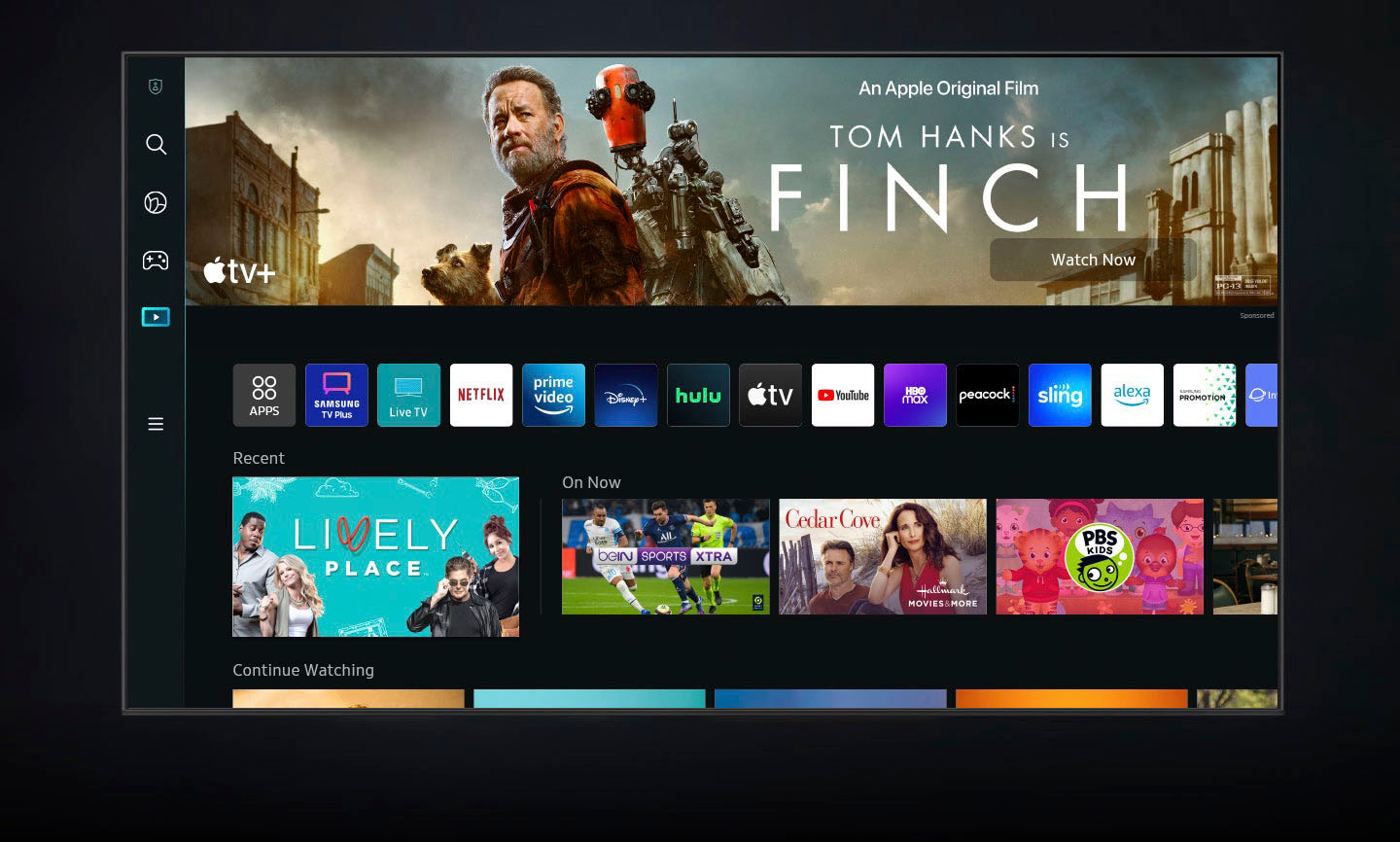
While your Q60B TV may currently default to Samsung’s TV Plus app, please know you can choose what your TV does when you turn it on by going to Menu > Settings > All Settings > General & Privacy > Start Screen Option > Autorun Smart Hub
1) Enabling Autorun Smart Hub automatically launches the Smart Hub when the TV is turned on. Navigate to this option to enable or disable the feature.
2) If Autorun Last App is set to on, the last used app is automatically run when you turn on the TV. You can turn this function on or off by pressing the Select button in the current menu.
Additionally, you can quickly access your TV Settings by pressing the Settings/Number/Color button (below the power button) on your remote.
1. Press the Settings/Number/Color button on your remote.
2. Press the UP directional button on your remote. When you press this button, the Settings menu/Virtual number pad/Color pad are displayed.
3. From the Settings menu, you can quickly set the options of your frequently used functions. For advanced settings, select All Settings.
If we can help with anything else, please call us at 1-800-SAMSUNG, 8AM - 12AM EST, 7 days a week. LiveChat with an agent as well as manuals, software, and warranty info can be found at the ‘Support’ link on our Samsung website.
~ Samsung Specialist
Be sure to buy the warranty!
||Posted . Owned for more than 2 years when reviewed.This reviewer received promo considerations or sweepstakes entry for writing a review.This tv was great… for 2 years. Bought it almost 2 years ago to the day and now the screen is going out. Warranty is only for a year, go figure. Not even Samsung is worth it anymore. Ridiculous.
No, I would not recommend this to a friendSamsung
||Posted . Owned for 2 weeks when reviewed.This reviewer received promo considerations or sweepstakes entry for writing a review.If you only watch HD content, then this is a decent set. Other than that, no way
No, I would not recommend this to a friendBrand response from Samsung
Posted .Hi,
Thank you for sharing your thoughts on your Q60B TV’s image quality. The TV will upscale as best as possible any content sent to it. The closer your content is to 4K, the better the image will look on the screen.
Here are some tips to help improve the picture clarity:
1) HDMI cables are recommended for optimal HD viewing.
2) If you have an analog cable box or satellite box, upgrade to a digital cable box or satellite box.
3) Change the output resolution of your devices, such as digital broadcast receiver, IPTV, and set-top box to UHD or HD.
4) You can further adjust your sharpness, brightness, contrast, color, and more by going to Menu > Settings > All Settings > Picture > Expert Settings
5) Choose a Picture Mode by going to Menu > Settings > All Settings > Picture > Picture Mode and choose from Dynamic, Movie, or Filmmaker Mode.
Should you ever have questions or need help with TV features, specs, or operation, we are here to help. You can reach Samsung Support at 1-800-SAMSUNG, 8AM - 12AM EST, 7 days a week. Or visit us on the Samsung website and click on the ‘Support’ link for:
• LiveChat
• Manuals, Software, & Warranty Info
~ Samsung Specialist
- Pros mentioned:Picture quality
Beautiful clear picture
||Posted . Owned for 1 month when reviewed.This reviewer received promo considerations or sweepstakes entry for writing a review.My sister and I love the beautiful clear picture. We don't however like the tiny remote which has no numbers on it with the buttons to close together or that fast forwarding on shows we taped doesn't show what we're actually going through.
I would recommend this to a friendBrand response from Samsung
Posted .KathleenF,
Thank you for your review of Samsung's Q60B TV. Your thoughts on the Solar Cell Remote are appreciated and will be shared with our design team.
To assist you in learning the various functions and settings of your new Solar Cell Remote, you can download the Solar Cell Remote Guide directly from Samsung’s website under ‘Support’ (top right corner) > Manuals & Software > TVs & Home Theater. From there, you can select the Q60B under QLED 4K TVs > B Model Lineup.
The Remote Guide is also embedded into the TV itself under Menu > Settings > Support.
If there’s anything we can ever help with, please call us at 1-800-SAMSUNG, 8AM - 12AM EST, 7 days a week. Or visit us on the Samsung website and click on the ‘Support’ link for:
• LiveChat
• Manuals, Software, & Warranty Info
~ Samsung Specialist
It’s good
||Posted . Owned for 1 month when reviewed.This reviewer received promo considerations or sweepstakes entry for writing a review.For some reason the Netflix button wouldn’t work, I would click on Netflix and it would come up a blank black screen. So I had to unplug the tv to reboot it and it worked but it kept doing it a couple times. Hasn’t had that issue since but for a brand new TV that was kinda annoying!
I would recommend this to a friendTV
||Posted . Owned for 3 weeks when reviewed.This reviewer received promo considerations or sweepstakes entry for writing a review.Takes 15-20 seconds to clearly focus therefore disappointed
No, I would not recommend this to a friendBrand response from Samsung
Posted .GaryP,
We appreciate your feedback on the response time, and for optimal performance, we ask that you please ensure you've got the latest firmware version installed on your Q60B TV. You can check this by going to: Home > Menu > Settings > Support > Software Update.
For optimal motion image performance, you may want to adjust the picture clarity setting by going to: Menu > Settings > All Settings > Picture > Expert Settings > Picture Clarity Settings
- Off: Picture Clarity Settings will always be off
- Auto: Picture Clarity Settings will automatically activate and deactivate based on the type of program being watched
- Custom: Allows custom adjustments and settings to be used. By selecting the Custom option, you can access these advanced settings for Judder Reduction, LED Clear Motion, and Noise Reduction.
Should you need further assistance with features or other product usage, please reach out to Samsung Support at 1-800-SAMSUNG, 8AM - 12AM EST, 7 days a week. Or visit us on the Samsung website and click on the ‘Support’ link for:
• LiveChat
• Manuals, Software, & Warranty Info
~ Samsung Specialist
Geek Squad Knows What They are Doing!
||Posted . Owned for 1 month when reviewed.This reviewer received promo considerations or sweepstakes entry for writing a review.Installation and "how to do this and that" by Bryan of the Geek Squad was very good and sppreciated. The cancellations and re- schedulings after the hurricane Ian were frustrating, but all seems to have worked out nicely.
I would recommend this to a friendTV Broke after 14 months
||Posted . Owned for 1 year when reviewed.This reviewer received promo considerations or sweepstakes entry for writing a review.After a year and 2 months, a line of dead pixels appeared on the right side of the screen seemingly out of nowhere. It is unacceptable that a $650 TV would have an issue so early on when we kept the TV safe and in perfect condition. Even more unacceptable was Samsung's response regarding the issue, yes it has been over a year but not by much and their only solution was a $600 repair or a very pathetic discount on a new TV. Our other non-Samsung $250 TV from like 6 years ago is completely fine. I will never buy a TV from this company again as their product is flawed, overpriced and support is nonexistent.
No, I would not recommend this to a friendMain Board failed after one year
||Posted . Owned for 1 year when reviewed.This reviewer received promo considerations or sweepstakes entry for writing a review.This was a great TV, until it's main board failed one year and 4 days... yes, 4 days beyond the manufacturer's warranty. This was a repair almost as expensive as buying a new TV, however I decided to have the main board replaced. Now, 4 months later, the TV has failed again! TV now has a black screen upon powering on. I have had lots of TVs over the years... different sizes, manufacturers & quality, but never had any fail this quickly. This TV was located in a Master Bedroom, so wasn't even used daily. I will be buying an inexpensive replacement, which will likely last much longer.
No, I would not recommend this to a friend- Pros mentioned:Picture quality
Not for viewing analog cable TV/OTA
||Posted . Owned for less than 1 week when reviewed.This reviewer received promo considerations or sweepstakes entry for writing a review.Picture is fine for streaming services, but blurry when connecting analog cable TV signal or analog OTA signal. There is no analog tuner with set so the conversion to digital is blurry.
No, I would not recommend this to a friendBrand response from Samsung
Posted .shs7,
Thank you for sharing your thoughts on your Q60B TV’s image quality. The TV will upscale as best as possible any content sent to it. The closer your content is to 4K, the better the image will look on the screen.
Here are some tips to help improve the picture clarity:
1) HDMI cables are recommended for optimal HD viewing.
2) If you have an analog cable box or satellite box, upgrade to a digital cable box or satellite box.
3) Change the output resolution of your devices, such as digital broadcast receiver, IPTV, and set-top box to UHD or HD.
4) You can further adjust your sharpness, brightness, contrast, color, and more by going to Menu > Settings > All Settings > Picture > Expert Settings
5) Choose a Picture Mode by going to Menu > Settings > All Settings > Picture > Picture Mode and choose from Dynamic, Movie, or Filmmaker Mode.
Should you ever have questions or need help with TV features, specs, or operation, we are here to help. You can reach Samsung Support at 1-800-SAMSUNG, 8AM - 12AM EST, 7 days a week. Our LiveChat agents are also available by clicking on the ‘Support’ link on our website.
~ Samsung Specialist
New TV
||Posted . Owned for 1 month when reviewed.This reviewer received promo considerations or sweepstakes entry for writing a review.I have bought multiple Samsung TVs over the years and this is the probably the best one I’ve bought so far. Once I have had it for a little longer I’ll update my review if needed.
I would recommend this to a friendBig Screen TV
||Posted . Owned for 1 month when reviewed.This reviewer received promo considerations or sweepstakes entry for writing a review.I have purchased many TVs for my home from Best Buy and I have been satisfied with the experience of being in store purchase as well as the quality of the product.
I would recommend this to a friendGreat
||Posted . Owned for 1 week when reviewed.This reviewer received promo considerations or sweepstakes entry for writing a review.Decent viewing angles compared to what the reviews showed. Unless youre needing this for fast motion at all times upgrade to the Q80 otherwise this tv is great!
I would recommend this to a friendSamsung TV
||Posted . Owned for 1 month when reviewed.This reviewer received promo considerations or sweepstakes entry for writing a review.Its a good TV only thing I dont like is that you can't download stations like Lifetime and other stations like that. You will need to connect your ROKU or Firestick.
I would recommend this to a friendWorth a look!
||Posted . Owned for 1 month when reviewed.This reviewer received promo considerations or sweepstakes entry for writing a review.Solid performance but not perfect - not the clarity and depth of picture I’d hoped for - of course the operating model on the floor always looks perfect - also should have purchased the 55” instead of 50”
I would recommend this to a friendTv and installation
||Posted .This reviewer received promo considerations or sweepstakes entry for writing a review.Installation of the tv on a plaster wall by the very personable and knowledgeable techs went smoothly. They came well prepared. Great job.
I would recommend this to a friendBroke
||Posted . Owned for more than 2 years when reviewed.This reviewer received promo considerations or sweepstakes entry for writing a review.Bought a protection plan like a dummy for over $100 just for them to say it is not covered
No, I would not recommend this to a friendI wouldn’t buy one ever again
||Posted . Owned for 1.5 years when reviewed.This reviewer received promo considerations or sweepstakes entry for writing a review.Lasted two years and now the tv shuts on and off by itself. I turn on the tv and there is only a black screen.
No, I would not recommend this to a friendSamsung 50" Class Q608 Smart Tizen TV
||Posted . Owned for 2 weeks when reviewed.This reviewer received promo considerations or sweepstakes entry for writing a review.Very solid Samsung 50" class Smart TV with lots of extra features and additional channels if desired. The remote is quite minimalistic and could have used some additional control features.
I would recommend this to a friendMs. Mary Davis
||Posted . Owned for 1 month when reviewed.This reviewer received promo considerations or sweepstakes entry for writing a review.I love my new Samsung TV. Wish I would have purchased this sooner. Didn't know what I'd been missing. Love the music channels too.
I would recommend this to a friend