Customer Ratings & Reviews
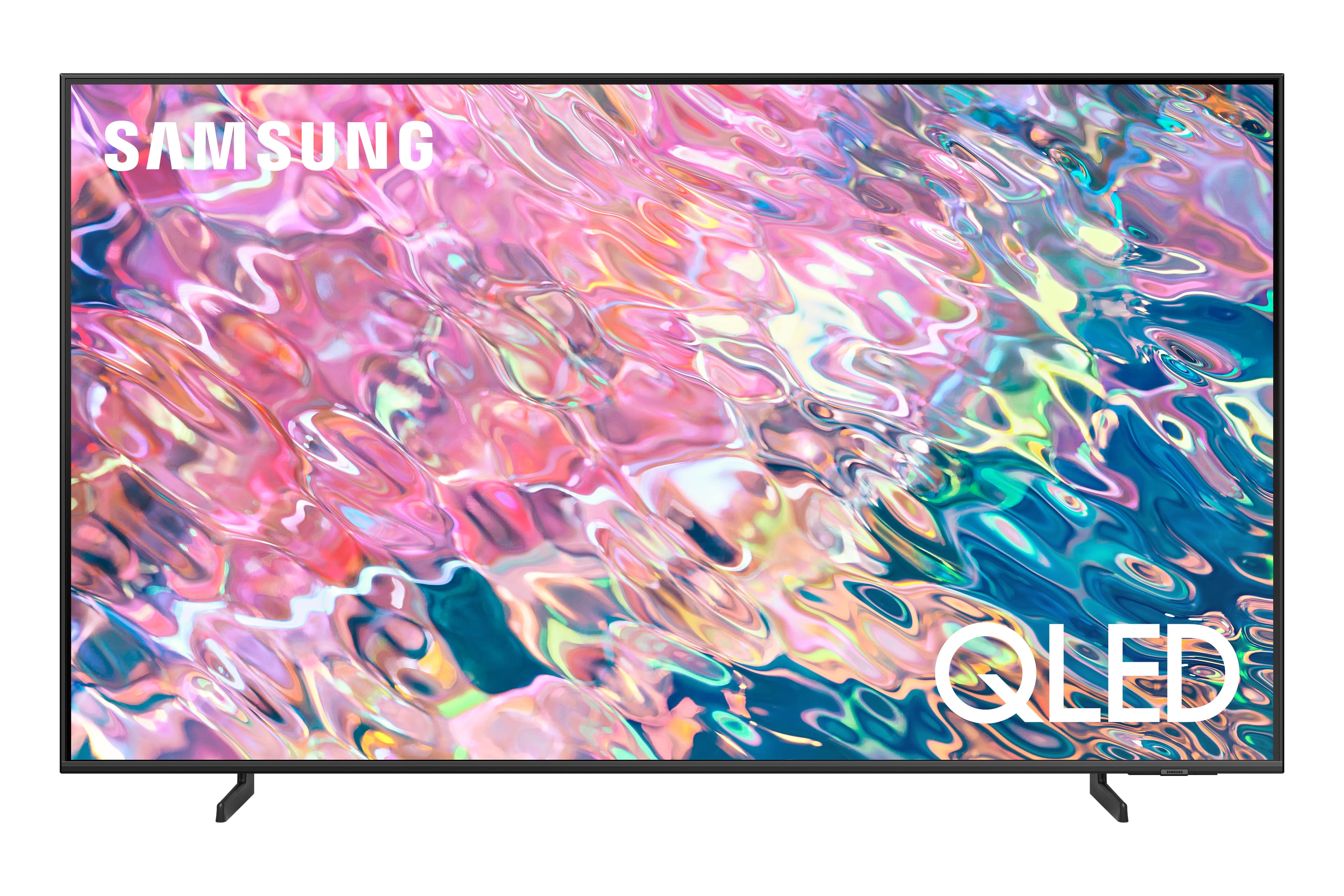
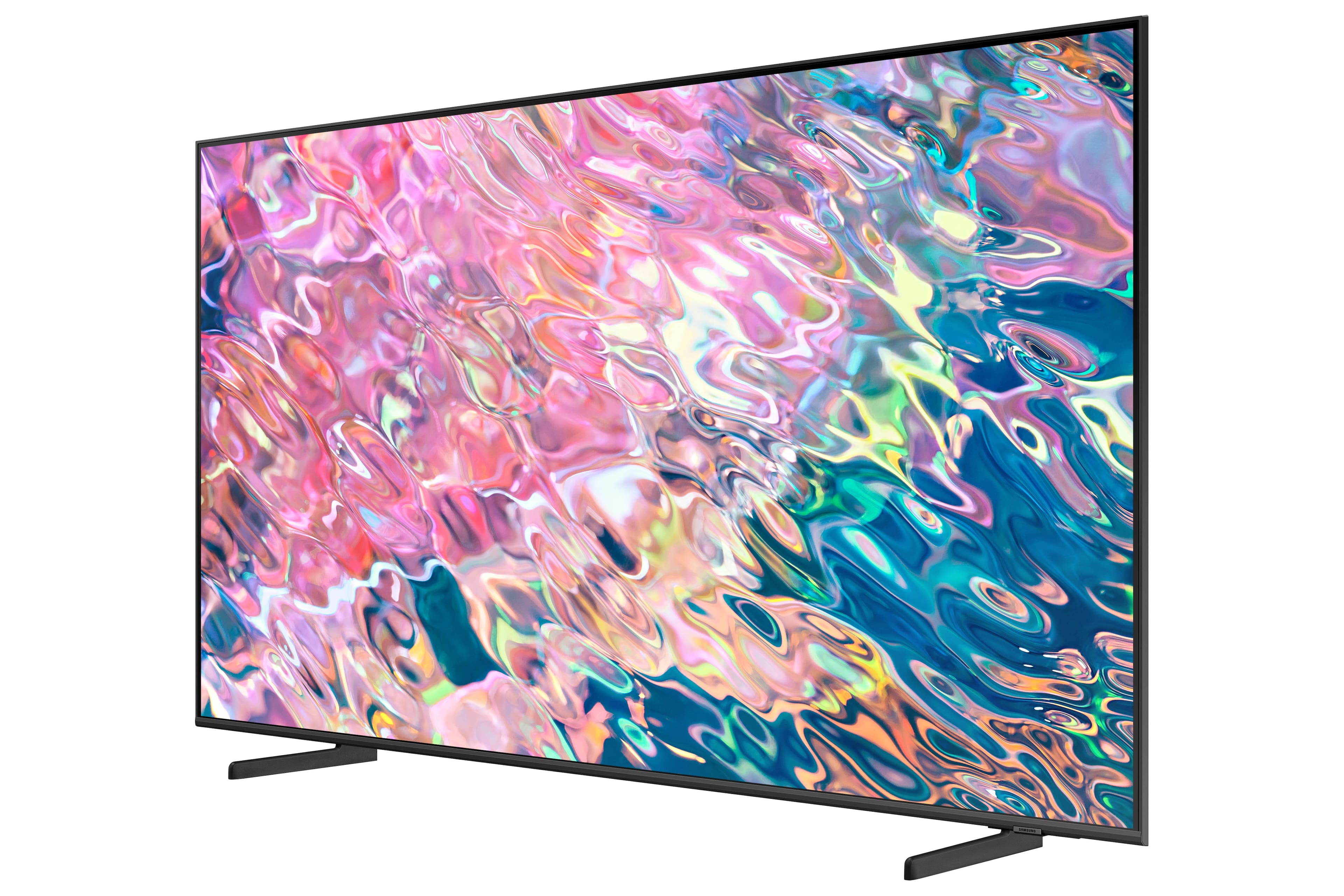
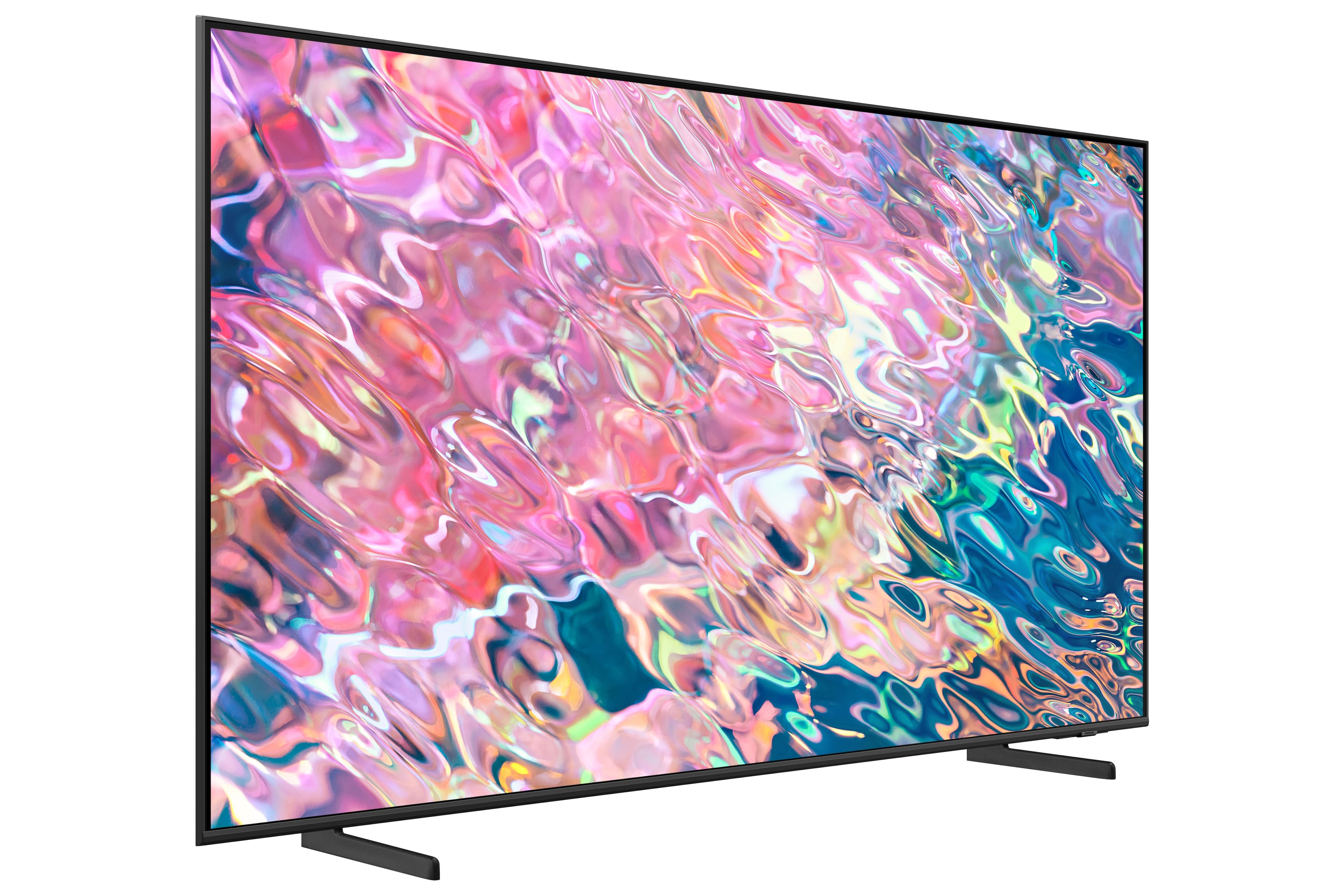
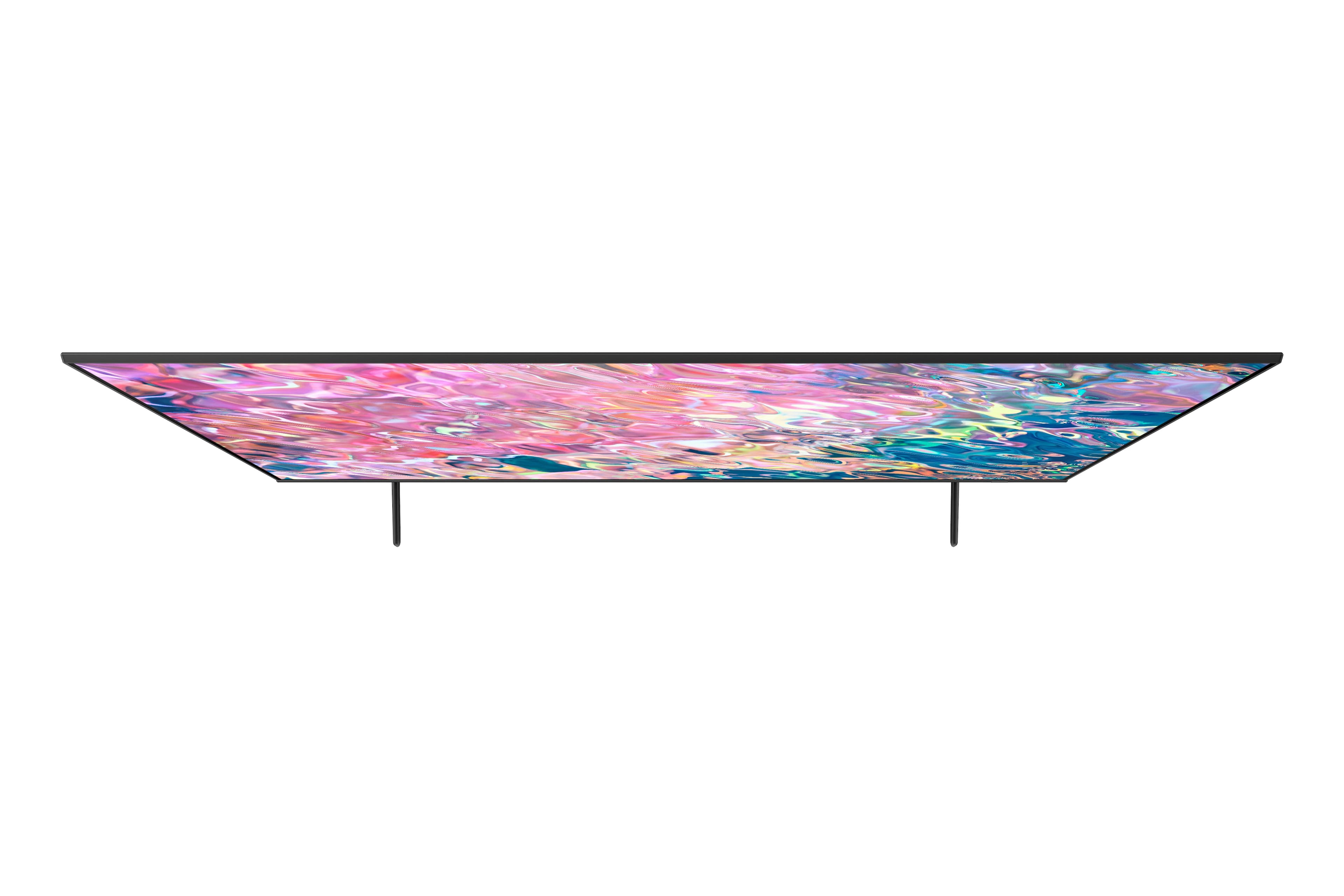











- Model:
- QN50Q60BAFXZA
- SKU:
- 6502236
Rating by feature
- Picture Quality
Rating 4.8 out of 5 stars
- Sound Quality
Rating 4.4 out of 5 stars
- Brightness
Rating 4.8 out of 5 stars
Customers are saying
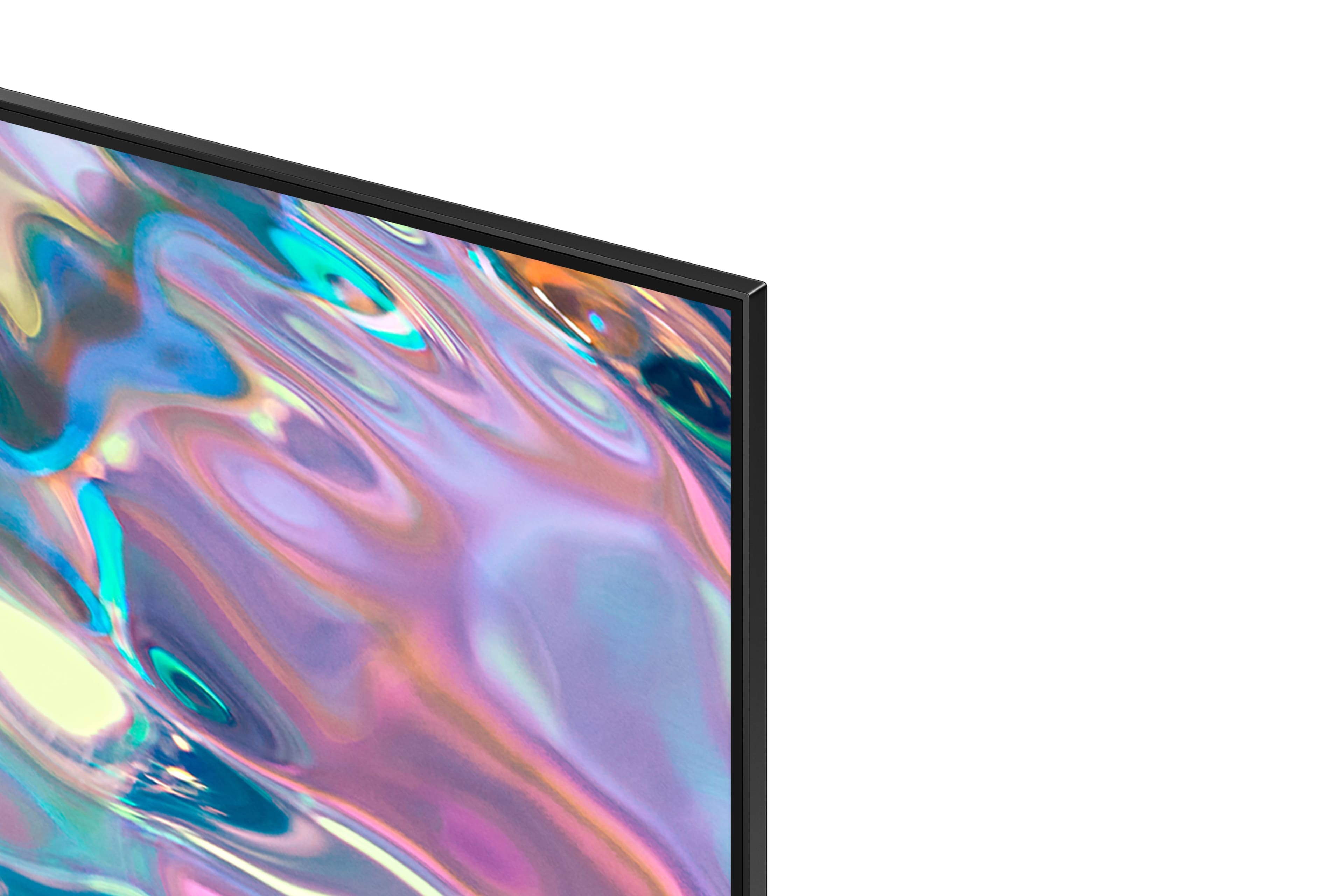
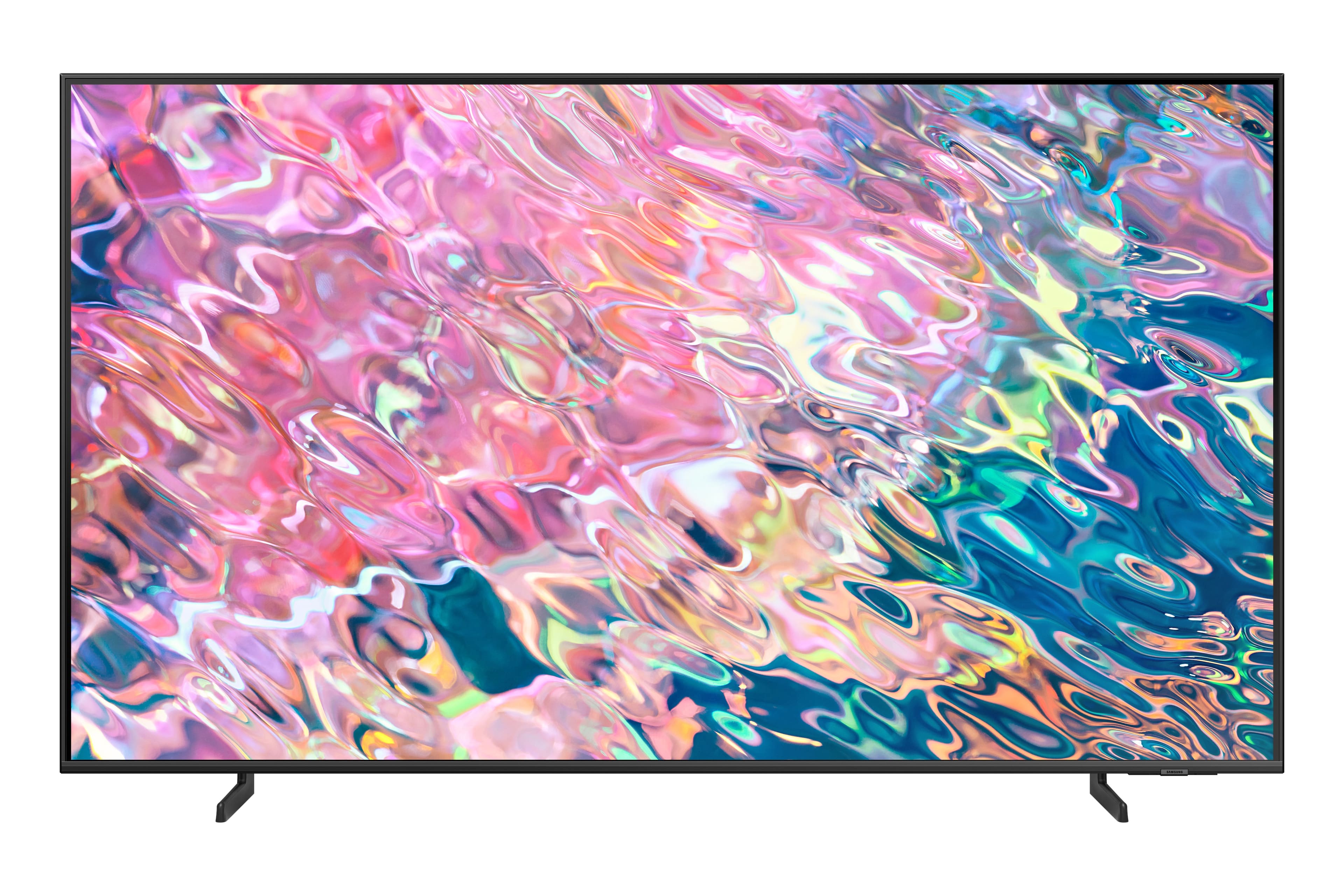
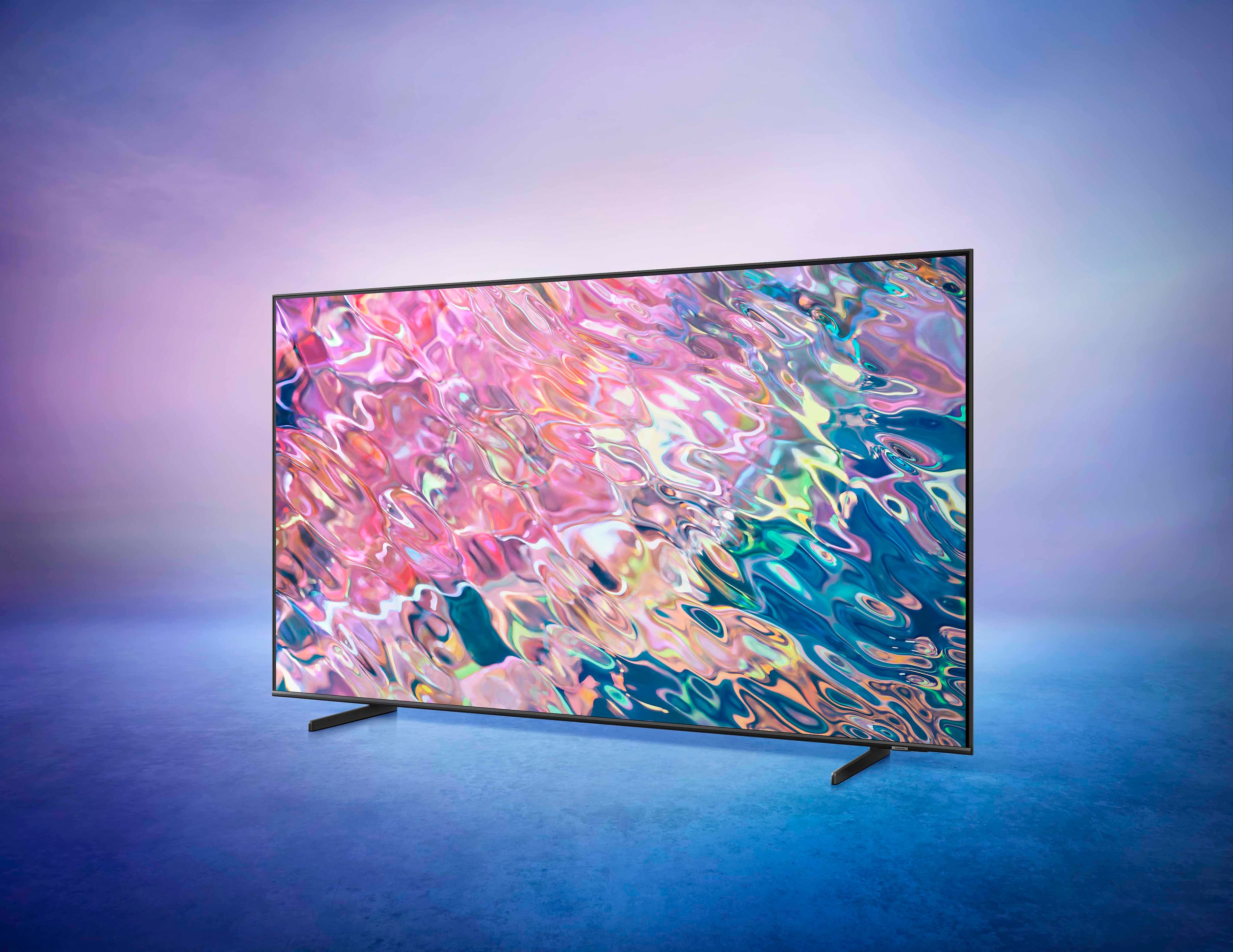
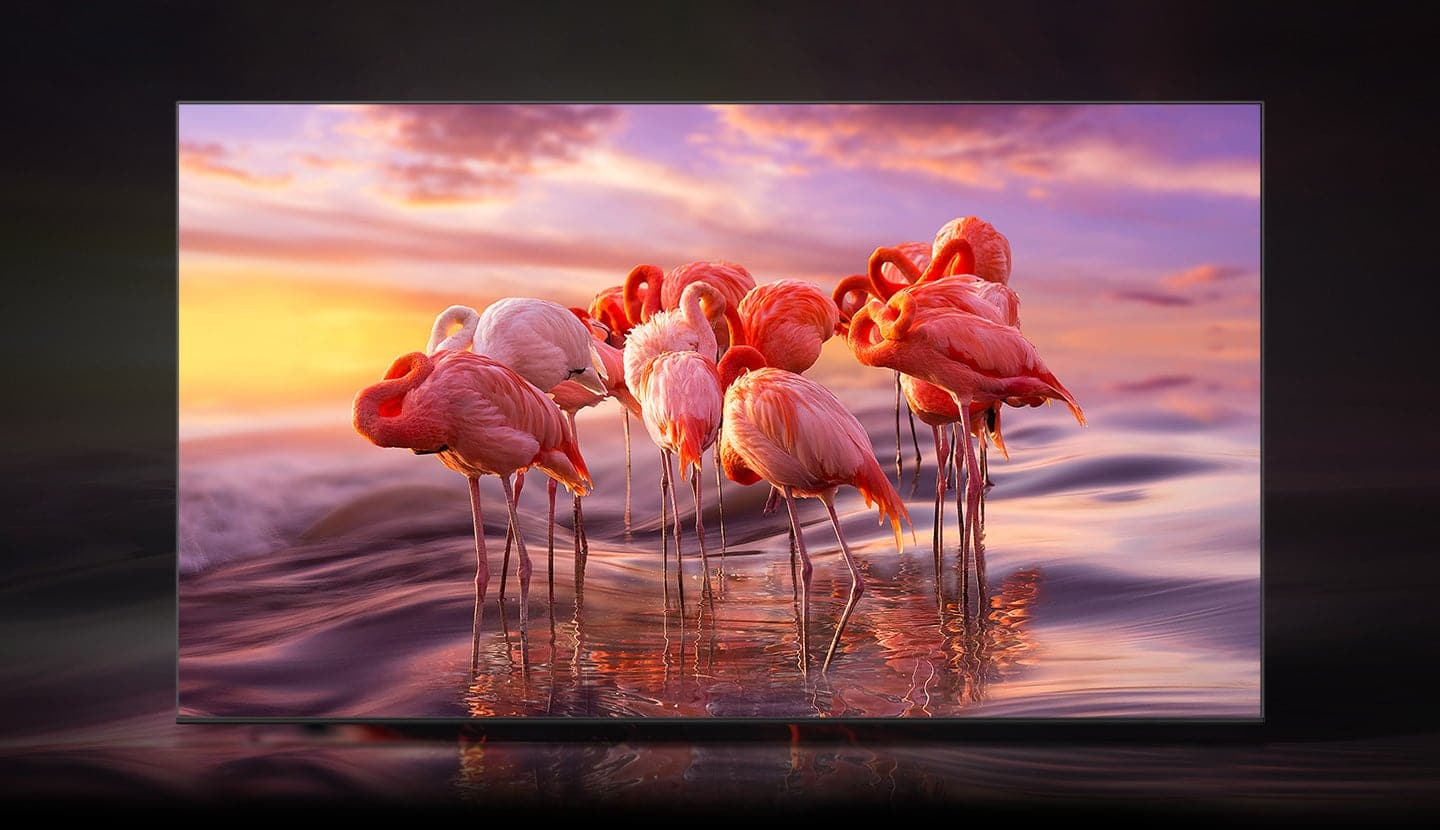
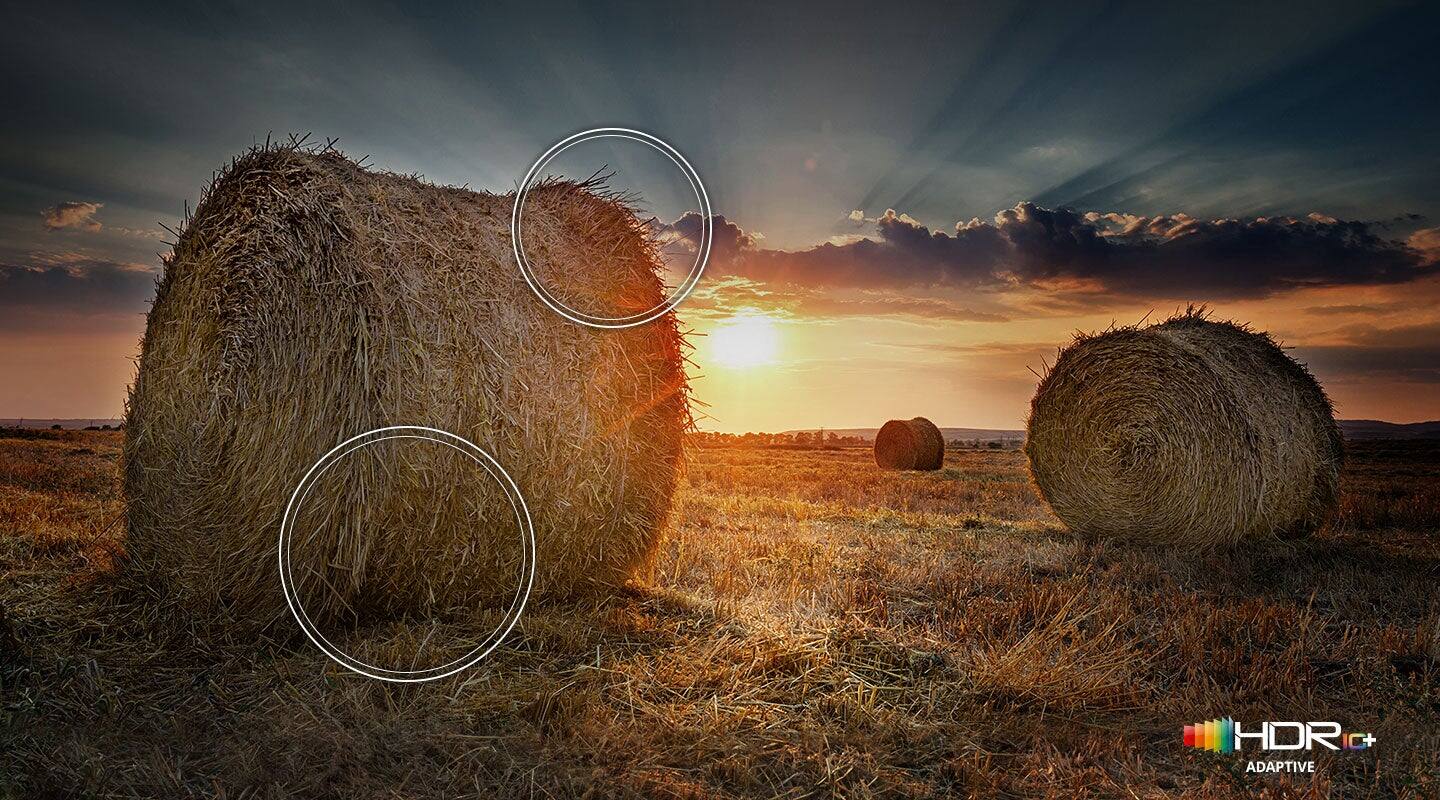
Customers have good things to say about the 50” Class Q60B QLED 4K Smart Tizen TV's picture quality, ease of use, and color accuracy. Many appreciate the TV's overall quality, sleek design, and the included remote control. Positive feedback also highlights the TV's value for its price. While some users noted issues with glare and volume, the overwhelmingly positive reviews point to a generally well-received product.
This summary was generated by AI based on customer reviews.
Remote issue
||Posted . Owned for 3 weeks when reviewed.This reviewer received promo considerations or sweepstakes entry for writing a review.I like the tv but it have had a better remote. It’s too small and skinny
I would recommend this to a friendSamsung 50” Smart TV
||Posted . Owned for 3 weeks when reviewed.This reviewer received promo considerations or sweepstakes entry for writing a review.The remote control is so tiny, I need my reading glasses to navigate.
I would recommend this to a friendSamsung
||Posted . Owned for 1 month when reviewed.This reviewer received promo considerations or sweepstakes entry for writing a review.samsung tv is not working well. problems with sound
No, I would not recommend this to a friendlearning to stream
||Posted . Owned for 3 weeks when reviewed.This reviewer received promo considerations or sweepstakes entry for writing a review.This is a good tv, brand new on market it has a good amount of streaming set up
I would recommend this to a friendFairly good for tge price
||Posted . Owned for 3 weeks when reviewed.This reviewer received promo considerations or sweepstakes entry for writing a review.Colors are adequate, there’s eno7gh space for accessories.
I would recommend this to a friendCould be better
||Posted . Owned for 3 weeks when reviewed.This reviewer received promo considerations or sweepstakes entry for writing a review.Nice TV, but Samsung will not allow some apps to be downloaded
I would recommend this to a friendTV Performance
||Posted . Owned for 3 weeks when reviewed.This reviewer received promo considerations or sweepstakes entry for writing a review.TV volume failed and TV had to be rebooted3 days after installation.
I would recommend this to a friendBrand response from Samsung
Posted .Hi,
We appreciate you sharing your experience with the sound issues you initially had faced, but I hope your Q60B TV is now performing as expected.
Please know that Samsung is committed to providing the best possible product experience, quality, and value, and your feedback will be shared with our product and customer care teams.
If there’s anything we can do to further improve your experience, please let us know by calling Samsung Support at 1-800-SAMSUNG, 8AM - 12AM EST, 7 days a week. Or visit us on the Samsung website and click on the ‘Support’ link for:
• LiveChat
• Manuals, Software, & Warranty Info
~ Samsung Specialist
Too Much Technology
||Posted . Owned for 3 weeks when reviewed.This reviewer received promo considerations or sweepstakes entry for writing a review.Confusing remote. Not backlit. Should be way more clairvoyant and simple.
No, I would not recommend this to a friendBrand response from Samsung
Posted .SamsungTechno,
We appreciate your feedback on the Q60B TV's remote. To assist you in the learning the various features, functions, and settings of the remote, you can download the Solar Cell Remote Guide directly from Samsung’s website under Support (top right corner) > Manuals & Software > TVs & Home Theater. From there, you can select the Q60B under QLED 4K TVs > B Model Lineup. Additionally, you can find other guides and manuals to further assist you with your TV’s features.
If we can help with anything else, please call us at 1-800-SAMSUNG, 8AM - 12AM EST, 7 days a week. LiveChat with an agent as well as manuals, software, and warranty info can be found at the ‘Support’ link on our Samsung website.
~ Samsung Specialist
Stay away from this tv
||Posted . Owned for more than 2 years when reviewed.This reviewer received promo considerations or sweepstakes entry for writing a review.TV only lasted 2 yrs. First there was a white line going across the bottom. After that disappeared, 2 weeks later the tv went completely out.
No, I would not recommend this to a friendSound is poor
||Posted . Owned for 1 month when reviewed.This reviewer received promo considerations or sweepstakes entry for writing a review.the volumn is not good on this tv.I had old tv's that would blast you out of the chair.I don't know if it's the speakers in the tv or if they want you to buy a sound bar.Not happy with the sound.
I would recommend this to a friendBrand response from Samsung
Posted .EdwardS,
Thank you for purchasing the Q60B TV and for sharing your feedback regarding the sound quality. There are several sound settings you can adjust to suit your personal sound preferences.
Change the Sound Mode by going to: Settings > All Settings > Sound > Sound Mode
You can also customize sound by going to: Settings > All Settings > Sound > Expert Settings
To assist you with possible sound settings adjustments for a better audio experience, or choosing a Samsung Soundbar to complement your viewing enjoyment, please reach out to us at 1-800-SAMSUNG, 8AM - 12AM EST, 7 days a week. Or visit us on the Samsung website and click on the ‘Support’ link for:
• LiveChat
• Manuals, Software, & Warranty Info
~ Samsung Specialist
Very disappointed in picture quality
||Posted . Owned for 1 week when reviewed.This reviewer received promo considerations or sweepstakes entry for writing a review.Purchased the 50" this month. And i cant believe these reviews. Im very disappointed in the picture quality. It's very blah. And at just a minimal angle off center is even worse. I mean you need tp ceowd your furniture to a limited spot directly in front of it?? I have a smaller less expensive Samsung in the bedroom that is much better quality.
No, I would not recommend this to a friendBrand response from Samsung
Posted .Maria,
I'm sorry to hear your Q60B TV's image quality has fallen short of your expectations. You may want to try adjusting image settings to improve your picture.
Go to Home > Menu > Settings > All Settings > Picture > Picture Mode
...and select the mode that best fits your usage:
1) Standard: Is the default mode suitable for general viewing environments.
2) Movie: Is suitable for watching TV or movies in a dark room.
3) Dynamic: Makes the picture brighter and clearer in bright viewing environments.
4) Filmmaker Mode: You can watch the source content (e.g., movie) as it is. If the image is defined as Filmmaker Mode, it will automatically switch to Filmmaker Mode while watching.
You can also go to: Home > Menu > Settings > All Settings > Picture > Expert Settings to manually fine tune your image.
Please also check to make sure your TV is up to date with the latest firmware version. You can check to see what software version your TV is using and if there is an update available by going to: Home > Menu > Settings > Support > Software Update > Update Now.
If you need more help, Samsung is here for you. Please call us at 1-800-SAMSUNG, 8AM - 12AM EST, 7 days a week. Our LiveChat agents are also available by clicking on the ‘Support’ link on our website.
~ Samsung Specialist
mr.
||Posted . Owned for less than 1 week when reviewed.This reviewer received promo considerations or sweepstakes entry for writing a review.TV had faulty audio. Had a replacement delivered 2/25.
No, I would not recommend this to a friendBrand response from Samsung
Posted .CharlesH,
We appreciate you sharing the issues you initially experienced with your Q60B TV. Thank you for your patience in having to deal with the inconvenience of an exchange.
Should you need help with your new unit, please contact Samsung Customer Support at 1-800-SAMSUNG, 8AM - 12AM EST, 7 days a week. Or visit us on the Samsung website and click on the ‘Support’ link for:
• LiveChat
• Manuals, Software, & Warranty Info
~ Samsung Specialist
Samsung TV
||Posted . Owned for 3 weeks when reviewed.This reviewer received promo considerations or sweepstakes entry for writing a review.No clear instructions on my remote. The TV was installed facing the ceiling and no one came to fix it.
No, I would not recommend this to a friendBrand response from Samsung
Posted .Rokuchanger,
I am sorry for the misunderstanding regarding remote control instructions. Please know your Q60B TV features a built-in Remote Control Guide to assist you with functions. You can access this by going to: Settings > All Settings > Support > Remote Control Guide.
If you'd like a physical copy of instructions, please know you can also download the Solar Cell Remote Guide directly from Samsung’s website under ‘Support’ (top right corner) > Manuals & Software > TVs & Home Theater.
If you’d like more help, please know we’re here to help! Call us at 1-800-SAMSUNG, 8AM - 12AM EST, 7 days a week. Or visit us on the Samsung website and click on the ‘Support’ link for:
• LiveChat
• Manuals, Software, & Warranty Info
~ Samsung Specialist
Peeled tv screen
||Posted .This reviewer received promo considerations or sweepstakes entry for writing a review.This was an open box item in. Excellent condition as stated on the box. When I got it home and set up I noticed the previous owners of the tv had tried to rip off the screen (as it does look like a screen protector) and why didn’t they mention that when they brought it back???? now there is a missing piece of my television on the top left corner on the tv. I’m not sure how Best Buy missed this and said it was is excellent condition??? When I called Best Buy they said to bring it back but they didn’t have anymore it stock. I think the people who returned it should have been honest about the damage they did because you can clearly tell they tried to peel it off thinking it was a screen film added. And Best Buy needs to do better check on returned items! Very disappointed!
I would recommend this to a friendBrand response from Samsung
Posted .JacquelineM,
We appreciate you sharing your experience with your open box purchase. We recommend you contact Best Buy directly for assistance in correcting this situation. We hope your issue is resolved in a timely manner.
Should you have questions on the usage or setup of your TV once your issue is resolved, please know we’re here to help. You can reach Samsung Support at 1-800-SAMSUNG, 8AM - 12AM EST, 7 days a week. Our LiveChat agents are also available by clicking on the ‘Support’ link on our website.
~ Samsung Specialist
Samsung homescreen is terrible
||Posted . Owned for 2 weeks when reviewed.This reviewer received promo considerations or sweepstakes entry for writing a review.I hate this Samsung TV. The quality of the display is indeed excellent, but the home-screen is terrible. They have very large displays including their live Samsung Plus display that push the apps and channels that have paid Samsung for advertising. These CANNOT be moved or changes. They do, of course, list all the channels I want, though in relatively tiny squares compared to the giant boxes for their advertisers. Even their search pushes you to watch shows on You Tube. You can choose to watch on a different channel, but you have to try harder.
No, I would not recommend this to a friendBrand response from Samsung
Posted .MarcW,
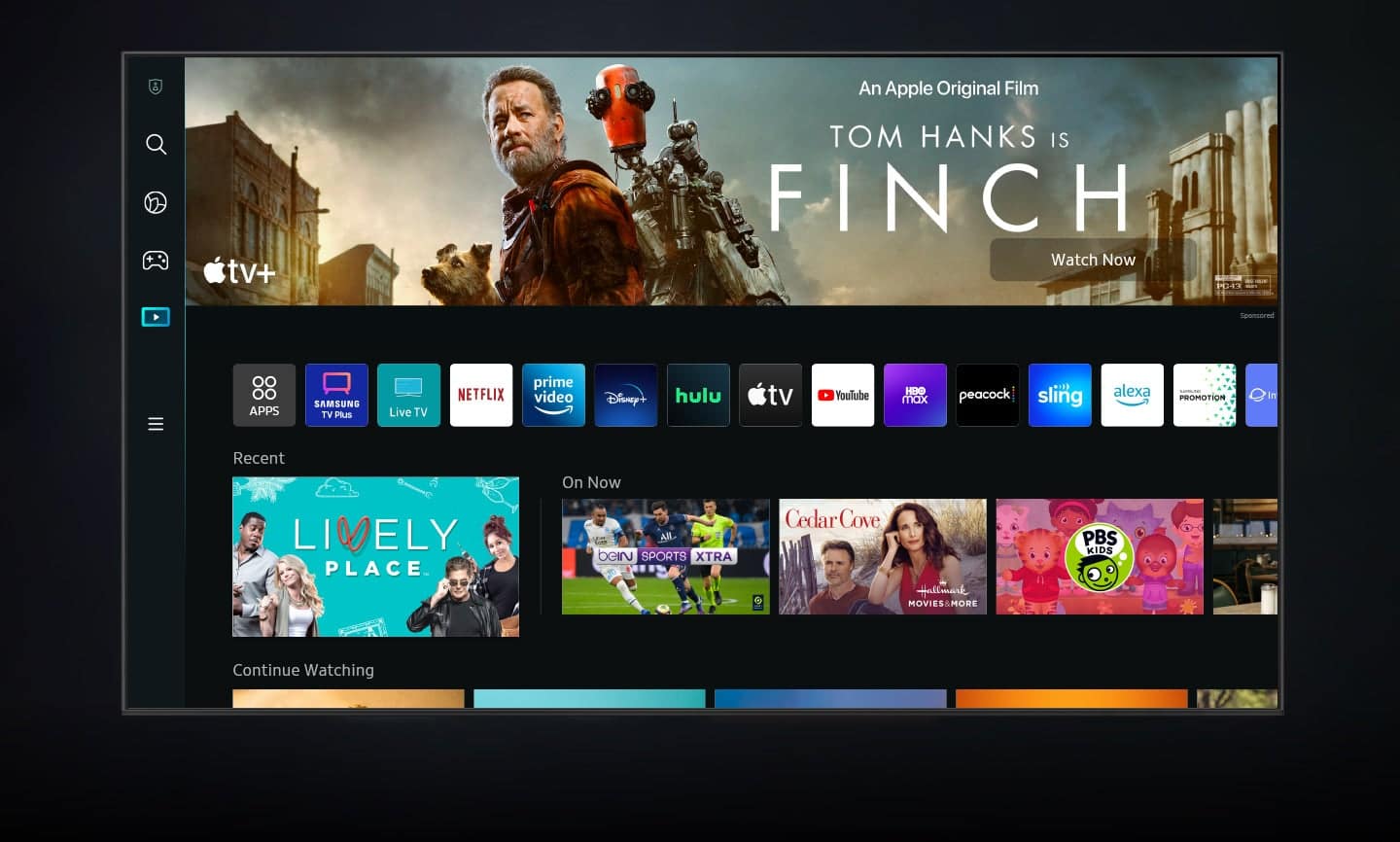
We appreciate your thoughts on the Q60B TV's interface. Redesigned in 2022, Next Home pulls opens a separate menu that is easier to see and navigate. In addition to the new layout, Next Home has a convenient sidebar on the left. The sidebar is broken down into multiple sections, categorizing different features and settings in a streamlined design. To open Next Home, just press the Home button on your remote. The following tabs will be available:
1. Privacy Choices: Review your TV’s Terms & Conditions, Privacy Policy, and Privacy Center
2. Search: Instead of browsing content aimlessly, you can search for specific movies or shows by typing out keywords in the search bar at the top or saying a command using your remote. Your recent Search History and Popular searches will appear on this page as well.
3. Ambient Mode: Access Ambient Mode settings to customize your TV’s screen when it isn’t being used. You can make your TV display a relaxing photo, a picturesque image, or a funky background to keep things interesting. And if you’re into NFT artwork, Ambient Mode now has an entire NFT section with content from the Nifty Gateway marketplace!
4. Gaming Hub: Run out of console games to play? Check out the new Gaming Hub, a discovery platform that includes games you can stream right on your TV! Browse new releases, indie gems, or simply go back to that one game you can't put down. There are also multiple playing options, so the possibilities are endless.
5. Media: Your hub for all things entertainment. Available streaming apps will display at the top of the screen, such as Netflix, Samsung TV Plus, and more. Next Home will learn your viewing patterns over time and suggest movies and shows based on what you like.
6. Menu: The Menu tab lets you access Settings and Connected Devices. From here, you can access or change most settings on your TV. And of course, you can manage any devices you’ve previously connected or would like to pair.
Should you have further questions or need assistance in navigating the new Home Screens, please know we're here to help! You can reach Samsung Support at 1-800-SAMSUNG, 8AM - 12AM EST, 7 days a week. Our LiveChat agents are also available by clicking on the ‘Support’ link on our website.
~ Samsung Specialist
Warranty that isn't a warranty.
||Posted . Owned for 5 months when reviewed.This reviewer received promo considerations or sweepstakes entry for writing a review.Product improperly nstalled by BB employee's and when TV fell from stand because support screws had not been installed the TV was damaged and no longer works. BB and Samsung have both refused to replace the TV even though additional insurance was purchased. Purchasing additional insurance seems to be a waste of money. If this TV is not replaced by BB since the damage was a result of improper installation I will think long and hard before making additional purchases of this kind.
I would recommend this to a friendBrand response from Samsung
Posted .DavidG,
I'm sorry to hear of your experience with Samsung's Q60B TV. Please keep in mind our included 1-year warranty covers manufacturing defects in materials and workmanship encountered in normal, noncommercial use of this product, and does not apply to damage incurred during shipment, delivery and/or installation.
You can read more about our warranty here: https://www.samsung.com/us/support/service/warranty/QN50Q60BAFXZA
For further questions or concerns, please contact Samsung Customer Support at 1-800-SAMSUNG, 8AM - 12AM EST, 7 days a week. Our LiveChat agents are also available by clicking on the ‘Support’ link on our website.
~ Samsung Specialist
Not all that
||Posted . Owned for 1 week when reviewed.This reviewer received promo considerations or sweepstakes entry for writing a review.Wasn’t as clear as I thought and nothing seemed special about the tv for the price
No, I would not recommend this to a friendBrand response from Samsung
Posted .Hi,
I’m sorry to hear you’re not fully satisfied with the clarity of your Q60B TV. To ensure you’ve got the latest image quality updates, please confirm that your TV is up to date with the latest firmware version. You can check by going to: Home > Menu > Settings > Support > Software Update.
If the image is still not to your liking, please also try adjusting the Picture Clarity Settings to improve your image. Go to: Menu > Settings > All Settings > Picture > Expert Settings > Picture Clarity Settings
- Off: Picture Clarity Settings will always be off
- Auto: Picture Clarity Settings will automatically activate and deactivate based on the type of program being watched
- Custom: Allows custom adjustments and settings to be used. By selecting the Custom option, you can access these advanced settings for Judder Reduction, LED Clear Motion, and Noise Reduction.
For further assistance with settings adjustments, please contact Samsung Customer Support at 1-800-SAMSUNG, 8AM - 12AM EST, 7 days a week. Our LiveChat agents are also available by clicking on the ‘Support’ link on our website.
~ Samsung Specialist
Samsung 50 inch TV
||Posted . Owned for 3 weeks when reviewed.This reviewer received promo considerations or sweepstakes entry for writing a review.It was very diffucult to get the tv to work. The remote is not consumer friendly. Maybe it is called a smart tv because only very smart people can understand how to make it function. I must not be smart enough.
No, I would not recommend this to a friendBrand response from Samsung
Posted .SmartTV,
I'm very sorry to hear of your experience. So we can better understand the problems you are experiencing and provide you with troubleshooting assistance or warranty service, please reach out to Samsung Customer Support via the following options:
1) 1-800-SAMSUNG, 8AM - 12AM EST, 7 days a week.
2) LiveChat with an agent by clicking the ‘Support’ link on the Samsung website homepage.
We look forward to hearing from you.
~ Samsung Specialist
My only bad review on a product from Best Buy
||Posted . Owned for 1 month when reviewed.This reviewer received promo considerations or sweepstakes entry for writing a review.My first bad review of a product from Best Buy , this tv is bad
No, I would not recommend this to a friendBrand response from Samsung
Posted .Biggie,
It's unfortunate to hear you're not having the same great experience that the majority of our customers report having. So we can better understand the problems you're experiencing and provide you with troubleshooting assistance, please reach out to Samsung Customer Support at 1-800-SAMSUNG, 8AM - 12AM EST, 7 days a week. Our LiveChat agents are also available by clicking on the ‘Support’ link on our website.
~ Samsung Specialist
Tv
||Posted . Owned for 3 weeks when reviewed.This reviewer received promo considerations or sweepstakes entry for writing a review.Tv rating. We were over sold. What we were told was not correct.
No, I would not recommend this to a friendBrand response from Samsung
Posted .Adpt,
We appreciate your review of Samsung’s Q60B TV. So we can better understand the problems you are experiencing and provide you with troubleshooting assistance, please reach out to Samsung Customer Support at 1-800-SAMSUNG, 8AM - 12AM EST, 7 days a week. Our LiveChat agents are also available by clicking on the ‘Support’ link on our website.
~ Samsung Specialist