Customer Ratings & Reviews
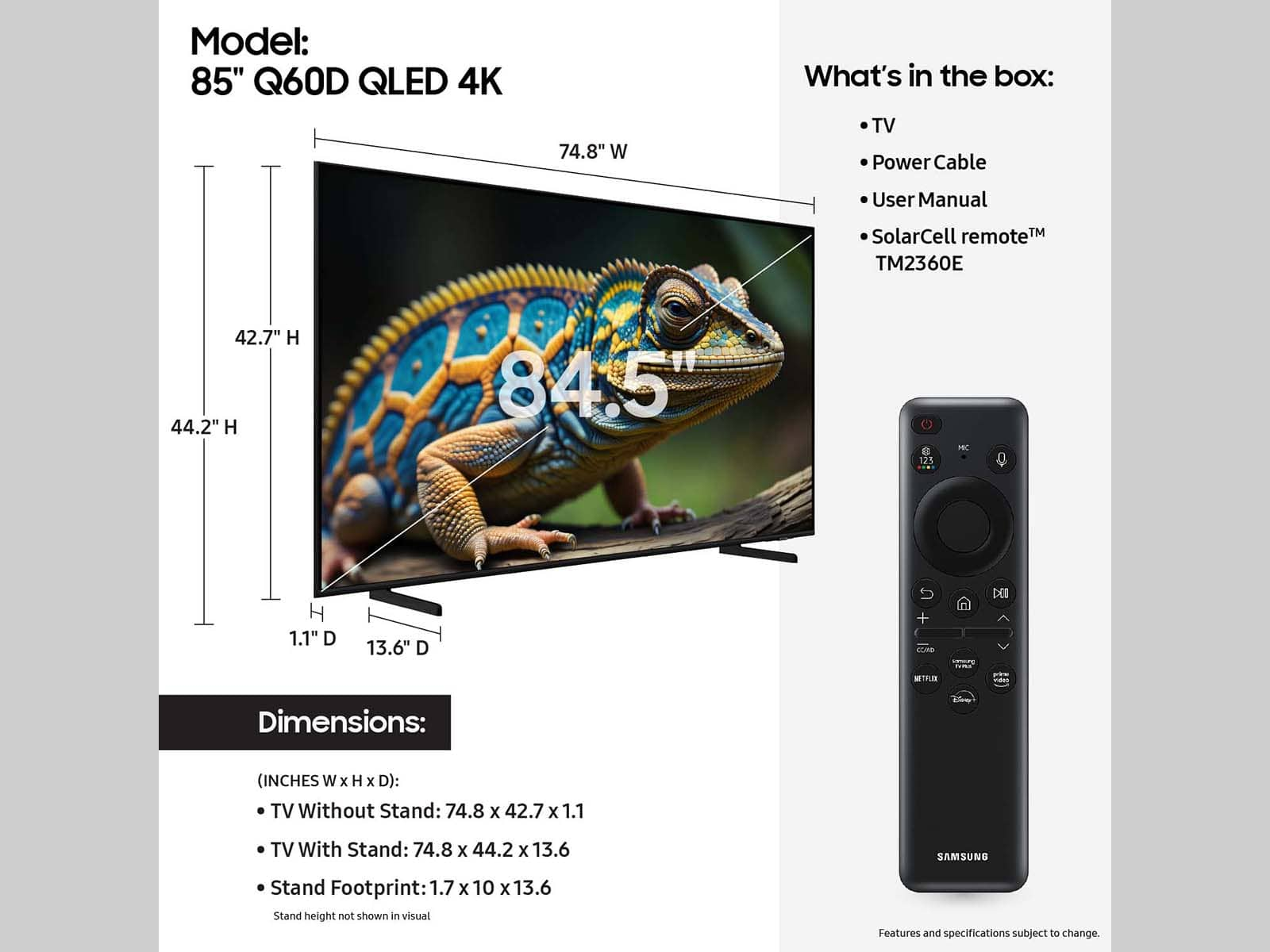






- Model:
- QN50Q60DAFXZA
- SKU:
- 10517820
Rating by feature
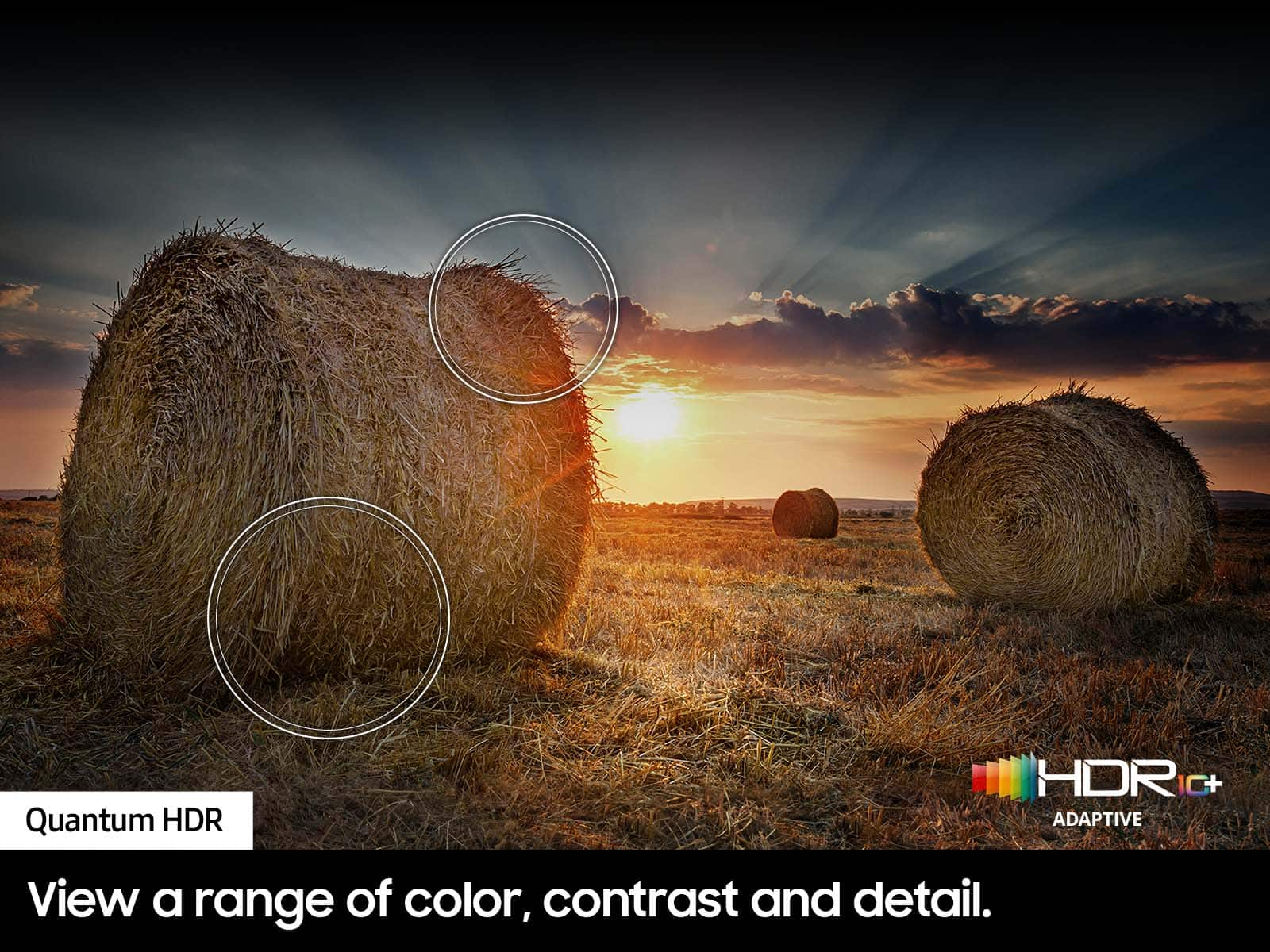
- Picture Quality
Rating 4.8 out of 5 stars
- Sound Quality
Rating 4.5 out of 5 stars
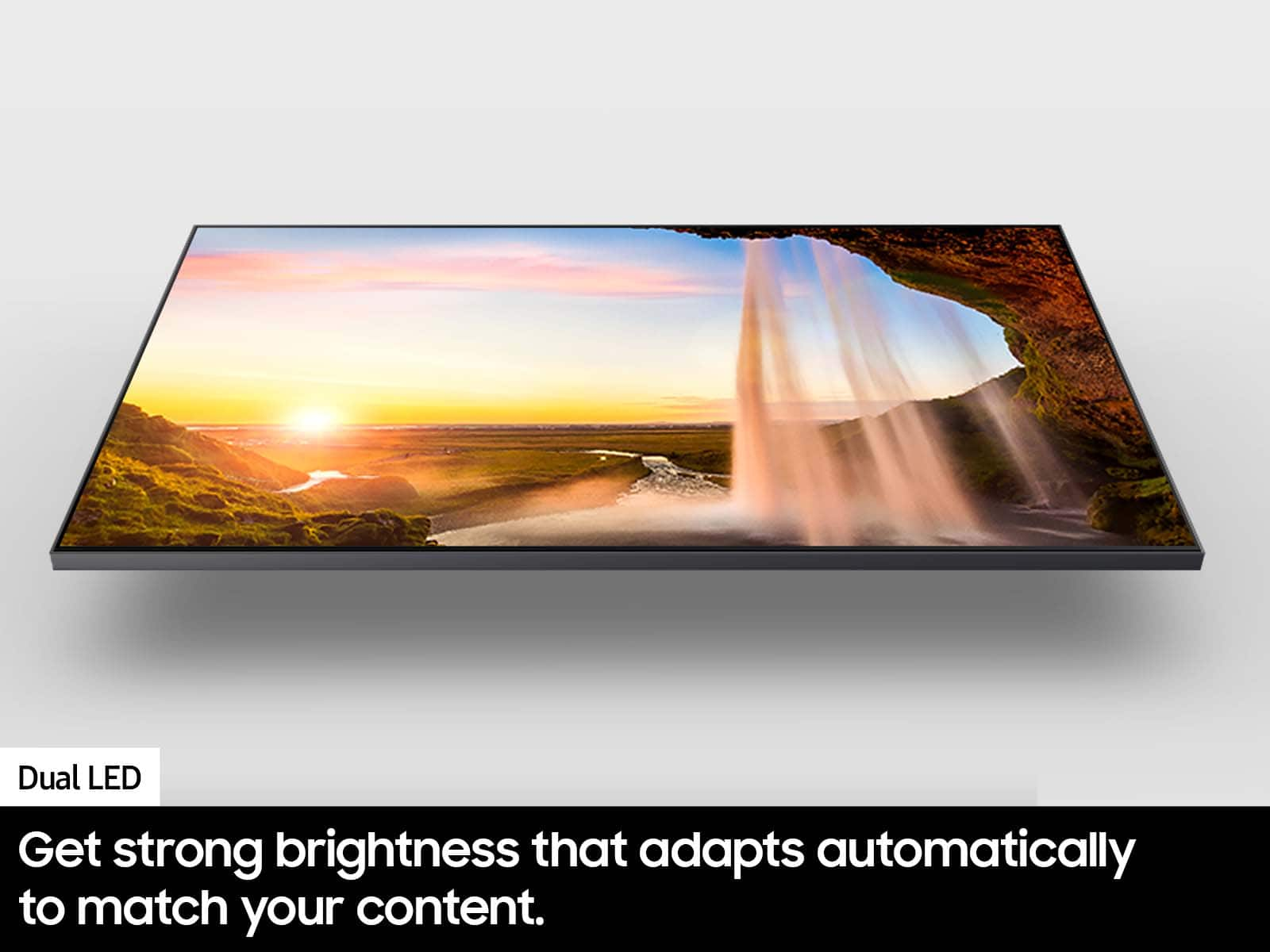
- Brightness
Rating 4.7 out of 5 stars
Customers are saying
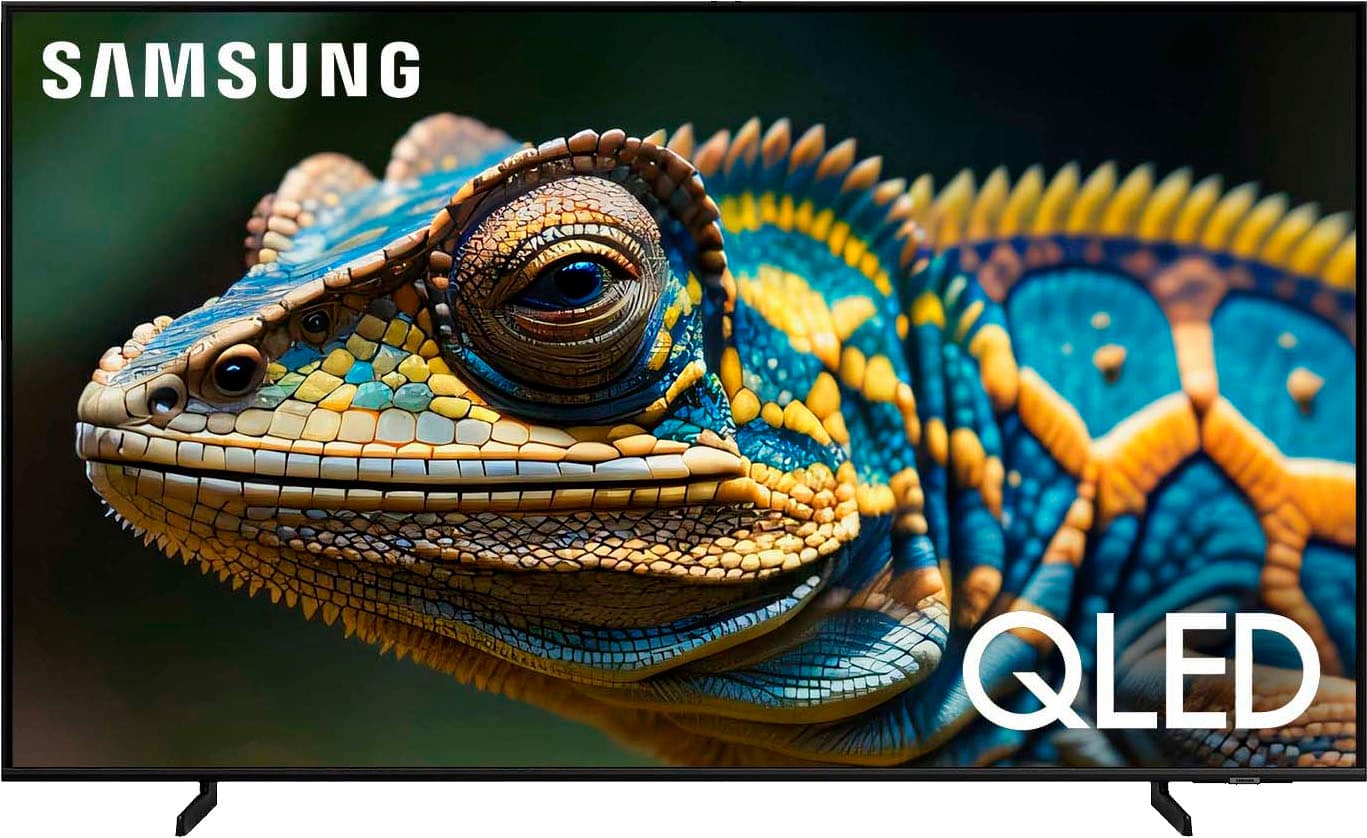
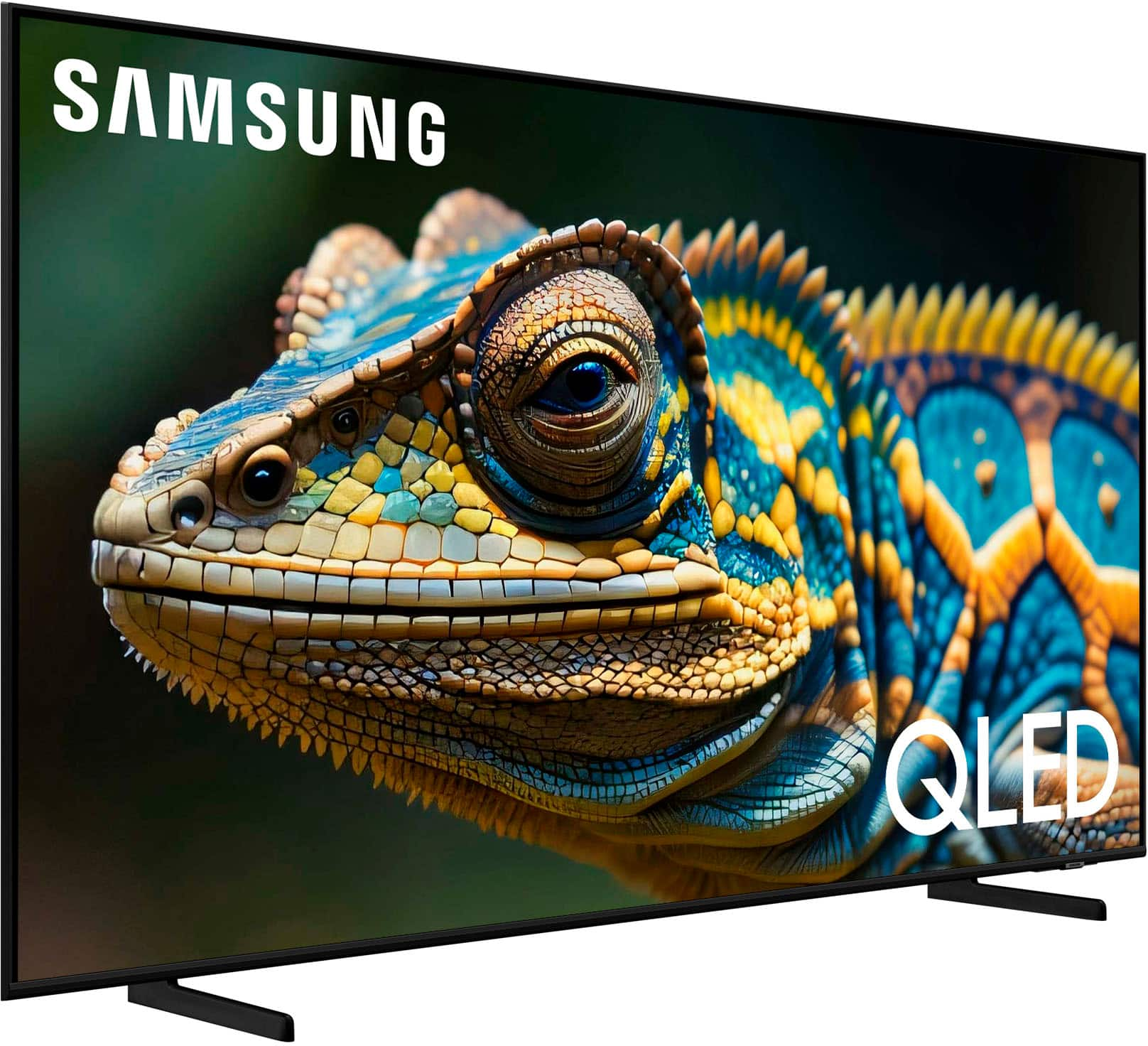
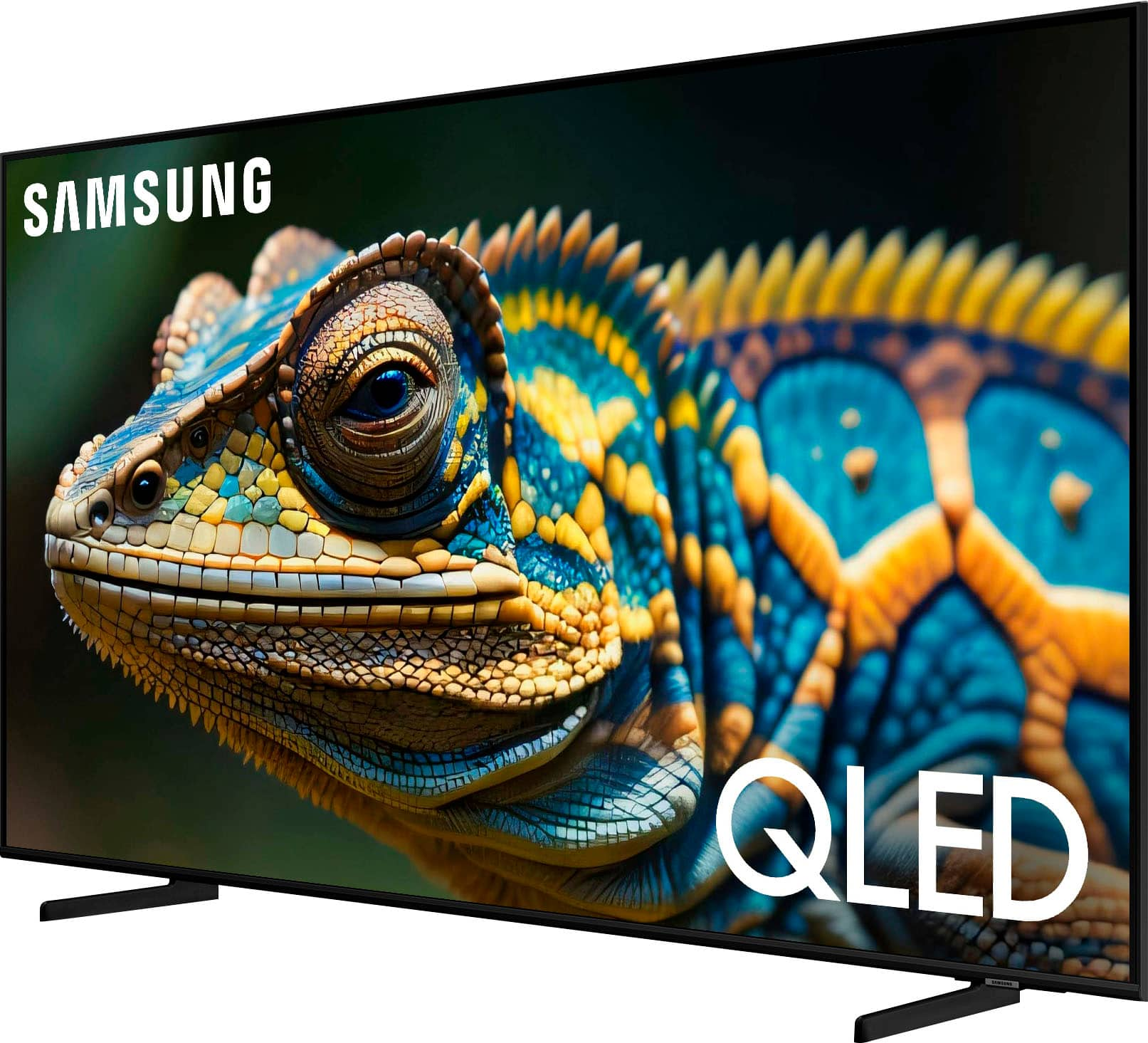
Customers recognize the 50” Class Q60D Series QLED 4K Smart Tizen TV (2024) for its amazing picture quality, ease of use, and fast setup. Many appreciate its bargain price, great features, nice design, wonderful color, and light weight. However, some customers have reported issues with missing remote controls, while others have noted screen glare in certain lighting conditions.
This summary was generated by AI based on customer reviews.
Tv
Posted .This reviewer received promo considerations or sweepstakes entry for writing a review.Excellent now i need sound bar can watch all online
I would recommend this to a friendMoney talks
Posted .This reviewer received promo considerations or sweepstakes entry for writing a review.Excellent given the awesome pricing during Memorial Day Sale
I would recommend this to a friendSamsung TV
Posted .This reviewer received promo considerations or sweepstakes entry for writing a review.Great TV. I would definitely recommend to anyone looking to replace a tv
I would recommend this to a friendMichaelF
Posted .This reviewer received promo considerations or sweepstakes entry for writing a review.Easy to order and delivery time frame was great!!!!
I would recommend this to a friend- Pros mentioned:Picture quality
GOOD BYE SAMSUNG PRODUCTS
Posted .This reviewer received promo considerations or sweepstakes entry for writing a review.We have owned Samsung TVs for many years…….NEVER AGAIN! We recently purchased a new TV for our vacation rental, it is the WORST we’ve had in years. When you try to “set up” the voice activation on the remote, Samsung asks for WAY TOO MUCH info about YOUR private life….what the ????for a voice activation control, we don’t think so. Also, their volume control is awful, even after we adjusted it in settings. We went out and replaced it with a Roku, to our surprise it’s MUCH MUCH BETTER. Clearer picture, better volume AND MUCH MORE USER FRIENDLY.
No, I would not recommend this to a friendBrand response from Samsung
Posted .MRSG,
It’s unfortunate to hear of the issues that have caused you to return your Q60D TV. Your experience is very important to us and will be shared with our product team.
Please know we’re always here to help, and we could’ve provided additional troubleshooting assistance to resolve any issues you were experiencing.
Should you ever decide to give Samsung TVs another try and have questions or need help with settings, setup, or features, please know we’re here to help. Call us at 1-800-SAMSUNG, 8AM - 12AM EST, 7 days a week.
LiveChat with an agent as well as manuals, software, and warranty info can be found at the ‘Support’ link on our Samsung website.
~ Samsung Specialist
- Cons mentioned:Remote control
Stay Away
Posted .This reviewer received promo considerations or sweepstakes entry for writing a review.Software is garbage. Constantly have to uninstall and reinstall apps. Many of the tv functions freeze whether it be the crappy remote or the bad software. I paid the extra $$$ for a piece of garbage!
No, I would not recommend this to a friendBrand response from Samsung
Posted .Hoopsnakes1,
We appreciate your feedback on the response time, and for optimal performance, we ask that you please ensure you've got the latest firmware version installed on your Q60D TV. You can check this by going to: Home > Menu > Settings > Support > Software Update.
You may also want to further optimize performance with the self-diagnostic tool, which checks memory, frees up unused cached memory, and closes background apps. Go to: Home > Menu > Settings > Support > Device Care > Start Device Care
I hope these tips help you enjoy your new product.
You can always contact us for further help at 1-800-SAMSUNG, 8AM - 12AM EST, 7 days a week. Our LiveChat agents are also available by clicking on the ‘Support’ link on our website.
~ Samsung Specialist
Missing parts!
Posted .This reviewer received promo considerations or sweepstakes entry for writing a review.They can't count. I bought an open box "excellent" TV from the North Olmsted store, and it was MISSING ONE LEG. Now I have to go all the way back out there for a missing part! They better make this right.
No, I would not recommend this to a friendBrand response from Samsung
Posted .GregT,
We appreciate your feedback regarding parts missing from your Q60D TV. If purchased in open-box condition, we recommend contacting Best Buy directly for assistance. We hope your issue is resolved in a timely manner.
Should you have questions or concerns on usage or setup of your TV once your issue has been resolved, please call us at 1-800-SAMSUNG, 8AM - 12AM EST, 7 days a week. Our LiveChat agents are also available by clicking on the ‘Support’ link on our website.
~ Samsung Specialist