Customer Ratings & Reviews
- Model:
- QN50Q60DAFXZA
- |
- SKU:
- 11010860
Customer reviews
Rating 4.6 out of 5 stars with 378 reviews
(378 customer reviews)Rating by feature
- Picture Quality4.8
Rating 4.8 out of 5 stars
- Sound Quality4.5
Rating 4.5 out of 5 stars
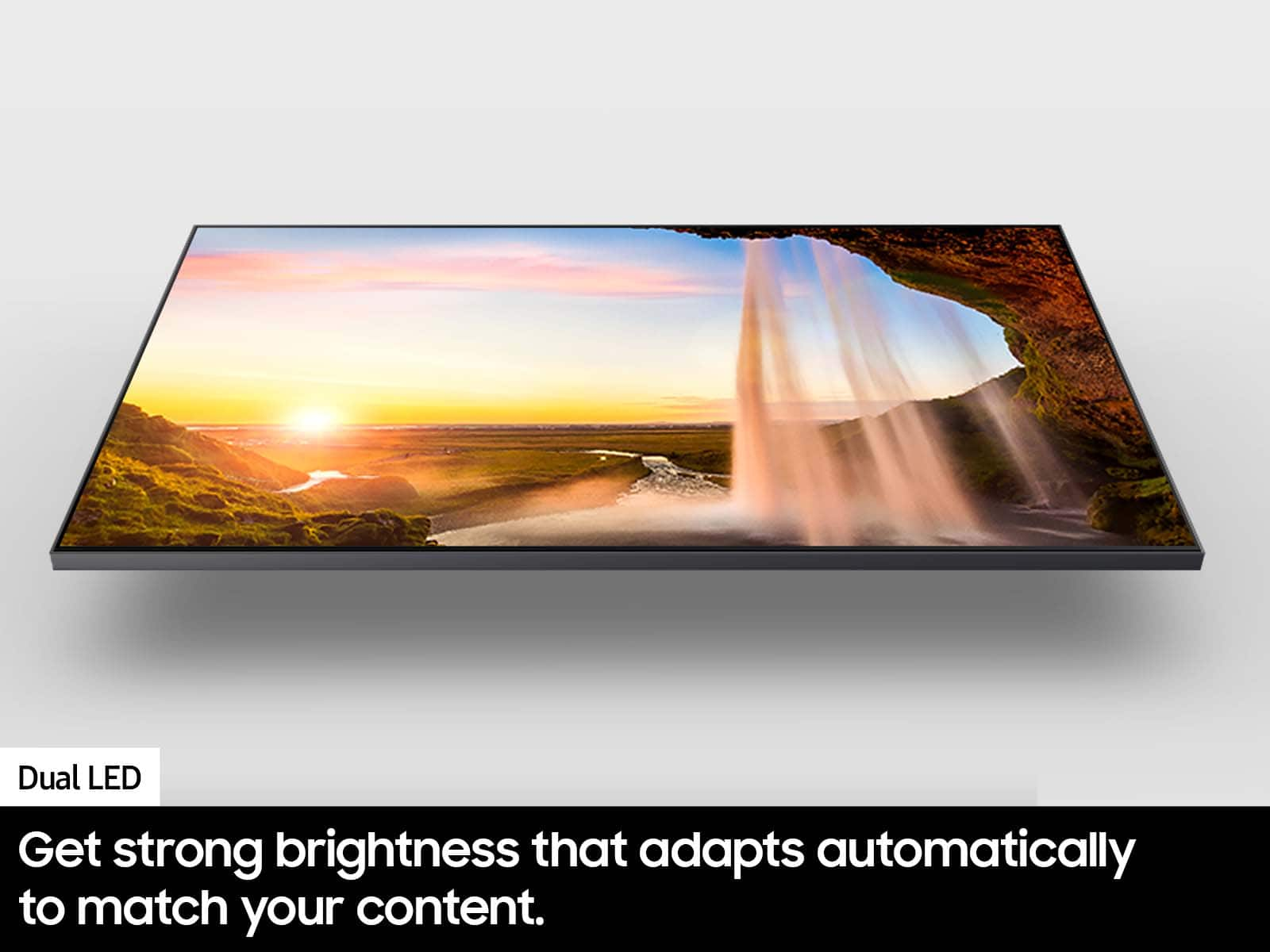
- Brightness4.7
Rating 4.7 out of 5 stars
to a friend
Rated 5 out of 5 stars
Tv
||Posted . Owned for 3 weeks when reviewed.This reviewer received promo considerations or sweepstakes entry for writing a review.Excellent experience great customer service! Great price!
This review is from Samsung - 50” Class Q60D Series QLED 4K Smart Tizen TV (2024)
I would recommend this to a friendRated 3 out of 5 stars
Tv
||Posted . Owned for 3 weeks when reviewed.This reviewer received promo considerations or sweepstakes entry for writing a review.Very good product- tv has plenty of options plus very light weight to be able to move it around
This review is from Samsung - 50” Class Q60D Series QLED 4K Smart Tizen TV (2024)
I would recommend this to a friendBrand response from Samsung
Posted .Abcd123,
Thanks for taking a moment to review Samsung’s Q60D TV. If you’re experiencing specific issues which caused you to give this a 3-star rating, please know Samsung Customer Support is here to help.
You can reach us at 1-800-SAMSUNG, 8AM - 12AM EST, 7 days a week. Our LiveChat agents are also available by clicking on the ‘Support’ link on our website.
~ Samsung Specialist
Rated 5 out of 5 stars
Moe tv
||Posted . Owned for 1 month when reviewed.This reviewer received promo considerations or sweepstakes entry for writing a review.Love it thats it. Nice product I stand by the name
This review is from Samsung - 50” Class Q60D Series QLED 4K Smart Tizen TV (2024)
I would recommend this to a friendRated 5 out of 5 stars
Great experience
||Posted . Owned for 3 weeks when reviewed.This reviewer received promo considerations or sweepstakes entry for writing a review.A great experience! Everybody was knowledgeable, friendly, and on time.
This review is from Samsung - 50” Class Q60D Series QLED 4K Smart Tizen TV (2024)
I would recommend this to a friendRated 1 out of 5 stars
Missing Parts
||Posted . Owned for 3 weeks when reviewed.This reviewer received promo considerations or sweepstakes entry for writing a review.The first open box I purchased was picked up by the delivery service, then lost. BB had to cancel the order and I ordered a second oneI bought this as an open box that it was certified to include all items in the original box. But, it was missing the remote control, the power cord and screws for the legs. I communicated with Best Buy to get the parts, First, I was told "Too bad" and there is no return. I persisted with the language from the BB the website and then they processed a return. I guess I am done with BB open box items.
This review is from Samsung - 50” Class Q60D Series QLED 4K Smart Tizen TV (2024)
No, I would not recommend this to a friendBrand response from Samsung
Posted .DouglasJ,
We appreciate you sharing your experience with Samsung’s Q60D TV. If purchased in open-box condition, we recommend contacting Best Buy directly for assistance. We hope your issue is resolved in a timely manner.
Should you have questions or concerns on usage or setup of your TV once your issue has been resolved, please call us at 1-800-SAMSUNG, 8AM - 12AM EST, 7 days a week. Our LiveChat agents are also available by clicking on the ‘Support’ link on our website.
~ Samsung Specialist
Rated 5 out of 5 stars
Loves it
||Posted . Owned for 3 weeks when reviewed.This reviewer received promo considerations or sweepstakes entry for writing a review.Son loves it for gaming and smart tv functions. Would get again.
This review is from Samsung - 50” Class Q60D Series QLED 4K Smart Tizen TV (2024)
I would recommend this to a friendRated 2 out of 5 stars
Not best experience.
||Posted .This reviewer received promo considerations or sweepstakes entry for writing a review.Second Samsung TV I buy within 2 years. Connectivity issues and first one couldn’t keep TV on. I get you get what you pay for, still wanted to give it a second chance and it totally disappointed once again. Looking for different brands now.
This review is from Samsung - 50” Class Q60D Series QLED 4K Smart Tizen TV (2024)
No, I would not recommend this to a friendBrand response from Samsung
Posted .JudithA,
It’s unfortunate to hear you’re experiencing issues with your TV. Please give us the opportunity to gather additional information from you so we can isolate this issue and provide steps towards a resolution. You can reach us at 1-800-SAMSUNG, 8AM - 12AM EST, 7 days a week. Our LiveChat agents are also available by clicking on the ‘Support’ link on our website.
~ Samsung Specialist
Rated 1 out of 5 stars
Samsung - 50” Class Q60D Series QLED 4K Smart Tize
||Posted . Owned for 1 week when reviewed.This reviewer received promo considerations or sweepstakes entry for writing a review.As of right now.....one star. We had this tv only 3 weeks when it just stopped working. Best Buy is supposed to be delivering the new one tomorrow. For a tv that cost over $500.00 I would really expect it to last longer than 3 weeks. A few other things that we do not like...1) the remote control that comes with the tv is worthless. It only has like 3 buttons and they are not clearly marked. 2) the tv is far too complicated to set up. I bought this for my parents. It took them hours to set it up along with a 45 minute phone call with Dish just to get it working with their satellite. They do not even have internet so are not using any of the "smart" features. The only reason that we bought a "smart" tv was because the salesman told us that the store doesn't carry "non-smart" tvs except for the really small like 20" ones. 3) The user manual sucks. I tried to look up a user manual and that was just as useless. It was over 200 pages and I still could not figure out how to set the stupid tv up to work. 4) Be careful when they offer you to purchase an extended warranty. We did thinking it was "just" a warranty but it is not. It signs you up for some Best Buy + subscription that cost $50 per year and will automatically renew itself. This fact was NEVER mentioned during purchase.
This review is from Samsung - 50” Class Q60D Series QLED 4K Smart Tizen TV (2024)
No, I would not recommend this to a friendBrand response from Samsung
Posted .BarbaraM,
We appreciate you sharing the issues you’ve initially experienced with Samsung’s Q60D TV. Thank you for your patience in having to deal with the inconvenience of an exchange.
Should you need help with your new unit, please contact Samsung Customer Support at 1-800-SAMSUNG, 8AM - 12AM EST, 7 days a week. Or visit us on the Samsung website and click on the ‘Support’ link for:
• LiveChat
• Manuals, Software, & Warranty Info
~ Samsung Specialist
Rated 3 out of 5 stars
Not worth the money for this Samsung.
||Posted . Owned for 3 weeks when reviewed.This reviewer received promo considerations or sweepstakes entry for writing a review.We are not impressed with the picture quality. The colors are not bright and the picture looks grainy. Our old Samsung that we had for over 28 years had better quality than this new one. I feel like they just make things to last a few years anymore. It's a throw away world.
This review is from Samsung - 50” Class Q60D Series QLED 4K Smart Tizen TV (2024)
No, I would not recommend this to a friendBrand response from Samsung
Posted .Notthelake,
Thank you for sharing your thoughts on the picture quality of your Q60D TV. To ensure you’ve got the latest image quality updates, please confirm that your TV is up to date with the latest firmware version. You can check by going to: Home > Menu > Settings > Support > Software Update.
If the picture you’re seeing is still not to your liking after updating firmware, there are several picture settings you may want to try adjusting.
Go to Home > left direction button > Settings > All Settings > Picture > Picture Mode
...and select the mode that best fits your usage:
1. Standard: Is the default mode suitable for general viewing environments
2. Dynamic: Makes the picture brighter and clearer in bright viewing environments
3. Eco: Provided to save energy
4. Movie: Suitable for watching TV or movies in a dark room
5. Filmmaker Mode: Provides source content just as the creators intended. If the image is defined as Filmmaker Mode, it’ll automatically switch to Filmmaker Mode while watching.
You can also fine-tune your picture with expert settings such as brightness, contrast, sharpness and more (All Settings > Picture > Expert Settings).
For further assistance with settings adjustments, please contact Samsung Customer Support at 1-800-SAMSUNG, 8AM - 12AM EST, 7 days a week. Or visit us on the Samsung website and click on the ‘Support’ link for:
• LiveChat
• Manuals, Software, & Warranty Info
~ Samsung Specialist
Rated 1 out of 5 stars
Data Vision
||Posted . Owned for 1 month when reviewed.This reviewer received promo considerations or sweepstakes entry for writing a review.The television was delivered damaged, and it took almost a month to get a refund. Data Vision refused to take responsibility and had to call Best Buy customer service to finally issue me a refund. Thank you, Warren. I can't rate the television because the screen was cracked.
This review is from Samsung - 50” Class Q60D Series QLED 4K Smart Tizen TV (2024)
I would recommend this to a friendRated 2 out of 5 stars
Review
||Posted . Owned for 3 weeks when reviewed.This reviewer received promo considerations or sweepstakes entry for writing a review.It took one month to finally get this TV working - bought it March 19th and finally someone from Cablevision figured out what was wrong. Today is April 26th and after 3 days it is still working - hopefully it will continue
This review is from Samsung - 50” Class Q60D Series QLED 4K Smart Tizen TV (2024)
No, I would not recommend this to a friendBrand response from Samsung
Posted .EileenC,
Thanks for sharing your experience. If there's anything we can do to help, call Samsung Support at 1-800-SAMSUNG, 8AM - 12AM EST, 7 days a week. Or visit us on the Samsung website and click on the ‘Support’ link for:
• LiveChat
• Manuals, Software, & Warranty Info
~ Samsung Specialist
Rated 1 out of 5 stars
This TV is awful!
||Posted . Owned for 2 months when reviewed.This reviewer received promo considerations or sweepstakes entry for writing a review.Stay away from this TV. It worked great for a month and then stopped working entirely other than through our Amazon Firestick. We have tried every fix available on the internet and even tried contacting support. After no one at Samsung could help us, we finally have given up and are just watching things through the Firestick. Annoying, but at least it works. Save yourself the trouble and DO NOT buy a Samsung TV.
This review is from Samsung - 50” Class Q60D Series QLED 4K Smart Tizen TV (2024)
No, I would not recommend this to a friendBrand response from Samsung
Posted .LiisaH,
We appreciate you taking the time to let us know about your experience. So that we can better troubleshoot this issue and provide steps towards a solution, please contact Samsung Support at 1-800-SAMSUNG, 8AM - 12AM EST, 7 days a week. Our LiveChat agents are also available by clicking on the ‘Support’ link on our website.
~ Samsung Specialist
Rated 1 out of 5 stars
Avoid if you like black and forced content
||Posted . Owned for 2 months when reviewed.This reviewer received promo considerations or sweepstakes entry for writing a review.This is the worst TV I have ever owned and I am on the BestBuy site now trying to see if I can return it. Issue 1) Samsung content. I want a TV for two things, Netflix and a personal media server. What I don't want is all of Samsung's forced content that can't be removed. When I install Plex, it's shoved all the way down past all the "recommended" and "suggested" garbage they force you to see. 2) the back light on this TV is horrible. Any dark scenes and it's back light blob blowout that completely takes away from any actual picture. If I can't return this TV, it will be thrown away, it is that bad. Other notes, sound on this is very bad, but I expected that and don't care about it but someone else might.
This review is from Samsung - 50” Class Q60D Series QLED 4K Smart Tizen TV (2024)
No, I would not recommend this to a friendBrand response from Samsung
Posted .RyanC,
We appreciate your thoughts on the picture quality of Samsung’s Q60D TV. If the image you’re seeing isn’t to your liking, there are several picture settings you may want to adjust.
Go to Home > left direction button > Settings > All Settings > Picture > Picture Mode
...and select the mode that best fits your usage:
1. Standard: Is the default mode suitable for general viewing environments
2. Dynamic: Makes the picture brighter and clearer in bright viewing environments
3. Eco: Provided to save energy
4. Movie: Suitable for watching TV or movies in a dark room
5. Filmmaker Mode: Provides source content just as the creators intended. If the image is defined as Filmmaker Mode, it’ll automatically switch to Filmmaker Mode while watching.
You can also fine-tune your picture with expert settings such as brightness, contrast, sharpness and more (All Settings > Picture > Expert Settings).
For further assistance with settings adjustments, please contact Samsung Customer Support at 1-800-SAMSUNG, 8AM - 12AM EST, 7 days a week. Or visit us on the Samsung website and click on the ‘Support’ link for:
• LiveChat
• Manuals, Software, & Warranty Info
~ Samsung Specialist
Rated 3 out of 5 stars
Tv
||Posted . Owned for 3 weeks when reviewed.This reviewer received promo considerations or sweepstakes entry for writing a review.This is a decent tv but the brightness is not good! The picture quality was ok but the brightness sucked
This review is from Samsung - 50” Class Q60D Series QLED 4K Smart Tizen TV (2024)
No, I would not recommend this to a friendBrand response from Samsung
Posted .Sharon,
Thank you for sharing your thoughts on the picture quality of your Q60D TV. To ensure you’ve got the latest image quality updates, please confirm that your TV is up to date with the latest firmware version. You can check by going to: Home > Menu > Settings > Support > Software Update.
If the picture you’re seeing is still not to your liking after updating firmware, there are several picture settings you may want to try adjusting.
Go to Home > left direction button > Settings > All Settings > Picture > Picture Mode
...and select the mode that best fits your usage:
1. Standard: Is the default mode suitable for general viewing environments
2. Dynamic: Makes the picture brighter and clearer in bright viewing environments
3. Eco: Provided to save energy
4. Movie: Suitable for watching TV or movies in a dark room
5. Filmmaker Mode: Provides source content just as the creators intended. If the image is defined as Filmmaker Mode, it’ll automatically switch to Filmmaker Mode while watching.
You can also fine-tune your picture with expert settings such as brightness, contrast, sharpness and more (All Settings > Picture > Expert Settings).
For further assistance with settings adjustments, please contact Samsung Customer Support at 1-800-SAMSUNG, 8AM - 12AM EST, 7 days a week. Or visit us on the Samsung website and click on the ‘Support’ link for:
• LiveChat
• Manuals, Software, & Warranty Info
~ Samsung Specialist
Rated 1 out of 5 stars
QLED TV Review
||Posted . Owned for 2 months when reviewed.This reviewer received promo considerations or sweepstakes entry for writing a review.This TV has not been a frustrating experience for us. We have had to buy an additional remote control to attempt an having access to the channels we usually watched. We have not been able to get anyone on the phone to explain how to operate this TV. How absurd is that!!
This review is from Samsung - 50” Class Q60D Series QLED 4K Smart Tizen TV (2024)
No, I would not recommend this to a friendBrand response from Samsung
Posted .RonaldC,
Thanks for sharing your thoughts on Samsung's Q60D. If there's anything we can do to improve your experience, please reach Samsung at 1-800-SAMSUNG, 8AM - 12AM EST, 7 days a week. Our LiveChat agents are also available by clicking on the ‘Support’ link on our website. ~ Samsung Specialist
Rated 1 out of 5 stars
Remote doesn’t scroll right. Unusable.
||Posted . Owned for 1 month when reviewed.This reviewer received promo considerations or sweepstakes entry for writing a review.The TV is fine but the remote won’t let us scroll right so it’s basically useless. It’s past the return window by a couple of weeks.
This review is from Samsung - 50” Class Q60D Series QLED 4K Smart Tizen TV (2024)
No, I would not recommend this to a friendBrand response from Samsung
Posted .CherylG,
I’m sorry to hear your SolarCell Remote is not working as expected. Please try these steps which may help resolve this:
1. Press and hold Return and Microphone buttons (diagonally up and to the right of Return). This will reset the remote.
2. Stand within 1 foot of the TV and press and hold Return and Play/Pause simultaneously for at least 5 seconds or until a message appears on your TV indicating that the remote is now connected
If you’re still experiencing issues with the remote, please also try the following:
- Unplug the TV for 30 seconds, and plug it back in.
- Try moving closer to the TV and re-pairing.
- Check to see if your remote is charged: Settings > All Settings > General & Privacy > Power and Energy Saving > Available Remote Battery
- Check for available firmware updates on your TV: Settings > Support > Software Update > Update Now
I hope the above helps. Should the issue persist, please contact Samsung Support at 1-800-SAMSUNG, 8AM - 12AM EST, 7 days a week. Our LiveChat agents are also available by clicking on the ‘Support’ link on our website.
~ Samsung Specialist
Rated 2 out of 5 stars
Samsung
||Posted . Owned for 3 weeks when reviewed.This reviewer received promo considerations or sweepstakes entry for writing a review.Picture not too good, sound is okay as far for brightness it's really bright
This review is from Samsung - 50” Class Q60D Series QLED 4K Smart Tizen TV (2024)
No, I would not recommend this to a friendBrand response from Samsung
Posted .Awesome,
We appreciate your thoughts on the picture quality of Samsung’s Q60D TV. If the image you’re seeing isn’t to your liking, there are several picture settings you may want to adjust.
Go to Home > left direction button > Settings > All Settings > Picture > Picture Mode
...and select the mode that best fits your usage:
1. Standard: Is the default mode suitable for general viewing environments
2. Dynamic: Makes the picture brighter and clearer in bright viewing environments
3. Eco: Provided to save energy
4. Movie: Suitable for watching TV or movies in a dark room
5. Filmmaker Mode: Provides source content just as the creators intended. If the image is defined as Filmmaker Mode, it’ll automatically switch to Filmmaker Mode while watching.
You can also fine-tune your picture with expert settings such as brightness, contrast, sharpness and more (All Settings > Picture > Expert Settings).
For further assistance with settings adjustments, please contact Samsung Customer Support at 1-800-SAMSUNG, 8AM - 12AM EST, 7 days a week. Or visit us on the Samsung website and click on the ‘Support’ link for:
• LiveChat
• Manuals, Software, & Warranty Info
~ Samsung Specialist
Rated 1 out of 5 stars
Bad TV
||Posted . Owned for 1 month when reviewed.This reviewer received promo considerations or sweepstakes entry for writing a review.Terrible TV. So complicated I cann't figure out how to get it to do any thing I want it too. Samsung's fault, not Best Buys. Ridiculous remote.
This review is from Samsung - 50” Class Q60D Series QLED 4K Smart Tizen TV (2024)
No, I would not recommend this to a friendBrand response from Samsung
Posted .hmv92350,
We appreciate you sharing your user experience. To assist in learning the various functions, please know you can download the Q60D TV's User Manual, e-Manual, Remote Control Leaflet, and Quick Setup Guide on Samsung's website under Support > Manuals & Software > TVs & Home Theater. You can search for and select the Q60D TV to download the guides you would like.
The e-Manual and Remote Guide are both also embedded into your TV itself under Menu > Settings > Support > Open e-Manual.
If you need more help, Samsung is here for you. Please call us at 1-800-SAMSUNG, 8AM - 12AM EST, 7 days a week. Our LiveChat agents are also available by clicking on the ‘Support’ link on our website.
~ Samsung Specialist
Rated 1 out of 5 stars
Worthless TV
||Posted . Owned for 4 months when reviewed.This reviewer received promo considerations or sweepstakes entry for writing a review.Totally worthless TV . This model Class Q60D QLED 4K is really expensive and completly wothless. This TV keeps shutting off. right in the middle of a movie. We have to restart netflix or hulu or whatever and start over. WE HATE this TV do not buy
This review is from Samsung - 50” Class Q60D Series QLED 4K Smart Tizen TV (2024)
No, I would not recommend this to a friendBrand response from Samsung
Posted .CarrieM,
It’s unfortunate to hear your Q60D TV is turning off by itself. Please try a few troubleshooting steps that may help solve the issue:
1. Unplug the TV from the wall outlet or surge protector and leave it unplugged for 30 seconds.
2. Check the power cord to see if there is any visible damage.
3. Plug the TV power cord back into the wall outlet. If you were using a surge protector, bypass it for now and use a wall outlet.
4. Check for firmware updates by going to: Home > Menu > Settings > Support > Software Update.
Please also make sure you've disable your TV's energy efficiency functions.
See if Sleep Timer has been enabled. The Sleep Timer automatically turns the TV off after a specific period of time. Go to: Menu > Settings > All Settings > General & Privacy > System Manager > Time > Sleep Timer
If the Sleep Timer has not been enabled, see if Auto Power Off or Off Timer have been enabled and disable it.
- Menu > Settings > All Settings > General & Privacy > Power and Energy Saving > Auto Power Off
- Menu > Settings > All Settings > General & Privacy > System Manager > Time > Off Timer
If the TV continues to turn off by itself, please call Samsung Customer Support at 1-800-SAMSUNG, 8AM - 12AM EST, 7 days a week. Our LiveChat agents are also available by clicking on the ‘Support’ link on our website.
~ Samsung Specialist
Rated 1 out of 5 stars
Regretting my purchase
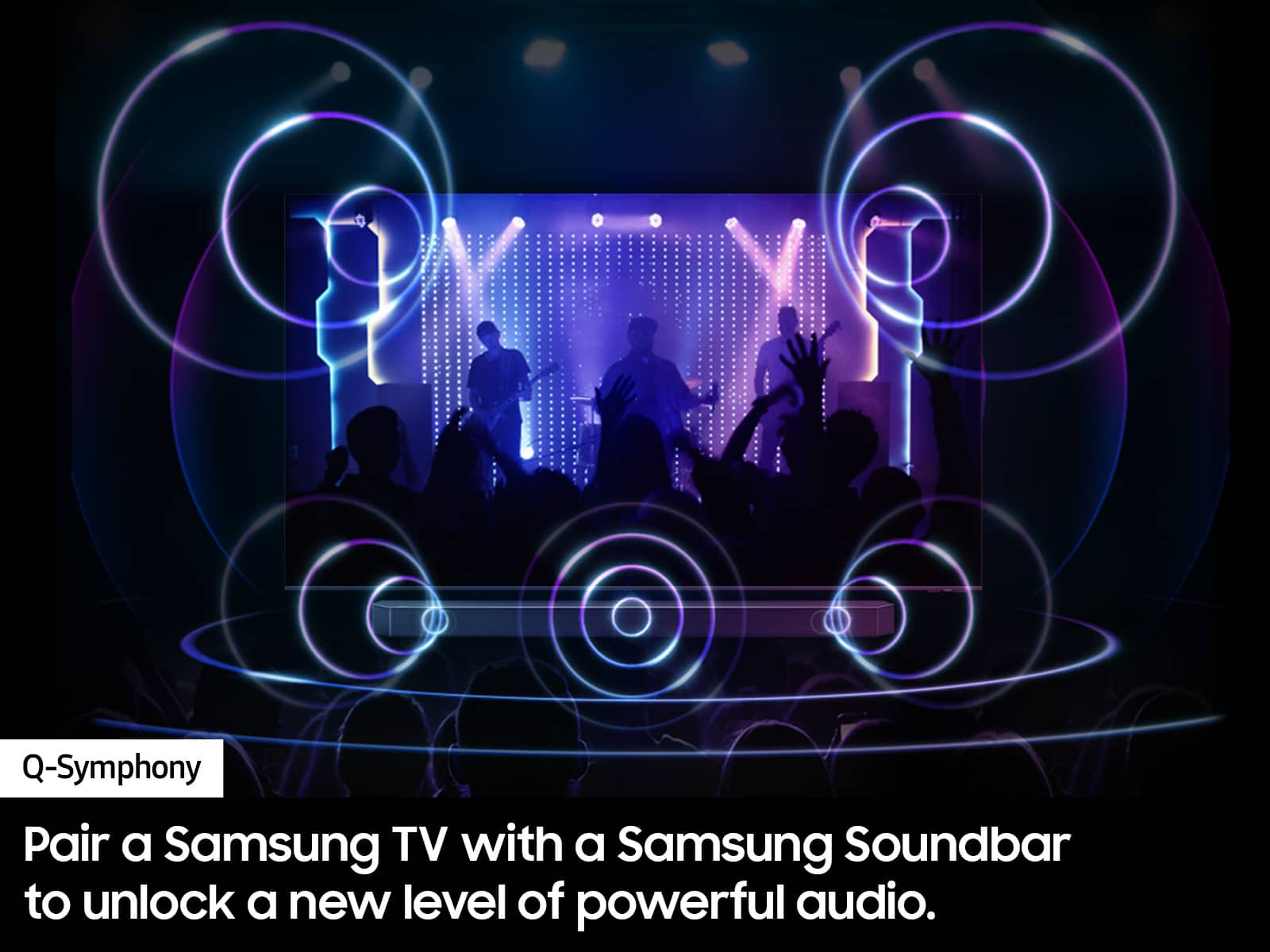
||Posted . Owned for 1 month when reviewed.This reviewer received promo considerations or sweepstakes entry for writing a review.No instruction on how ti setup. Don't know if i need a sound bar.
This review is from Samsung - 50” Class Q60D Series QLED 4K Smart Tizen TV (2024)
No, I would not recommend this to a friendBrand response from Samsung
Posted .MartinM,
We appreciate you sharing your user experience. To assist in learning the various functions, please know you can download your TV's User Manual, e-Manual, Remote Control Leaflet, and Quick Setup Guide on Samsung's website under Support > Manuals & Software > TVs & Home Theater. You can search for and select the Q60D TV to download the guides you would like.
The e-Manual and Remote Guide are both also embedded into your TV itself under Menu > Settings > Support.
If you need more help, Samsung is here for you. Please call us at 1-800-SAMSUNG, 8AM - 12AM EST, 7 days a week. Our LiveChat agents are also available by clicking on the ‘Support’ link on our website.
~ Samsung Specialist