Customer Ratings & Reviews
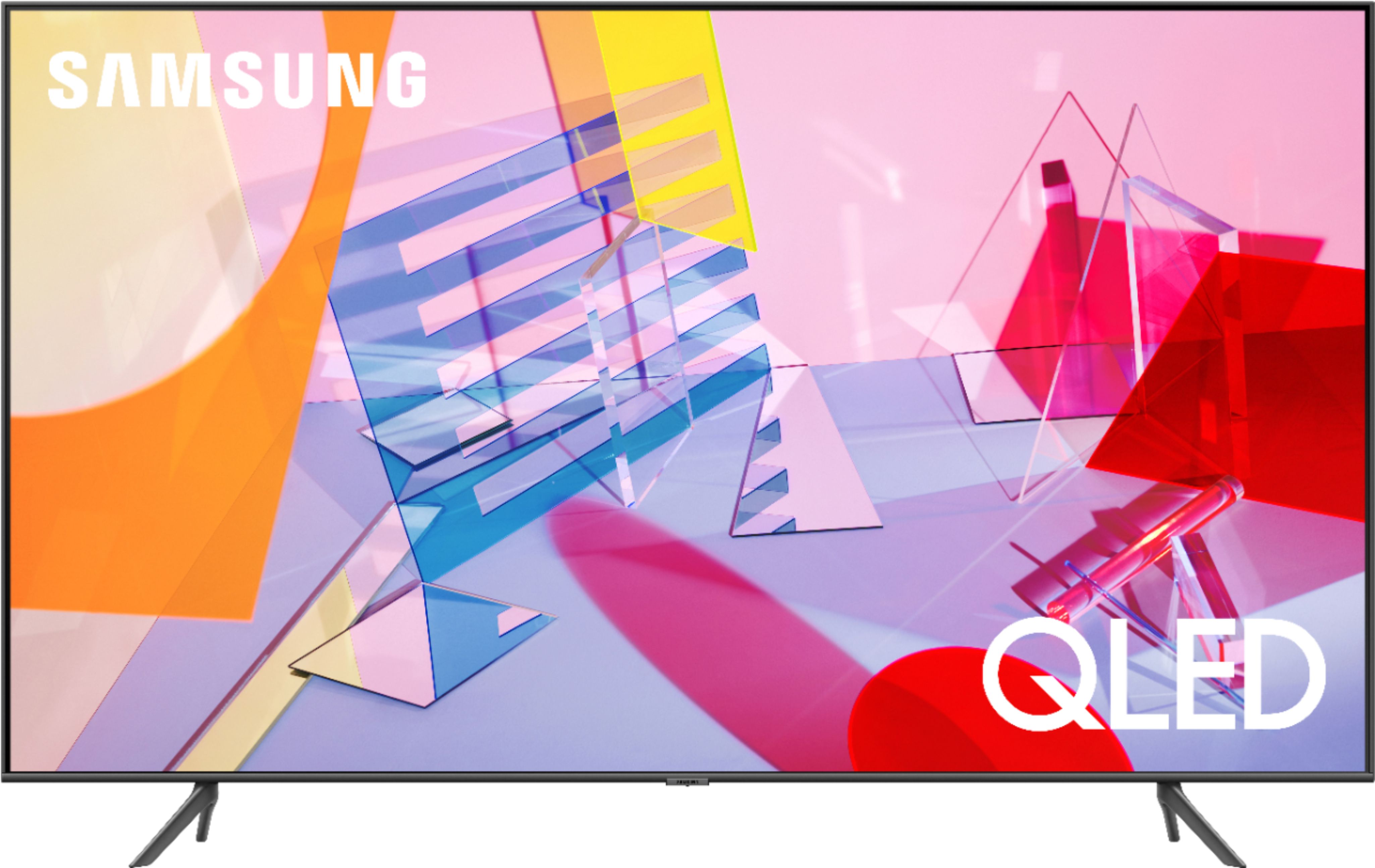
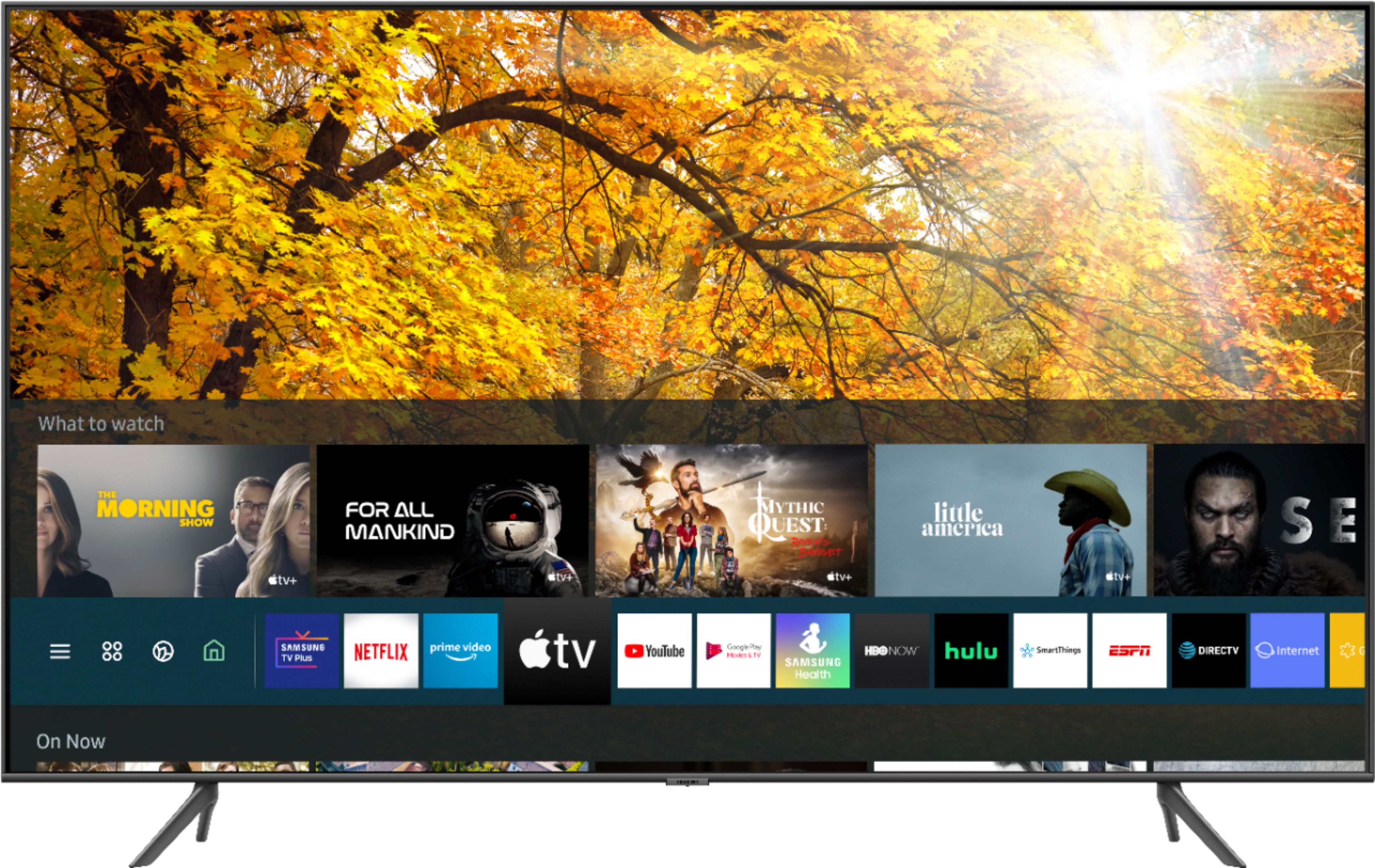

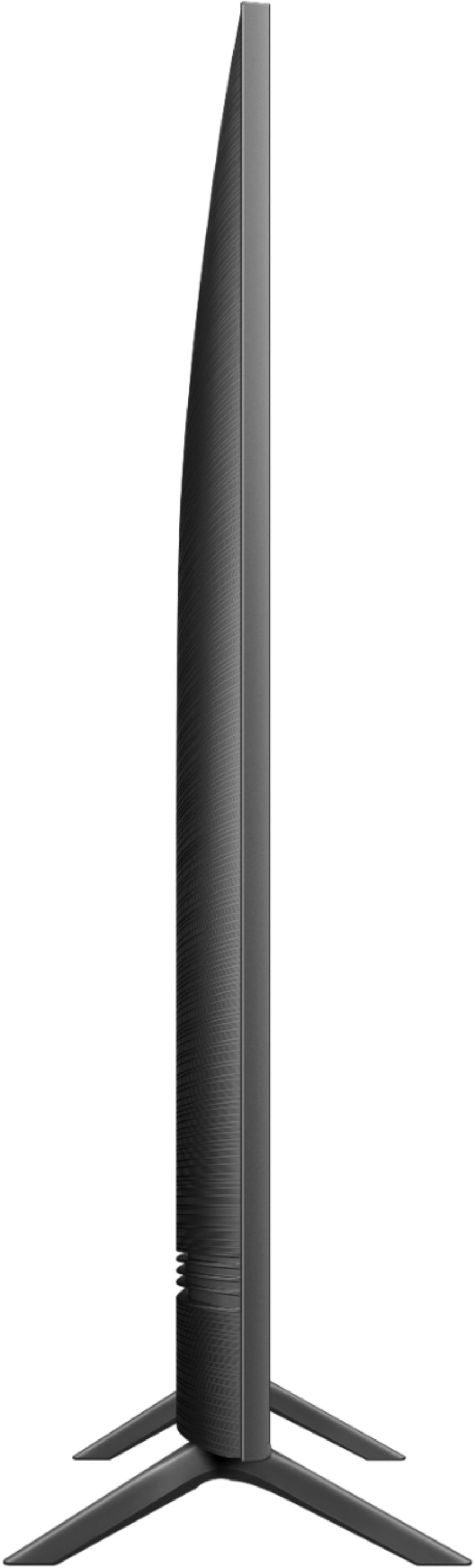
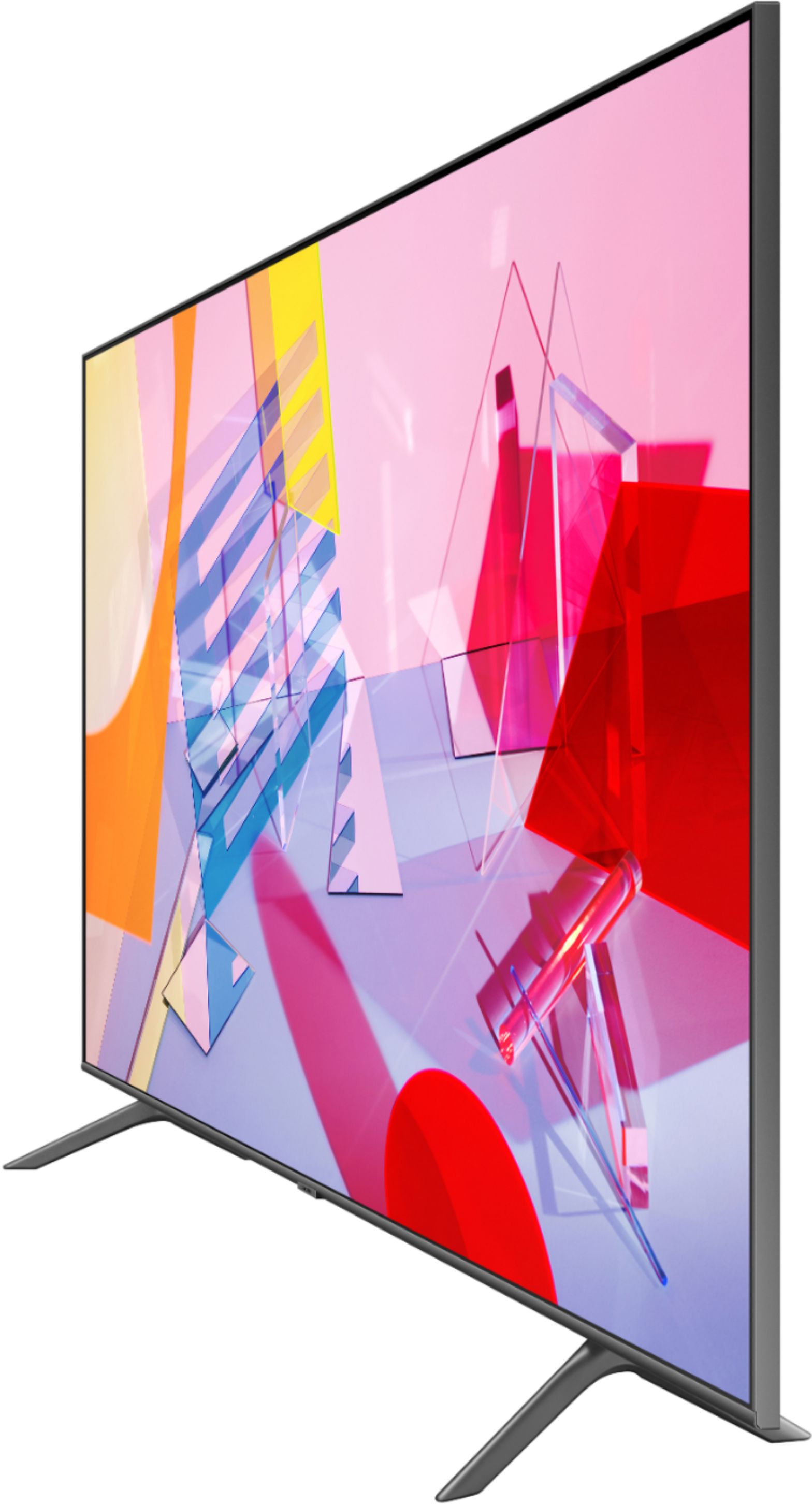


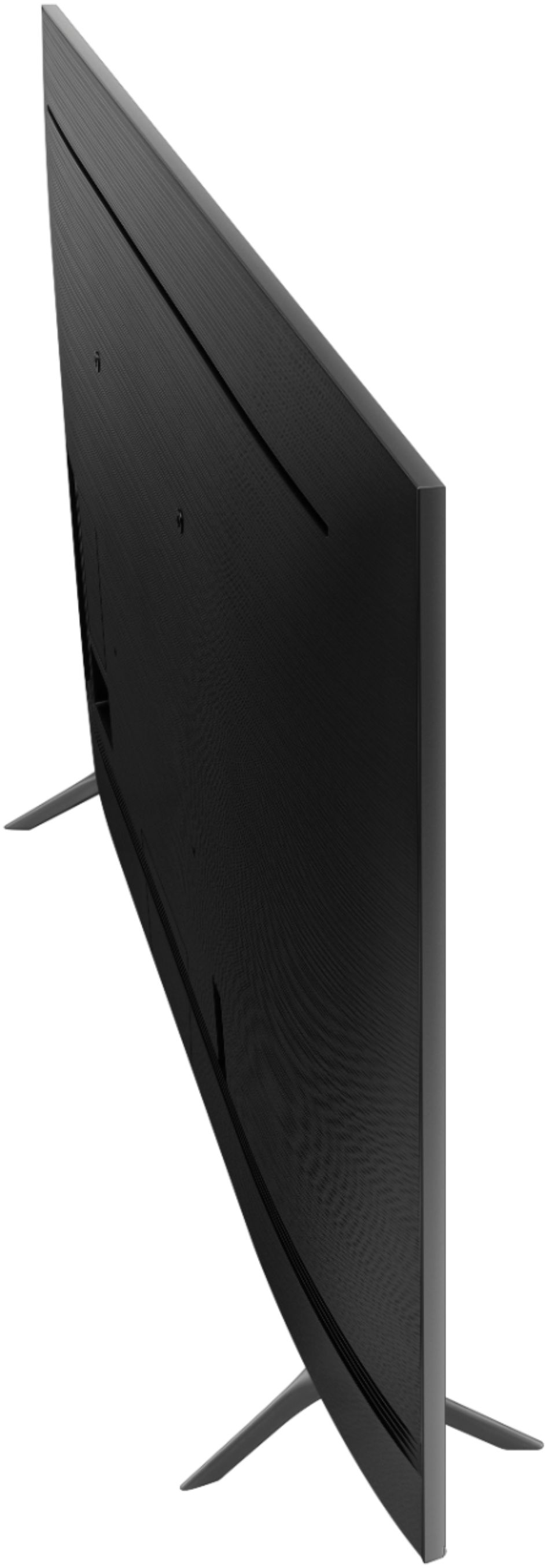
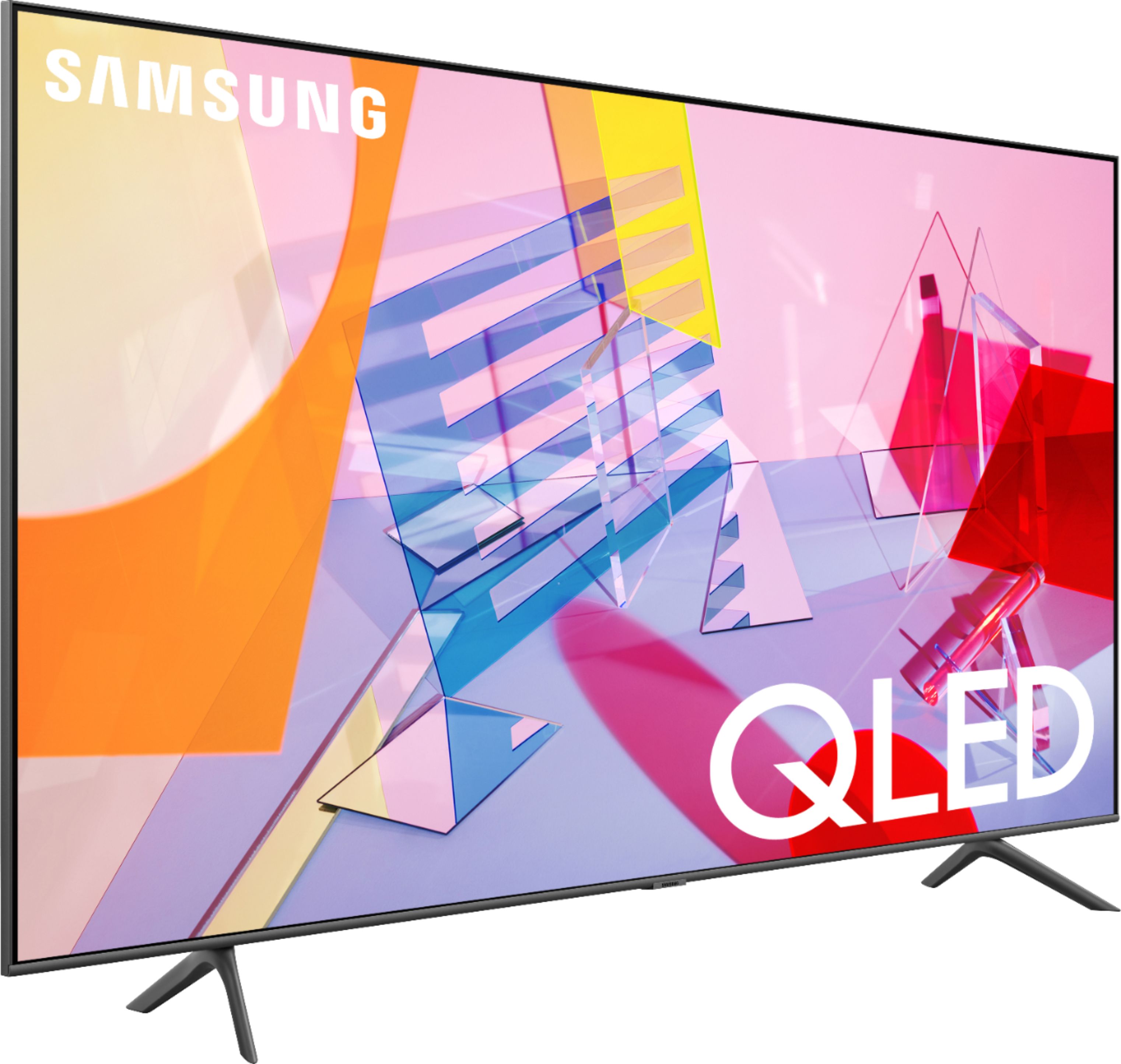
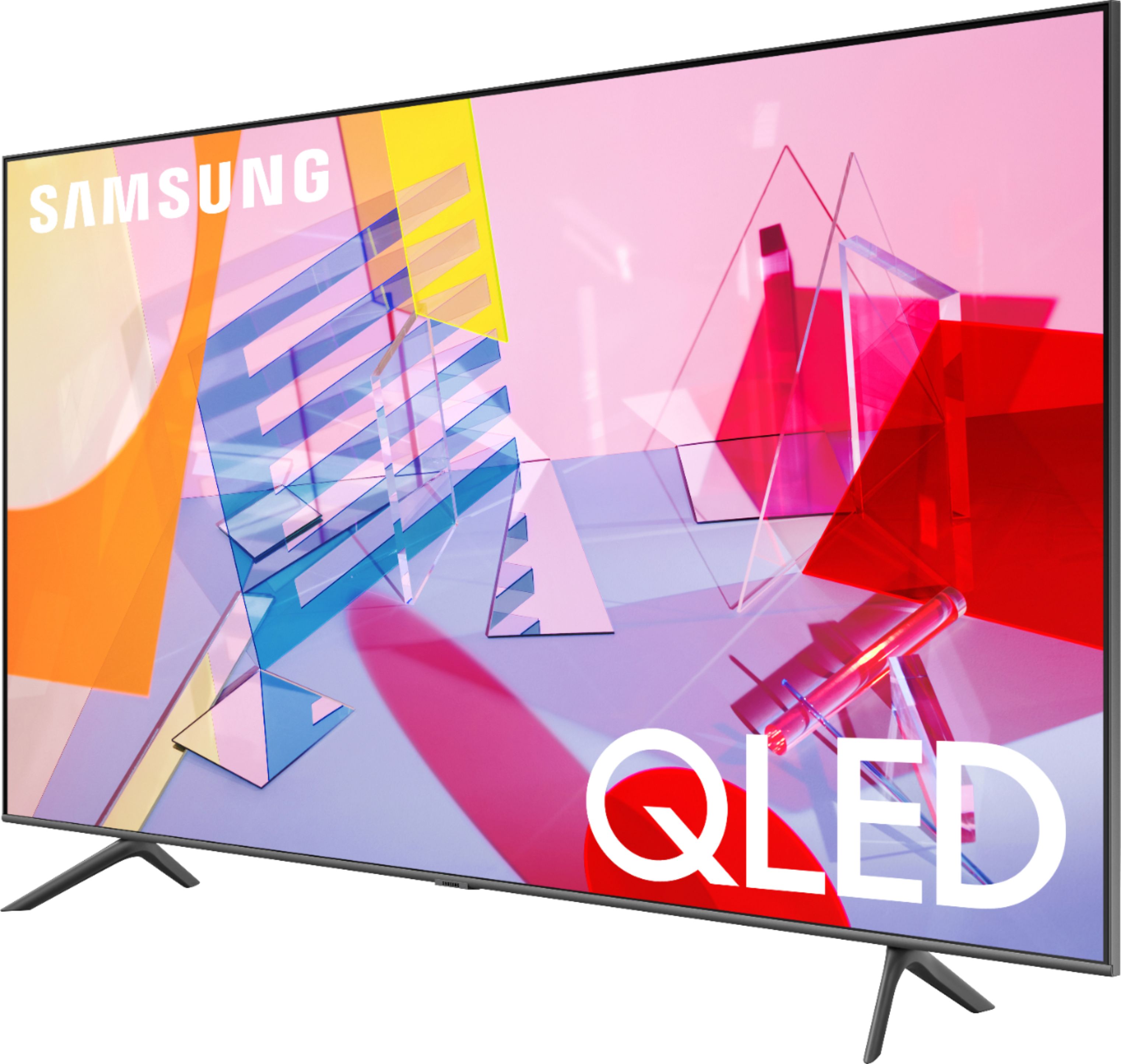







- Model:
- QN50Q60TAFXZA
- SKU:
- 6401758
Rating by feature
- Picture Quality
Rating 4.0 out of 5 stars
- Sound Quality
Rating 3.9 out of 5 stars
- Brightness
Rating 4.2 out of 5 stars
Customers are saying
Customers frequently mention the 50" Class Q60T Series QLED 4K UHD Smart Tizen TV's great picture quality, easy setup, and reasonable price. However, there are concerns about its durability, with reports of the TV stopping working or developing screen defects within a few years of purchase.
This summary was generated by AI based on customer reviews.
Great Value.
||Posted . Owned for 3 weeks when reviewed.This reviewer received promo considerations or sweepstakes entry for writing a review.We love the compatibility with our Samsung phones.
I would recommend this to a friend3 weeks old and already having problems.
||Posted . Owned for 3 weeks when reviewed.This reviewer received promo considerations or sweepstakes entry for writing a review.TV has shut off twice now and I have to unplug it then plug it back in. I was cable tech for 30 years so I know its not the box or the power strip. Not real happy, If the problem continues, I will have to get it repaired or replaced. Hassle either way.
No, I would not recommend this to a friendBrand response from Samsung
Posted .RetiredCableGuy,
Thank you for purchasing the Samsung Q60T QLED Smart TV. I am sorry to hear that you are experiencing issues.
Please let us help you with a solution so that these concerns do not detract from your overall viewing enjoyment. You can contact us via any of the followings:
1) Phone: 1-800-SAMSUNG (ask for TVs) Available 8AM - 12AM EST (Mon-Fri) / 9AM - 11PM EST (Sat-Sun)
2) LiveChat or Email: https://www.samsung.com/us/support/#contact_us_for_support
3) Facebook Messenger: https://www.facebook.com/samsungsupport
4) Twitter: https://twitter.com/SamsungSupport
If you have not already done so, we invite you to register your new Samsung TV at: https://www.samsung.com/us/support/register/.
Registering your product gives you access to easy warranty support, convenient opt-in to special promos & offers, faster troubleshooting & service, and quick notification of system updates.
Again, I am very sorry for the inconveniences you have had, and hope that we will hear from you soon.
-Samsung Ambassador
It wouldn’t turn on, it keeps resetting
||Posted . Owned for more than 2 years when reviewed.This reviewer received promo considerations or sweepstakes entry for writing a review.Bought it a little bit over 2 years ago! Haven’t used it a lot. It broke right after the 2 year warranty expired! Bad purchase!
No, I would not recommend this to a friendBusted
||Posted . Owned for 1.5 years when reviewed.This reviewer received promo considerations or sweepstakes entry for writing a review.Died within 2 yrs. Samsung has been gre3at just this one bit the dust quite early. Gotta love Geek Squad.
No, I would not recommend this to a friend- Pros mentioned:Picture quality
Best Buy was great
||Posted . Owned for 3 weeks when reviewed.This reviewer received promo considerations or sweepstakes entry for writing a review.Unfortunately the TV stopped working 3 days after it was delivered to me via FedEx Best Buy didn’t have it in stock at the time I purchased it. I returned it to Best Buy and did a full purchase price exchange, I then hired the Geek Squad to come remove the old TV and they will be bringing the new TV and installing it on my wall mount. I feel like Best Buy treated me fair given the circumstances.
I would recommend this to a friendBrand response from Samsung
Posted .Gail,
I am sorry to hear that your Q60T TV has stopped working.
Samsung is committed to providing the best possible product experience, quality, and value. We back this Samsung TV with a 1-year limited manufacturer's warranty, including authorized repair for manufacturer defect, if purchased brand-new directly from an authorized seller
If you have questions with features or usages, please reach out to us via any of the following:
1) Phone: 1-800-SAMSUNG (ask for TVs), available 8AM – 12AM EST 7 days a week
2) LiveChat: https://www.samsung.com/us/support/#contact_us_for_support
3) Facebook Messenger: https://www.facebook.com/samsungsupport
4) Twitter: https://twitter.com/SamsungSupport
5) The Samsung Members Community is also a great resource for getting help from Samsung moderators and customers: https://us.community.samsung.com
If you have not already done so, we invite you to register your new Samsung product at: https://www.samsung.com/us/account/signin/?redirect=https%3A%2F%2Fwww.samsung.com%2Fus%2Fsupport%2Fregister%2F
Registering your product gives you access to easy warranty support, convenient opt-in to special promos and offers, faster troubleshooting and service, and quick notification of system updates.
Again, thank you for taking the time to share your thoughts. Your feedback helps us continuously deliver best-in-class products and service.
-Samsung Ambassador
Pineapple
||Posted .This reviewer received promo considerations or sweepstakes entry for writing a review.Has a spot mid screen that looks like fabric imbedded into the shot. It looks good everywhere else. I sure hope...oh! no! Don't buy without looking at 1st There's still screams, happiness isn't met.
No, I would not recommend this to a friend- Pros mentioned:Picture qualityCons mentioned:Remote control
If It Works Don't Change It
||Posted . Owned for 9 months when reviewed.This reviewer received promo considerations or sweepstakes entry for writing a review.Picture is great. They tried breeding a regular remote with a firestick. What a disaster.
No, I would not recommend this to a friend SAMSUNG 50”
||Posted .This reviewer received promo considerations or sweepstakes entry for writing a review.The color is great when sitting right in front of it, but from the side, the color is much lighter! Not as good as the Samsung we had for 12 years, that this one replaced! Very disappointing!!
No, I would not recommend this to a friendBrand response from Samsung
Posted .KETEX:
Thank you for your review of the Q60T TV. I am very sorry to see that you are not completely happy with the picture when watching from the side. Your feedback is important to us and will be shared with our internal teams.
You may want to consider our Q80T and Q90T Series, featuring Ultra Viewing Angle engineered to reduce glare and enhance color for a vibrant picture no matter where you sit.
Should you ever have questions or need help with TV features, specs, or operation, we are here to help.
1) Phone: 1-800-SAMSUNG (ask for TVs), available 8AM – 12AM EST 7 days a week
2) LiveChat: https://www.samsung.com/us/support/#contact_us_for_support
3) Facebook Messenger: https://www.facebook.com/samsungsupport
4) Twitter: https://twitter.com/SamsungSupport
5) The Samsung Members Community is also a great resource for getting help from Samsung moderators and customers: https://us.community.samsung.com
If you have not already done so, we invite you to register your new Samsung product at: https://www.samsung.com/us/account/signin/?redirect=https%3A%2F%2Fwww.samsung.com%2Fus%2Fsupport%2Fregister%2F
Registering your product gives you access to easy warranty support, convenient opt-in to special promos and offers, faster troubleshooting and service, and quick notification of system updates.
~ Samsung Solutions
TV SUCKS
||Posted . Owned for 1 month when reviewed.This reviewer received promo considerations or sweepstakes entry for writing a review.TV Sucks. Samsung smart TV is horrible. Had a Roku TV, it worked great on Netflix and Amazon. Samsung TV is bad and does not work, it has various failure messages on Netflix and Amazon. Started with their text support. Not good. Then went to voice support. After a long conversation, various restarts and tests it did not work. They did try connecting to the internet through my phone and again it did not work. They decided to send a tech to the house. This took about 10 days, and the tech ran through various solutions including replacing a board. However, the tech then tied my TV to his phone and did get it to connect to Netflix. He was in a hurry and declared it to be my internet. Told him not so. I also showed him that Netflix worked on my phone to the internet at THE VERY SAME TIME. He closed out the ticket. In case it you missed it, DO NOT BUY THIS TV.
No, I would not recommend this to a friendBrand response from Samsung
Posted .SUCKS:
Thank you for your review of Samsung Q60T TV. I am very sorry you are experiencing issues with your Samsung TV and that initial troubleshooting with Samsung Support was unable to resolve your issue.
Please be sure you are running the latest firmware. You can check to see what software version your TV is using and if there is an available update through the settings on your TV. Go to: Settings>Support>Software Update. (ver. 1460.9 released on 12/7/20)
Both the current version and new version number will be displayed. The current version is what your TV is using, and the new version is the latest update.
New updates will be downloaded and installed on your TV. Updates usually take a few minutes; please do not turn off the TV until the update is complete. When the update is finished, the TV will restart automatically. If there aren't any new updates, select OK to exit.
You may want to enable automatic updates for convenience by selecting > Auto Update.
Please reach out to Samsung Customer Support again so we can provide further troubleshooting assistance or begin warranty service.
1) Phone: 1-800-SAMSUNG (ask for TVs), available 8AM – 12AM EST 7 days a week
2) LiveChat: https://www.samsung.com/us/support/#contact_us_for_support
3) Facebook Messenger: https://www.facebook.com/samsungsupport
4) Twitter: https://twitter.com/SamsungSupport
5) The Samsung Members Community is also a great resource for getting help from Samsung moderators and customers: https://us.community.samsung.com
If you have not already done so, we invite you to register your new Samsung product at: https://www.samsung.com/us/account/signin/?redirect=https%3A%2F%2Fwww.samsung.com%2Fus%2Fsupport%2Fregister%2F
Registering your product gives you access to easy warranty support, convenient opt-in to special promos and offers, faster troubleshooting and service, and quick notification of system updates.
~ Samsung Solutions
AN AVERAGE TV AT AN AVERAGE PRICE
||Posted . Owned for 1 month when reviewed.This reviewer received promo considerations or sweepstakes entry for writing a review.An honest opinion of this TV is that there are better options available. The 8th generation integration of voice assistant seems to be lacking and the overall picture could be brighter.
I would recommend this to a friendBrand response from Samsung
Posted .hyperride:
Thank you for purchasing the Samsung Q60T TV and for your review. I am sorry to hear that you are not happy with the brightness levels of your picture. If the colors on your TV are correct but just a little too dark or bright you can try Dynamic Picture Mode, or manually adjust the Brightness settings to your liking.
Dynamic Picture Mode will make pictures brighter and clearer in bright viewing environments. Go to: Settings > Picture > Picture Mode > Dynamic
Or manually adjust the Brightness and other settings to your liking. Press the HOME button on your remote, then navigate to: Settings > Picture > Expert Settings
You may also want to disable Power Saving Mode which automatically adjusts the brightness to reduce the TV’s power consumption.
Go to Settings> General> Eco Solution> Power Saving Mode.
Ambient Light Detection will also automatically adjust the brightness level of the TV, according to the ambient light level, to reduce power consumption. If Ambient Light Detection has adjusted the screen brightness to a too bright or dark level, you can select Minimum Brightness to manually adjust the minimum screen brightness.
Go to Settings> General> Eco Solution> Ambient Light Detection
You can use Bixby, Amazon Alexa, and Google Assistant with your TV. You can change the settings of a Voice Assistant after selecting it. Go to Settings > General > Voice > Voice Assistant >
If there is anything we can do to improve your interaction with your voice assistant or to improve your picture, please contact Samsung Customer Support.
1) Phone: 1-800-SAMSUNG (ask for TVs), available 8AM – 12AM EST 7 days a week
2) LiveChat: https://www.samsung.com/us/support/#contact_us_for_support
3) Facebook Messenger: https://www.facebook.com/samsungsupport
4) Twitter: https://twitter.com/SamsungSupport
5) The Samsung Members Community is also a great resource for getting help from Samsung moderators and customers: https://us.community.samsung.com
If you have not already done so, we invite you to register your new Samsung product at: https://www.samsung.com/us/account/signin/?redirect=https%3A%2F%2Fwww.samsung.com%2Fus%2Fsupport%2Fregister%2F
Registering your product gives you access to easy warranty support, convenient opt-in to special promos and offers, faster troubleshooting and service, and quick notification of system updates.
~ Samsung Solutions
Don't buy
||Posted . Owned for 1.5 years when reviewed.This reviewer received promo considerations or sweepstakes entry for writing a review.I bought this TV in March of 2021, it is now coming up to Jan of 2023 and the whole screen has went black. When I try to turn on the TV it blinks black screens. For a while I just left the TV turned on and it was working fine. Then yesterday the screen started turning yellow and orange and different colors. This is outrageous for a TV that I've had for less than 2 years. Last Samsung TV I ever buy
No, I would not recommend this to a friendDo Not Purchase If You Use Video Game Consoles
||Posted . Owned for 11 months when reviewed.This reviewer received promo considerations or sweepstakes entry for writing a review.I’ve had this tv for close to a year and I’m very ready to get rid of it. First of all Samsung have gotten rid of the source button on their remotes. So now you have to scroll through a bunch of “features” you don’t actually end up using and advertisements before you arrive at the source list. And the main reason I’m giving this tv a one star is because of how poorly it handles video game consoles. Numerous times that I’m using my Xbox One the screen will go black during gameplay because it needs to determine whether to switch into game mode. It’s performance when using the Nintendo Switch is much, much worse. First of all, it has the same problem as the Xbox. But depending on what game you’re playing, it can quite literally make a game unplayable. This tends to happen with fast-paced multiplayer games. So now my friends and I have to play Super Smash in tabletop mode, because the tv makes it an agonizing experience. Also the hdmi auto detect feature is a joke. For some reason it can’t recognize the Nintendo Switch, so it will periodically attempt to recognize while in use. Which is also a major nuisance. It wouldn’t matter if Samsung allowed you to turn off this feature, but sadly there is no option for this in the settings. At this point, I will never purchase a Samsung tv again. If you intend on using game consoles, do NOT purchase new Samsung tv’s because I’ve heard they all have this issue. I apologize for the rant.
No, I would not recommend this to a friendSamsung review
||Posted . Owned for less than 1 week when reviewed.This reviewer received promo considerations or sweepstakes entry for writing a review.Was going to wall mount this TV and discovered the 4 mounting holes did not have straight forward mounting screw receptacles. Watched on line videos on this but still do not understand how to mount this TV. Also The TV remote is impossible to open. I watched online video and it stated that prying the remote open is literally the only way to open it. That is what I had to do. Worst Engineering design I have ever seen. I am a Quality Engineer, no way do you let a design so poor get released to production!
No, I would not recommend this to a friendBrand response from Samsung
Posted .Review:
Thank you for purchasing the Samsung Q60T QLED TV. I am very sorry for the inconvenience you had with installation because wall mount adapters were not included.
Please understand that we do not include wall mount screws or adapters because not every wall will require the same type of hardware. Each customer’s mounting situation can be very different, requiring specific hardware to ensure the best, most secure fit. A generic hardware type included in the box might be inappropriate for a customer’s wall; the result could be the customer inadvertently mounting his TV insecurely.
We appreciate you sharing your experience with the remote control and will share this with our quality teams.
For further assistance, please contact Samsung TV Support at:
1) Phone: 1-800-SAMSUNG (ask for TVs), available 8AM – 12AM EST 7 days a week
2) LiveChat: https://www.samsung.com/us/support/#contact_us_for_support
3) Facebook Messenger: https://www.facebook.com/samsungsupport
4) Twitter: https://twitter.com/SamsungSupport
5) The Samsung Members Community is also a great resource for getting help from Samsung moderators and customers: https://us.community.samsung.com
If you have not already done so, we invite you to register your new Samsung product at: https://www.samsung.com/us/account/signin/?redirect=https%3A%2F%2Fwww.samsung.com%2Fus%2Fsupport%2Fregister%2F
Registering your product gives you access to easy warranty support, convenient opt-in to special promos and offers, faster troubleshooting and service, and quick notification of system updates.
~ Samsung Solutions
- Cons mentioned:Remote control
good picture and sound
||Posted .This reviewer received promo considerations or sweepstakes entry for writing a review.I cannot understand the controller that comes with this tv and there is very little guidance included or online.. poor choice on my part.
No, I would not recommend this to a friendBrand response from Samsung
Posted .disgruntled,
I am sorry to see that you had trouble with the remote functions.
Here is the link to the downloadable eManual that includes the TV remote’s diagram and a detailed step-by-step guide (page 20-22):
https://downloadcenter.samsung.com/content/UM/202004/20200403095308351/NIKATSCT-3.0.1_EM_NIKE_USA_ENG_200323.0.pdf
Should you need further assistance with features or usage, please do reach out to our Customer Service at:
1) Phone: 1-800-SAMSUNG, available 8AM - 12AM EST 7days a week
2) LiveChat: https://www.samsung.com/us/support/#contact_us_for_support
3) Facebook Messenger: https://www.facebook.com/samsungsupport
4) Twitter: https://twitter.com/SamsungSupport
5) The Samsung Members Community is also a great resource for getting help from Samsung moderators and customers: https://us.community.samsung.com/t5/Get-Help/ct-p/get-help
Thank you for choosing Samsung. We hope these tips help you better enjoy the premium features of your Q60T TV.
- Samsung Ambassador
It eh.
||Posted . Owned for 6 months when reviewed.This reviewer received promo considerations or sweepstakes entry for writing a review.TV is okay. Samsung makes it really hard for you to change simple settings. TV dims in dark scenes. You have to get into the secret settings to disable it.
I would recommend this to a friendIts not great
||Posted .This reviewer received promo considerations or sweepstakes entry for writing a review.This tv wasn't worth the money. The menu screen is slow and jittery. The picture looks decent but you can often see bloom on the screen. It lacks any hdmi 2.1 and for gaming it's just ok.. the sound was decent but I returned it because for 600 bucks I could either get a cheaper tv with same or better quality or upgrade to a better mid range.. I wouldn't buy this again..it felt like they had a large overstock and the sales guy was just trying to get rid of them
No, I would not recommend this to a friendDecent but didn’t like it.
||Posted . Owned for 2 weeks when reviewed.This reviewer received promo considerations or sweepstakes entry for writing a review.Decent TV. Funny picture unless you have a 4K source. I only had a 1080 and there was blurry issues during action. Returned for an OLED.
I would recommend this to a friend- Cons mentioned:Reliability
This TV is a dud!.
||Posted . Owned for more than 2 years when reviewed.This reviewer received promo considerations or sweepstakes entry for writing a review.Just before having for only 2 years its stopped working.
No, I would not recommend this to a friend Best Buy rip off
||Posted . Owned for more than 2 years when reviewed.This reviewer received promo considerations or sweepstakes entry for writing a review.Piece of junk didn’t even last two years really not very happy with Best Buy
No, I would not recommend this to a friendPicture quality bad
||Posted . Owned for 4 months when reviewed.This reviewer received promo considerations or sweepstakes entry for writing a review.Have purchased Samsung Tv's in the past, this one did not compare with previous purchases.
No, I would not recommend this to a friend