Customer Ratings & Reviews
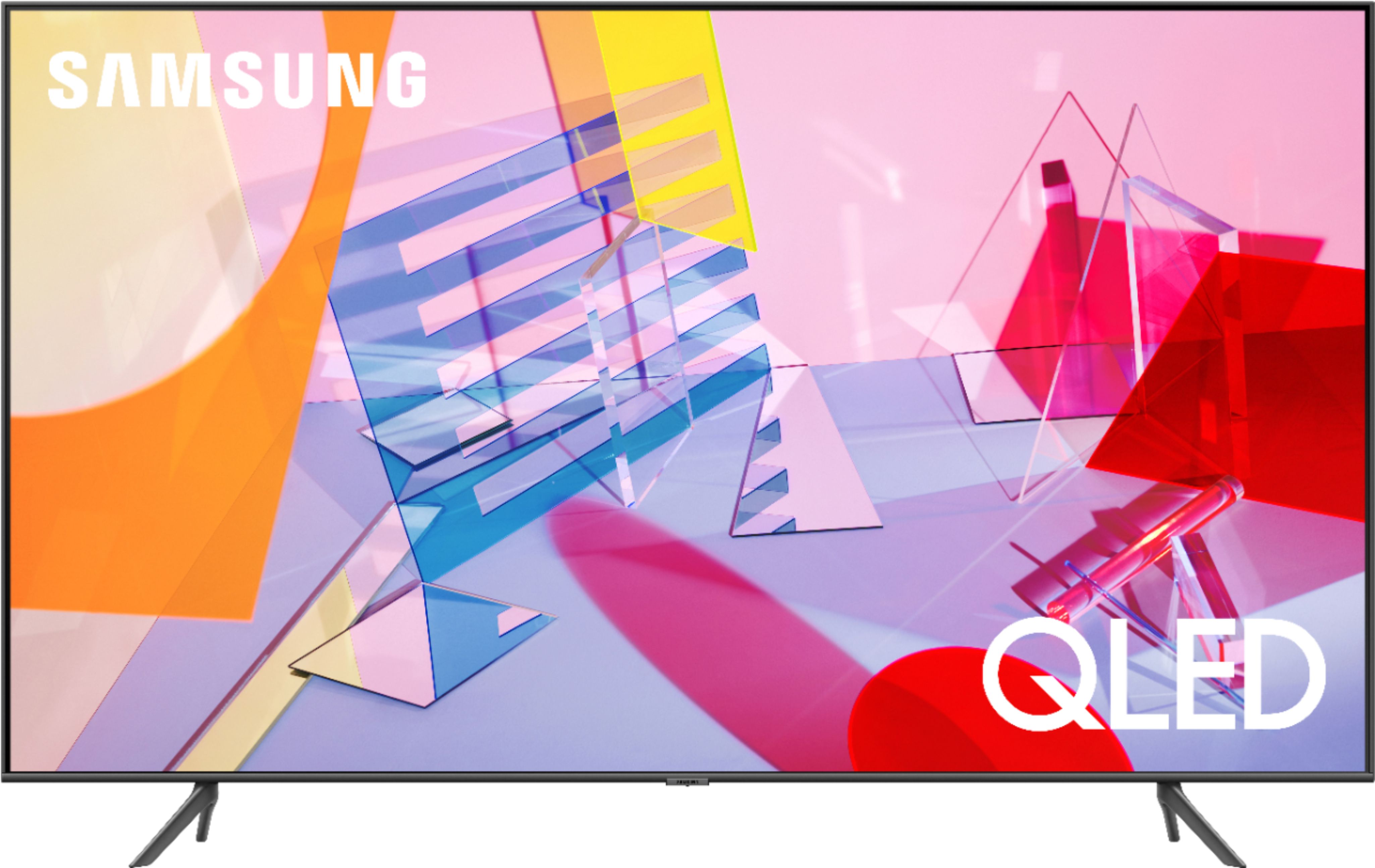
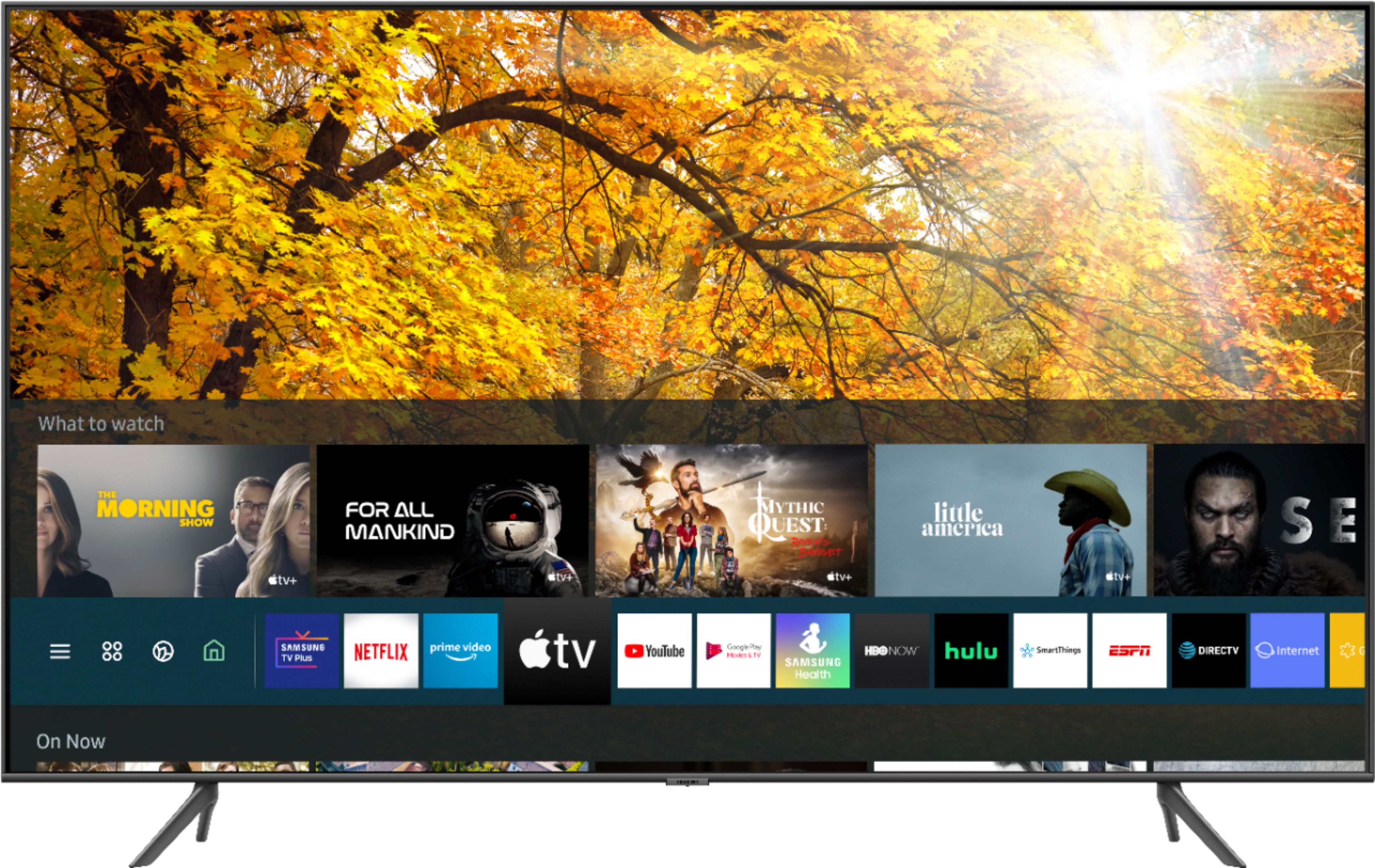
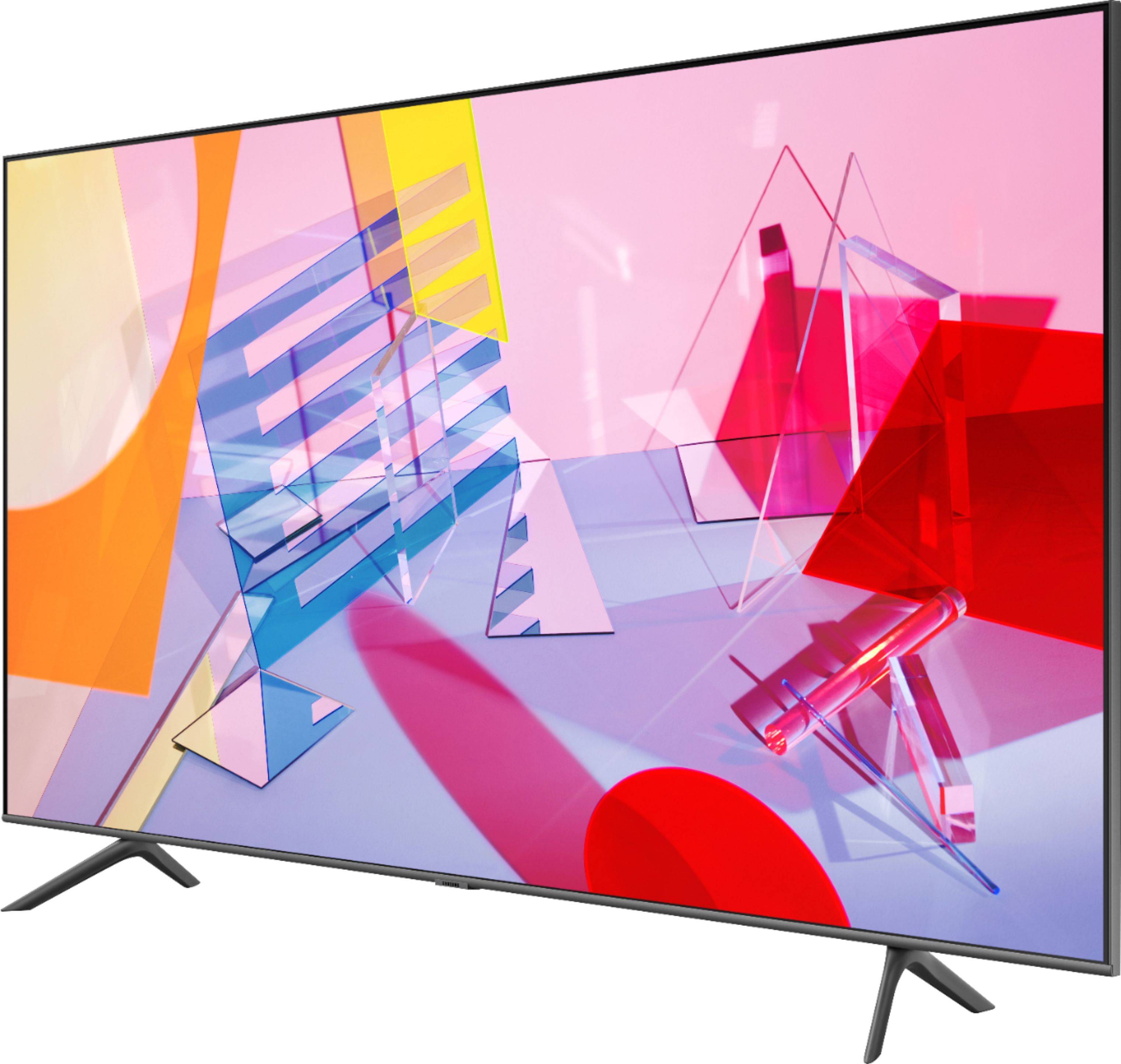
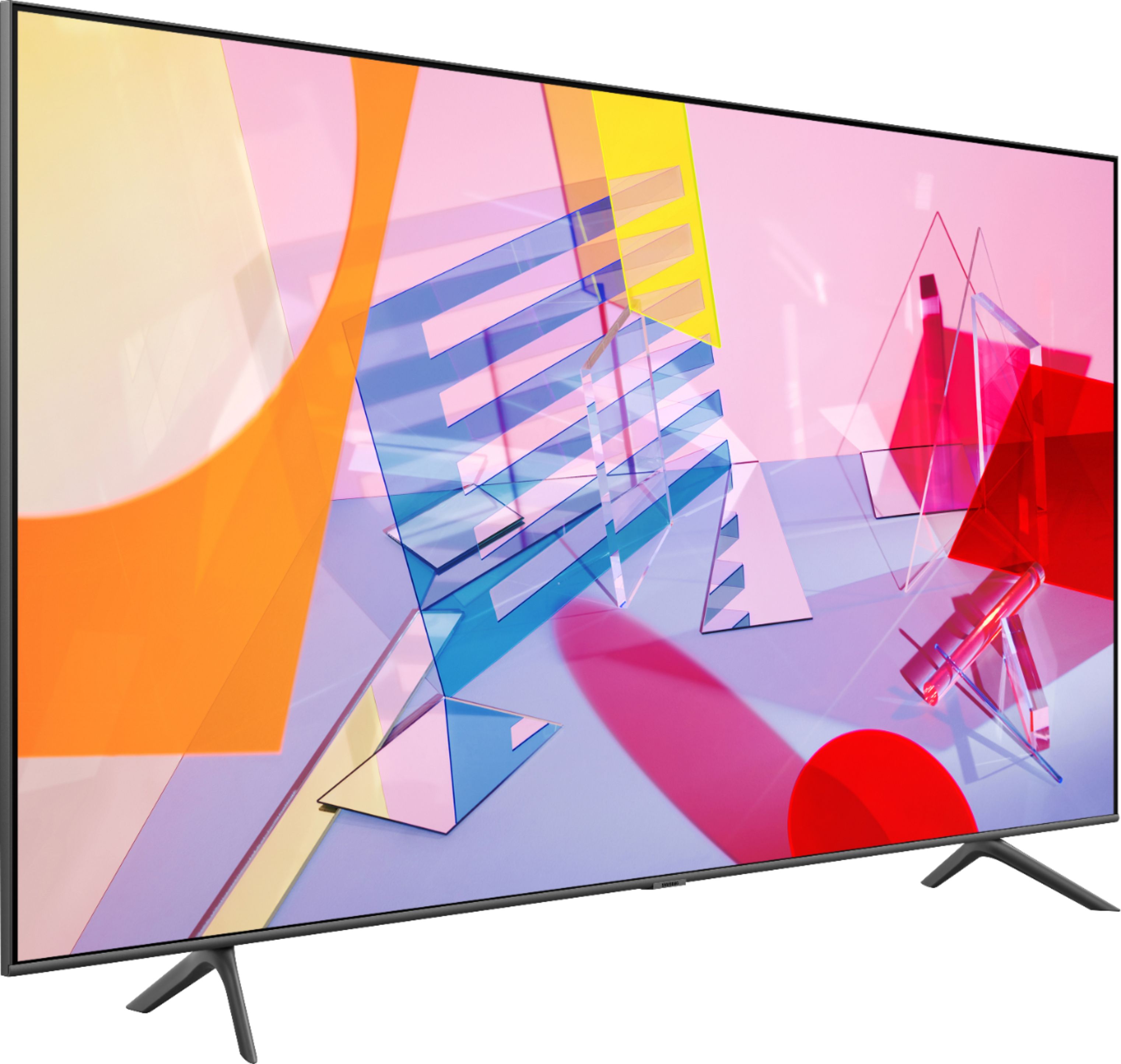

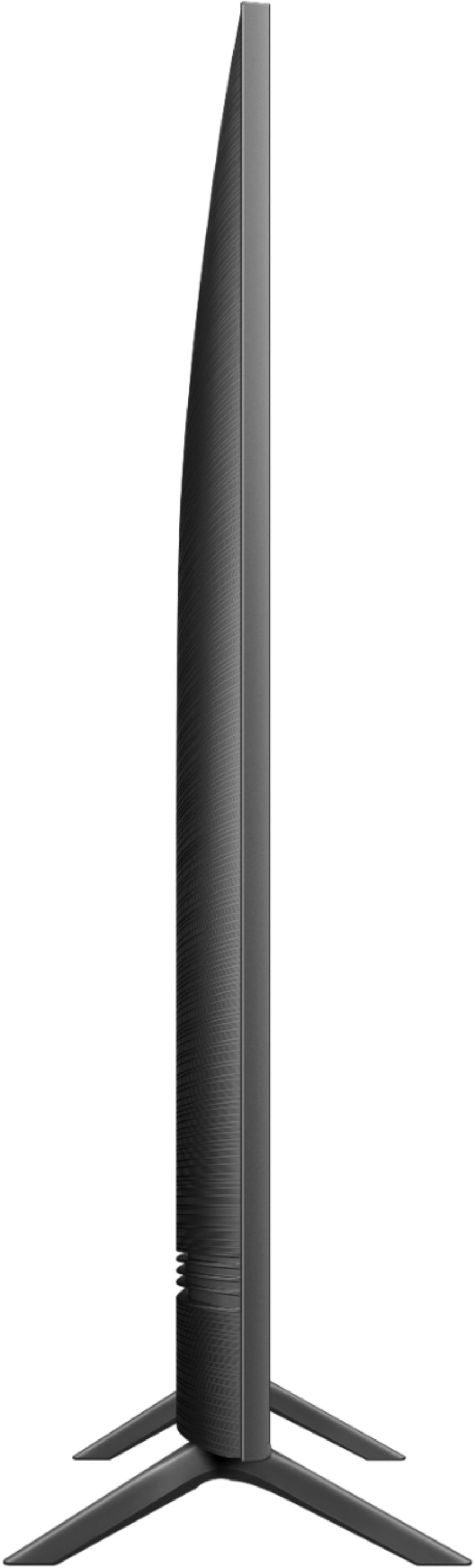
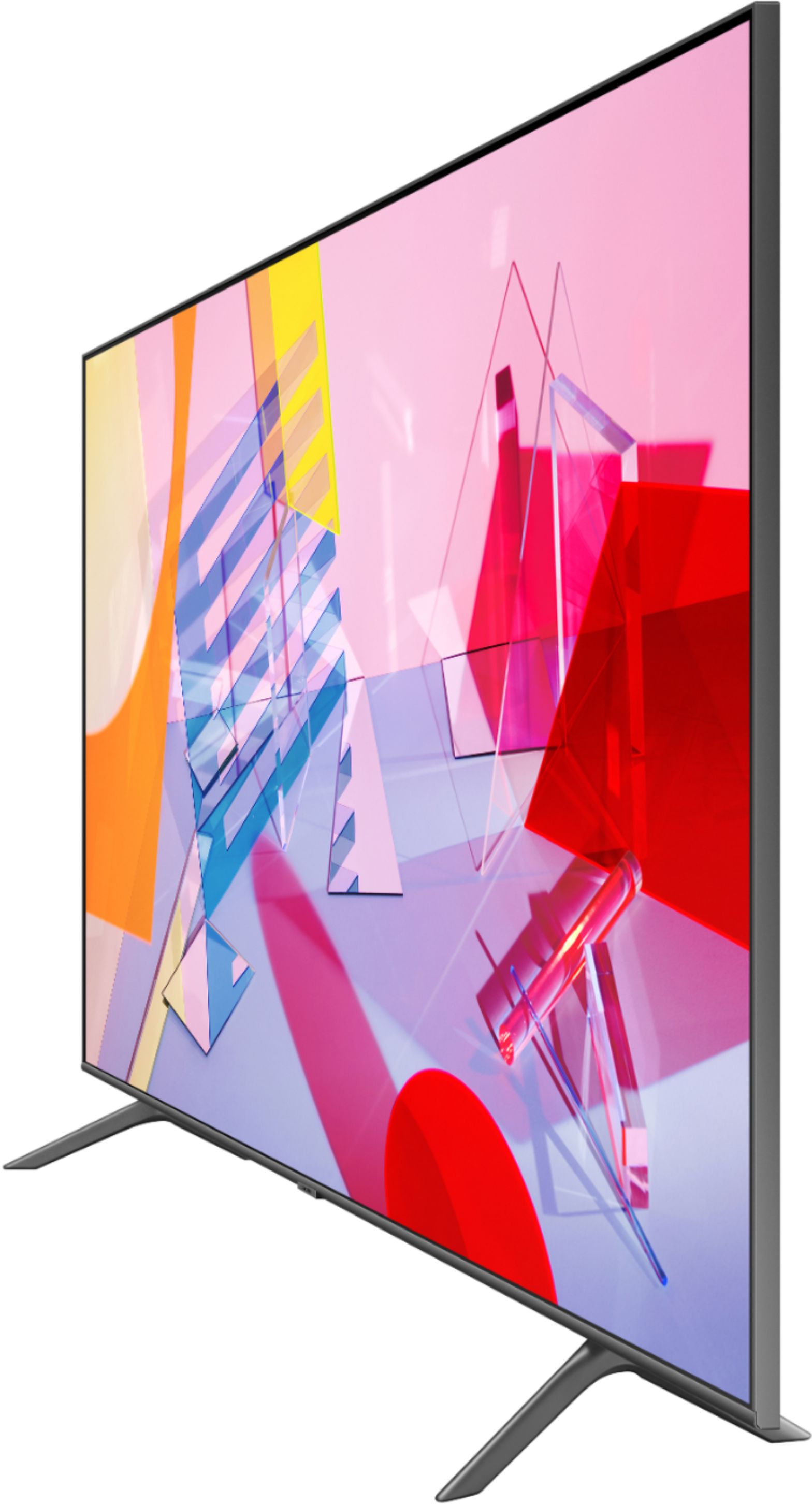


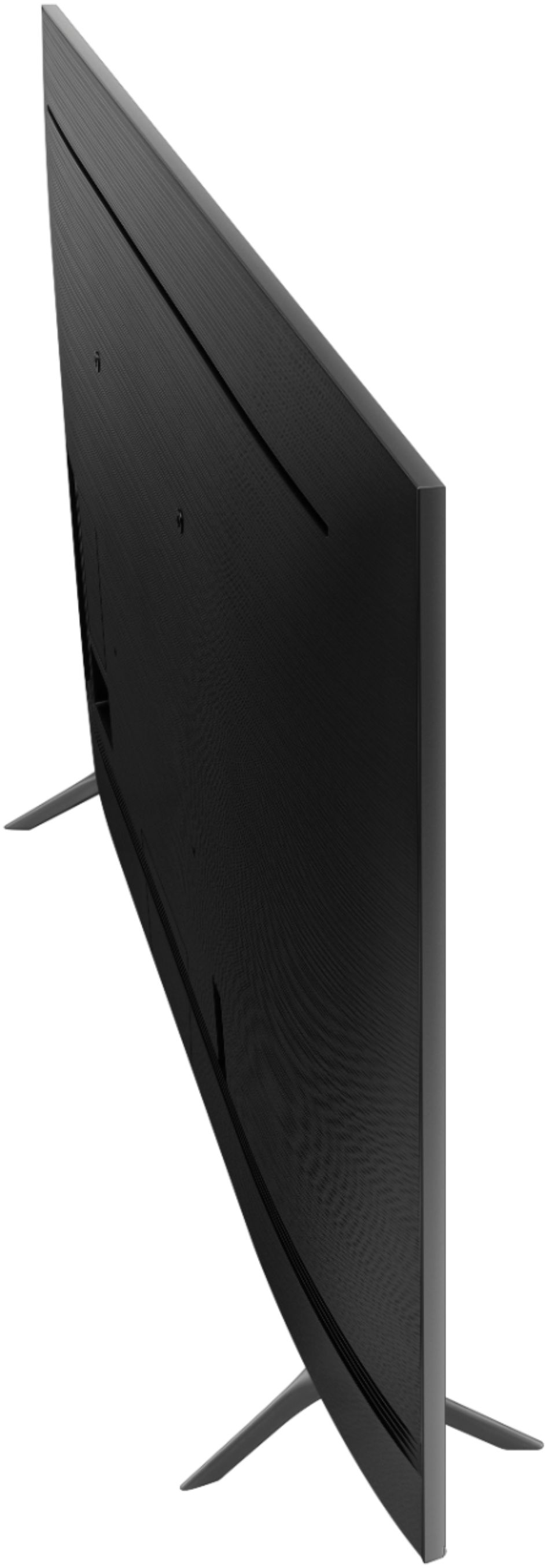
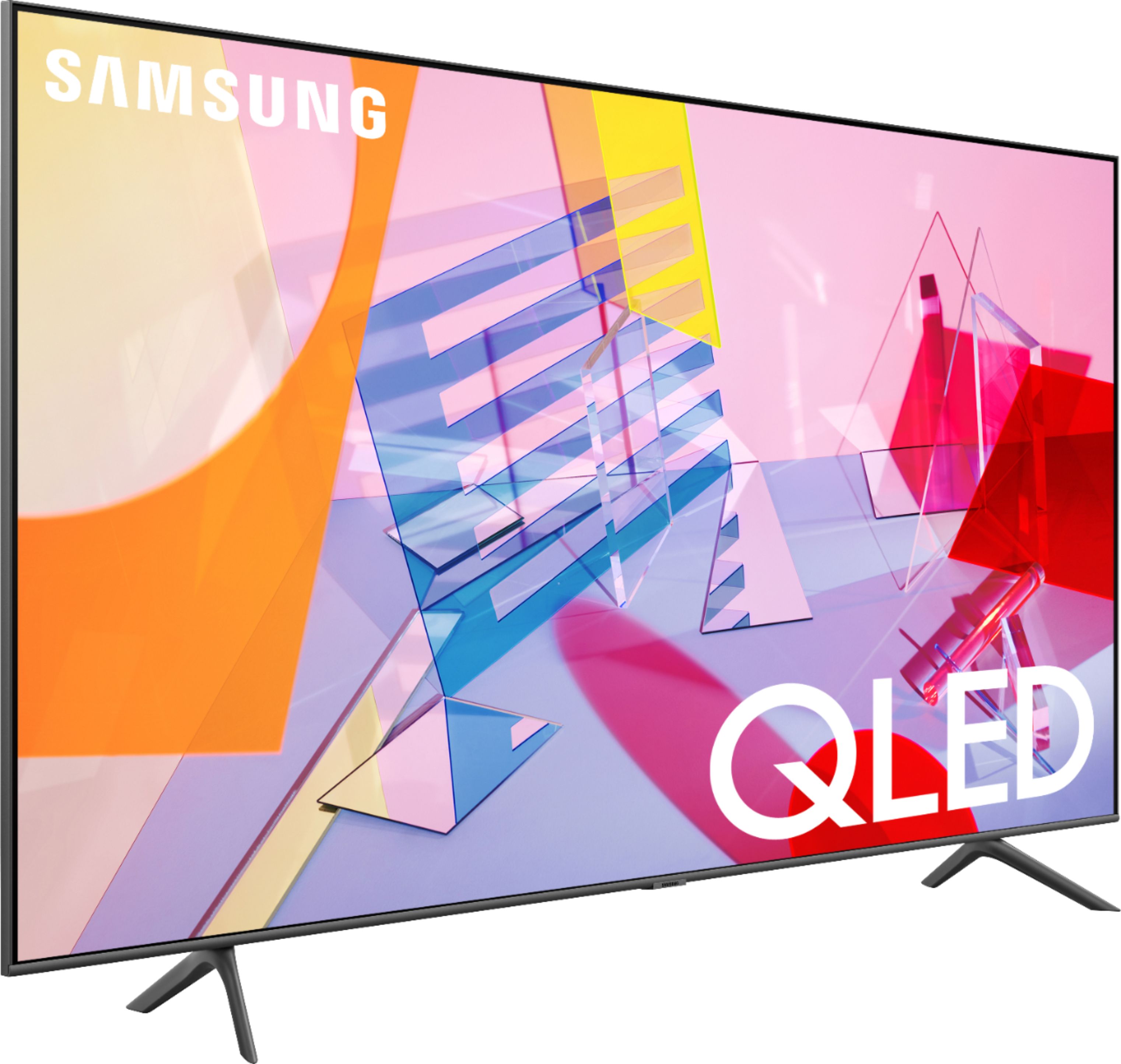
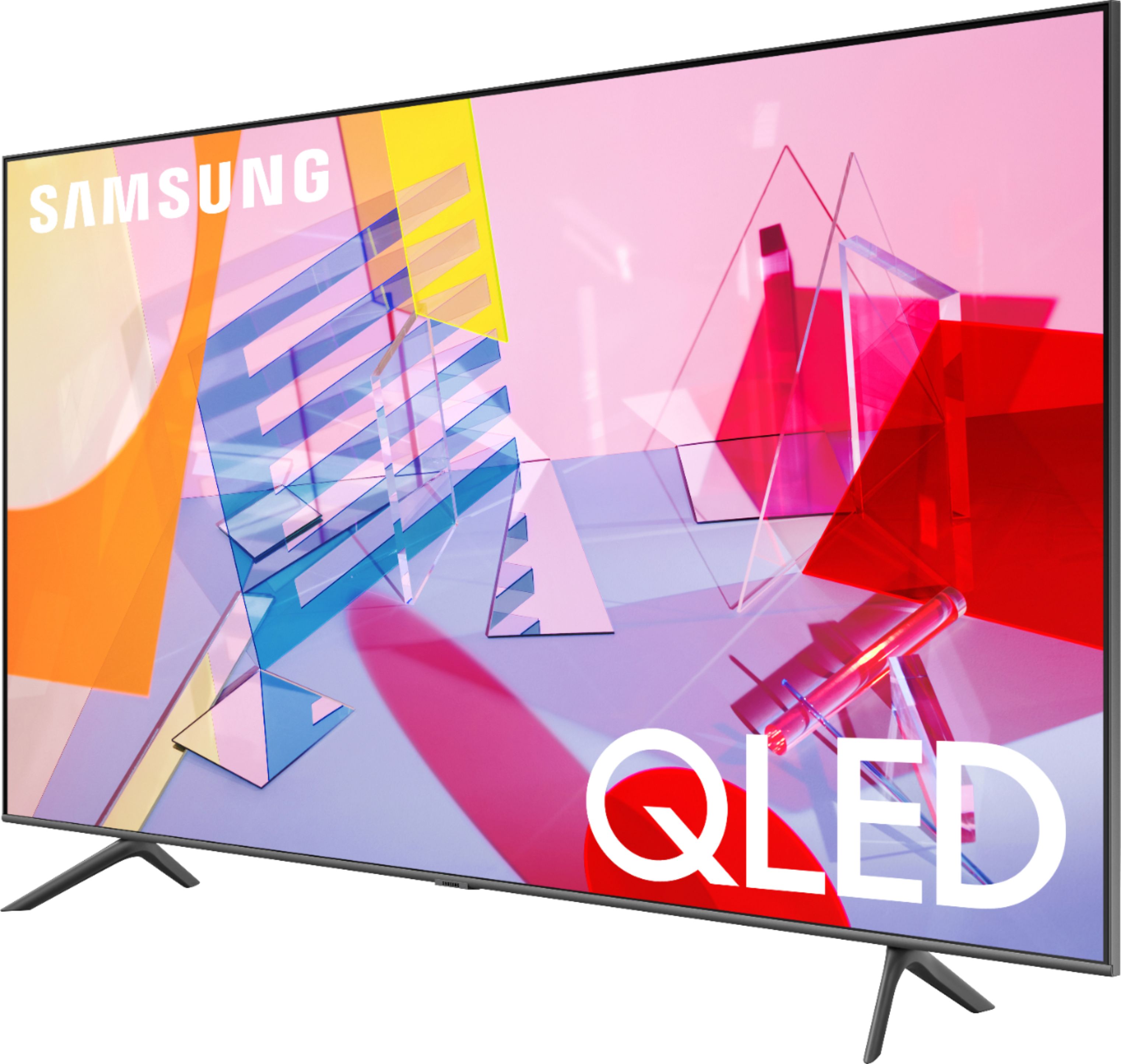







- Model:
- QN50Q60TAFXZA
- SKU:
- 6401758
Rating by feature
- Picture Quality
Rating 4.0 out of 5 stars
- Sound Quality
Rating 3.9 out of 5 stars
- Brightness
Rating 4.2 out of 5 stars
Customers are saying
Customers frequently mention the 50" Class Q60T Series QLED 4K UHD Smart Tizen TV's great picture quality, easy setup, and reasonable price. However, there are concerns about its durability, with reports of the TV stopping working or developing screen defects within a few years of purchase.
This summary was generated by AI based on customer reviews.
- Cons mentioned:Reliability
Samsung 50 Inch TV
||Posted . Owned for 1.5 years when reviewed.This reviewer received promo considerations or sweepstakes entry for writing a review.We bought this TV in February 2021 and in less than 1.5 years it turns itself on/off every five seconds. We read all the “fixes” online and not one worked. Absolutely the worst TV we ever purchased. We would never purchase another Samsung TV. Do not buy this TV.
No, I would not recommend this to a friend - Cons mentioned:Reliability
Disappointed
||Posted . Owned for 1.5 years when reviewed.This reviewer received promo considerations or sweepstakes entry for writing a review.I bought my Samsung TV in November 2020. After almost two years of use the TV will now not turn on. We have tried to unplug it and wait 3 min. and still it will not turn on. This is the first time I have a TV that does not work only after a couple of years...
No, I would not recommend this to a friend - Cons mentioned:Reliability
Samsung…never again!
||Posted . Owned for 1.5 years when reviewed.This reviewer received promo considerations or sweepstakes entry for writing a review.This television died less than 2 years after I bought it for $600. In addition, it would have cost $700 to fix it. I will NEVER buy Samsung again!
No, I would not recommend this to a friend Do not buy just don't.
||Posted . Owned for 11 months when reviewed.This reviewer received promo considerations or sweepstakes entry for writing a review.Do not buy. Loose sound and apps like Netflix stops working at all times. I've decided to hold on in my review on this tv, as you can see I been using it for almost a year and always giving me problems eversince. There is a feature that always bothering me and it's the useless ambient mode, I don't know why its even there. In conclusion this tv it's not worthy.
No, I would not recommend this to a friendBlack Friday deal ended up not to be a deal after
||Posted . Owned for less than 1 week when reviewed.This reviewer received promo considerations or sweepstakes entry for writing a review.I bought this TV on Black Friday. I had a Samsung so I wanted to go with it because I liked it. This TV is AWFUL not worth the money. My other Samsung from 6 years ago had better quality picture. I can't send it back because I destroyed the box and it is to difficult and heavy to bring it back to the store. Also it doesn't fit on the small tv console because it has the 2 feet too far apart from each other and I had to buy 3 wall mount before I realize the screws are too small even if it says "universal wall mount". You are forced to buy the wall mount from Best Buy but I refuse to buy it ($100) and I endup buying a new TV console even if it cost more. By the end the Black Friday deal costed me more than a regular price. I called Best Buy but they don't even put you on hold. They just said "Sorry we are too busy, call another day"
No, I would not recommend this to a friendBrand response from Samsung
Posted .Elena:
Thank you for sharing your review of the Samsung Q60T TV. I am very sorry that you were not completely happy with image quality and stand design.
Please know there are several image settings you can adjust to your liking such as Picture Mode and Expert Settings.
Choose a Picture Mode by going to Settings > Picture > Picture Mode and choose from Dynamic, Standard, Natural, Movie, or Filmmaker Mode.
You can further adjust your sharpness, brightness, contrast, color, and more by going to Settings > Picture > Expert Settings
If there is anything we can do to further assist and improve your user experience, please contact Samsung Customer Support.
1) Phone: 1-800-SAMSUNG (ask for TVs), available 8AM – 12AM EST 7 days a week
2) LiveChat: https://www.samsung.com/us/support/#contact_us_for_support
3) Facebook Messenger: https://www.facebook.com/samsungsupport
4) Twitter: https://twitter.com/SamsungSupport
5) The Samsung Members Community is also a great resource for getting help from Samsung moderators and customers: https://us.community.samsung.com
If you have not already done so, we invite you to register your new Samsung product at: https://www.samsung.com/us/account/signin/?redirect=https%3A%2F%2Fwww.samsung.com%2Fus%2Fsupport%2Fregister%2F
Registering your product gives you access to easy warranty support, convenient opt-in to special promos and offers, faster troubleshooting and service, and quick notification of system updates.
~ Samsung Solutions
Go to the Qled series
||Posted . Owned for 1.5 years when reviewed.This reviewer received promo considerations or sweepstakes entry for writing a review.It lasted almost 2 years. Got blacl lines going through the bottom of dcreen.
No, I would not recommend this to a friendDecent tv.
||Posted . Owned for 1 month when reviewed.This reviewer received promo considerations or sweepstakes entry for writing a review.Black levels are rough just like any edge lit LCD panel. Colors really pop. Above average color performance
I would recommend this to a friendBrand response from Samsung
Posted .Abingdon,
Thank you for your feedback.
Your Q60T QLED TV comes with several preset picture modes and many custom settings that can optimize image quality for your viewing scenario.
Go to HOME > SETTINGS > PICTURE > PICTURE MODE and choose:
1) Dynamic: Makes the picture brighter and clearer in bright viewing environments.
2) Standard: This is the default mode suitable for general viewing environments.
3) Natural: Reduces eye strain for a comfortable viewing experience.
4) Movie: Suitable for watching TV or movies in a dark room.
5) Filmmaker: Watch the source content (e.g., movie) as it is.
Here is a link to the downloadable eManual, where you can find a detailed guide to configuring advanced picture setting (pages 92-93):
https://downloadcenter.samsung.com/content/UM/202006/20200618112841534/NIKATSCT-3.0.7_EM_NIKE_USA_ENG_200527.0.pdf
Should you need further assistance with features or other product usage, please reach out to Samsung Support via any of the below options:
1) Phone: 1-800-SAMSUNG, available 8AM - 12AM EST (7 days a week)
2) LiveChat: https://www.samsung.com/us/support/#contact_us_for_support
3) Facebook Messenger: https://www.facebook.com/samsungsupport
4) Twitter: https://twitter.com/SamsungSupport
If you have not already done so, we invite you to register your new Samsung product at: https://www.samsung.com/us/account/signin/?redirect=https%3A%2F%2Fwww.samsung.com%2Fus%2Fsupport%2Fregister%2F
Registering your product gives you access to easy warranty support, convenient opt-in to special promos and offers, faster troubleshooting and service, and quick notification of system updates.
Again, thank you for bringing the issue to our attention – we greatly value your feedback and utilize your concerns and opinions towards delivering best-in-class service and products.
-Samsung Ambassador
Hard to maneuver to channels. Need cable install
||Posted . Owned for 3 weeks when reviewed.This reviewer received promo considerations or sweepstakes entry for writing a review.Hard to maneuver to channels. Need cable install. Remote is too small to read and not backlit.
No, I would not recommend this to a friendreview
||Posted .This reviewer received promo considerations or sweepstakes entry for writing a review.It was the only 17 inch laptop in the store. Would have preferred a different brand.
No, I would not recommend this to a friendBrand response from Samsung
Posted .parker:
You are leaving a review for the 2020 Samsung Q60T Series TV. From your description, I believe your review was intended for a 17” laptop.
Should you ever need a TV in the future, the Q60T would be an excellent choice. Information on entire lineup of TVs can be found at www.Samsung.com. Samsung Customer Support is available to answer any questions or concerns regarding our TV products.
1) Phone: 1-800-SAMSUNG (available 8AM -12AM EST, 7 days a week)
2) LiveChat: https://www.samsung.com/us/support/#contact_us_for_support
3) Facebook Messenger: https://www.facebook.com/samsungsupport
4) Twitter: https://twitter.com/SamsungSupport
5) The Samsung Members Community is also a great resource for getting help from Samsung moderators and customers: https://us.community.samsung.com
Thank you again for taking the time to share your thoughts. Your feedback helps us continuously deliver best-in-class products and service.
~ Samsung Solutions
An OK TV
||Posted . Owned for 1 month when reviewed.This reviewer received promo considerations or sweepstakes entry for writing a review.The size and style are nice, but the clarity of the picture isn't awesome.
I would recommend this to a friendUnreliable
||Posted . Owned for 2 weeks when reviewed.This reviewer received promo considerations or sweepstakes entry for writing a review.Approximately 40 hours if not more have been spent troubleshooting Hulu. On 4/23/2020 a call was placed to Best Buy and was told that the Geek Squad was unavailable for house calls. Was given the number to call Samsung and made contact with a rep who worked with my troubleshooter, during which time the TV was re-set and Hulu was restored and functioned properly. Today, 4/24/2020, the TV won't even turn on. It is obviously a lemon and will be returned. This experience has been a royal pain in the behind.
No, I would not recommend this to a friendBrand response from Samsung
Posted .Nell,
Thank you for your feedback.
I am very sorry for the issues you have encountered and understand your frustration. Your user experience is very important to us and will be shared with our teams.
Samsung is committed to providing the best possible product experience, quality, and value. We back this Samsung TV with a 1-year limited manufacturer's warranty, including authorized repair for manufacturer defect, if purchased brand-new directly from an authorized seller.
Please reach out to us again so that we can provide troubleshooting or begin warranty service.
You can contact our Customer Support toll-free at 1-800-SAMSUNG (ask for TVs) Available 8AM – 9PM EST (Mon-Fri)
Simply copy-paste this link into your browser to LiveChat with us: https://www.samsung.com/us/support/#contact_us_for_support
We are likewise reachable by Facebook Messenger at: https://www.facebook.com/samsungsupport
Or find us on Twitter at https://twitter.com/SamsungSupport
Again, my apologies for the inconvenience and disappointment you had.
We look forward to hearing from you and assisting you with satisfactory solutions.
- Samsung Ambassador
Customer
||Posted .This reviewer received promo considerations or sweepstakes entry for writing a review.Waited for help a long time. Should open up more cashiers during holidays
I would recommend this to a friendFox News
||Posted . Owned for 1 week when reviewed.This reviewer received promo considerations or sweepstakes entry for writing a review.It doesn't provide Closed Caption on FOX News live and some movies :(
No, I would not recommend this to a friendBrand response from Samsung
Posted .unsure:
When watching channels with the antenna cable connected, run Caption Settings: Settings > General > Accessibility > Caption Settings
Some channels may not have caption data.
When watching a channel on an external device such as set-top box and cable box, turn on the caption function on the device. For more information, contact your service provider.
If you have further questions regarding the function or usage of your TV, please contact Samsung Customer Support.
1) Phone: 1-800-SAMSUNG (ask for TVs), available 8AM – 12AM EST 7 days a week
2) LiveChat: https://www.samsung.com/us/support/#contact_us_for_support
3) Facebook Messenger: https://www.facebook.com/samsungsupport
4) Twitter: https://twitter.com/SamsungSupport
5) The Samsung Members Community is also a great resource for getting help from Samsung moderators and customers: https://us.community.samsung.com
If you have not already done so, we invite you to register your new Samsung product at: https://www.samsung.com/us/account/signin/?redirect=https%3A%2F%2Fwww.samsung.com%2Fus%2Fsupport%2Fregister%2F
Registering your product gives you access to easy warranty support, convenient opt-in to special promos and offers, faster troubleshooting and service, and quick notification of system updates.
~ Samsung Solutions
It was pretty but mine broke.
||Posted . Owned for more than 2 years when reviewed.This reviewer received promo considerations or sweepstakes entry for writing a review.I paid around $700 for it and left it unplugged for 2 months when I went out of country. When I came and plugged it in it had black lines on the display screen that went all across the screen when the tv was plugged in.
No, I would not recommend this to a friendNot worth the price
||Posted . Owned for less than 1 week when reviewed.This reviewer received promo considerations or sweepstakes entry for writing a review.Good looking tv but for the price I expected a way bigger difference between this model and the TU800. The color differences are subtle and you won’t notice unless you compare to a tv without QLED. If you really want better picture quality and more vibrant colors save up and buy an OLED.
No, I would not recommend this to a friend- Cons mentioned:Reliability
2 years life Expectancy
||Posted . Owned for more than 2 years when reviewed.This reviewer received promo considerations or sweepstakes entry for writing a review.Stop working after 2 years. Went to the other reviews and realized it is a pattern. Many people had the same problem. 2 years life expectancy on this product.
No, I would not recommend this to a friend My new Samsung only lasted 18 months
||Posted . Owned for 1.5 years when reviewed.This reviewer received promo considerations or sweepstakes entry for writing a review.This TV crashed & burned two days ago. Less than 2 years old. Too much money to spend for something that goes out that quick. We bought 4 TV's to put in our new house. I hope the other 3 last longer than this one did.
No, I would not recommend this to a friendGood tv
||Posted . Owned for 2 weeks when reviewed.This reviewer received promo considerations or sweepstakes entry for writing a review.Works great but I wish we would have e gotten the bigger one
I would recommend this to a friendDecent tv for the price
||Posted . Owned for 1 month when reviewed.This reviewer received promo considerations or sweepstakes entry for writing a review.Overall tv was okay for the price, the quality was average.
I would recommend this to a friendBrand response from Samsung
Posted .Faithful49,
Thank you for sharing your thoughts with us.
Our Q60T Series incorporates many of our premium features and technologies, all geared towards delivering the best in viewing enjoyment.
There are several settings you can adjust,such as Picture Mode and Expert Settings, to your liking.
Please see this guide for complete details:
https://www.samsung.com/us/support/answer/ANS00079295/
Our TV support team is always here to assist you with possible image and sound settings adjustments for an optimal experience.
1) Phone: 1-800-SAMSUNG (ask for TVs), available 8AM – 12AM EST 7 days a week
2) LiveChat: https://www.samsung.com/us/support/#contact_us_for_support
3) Facebook Messenger: https://www.facebook.com/samsungsupport
4) Twitter: https://twitter.com/SamsungSupport
5) The Samsung Members Community is also a great resource for getting help from Samsung moderators and customers: https://us.community.samsung.com
If you have not already done so, we invite you to register your new Samsung product at:
https://www.samsung.com/us/account/signin/?redirect=https%3A%2F%2Fwww.samsung.com%2Fus%2Fsupport%2Fregister%2F&user=dsr-registration
Registering your product gives you access to easy warranty support, convenient opt-in to special promos and offers, faster troubleshooting and service, and quick notification of system updates.
-Samsung Ambassador
- Pros mentioned:Picture quality
Screen of death - less then 2 yrs old!
||Posted . Owned for 1.5 years when reviewed.This reviewer received promo considerations or sweepstakes entry for writing a review.I owned this tv for just under 2 years it worked great 2 days ago and yesterday it wouldnt turn on, just flashed on and off and wont show a picture/sound.
No, I would not recommend this to a friend