Customer Ratings & Reviews
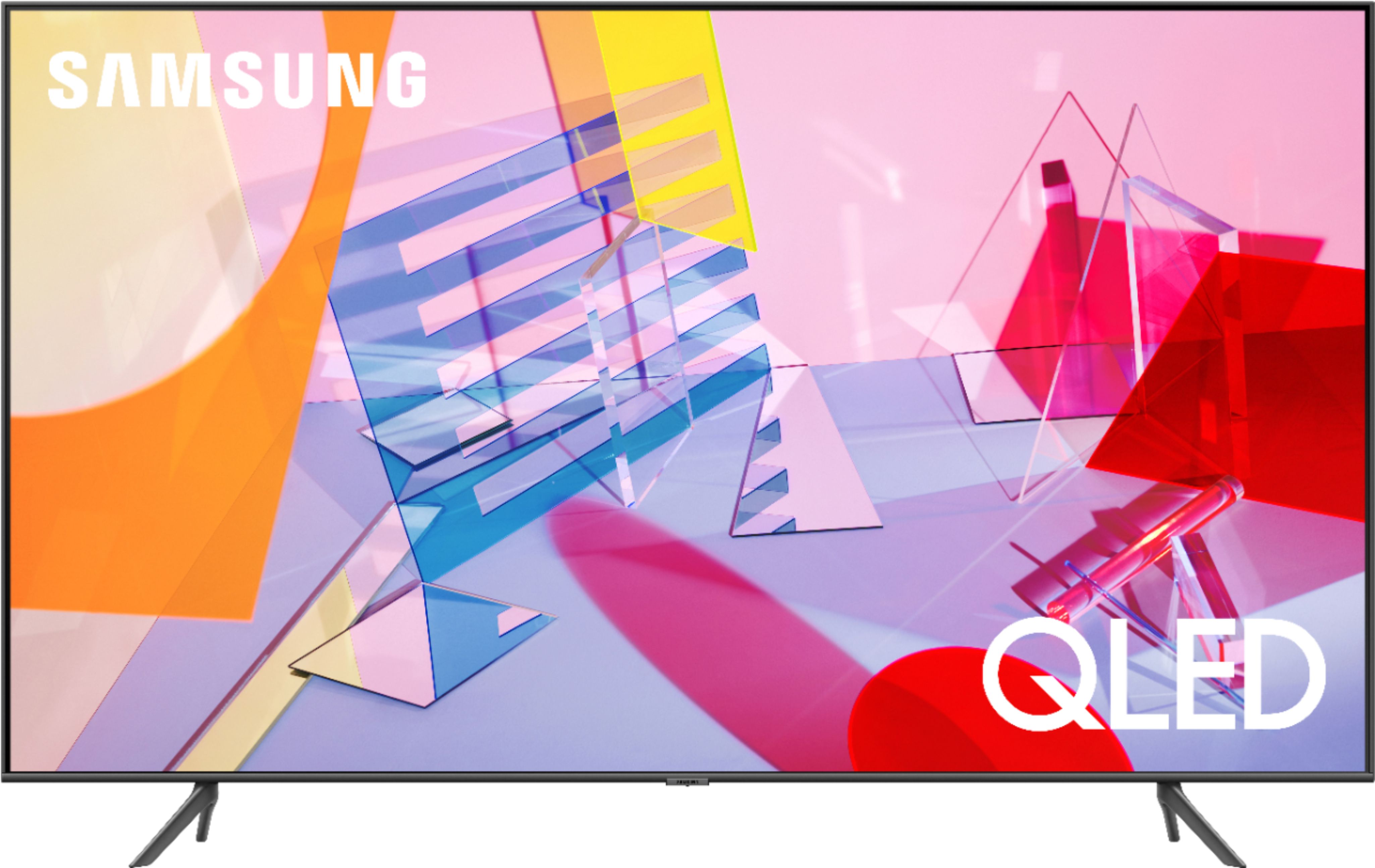
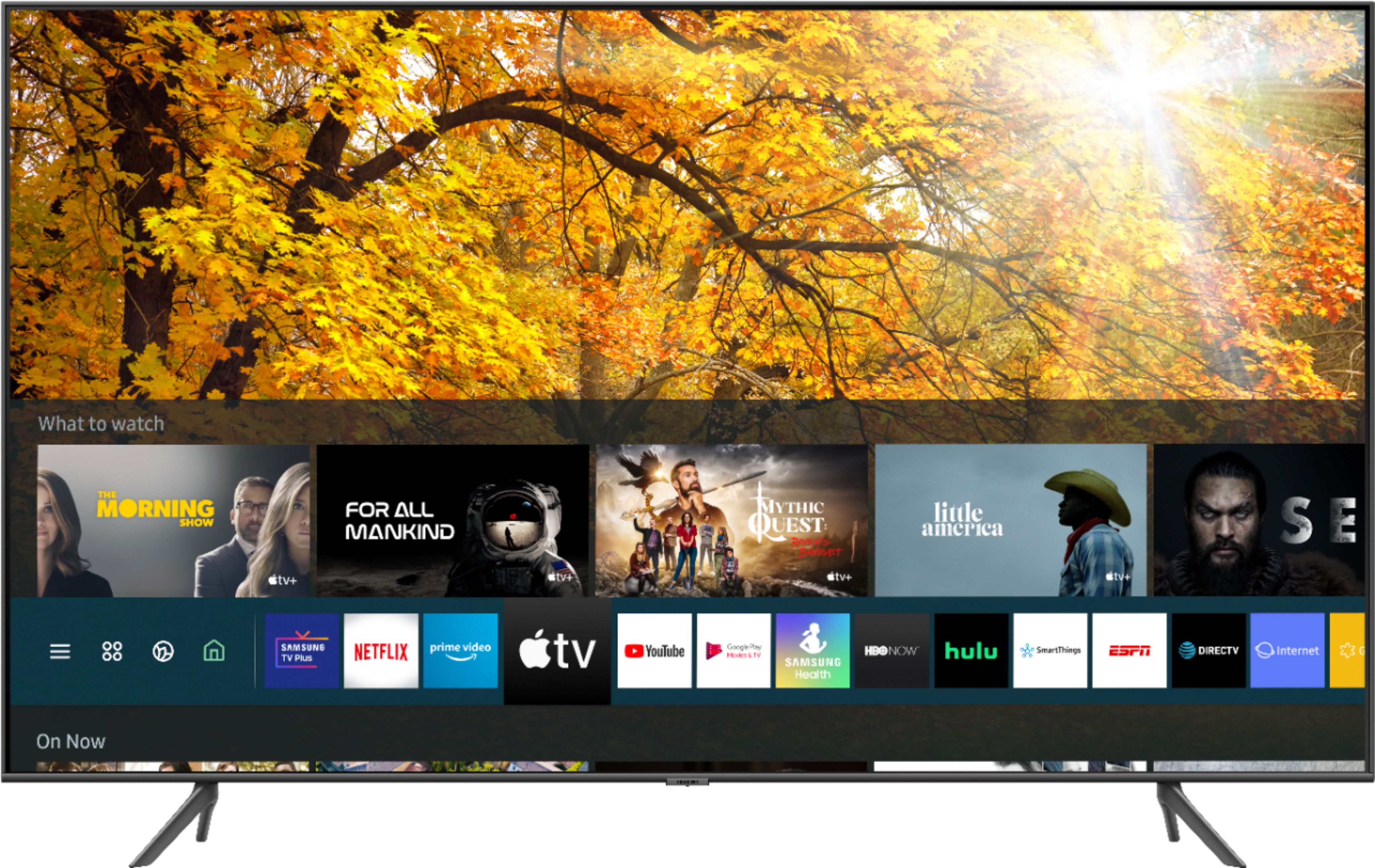
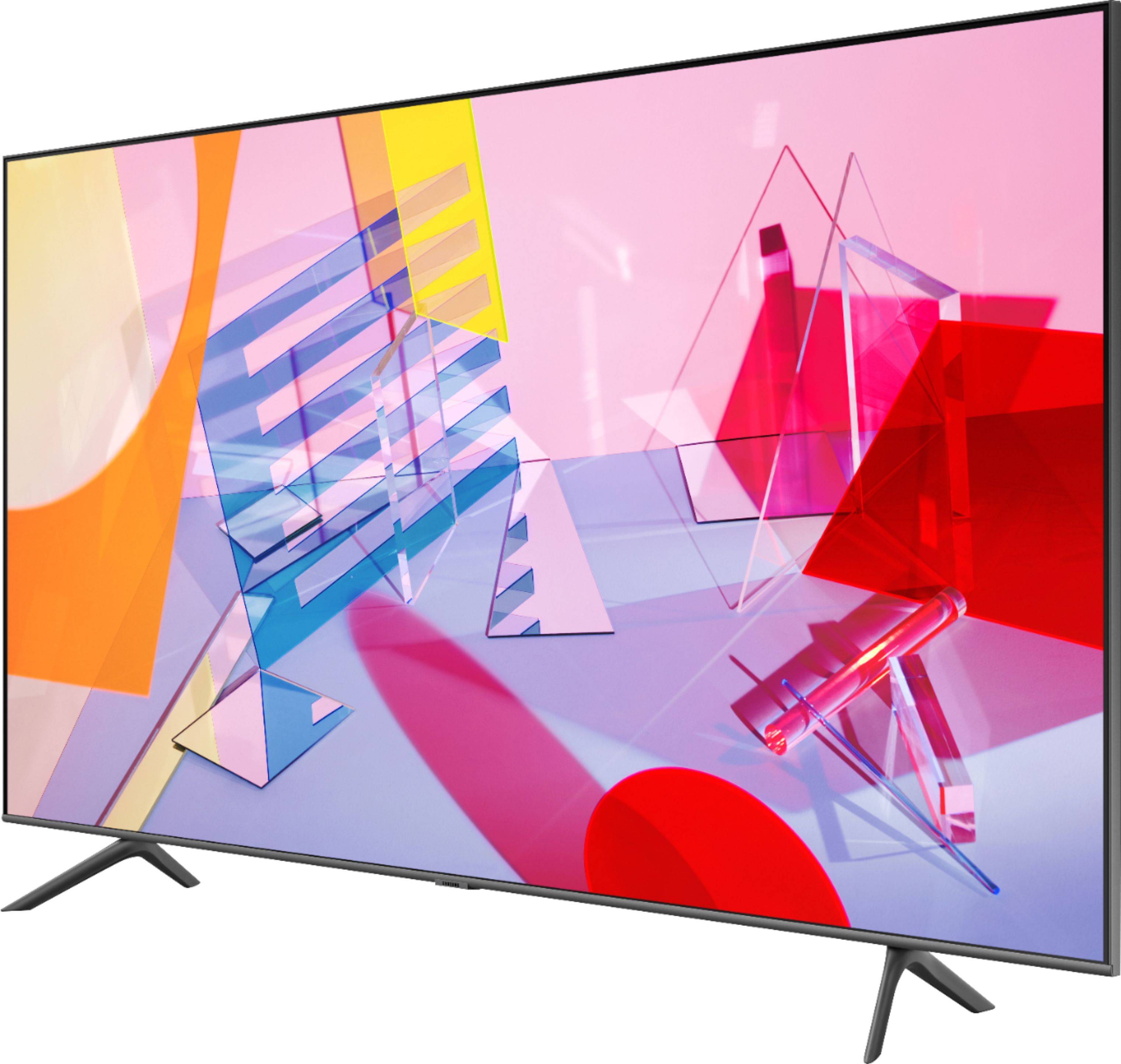
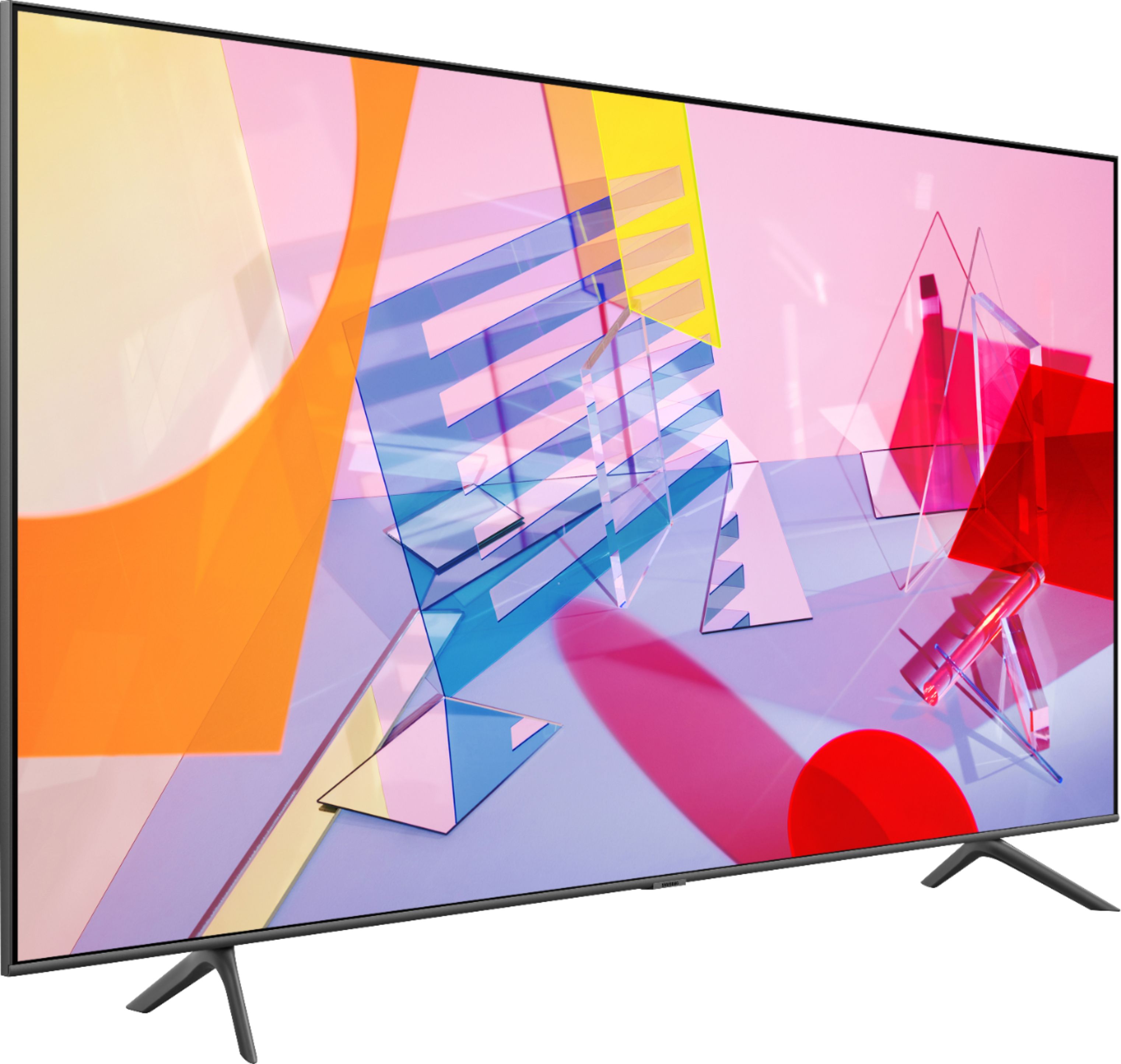

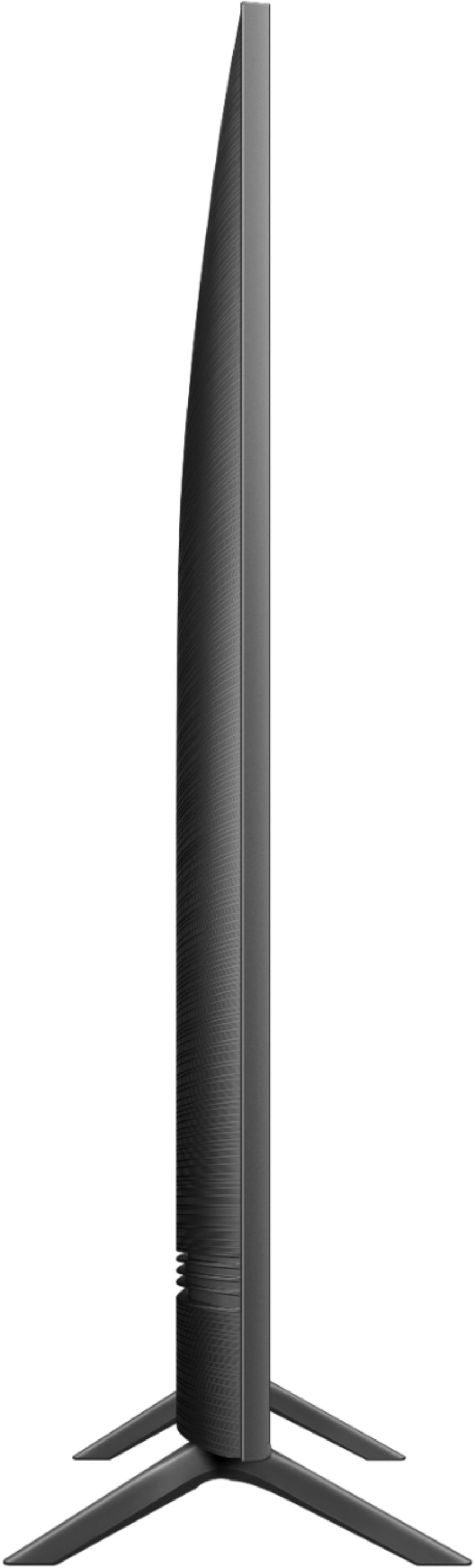
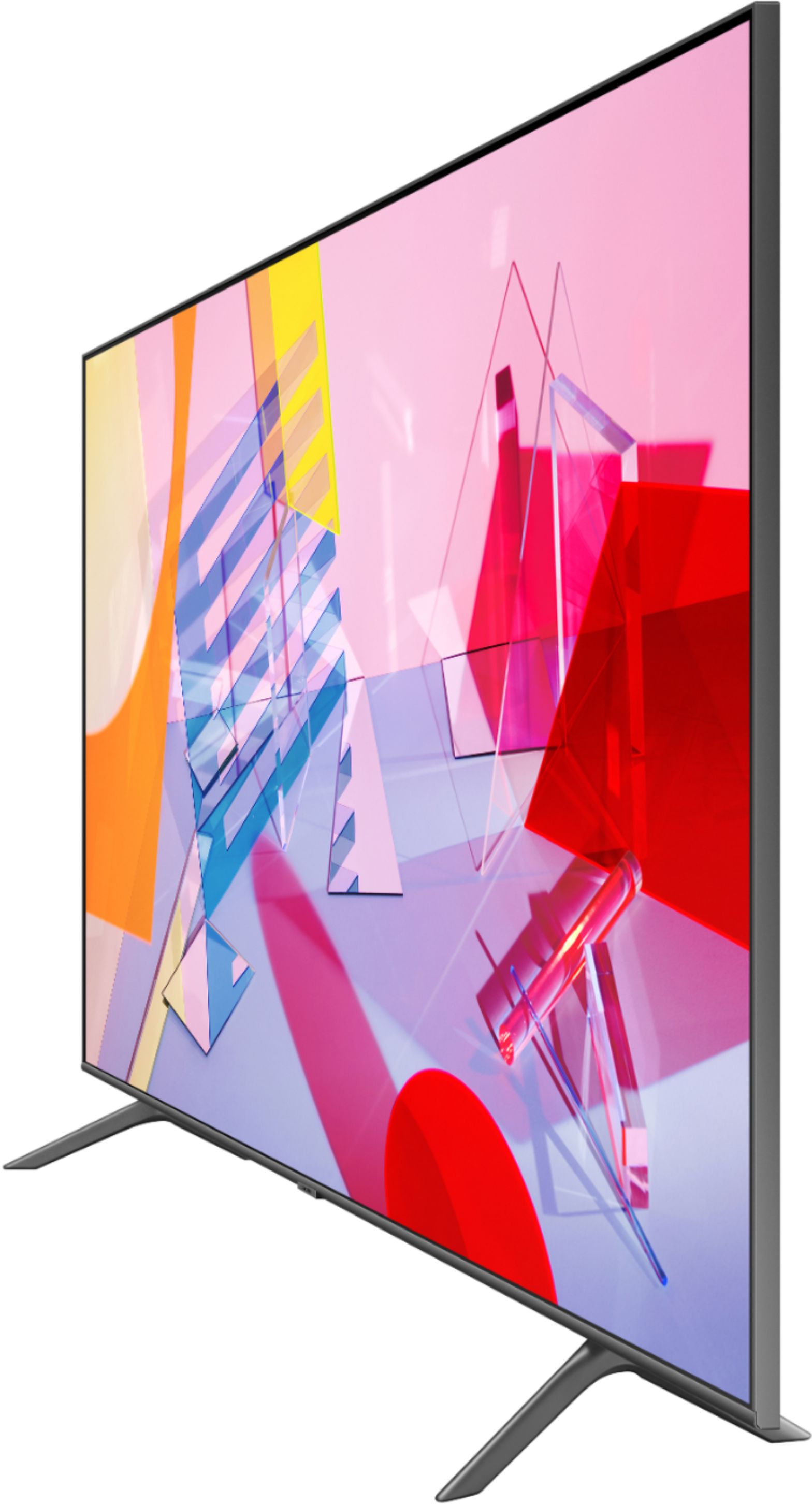


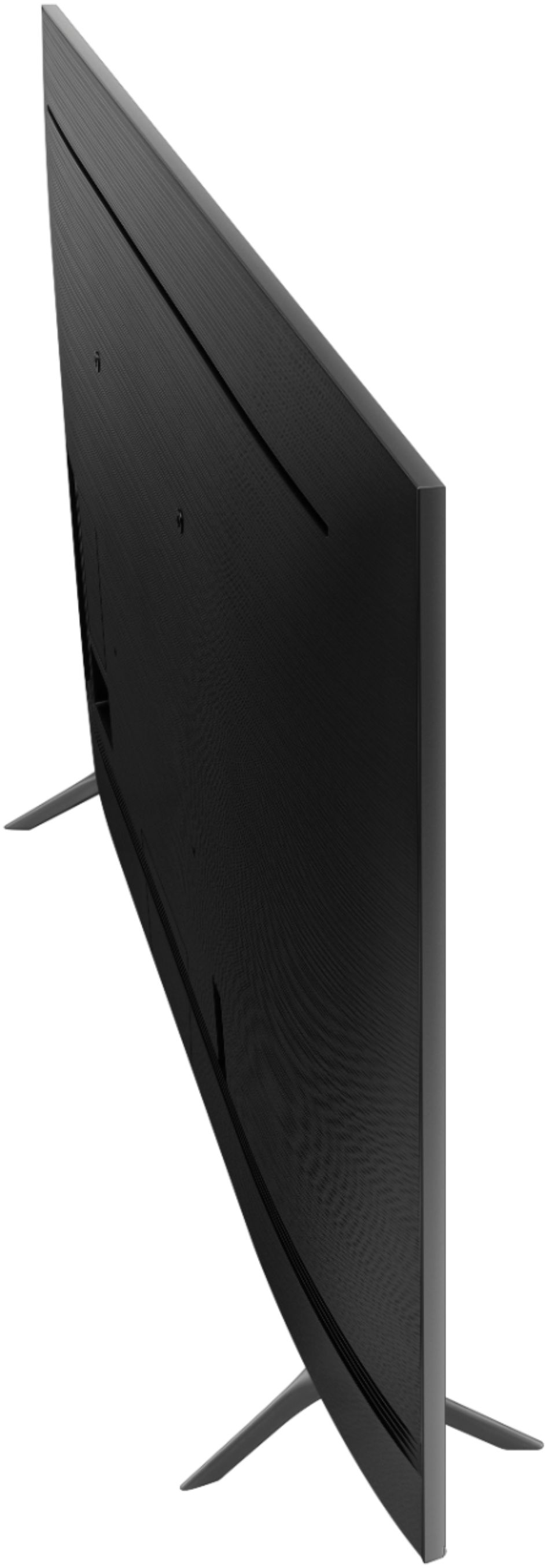
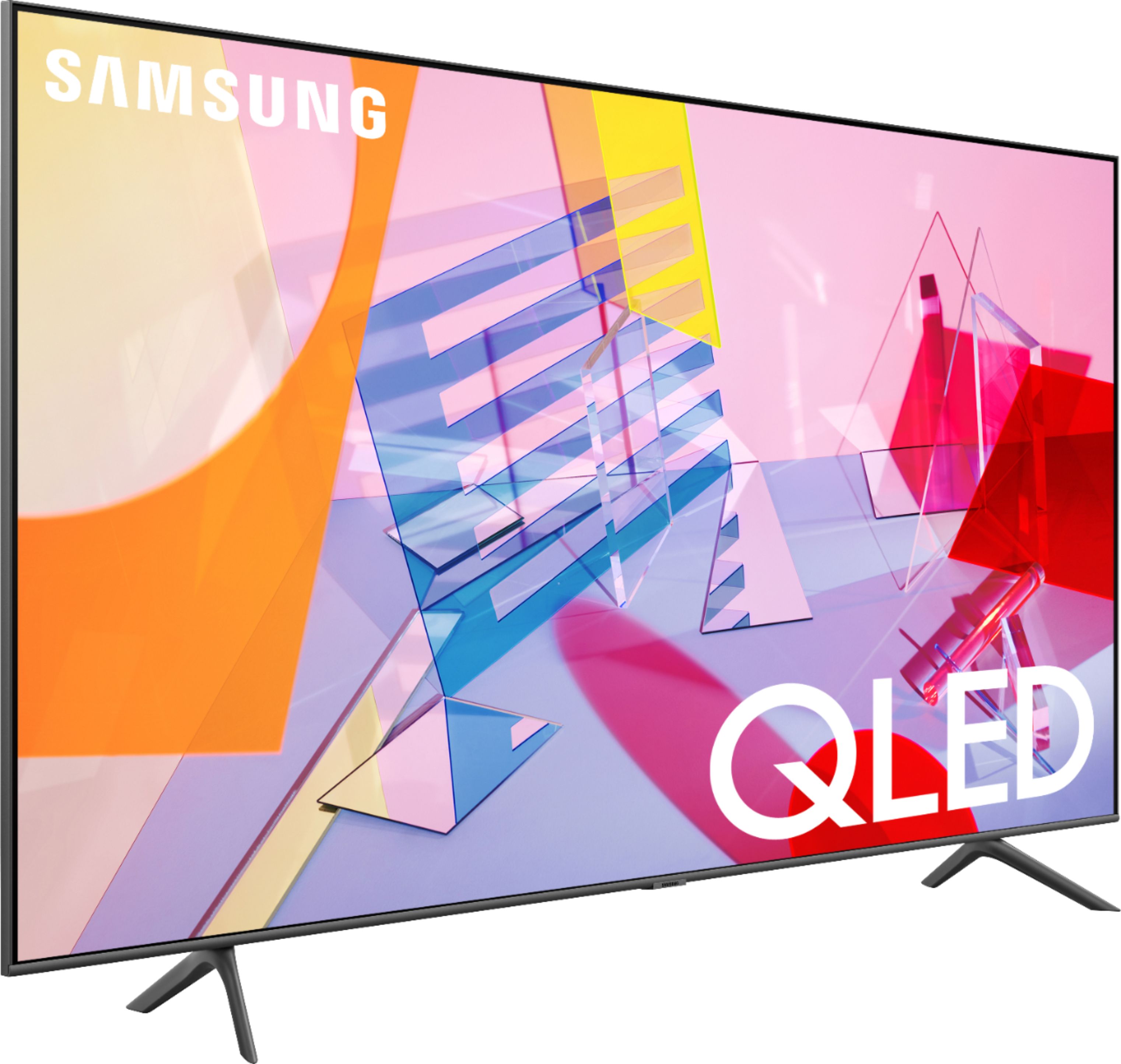
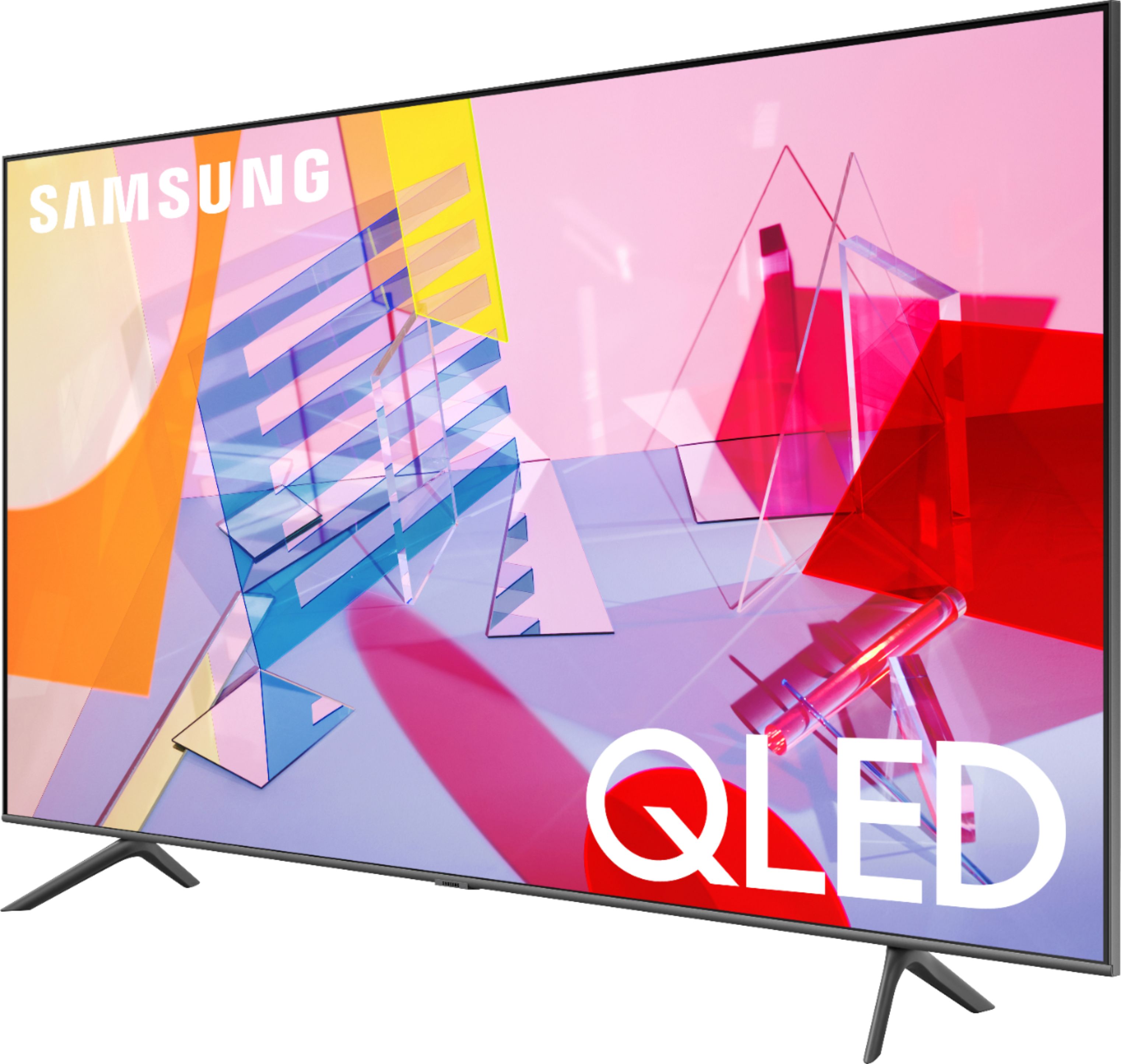
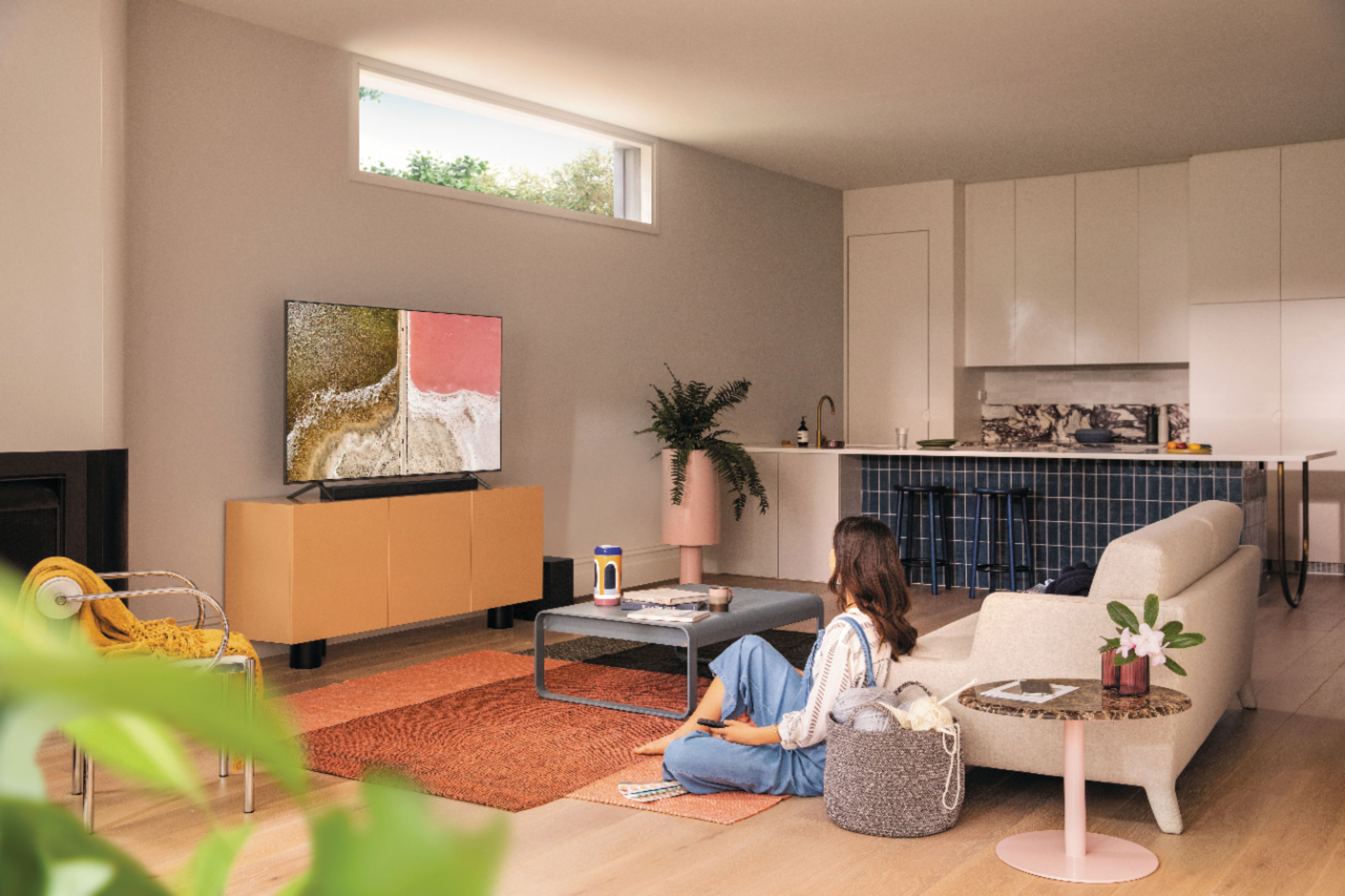
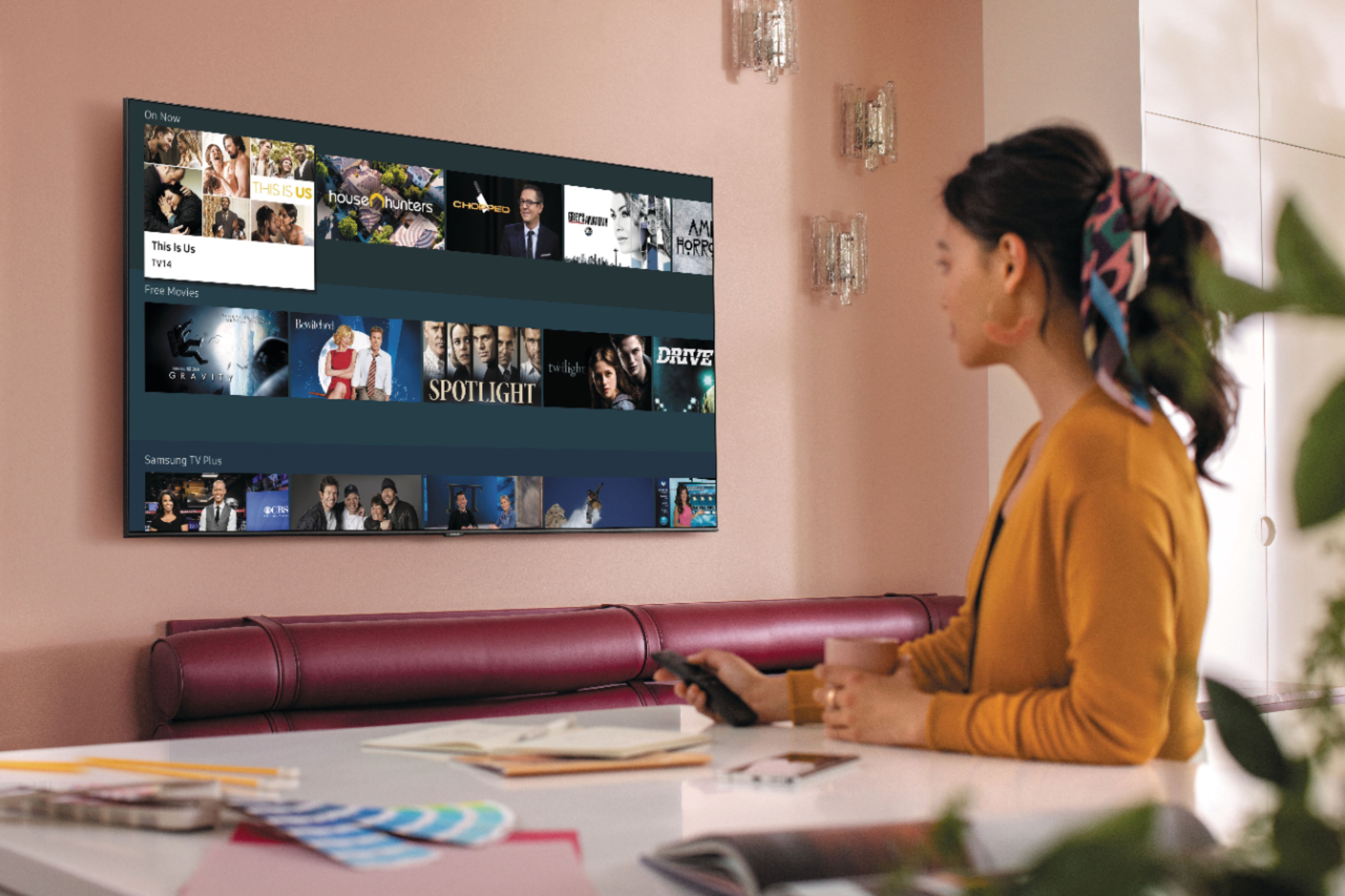
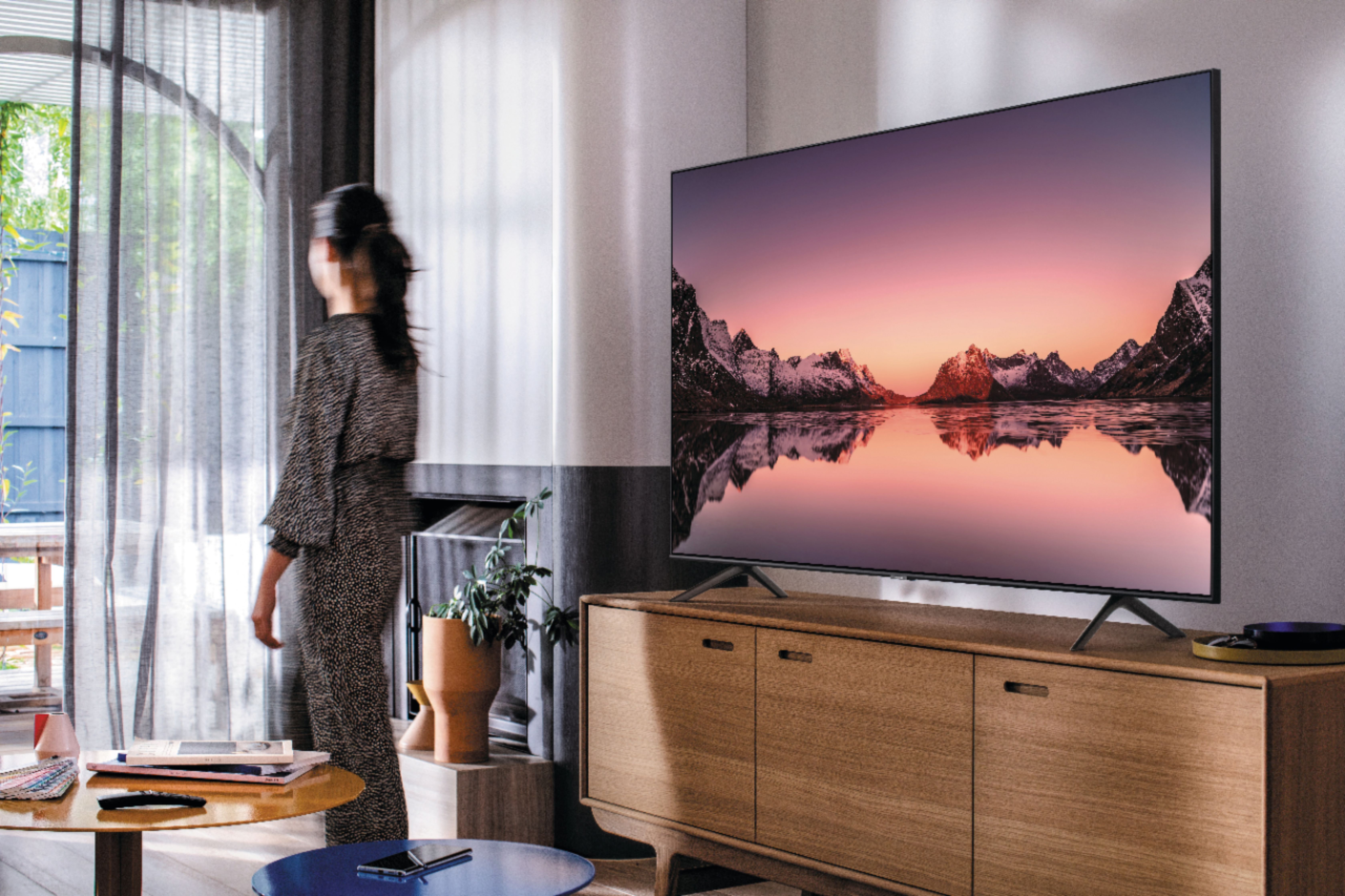
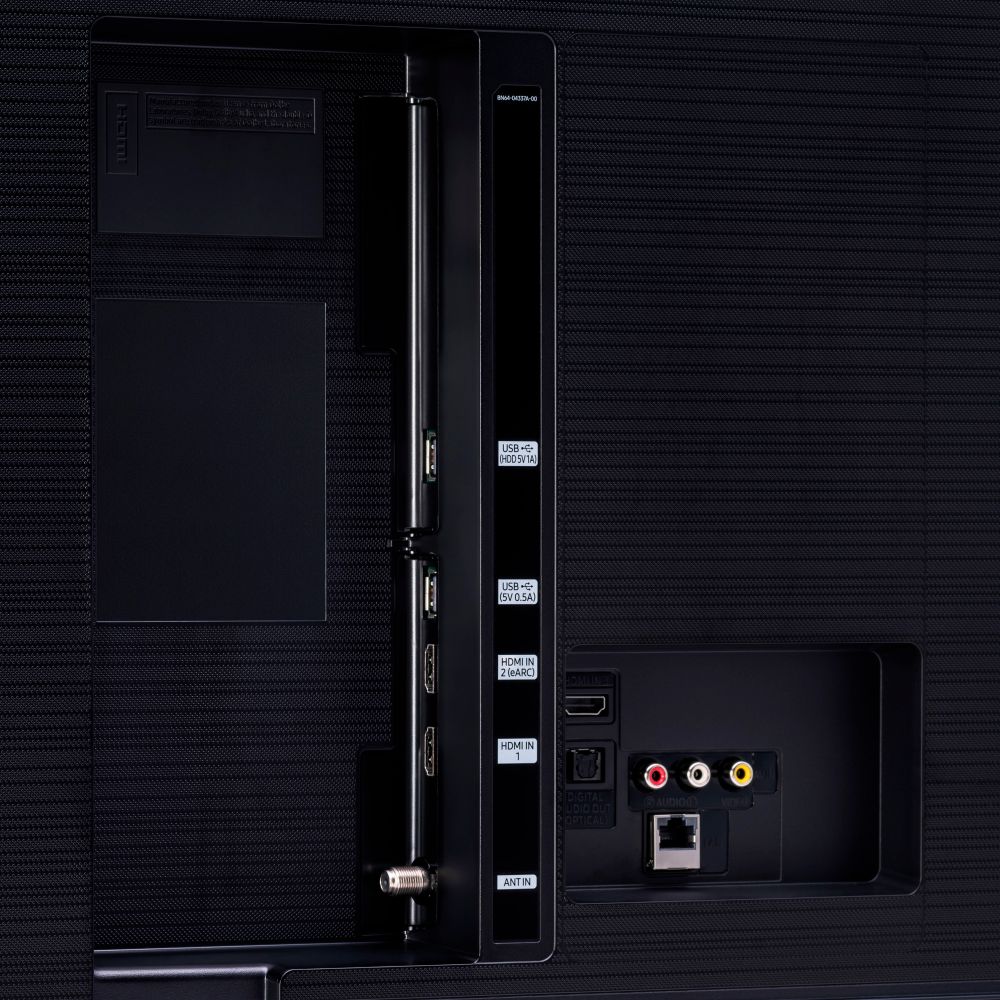







- Model:
- QN50Q60TAFXZA
- SKU:
- 6401758
Rating by feature
- Picture Quality
Rating 4.0 out of 5 stars
- Sound Quality
Rating 3.9 out of 5 stars
- Brightness
Rating 4.2 out of 5 stars
Customers are saying
Customers frequently mention the 50" Class Q60T Series QLED 4K UHD Smart Tizen TV's great picture quality, easy setup, and reasonable price. However, there are concerns about its durability, with reports of the TV stopping working or developing screen defects within a few years of purchase.
This summary was generated by AI based on customer reviews.
not samsung quality
||Posted .This reviewer received promo considerations or sweepstakes entry for writing a review.This is the worst samsung ever. I have an older samsung 1080 p and bought a 65 inch 4 k samsung last year and was shown Qled TVs lots of times in stores and really wanted one and got finally got the Qled to only be disappointed. the picture is not even HD quality at all. it is really bright and hurts my eyes. tried every picture setting and there is no way this TV is 4k or even HD. does not even seem like a samsung too. picture is not even clear using blue ray, direct tv or wifi. not worth over 200 and definitely not the price I paid. will turn it off and use my samsung from last year. the 7 series 4k is amazing Samsung but this tv is the worst picture ever for a Samsung. Best buy should not even sell this. maybe the dollar store should
No, I would not recommend this to a friendBrand response from Samsung
Posted .Wayward,
I am sorry to hear that you are not satisfied with your new Q60T QLED TV.
There are several preset picture modes and many custom settings that can optimize image quality to your viewing scenario.
Go to HOME > SETTINGS > PICTURE > PICTURE MODE and choose:
1) Dynamic: Makes the picture brighter and clearer in bright viewing environments.
2) Standard: This is the default mode suitable for general viewing environments.
3) Natural: Reduces eye strain for a comfortable viewing experience.
4) Movie: Suitable for watching TV or movies in a dark room.
5) Filmmaker: Watch the source content (e.g., movie) as it is.
In addition, the quality of the image on your screen depends on the source and the connection.
HDMI cables are recommended for optimal HD viewing; and when possible, 4K content will provide the best picture quality. The TV will upscale as best as possible any content sent to it. The closer the signal is to 4K, the better it will look coming out.
The quality of the streaming content depends largely on the speed of your internet, as most content providers have adaptive streaming that will automatically adjust the image quality based on the network bandwidth.
Please also give us the opportunity to assist you with image quality adjustments tailored to your preferred viewing experience. You can reach us via any of the following options:
1) Phone: 1-800-SAMSUNG (ask for TVs)
Available 8AM – 9PM EST (Mon-Fri)
2) LiveChat: https://www.samsung.com/us/support/#contact_us_for_support
3) Facebook Messenger: https://www.facebook.com/samsungsupport
4) Twitter: https://twitter.com/SamsungSupport
5) The Samsung Members Community is also a great resource for getting help from Samsung moderators and customers: https://us.community.samsung.com
If you have not already done so, we invite you to register your new Samsung product at: https://www.samsung.com/us/account/signin/?redirect=https%3A%2F%2Fwww.samsung.com%2Fus%2Fsupport%2Fregister%2F
Registering your product gives you access to easy warranty support, convenient opt-in to special promos and offers, faster troubleshooting and service, and quick notification of system updates.
We look forward to hearing from you and helping you with satisfactory solutions.
-Samsung Ambassador
Ok for starters
||Posted . Owned for 1 month when reviewed.This reviewer received promo considerations or sweepstakes entry for writing a review.It's ok wouldn't buy another one not what I expected
I would recommend this to a friendBrand response from Samsung
Posted .QueenPearl2,
Thank you for purchasing this Samsung Q60T QLED Smart TV and sharing your feedback.
Please do reach out to us should you have any questions, concerns, or need assistance.
You can contact Samsung TV Support toll-free at 1-800-SAMSUNG (ask for TVs).
Or by LiveChat. Please copy-paste this link into your browser: http://www.samsung.com/us/support/contact
We are likewise reachable by Facebook Messenger: https://www.facebook.com/samsungsupport
Or find us on Twitter: https://twitter.com/SamsungSupport
To optimize your product experience, we encourage you to register your new Samsung TV at: https://www.samsung.com/us/support/register/
The registration helps you gain access to easy warranty support, convenient opt-in to special promos and offers, faster troubleshooting and service, and quick notification of system updates.
Again, thank you for taking the time to share your thoughts. Your invaluable feedback helps us continuously deliver world-class products and services.
-Samsung Ambassador
Awesome picture
||Posted . Owned for 3 weeks when reviewed.This reviewer received promo considerations or sweepstakes entry for writing a review.I had to wait for at least 10 minutes before looking for someone to help me. Four people standing around talking pointed me to go up front to get help rather than getting help for me. Zero energy from your staff. The television I purchased is fine.
I would recommend this to a friend- Cons mentioned:Remote control
Get a Sony instead
||Posted . Owned for 1 month when reviewed.This reviewer received promo considerations or sweepstakes entry for writing a review.Horrible interface, apps are alll over the place, and the remote they gave me(got this open box so the original remote wasn’t included) was just a bad to use as the TV itself
No, I would not recommend this to a friend Not Long-Lasting
||Posted . Owned for 1.5 years when reviewed.This reviewer received promo considerations or sweepstakes entry for writing a review.TV was decent initially. Horizontal lines appear after less than a year of use. Warranty covered and fixed. One year later, horizontal lines return. No longer under warranty.
No, I would not recommend this to a friendTV Makes Annoying Wind Sound
||Posted . Owned for 1 month when reviewed.This reviewer received promo considerations or sweepstakes entry for writing a review.This was our 2nd 50" Samsung TV purchased - first one no problems. This particular style makes an annoying "worble" or noise like wind is blowing through the speakers. It happens in ambient mode, connected to cable provider, and streaming providers. Have started the warranty process with Samsung. This is also the second unit that made the noise, the first time we returned and exchanged for a new TV (mistake). Avoid the hassle and avoid this make/model TV.
No, I would not recommend this to a friendColors at time are terrible, faded, not sharp imag
||Posted . Owned for 3 weeks when reviewed.This reviewer received promo considerations or sweepstakes entry for writing a review.Had this TV about a month, Color is bad at times, blurry, faded weird colors on news at times, other times ok. Most of the time ok but enough to be very annoying. Would return but Inconvient where we live.
No, I would not recommend this to a friendBrand response from Samsung
Posted .Garden10,
Thank you for purchasing this Samsung Q60T QLED 4K TV and sharing your thoughts.
The TV will upscale as best as possible any content sent to it. The closer your content is to 4K, the better the image will look on the screen.
Here are some tips to help improve the picture clarity:
1. HDMI cables are recommended for optimal HD viewing.
2. If you have an analog cable box or satellite box, upgrade to a digital cable box or satellite box.
3. Change the output resolution of your devices, such as digital broadcast receiver, IPTV, and
set-top box to UHD or HD.
4. Adjust Sharpness and Clarity under Expert settings.
The TV will upscale as best as possible any content sent to it. The closer your content is to 4K, the better the image will look on the screen.
You can also find detailed guide to configuring advanced picture setting on pages 92-93 of this downloadable eManual:
https://downloadcenter.samsung.com/content/UM/202006/20200618112841534/NIKATSCT-3.0.7_EM_NIKE_USA_ENG_200527.0.pdf
I hope these tips help you enjoy better viewing experience on your TV.
Should the issue persists, please contact our Customer Support team via:
1) Phone: 1-800-SAMSUNG (ask for TVs), available 8AM – 12AM EST 7 days a week
2) LiveChat: https://www.samsung.com/us/support/#contact_us_for_support
3) Facebook Messenger: https://www.facebook.com/samsungsupport
4) Twitter: https://twitter.com/SamsungSupport
If you have not already done so, we invite you to register your new Samsung product at:
https://www.samsung.com/us/account/signin/?redirect=https%3A%2F%2Fwww.samsung.com%2Fus%2Fsupport%2Fregister%2F&user=dsr-registration
Registering your product gives you access to easy warranty support, convenient opt-in to special promos and offers, faster troubleshooting and service, and quick notification of system updates.
Again, thank you for taking the time to share your thoughts. Your feedback helps us continuously deliver best-in-class products and service.
-Samsung Ambassador
Missing remote control
||Posted . Owned for 1 month when reviewed.This reviewer received promo considerations or sweepstakes entry for writing a review.It was to small. It was missing the remote control. I ordered it online and came to do curbside pickup we got it home put the TV together plug to Dan and realised that it was missing remote control.
I would recommend this to a friendBrand response from Samsung
Posted .SAMSUNG:
Thank you for purchasing the Samsung Q60T TV. The remote is bundled and boxed with the TV at the factory. If your TV was new and unopened, please contact Samsung Customer Support for assistance. Otherwise, I would recommend contacting your local Best Buy for assistance. I hope your issue is resolved quickly.
Should you ever need assistance or have questions about using your TV, please know we are here to help. You can reach Samsung Support at:
1) Phone: 1-800-SAMSUNG (ask for TVs), available 8AM – 12AM EST 7 days a week
2) LiveChat: https://www.samsung.com/us/support/#contact_us_for_support
3) Facebook Messenger: https://www.facebook.com/samsungsupport
4) Twitter: https://twitter.com/SamsungSupport
5) The Samsung Members Community is also a great resource for getting help from Samsung moderators and customers: https://us.community.samsung.com
If you have not already done so, we invite you to register your new Samsung product at: https://www.samsung.com/us/account/signin/?redirect=https%3A%2F%2Fwww.samsung.com%2Fus%2Fsupport%2Fregister%2F
Registering your product gives you access to easy warranty support, convenient opt-in to special promos and offers, faster troubleshooting and service, and quick notification of system updates.
~ Samsung Solutions
Disappointed and bitter
||Posted . Owned for 1.5 years when reviewed.This reviewer received promo considerations or sweepstakes entry for writing a review.This is the worst TV I've ever had. I purchased it less than 2 years ago and use it only occasionally as it's in my second home where I rarely am. I've probably watched a total of 150 hours on the TV and it does not work...turns on and then immediately turns off. Do not buy this TV
No, I would not recommend this to a friendStopped working after 2 years
||Posted . Owned for more than 2 years when reviewed.This reviewer received promo considerations or sweepstakes entry for writing a review.I’ve had Samsung TVs in the past which are working for 10+ years and this one started powercycling (on for few seconds then off for 10 seconds, basically unusable) last even after less than 2 years. Samsung support said it’s out of warranty and I need to pay whatever it costs to get it fixed. Super lame. Don’t buy this TV and if you buy any Samsung TVs make sure to buy extended warranty which I made the mistake of not buying :-/
No, I would not recommend this to a friendDon’t buy
||Posted . Owned for 1 month when reviewed.This reviewer received promo considerations or sweepstakes entry for writing a review.Wish I never bought this tv .. to dark the picture is not good .. I suggest you pay the few extra bucks and get something better the picture quality is just not good at all
No, I would not recommend this to a friendBrand response from Samsung
Posted .Chris:
Thank you for purchasing the Q60T TV and for your review. I am sorry to hear that you are not happy with the brightness levels of your picture. You can try Dynamic Picture Mode, or manually adjust the Brightness settings to your liking.
Dynamic Picture Mode will make pictures brighter and clearer in bright viewing environments. Go to: Settings > Picture > Picture Mode > Dynamic
Or manually adjust the Brightness and other settings to your liking. Press the HOME button on your remote, then navigate to: Settings > Picture > Expert Settings
You may also want to disable Power Saving Mode which automatically adjusts the brightness to reduce the TV’s power consumption.
Go to Settings> General> Eco Solution> Power Saving Mode.
Ambient Light Detection will also automatically adjust the brightness level of the TV, according to the ambient light level, to reduce power consumption. If Ambient Light Detection has adjusted the screen brightness to a too bright or dark level, you can select Minimum Brightness to manually adjust the minimum screen brightness.
Go to Settings> General> Eco Solution> Ambient Light Detection
Please also be sure you are running the latest firmware. You can check to see what software version your TV is using and if there is an available update through the settings on your TV. Go to: Settings>Support>Software Update.
You may want to enable automatic updates for convenience. Select Settings > Support > Software Update, then select Auto Update.
I hope this helps to improve your picture. Should you need further assistance, please contact Samsung Customer Support.
1) Phone: 1-800-SAMSUNG (ask for TVs), available 8AM – 12AM EST 7 days a week
2) LiveChat: https://www.samsung.com/us/support/#contact_us_for_support
3) Facebook Messenger: https://www.facebook.com/samsungsupport
4) Twitter: https://twitter.com/SamsungSupport
5) The Samsung Members Community is also a great resource for getting help from Samsung moderators and customers: https://us.community.samsung.com
If you have not already done so, we invite you to register your new Samsung product at: https://www.samsung.com/us/account/signin/?redirect=https%3A%2F%2Fwww.samsung.com%2Fus%2Fsupport%2Fregister%2F
Registering your product gives you access to easy warranty support, convenient opt-in to special promos and offers, faster troubleshooting and service, and quick notification of system updates.
~ Samsung Solutions
Christmas2020
||Posted .This reviewer received promo considerations or sweepstakes entry for writing a review.TV arrived in a beat up box. After unpacking the tv noticed two chips on the casing. Tv works great, but disappointed in the set’s condition. Will not order on line again.
I would recommend this to a friendBrand response from Samsung
Posted .Christmasgift:
Thank you for purchasing the Samsung Q60T TV. I am sorry you had a poor delivery experience and received a damaged unit. We recommend you contact Best Buy directly for assistance in correcting this situation. We hope your issue is resolved in a timely manner.
To address any delivery concerns, you may want to share delivery feedback directly with BestBuy.
Should you have questions or concerns regarding the usage or setup of your TV once you have your replacement, please contact Samsung Customer Support.
1) Phone: 1-800-SAMSUNG (ask for TVs), available 8AM – 12AM EST 7 days a week
2) LiveChat: https://www.samsung.com/us/support/#contact_us_for_support
3) Facebook Messenger: https://www.facebook.com/samsungsupport
4) Twitter: https://twitter.com/SamsungSupport
5) The Samsung Members Community is also a great resource for getting help from Samsung moderators and customers: https://us.community.samsung.com
If you have not already done so, we invite you to register your new Samsung product at: https://www.samsung.com/us/account/signin/?redirect=https%3A%2F%2Fwww.samsung.com%2Fus%2Fsupport%2Fregister%2F
Registering your product gives you access to easy warranty support, convenient opt-in to special promos and offers, faster troubleshooting and service, and quick notification of system updates.
~ Samsung Solutions
Titan OS is slow
||Posted . Owned for less than 1 week when reviewed.This reviewer received promo considerations or sweepstakes entry for writing a review.I returned this TV after struggling with the slow, busy screen, Titan OS and the inability to edit the main menu app list. I attempted to get support and given instructions that didn't work and was then left on chat hold for over an hour at which time I returned the TV and purchased a Sony with the Android OS. This was easy to setup and much more responsive. If you use an Android phone, I recommend getting a TV with the Android OS. The learning curve and comparability will be much better.
No, I would not recommend this to a friendBrand response from Samsung
Posted .Robert,
I am very sorry to see that you were not happy with the Smart TV platform and did not receive helps from Live Chat service.
Please know that Samsung is committed to providing the best possible product experience, quality, and value, and your feedback will be shared with our product and customer care teams.
Should you ever decide to give Samsung TVs another try and have questions or need assistance with settings, setup, or features, please know we are always here to help.
You can contact our Customer Support toll-free at 1-800-SAMSUNG (ask for TVs) Available 8AM – 12PM EST, 7 days a week
Again, my sincerest apologies. We hope to regain you as a customer in the future.
-Samsung Ambassador
Not very impressive
||Posted . Owned for 1 month when reviewed.This reviewer received promo considerations or sweepstakes entry for writing a review.For the money this TV is not great, you can find the same quality on other models for less money. Return the TV for a Q70 65 inches and worth the money.
No, I would not recommend this to a friendBrand response from Samsung
Posted .Robert1969,
Thank you for sharing your review. I am very sorry that your experience with this TV was less than perfect, and I completely understand your disappointment.
Our Q60T Series incorporates many of our premium features and technologies, all geared towards delivering the best in viewing enjoyment. It is possible that your particular set was either defective or required adjustments in settings. Nonetheless, I do sincerely apologize for the let-down.
Should you have questions or need help with your new Q70 TV, please know that we are always here for you.
You can contact us via:
1) Phone: 1-800-SAMSUNG, available 8AM - 12AM EST 7 fays a week
2) LiveChat: https://www.samsung.com/us/support/#contact_us_for_support
3) Facebook Messenger: https://www.facebook.com/samsungsupport
4) Twitter: https://twitter.com/SamsungSupport
5) The Samsung Members Community is also a great resource for getting help from Samsung moderators and customers: https://us.community.samsung.com/t5/Get-Help/ct-p/get-help
-Samsung Ambassador
TV
||Posted . Owned for 1.5 years when reviewed.This reviewer received promo considerations or sweepstakes entry for writing a review.Not what I expect. The Tizen has a slow response time. I wish I would had took it back during the pandemic.
No, I would not recommend this to a friend- Cons mentioned:Reliability
Broke within 2 years
||Posted . Owned for 1.5 years when reviewed.This reviewer received promo considerations or sweepstakes entry for writing a review.Broke in less than two years. Very disappointing for a higher end tv.
No, I would not recommend this to a friend No idea
||Posted . Owned for 3 weeks when reviewed.This reviewer received promo considerations or sweepstakes entry for writing a review.Haven’t used it. Your geek squad is unavailable to help me install it. I literally can’t lift it. Currently looking for handyman help.
No, I would not recommend this to a friendBrand response from Samsung
Posted .Sderyijhfsrgjk,
Thank you for your review on this Samsung Q60T QLED 4K Smart TV.
I am sorry you had issues with the installation service. Your feedback is important to us and we will document your concerns.
If you ever need assistance with the TV itself, please reach out to Samsung Customer Support.
You can contact our Customer Support toll-free at 1-800-SAMSUNG (ask for TVs) Available 8AM – 12AM EST 7 days a week
Simply copy-paste this link into your browser for LiveChat: https://www.samsung.com/us/support/#contact_us_for_support
We are likewise reachable by Facebook Messenger at: https://www.facebook.com/samsungsupport
Or find us on Twitter at https://twitter.com/SamsungSupport
- Samsung Ambassador
- Cons mentioned:Reliability
Samsung Q60T
||Posted .This reviewer received promo considerations or sweepstakes entry for writing a review.Product had an error where it cycled off continuously lasted 2yrs
No, I would not recommend this to a friend The WIFI fails every 15 minutes.
||Posted . Owned for 1 month when reviewed.This reviewer received promo considerations or sweepstakes entry for writing a review.The WIFI fails every 15 minutes. Do not buy this TV if you plan to use the WIFI connection to your router or to the internet or plan to screen share with your tablet or phone. It's a known Samsung issue that they cannot or will not fix. Run away from this product
No, I would not recommend this to a friendBrand response from Samsung
Posted .BESmith:
Thank you for purchasing the Q60T TV and for your review. I am very sorry that you are experiencing WiFi connection issues.
You may want to go through these steps to check your network connection:
1) Check the distance between the TV and your modem or access point. The distance should not exceed 50 ft. (15.2 m).
2) Minimize interference by not using or turning off wireless devices. Also, verify that there are no obstacles between the TV and the modem or access point. (WiFi strength can be decreased by appliances, cordless phones, stone walls/fireplaces, etc.)
3) Perform a network test to check if there is a network problem.
Press the Home button on your remote. Navigate to Settings > Support > Device Care > Self Diagnosis> Smart Hub Connection Test
For further assistance or service, please contact us via any of the following options:
1) Phone: 1-800-SAMSUNG (ask for TVs), available 8AM – 12AM EST 7 days a week
2) LiveChat: https://www.samsung.com/us/support/#contact_us_for_support
3) Facebook Messenger: https://www.facebook.com/samsungsupport
4) Twitter: https://twitter.com/SamsungSupport
5) The Samsung Members Community is also a great resource for getting help from Samsung moderators and customers: https://us.community.samsung.com
If you have not already done so, we invite you to register your new Samsung product at: https://www.samsung.com/us/account/signin/?redirect=https%3A%2F%2Fwww.samsung.com%2Fus%2Fsupport%2Fregister%2F
Registering your product gives you access to easy warranty support, convenient opt-in to special promos and offers, faster troubleshooting and service, and quick notification of system updates.
~ Samsung Solutions
Joke
||Posted .This reviewer received promo considerations or sweepstakes entry for writing a review.Best Buy will be out of business by 2023. Bring back circuit city. Must hire people who have no education or tech experience. Every person I dealt with somehow messed up a part of every aspect to delivery or installation. How that happens when it’s all on a computer is baffling and so unprofessional. Best Buy is pathetic and I will never recommend shopping there to anyone ever
No, I would not recommend this to a friendBrand response from Samsung
Posted .Nolongeracustomer:
Thank you for purchasing the Samsung Q60T QLED TV and sharing your review. I am sorry to hear of your poor purchase experience. You may want to consider providing feedback directly to the Best Buy store where you made your purchase.
If you should ever have questions on setup, features or operation, Samsung is ready to help you with enjoying your new TV. You can reach Samsung Support at:
1) Phone: 1-800-SAMSUNG (ask for TVs), available 8AM – 12AM EST 7 days a week
2) LiveChat: https://www.samsung.com/us/support/#contact_us_for_support
3) Facebook Messenger: https://www.facebook.com/samsungsupport
4) Twitter: https://twitter.com/SamsungSupport
5) The Samsung Members Community is also a great resource for getting help from Samsung moderators and customers: https://us.community.samsung.com
If you have not already done so, we invite you to register your new Samsung product at: https://www.samsung.com/us/account/signin/?redirect=https%3A%2F%2Fwww.samsung.com%2Fus%2Fsupport%2Fregister%2F
Registering your product gives you access to easy warranty support, convenient opt-in to special promos and offers, faster troubleshooting and service, and quick notification of system updates.
~ Samsung Solutions