Customer Ratings & Reviews
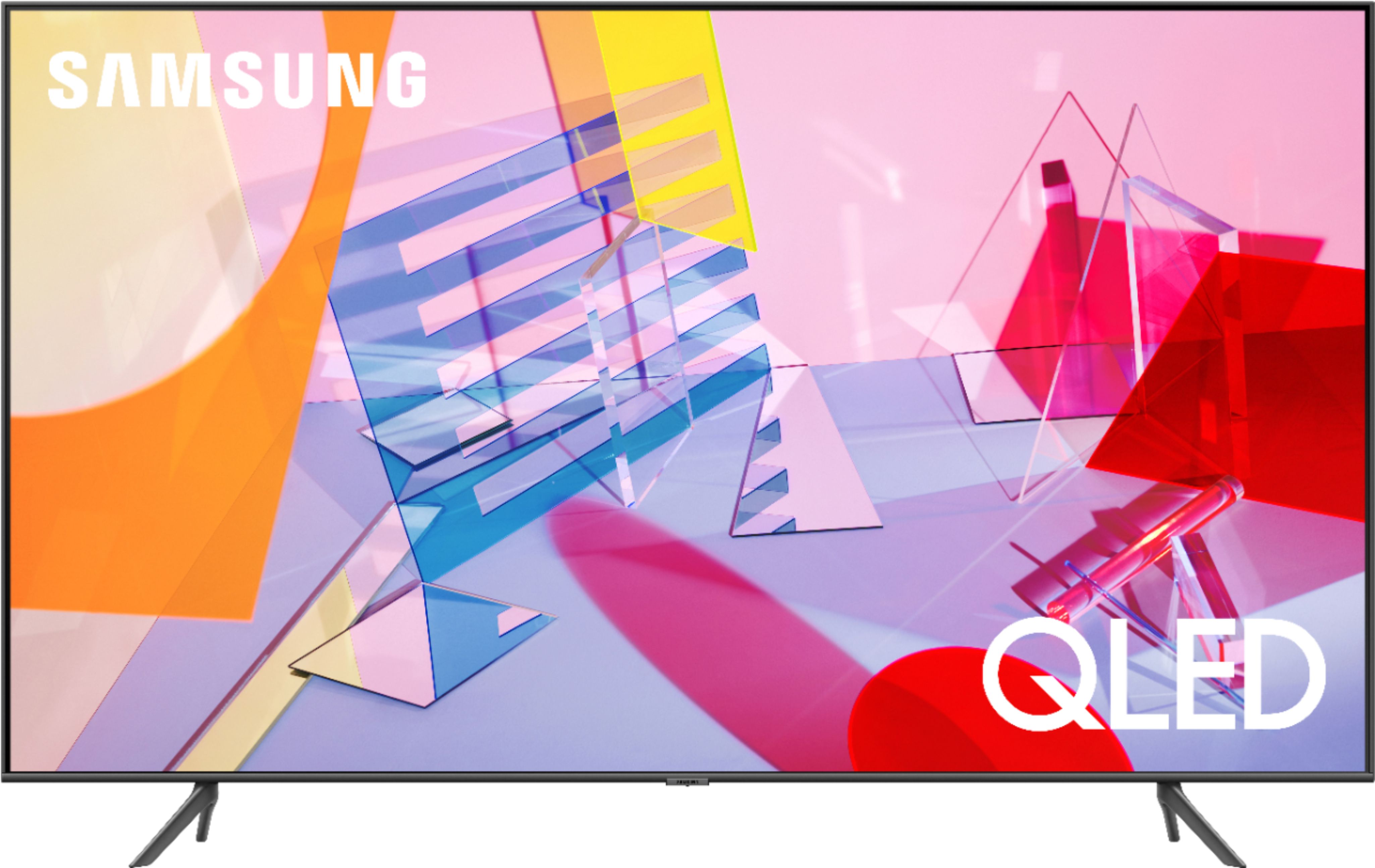
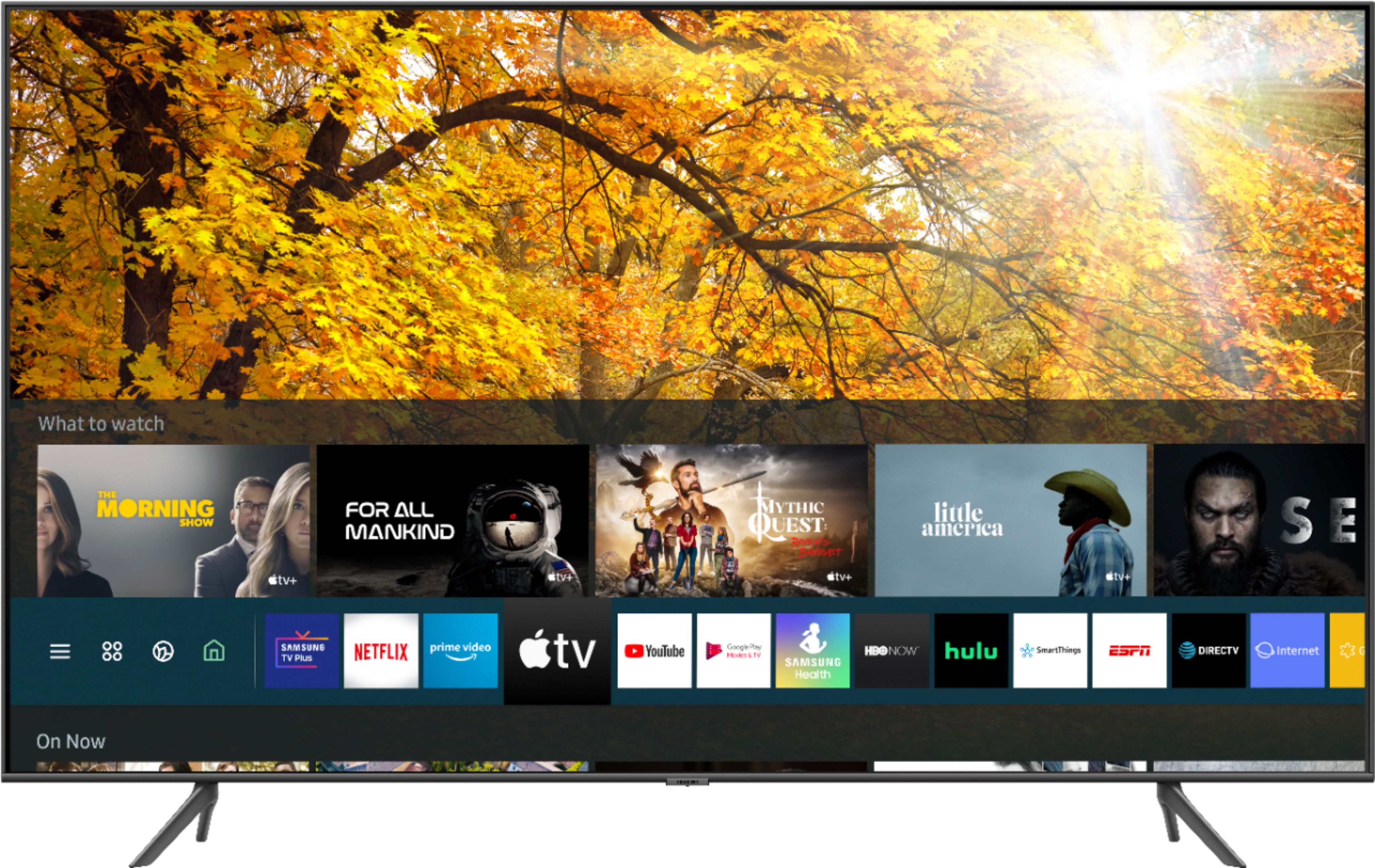
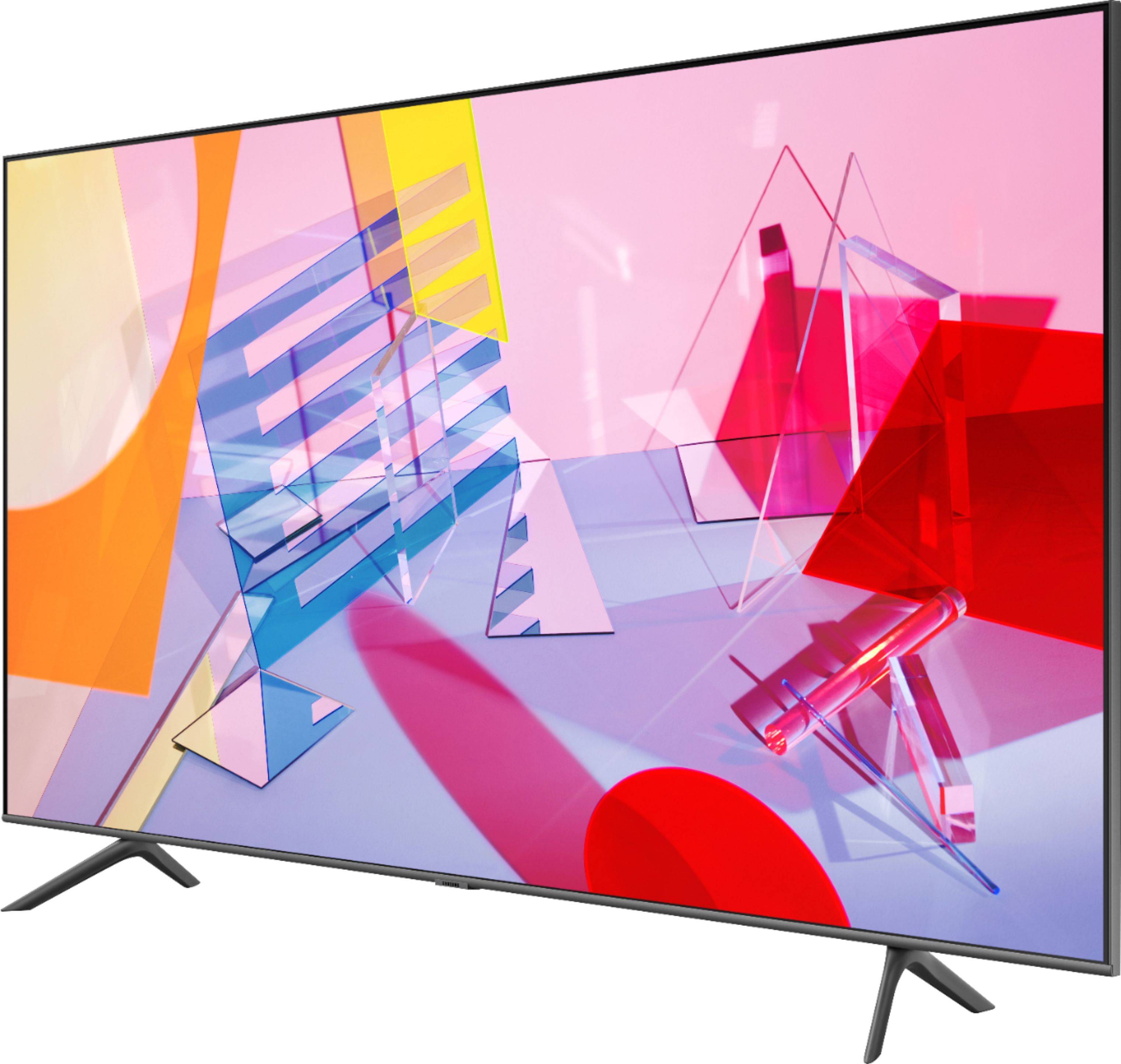
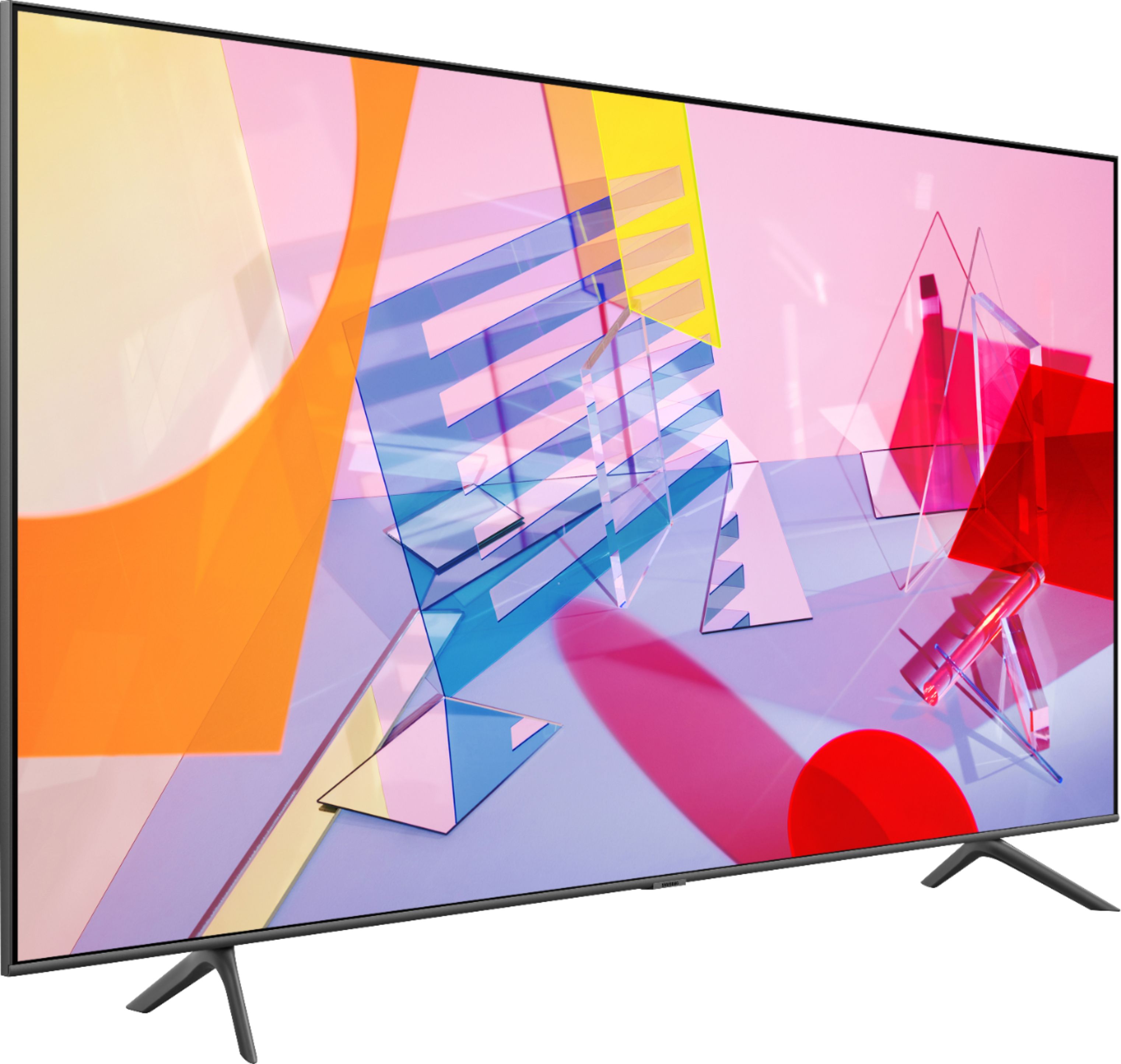

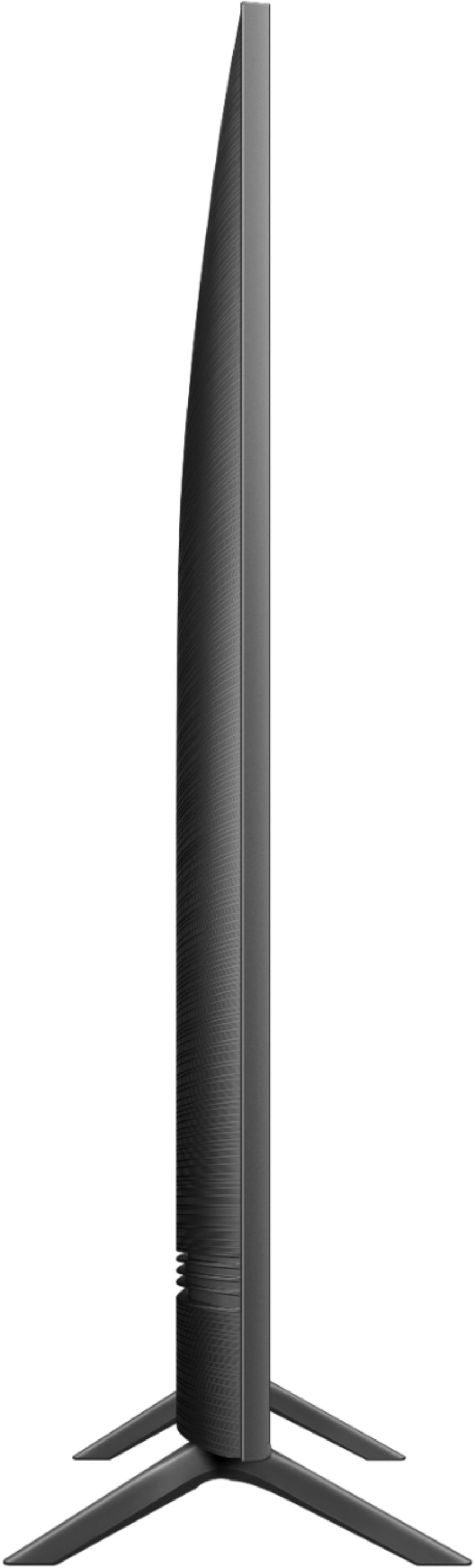
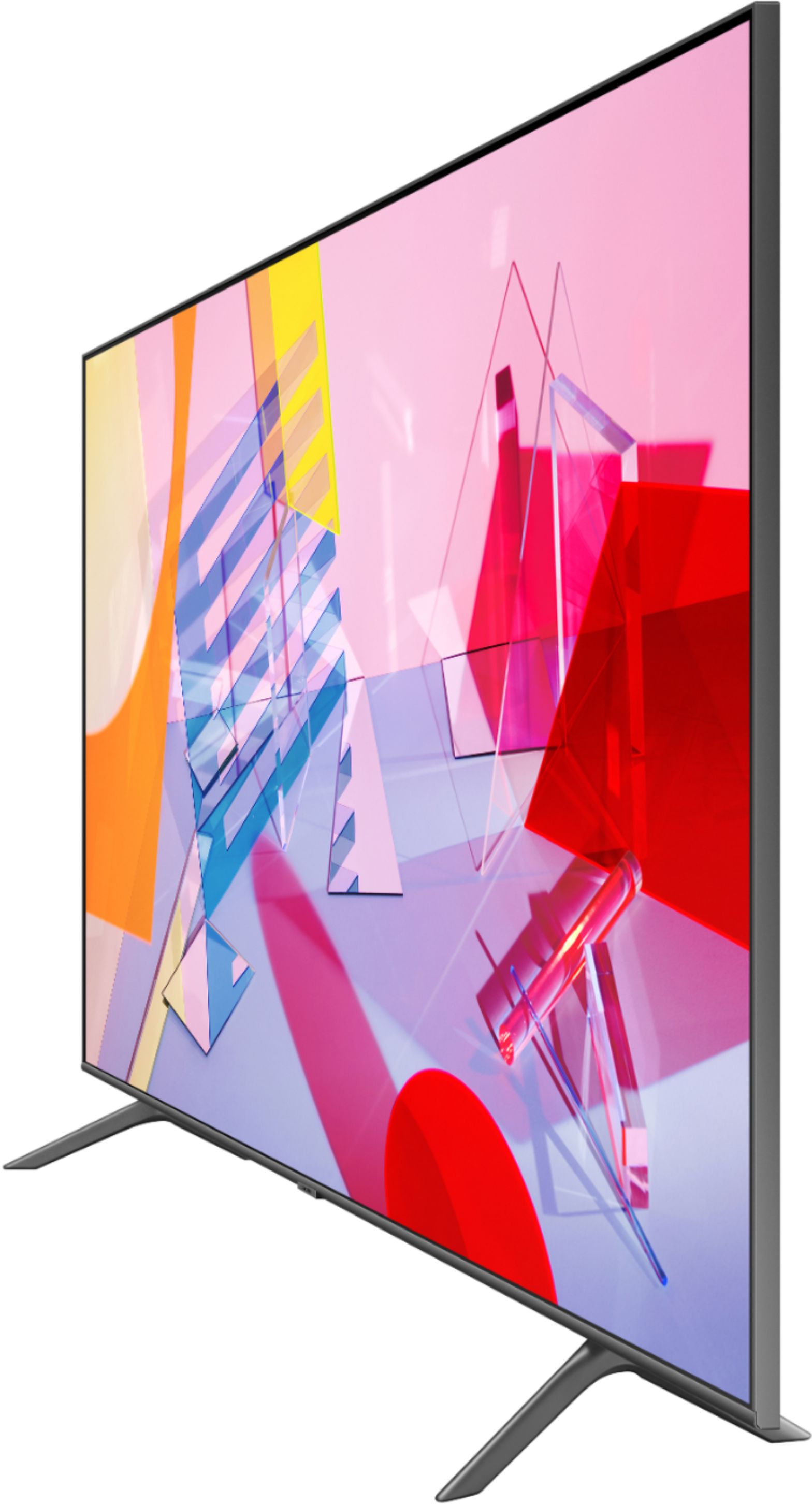


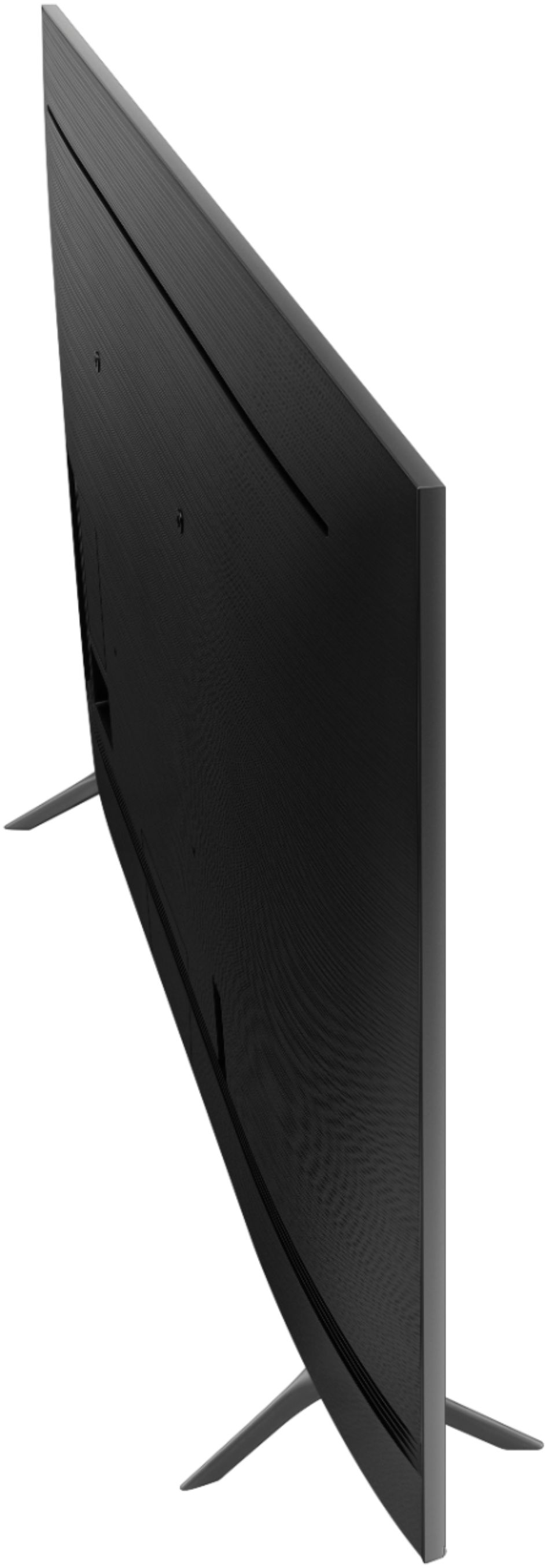
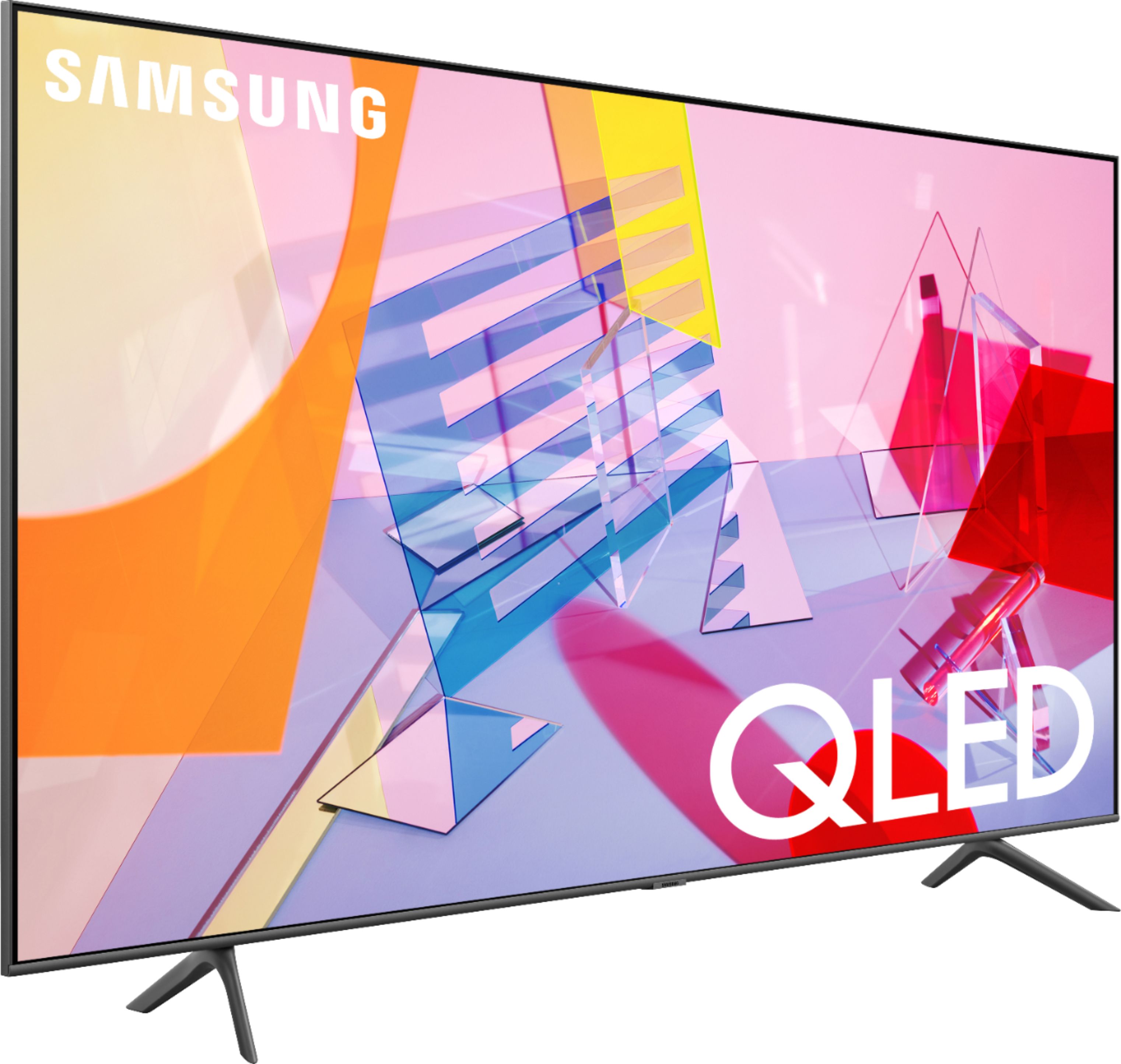
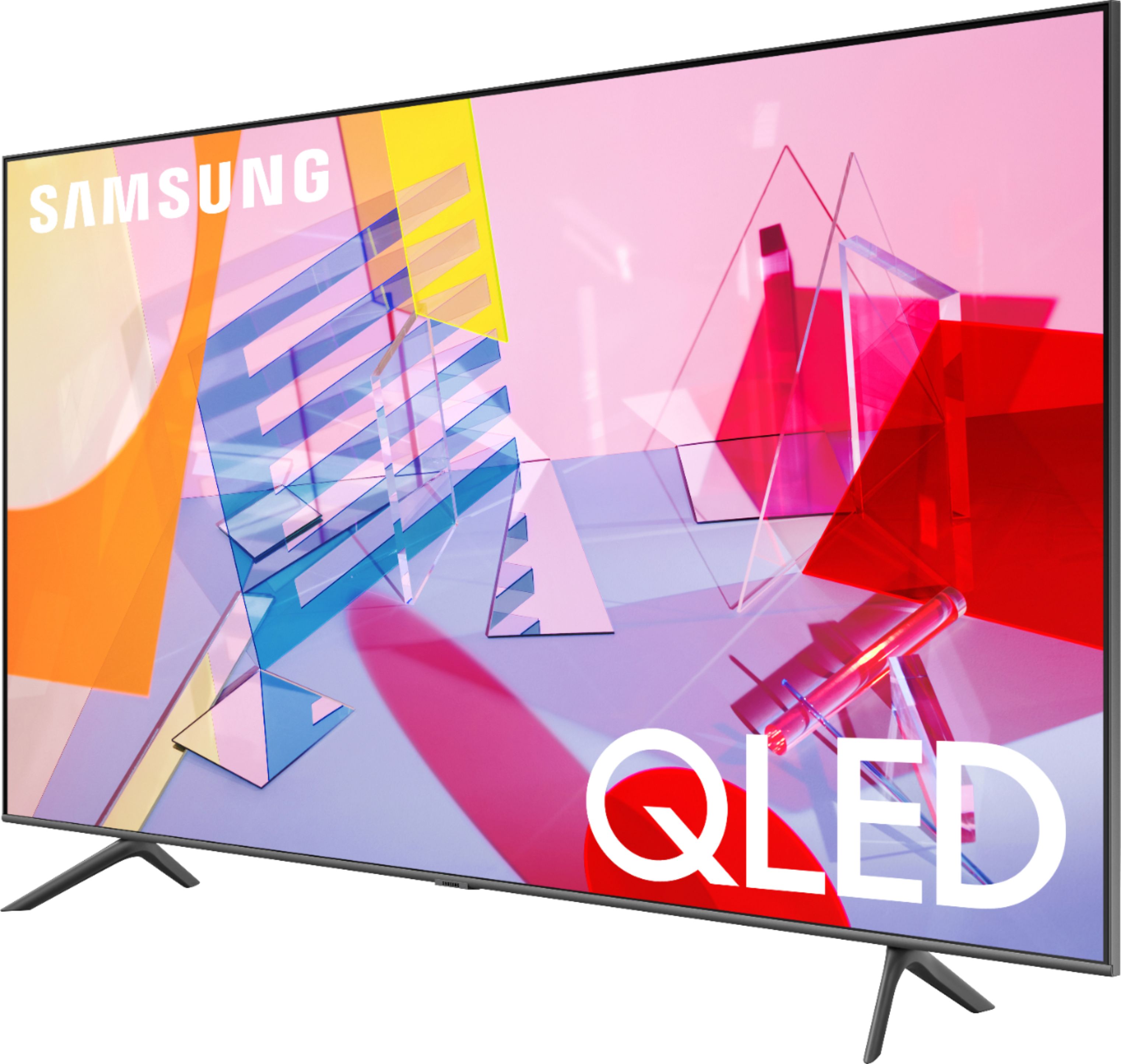
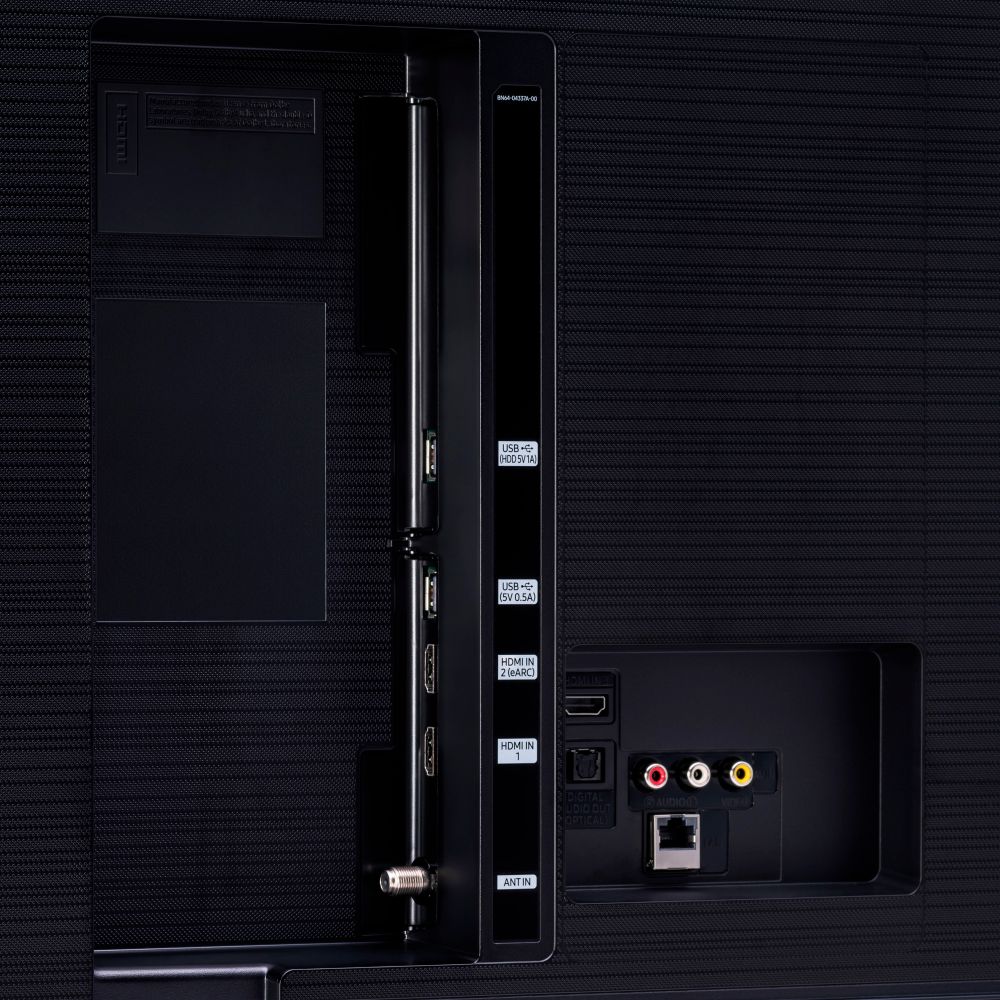







- Model:
- QN50Q60TAFXZA
- SKU:
- 6401758
Rating by feature
- Picture Quality
Rating 4.0 out of 5 stars
- Sound Quality
Rating 3.9 out of 5 stars
- Brightness
Rating 4.2 out of 5 stars
Customers are saying
Customers frequently mention the 50" Class Q60T Series QLED 4K UHD Smart Tizen TV's great picture quality, easy setup, and reasonable price. However, there are concerns about its durability, with reports of the TV stopping working or developing screen defects within a few years of purchase.
This summary was generated by AI based on customer reviews.
- Cons mentioned:Reliability
Broken
||Posted . Owned for 2 weeks when reviewed.This reviewer received promo considerations or sweepstakes entry for writing a review.It broke after an hour using it. It went off and never turn back on
No, I would not recommend this to a friendBrand response from Samsung
Posted .Disappointed:
Thank you for purchasing the Samsung Q60T TV. I am very sorry that you are experiencing issues with your TV turning off and not turning back on. You may want to try the following troubleshooting steps:
1) Make sure that the AC power cord is securely plugged in to the TV and the wall outlet.
2) Make sure that the wall outlet is working and the power indicator at the bottom of the TV is lit and glowing a solid red. If it is off, the TV either does not have power, or it is on and the screen is black. If it is blinking, your TV may need service.
3) Try pressing the TV Controller button at the bottom of the TV to make sure that the problem is not with the remote control.
4) If the TV turns on, your issue may be with the remote control
If this does not help, please contact Samsung Customer Support. Samsung stands behind the quality and performance of our TVs with a limited 1-year manufacturer’s warranty when purchased brand-new from an authorized dealer.
1) Phone: 1-800-SAMSUNG (ask for TVs), available 8AM – 12AM EST 7 days a week
2) LiveChat: https://www.samsung.com/us/support/#contact_us_for_support
3) Facebook Messenger: https://www.facebook.com/samsungsupport
4) Twitter: https://twitter.com/SamsungSupport
5) The Samsung Members Community is also a great resource for getting help from Samsung moderators and customers: https://us.community.samsung.com
If you have not already done so, we invite you to register your new Samsung product at: https://www.samsung.com/us/account/signin/?redirect=https%3A%2F%2Fwww.samsung.com%2Fus%2Fsupport%2Fregister%2F
Registering your product gives you access to easy warranty support, convenient opt-in to special promos and offers, faster troubleshooting and service, and quick notification of system updates.
~ Samsung Solutions
Sound
||Posted .This reviewer received promo considerations or sweepstakes entry for writing a review.There is something wrong with the sound i can hear echoing or noise as if your listening to a seashell .
No, I would not recommend this to a friend- Cons mentioned:Remote control
Katherine P
||Posted . Owned for 3 weeks when reviewed.This reviewer received promo considerations or sweepstakes entry for writing a review.Terrible color and sound; remote lags; all around bad quality
No, I would not recommend this to a friendBrand response from Samsung
Posted .Kp9213x:
Thank you for purchasing the Q60T TV and for your review. I am sorry you are not happy with the sound, color, and remote. Your feedback is important to us and will be shared with our teams.
To optimize the smart TV performance and to reduce the lag you are experiencing, please try Device Care option under the Support Menu. Go to Settings > Support> Device Care > Start Device Care
This service checks memory and frees up unused cached memory and closes background apps.
Please also be sure you are running the latest firmware. You can check to see what software version your TV is using and if there is an available update through the settings on your TV. Go to: Settings > Support > Software Update.
You can also adjust the settings for picture and sound according to your preferences.
Choose a Picture Mode by going to Settings > Picture > Picture Mode and choose from Dynamic, Standard, Natural, Movie, or Filmmaker Mode.
You can further adjust your brightness, contrast, color, and more by going to Settings > Picture > Expert Settings
To adjust your sound preferences, go to Settings > Sound > Sound Mode and Settings > Sound > Expert Settings
Please also give us the opportunity to assist you with quality adjustments tailored to your preferred viewing and listening experience. You can reach us via any of the following options:
1) Phone: 1-800-SAMSUNG (ask for TVs), available 8AM – 12AM EST 7 days a week
2) LiveChat: https://www.samsung.com/us/support/#contact_us_for_support
3) Facebook Messenger: https://www.facebook.com/samsungsupport
4) Twitter: https://twitter.com/SamsungSupport
5) The Samsung Members Community is also a great resource for getting help from Samsung moderators and customers: https://us.community.samsung.com
If you have not already done so, we invite you to register your new Samsung product at: https://www.samsung.com/us/account/signin/?redirect=https%3A%2F%2Fwww.samsung.com%2Fus%2Fsupport%2Fregister%2F
Registering your product gives you access to easy warranty support, convenient opt-in to special promos and offers, faster troubleshooting and service, and quick notification of system updates.
~ Samsung Solutions
Think Twice
||Posted . Owned for less than 1 week when reviewed.This reviewer received promo considerations or sweepstakes entry for writing a review.Either incomplete packaging from Samsung factory or was given a returned product. Even so, set up TV easily. Picture was noticeably worse than my 5-year old 49” Samsung UHD which is a great product. Obviously a defective product. Very disappointed. Stuck returning. What a waste of my time. Best Buy store does not take calls direct.
No, I would not recommend this to a friendDO NOT BUY THIS TV
||Posted . Owned for 1.5 years when reviewed.This reviewer received promo considerations or sweepstakes entry for writing a review.With less than 2yrs tv broke down out nowhere it didn't turn on, screen was black, the audio came on and off. Samsung warranty is for 1yr and of course they wont repair the tv even though it's a manufacturer issue. Don't waste your money buying this tv or any Samsung tv.
No, I would not recommend this to a friendBad right out of the box!
||Posted . Owned for 3 weeks when reviewed.This reviewer received promo considerations or sweepstakes entry for writing a review.I had this shipped to my house due to Covid-19. We received the tv and set it up. Once we turned the tv on half of the screen was dark. It had a perfect split down the middle. It looked like half the screen wasn’t being lit up like the other side. Sent it back but really disappointed that Samsung is letting this stuff out.
No, I would not recommend this to a friendBrand response from Samsung
Posted .JimC,
Thank you for your feedback on the Samsung Q60T QLED Smart TV.
I am very sorry that half of the screen was black upon setup.
We apologize for the disappointing experience.
Your user experience is very important to us and will be shared with our teams.
Should you ever decide to give Samsung TVs another try and have questions or need assistance with settings, setup, or features, please know we are always here to help.
Again, my sincerest apologies. We hope to regain you as a customer in the future.
-Samsung Ambassador
Wonderful television
||Posted . Owned for 1 month when reviewed.This reviewer received promo considerations or sweepstakes entry for writing a review.Was a little hard getting used to all the options with apps and changes from tablet to the tv. Still figuring out how to make using it easier. Installation crew did a great job, but could be better with their in service instructions on product, use, and, extras. Never found user manual or manufacturer warranty form.
I would recommend this to a friendBrand response from Samsung
Posted .Technophobiac,
Thank you for your feedback.
You can find details of various features and usages of your Q60T TV in the eManual.
To open the e-Manual, Go to Settings - Support, then Open e-Manual
Or download the online e-manual here:
http://downloadcenter.samsung.com/content/UM/202004/20200403095308351/NIKATSCT-3.0.1_EM_NIKE_USA_ENG_200323.0.pdf
The warranty registration form can be found here:
https://www.samsung.com/us/account/signin/?redirect=https%3A%2F%2Fwww.samsung.com%2Fus%2Fsupport%2Fregister%2F.
Registration gives you access to easy warranty support, convenient opt-in to special promos & offers, faster troubleshooting & service, and quick notification of system updates.
You can also reach out to Samsung Support for step-by-step assistance with setup, features, and operation:
1) Phone: 1-800-SAMSUNG (ask for TVs) Available 8AM – 12AM EST (Mon-Fri)
2) LiveChat: https://www.samsung.com/us/support/#contact_us_for_support
3) Facebook Messenger: https://www.facebook.com/samsungsupport
4) Twitter: https://twitter.com/SamsungSupport
-Samsung Ambassador
Samsung 50 in
||Posted . Owned for 1 month when reviewed.This reviewer received promo considerations or sweepstakes entry for writing a review.Tv did not work when it arrived to my house! Very disappointing
No, I would not recommend this to a friendBrand response from Samsung
Posted .Erikakellett:
I am sorry to hear that you are experiencing issues with your 50” Q60 TV.
Samsung is committed to providing the best possible product experience, quality, and value. We back this Samsung TV with a 1-year limited manufacturer's warranty, including authorized repair for manufacturer defect, if purchased brand-new directly from an authorized seller.
Please give us the opportunity to assist you by contacting Samsung Customer Support.
1) Phone: 1-800-SAMSUNG (ask for TVs), available 8AM – 12AM EST 7 days a week
2) LiveChat: https://www.samsung.com/us/support/#contact_us_for_support
3) Facebook Messenger: https://www.facebook.com/samsungsupport
4) Twitter: https://twitter.com/SamsungSupport
5) The Samsung Members Community is also a great resource for getting help from Samsung moderators and customers: https://us.community.samsung.com
If you have not already done so, we invite you to register your new Samsung product at: https://www.samsung.com/us/account/signin/?redirect=https%3A%2F%2Fwww.samsung.com%2Fus%2Fsupport%2Fregister%2F
Registering your product gives you access to easy warranty support, convenient opt-in to special promos and offers, faster troubleshooting and service, and quick notification of system updates.
~ Samsung Solutions
Awful tv did not last a year.
||Posted . Owned for 1 year when reviewed.This reviewer received promo considerations or sweepstakes entry for writing a review.Had tv a year. It never connects to the internet requiring a hard reset and now it won’t even turn on. Keeps restarting. Looking into ways to return and get a new tv. A few months in lines began to appear across the screen as well. Truly a piece of junk.
No, I would not recommend this to a friendTV Very Dark when streaming Netflix and Prime
||Posted . Owned for 2 months when reviewed.This reviewer received promo considerations or sweepstakes entry for writing a review.This TV is very dark, tried everything said online and of course we are stuck with it. It has a problem interfacing with streaming services like Netflix and Prime, because of format problems. Do not buy this TV
No, I would not recommend this to a friendWifi drops constantly. Becomes dumb tv.
||Posted . Owned for 1 month when reviewed.This reviewer received promo considerations or sweepstakes entry for writing a review.TV constantly loses wifi connection. Wifi signal is super strong. Every other wifi device in the house works fine. Defeats purpose of having a smart tv. This Samsung sucks. Install was professional and very good.
No, I would not recommend this to a friendBrand response from Samsung
Posted .SD13:
Thank you for purchasing the Samsung Q60T TV and for your review. I am very sorry that you are experiencing Wi-Fi connection issues.
You may want to go through these steps to check your network connection:
1) First, please be sure you have the latest firmware update.
Using your TV's remote, navigate to Settings, and select Support. Select Software Update, and then select Update Now. New updates will be downloaded and installed on your TV. Updates usually take a few minutes; please do not turn off the TV until the update is complete. When the update is finished, the TV will restart automatically.
You may also want to enable automatic updates for future convenience.
Select Settings > Support > Software Update, then select Auto Update.
2) Check the distance between the TV and your modem or access point. The distance should not exceed 50 ft. (15.2 m).
3) Minimize interference by not using or turning off wireless devices. Also, verify that there are no obstacles between the TV and the modem or access point. (Wi-Fi strength can be decreased by appliances, cordless phones, stone walls/fireplaces, etc.)
4) Perform a network test to check if there is a network problem.
Press the Home button on your remote. Navigate to Settings > Support > Device Care > Self Diagnosis> Smart Hub Connection Test
5) Try a cold reboot of your TV by pressing and holding the power button for 5+ seconds until the TV turns off and on again.
For further assistance or service, please contact us via any of the following options:
1) Phone: 1-800-SAMSUNG (ask for TVs), available 8AM – 12AM EST 7 days a week
2) LiveChat: https://www.samsung.com/us/support/#contact_us_for_support
3) Facebook Messenger: https://www.facebook.com/samsungsupport
4) Twitter: https://twitter.com/SamsungSupport
5) The Samsung Members Community is also a great resource for getting help from Samsung moderators and customers: https://us.community.samsung.com
If you have not already done so, we invite you to register your new Samsung product at: https://www.samsung.com/us/account/signin/?redirect=https%3A%2F%2Fwww.samsung.com%2Fus%2Fsupport%2Fregister%2F
Registering your product gives you access to easy warranty support, convenient opt-in to special promos and offers, faster troubleshooting and service, and quick notification of system updates.
~ Samsung Solutions
bad review
||Posted . Owned for 1.5 years when reviewed.This reviewer received promo considerations or sweepstakes entry for writing a review.this tv is almost 2 years old and the screen went black. nothing has resolved the issue. i think it is a faulty tv and should be replaced. it should have lasted longer than the 2 years. i am so dissatified.
No, I would not recommend this to a friend- Pros mentioned:Picture qualityCons mentioned:Reliability
Disappointed. Failed after just 2 years.
Posted .This reviewer received promo considerations or sweepstakes entry for writing a review.Beautiful TV. Burned out far too soon. I've used Samsung products for years, and their Smart TVs have been excellent in terms of quality and support. In fact, we have a 2012 model that shows no signs of failure after 10 years strong. So naturally, when it was time to upgrade our old 50", we went with the Q60. It has great picture and sound, all of the apps we need and Samsung's SmartThings controls makes it extremely convenient to use. That said, after just two years, the TV has rapidly declined, from a few barely noticeable dead pixels, to a hairline of dead pixels, to several hairlines of dead pixels, to now repeated fits of crashing and automatic restarts. Neither troubleshooting or resetting to factory defaults has any impact. I'm highly disappointed to be back in the market for a replacement after only two years. I hope others have had a better experience and that Samsung QC has turned this around for newer models.
No, I would not recommend this to a friend Only blinks
||Posted . Owned for more than 2 years when reviewed.This reviewer received promo considerations or sweepstakes entry for writing a review.After a year lines developed on the screen and shortly after that it started blinking. Now it only turns on after an hour of blinking. Both Samsung and Best Buy were not helpful as it had been over a year.
No, I would not recommend this to a friendDidn't last long
||Posted . Owned for 1 year when reviewed.This reviewer received promo considerations or sweepstakes entry for writing a review.TV less than 2 years old and died. Thank goodness I had the protection plan. They attempted to fix with a certain part, didn't work. Ordered another part, out of stock. I was given the option of store credit or another TV.
No, I would not recommend this to a friendNot as Good as they use too
||Posted . Owned for more than 2 years when reviewed.This reviewer received promo considerations or sweepstakes entry for writing a review.Tv will not turned on. Lights keeps blinking. Talked to tech assistant and still doesnt work. I was a Loyal customer. First my washing macine and now 2 Tv. After this im done with Samsung
No, I would not recommend this to a friendObvious Manufacturing Defect
||Posted . Owned for 2 weeks when reviewed.This reviewer received promo considerations or sweepstakes entry for writing a review.This is the second exact same set we've had since March 30th. The original came with a defective Standard Picture Preset and was exchanged. The replacement developed the exact same problem on the 8th day after delivery.
No, I would not recommend this to a friendnot keeping to their word so far
||Posted . Owned for 1 month when reviewed.This reviewer received promo considerations or sweepstakes entry for writing a review.waited a month for installation. was told that the day before I would get a narrowing of a 2 hr window instead of 5 hrs.... did not happen. we will see how installation goes tomorrow 12-7-20 have to take the whole day off now
No, I would not recommend this to a friendBrand response from Samsung
Posted .sofarunhappy:
I am very sorry to see that you having a frustrating experience with the installation of your Q60T TV. I hope your issue is resolved quickly.
Should you ever need assistance or have questions about using this product, please know we are here to help. You can reach Samsung Support at:
1) Phone: 1-800-SAMSUNG (ask for TVs), available 8AM – 12AM EST 7 days a week
2) LiveChat: https://www.samsung.com/us/support/#contact_us_for_support
3) Facebook Messenger: https://www.facebook.com/samsungsupport
4) Twitter: https://twitter.com/SamsungSupport
5) The Samsung Members Community is also a great resource for getting help from Samsung moderators and customers: https://us.community.samsung.com
If you have not already done so, we invite you to register your new Samsung product at: https://www.samsung.com/us/account/signin/?redirect=https%3A%2F%2Fwww.samsung.com%2Fus%2Fsupport%2Fregister%2F
Registering your product gives you access to easy warranty support, convenient opt-in to special promos and offers, faster troubleshooting and service, and quick notification of system updates.
~ Samsung Solutions
Avoid Samsung
||Posted . Owned for more than 2 years when reviewed.This reviewer received promo considerations or sweepstakes entry for writing a review.Died in less than 2 years known issue with Samsung and no fixes for the black screen of death
No, I would not recommend this to a friendBacklight died
||Posted . Owned for 1.5 years when reviewed.This reviewer received promo considerations or sweepstakes entry for writing a review.Backlight died almost exactly 2 years after purchase. I've had my Sony for 10 years without issue... I expected more from Samsung
No, I would not recommend this to a friend