Customer Ratings & Reviews
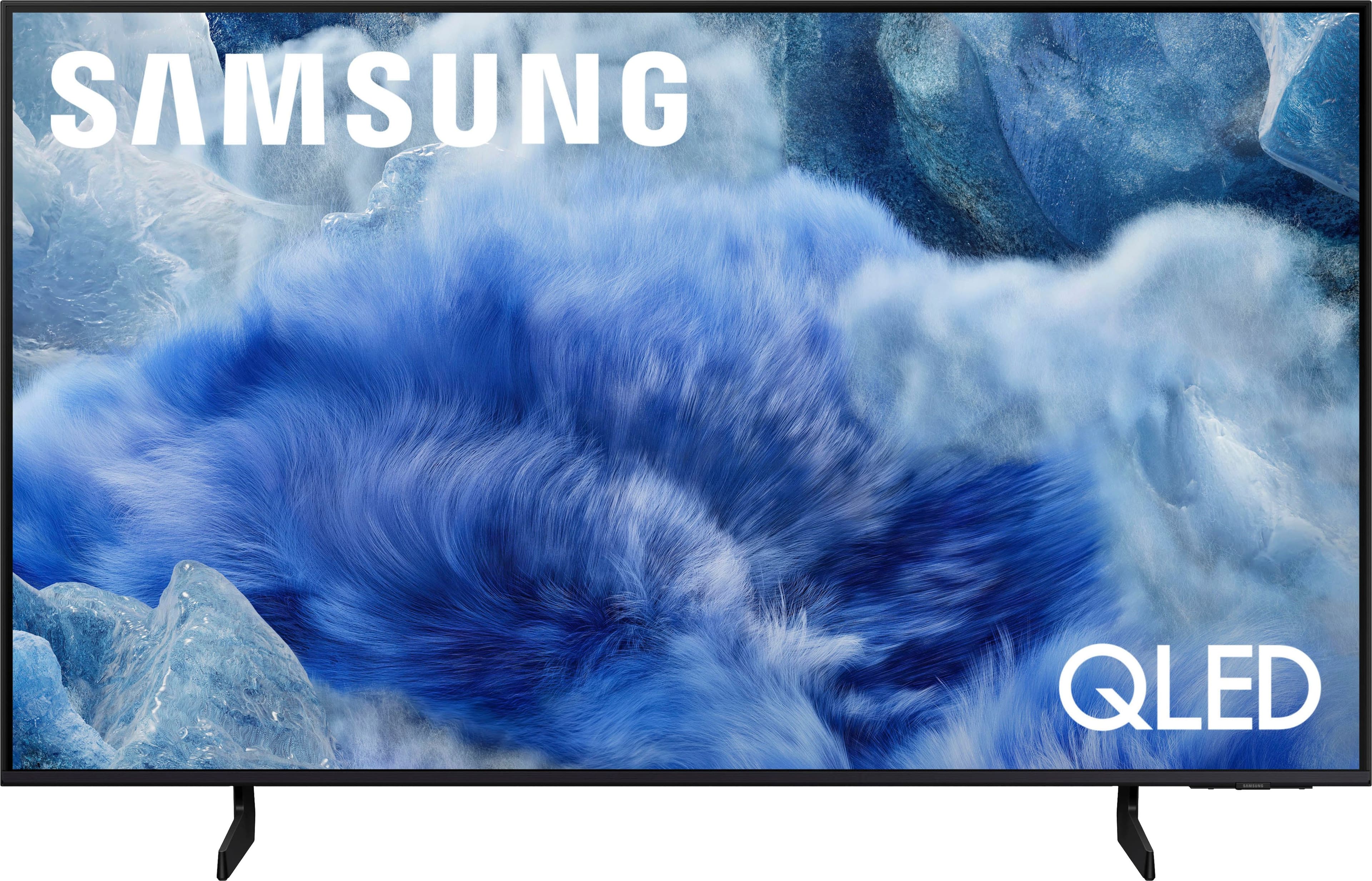
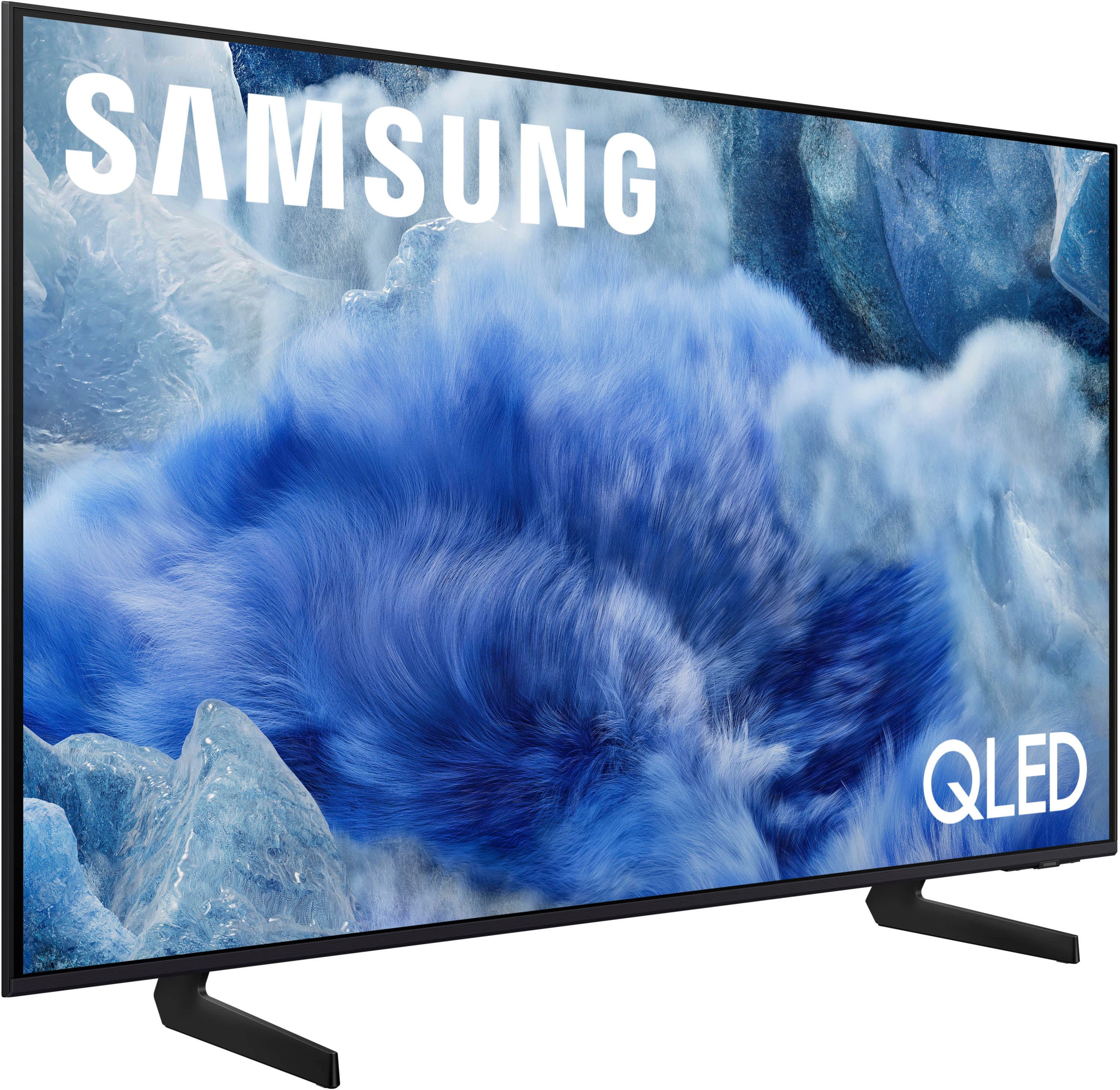



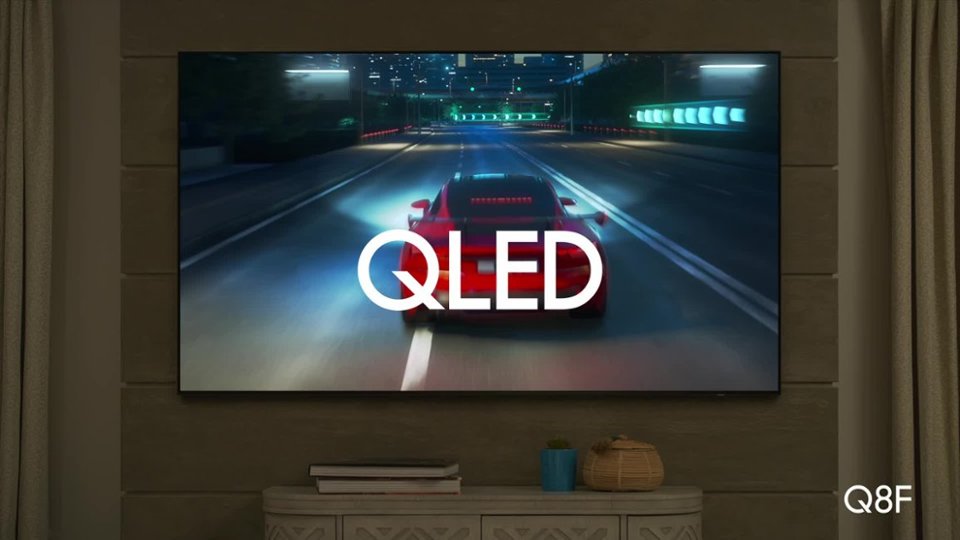
 100% Color Volume 100% Color Volume with Quantum Dot Over a billion colors that don't fade, even in the brightest scenes *QLED televisions can produce 100% Volume in the DCI-PS colorspace, the format most cinema screens and HDR movies for television.](https://pisces.bbystatic.com/image2/BestBuy_US/images/products/684f880e-f8dd-4c6c-91d9-5f55b1534a3c.jpg)







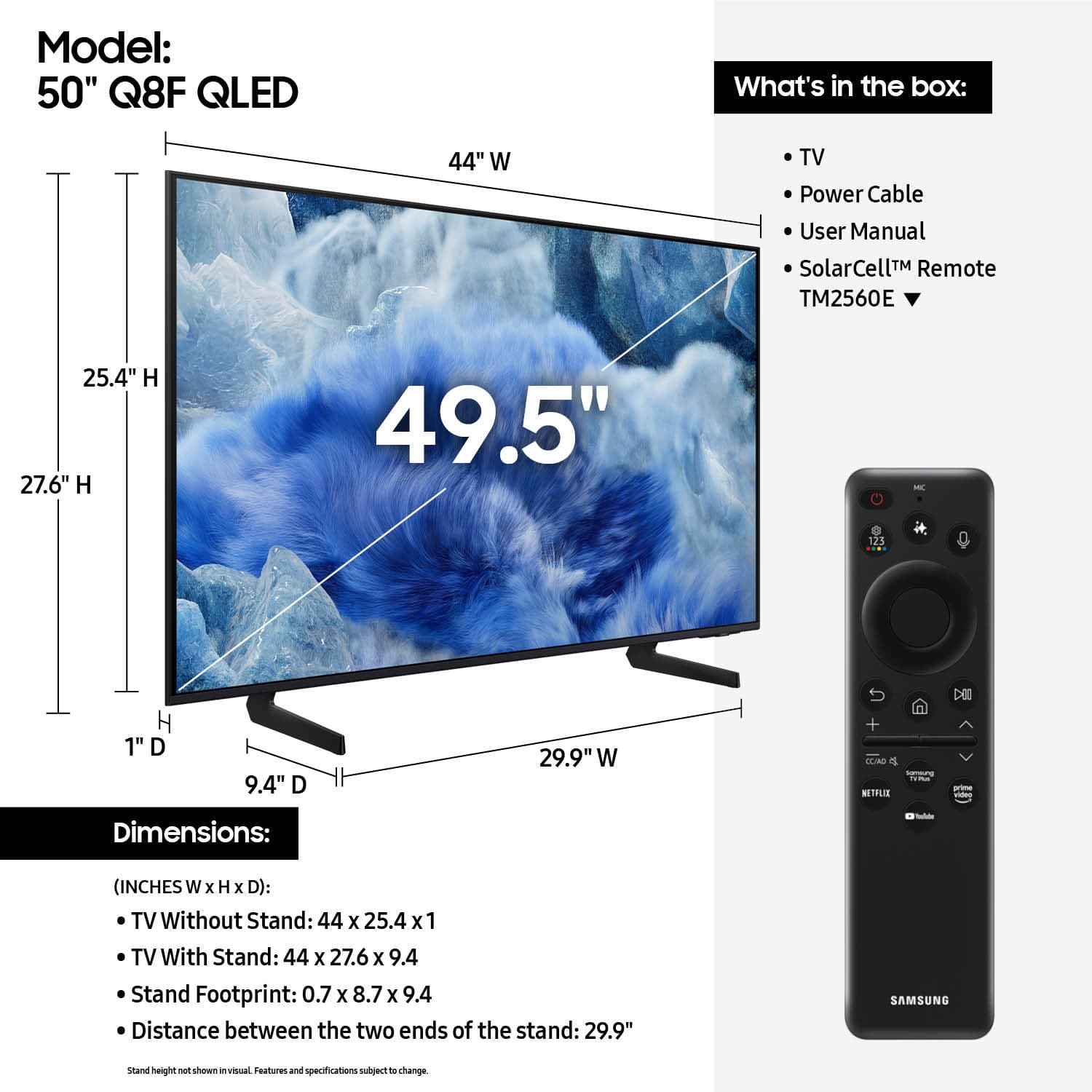
- Model:
- QN50Q8FAAFXZA
- SKU:
- 10362516
Rating by feature
- Picture Quality
Rating 4.8 out of 5 stars
- Sound Quality
Rating 4.6 out of 5 stars
- Brightness
Rating 4.8 out of 5 stars
happy with tv
Posted .This reviewer received promo considerations or sweepstakes entry for writing a review.Happy with TV - not happy with $120 extra for set up - kind of a rip off - thought guys were to show how to use and set up a sound bar - but no - just set up on table
I would recommend this to a friendnot the best
Posted .This reviewer received promo considerations or sweepstakes entry for writing a review.Picture isn't as great as we hoped, and if you view it from the side the picture is washed out.
No, I would not recommend this to a friendBrand response from Samsung
Posted .DonA,
We appreciate your input on the picture quality of Samsung’s Q8F TV. If the image isn’t meeting your expectations, there are several adjustments you can make to improve your viewing experience.
First, please ensure your TV is running the latest firmware, as updates may include important picture quality enhancements. Go to: Home > Left directional button > Settings > Support > Software Update > Update Now
Then, select a Picture Mode that best fits your environment: Home > Home > left directional key > Settings > All Settings > Picture > Picture Mode
1. Standard – Default mode for general viewing
2. Dynamic – Brighter and clearer in well-lit rooms
3. Eco – Optimized for energy saving
4. Movie – Best for watching in dark environments
5. Filmmaker Mode – Preserves content exactly as intended by creators
You can also enhance your experience by enabling AI Mode, which automatically adjusts picture and sound based on your surroundings and usage patterns: Settings > All Settings > Advanced Features > AI Mode Settings > AI Mode
If these adjustments don’t improve your picture quality, feel free to contact Samsung Customer Support at 1-800-SAMSUNG, available 8AM – 12AM EST, 7 days a week. You can also LiveChat with an agent or find helpful guides by visiting the ‘Support’ section of our website.
~ Samsung Specialist
Our purchase
Posted .This reviewer received promo considerations or sweepstakes entry for writing a review.Very happy with our purchase Excellent quality, picture, sound all of it!!
I would recommend this to a friendGuest room TV
Posted .This reviewer received promo considerations or sweepstakes entry for writing a review.Great TV for our guest room! Can't go wrong with Samsung. Thanks Evan for your help!
I would recommend this to a friendCredit Card promoter was rude
Posted .This reviewer received promo considerations or sweepstakes entry for writing a review.Sales clerk was ok. But the guy in the blue shirt pushing me to open a credit card was obnoxious. Kept interrupting the sales process as they wrote up the order. I said no very clearly and he wouldn’t leave it alone. I had to get mad at him to make him go away. He was a rude and arrogant. Almost cost the sale. The sales clerk was frustrated as I was close to walking out.
I would recommend this to a friendBrand response from Samsung
Posted .DavidH,
It appears your 1-star review for the Samsung Q8F TV is based on your experience with Best Buy, and we’re sorry to hear that. We recommend contacting the store directly to share your feedback.
If you need help with the TV itself, Samsung Support is available at 1-800-SAMSUNG, 8AM – 12AM EST, 7 days a week, or via LiveChat under the ‘Support’ section of our website.
~ Samsung Specialist
Not happy at all with this tv
Posted .This reviewer received promo considerations or sweepstakes entry for writing a review.I was lied into getting this tv the fps is too low for me to game on best buy why dont you have normal workers at your stores instead of samsung clowns that know nothing
I would recommend this to a friendBrand response from Samsung
Posted .Hello,
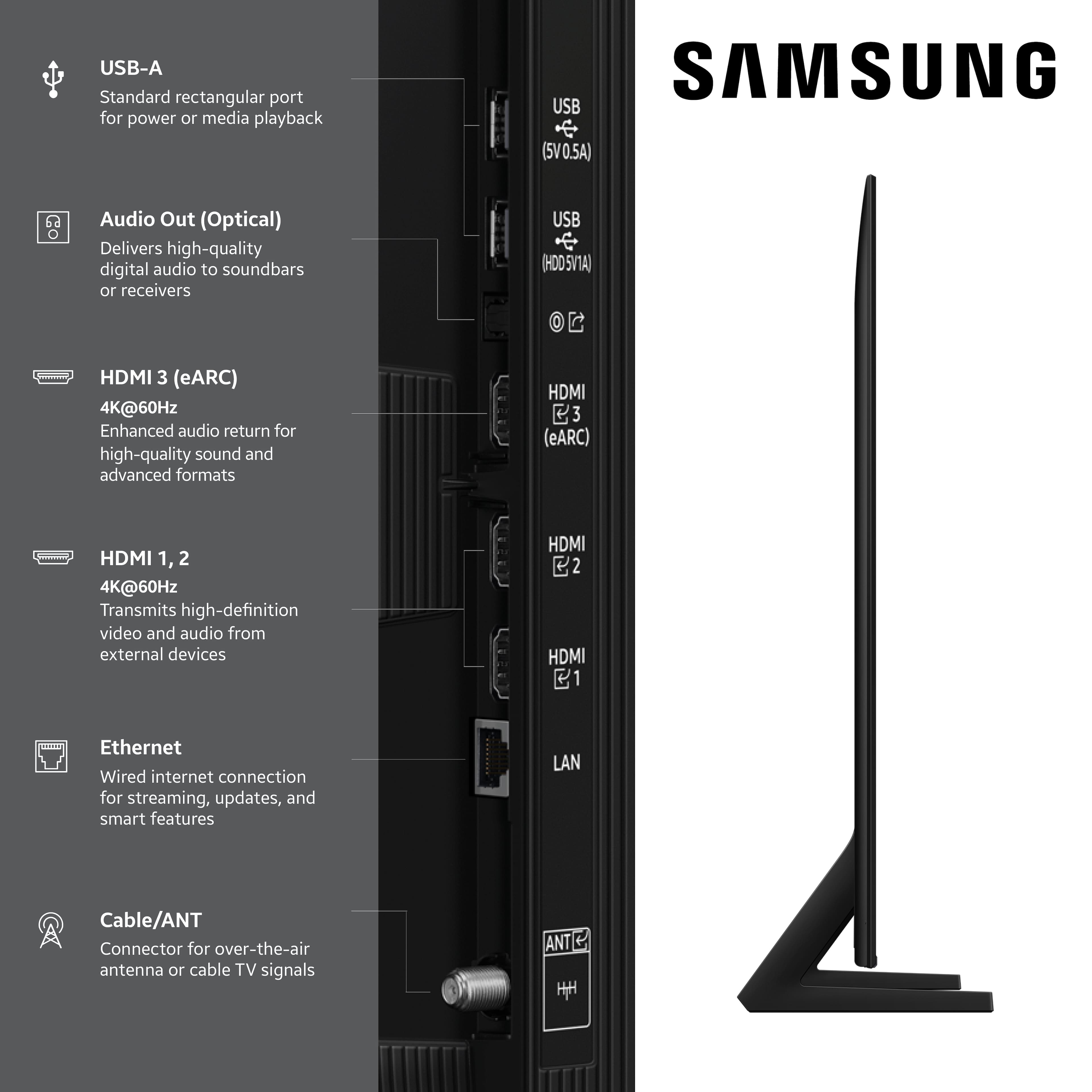
We appreciate your feedback on the 50" Q8F. Please note that 4K@120Hz is supported on the 55 - 85" Q8F models via all HDMI ports. To avoid any surprises, we always suggest reviewing the product specifications online before purchasing.
If there’s anything we can ever assist with, please don’t hesitate to call us at 1-800-SAMSUNG, available daily from 8AM - 12AM EST. You can also visit the Samsung website and click on ‘Support’ for:
• Live Chat
• Manuals, Software, & Warranty Info
~ Samsung Specialist
Annoying at Starting up
Posted .This reviewer received promo considerations or sweepstakes entry for writing a review.This TV set is annoying for one reason every time you power the TV on you have to select either cable or another source.
No, I would not recommend this to a friendMy opinions
Posted .This reviewer received promo considerations or sweepstakes entry for writing a review.Cost effective Slim design Solar Powered remote User Friendly setup
I would recommend this to a friend