Customer Ratings & Reviews
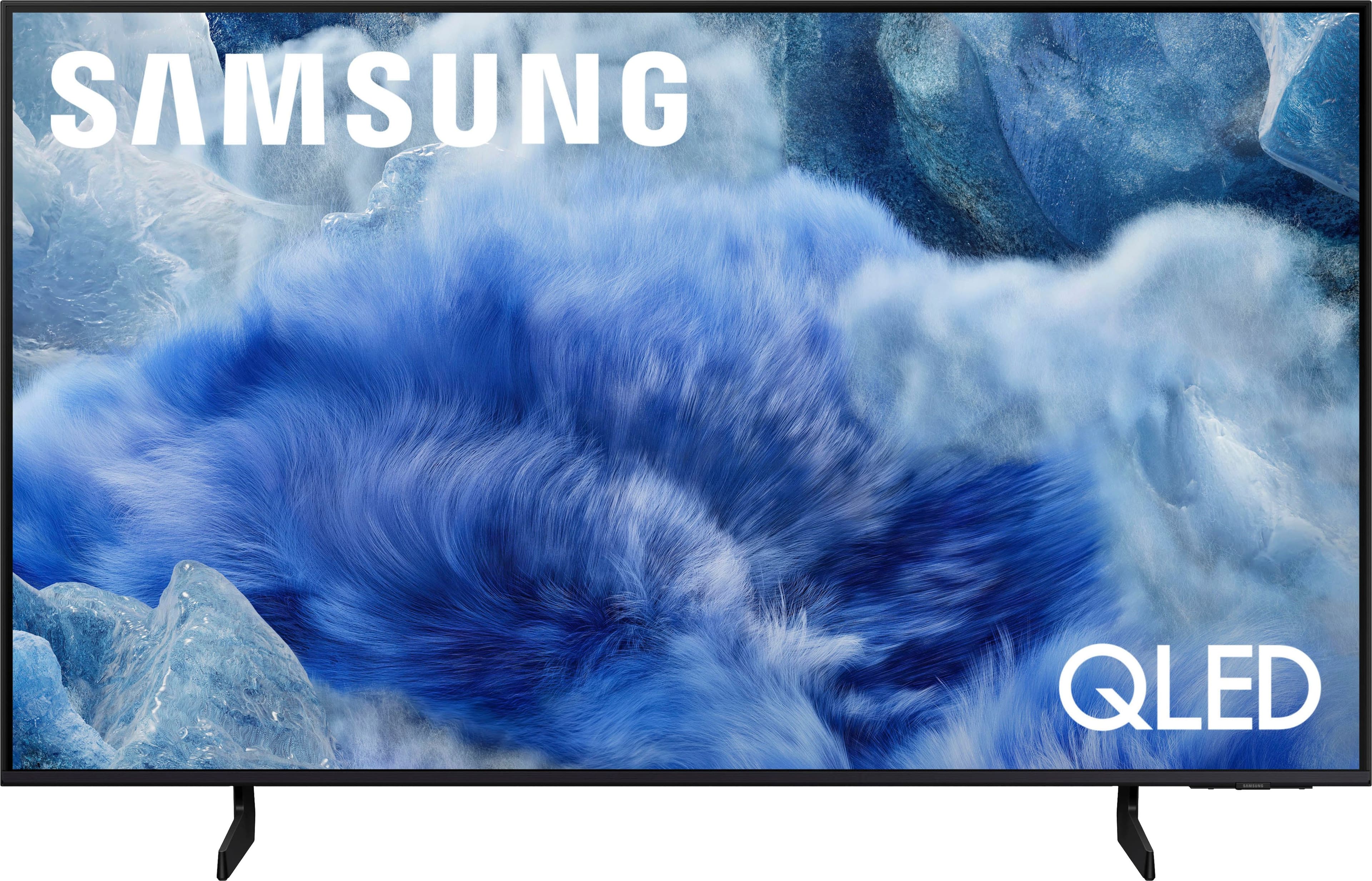
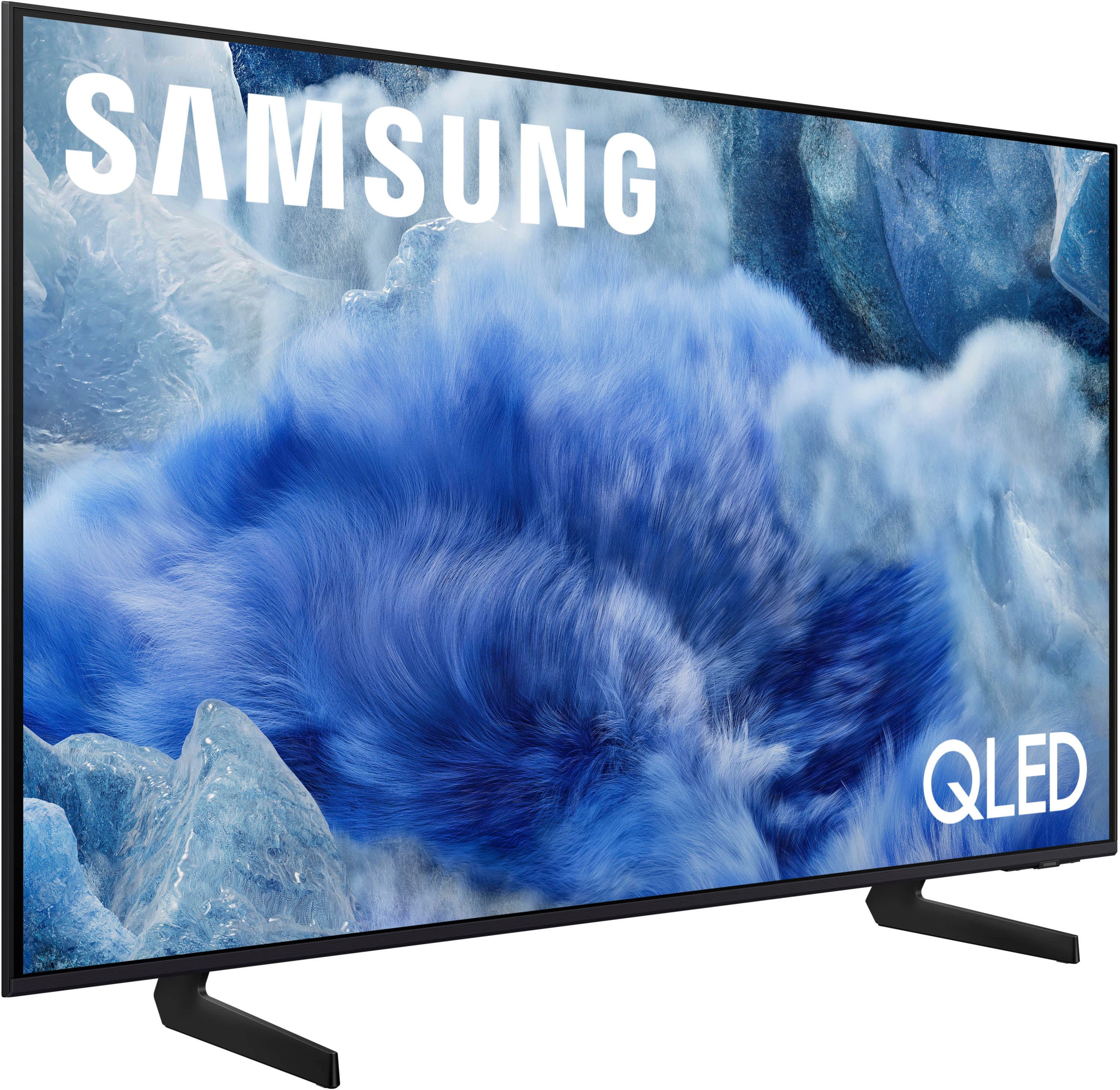



 100% Color Volume 100% Color Volume with Quantum Dot Over a billion colors that don't fade, even in the brightest scenes *QLED televisions can produce 100% Volume in the DCI-PS colorspace, the format most cinema screens and HDR movies for television.](https://pisces.bbystatic.com/image2/BestBuy_US/images/products/684f880e-f8dd-4c6c-91d9-5f55b1534a3c.jpg)







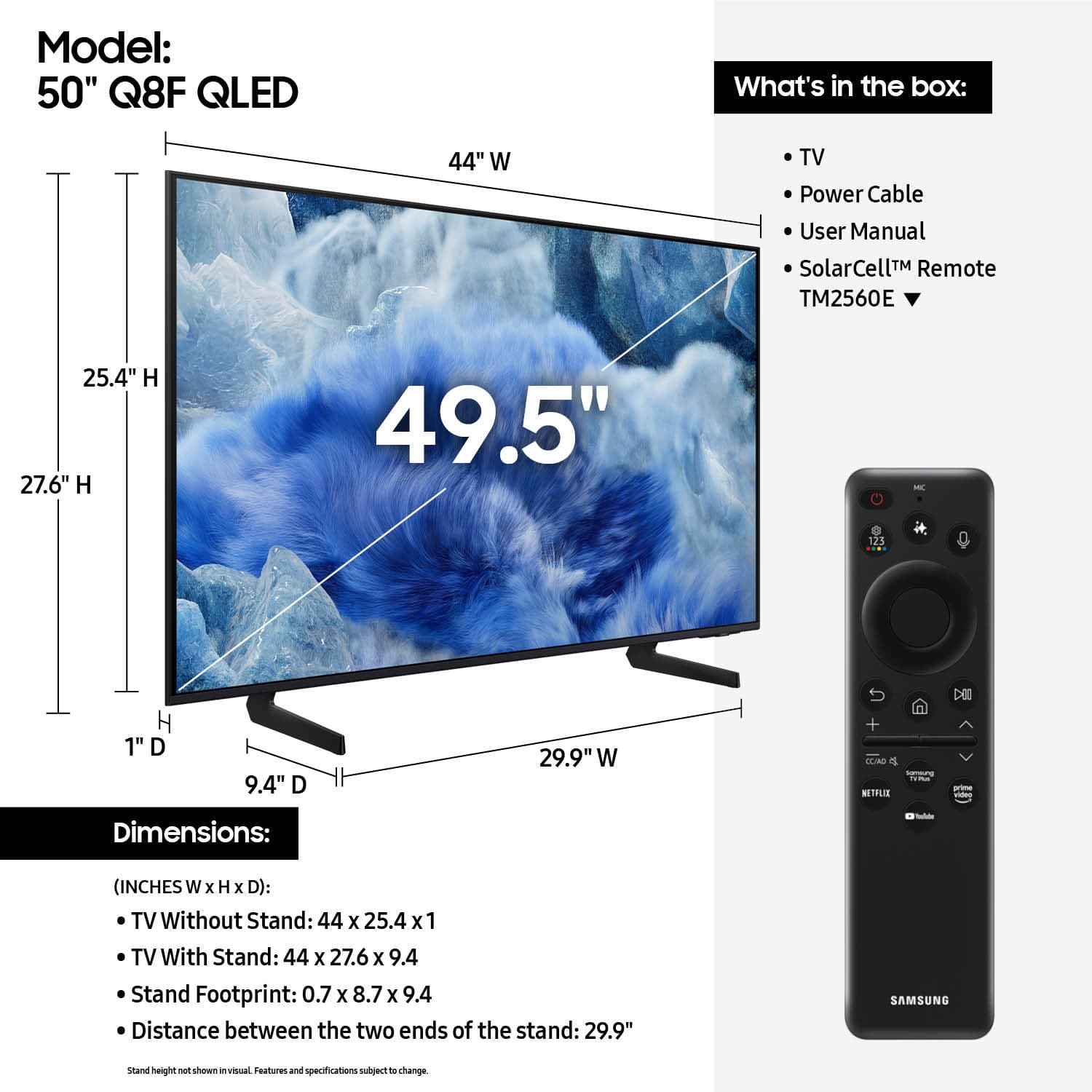
- Model:
- QN50Q8FAAFXZA
- SKU:
- 6617419
Rating by feature
- Picture Quality
Rating 4.8 out of 5 stars
- Sound Quality
Rating 4.6 out of 5 stars
- Brightness
Rating 4.8 out of 5 stars
Customers are saying
Customers are delighted by the excellent picture quality of the 50” Class Q8F Series QLED 4K UHD SamsungVision AI Smart Tizen TV (2025). Many also appreciate the easy setup process.
This summary was generated by AI based on customer reviews.
Disappointed
||Posted . Owned for 3 weeks when reviewed.This reviewer received promo considerations or sweepstakes entry for writing a review.Picture no better than my LED was. Difficult to use with my cable box.
No, I would not recommend this to a friendBrand response from Samsung
Posted .John,
We appreciate your input on the picture quality of Samsung’s Q8F TV. If the image isn’t meeting your expectations, there are several adjustments you can make to improve your viewing experience.
First, please ensure your TV is running the latest firmware, as updates may include important picture quality enhancements. Go to: Home > Left directional button > Settings > Support > Software Update > Update Now
Then, select a Picture Mode that best fits your environment: Home > Home > left directional key > Settings > All Settings > Picture > Picture Mode
1. Standard – Default mode for general viewing
2. Dynamic – Brighter and clearer in well-lit rooms
3. Eco – Optimized for energy saving
4. Movie – Best for watching in dark environments
5. Filmmaker Mode – Preserves content exactly as intended by creators
You can also enhance your experience by enabling AI Mode, which automatically adjusts picture and sound based on your surroundings and usage patterns: Settings > All Settings > Advanced Features > AI Mode Settings > AI Mode
If these adjustments don’t improve your picture quality, feel free to contact Samsung Customer Support at 1-800-SAMSUNG, available 8AM – 12AM EST, 7 days a week. You can also LiveChat with an agent or find helpful guides by visiting the ‘Support’ section of our website.
~ Samsung Specialist
Looked Better in the store
||Posted . Owned for 1 week when reviewed.This reviewer received promo considerations or sweepstakes entry for writing a review.I usually don't go into the store to look at TVs and make a decision on the spot. I usually look at Consumer Reports and then go to the store once i'm decided to confirm that it's a good tv. This time I want to the store and bought this tv on the spot. It was a mistake. My only problem is not that the video quality is not great, but that even on sale, this is a very over priced tv. You can get a decent brand with the same specs for a fraction of the price. I returned the tv promptly.
No, I would not recommend this to a friendBrand response from Samsung
Posted .Hi Paul,
We appreciate your feedback on the picture quality of Samsung’s Q8F TV. If the image doesn’t quite match your preferences, there are several adjustments you can make to better suit your viewing environment and content type.
First, please ensure your TV is running the latest firmware, as updates may include important picture quality enhancements. Go to: Home > Left directional button > Settings > Support > Software Update > Update Now
To explore picture mode options, navigate to: Home > Left directional button > Settings > All Settings > Picture > Picture Mode. Options include:
• Standard – Ideal for general viewing
• Dynamic – Brighter and more vibrant for well-lit spaces
• Eco – Optimized for energy efficiency
• Movie – Best for viewing in low light
• Filmmaker Mode – Preserves the content creator’s intent and disables motion smoothing for supported content
You can further customize your image by going to: Settings > All Settings > Picture > Expert Settings, where you can adjust Brightness, Contrast, Color Tone, Sharpness, Contrast Enhancer and more.
If you’d like help finding the best picture settings for your preferences, please don’t hesitate to contact Samsung Support at 1-800-SAMSUNG, available 8AM – 12AM EST, 7 days a week. You can also LiveChat with an agent or explore additional resources on our website by clicking the ‘Support’ link.
~ Samsung Advisor
Horrible lag on apps
||Posted .This reviewer received promo considerations or sweepstakes entry for writing a review.Worst tv I’ve ever owned. The internet/apps is CONSTANTLY freezing up. The only way to get out of it sometimes is to completely disconnect the power cord for a few minutes then plug it back in, then it’s fine for a bit. Next time you go to use it… same thing.
No, I would not recommend this to a friendBrand response from Samsung
Posted .Cage44,
We appreciate your feedback regarding response time. For optimal performance, please ensure your TV is running the latest firmware. You can check this by going to: Home > left directional key > Settings > Support > Software Update
To further optimize performance, try running Device Care, which checks memory, clears unused cached data, and closes background apps: Home > left directional key > Settings > Support > Device Care > Start Device Care
If issues continue, please reach Samsung Support at 1-800-SAMSUNG, available 8AM – 12AM EST, 7 days a week.
LiveChat is also available via the ‘Support’ link on our website.
~ Samsung Specialist
1 star for the delivery
||Posted . Owned for 1 week when reviewed.This reviewer received promo considerations or sweepstakes entry for writing a review.I wish I knew how this tv was. Despite having the security code and number of my apartment, Fed ex delivered this by leaving it leaning up against an outside wall. By the time I got home, it was laying on the ground. I returned it unopened.
I would recommend this to a friendBrand response from Samsung
Posted .Reachteresa,
We're sorry to hear your Samsung TV wasn’t delivered as expected. For delivery-related concerns, we recommend contacting Best Buy directly for assistance. We hope your issue is resolved promptly.
Should you need help with setup or features once your TV arrives, Samsung Support is always here for you. You can reach us at 1-800-SAMSUNG (8AM – 9PM EST Mon – Fri, 8AM – 6PM Sat – Sun). LiveChat is also available through the ‘Support’ link on our website.
~ Samsung Specialist
'Worst Buy'
||Posted .This reviewer received promo considerations or sweepstakes entry for writing a review.Poor service in store, help desk is useless! TV was broken and had to be replaced as well!
No, I would not recommend this to a friendBrand response from Samsung
Posted .BernardH,
We appreciate you sharing your delivery experience and are sorry to hear that your TV arrived damaged. For issues related to shipping or delivery, we recommend reaching out to Best Buy directly so they can assist in resolving the situation.
Once your issue is resolved, if you have any questions about setup, usage, or features, please don’t hesitate to contact Samsung Support at 1-800-SAMSUNG (8AM – 12AM EST, 7 days a week), or connect with a LiveChat agent via the ‘Support’ link on our website.
~ Samsung Specialist
New Samsung tv
||Posted . Owned for 1 month when reviewed.This reviewer received promo considerations or sweepstakes entry for writing a review.Picture scrambles often on all channels, sound not great
No, I would not recommend this to a friendBrand response from Samsung
Posted .MAXINEK,
Thanks for sharing your feedback. If the picture appears scrambled across all channels, it may be related to your signal, antenna, cable feed, or a setting that needs adjusting. To help you further, we’d need a bit more detail about your setup and what exactly you’re seeing when the issue occurs.
At your earliest convenience, please call Samsung Support at 1-800-SAMSUNG, available from 8AM - 12AM EST, seven days a week. You can also chat with one of our agents by clicking the ‘Support’ link on our website for:
• Live Chat
• Manuals, Software, & Warranty Info
~ Samsung Specialist
Would not buy again.
||Posted . Owned for 6 months when reviewed.This reviewer received promo considerations or sweepstakes entry for writing a review.The samsung tv no longer works after 6 months. Poor quality.
No, I would not recommend this to a friendBrand response from Samsung
Posted .CarolC,
We regret to hear about your experience with the Samsung Q8F TV. Samsung stands behind the quality and performance of our products and offers a 1-year limited warranty covering manufacturer defects when purchased new from an authorized seller. You can enter your model number to review the full terms here: https://www.samsung.com/us/support/warranty/
If you haven’t already, please contact Samsung Customer Support at 1-800-SAMSUNG (8AM – 9PM EST Mon – Fri, 8AM – 6PM Sat – Sun) or via LiveChat on our website under the ‘Support’ section. We’d welcome the chance to assist.
~ Samsung Specialist
PLEASE RESPOND!!!
||Posted . Owned for 1 week when reviewed.This reviewer received promo considerations or sweepstakes entry for writing a review.This is ridiculous. I paid for an order on 12/2. Canceled it and bought a different model on 12/4. STILL shows RFUND PENDING today - 12/14. WHAT GIVES????
No, I would not recommend this to a friendBrand response from Samsung
Posted .DonnaC,
It appears your 1-star review for the Samsung Q8F TV is based on your experience with RETAILER, and we’re sorry to hear that. We recommend contacting the store directly to share your feedback.
If you need help with the TV itself, Samsung Support is available at 1-800-SAMSUNG, 8AM – 12AM EST, 7 days a week, or via LiveChat under the ‘Support’ section of our website.
~ Samsung Specialist
- Pros mentioned:Picture quality, Setup ease
Samsung 50inch tv
Posted .This reviewer received promo considerations or sweepstakes entry for writing a review.Great picture, very easy to use and it's sound is good for a tv.
I would recommend this to a friend - Pros mentioned:Picture quality
It's the third Samsung TV that we've gotten all of
Posted .This reviewer received promo considerations or sweepstakes entry for writing a review.The 50-in Samsung is been perfect for us it was a tremendous upgrade from a 20 year old Panasonic TV that we had pictures crisp clear the installers were great they gave me information that enabled me to upgrade my Xfinity TV box for perfect control and no pauses in picture or sound
I would recommend this to a friend Nice TV, with a Side order of Wonky
Posted .This reviewer received promo considerations or sweepstakes entry for writing a review.My 10 year old Samsung direct lit TV developed bright spots on the screen, so I decided a replacement was needed. As much as I wanted a Neo QLED, I wasn't keen on another fairly heavy beast like the one I had in a chest-high cabinet. This is a nice set that has a good number of available menu options to customize the viewing experience. The one problem I experienced (and the reason for deducting a star) is that it doesn't play well with my Roku Ultra. Regardless of the app being used, the screen would randomly go blank. It drove me crazy for the first day or so. I checked with my ISP, changed cables, reset everything, etc.. Finally, I narrowed it down to 2 HDMI options in the TV menu. If I keep the Anynet option active and turn off the other everything behaves. That is, until yesterday when a brief power outage caused the same exact problem to re-occur. I had to unplug the TV while it was on in order to get everything working again. I read somewhere that Samsung/Roku compatibility is a known issue, but I never expected it since it wasn't a problem with my older set nor with another 4 year old model I have. Otherwise as I've stated, it's a good set but has some behavioral issues.
I would recommend this to a friendVery pleased with tv and install
Posted .This reviewer received promo considerations or sweepstakes entry for writing a review.Great picture, sound is good enough. Best Buy guys took down an older TV mounted on the wall, mounted this one. Did the job quickly and professionally.
I would recommend this to a friend- Pros mentioned:Picture quality
Great tv
Posted .This reviewer received promo considerations or sweepstakes entry for writing a review.Great tv. Clear, colorful, and gets the job done. Used in a basement setting with little daylight and doesnt disappoint
I would recommend this to a friend A good buy!
Posted .This reviewer received promo considerations or sweepstakes entry for writing a review.We love it! Good colors, greater depth, and very smart.
I would recommend this to a friend- Pros mentioned:Picture quality
Love it
Posted .This reviewer received promo considerations or sweepstakes entry for writing a review.Great tv. Vibrant color and picture clear. Love it
I would recommend this to a friend Great 50" TV
Posted .This reviewer received promo considerations or sweepstakes entry for writing a review.Great picture, easy to install and use, great price.
I would recommend this to a friendhappy with tv
Posted .This reviewer received promo considerations or sweepstakes entry for writing a review.Happy with TV - not happy with $120 extra for set up - kind of a rip off - thought guys were to show how to use and set up a sound bar - but no - just set up on table
I would recommend this to a friendnot the best
Posted .This reviewer received promo considerations or sweepstakes entry for writing a review.Picture isn't as great as we hoped, and if you view it from the side the picture is washed out.
No, I would not recommend this to a friendBrand response from Samsung
Posted .DonA,
We appreciate your input on the picture quality of Samsung’s Q8F TV. If the image isn’t meeting your expectations, there are several adjustments you can make to improve your viewing experience.
First, please ensure your TV is running the latest firmware, as updates may include important picture quality enhancements. Go to: Home > Left directional button > Settings > Support > Software Update > Update Now
Then, select a Picture Mode that best fits your environment: Home > Home > left directional key > Settings > All Settings > Picture > Picture Mode
1. Standard – Default mode for general viewing
2. Dynamic – Brighter and clearer in well-lit rooms
3. Eco – Optimized for energy saving
4. Movie – Best for watching in dark environments
5. Filmmaker Mode – Preserves content exactly as intended by creators
You can also enhance your experience by enabling AI Mode, which automatically adjusts picture and sound based on your surroundings and usage patterns: Settings > All Settings > Advanced Features > AI Mode Settings > AI Mode
If these adjustments don’t improve your picture quality, feel free to contact Samsung Customer Support at 1-800-SAMSUNG, available 8AM – 12AM EST, 7 days a week. You can also LiveChat with an agent or find helpful guides by visiting the ‘Support’ section of our website.
~ Samsung Specialist
Our purchase
Posted .This reviewer received promo considerations or sweepstakes entry for writing a review.Very happy with our purchase Excellent quality, picture, sound all of it!!
I would recommend this to a friendGuest room TV
Posted .This reviewer received promo considerations or sweepstakes entry for writing a review.Great TV for our guest room! Can't go wrong with Samsung. Thanks Evan for your help!
I would recommend this to a friend