Customer Ratings & Reviews
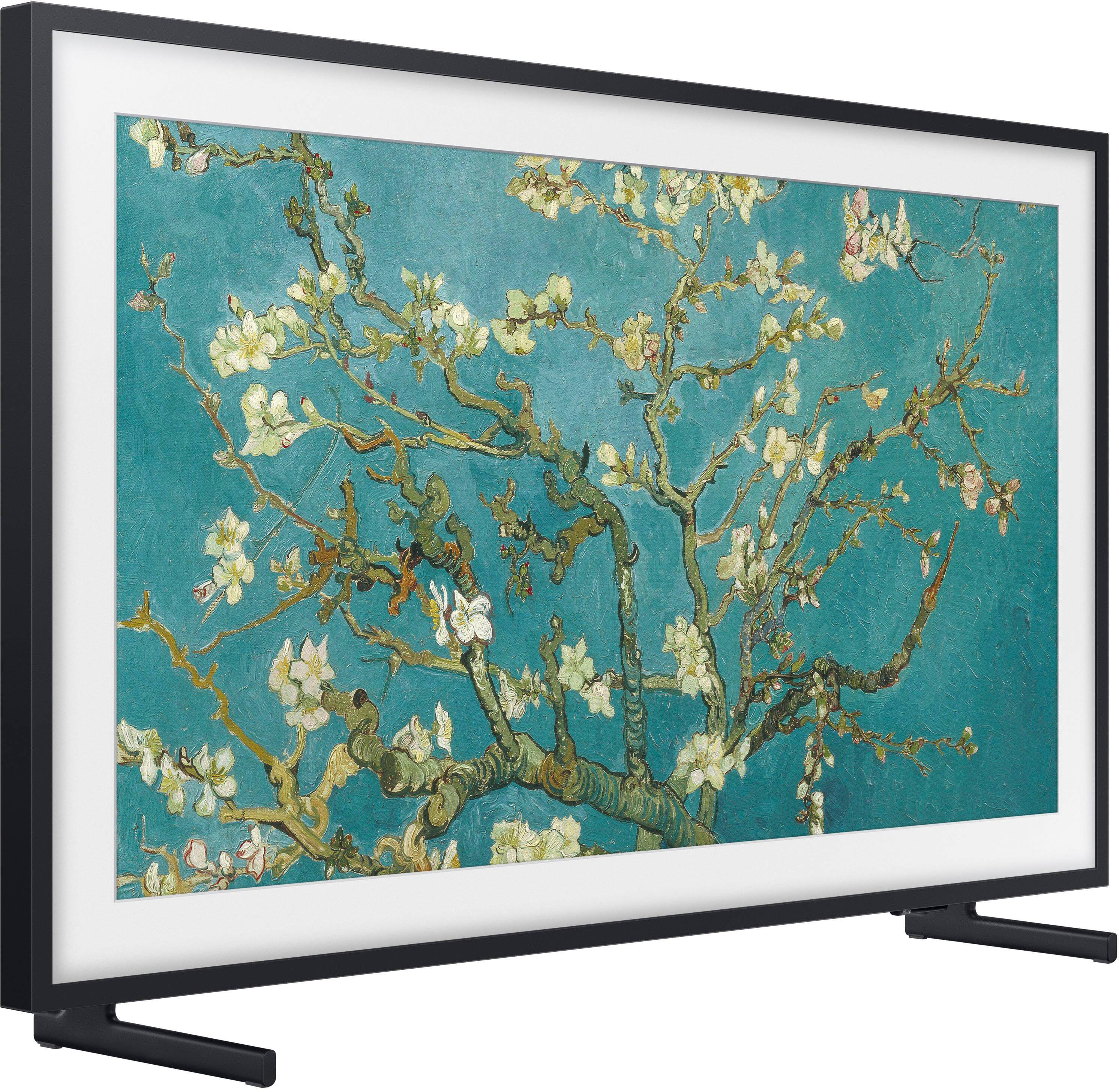
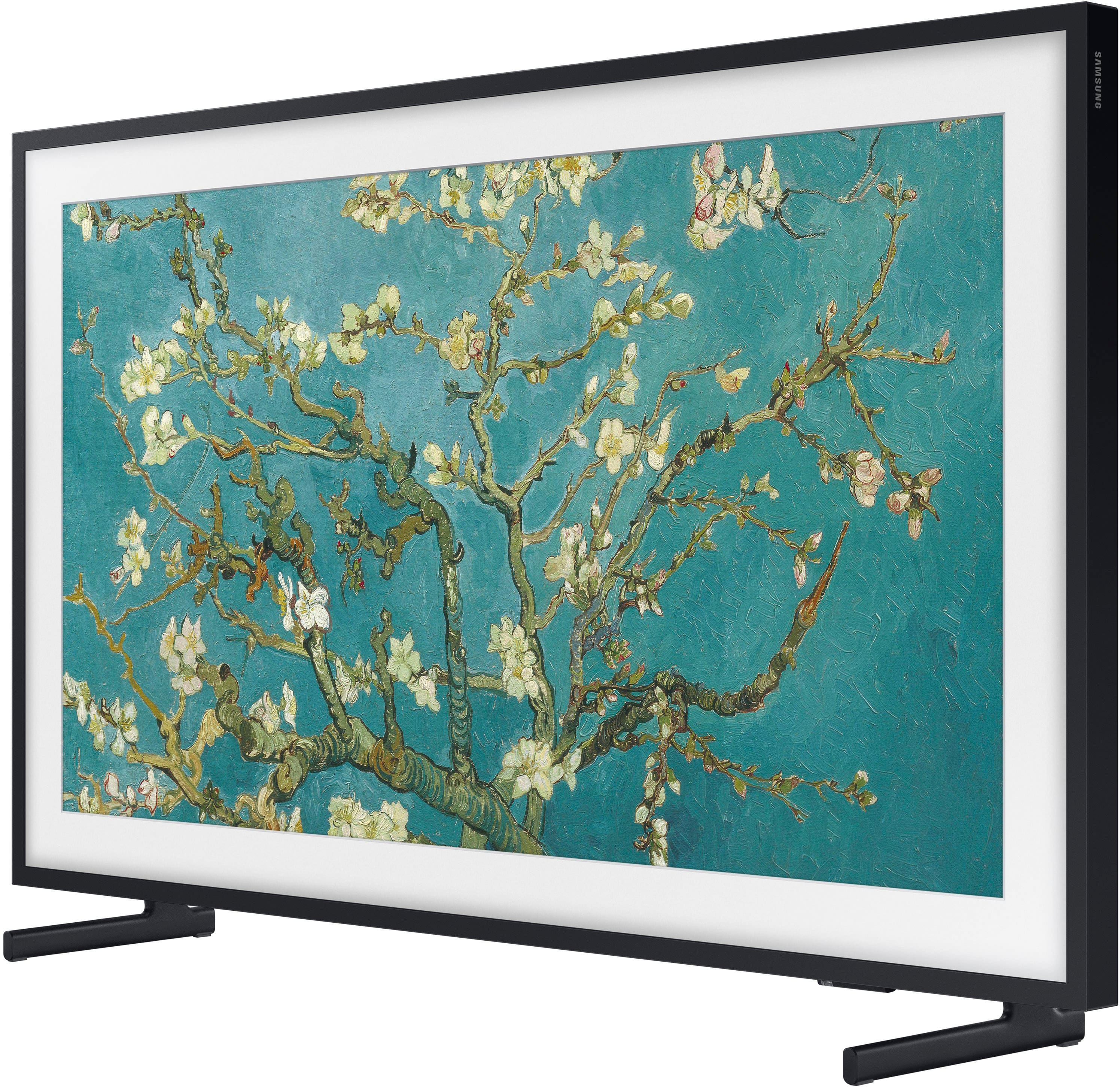
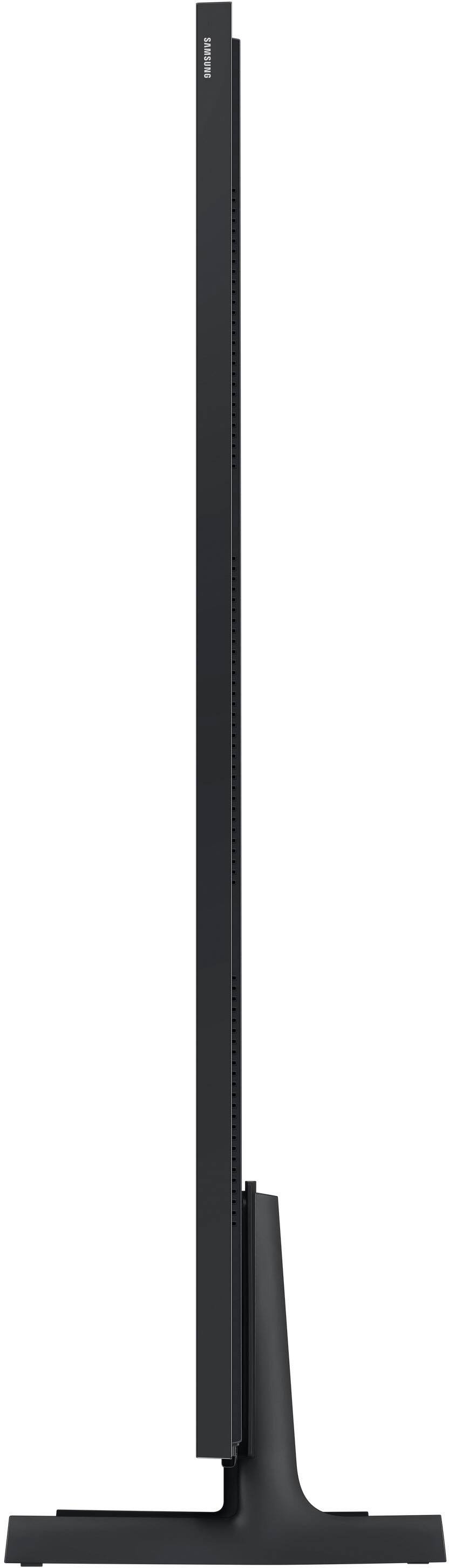
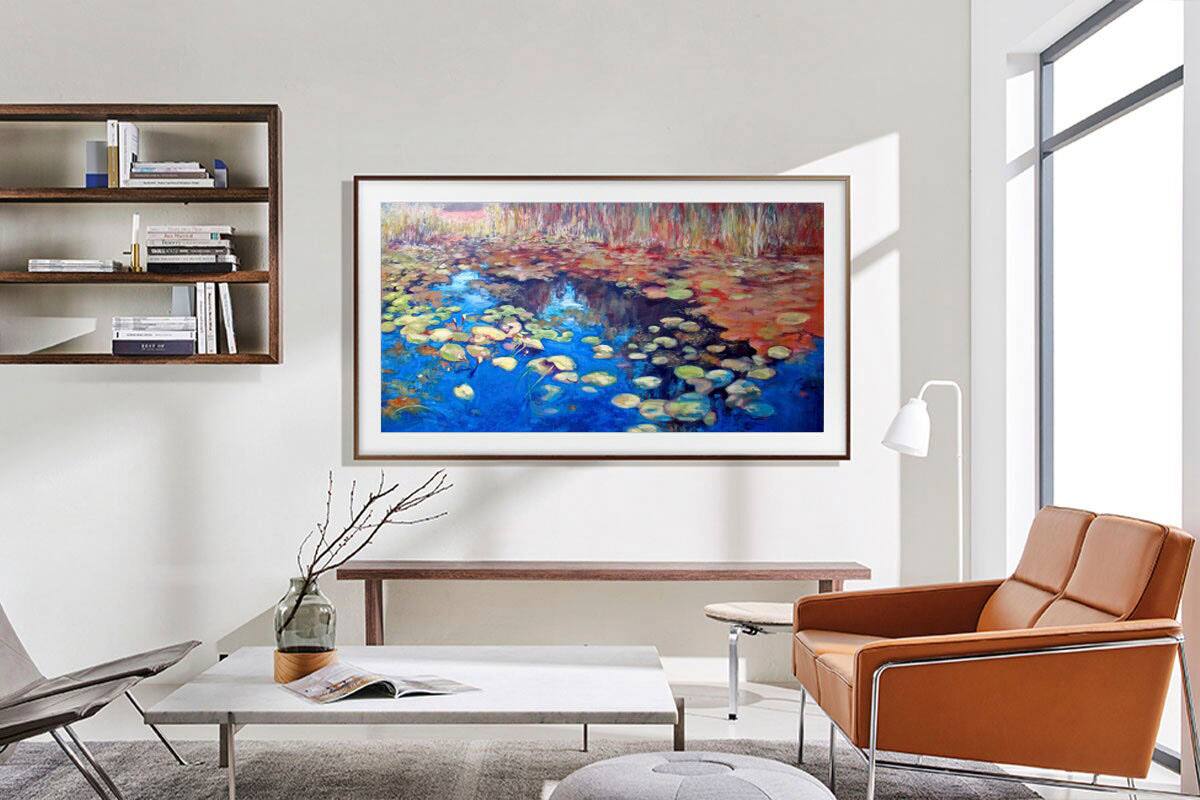






- Model:
- QN50LS03BAFXZA
- SKU:
- 6503089
Rating by feature
- Picture Quality
Rating 4.7 out of 5 stars
- Sound Quality
Rating 4.5 out of 5 stars
- Brightness
Rating 4.7 out of 5 stars
Customers are saying
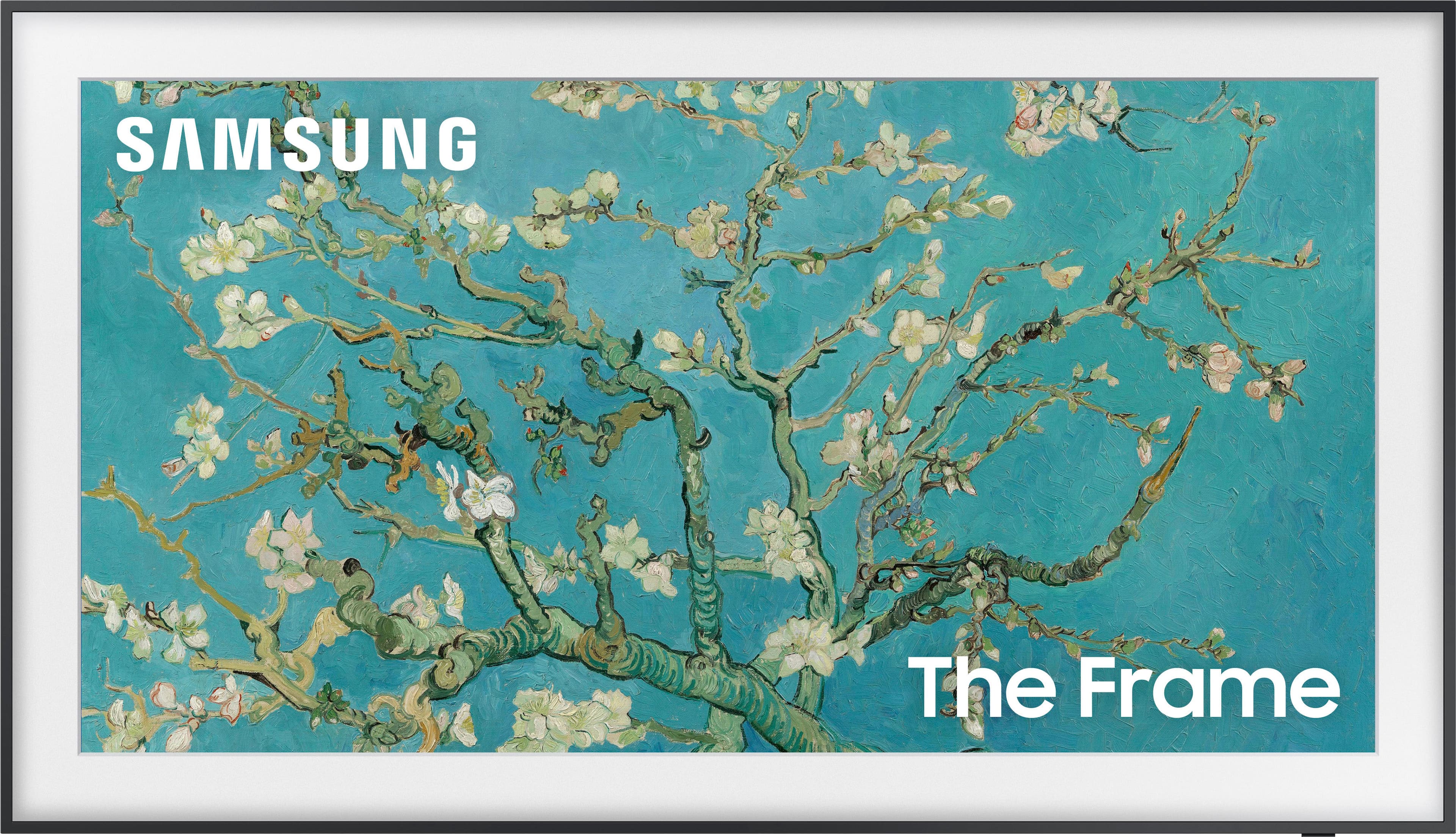
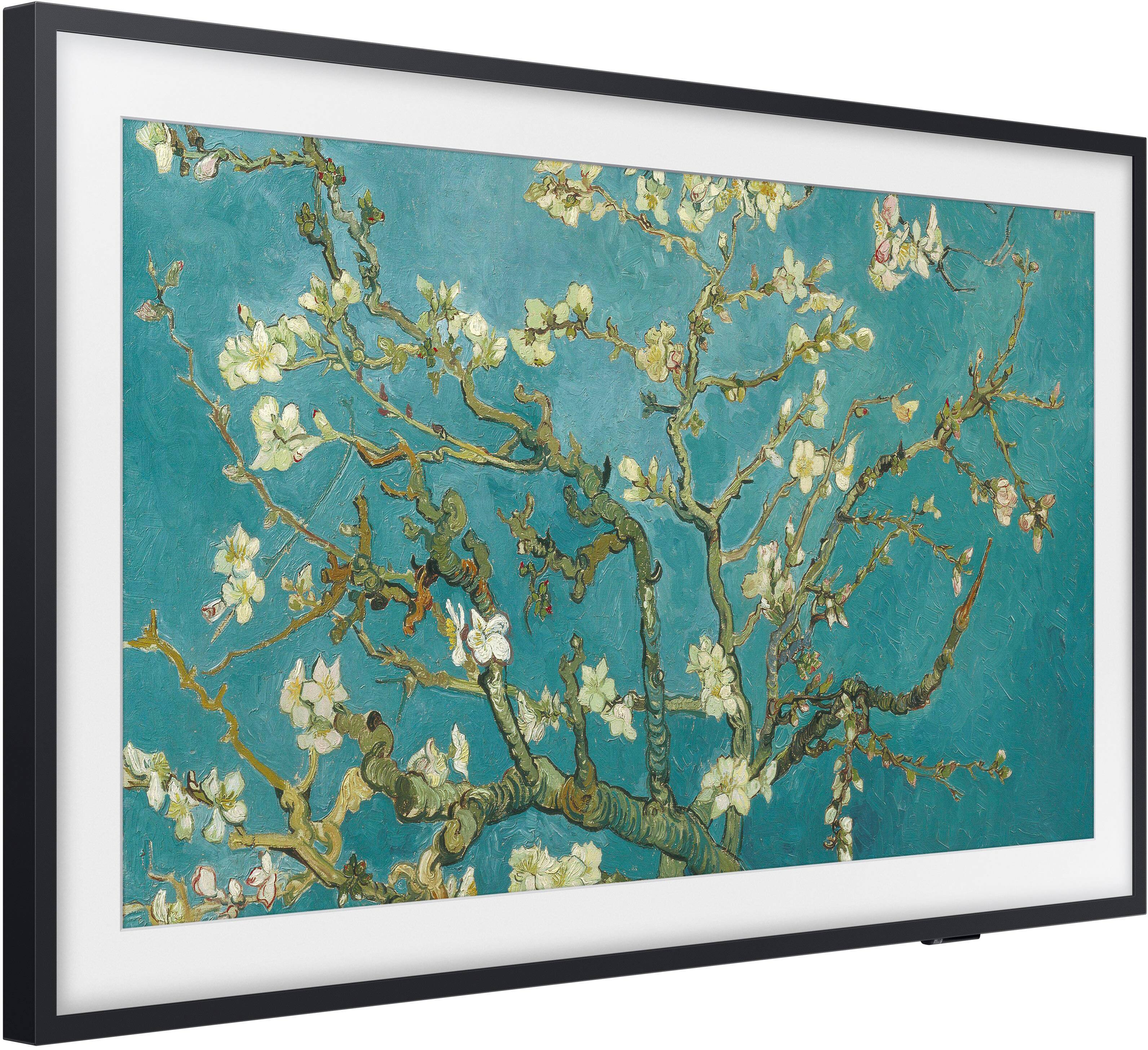
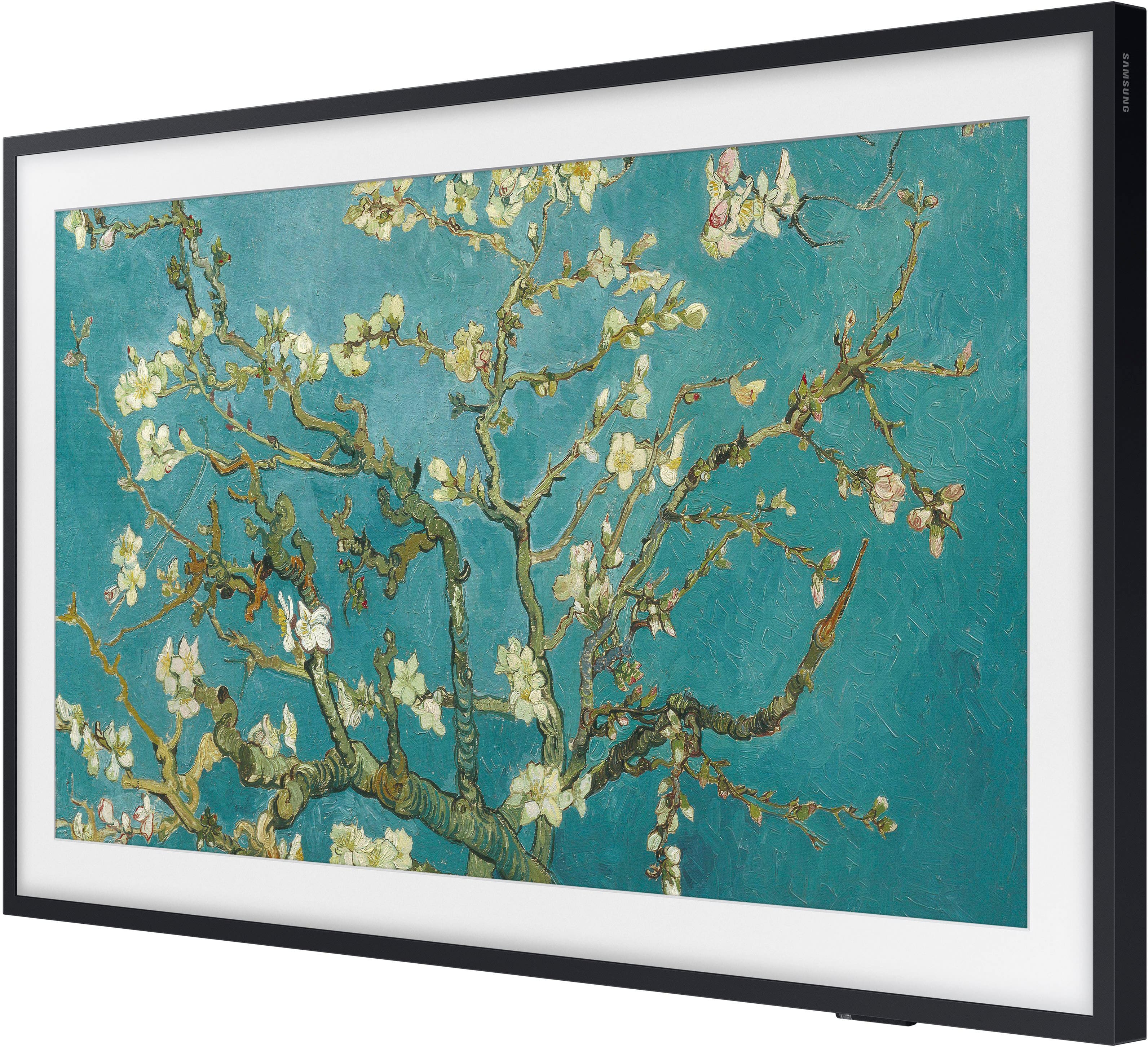
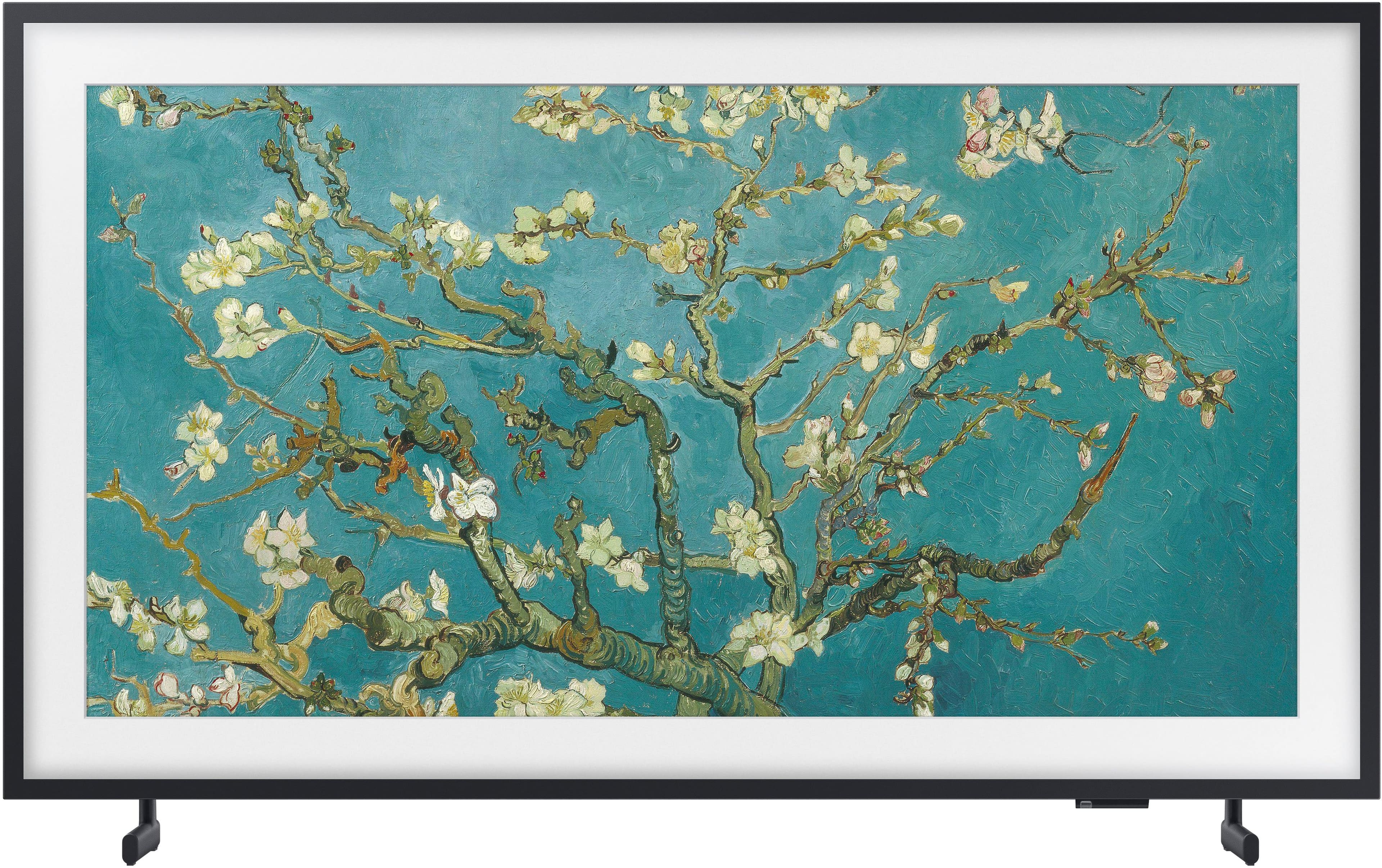
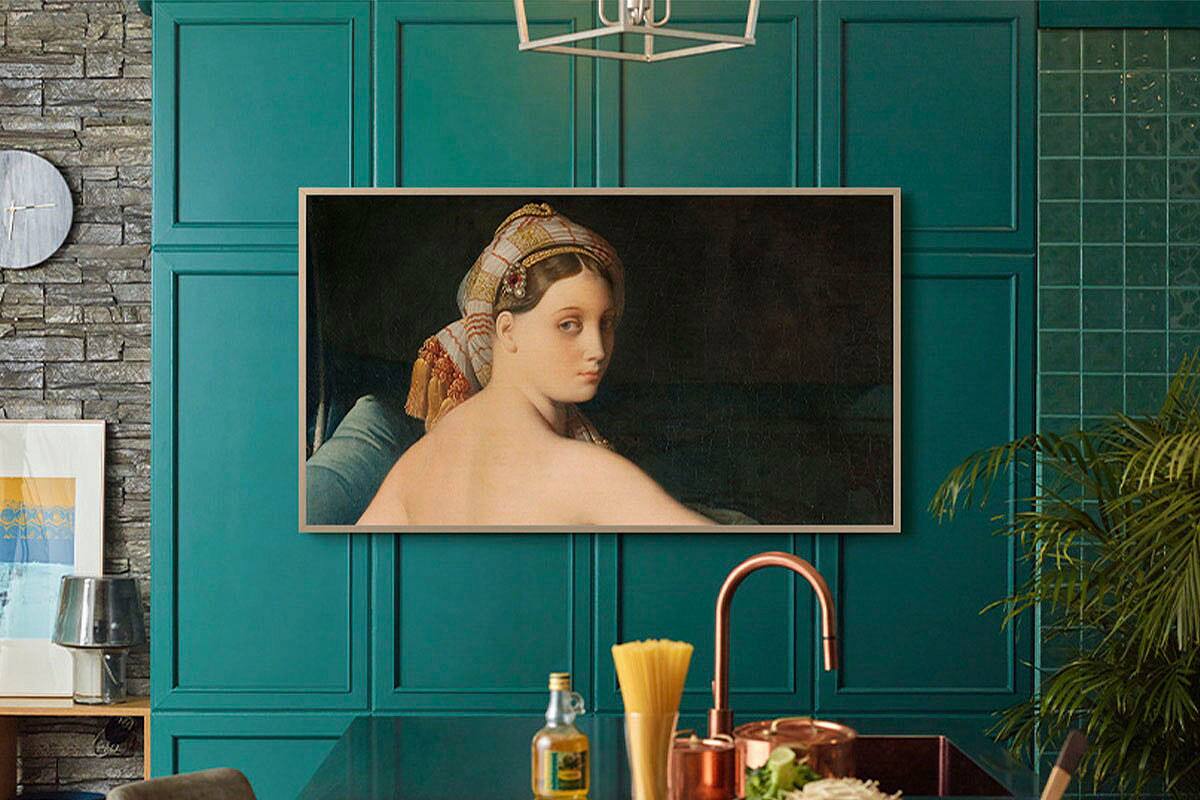
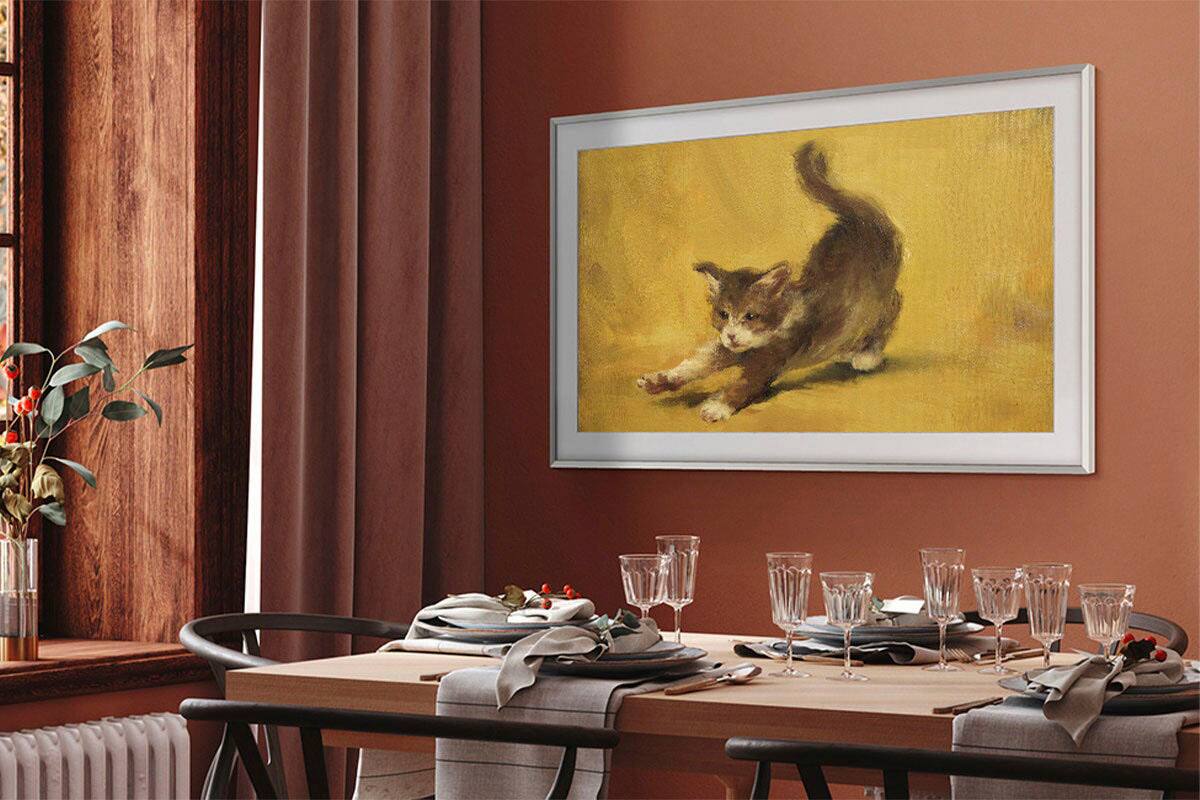
Customers consistently note the excellent picture quality and sleek design of the 50" Class The Frame QLED 4K UHD Smart Tizen TV (2022). Many appreciate the ease of use and the flat wall mount, which contributes to its aesthetic appeal. However, some users mention challenges with the remote control's functionality and the TV's software. A few customers also find the price point to be relatively high.
This summary was generated by AI based on customer reviews.
Definitely got a dud of a unit.
||Posted . Owned for 3 weeks when reviewed.This reviewer received promo considerations or sweepstakes entry for writing a review.The TV I received had a humming noise coming from the unit, the sound would stop and start for no reason, the smart hub wouldn't update therefore no streaming or viewing apps could be downloaded, and at times the TV would turn off and on by itself. Definitely not the quality I was expecting from a Samsung TV, especially this highly anticipated style of tv.
No, I would not recommend this to a friendBrand response from Samsung
Posted .MichaelG,
We appreciate you sharing your experience with The Frame TV. We recommend you contact Best Buy Customer Support or your local Best Buy store directly for assistance in correcting this situation. We hope your issue is resolved in a timely manner.
Should you have questions or concerns regarding the usage or setup of your TV once your issue has been resolved, please contact Samsung Customer Support at 1-800-SAMSUNG, 8AM - 12AM EST, 7 days a week. Our LiveChat agents are also available by clicking on the ‘Support’ link on our website.
~ Samsung Specialist
Art looks great
||Posted . Owned for 1 week when reviewed.This reviewer received promo considerations or sweepstakes entry for writing a review.The two point wall mount isnt as easy to install as the previous mount but overall great tv for art
I would recommend this to a friendMissing Parts
||Posted . Owned for 3 weeks when reviewed.This reviewer received promo considerations or sweepstakes entry for writing a review.TV did not come with all parts necessary to install on the wall - have 2 left brackets and no right bracket, as of 1/5 it has been 2 weeks , Samsung tells me I will have the correct part by the end of the month. Big run around from Samsung to each department.
No, I would not recommend this to a friendBrand response from Samsung
Posted .MarkS,
We appreciate you sharing the details of your wall mount issue and for your patience while waiting for your replacement bracket to arrive. Should you need further assistance after you've received it, please contact Samsung Customer Support at 1-800-SAMSUNG, 8AM - 12AM EST, 7 days a week. Or visit us on the Samsung website and click on the ‘Support’ link for:
• LiveChat
• Manuals, Software, & Warranty Info
~ Samsung Specialist
My TV
||Posted .This reviewer received promo considerations or sweepstakes entry for writing a review.I love the picture frame it fits in the room beautifully
I would recommend this to a friendGreat option
||Posted . Owned for 1 week when reviewed.This reviewer received promo considerations or sweepstakes entry for writing a review.Great option when you can’t decide if art or a tv should be above a fireplace.
I would recommend this to a friend- Pros mentioned:Picture quality
The frame fails
||Posted . Owned for less than 1 week when reviewed.This reviewer received promo considerations or sweepstakes entry for writing a review.I was debating between Samsung and LG. I was looking for a mid price with good quality image. I decided to get the frame 50". The setup brackets was confusing. The remote horrible, it lagged. Then, it had this connector box, no way. The image quality not as expected. I had to return it. I exchanged with a LG B2, I only paid difference of 100 bucks. And this LG is super superior to Samsung frame.
No, I would not recommend this to a friendBrand response from Samsung
Posted .Alalau,
It’s unfortunate to hear of the issues that have caused you to return your Frame TV. Your experience is very important to us and will be shared with our product team.
Please know we’re always here to help, and we could’ve provided additional troubleshooting assistance to resolve any issues you were experiencing.
Should you ever decide to give Samsung TVs another try and have questions or need help with settings, setup, or features, please know we’re here to help. Call us at 1-800-SAMSUNG, 8AM - 12AM EST, 7 days a week.
LiveChat with an agent as well as manuals, software, and warranty info can be found at the ‘Support’ link on our Samsung website.
~ Samsung Specialist
Great tv garbage apps
||Posted . Owned for 1 year when reviewed.This reviewer received promo considerations or sweepstakes entry for writing a review.This is the past samsung purchase i ever made. Was imagining a beautiful life with having photos and art rotating to find out that their app is garbage. Cant even upload picture from iphone.
No, I would not recommend this to a friendBrand response from Samsung
Posted .Spender,
I'm sorry to hear you're having issues with the SmartThings app. So we can better understand the issues you’re experiencing and provide you with troubleshooting assistance, please reach out to Samsung Customer Support at 1-800-SAMSUNG, 8AM - 12AM EST, 7 days a week. Our LiveChat agents are also available by clicking on the ‘Support’ link on our website.
~ Samsung Specialist
You should consider it.
||Posted . Owned for 3 weeks when reviewed.This reviewer received promo considerations or sweepstakes entry for writing a review.Nice concept. Ok price. Best Buy is the right place to buy.
I would recommend this to a friendGreat picture
||Posted .This reviewer received promo considerations or sweepstakes entry for writing a review.Really great tv. Love the art selection for the frame view
I would recommend this to a friendFits perfect
||Posted . Owned for 1 week when reviewed.This reviewer received promo considerations or sweepstakes entry for writing a review.She is a beauty! Fits perfect above my fireplace!!
I would recommend this to a friendFrame Samsung.
||Posted .This reviewer received promo considerations or sweepstakes entry for writing a review.So far so good, too early and still need to figure it out
I would recommend this to a friendMeh
||Posted . Owned for 1 month when reviewed.This reviewer received promo considerations or sweepstakes entry for writing a review.This doesn’t seem like I’m getting a better picture than my older Samsung I bought in 2019
No, I would not recommend this to a friendBrand response from Samsung
Posted .Lorna,
Thank you for sharing your thoughts on the picture quality of your Frame TV. To ensure you’ve got the latest image quality updates, please confirm that your TV is up to date with the latest firmware version. You can check by going to: Home > Menu > Settings > Support > Software Update.
If the picture you’re seeing is still not to your liking after updating firmware, there are several picture settings you may want to try adjusting.
Go to Home > Menu > Settings > All Settings > Picture > Picture Mode
...and select the mode that best fits your usage:
1) Standard: Is the default mode suitable for general viewing environments.
2) Movie: Is suitable for watching TV or movies in a dark room.
3) Dynamic: Makes the picture brighter and clearer in bright viewing environments.
4) Filmmaker Mode: You can watch the source content (e.g., movie) as it is. If the image is defined as Filmmaker Mode, it will automatically switch to Filmmaker Mode while watching.
You can also go to: Home > Menu > Settings > All Settings > Picture > Expert Settings to manually fine tune your image.
For further assistance with settings adjustments, please contact Samsung Customer Support at 1-800-SAMSUNG, 8AM - 12AM EST, 7 days a week. Or visit us on the Samsung website and click on the ‘Support’ link for:
• LiveChat
• Manuals, Software, & Warranty Info
~ Samsung Specialist
Connect wifi poor
||Posted . Owned for 2 months when reviewed.This reviewer received promo considerations or sweepstakes entry for writing a review.Not good connect with wifi - pop error said disconnect network often .......
No, I would not recommend this to a friendBrand response from Samsung
Posted .VladislavH,
Thank you for sharing your experience with Wi-Fi connectivity on your Frame TV. This may be caused by a network issue. You might want to go through these steps to check your network connection:
1) Minimize interference by not using or turning off wireless devices. Also, verify that there are no obstacles between the TV and the modem or access point. (Wi-Fi strength can be decreased by appliances, cordless phones, stone walls/fireplaces, etc.)
2) If the wireless connection fails, connect the TV to the access point via a LAN cable. If the TV can connect to the Internet normally via the wired connection, there might be a problem with the access point. In this case, try using a different access point.
3) Perform a network test to check if there is a network problem. Press the Home button on your remote. Navigate to Settings > Support > Device Care > Self Diagnosis> Smart Hub Connection Test
4) Try a cold reboot of your TV by pressing and holding the power button for 5+ seconds until the TV turns off and on again.
5) Please also be sure you have the latest firmware update. You may want to enable automatic updates for convenience. Select Settings > Support > Software Update, then select Auto Update.
For further assistance or service, please contact us at 1-800-SAMSUNG, 8AM - 12AM EST, 7 days a week. Or visit us on the Samsung website and click on the ‘Support’ link for:
• LiveChat
• Manuals, Software, & Warranty Info
~ Samsung Specialist
Wait and see
||Posted .This reviewer received promo considerations or sweepstakes entry for writing a review.So far it is not working properly. Art picture only stays on for a few minutes. Randomly turns on & stays on for a while. I have contacted customer support but still waiting for a response.
No, I would not recommend this to a friendBrand response from Samsung
Posted .Random,
We appreciate you sharing your experience with The Frame TV automatically turning on and off when left in Art Mode. While the issues you've mentioned will be corrected with an upcoming firmware update, you can prevent this with the following:
Disable Night Mode
1. Navigate to the Art Home Screen, as Art Mode settings can only be accessed from here. If art is currently displayed on the screen, press Return on the remote to go to the Home screen or navigate to Art Mode from wherever you are on the TV.
2. Scroll all the way down to Art Mode Options, then highlight Night Mode. Press Enter on the remote to switch Night Mode from On to Off.
3. Extend the Sleep After time. This feature will turn off Art Mode after a set amount of time if no motion is detected around the TV. Sleep After is also located under Art Mode Options and can be set from 5 minutes to 4 hours. Select the Sleep After icon to select the desired time.
Check the Sleep Timer
The Sleep Timer automatically turns the TV off after a specific period of time. Go to: Menu > Settings > All Settings > General & Privacy > System Manager > Time > Sleep Timer
If the Sleep Timer has not been enabled, see if Auto Power Off or Off Timer have been enabled and disable it.
- Menu > Settings > All Settings > General & Privacy > Power and Energy Saving > Auto Power Off
- Menu > Settings > All Settings > General & Privacy > System Manager > Time > Off Timer
Remove your TV from the SmartThings app
1. On your connected phone, navigate to and open the SmartThings app.
2. Tap the Devices tab, then tap the Home icon, and then select the location with your TV. Swipe through the rooms to find your TV, and then touch and hold your TV.
3. Tap Edit, and then tap Remove device. Tap Remove to confirm.
Please also be sure you’re running the latest firmware. You can check to see what software version your TV is using and if there is an update available by going to: Home > Menu > Settings > Support > Software Update > Update Now.
If the issue persists, please reach out to us and a Support agent will gladly help. Call us at 1-800-SAMSUNG, 8AM - 12AM EST, 7 days a week. Or visit us on the Samsung website and click on the ‘Support’ link for:
• LiveChat
• Manuals, Software, & Warranty Info
~ Samsung Specialist
- Pros mentioned:Picture quality
After a two year wait, it’s better than expected
Posted .This reviewer received promo considerations or sweepstakes entry for writing a review.Fantastic display, great picture, easy to install. We waited 2 years to finally make the decision to purchase. Have no regrets. It goes great with our gallery wall in the living room.
I would recommend this to a friend - Pros mentioned:Tv quality
Would not buy again
Posted .This reviewer received promo considerations or sweepstakes entry for writing a review.WOULD NOT BUY AGAIN. The TV itself is great. But the reason I got this TV and not another less expensive TV was for the art mode (making it not look like a TV). The app, smart things, that operates this TV, DOES NOT WORK. There are glitches in the cloud (as per their rep) that make it so you constantly get errors "make sure your phone and tv are on the same network". Google it. This problem has been going on for YEARS. And no fix. It's a lot of money to spend to have to find work arounds to get art on to the TV (USB, or TV itself).
No, I would not recommend this to a friendBrand response from Samsung
Posted .AnyaD,
We appreciate your review of Samsung’s Frame TV. So we can better understand the issues you’re experiencing and provide you with troubleshooting assistance, please reach out to Samsung Customer Support at 1-800-SAMSUNG, 8AM - 12AM EST, 7 days a week.
Our LiveChat agents are also available by clicking on the ‘Support’ link on our website. We hope to hear from you!
~ Samsung Specialist
- Pros mentioned:Picture quality
Easy-peasey
Posted .This reviewer received promo considerations or sweepstakes entry for writing a review.My daughter set it up for me. I’m proud I have her and so pleased with the product. Fit perfectly on my mantle so I didn't have to chance the lath and plaster wall attachment.
I would recommend this to a friend Samsung frame 50 in
Posted .This reviewer received promo considerations or sweepstakes entry for writing a review.The highest quality screen I have ever seen in my entire life! They call it the frame. And the reason they call it the frame is that when you're sitting in front of it you see no reflection of yourself on the actual screen itself nothing but just pure beautiful color looks like you're in the picture rather than looking at the picture. I would highly recommend this product and the 55 in 8k to anyone. Size is not the issue although some people will argue that.
I would recommend this to a friend- Pros mentioned:Design
Perfect t v with a perfect mount included
Posted .This reviewer received promo considerations or sweepstakes entry for writing a review.This TV comes with its own hanging apparatus. It looks sleek and great on the wall
I would recommend this to a friend - Pros mentioned:Tv quality
Great tv
Posted .This reviewer received promo considerations or sweepstakes entry for writing a review.Great tv love it so much I bought two of them very happy with my purchase
I would recommend this to a friend