Customer Ratings & Reviews
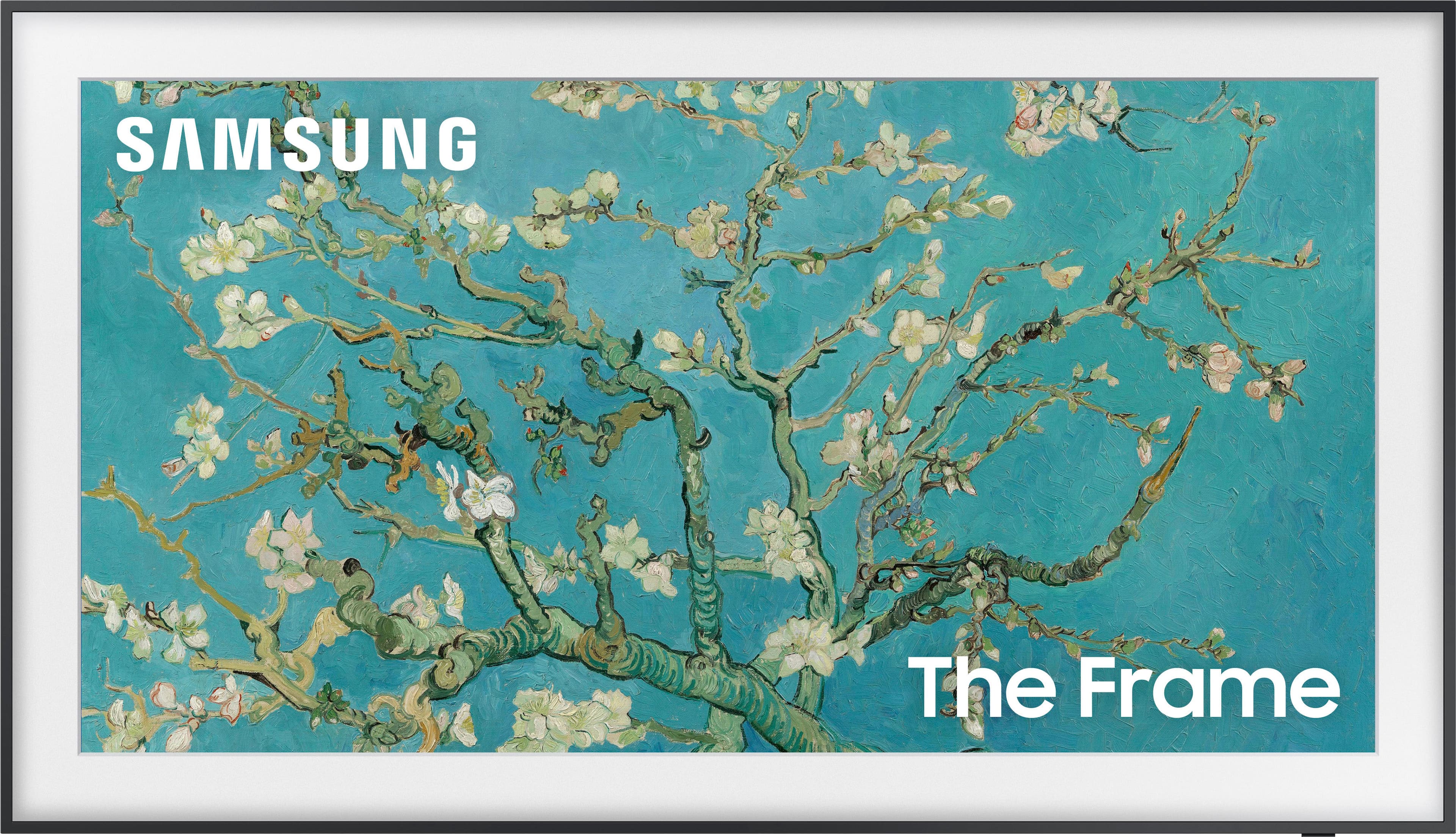
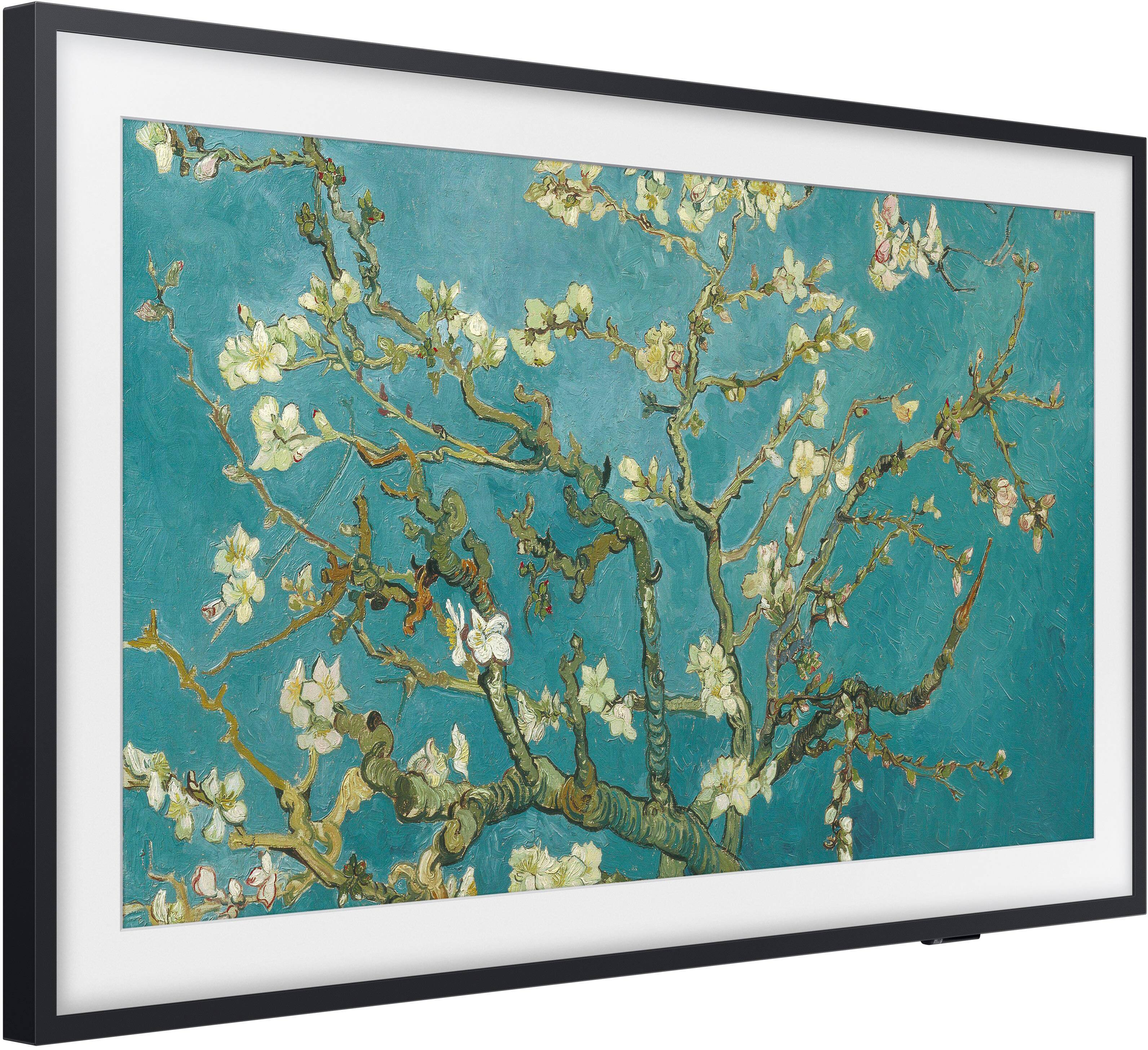
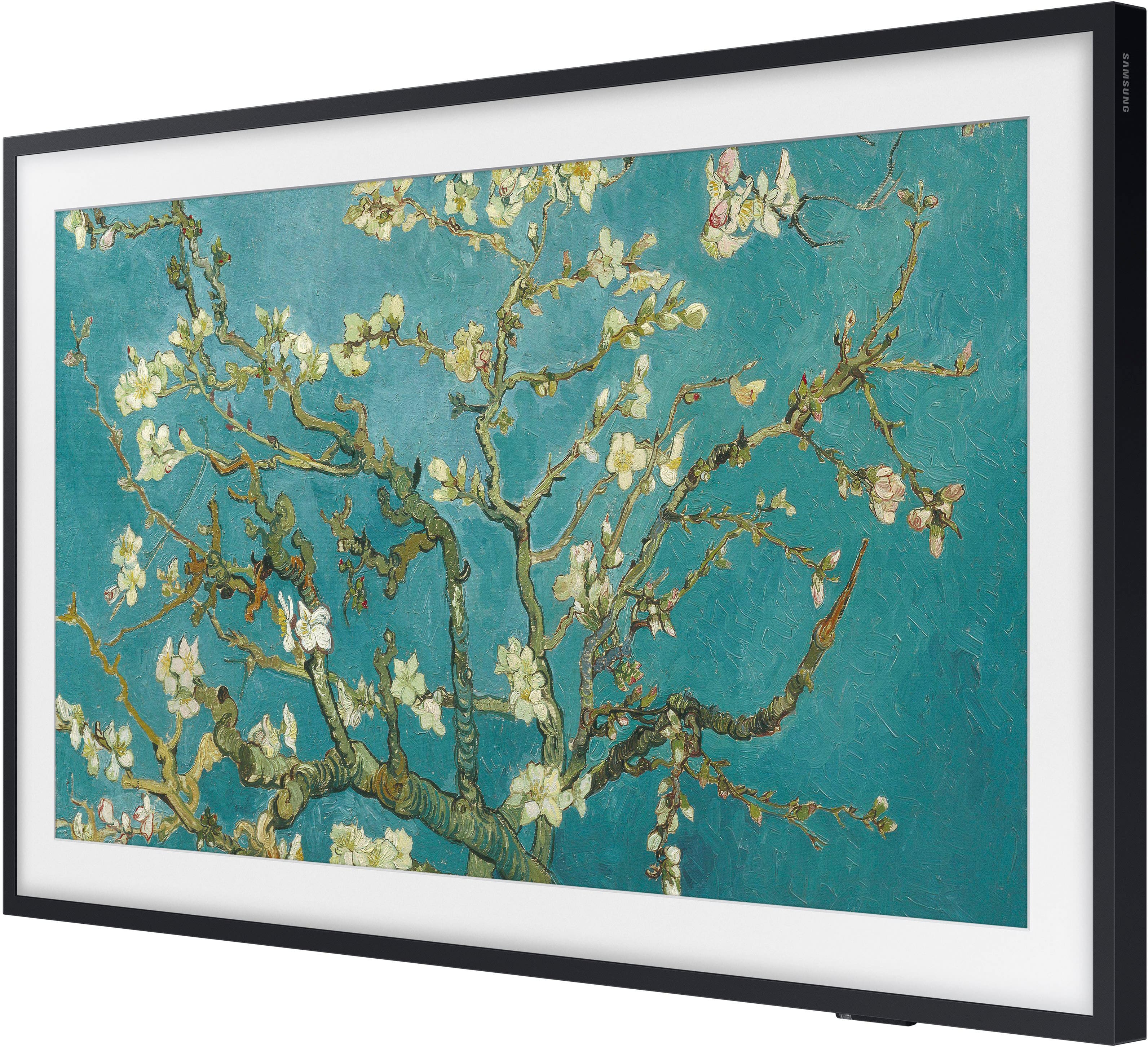
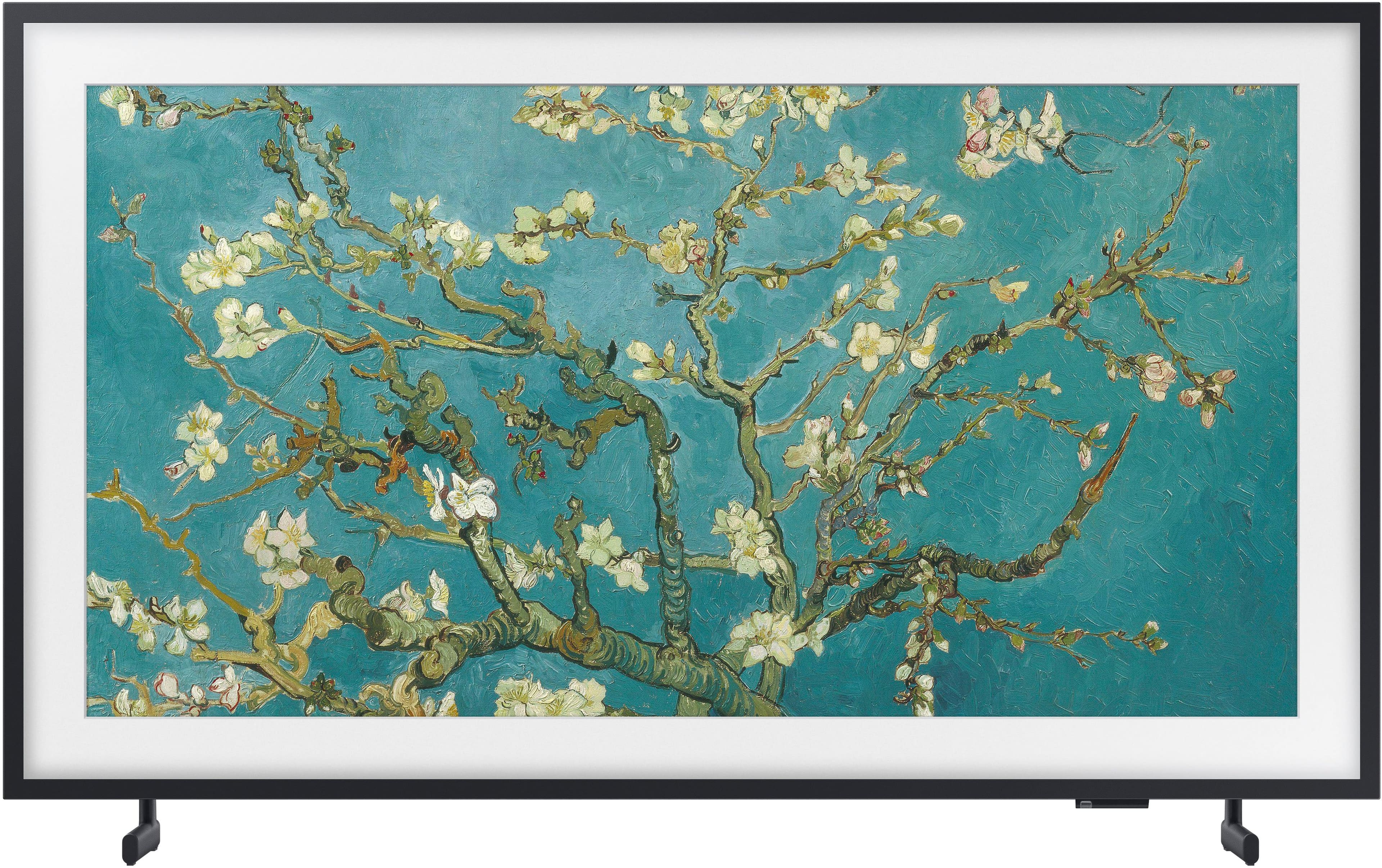










- Model:
- QN50LS03BAFXZA
- SKU:
- 6503089
Rating by feature
- Picture Quality
Rating 4.7 out of 5 stars
- Sound Quality
Rating 4.5 out of 5 stars
- Brightness
Rating 4.7 out of 5 stars
Customers are saying
Customers consistently note the excellent picture quality and sleek design of the 50" Class The Frame QLED 4K UHD Smart Tizen TV (2022). Many appreciate the ease of use and the flat wall mount, which contributes to its aesthetic appeal. However, some users mention challenges with the remote control's functionality and the TV's software. A few customers also find the price point to be relatively high.
This summary was generated by AI based on customer reviews.
Mr.
Posted .This reviewer received promo considerations or sweepstakes entry for writing a review.The frame looks great on our wall, the install techs were prompt and professional. Unfortunately at the store, we were not informed that longer hdmi cable would likely be required nor were we informed that the included wall mount would likely NOT work above our gas fireplace even though we asked about it at time of purchase.
I would recommend this to a friend- Pros mentioned:Ease of use
Light weight!
Posted .This reviewer received promo considerations or sweepstakes entry for writing a review.Great tv! Has lots of extras and was easy to attach to wall.
I would recommend this to a friend Art
Posted .This reviewer received promo considerations or sweepstakes entry for writing a review.The 50 inch Samsung The Frame is a good TV overall. It's good for watching TV shows and sports in bright rooms thanks to its high brightness and impressive reflection handling, and it upscale -resolution content as well. It's also good for gaming because it has HDMI 2.1 bandwidth
I would recommend this to a friendHappy with purchase
Posted .This reviewer received promo considerations or sweepstakes entry for writing a review.Looks great on my wall. I didn't really want a TV in my sitting room so decided to try the Frame TV for the art look. It has really exceeded my expectations. I'm waiting for the bezel to frame it.
I would recommend this to a friendGreat Open Box purchase
Posted .This reviewer received promo considerations or sweepstakes entry for writing a review.I love this television, it’s everything I was looking for. Happy to have gotten an excellent open-box purchase and saved some money. Excellent customer service while shopping, purchasing, and picking up.
I would recommend this to a friendGreat idea!!
Posted .This reviewer received promo considerations or sweepstakes entry for writing a review.This is a wonderful product to put into a sitting room or dining room to have television while you eat or have a nice classy look for hosting guests!
I would recommend this to a friendWorth the price
Posted .This reviewer received promo considerations or sweepstakes entry for writing a review.Great TV. Easy to set up and very nice to have art in the living room, not a big black hole.
I would recommend this to a friendTV
Posted .This reviewer received promo considerations or sweepstakes entry for writing a review.5 stars!!! Get pick love the TV so much!!! Would recommend to anyone!!!
I would recommend this to a friendLove this TV
Posted .This reviewer received promo considerations or sweepstakes entry for writing a review.Love this TV. The quality of the 4k screen is so crisp and clear. Easy to use and so slim.
I would recommend this to a friendmersive experience!
Posted .This reviewer received promo considerations or sweepstakes entry for writing a review.Samsung The Frame TV: Exquisite visual artistry, immersive experience!
I would recommend this to a friendFrame tv
Posted .This reviewer received promo considerations or sweepstakes entry for writing a review.I had to return it but I know it is a very nice tv set.
I would recommend this to a friendSamsung Frame TV with Best Buy Support Bad Idea
Posted .This reviewer received promo considerations or sweepstakes entry for writing a review.Wish I could give this 0 stars 1: Samsung Frame TV installed by professional installers Feb 2022 2: In March 2023 just stops working 3: Full disclosure I did NOT purchase an extended warranty. I have purchased FIVE Best Buy TVs in last 18 months and I do now have their TotalTech support package 4: Best Buy wants $642 to fix the TV and confirmed it is most likely factory ship fault I would strongly recommend against buying a Samsung Frame TV....it's ok for things to go wrong, but this is a crazy amount of money to have to pay 13 months after delivery and Best Buy Customer Service is completely uninterested in helping us out.
No, I would not recommend this to a friendBrand response from Samsung
Posted .SimonK,
I’m sorry to hear of the issues you’re experiencing with Samsung’s Frame TV. If your TV is out of the 1-year Manufacturer's Warranty, you can locate a service center in your area by following this link: https://www.samsung.com/us/support/service/locations/
If there’s anything we can further help with, please call us at 1-800-SAMSUNG, 8AM - 12AM EST, 7 days a week. LiveChat with an agent as well as manuals, software, and warranty info can be found at the ‘Support’ link on our Samsung website.
~ Samsung Specialist
Do NOT Buy the New 2022 Model
Posted .This reviewer received promo considerations or sweepstakes entry for writing a review.The 2022 Model costs 1/3 more and the picture is AWFUL!!! If a 2021 is still available (it is as of this review) buy it instead. This is my 2nd Frame TV, the last one lasted 3+ years before the power in the "One Connect" box died (NOT repairable or replaceable). BUT I liked it well enough to order a new one to replace it. Went with the 2022 model ($1300 vs $950 for the 2021) because I thought the new Matte feature sounded great (it's supposed to eliminate sun glare on screen) -- but the picture is dull, dark, and not crisp; even after manually adjusting to maximum brightness, contrast, etc. SO regret buying this TV. The only bright spot was Bet Buy's install team, which was well worth the money.
No, I would not recommend this to a friendBrand response from Samsung
Posted .BeachCat,
We appreciate your thoughts on the included documentation, complimentary art selection, and image quality of your 2022 Frame TV. To ensure your picture is fully optimized, please be sure your firmware is up to date with version 1205.0 which includes picture quality updates. You can check this by going to: Settings > Support > Software Update.
In addition to fine-tuning your TV's Expert Picture Settings, you can also select the Picture Mode that provides the best viewing experience. Go to Home > Menu > Settings > All Settings > Picture > Picture Mode
...and select the mode that best fits your usage:
1) Standard: Is the default mode suitable for general viewing environments.
2) Movie: Is suitable for watching TV or movies in a dark room.
3) Dynamic: Makes the picture brighter and clearer in bright viewing environments.
4) Filmmaker Mode: You can watch the source content (e.g., movie) as it is. If the image is defined as Filmmaker Mode, it will automatically switch to Filmmaker Mode while watching.
Intelligent Mode further enables the TV to recognize and analyze the surroundings, noise, content, and your usage patterns to provide the best viewing experience. You can enable Intelligent Mode by going to Menu > Settings > All Settings > General & Privacy > Intelligent Mode Settings > Intelligent Mode.
I hope these tips help you enjoy your new product!
You can always contact us for further help at 1-800-SAMSUNG, 8AM - 12AM EST, 7 days a week.
~ Samsung Specialist
Too much product pushing for premium TV
Posted .This reviewer received promo considerations or sweepstakes entry for writing a review.A couple of things to beware. First, this might be marketed as being like a picture frame, but it's NOT straightforward to get it set up without a wire dangling from it. It's not great, but we managed to mostly hide it with furniture. The thing that absolutely KILLS me though, is Samsung's interface. One wrong click of the remote, and you'll accidentally end up watching iCarly on Samsung TV plus. Unlike the Sony Android TVs that I have bought recently, I cannot get the hub down to only the apps that I use, and it seems as if Samsung TV plus is the TV's preferred default. The other thing that drives me crazy is that the hub screen shows me ads for sponsored shows and streaming services that I have no interest in. For a $1000+ TV, this seems inexcusable. If there was a Sony TV with this form factor, I would have returned my Samsung Frame within days. My alternative plan is to get a Chromecast, which hopefully can salvage a frustrating situation.
No, I would not recommend this to a friendBrand response from Samsung
Posted .CyrusHeick,
We appreciate you sharing your experience with The Frame TV. Your thoughts are appreciated and will be shared with our internal teams.
On the Media Home Screen, you can easily run the apps you’ve used previously or frequently. The apps can also be rearranged or removed from the screen. Here's how:
Downloading Apps
1. Press Home > left directional button > Media > APPS
2. Find and select the app you’d like to download. The detailed information screen appears.
3. Select Install. When the installation is complete, the Open menu appears.
Adding & Removing Apps on Home Screen
1. From Media Home, select List Edit (at the end of the APPS list)
2. Click the app you’d like to uninstall and press the down directional button on the remote.
3. From here, you can choose to Delete, Add to Home, Lock, Move, Reinstall, or View Details about the app selected.
To use this feature, your TV must be connected to the internet. If you haven’t already, please go to Samsung Account and create a new account or sign in.
While your TV may currently default to Samsung’s TV Plus app, please know you can choose what your TV does when you turn it on by going to Menu > Settings > All Settings > General & Privacy > Start Screen Option > Autorun Smart Hub
1) Enabling Autorun Smart Hub automatically launches the Smart Hub when the TV is turned on. Navigate to this option to enable or disable the feature.
2) If Autorun Last App is set to on, the last used app is automatically run when you turn on the TV. You can turn this function on or off by pressing the Select button in the current menu.
Redesigned in 2022, Next Home pulls opens a separate menu that is easier to see and navigate. In addition to the new layout, Next Home has a convenient sidebar on the left. The sidebar is broken down into multiple sections, categorizing different features and settings in a streamlined design. To open Next Home, just press the Home button on your remote. The following tabs will be available:
1. Privacy Choices: Review your TV’s Terms & Conditions, Privacy Policy, and Privacy Center
2. Search: Instead of browsing content aimlessly, you can search for specific movies or shows by typing out keywords in the search bar at the top or saying a command
3. Art Mode: Access Art Mode settings to customize your TV’s screen when it isn’t being used. You can make your TV display a relaxing photo, a picturesque image, or a funky background to keep things interesting. And if you’re into NFT artwork, Art Mode now has an entire NFT section with content from the Nifty Gateway marketplace!
4. Gaming Hub: Run out of console games to play? Check out the new Gaming Hub, a discovery platform that includes games you can stream right on your TV! Browse new releases, indie gems, or simply go back to that one game you can't put down. There are also multiple playing options, so the possibilities are endless.
5. Media: Your hub for all things entertainment. Available streaming apps will display at the top of the screen, such as Netflix, Samsung TV Plus, and more. Next Home will learn your viewing patterns over time and suggest movies and shows based on what you like.
6. Menu: The Menu tab lets you access Settings and Connected Devices. From here, you can access or change most settings on your TV. And of course, you can manage any devices you’ve previously connected or would like to pair.
If you need more help, Samsung is here for you. Please call us at 1-800-SAMSUNG, 8AM - 12AM EST, 7 days a week. Our LiveChat agents are also available by clicking on the ‘Support’ link on our website.
~ Samsung Specialist
TV Picture Quality vs Frame
Posted .This reviewer received promo considerations or sweepstakes entry for writing a review.I bought it because of "the frame". I ended up not being able to hide the cord, so it defeated the purpose. TV Picture quality not so good.
No, I would not recommend this to a friendBrand response from Samsung
Posted .Souldust,
I'm sorry to hear you're not fully satisfied with The Frame TV. Your thoughts on the One Invisible Connection Cable are appreciated and will be shared with our design teams.
If the picture you’re seeing is not to your liking, there are several picture settings you may want to try adjusting. Go to Home > Menu > Settings > All Settings > Picture > Picture Mode
...and select the mode that best fits your usage:
1) Standard: Is the default mode suitable for general viewing environments.
2) Movie: Is suitable for watching TV or movies in a dark room.
3) Dynamic: Makes the picture brighter and clearer in bright viewing environments.
4) Filmmaker Mode: You can watch the source content (e.g., movie) as it is. If the image is defined as Filmmaker Mode, it will automatically switch to Filmmaker Mode while watching.
Intelligent Mode enables the TV to recognize and analyze the surroundings, noise, content, and your usage patterns to provide the best viewing experience. You can enable Intelligent Mode by going to Menu > Settings > All Settings > General & Privacy > Intelligent Mode Settings > Intelligent Mode.
To ensure your TV is fully optimized, please be sure your firmware is up to date with version 1211.2 which includes picture quality updates. You can check this by going to: Home > Menu > Settings > Support > Software Update > Update Now
If adjusting image settings does not improve your picture, please contact Samsung Customer Support at 1-800-SAMSUNG, 8AM - 12AM EST, 7 days a week. Our LiveChat agents are also available by clicking on the ‘Support’ link on our website.
~ Samsung Specialist