Customer Ratings & Reviews
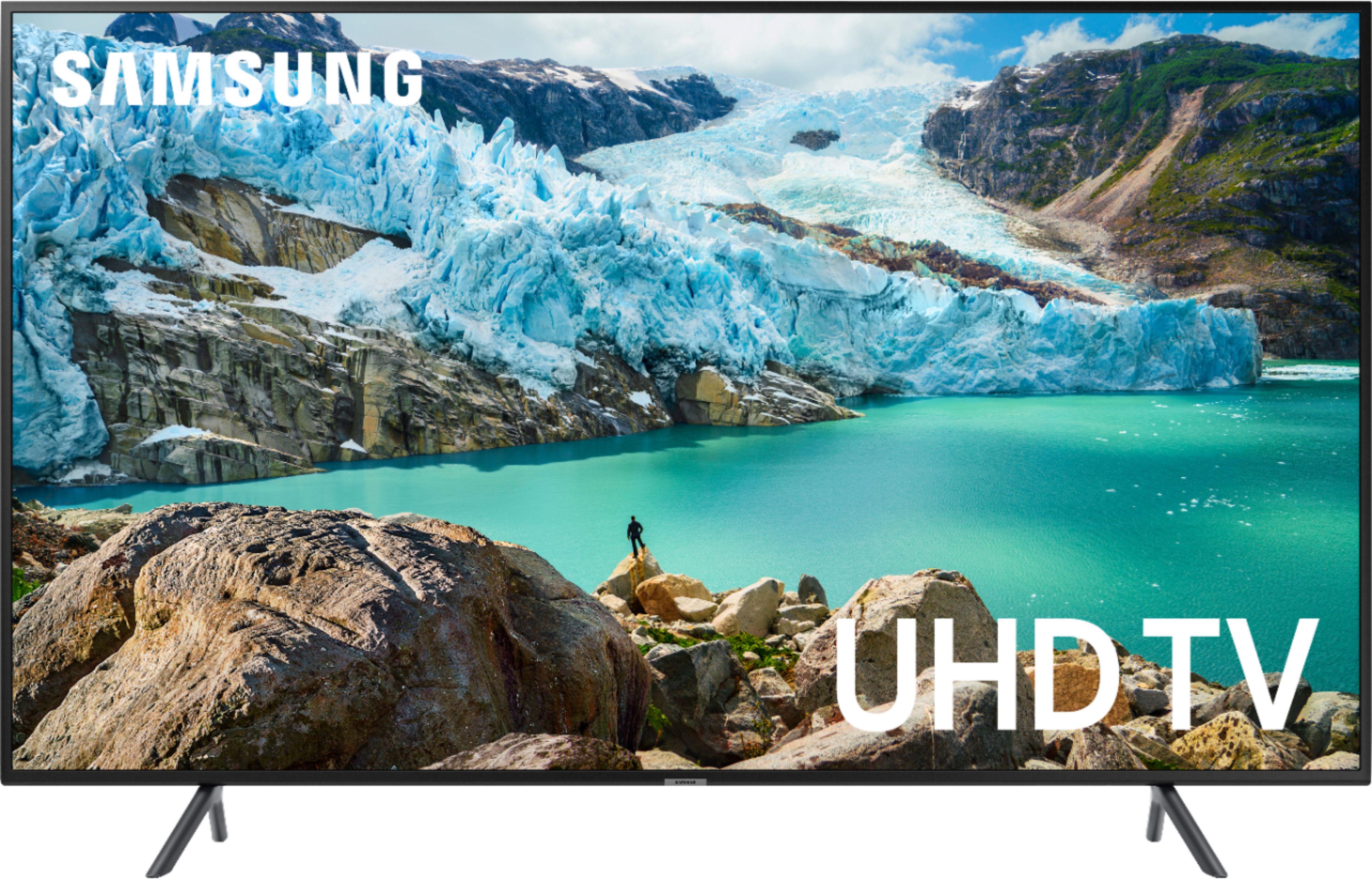
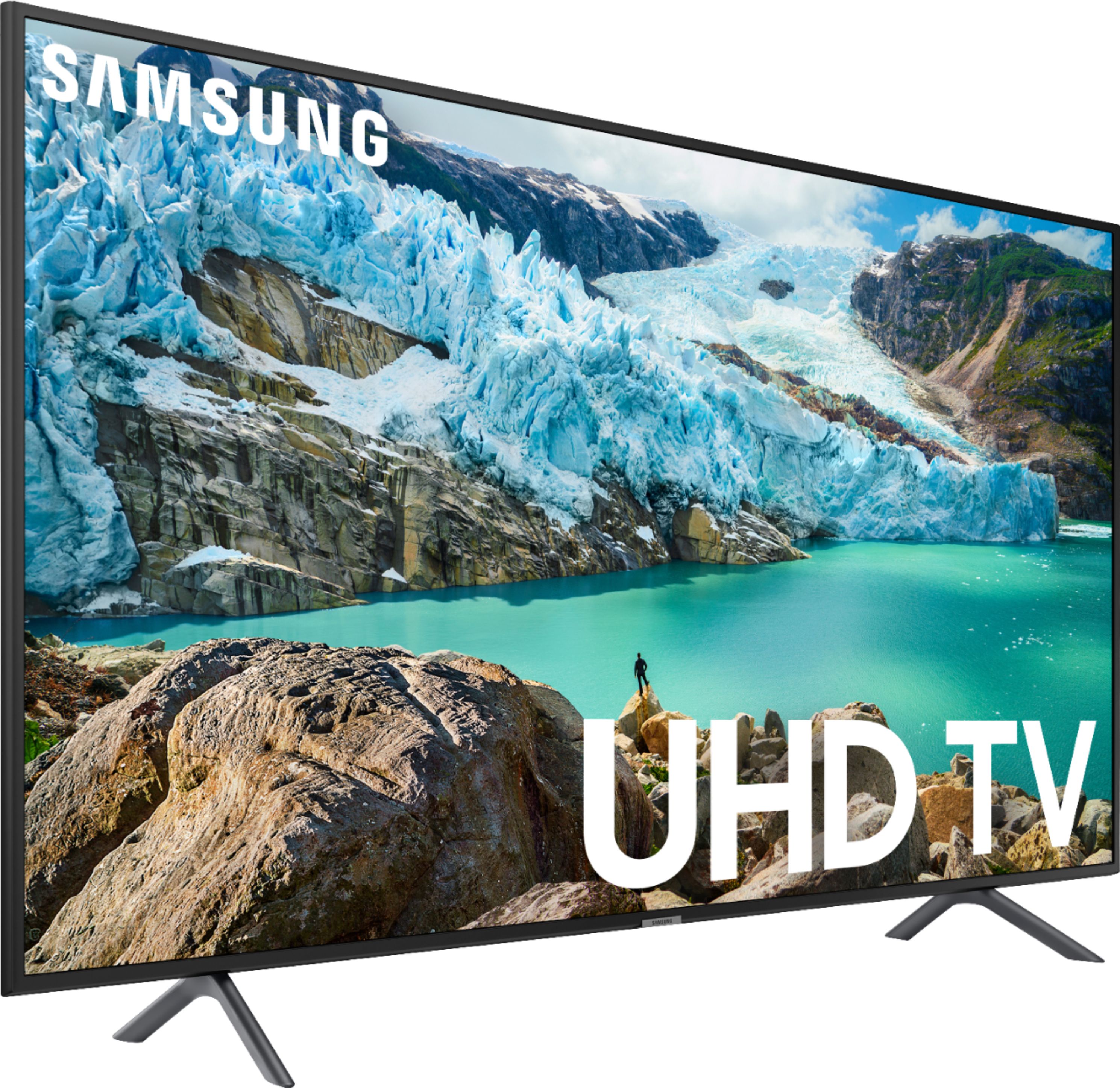
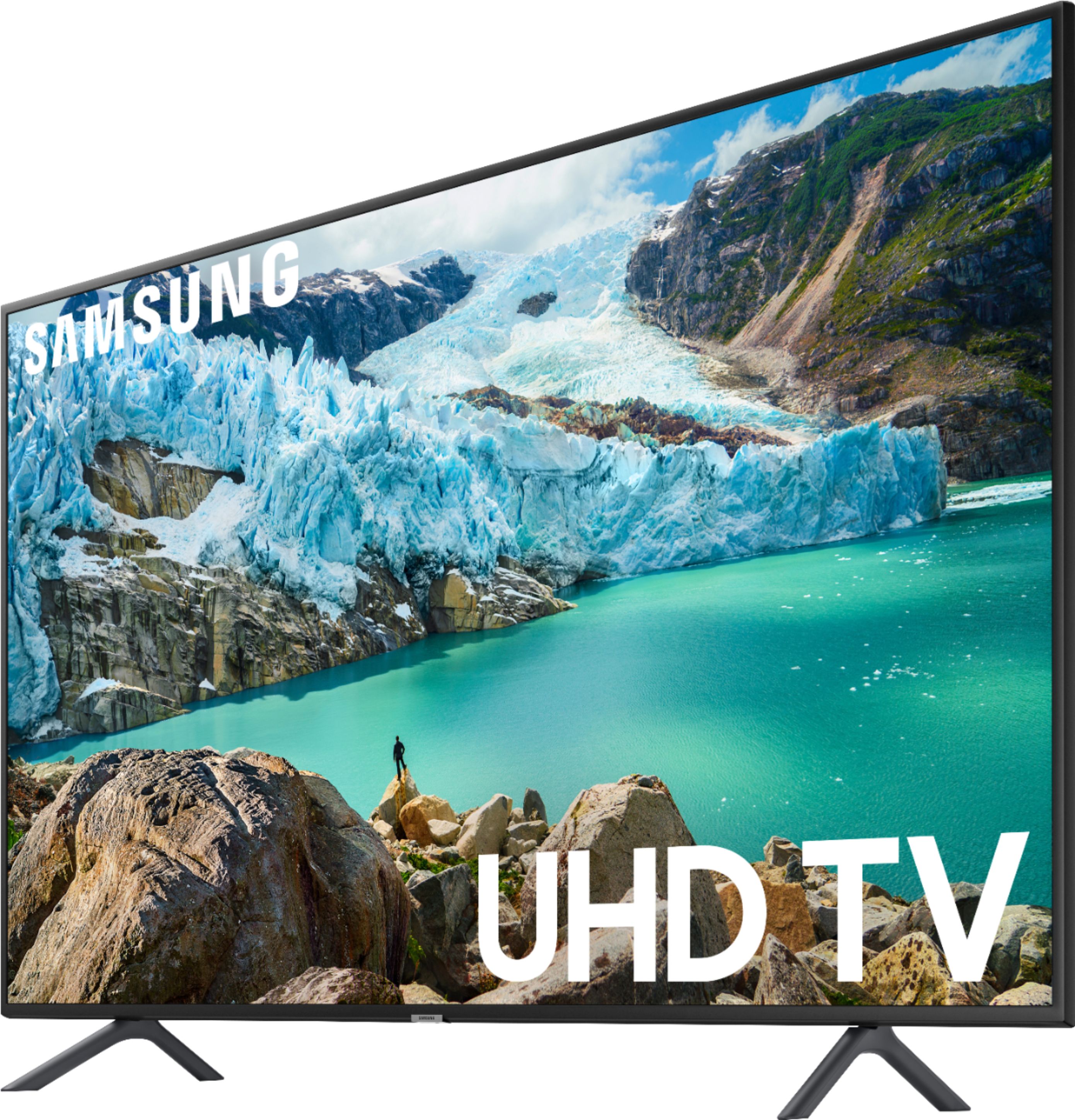
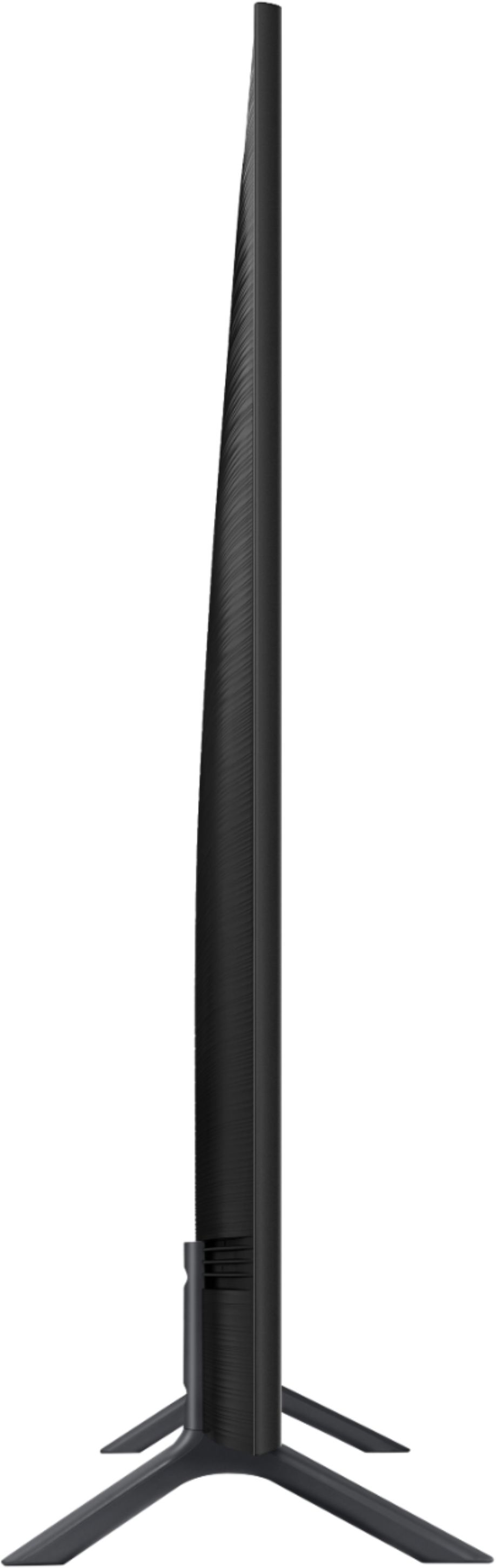

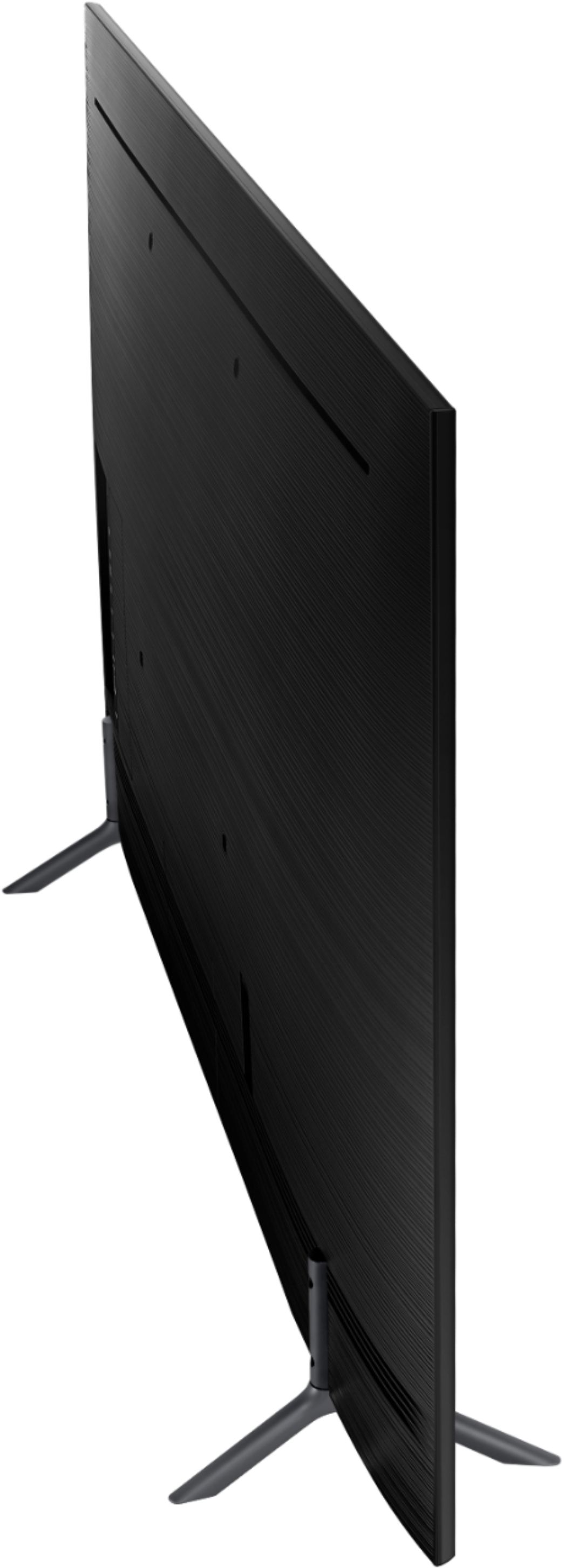

- Model:
- UN55RU7100FXZA
- SKU:
- 6323731
Rating by feature
- Picture Quality
Rating 4.5 out of 5 stars
- Sound Quality
Rating 4.3 out of 5 stars
- Brightness
Rating 4.6 out of 5 stars
Customers are saying
Customers recognize the 55" Class 7100 Series LED 4K Smart Tizen TV for its exceptional picture quality, user-friendly setup, and reasonable price point. Many users applaud the TV's excellent sound and image quality, while others appreciate the ease of installation and mounting. However, some users have expressed concerns about the TV's remote control design, durability, short lifespan, screen issues, and volume level.
This summary was generated by AI based on customer reviews.
Not a good a picture
||Posted . Owned for 4 months when reviewed.This reviewer received promo considerations or sweepstakes entry for writing a review.Good quality but the picture is not as clear and shatp as other brands.
I would recommend this to a friend- Pros mentioned:Picture quality
Broken already
||Posted . Owned for 9 months when reviewed.This reviewer received promo considerations or sweepstakes entry for writing a review.Another poor Samsung product. The picture and device itself was great when working, but as usual, their products have a very short lifespan. Bought in December and hardly used - this TV won't power on and is already a paperweight.
No, I would not recommend this to a friend average
||Posted . Owned for 1 month when reviewed.This reviewer received promo considerations or sweepstakes entry for writing a review.I had to setup buy myself? all the T.V. and it all working alright?
I would recommend this to a friendnice TV, then it broke! no warning
||Posted . Owned for 10 months when reviewed.This reviewer received promo considerations or sweepstakes entry for writing a review.ok but went completely dark after 2 years... why?..
No, I would not recommend this to a friendNot worth the money
||Posted .This reviewer received promo considerations or sweepstakes entry for writing a review.Had a screen issue the first week. Had to return it.
No, I would not recommend this to a friendPicture too dark.
||Posted .This reviewer received promo considerations or sweepstakes entry for writing a review.Picture is too dark. In dark scenes, even with brightness turned as high as possible, the picture is too dark. Apparently, this is a known Samsung defect, so I don’t know why people rated this tv so highly.
No, I would not recommend this to a friendTV
||Posted . Owned for 1 year when reviewed.This reviewer received promo considerations or sweepstakes entry for writing a review.Ok TV but not as good as Sony I purchased at Best Buy
I would recommend this to a friendSamsung
||Posted . Owned for 1 month when reviewed.This reviewer received promo considerations or sweepstakes entry for writing a review.Good quality in tv sucks on internet connection been having issues.
No, I would not recommend this to a friendBrand response from Samsung
Posted .Delia0399,
Thank you for bringing your concerns to our attention.
For your WiFi issue, please:
1) Check the distance between the TV and your modem or access point. The distance should not exceed 50 ft. (15.2 m).
2) Minimize interference by not using or turning off wireless devices. Also, verify that there are no obstacles between the TV and the modem or access point. (WiFi strength can be decreased by appliances, cordless phones, stone walls/fireplaces, etc.)
3) Perform a network test to check if there is a network problem.
Press the Home button on your remote. Navigate to Settings > General. Then, select Network > Network Status. The network status test will finish and show the status of your network connection. If the test concludes that the unit needs service, please contact us via any of the following options:
1) Phone: 1-800-SAMSUNG (ask for TVs) Available 8AM - 12AM EST (Mon-Fri) / 9AM - 11PM EST (Sat-Sun)
2) LiveChat or Email: https://www.samsung.com/us/support/#contact_us_for_support
3) Facebook Messenger: https://www.facebook.com/samsungsupport
4) Twitter: https://twitter.com/SamsungSupport
Again, my apologies for the inconveniences you have had. We do hope to hear from you.
-Samsung Ambassador
Expecting better picture
||Posted .This reviewer received promo considerations or sweepstakes entry for writing a review.I was expecting better picture.. but easy to program and install
I would recommend this to a friendBrand response from Samsung
Posted .Sylvia,
Please know that the RU7 series TV offers several preset picture modes for easily optimizing your viewing experience:
1) Dynamic: Makes the picture brighter and clearer in bright viewing environments.
2) Standard: Is the default mode suitable for general viewing environments.
3) Natural: Reduces eye strain for a comfortable viewing experience.
4) Movie: Is suitable for watching TV or movies in a dark room.
The TV will upscale as best as possible any content sent to it. The closer the signal is to 4K, the better it will look coming out. It is also designed with lots of custom settings, allowing users to adjust images to their liking. You can configure the screen settings to your taste. Complete details can be found on page 92-93 of the eManual: http://downloadcenter.samsung.com/content/UM/201904/20190424104045609/ENG_US_MUSATSCR-3.0.0.pdf
Our customer support representatives are more than happy to assist you with finer adjustments. Simply phone us at 1-800-SAMSUNG (ask for TVs).
You can also contact Samsung via LiveChat or email. Please copy-paste this link into your browser: http://www.samsung.com/us/support/contact
We are likewise reachable by Facebook Messenger at: https://www.facebook.com/samsungsupport
Or Find us on Twitter at: https://twitter.com/SamsungSupport
If you have not already done so, we invite you to register your new Samsung TV at: https://www.samsung.com/us/support/register/.
Registering your product gives you access to easy warranty support, convenient opt-in to special promos & offers, faster troubleshooting & service, and quick notification of system updates.
- Samsung Ambassador
Good
||Posted .This reviewer received promo considerations or sweepstakes entry for writing a review.Good........................................Thanks
I would recommend this to a friendSoftware glitch
||Posted . Owned for 1 week when reviewed.This reviewer received promo considerations or sweepstakes entry for writing a review.Do NOT buy this item! There’s a software glitch in this TV that keeps it from retaining the network settings (if set up on WiFi). The “instant on” feature keeps the TV from retaining the information. This forces you to input the network settings for your WiFi network each time you turn on the TV. Samsung needs to patch this in their next update! I had to call Samsung 4x to get them to remote into my TV and amend this setting.
No, I would not recommend this to a friendBrand response from Samsung
Posted .Beauwalker1857,
Thank you for sharing your experience with this Samsung RU7100 TV. I am very sorry for the WiFi connection concern. Please know that Samsung is aware of the issue and will be releasing a firmware update soon as a remedy.
Meanwhile, we recommend that you reboot your TV as a temporary fix.
Please unplug the TV’s power cord and re-plug it in, or press the power button on the remote, holding it for 5+ seconds to restart the TV.
For further assistance, please contact Samsung TV Support:
1) Phone: 1-800-SAMSUNG (ask for TVs) Available 8AM - 12AM EST (Mon-Fri) / 9AM - 11PM EST (Sat-Sun)
2) LiveChat or Email: https://www.samsung.com/us/support/#contact_us_for_support
3) Facebook Messenger: https://www.facebook.com/samsungsupport
4) Twitter: https://twitter.com/SamsungSupport
Again, my apologies for the inconvenience. Thank you for your patience and for choosing Samsung.
- Samsung Ambassador
I would not buy this again.
||Posted . Owned for 10 months when reviewed.This reviewer received promo considerations or sweepstakes entry for writing a review.This has been a good TV with a beautiful HD display. I've never had a smart TV before so all the extra functions were terrific. Unfortunately, it has lasted less than a year. I'm not sure I would buy this brand again.
No, I would not recommend this to a friendOnly lasted two years. Just outside the warrenty
||Posted . Owned for 1 year when reviewed.This reviewer received promo considerations or sweepstakes entry for writing a review.This TV only lasted two years before half of the screen went black without warning. Waste of money. Very disappointed. Giving it 2 stars because it worked well until it died.
No, I would not recommend this to a friendWifi keeps disconnecting
||Posted . Owned for 2 weeks when reviewed.This reviewer received promo considerations or sweepstakes entry for writing a review.It's been two weeks since I have bought this tv. The wifi disconnects after you shut down the tv. This is a common problem with Samsung smart tvs and apparently there is not solution. I have half a mind to return the tv. Disappointed to say the least.
No, I would not recommend this to a friendBrand response from Samsung
Posted .arifahmed,
Thank you for sharing your experience with this Samsung RU7100 TV.
I am very sorry for the WiFi connection concern. Please know that Samsung is aware of the issue and will be releasing a firmware update soon as a remedy.
Before the firmware release, we recommend that you reboot your TV as a temporary fix. Please unplug the TV’s power cord and re-plug it in, or press the power button on the remote, holding it for 5+ seconds to restart the TV.
Should you need further assistance, please contact Samsung TV Support:
1) Phone: 1-800-SAMSUNG (ask for TVs) Available 8AM - 12AM EST (Mon-Fri) / 9AM - 11PM EST (Sat-Sun)
2) LiveChat or Email: https://www.samsung.com/us/support/#contact_us_for_support
3) Facebook Messenger: https://www.facebook.com/samsungsupport
4) Twitter: https://twitter.com/SamsungSupport
Again, my apologies for the inconvenience. Thank you for your patience and for choosing Samsung.
- Samsung Ambassador
Bad quality TV
||Posted . Owned for less than 1 week when reviewed.This reviewer received promo considerations or sweepstakes entry for writing a review.We bought the 7series and tried it at home. Turns out the Tv quality was very poor and the remote was the old version Samsung remote. It was difficult and time consuming when you try to input your email or any words for a Smart TV. As to clear vision of the Tv the quality is pretty poor, I would rather spend $100 more to get the 8series because it is way better.
No, I would not recommend this to a friendGood picture. Slow to get internet movies.
||Posted . Owned for 3 weeks when reviewed.This reviewer received promo considerations or sweepstakes entry for writing a review.For some reason this is the only TV in the house that keeps loosing netflix even though it is closer to the WiFi. My other two TV's, a Vizio and an LG don't have any problems.
No, I would not recommend this to a friendScreen turned black
||Posted . Owned for 1.5 years when reviewed.This reviewer received promo considerations or sweepstakes entry for writing a review.In less than 2 years the screen turned black. It started with the the side of the screen being darker than the rest. I will be buying a Sony to replace it.
No, I would not recommend this to a friendI wouldn't buy it again
||Posted . Owned for 10 months when reviewed.This reviewer received promo considerations or sweepstakes entry for writing a review.Lasted almost a year before it needed a new power supply. Was still under warranty, but TV's should last a lot longer than a year.
No, I would not recommend this to a friendBad tv
||Posted . Owned for 1 week when reviewed.This reviewer received promo considerations or sweepstakes entry for writing a review.Hated this TV. When watching a show in Amy app it would randomly change channels. When watching a show in hulu the screen would go black. Then I would have to turn the TV off enter any app bit hulu and fiddle around with it for about 5 minutes. Then hope hulu finally closed and try again. Terrible tv
No, I would not recommend this to a friendBrand response from Samsung
Posted .Andi:
I am so sorry to see that you are having issues with those apps.
So that we can better assist with step-by-step troubleshooting, please reach out to Samsung TV Support via any of the below options:
1) Phone: 1-800-SAMSUNG (ask for TVs) Available 8AM - 12AM EST (Mon-Fri) / 9AM - 11PM EST (Sat-Sun)
2) LiveChat or Email: https://www.samsung.com/us/support/#contact_us_for_support
3) Facebook Messenger: https://www.facebook.com/samsungsupport
4) Twitter: https://twitter.com/SamsungSupport
5) The Samsung TV Community is also a great resource for getting help from Samsung moderators and customers: https://us.community.samsung.com/
We also invite you to register your new Samsung product at: https://www.samsung.com/us/support/register/
Registering your product gives you access to easy warranty support, convenient opt-in to special promos & offers, faster troubleshooting & service, and quick notification of system updates.
We hope to hear from you.
My wife finds it hard to operate
||Posted . Owned for 1 month when reviewed.This reviewer received promo considerations or sweepstakes entry for writing a review.My wife just likes to TV very much because sometimes it takes up to two minutes for it to boot itself
No, I would not recommend this to a friend