Customer Ratings & Reviews
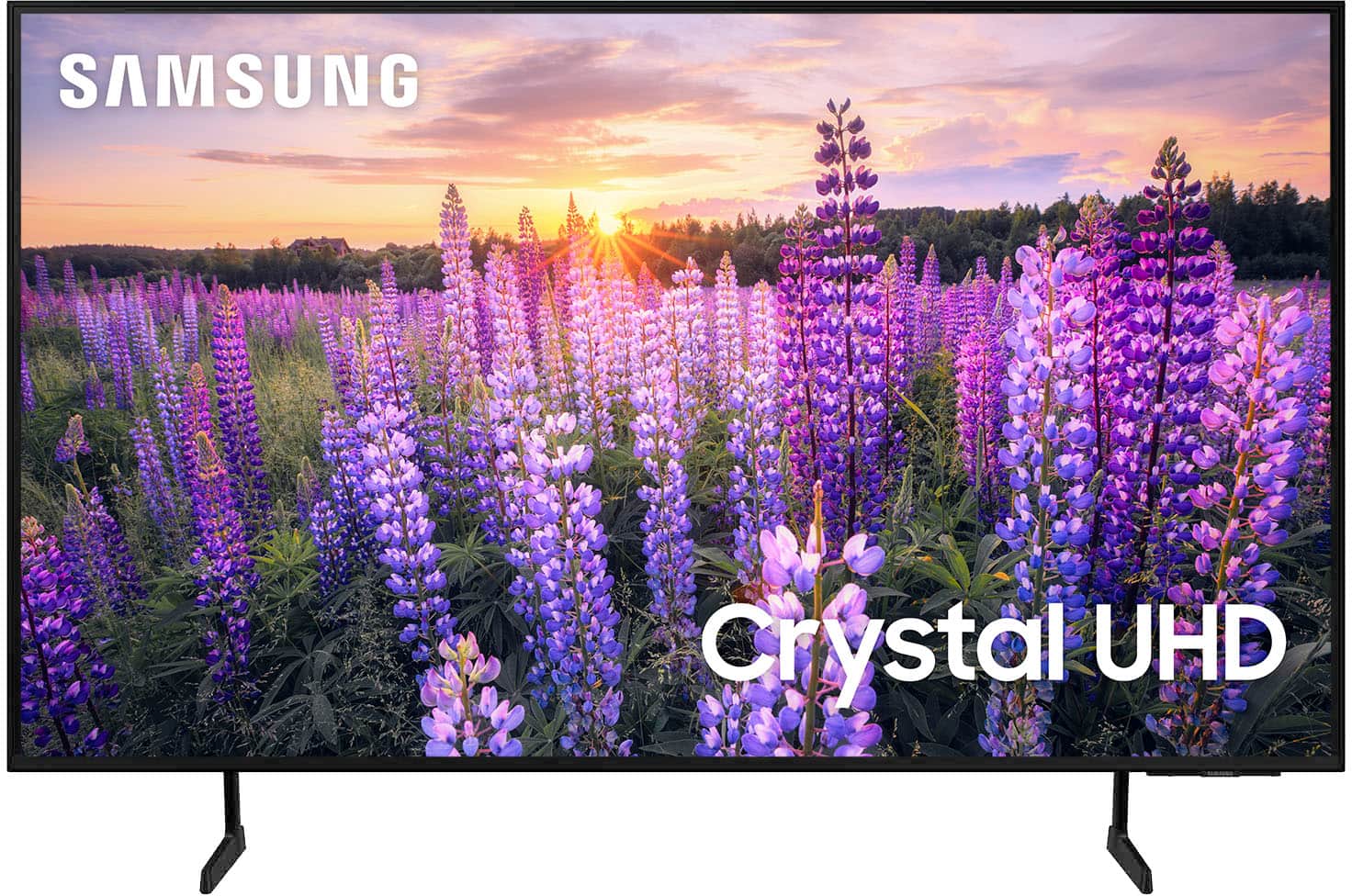

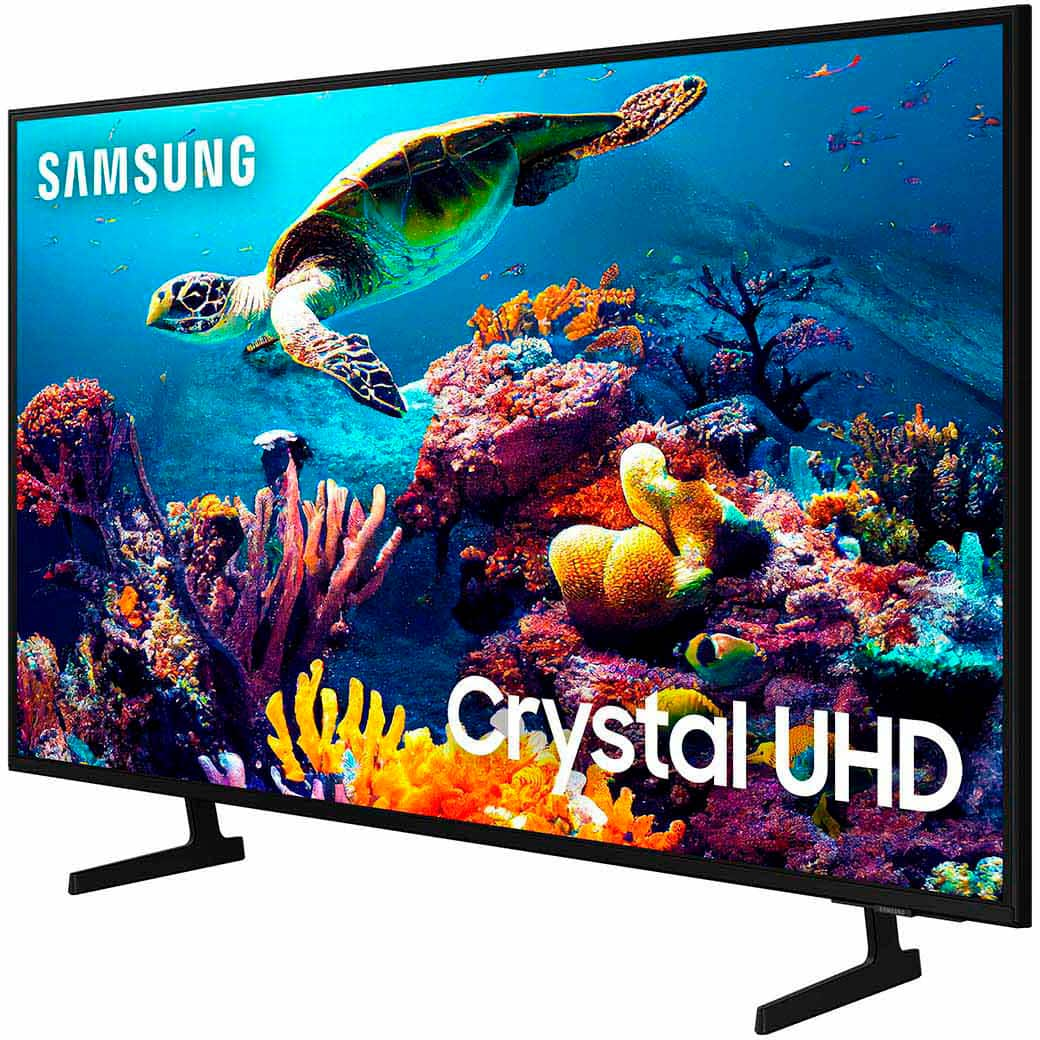
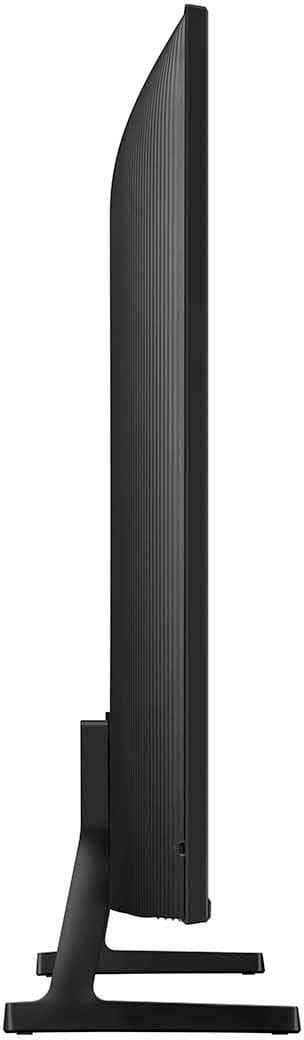

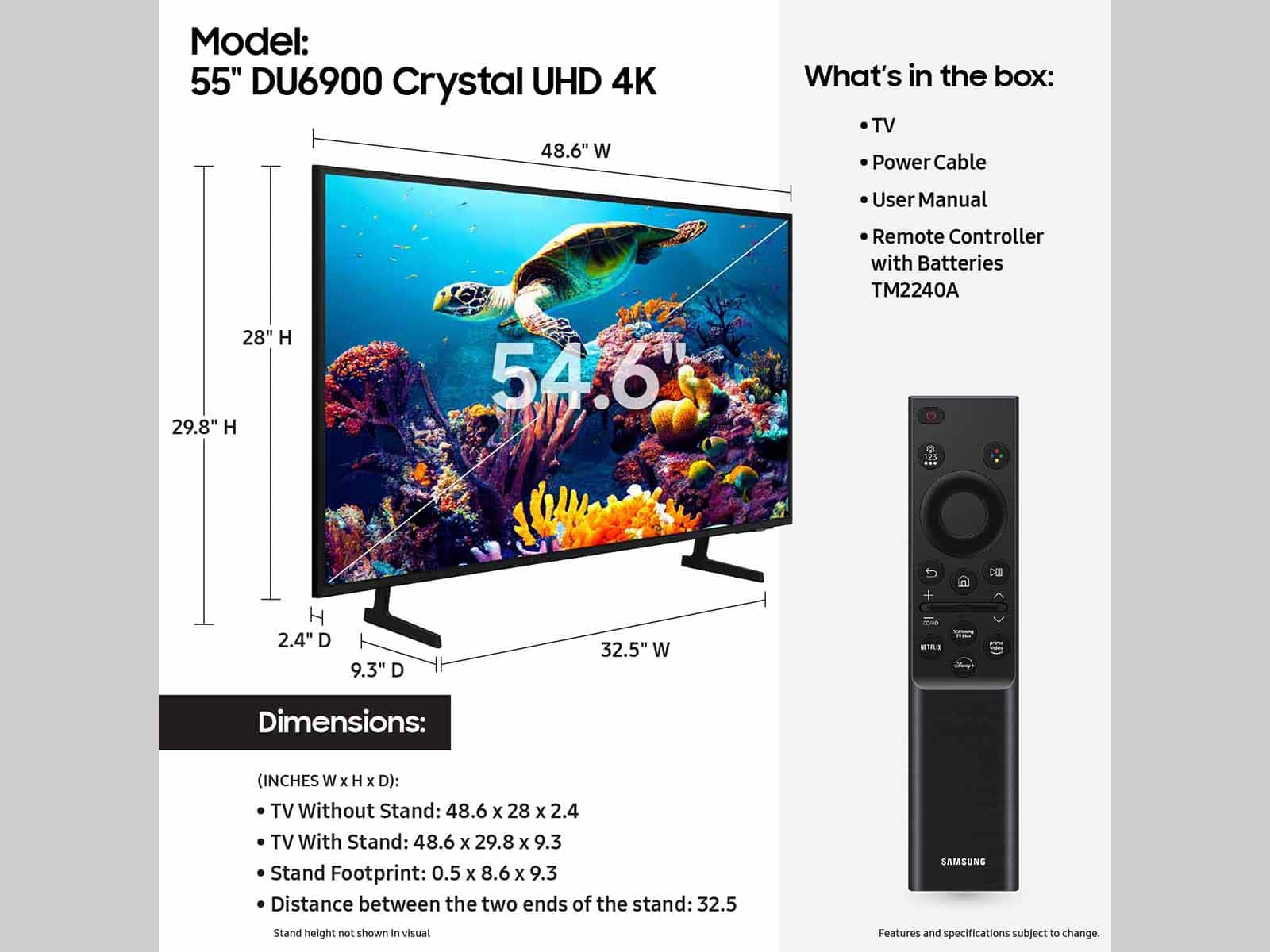







- Model:
- UN55DU6900FXZA
- SKU:
- 6593856
Rating by feature
- Picture Quality
Rating 4.8 out of 5 stars
- Sound Quality
Rating 4.6 out of 5 stars
- Brightness
Rating 4.8 out of 5 stars
Customers are saying
Customers regard the 55” Class DU6900 Series Crystal UHD 4K Smart Tizen TV (2024) highly for its excellent picture quality, ease of use, and good value for the price. Many appreciate the vibrant colors and straightforward setup process, finding it well-suited for gaming and movie viewing. However, some users expressed minor concerns about the remote control's usability and occasional app performance issues. While some found the sound quality acceptable, others suggested using a soundbar for enhanced audio.
This summary was generated by AI based on customer reviews.
55" Samsung TV
||Posted . Owned for 1 month when reviewed.This reviewer received promo considerations or sweepstakes entry for writing a review.good deal for the price and delivery was smooth enough
I would recommend this to a friendHDMi port failure
||Posted . Owned for 7 months when reviewed.This reviewer received promo considerations or sweepstakes entry for writing a review.one of the HDMI port stops working suddenly., ......,...,,............. overall TV performance is good .
No, I would not recommend this to a friendGlitchy screen
||Posted . Owned for 8 months when reviewed.This reviewer received promo considerations or sweepstakes entry for writing a review.Not even a year old and screen has glitches. Need to return the tv
No, I would not recommend this to a friendVery Disappointed – Poor Customer Support
||Posted .This reviewer received promo considerations or sweepstakes entry for writing a review.I recently purchased a Samsung TV from Best Buy during the Thanksgiving sale. Not long after, the screen went completely blank. When I reached out to Best Buy for help, I was told they couldn’t do anything and that I had to contact Samsung directly for warranty service. This experience left me wondering—what's the point of buying from Best Buy if they won’t stand behind the products they sell? I expected at least some level of support or guidance, but instead, I was brushed off. Samsung T.V’s last for very long and it’s shocking. I’ve since heard from others that Best Buy is one of the worst places to purchase electronics, and sadly, I now understand why. Definitely a very disappointing experience, and I’ll keep it in mind for future purchases.
No, I would not recommend this to a friendIssues
||Posted . Owned for 1 month when reviewed.This reviewer received promo considerations or sweepstakes entry for writing a review.Not sure if the issue is with the tv but always have trouble with amazon video app have to unplug tv and replug in for it to work
No, I would not recommend this to a friendBrand response from Samsung
Posted .VivianaS,
If apps are not working correctly, we recommend first checking for firmware updates on your TV. Go to Home > Settings > Support > Software Update.
If you do have the latest firmware, then you can next try a cold boot. There are two ways to cold boot your TV:
1) Using the Remote: For most people, the easiest way is to hold down the Power button on the Samsung TV remote until the TV turns off and then on again. This should take about 5 seconds.
2) Using the Plug: If you do not have the remote, unplug your TV from the wall outlet or surge protector, leave it unplugged for 30 seconds, and then plug it back in.
For more help, please contact Samsung TV Support at 1-800-SAMSUNG, available 8 AM – 12 AM EST, seven days a week. For more contact options, click here: https://www.samsung.com/us/support/contact/
We look forward to hearing from you.
~Samsung Pro
Samsung
||Posted . Owned for 3 months when reviewed.This reviewer received promo considerations or sweepstakes entry for writing a review.resolution, not as sharp, as my 20-yr old, Samsung. no more to say.
No, I would not recommend this to a friendGot a lemon TV, disappointed
||Posted . Owned for 3 months when reviewed.This reviewer received promo considerations or sweepstakes entry for writing a review.I love Samsung products, but we got a lemon with this purchase. When I turn on the TV, the sound comes on, but the picture can take from 30 seconds to 5 minutes before it turns on. Now the sound is making a clicking noise that sounds like water hitting a window. Not sure I will buy another anything from Best Buy
No, I would not recommend this to a friendBrand response from Samsung
Posted .Skipper61,
Thank you for taking the time to provide feedback on your DU6900 TV. Please know that your feedback will be shared with our internal product teams. We take pride in our products and are sorry to hear that your experience was not up to our high standards.
Samsung is committed to providing the best possible product experience, quality, and value. We back this Samsung TV with a 1-year limited manufacturer's warranty, including authorized repair for manufacturer defect, if purchased brand-new directly from an authorized seller. You can see the full details of your warranty on Samsung's website. Go to Support (upper right corner) and select Warranty information. This will allow you to search for your product and view the full details of the included warranty.
Please give us the chance to make this right by contacting Samsung Customer Support at 1-800-SAMSUNG, 8 AM - 12 AM EST, seven days a week. Our LiveChat agents are also available by clicking on the ‘Support’ link on our website.
~Samsung Pro
Audio and remote are awful
||Posted . Owned for 2 months when reviewed.This reviewer received promo considerations or sweepstakes entry for writing a review.I guess I just chose this TV because of the name I expected more from Samsung. The remote control is a nightmare a nightmare, the sound the audio is all over the place. I’m constantly turning it up and turning it down turning it up and turning has the worst audio system I’ve ever had. I’ve never had these types of problems with any TV.
No, I would not recommend this to a friendBrand response from Samsung
Posted .TeeSp,
Thank you for sharing your experience with volume issues. There are several volume features you can adjust, which may improve your audio experience.
1) Auto Volume automatically adjusts the sound to a certain level when changing channels or switching to another external input. Go to Settings > All Settings> Sound > Expert Settings > Auto Volume.
2) Adaptive Sound automatically adjusts to a specific volume level while watching TV. The TV analyzes your volume usage history by time period to automatically adjust the volume when you use an app or switch to an external input source. Go to Settings> All Settings> Sound> Sound Mode> Adaptive Sound.
3) Several Sound Modes are likewise available to meet your personal preferences: Home > Settings > All Settings> Sound > Sound Mode.
Also, some sources have their own volume control, which might need to be set higher. Please check the volume control of the external device (cable box or satellite box, DVD, Blu-ray, etc.) connected to your TV. Also, check the cable connection between an external device and the TV and then try the cable connection again.
I hope this helps improve your audio experience. Should you need further assistance or have any questions, please contact Samsung Customer Support at 1-800-SAMSUNG, 8 AM - 12 AM EST, seven days a week. Our LiveChat agents are also available by clicking on the ‘Support’ link on our website.
~ Samsung Pro
Ms
||Posted . Owned for 3 weeks when reviewed.This reviewer received promo considerations or sweepstakes entry for writing a review.You get what you paid for. No real bells and whistles recommend for child’s room or gaming screen for a child.
No, I would not recommend this to a friendBrand response from Samsung
Posted .Cynthia,
Thank you for purchasing Samsung’s Crystal UHD 4K DU6900 Smart TV, which allows you to stream your favorite shows, play games, or even work out with a trainer. Experience everything you love with the Smart TV powered by Tizen! If you should have any questions or concerns with usage, features, or how to best optimize your settings, Samsung Customer Support is here to help. You can call us at 1-800-SAMSUNG, 8 AM - 12 AM EST, seven days a week. Our LiveChat agents are also available by clicking on the ‘Support’ link on our website.
~ Samsung Pro
Poor backlit screen
||Posted . Owned for 1 week when reviewed.This reviewer received promo considerations or sweepstakes entry for writing a review.Back lighting is bleeding through unevenly at the top of the screen pictures is ok at times
No, I would not recommend this to a friendBrand response from Samsung
Posted .Tony,
We appreciate your feedback regarding the screen abnormalities you’re seeing on your DU6900 TV. Please run a Picture Test to determine if the TV causes the problem. Picture Test displays a high-definition picture you can examine for flaws or faults. Go to Settings > Support > Device Care > Self Diagnosis > Picture Test
If the issue continues to appear on all sources and the picture test, this will require service. For assistance in setting up a service appointment, please contact Samsung Support at 1-800-SAMSUNG, 8 AM - 12 AM EST, seven days a week. Our LiveChat agents are also available by clicking on the ‘Support’ link on our website.
~ Samsung Pro
Tasha Mstr bedroom
||Posted . Owned for 2 weeks when reviewed.This reviewer received promo considerations or sweepstakes entry for writing a review.Nice TV and good specifications, the place is important as well
I would recommend this to a friendBrand response from Samsung
Posted .MrD55,
Thank you for purchasing Samsung’s Crystal UHD 4K DU6900 Smart TV, which allows you to stream your favorite shows, play games, or even work out with a trainer. Experience everything you love with the Smart TV powered by Tizen!
If you should have any questions or concerns with usage, features, or how to best optimize your settings, Samsung Customer Support is here to help. You can call us at 1-800-SAMSUNG, 8 AM - 12 AM EST, seven days a week. Our LiveChat agents are also available by clicking on the ‘Support’ link on our website.
~ Samsung Pro
- Cons mentioned:Apps
Screen Gone Black after 5 days of use
||Posted . Owned for 2 weeks when reviewed.This reviewer received promo considerations or sweepstakes entry for writing a review.It was a bit lengthy to set up new TV, apps never fully downloaded only TV so I could never sign in to anything. After the 5th day the TV Screen turned black and never came back on. Had to return. Will never by Samsung TV EVER AGAIN!
No, I would not recommend this to a friendBrand response from Samsung
Posted .DadMejia,
Thank you for taking the time to provide feedback on your DU6900 TV. Please know that your feedback will be shared with our internal product teams. We take pride in our products and are sorry to hear that your experience was not up to our high standards.
Should you ever decide to give Samsung TVs another try and have questions or need help with settings, setup, or features, we would be happy to help. Call us at 1-800-SAMSUNG, 8 AM – 12 AM EST, seven days a week. LiveChat with an agent, as well as manuals, software, and warranty info, can be found at the ‘Support’ link on our Samsung website.
We hope to regain you as a customer in the future.
~ Samsung Pro
Junk - Doesn't last
||Posted . Owned for 1 year when reviewed.This reviewer received promo considerations or sweepstakes entry for writing a review.Always have had good luck with Samsung TVs till now. This one hasn't even lasted a year and now the right and left side have large blackout sections in the screen.
No, I would not recommend this to a friendPoor service
||Posted . Owned for 3 weeks when reviewed.This reviewer received promo considerations or sweepstakes entry for writing a review.Tv quit working after 2.5 weeks. Store referred me to Samsung and I’m dealing with them instead of getting a replacement from store.
No, I would not recommend this to a friendBrand response from Samsung
Posted .Hi BonnieM,
Thank you for choosing Samsung and for your patience while waiting for a TV replacement. We hope your TV is issued quickly. If you ever have questions or need help, Samsung is here for you! Give us a call at 1-800-SAMSUNG, 8 AM - 12 AM EST, seven days a week. Our LiveChat agents are also available by clicking on the ‘Support’ link on our website.
Thanks for being a part of the Samsung family!
~ Samsung Advisor
Pass on this TV
||Posted . Owned for 1 month when reviewed.This reviewer received promo considerations or sweepstakes entry for writing a review.Picture quality is alright, but the functionality and speed is poor. Would not recommend this TV.
No, I would not recommend this to a friendBrand response from Samsung
Posted .Raddehc,
We appreciate your feedback on the response time, and for optimal performance, we ask that you please ensure you've got the latest firmware version installed on your DU6900 TV. You can check this by going to Home > Menu > Settings > Support > Software Update.
You may also want to further optimize performance with the self-diagnostic tool, which checks memory, frees up unused cached memory, and closes background apps. Go to: Home > Menu > Settings > Support > Device Care > Start Device Care
I hope these tips help you enjoy your new product. You can contact us for further help at 1-800-SAMSUNG, 8 AM - 12 AM EST, seven days a week. Our LiveChat agents are also available by clicking on the ‘Support’ link on our website.
~ Samsung Pro
Would not recommend this television
||Posted . Owned for 2 months when reviewed.This reviewer received promo considerations or sweepstakes entry for writing a review.This television has been a problem from day one. Locking up, rebooting, dropping connection etc. Everytime I update the software, apps etc. and still the same problem. 1 and half months in now and now there is a line that is permanently across the screen. Have spent countless hours with Samsung support and now they are issuing a credit but have to send someone to pick up this television. Not a good experience.
No, I would not recommend this to a friendBrand response from Samsung
Posted .KenG,
We appreciate you sharing your experience in trying to resolve your TV issues, and I’m glad to hear that Service could provide a solution.
Please know that Samsung is committed to providing the best possible product experience, quality, and value, and your feedback will be shared with our product and customer care teams.
If there’s anything we can do to further improve your experience, please let us know by calling Samsung Support at 1-800-SAMSUNG, 8 AM - 12 AM EST, seven days a week. Our LiveChat agents are also available by clicking on the ‘Support’ link on our website.
~ Samsung Pro
Worst TV Ever Bought
||Posted . Owned for 2 months when reviewed.This reviewer received promo considerations or sweepstakes entry for writing a review.Barely had this tv for well under 2 months was watching netflix and it cut out no amount of troubleshooting fixed the issue I am very disappointed in the quality of budget tvs and scared to bite the bullet on purchasing another tv around this price range samsung is suppose to be a trusted brand and this right here isn’t giving me any trust to something this poorly made
No, I would not recommend this to a friendBrand response from Samsung
Posted .MatthewB,
Thank you for taking the time to provide feedback on your DU6900 TV. Please know that your feedback will be shared with our internal product teams. We take pride in our products and are sorry to hear that your experience was not up to our high standards.
Samsung is committed to providing the best possible product experience, quality, and value. We back this Samsung TV with a 1-year limited manufacturer's warranty, including authorized repair for manufacturer defect, if purchased brand-new directly from an authorized seller. You can see the full details of your warranty on Samsung's website. Go to Support (upper right corner) and select Warranty information. This will allow you to search for your product and view the full details of the included warranty.
Please give us the chance to make this right by contacting Samsung Customer Support at 1-800-SAMSUNG, 8 AM - 12 AM EST, seven days a week. Our LiveChat agents are also available by clicking on the ‘Support’ link on our website.
~Samsung Pro
- Cons mentioned:Remote control
Wont be buying from here anymore!
||Posted . Owned for 2 weeks when reviewed.This reviewer received promo considerations or sweepstakes entry for writing a review.I received a box with just the tv no remote no tv stand no power cable i want my money back!
No, I would not recommend this to a friendBrand response from Samsung
Posted .Gdivid,
It sounds like you may have received an open-box model from Best Buy. Please follow up directly with Best Buy for further assistance. We hope your issue is resolved in a timely manner. Should you have questions regarding Samsung TVs, please contact Samsung Support at 1-800-SAMSUNG, 8 AM – 12 AM EST, 7 days a week. Our LiveChat agents are also available by clicking on the ‘Support’ link on our website.
~Samsung Pro
Bad bad bad
||Posted .This reviewer received promo considerations or sweepstakes entry for writing a review.Please do not purchase this TV unless you want a massive headache. It is so slow and the sound is horrid. I feel bad bashing it because the picture is good, but the lack of user friendliness drives me nuts.
No, I would not recommend this to a friendpicture went out!
||Posted . Owned for 1 month when reviewed.This reviewer received promo considerations or sweepstakes entry for writing a review.This tv picture went out after a single month of use, and was returned. My wife said she found online that several Samsung models, including this one, were recalled.
No, I would not recommend this to a friendBrand response from Samsung
Posted .BarryG,
Should you ever decide to give Samsung TVs another try and have questions or need help with settings, setup, or features, we would be happy to help. Call us at 1-800-SAMSUNG, 8 AM – 12 AM EST, seven days a week. LiveChat with an agent, as well as manuals, software, and warranty info, can be found at the ‘Support’ link on our Samsung website.
We hope to regain you as a customer in the future.
~ Samsung Pro