Customer Ratings & Reviews
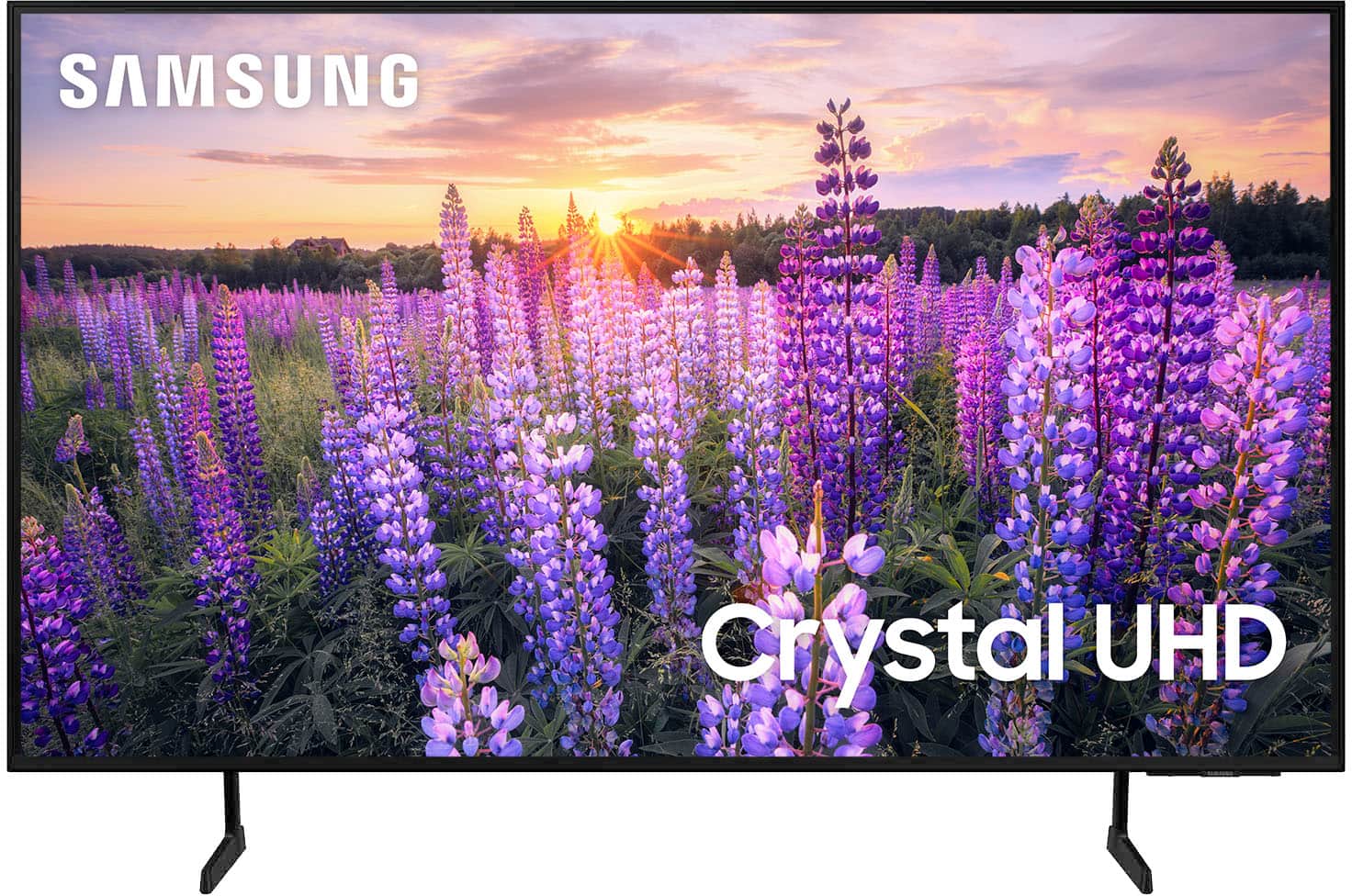

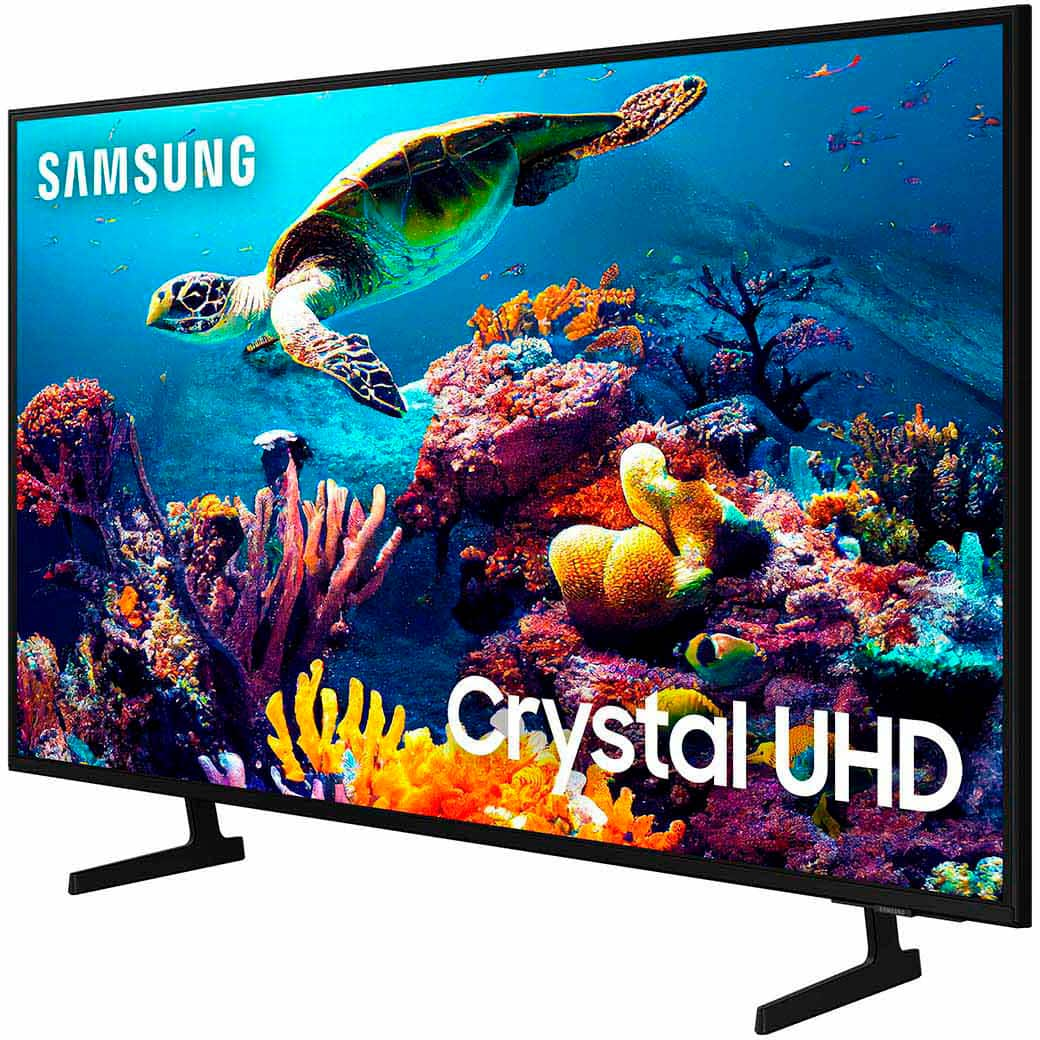
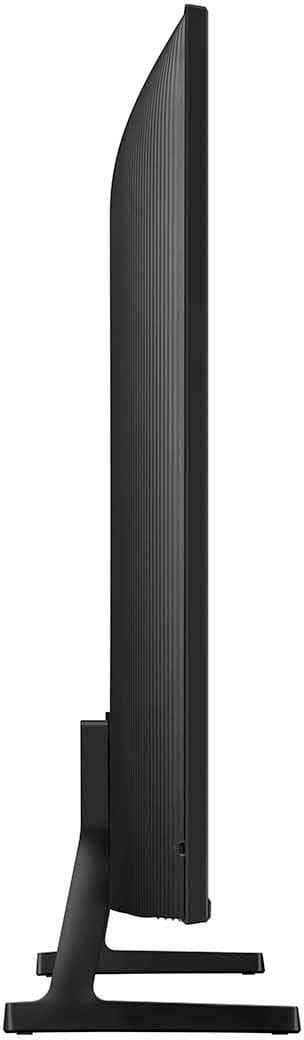

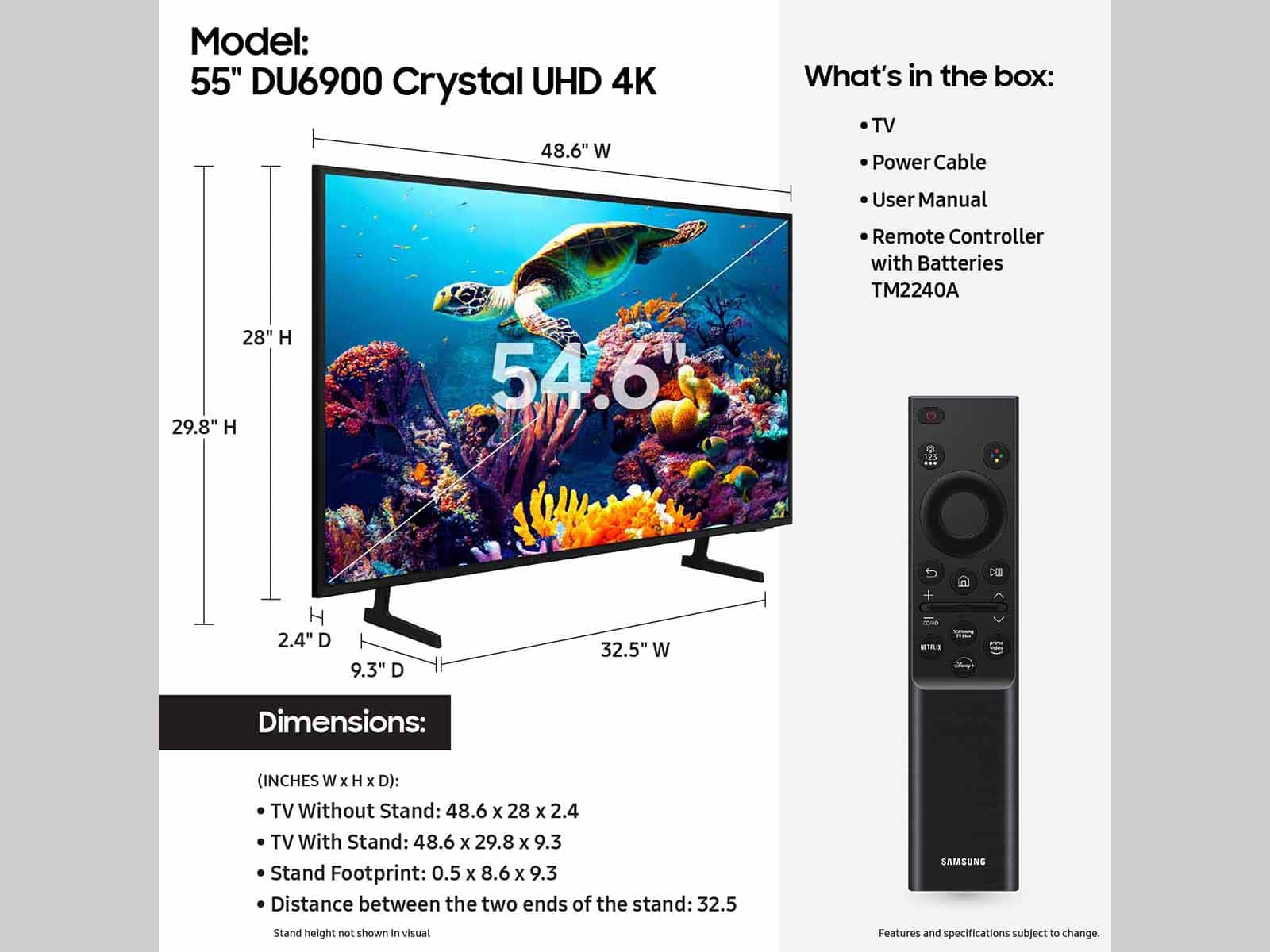







- Model:
- UN55DU6900FXZA
- SKU:
- 6593856
Rating by feature
- Picture Quality
Rating 4.8 out of 5 stars
- Sound Quality
Rating 4.6 out of 5 stars
- Brightness
Rating 4.8 out of 5 stars
Customers are saying
Customers regard the 55” Class DU6900 Series Crystal UHD 4K Smart Tizen TV (2024) highly for its excellent picture quality, ease of use, and good value for the price. Many appreciate the vibrant colors and straightforward setup process, finding it well-suited for gaming and movie viewing. However, some users expressed minor concerns about the remote control's usability and occasional app performance issues. While some found the sound quality acceptable, others suggested using a soundbar for enhanced audio.
This summary was generated by AI based on customer reviews.
Highly recommended
Posted .This reviewer received promo considerations or sweepstakes entry for writing a review.Great TV and a great value. Installation was neat and clean. Installer was professional, detail-oriented and informative. A satisfactory experience from start to finish.
I would recommend this to a friendGood Product
Posted .This reviewer received promo considerations or sweepstakes entry for writing a review.Very satisfied with purchase. Saw On line 8:30 AM. Was watching TV on new large screen at 1PM. Excellent service. Price was best part.
I would recommend this to a friendNot the best picture quality
Posted .This reviewer received promo considerations or sweepstakes entry for writing a review.Picture quality is not the best. TV pixelates sometimes.
No, I would not recommend this to a friendBig screen tv
Posted .This reviewer received promo considerations or sweepstakes entry for writing a review.Purchase went smoothly. Very knowledge able staff. Would phone order again
I would recommend this to a friendTV purchase
Posted .This reviewer received promo considerations or sweepstakes entry for writing a review.Very quick delivery, very helpful with ordering in store purchase, nice staff !
I would recommend this to a friendGREAT BUY @ BEST BUY!
Posted .This reviewer received promo considerations or sweepstakes entry for writing a review.VERY HAPPY WITH THIS TV! WILL BE BUYING ANOTHER FOR THE MAN CAVE.
I would recommend this to a friendTv
Posted .This reviewer received promo considerations or sweepstakes entry for writing a review.Love Samsung tvs I’ve purchased all months from best buy all Samsung
I would recommend this to a friendTV
Posted .This reviewer received promo considerations or sweepstakes entry for writing a review.I would definitely recommend this television!!!!!!
I would recommend this to a friendSamsung
Posted .This reviewer received promo considerations or sweepstakes entry for writing a review.Great TV. Love Samsung! Sound not as good as I would like, could be certain shows?
I would recommend this to a friend- Pros mentioned:Picture quality
Buyer Beware-Read the Small Print
Posted .This reviewer received promo considerations or sweepstakes entry for writing a review.I continue to be disappointed in this TV. I thought I was buying a name brand Samsung product, I did not. This TV is a stripped down model that Samsung produced for Best Buy to hit a certain price point. First, there is no optical port to connect my sound system for best sound quality. Second, the voice connect between the TV and the remote was removed. And after 4 months of ownership, I have yet to get my Amazon Fire Stick to work on the TV. Picture quality is very good, but everything else is crap.
No, I would not recommend this to a friendBrand response from Samsung
Posted .RobertM,
Thank you for choosing the Samsung DU6900 TV and for taking the time to provide us with detailed feedback on your experience. Your opinion is important to us and will be shared with our internal product teams.
The DU6900 TV offers 2 HDMI ports and is Bluetooth and Wi-Fi capable, allowing a seamless connection across multiple devices at a time. If your external device requires an Optical port, we recommend utilizing an HDMI to Optical Converter. These can be found at your local electronics store. Please also keep in mind that an Optical port can be found on our DU8000F Series and above.
If you need further assistance, we would be happy to help! Please feel free to contact Samsung Support at 1-800-SAMSUNG, available from 8 AM to 12 AM EST, seven days a week. You can also chat with us on Samsung.com for immediate assistance.
~Samsung Pro
What
Posted .This reviewer received promo considerations or sweepstakes entry for writing a review.Not real happy with the sound can't adjust the base, tribble,
No, I would not recommend this to a friendBrand response from Samsung
Posted .CharlesgL,
Thank you for sharing your thoughts regarding the DU6900 TV’s sound quality. We recommend adjusting the Sound Settings to improve your experience. You can change the Sound Mode by going to Settings > All Settings> Sound > Sound Mode.
You can also customize the sound with Expert Settings by going to Settings > All Settings> Sound > Expert Settings.
To assist you with possible sound settings adjustments for a better audio experience or choosing a Samsung Soundbar to complement your viewing enjoyment, please reach out to us at 1-800-SAMSUNG, 8 AM - 12 AM EST, seven days a week. Our LiveChat agents are also available by clicking on the ‘Support’ link on our website.
~ Samsung Pro
Realistic picture with terrible remote.
Posted .This reviewer received promo considerations or sweepstakes entry for writing a review.Screen picture looks 3d as if the actor was actually standing right in front of you to touch. The remote stinks and have to sign up with Samsung to use streaming services .
No, I would not recommend this to a friendBrand response from Samsung
Posted .Cher,
Thank you for taking the time to provide feedback on your DU6900 TV. Please know that your feedback will be shared with our internal product teams. We take pride in our products and are sorry to hear that your experience was not up to our high standards.
If there’s anything we can ever help with, please call us at 1-800-SAMSUNG, 8 AM - 12 AM EST, seven days a week. Or visit us on the Samsung website and click on the ‘Support’ link for:
1) LiveChat
2) Manuals, Software, & Warranty Info
~ Samsung Pro
Not worth it. Beware TV buyers
Posted .This reviewer received promo considerations or sweepstakes entry for writing a review.Initially got this TV from a friend who bought it in 2023. Once i bought it from her, it started causing problems and started to develop a vertical line across my screen. Luckily she had a protection plan and got our TV replaced for this model. Got my TV delivered and LESS THAN 24 HOURS it started to glitch very bad to the point i was unable to hard reset the TV. I did not have a protection plan but best buy was nice enough to get it replace for free for the same model. I wanted to opt for a different brand of TV but was unable to do so. I am hoping this will be the last time I will have to replace it again.
No, I would not recommend this to a friendBrand response from Samsung
Posted .BMC4256,
Thank you for taking the time to provide feedback on your DU6900 TV. Please know that your feedback will be shared with our internal product teams. We take pride in our products and are sorry to hear that your experience was not up to our high standards.
Samsung is committed to providing the best possible product experience, quality, and value. We back this Samsung TV with a 1-year limited manufacturer's warranty, including authorized repair for manufacturer defect, if purchased brand-new directly from an authorized seller. You can see the full details of your warranty on Samsung's website. Go to Support (upper right corner) and select Warranty information. This will allow you to search for your product and view the full details of the included warranty.
Please know we are available and happy to assist you with further troubleshooting or to set up a warranty appointment. You can contact Samsung Customer Support at 1-800-SAMSUNG, 8 AM - 12 AM EST, seven days a week. Our LiveChat agents are also available by clicking on the ‘Support’ link on our website.
~Samsung Pro
Basic quality basic tv
Posted .This reviewer received promo considerations or sweepstakes entry for writing a review.For someone that knows nothing about tvs this picture will probably look decent. However ignornace is bliss. With edgelit technology and a lack luster processor or i should say non existent processor it is clear this tv is a cash grab from samsung. Not to mention Best Buy doesnt display it due to reliability. Dont buy a good quality tv if you want to be happy with the way this tv looks. Ask yourself if Samsung makes 25 different tvs and this is the cheapest there is a reason why. Wouldnt even put this in my quest room.
No, I would not recommend this to a friendBrand response from Samsung
Posted .BigBumper,
We appreciate you sharing your experience with the DU6900 TV. Your feedback regarding image quality is essential to us and will be shared with our internal teams. Please try adjusting the below image settings to improve your picture.
Go to Home > Settings > All Settings > Picture > Picture Mode and select the mode that best fits your usage:
1) Standard: Default mode suitable for general viewing environments.
2) Natural: Reduces eye strain for a comfortable viewing experience.
3) Movie: Most suitable for watching TV or movies in a dark room.
4) Dynamic: Makes the picture brighter and clearer in bright viewing environments.
You can also go to Settings > All Settings> Picture > Expert Settings > to manually fine-tune your image.
If you need more help, Samsung is here for you. Call us at 1-800-SAMSUNG, 8 AM - 12 AM EST, seven days a week. Our LiveChat agents are also available by clicking on the ‘Support’ link on our website.
~ Samsung Pro
Tv
Posted .This reviewer received promo considerations or sweepstakes entry for writing a review.Do not waste your money on this tv I’ve had this tv for 1-2 months an already the tv screen is gone gf but there’s still light but when I hit the power button on the remote the tv would not turn off the only way I could turn the screen off was unplugging it
No, I would not recommend this to a friendBrand response from Samsung
Posted .NickS,
If you've switched on your TV and the sound comes through fine, but you do not see any picture, there are three potential issues.
1) A connection issue is the most common problem where there is a bad connection, faulty cables, or improper installation.
2) An issue with the device connected to the TV. There may be a video output setting on the device that you must set properly before it will output to the TV.
3) There is something wrong with the TV, requiring a technician to assess the TV and find a solution.
Please give us the opportunity to assist you by contacting Samsung Customer Support via any of the following options: call us at 1-800-SAMSUNG, 8 AM - 12 AM EST, seven days a week. Our LiveChat agents are also available by clicking on the ‘Support’ link on our website.
~ Samsung Pro