Customer Ratings & Reviews









- Model:
- UN55DU7200FXZA
- SKU:
- 10513587
Rating by feature
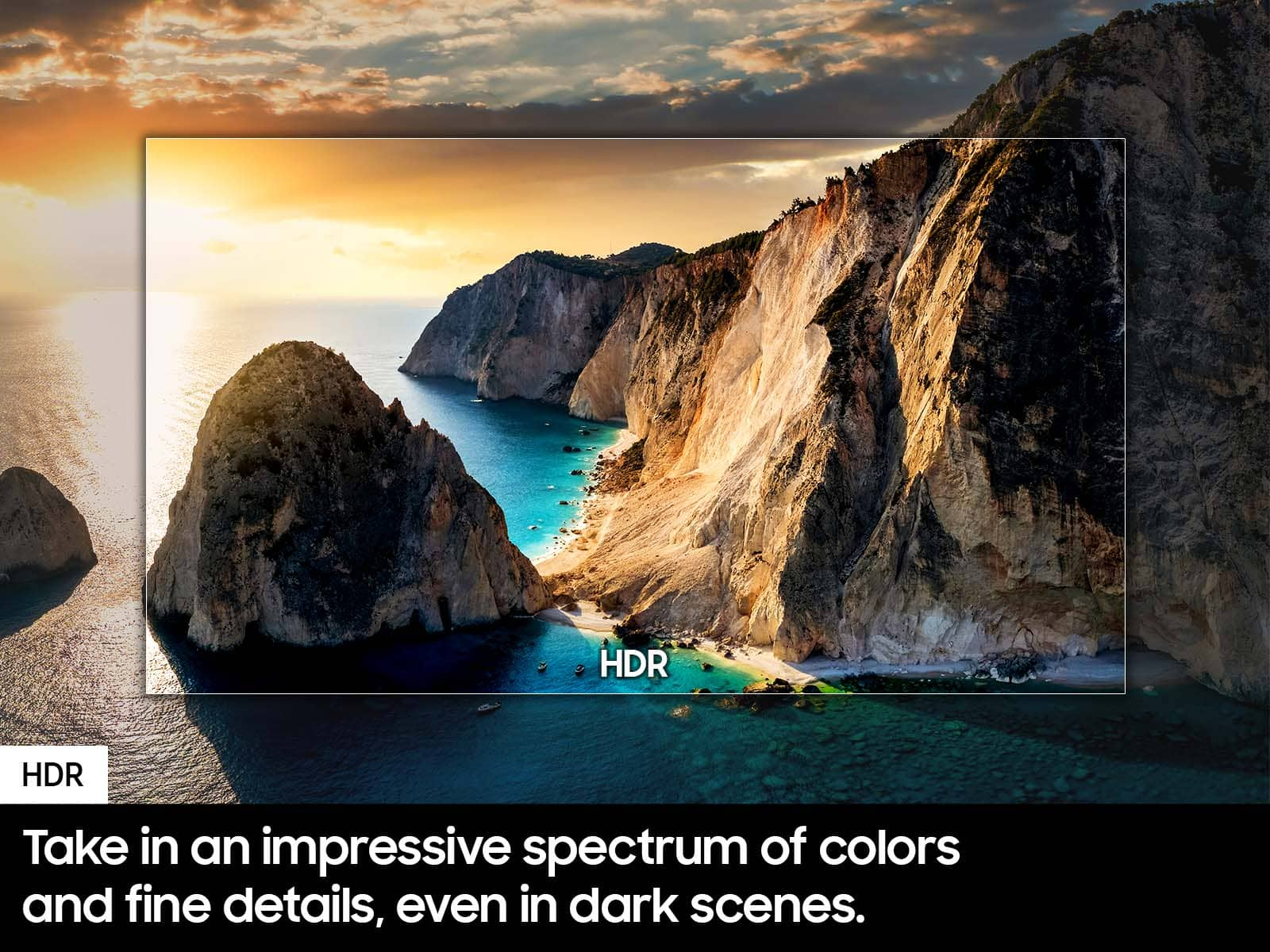
- Picture Quality
Rating 4.8 out of 5 stars
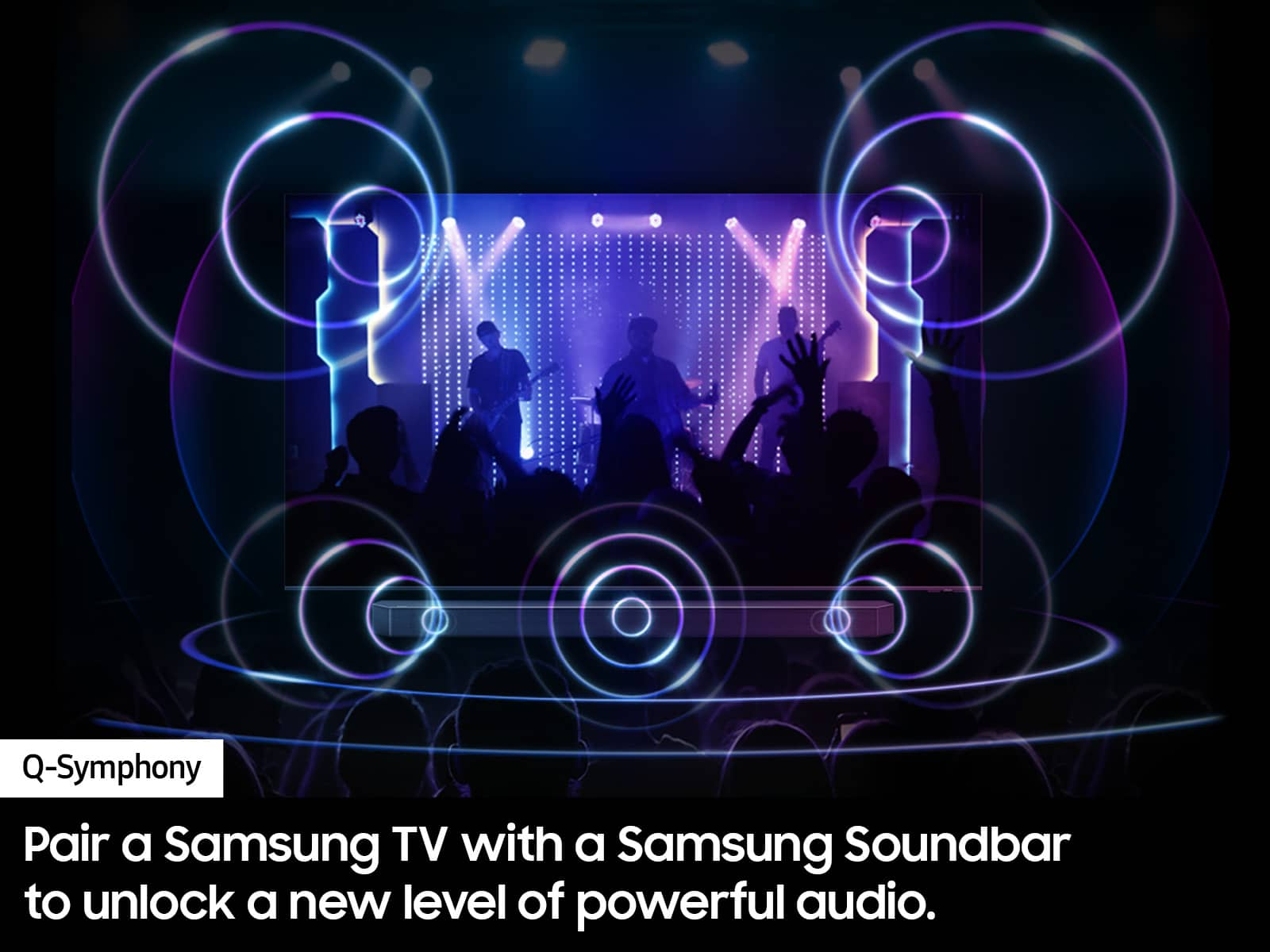
- Sound Quality
Rating 4.6 out of 5 stars
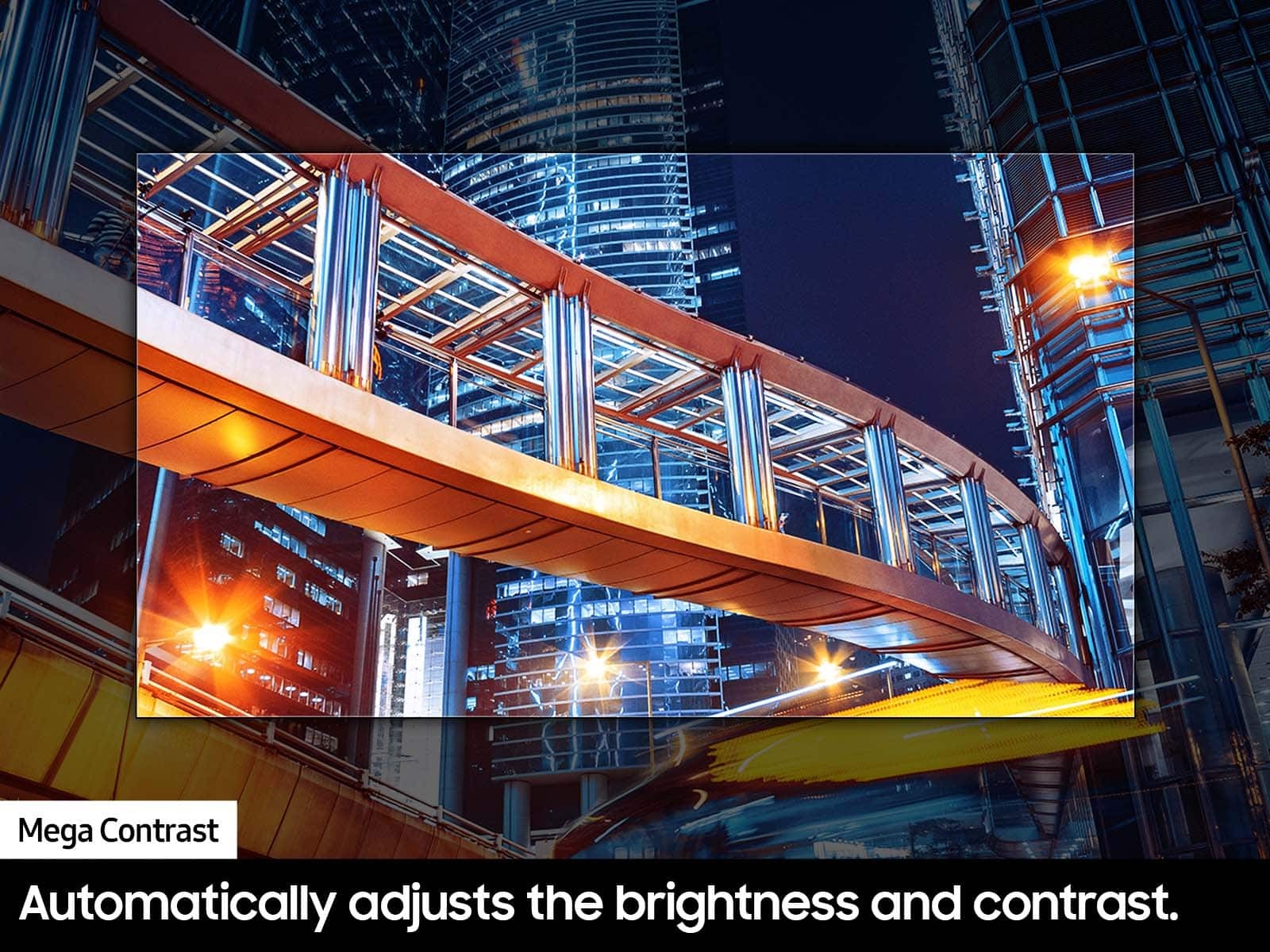
- Brightness
Rating 4.7 out of 5 stars
to a friend
Great TV!
||Posted . Owned for 3 weeks when reviewed.This reviewer received promo considerations or sweepstakes entry for writing a review.Great TV; awesome service to our car pickup , too!
I would recommend this to a friendTv review
||Posted . Owned for 1 month when reviewed.This reviewer received promo considerations or sweepstakes entry for writing a review.Got the tv on sale mounted it and looks great,colors are good no glare
I would recommend this to a friendBest tv ever
||Posted . Owned for 2 months when reviewed.This reviewer received promo considerations or sweepstakes entry for writing a review.I love this tv it is so good. The picture shows wonderful.
I would recommend this to a friendGreat price
||Posted . Owned for 3 months when reviewed.This reviewer received promo considerations or sweepstakes entry for writing a review.Great price for this tv. Perfect for spare bedroom.
I would recommend this to a friendSamsung
||Posted . Owned for 3 weeks when reviewed.This reviewer received promo considerations or sweepstakes entry for writing a review.Great television for the price. Needed an upgrade from our older model.
I would recommend this to a friendGreat purchase
||Posted . Owned for 2 months when reviewed.This reviewer received promo considerations or sweepstakes entry for writing a review.Great picture and quality for the price. User friendly and a must buy if on a budget without breaking the bank
I would recommend this to a friendGood Samsung tv. Great pricing
||Posted . Owned for 1 month when reviewed.This reviewer received promo considerations or sweepstakes entry for writing a review.Easy to assemble the legs. Have not put up on wall yet. Does show reflections while on but think it is tv placement not tv. The only real issue we have is the sound has to be turned up on most programs more than out last tv. And when commercials come on we have to turn down. So sound is okay but not great.
I would recommend this to a friendNice, will get it again!
||Posted . Owned for 3 weeks when reviewed.This reviewer received promo considerations or sweepstakes entry for writing a review.Honestly, I love this TV. I was debating myself between this one and the LG option, but samsung ecosystem is just better. The smart TV works 99% of the times and the image is very clear and detailed. Would recommend!
I would recommend this to a friendNice tv
||Posted . Owned for 7 months when reviewed.This reviewer received promo considerations or sweepstakes entry for writing a review.Nice tv, easy to set up. The quality of the picture is great.
I would recommend this to a friendVery good
||Posted .This reviewer received promo considerations or sweepstakes entry for writing a review.Very good television set. Works as expected. Very good.
I would recommend this to a friendPretty good
||Posted . Owned for 3 months when reviewed.This reviewer received promo considerations or sweepstakes entry for writing a review.Bought my TV in June. Everything is fine. Good price for this quality.
I would recommend this to a friendSamsung
||Posted . Owned for 3 weeks when reviewed.This reviewer received promo considerations or sweepstakes entry for writing a review.The tv is very crystal clear colors vibrant I love it Samsung is the best
I would recommend this to a friendNice but Not perfect
||Posted . Owned for 1 month when reviewed.This reviewer received promo considerations or sweepstakes entry for writing a review.Easy set up and picture quality is great. Sadly there is no voice control on the remote, this is ridiculous in newer tv’s not to have.
No, I would not recommend this to a friendSamsung, simply the best!
||Posted . Owned for 3 weeks when reviewed.This reviewer received promo considerations or sweepstakes entry for writing a review.No words cannot describe the quality of this TV. It’s Amazing!
I would recommend this to a friendtv
||Posted . Owned for 1 month when reviewed.This reviewer received promo considerations or sweepstakes entry for writing a review.Only complaint is the sound, you are going to need a sound bar. Picture quality is good.
I would recommend this to a friendCustomer service was great
||Posted . Owned for 1 month when reviewed.This reviewer received promo considerations or sweepstakes entry for writing a review.Great pictures and everything was perfect from the store to the delivery.
I would recommend this to a friendGood Value TV
||Posted . Owned for 3 weeks when reviewed.This reviewer received promo considerations or sweepstakes entry for writing a review.TV is good value for the price. Excellent picture and sound.
I would recommend this to a friendSmart tv
||Posted . Owned for 9 months when reviewed.This reviewer received promo considerations or sweepstakes entry for writing a review.It has been a great TV easy set up and great picture.
I would recommend this to a friendHORRIBLE BRIGHTNESS CONTROL
||Posted .This reviewer received promo considerations or sweepstakes entry for writing a review.THE MOST IMPORTANT THING A TV SHOULD HAVE IS TO BE ABLE TO CONTROL THE BRIGHTNESS AND YOU CANT DO THAT WITH THIS TV...THE BRIGHTNESS CONTROL SETTING IS MINIMAL....I HAVE AN OLD SAMSUNG 7000 SERIES AND THE BRIGHTNESS IS WAY BETTER THAN THIS TV...IM SORRY TO SAY IT BUT SAMSUNG DROPPED THE BALL WITH BRIGHTNESS ON THIS TV AND MY MOM DOES NOT LIKE IT...I PURCHASED THE TV FOR MY MOM AND I MIGHT HAVE TO RETURN IT.....I AM VERY DISAPOINTED WITH THIS TV...THERE ARE MOVIES THAT DISPLAY DARK AND YOU CANT BRIGHTEN THE MOVIE A LITTLE....ALL MY TVS ARE SAMSUNG I KNOW THE DIFFERENCE BETWEEN A TV YOU CAN BRIGHTEN UP AND A TV YOU CANT...THIS TV YOU CANT....
No, I would not recommend this to a friendBrand response from Samsung
Posted .Hi EMILIOSTALLONE,
It’s unfortunate to hear you’re not fully satisfied with the brightness of your DU7200 TV’s picture. Please know that we are here to help you.
First, let’s ensure you are running the latest Firmware Update. Go to Settings> Support> Software Update.
Next, If the colors on your TV are correct but just a little too dark or bright, you can try adjusting Picture Modes, Contrast, Brightness, or Sharpness settings.
For darker scenes, I recommend Dynamic Picture Mode, which makes pictures brighter and clearer in bright viewing environments. Go to Settings > All Settings> Picture > Picture Mode > Dynamic.
Or you can manually adjust the Brightness by pressing the HOME button on your remote, then navigating to Settings > All Settings> Picture > Expert Settings.
You may also want to disable Power Saving Mode, which automatically adjusts the brightness to reduce the TV’s power consumption. Go to Settings > All Settings> General > Eco Solution> Power Saving Mode.
I hope this helps to improve your picture. Should you need further assistance, please contact us at 1-800-SAMSUNG, 8 AM - 12 AM EST, seven days a week. Our LiveChat agents are also available by clicking on the ‘Support’ link on our website.
~ Samsung Advisor
Its ok
||Posted . Owned for 2 weeks when reviewed.This reviewer received promo considerations or sweepstakes entry for writing a review.Unlike most other reviews I read, I did not buy this tv as part of a promotion or anything. The tv is fine. Picture quality is nice and the sound is decent without a sound bar. But the apps run slow at times and the buffering makes watching shows frustrating. Some channels on the live tv app would not even load. And it’s not my internet, my other smaller Samaung tvs have no issues.
No, I would not recommend this to a friendBrand response from Samsung
Posted .Hi JF916,
We appreciate your feedback on the Samsung DU7200 TV. I'm sorry to hear you are experiencing issues with your apps lagging and the internet buffering. Please try the below troubleshooting steps to resolve this issue.
First, let's ensure you are running the latest Firmware. Go to Settings> Support> Software Update. I recommend enabling auto-updates to ensure you do not miss any Firmware Updates. Go to Settings> Support> Software Update> then select Auto Update.
Next, let's try running a cold boot on your TV. To do so, hold down the Power button on the Samsung TV remote until the TV turns off and then on again. This should take about 5 seconds.
I hope these tips help resolve your concerns. If you continue to have issues, please reach out to us at 1-800-SAMSUNG, 8 AM - 12 AM EST, seven days a week. Our LiveChat agents are also available by clicking on the ‘Support’ link on our website.
~ Samsung Advisor