Customer Ratings & Reviews






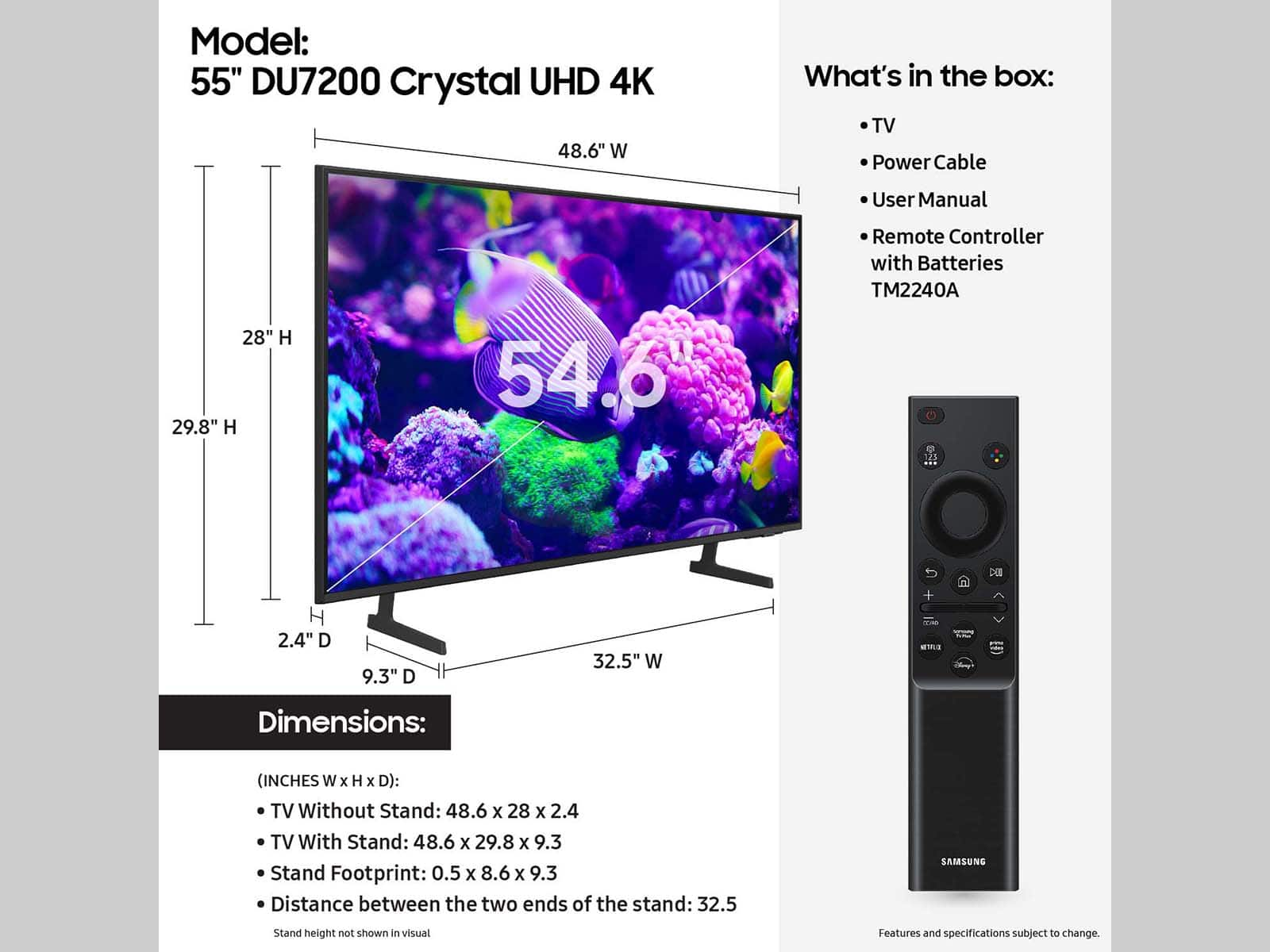
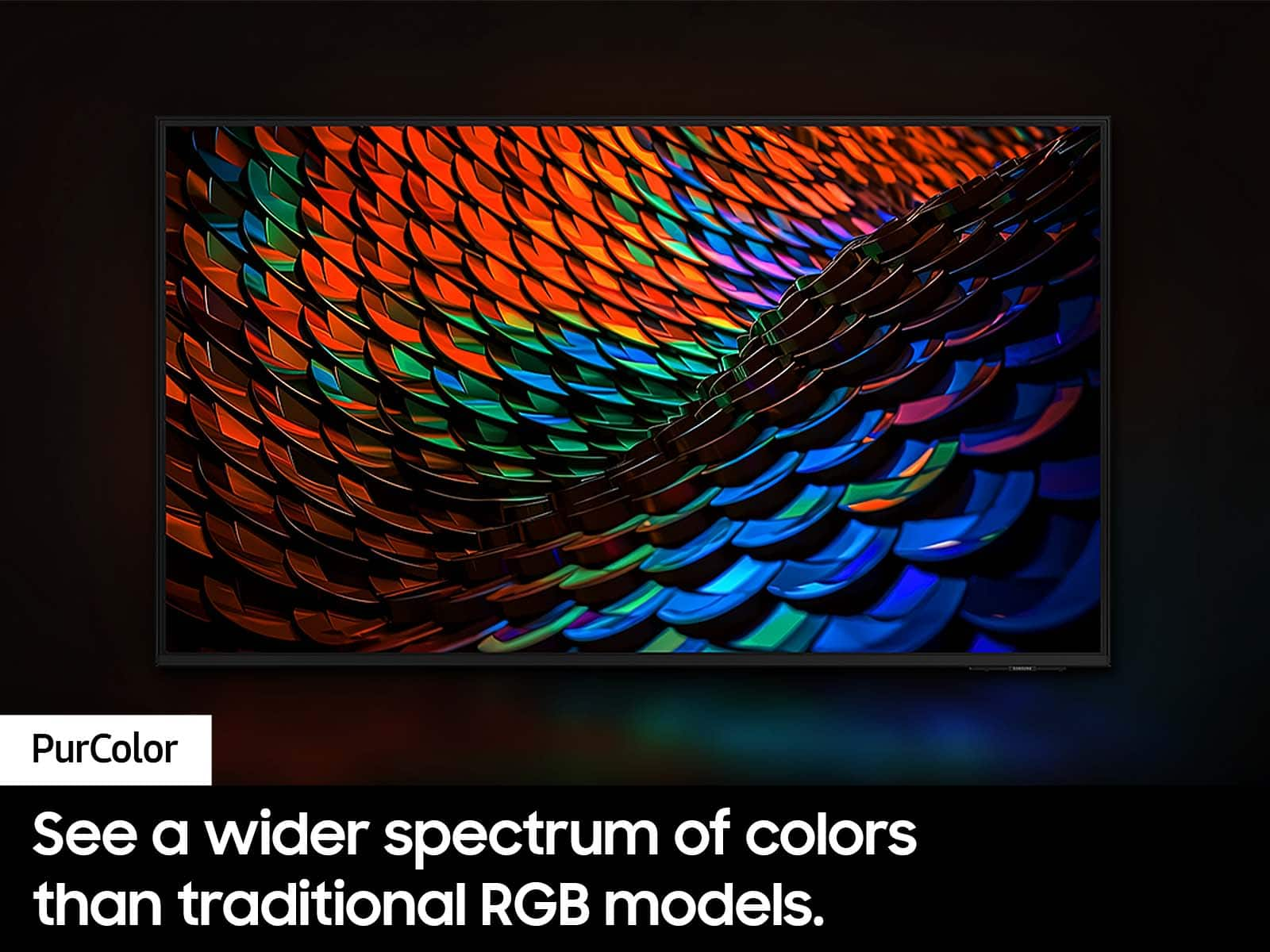
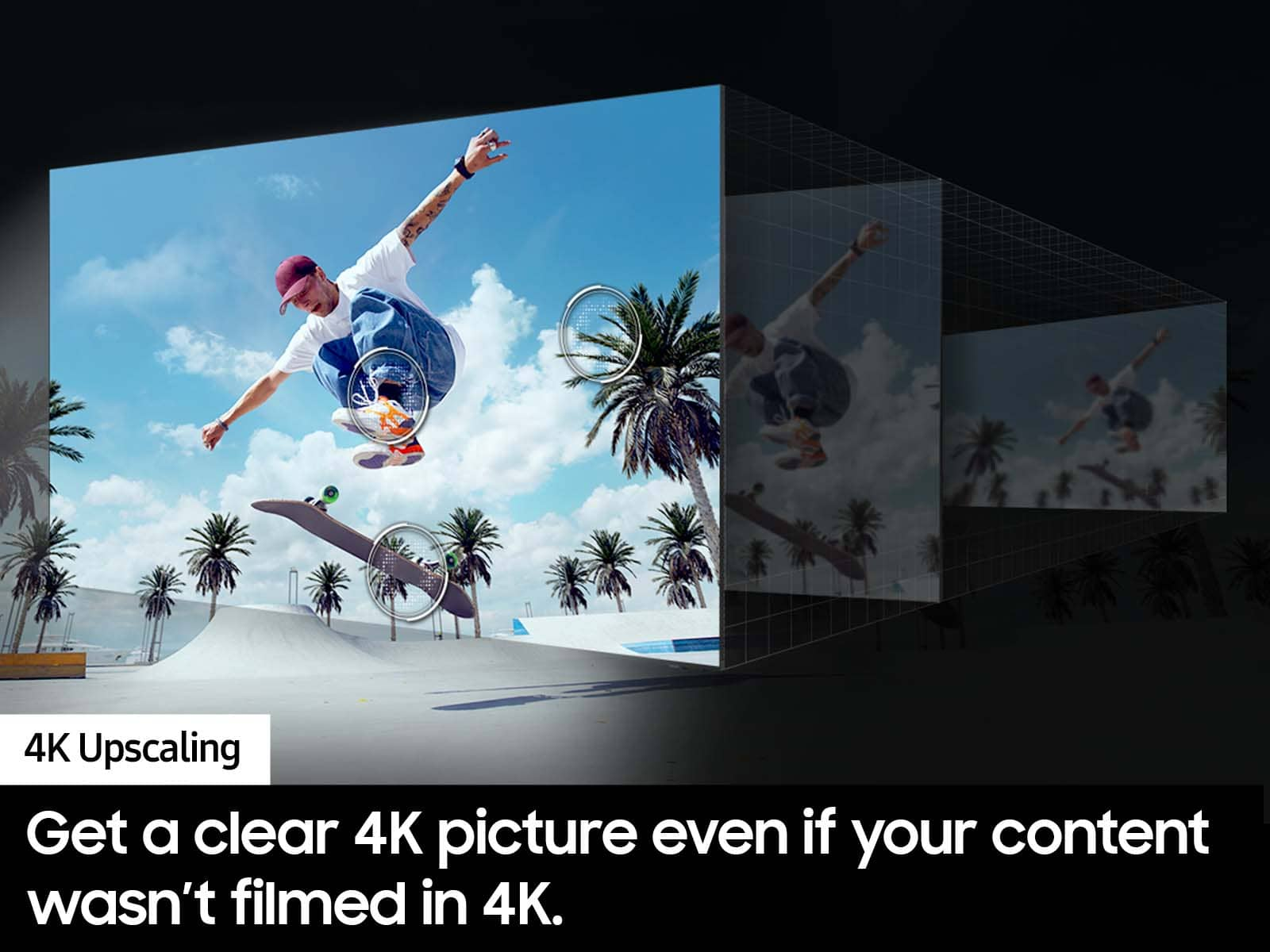


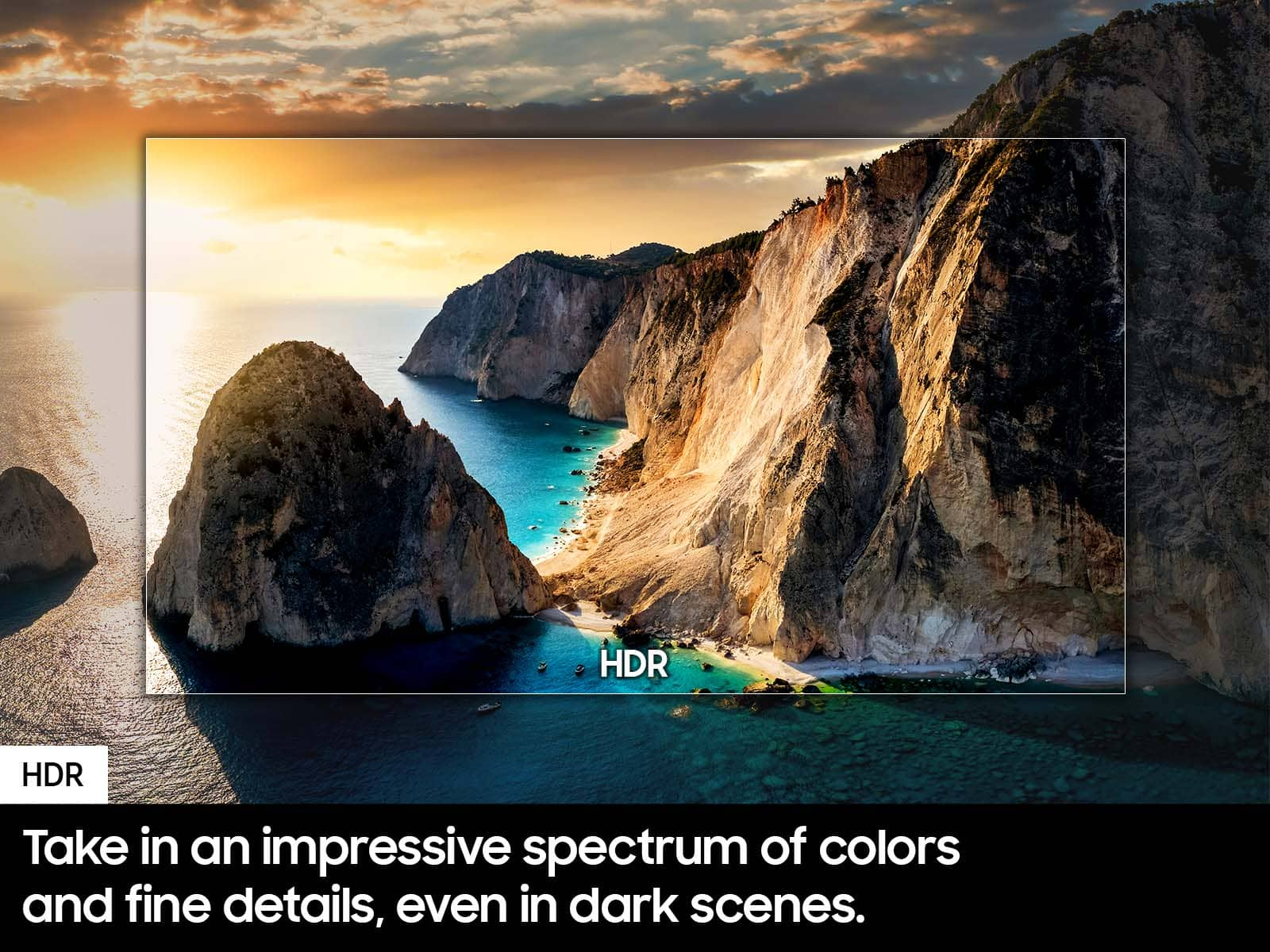



- Model:
- UN55DU7200FXZA
- SKU:
- 6575355
Rating by feature
- Picture Quality
Rating 4.8 out of 5 stars
- Sound Quality
Rating 4.6 out of 5 stars
- Brightness
Rating 4.7 out of 5 stars
Customers are saying
Customers appreciate the excellent picture quality, ease of use, and reasonable price of the 55” Class DU7200 Series Crystal UHD 4K Smart Tizen TV (2024). Many find the colors vibrant and setup straightforward, while also praising its convenient size and smart features. Some customers have noted issues with the remote control responsiveness and connectivity with certain devices. A few have also mentioned concerns regarding the port selection and user interface.
This summary was generated by AI based on customer reviews.
Nice TV needed additional geek support
||Posted . Owned for 1 month when reviewed.This reviewer received promo considerations or sweepstakes entry for writing a review.I had this tv delivered and hooked up to my existing Bose home theatre system. The tech that delivered thought there may be a problem with one of the speaker wire connections and suggested I make a followup appt with a specialist. Couldn't hear voices but could hear everything else.
I would recommend this to a friendBrand response from Samsung
Posted .Hi S7upgrade,
Thank you for your feedback on the DU7200 TV. To assist you with the sound issues you described, please call us at 1-800-SAMSUNG, 8 AM - 12 AM EST, seven days a week. Or visit us on the Samsung website and click on the ‘Support’ link for:
1) LiveChat
2) Manuals, Software, & Warranty Info
~ Samsung Advisor
55in Samsung
||Posted . Owned for 1 month when reviewed.This reviewer received promo considerations or sweepstakes entry for writing a review.Tv was ok. Kind of small for a 55in. I think because its a wife screen
I would recommend this to a friendTV
||Posted . Owned for 3 weeks when reviewed.This reviewer received promo considerations or sweepstakes entry for writing a review.Good for the price and size but lacking in picture quality.
I would recommend this to a friendNice Tv
||Posted . Owned for 2 weeks when reviewed.This reviewer received promo considerations or sweepstakes entry for writing a review.nice tv great app options also good for gaming with game mode
I would recommend this to a friendSamsung 7200 series 55"
||Posted . Owned for 1 month when reviewed.This reviewer received promo considerations or sweepstakes entry for writing a review.Am installing today. Needed to get connection cords from Comcast. Very little help from delivery guys who were in a hurry. Had to remind them that they put the TV on its' base unevenly. Sales staff were excellent once I got the right salesman.
I would recommend this to a friendBrand response from Samsung
Posted .Hi CynthiaB,
Thank you for choosing Samsung and for your feedback on your in-store experience. Please know we are available if you ever have questions or need help. Just give us a call at 1-800-SAMSUNG, 8AM - 12AM EST, 7 days a week. Our LiveChat agents are also available by clicking on the ‘Support’ link on our website.
~Samsung Advisor
New Replacement TV
||Posted . Owned for less than 1 week when reviewed.This reviewer received promo considerations or sweepstakes entry for writing a review.Replacement tv for old one, hopefully this lasts longer.
I would recommend this to a friend- Cons mentioned:Remote control
Samsung tv review
||Posted . Owned for 2 months when reviewed.This reviewer received promo considerations or sweepstakes entry for writing a review.Difficult to add and control streaming applications had to buy a seperate remote to get voice commands to work. Poor online manual instructions on how to use
No, I would not recommend this to a friendBrand response from Samsung
Posted .Hi HaroldK,
Thank you for choosing Samsung and for your feedback on the DU7200 TV. You are correct, the DU7200 does not have voice assistants built in. However, they do work with Alexa. You can connect them to your existing Alexa device to ask them to turn on your TV, change channels, control volume, and more.
Our DU8000 TV Series and above offer voice command and built-in voice assistants.
Regarding setting up your TV, please know we understand that sometimes there is a learning curve when you get a new TV! This is why we created step-by-step guides to make it easier for you. To learn about your TV, go to https://www.samsung.com/us/support/answer/ANS00062199/ or to download the manual and quick start guide, please follow this link: https://www.samsung.com/us/support/downloads/?model=N0060577&modelCode=UN55DU7200BXZA or by going to our website and clicking Support.
If you ever have questions or need help, Samsung is here for you! Give us a call at 1-800-SAMSUNG, 8 AM - 12 AM EST, seven days a week. Our LiveChat agents are also available by clicking on the ‘Support’ link on our website.
~Samsung Advisor
Bought tv i wanted
||Posted . Owned for 1 year when reviewed.This reviewer received promo considerations or sweepstakes entry for writing a review.Was good just easnt the exact tv and wasnt the price i had seen
I would recommend this to a friendBrand response from Samsung
Posted .StevenM:
Thank you for choosing the DU7200 TV! I hope it’s meeting your expectations. If you have any questions or concerns about the product, we're always here to help.
You can contact us at 1-800-SAMSUNG, 8AM - 12AM EST, 7 days a week. Our LiveChat agents are also available by clicking on the ‘Support’ link on our website.
Thank you for choosing Samsung!
~ Samsung Ambassador
Samsung is not what it used to be
||Posted . Owned for 1 month when reviewed.This reviewer received promo considerations or sweepstakes entry for writing a review.Everything about this TV is horrible. Sound is very inconsistent, even with the sound settings adjusted, picture is simply average, Everything about the home screen is annoying. It keeps going back to the previous App used for no reason, goes to live TV every time I open settings menu, resulting in loud noises unexpectedly. There is a major delay every time I try to switch inputs. I'm Very disappointed considering Samsung is supposed to be a top brand.
No, I would not recommend this to a friendBrand response from Samsung
Posted .Hi TiMo,
Thank you for your feedback. I have a few recommendations which may resolve some of the issues you mentioned.
First, the Auto Volume function automatically adjusts the sound to a certain level when changing channels or switching to another external input. Go to Settings > All Settings> Sound > Expert Settings > Auto Volume = On.
You may also want to perform a Sound Test under Support > Self Diagnosis > Start Sound Test.
Next, you can choose what your TV does when you turn it on by going to Settings > All Settings> General > Smart Features. If Autorun Last App is set to on, the last used app automatically runs when you turn on the TV. You can turn this function on or off.
Finally,
If the image you’re seeing isn’t to your liking, there are several picture settings you may want to adjust.
Go to Home > left direction button > Settings > All Settings > Picture > Picture Mode and select the mode that best fits your usage:
1. Standard: Is the default mode suitable for general viewing environments
2. Dynamic: Makes the picture brighter and clearer in bright viewing environments
3. Eco: Provided to save energy
4. Movie: Suitable for watching TV or movies in a dark room
5. Filmmaker Mode: Provides source content just as the creators intended. If the image is defined as Filmmaker Mode, it’ll automatically switch to Filmmaker Mode while watching.
You can also fine-tune your picture with expert settings such as brightness, contrast, sharpness and more (All Settings > Picture > Expert Settings).
For further assistance with settings adjustments, please contact Samsung Customer Support at 1-800-SAMSUNG, 8 AM - 12 AM EST, seven days a week. Or visit us on the Samsung website and click on the ‘Support’ link for:
1) LiveChat
2) Manuals, Software, & Warranty Info
~ Samsung Advisor
- Cons mentioned:Remote control
WOULD NOT RECOMEND !
||Posted .This reviewer received promo considerations or sweepstakes entry for writing a review.Remote was worthless, tv did not work well ! Junck do not buy !
No, I would not recommend this to a friendBrand response from Samsung
Posted .Hi PatrickB,
I'm very sorry you are experiencing issues with your DU7200 TV. To best assist you, please call us at 1-800-SAMSUNG, 8AM – 12AM EST, 7 days a week. LiveChat is also available via the ‘Support’ link on our website.
~ Samsung Advisor
Disappointing
||Posted . Owned for 5 months when reviewed.This reviewer received promo considerations or sweepstakes entry for writing a review.Overall, this TV is fine. I bought it because it's the larger version of a smaller tv I have that I really love. However, I've had an ongoing display issue and neither Best Buy's Total Tech (or whatever their support program is called now) or Samsung have been able to help me resolve it. And it's past the return window. So after less than 6 months, this TV is already having issues. At this point, I'm just going to let it run its course - not worth paying for services and possible repairs.
No, I would not recommend this to a friendBrand response from Samsung
Posted .Hi MariamP,
I'm very sorry you are experiencing issues with your DU7200 TV. Please know that we back this Samsung TV with a 1-year limited manufacturer's warranty, including authorized repair for manufacturer defect, if purchased brand-new directly from an authorized seller.
Please give us the chance to make this right by contacting Samsung Customer Support at 1-800-SAMSUNG, 8 AM - 12 AM EST, seven days a week. Our LiveChat agents are also available by clicking on the ‘Support’ link on our website.
~Samsung Advisor
Its not bad
||Posted . Owned for 5 months when reviewed.This reviewer received promo considerations or sweepstakes entry for writing a review.For the time that I had it, it was pretty good. I did return it because it didn't have a port I could plug my stereo speaker into.
I would recommend this to a friendBrand response from Samsung
Posted .Hi Adan,
Thank you for sharing your experience with us. Should you ever decide to give Samsung TVs another try and have questions or need help with settings, setup, or features, we would be happy to help. Call us at 1-800-SAMSUNG, 8 AM – 12 AM EST, seven days a week. LiveChat with an agent, as well as manuals, software, and warranty info, can be found at the ‘Support’ link on our Samsung website.
~Samsung Advisor
- Cons mentioned:Connectivity
I changed it for another brand
||Posted . Owned for 3 weeks when reviewed.This reviewer received promo considerations or sweepstakes entry for writing a review.I couldn't get it to work because it wouldn't connect to Samsung's servers. I called Samsung and they told me that I had to change it. When I got there to change it, there were two other people changing others, so I opted for an LG, which has worked great.
No, I would not recommend this to a friendBrand response from Samsung
Posted .Hi OOMF,
We appreciate your feedback on your experience with the DU7200 TV. Please know it will be shared with our internal teams.
Should you ever decide to give Samsung TVs another try and have questions or need help with settings, setup, or features, we would be happy to help. Call us at 1-800-SAMSUNG, 8 AM – 12 AM EST, seven days a week. LiveChat with an agent, as well as manuals, software, and warranty info, can be found at the ‘Support’ link on our Samsung website.
We hope to regain you as a customer in the future.
~ Samsung Advisor
Had to return
||Posted . Owned for 3 months when reviewed.This reviewer received promo considerations or sweepstakes entry for writing a review.was super excited about purchase, except description didnt mention this open box was missing stand & remote!
No, I would not recommend this to a friendBrand response from Samsung
Posted .HayesH:
I’m sorry to hear that your out-of-box experience fell short of your expectations and have returned your DU7200 TV. Should you ever decide to give Samsung TVs another try and have questions or need help with settings, setup, or features, please know we’re here to help. Call us at 1-800-SAMSUNG, 8AM - 12AM EST, 7 days a week.
LiveChat with an agent as well as manuals, software, and warranty info can be found at the ‘Support’ link on our Samsung website.
~ Samsung Ambassador
Lacking ability to be helpful or curtious
||Posted . Owned for 1 month when reviewed.This reviewer received promo considerations or sweepstakes entry for writing a review.Purchased my Samsung TV and Sound Bar. Set it up and purchase Geek Squad plan. Have issue with turning on system. Told noy covered, only if product is broken. NEVER told this prior to purchased. Went to Framingham Store to ask Geek Squad for possible instructions. Treated BADLY, and told it would cost to have someone come out to set up TV. Not a happy customer.
I would recommend this to a friendBrand response from Samsung
Posted .Hi Retired,
We appreciate your feedback on the Geek Squad protection plan. We understand sometimes there is a learning curve when you get a new TV! This is why we created step-by-step guides, to make it easier for you. To learn about your TV go to https://www.samsung.com/us/support/answer/ANS00062199/.
If you would like assistance setting up your TV, please know that Samsung Customer Service is available by phone or chat, and we would be happy to assist you. You can call us at 1-800-SAMSUNG, 8 AM - 12 AM EST, seven days a week. Our LiveChat agents are also available by clicking on the ‘Support’ link on our website.
~ Samsung Advisor
- Pros mentioned:Picture quality
Poor sound volume
||Posted . Owned for 1 month when reviewed.This reviewer received promo considerations or sweepstakes entry for writing a review.Sound volume is awful. Turned it up to 100% and still had trouble hearing it if there was any house background noice. Tried to hook up a sound bar to no avail. Picture quality was good. Price was good but you get what you pay for. I returned this product.
No, I would not recommend this to a friendBrand response from Samsung
Posted .Hi JulieL,
Thank you for sharing your experience with low volume on the DU7200 TV which resulted in a return. Should you ever decide to give Samsung TVs another try and have questions or need help with settings, setup, or features, we would be happy to help. Call us at 1-800-SAMSUNG, 8 AM – 12 AM EST, seven days a week. LiveChat with an agent, as well as manuals, software, and warranty info, can be found at the ‘Support’ link on our Samsung website.
We hope to regain you as a customer in the future.
~ Samsung Advisor
Lacking
||Posted . Owned for 1 month when reviewed.This reviewer received promo considerations or sweepstakes entry for writing a review.Remote has few features and no manual. Apparently cannot submit review unless it’s 5 star
No, I would not recommend this to a friendBrand response from Samsung
Posted .LynnD,
We appreciate you sharing your experience. To assist you in learning the various features, functions, and settings of your DU7200 TV and remote, you can download your TV's User Manual, e-Manual, Remote Control Leaflet, and Quick Setup Guide on Samsung's website under ‘Support’ (top right corner) > Manuals & Software > TVs & Home Theater. From there, you can search for select the DU7200 TV to download the guides you would like.
The e-Manual and Remote Guide are both also embedded into your TV itself under Menu > Settings > Support
If you need more help, Samsung is here for you. Please call us at 1-800-SAMSUNG, 8AM - 12AM EST, 7 days a week. Our LiveChat agents are also available by clicking on the ‘Support’ link on our website.
~ Samsung Specialist
Flimsy TV
||Posted . Owned for 1 week when reviewed.This reviewer received promo considerations or sweepstakes entry for writing a review.TV was very flimsy and felt like it would break if anything had touched it. Returned and will buy a better quality TV later.
No, I would not recommend this to a friendBrand response from Samsung
Posted .Hi Abnodes,
Thank you for your feedback on the DU7200 TV. So we can better understand why you made your return, we would love to hear from you. Please call us at 1-800-SAMSUNG, 8AM - 12AM EST, 7 days a week. Or visit us on the Samsung website and click on the ‘Support’ link for:
• LiveChat
• Manuals, Software, & Warranty Info
~Samsung Advisor
Open-Box is a scam
||Posted .This reviewer received promo considerations or sweepstakes entry for writing a review.TV is nice, but I bought it from Best Buy as an open-box in good condition. Which apparently means scratches on the screen, no power cord, no stand, and no remote. At the amount they charged for this TV I could have bought new and received everything in better condition, and after purchasing the missing parts it came out to the same price. When I called to complain I was told this is normal for "Good" condition.
I would recommend this to a friendBrand response from Samsung
Posted .Michael:
We appreciate you sharing your experience. We recommend you contact Best Buy Customer Support or your local Best Buy store directly for assistance in correcting this situation. We hope your issue is resolved in a timely manner.
Should you have questions or concerns regarding the usage or setup of your DU7200 once your issue has been resolved, please know Samsung is here for you. Please call us at 1-800-SAMSUNG, 8AM - 12AM EST, 7 days a week. Our LiveChat agents are also available by clicking on the ‘Support’ link on our website.
~ Samsung Ambassador
Samsung UHD
||Posted . Owned for 1 month when reviewed.This reviewer received promo considerations or sweepstakes entry for writing a review.Decent tv but I should have bought LG. It received better reviews.
No, I would not recommend this to a friendBrand response from Samsung
Posted .GiuliaG,
Thank you for sharing your experience. If there is anything we can help with, please reach Samsung Support at 1-800-SAMSUNG, 8AM - 12AM EST, 7 days a week. Or visit us on the Samsung website and click on the ‘Support’ link for:
• LiveChat
• Manuals, Software, & Warranty Info