Customer Ratings & Reviews
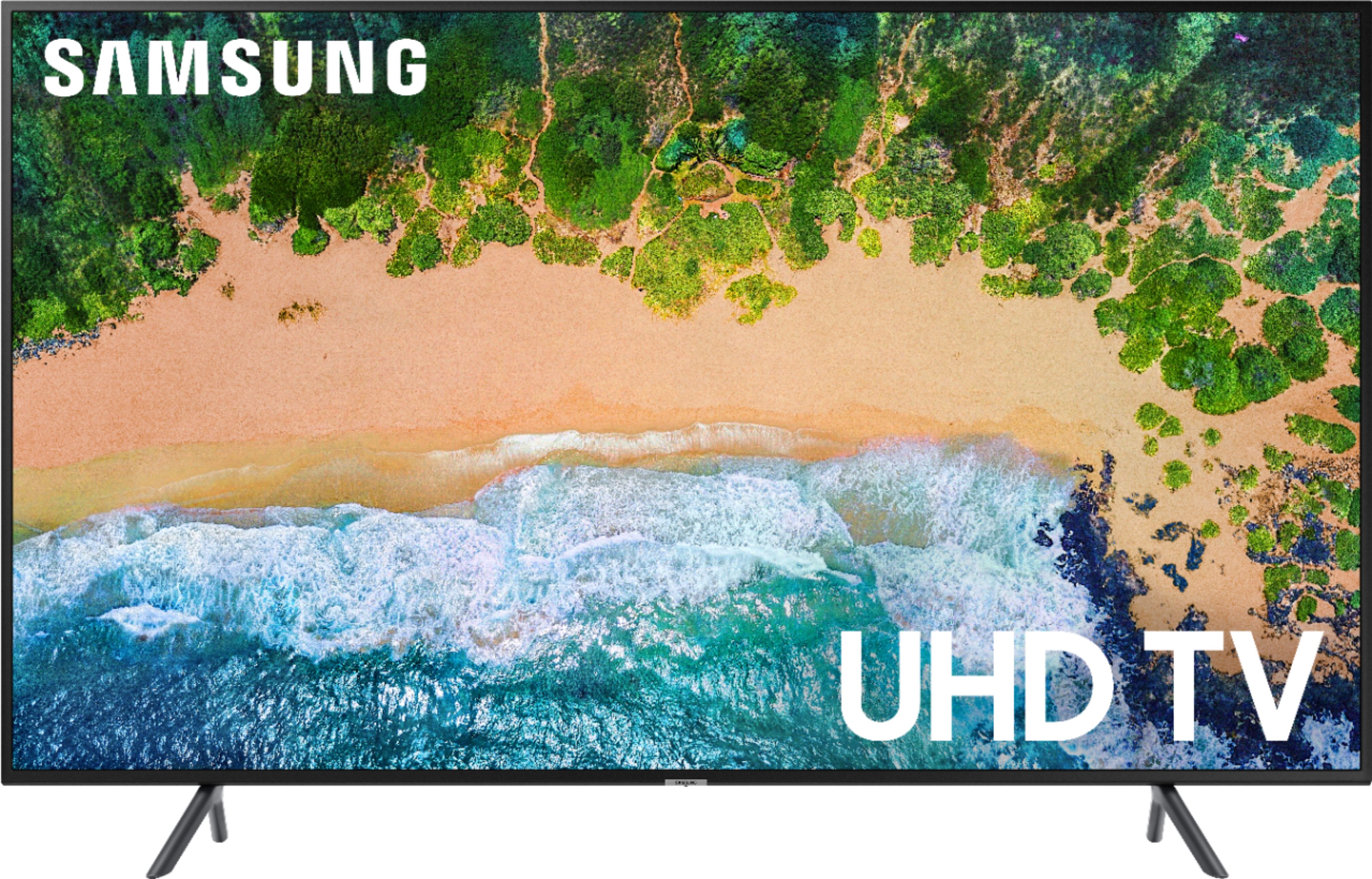
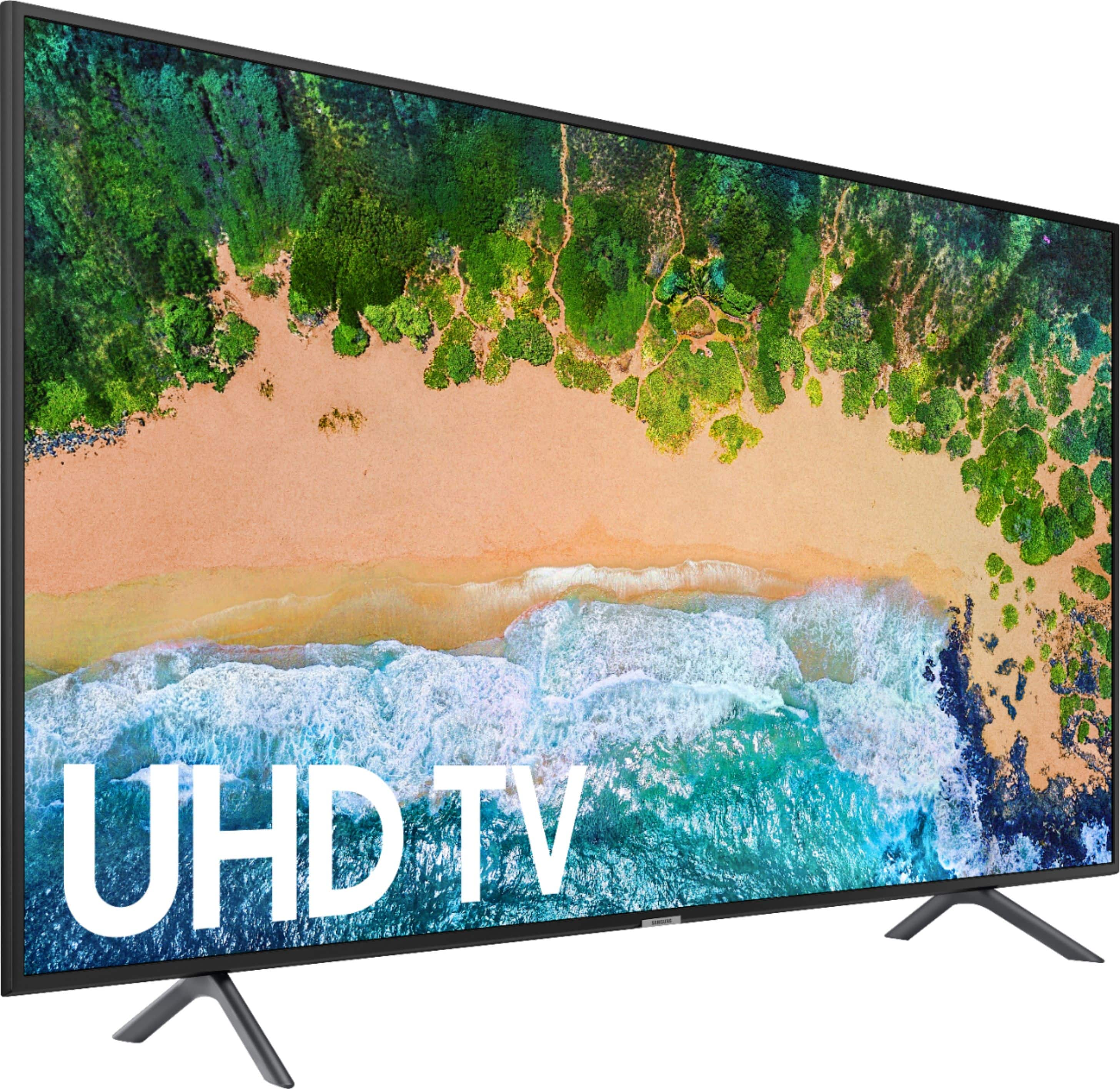
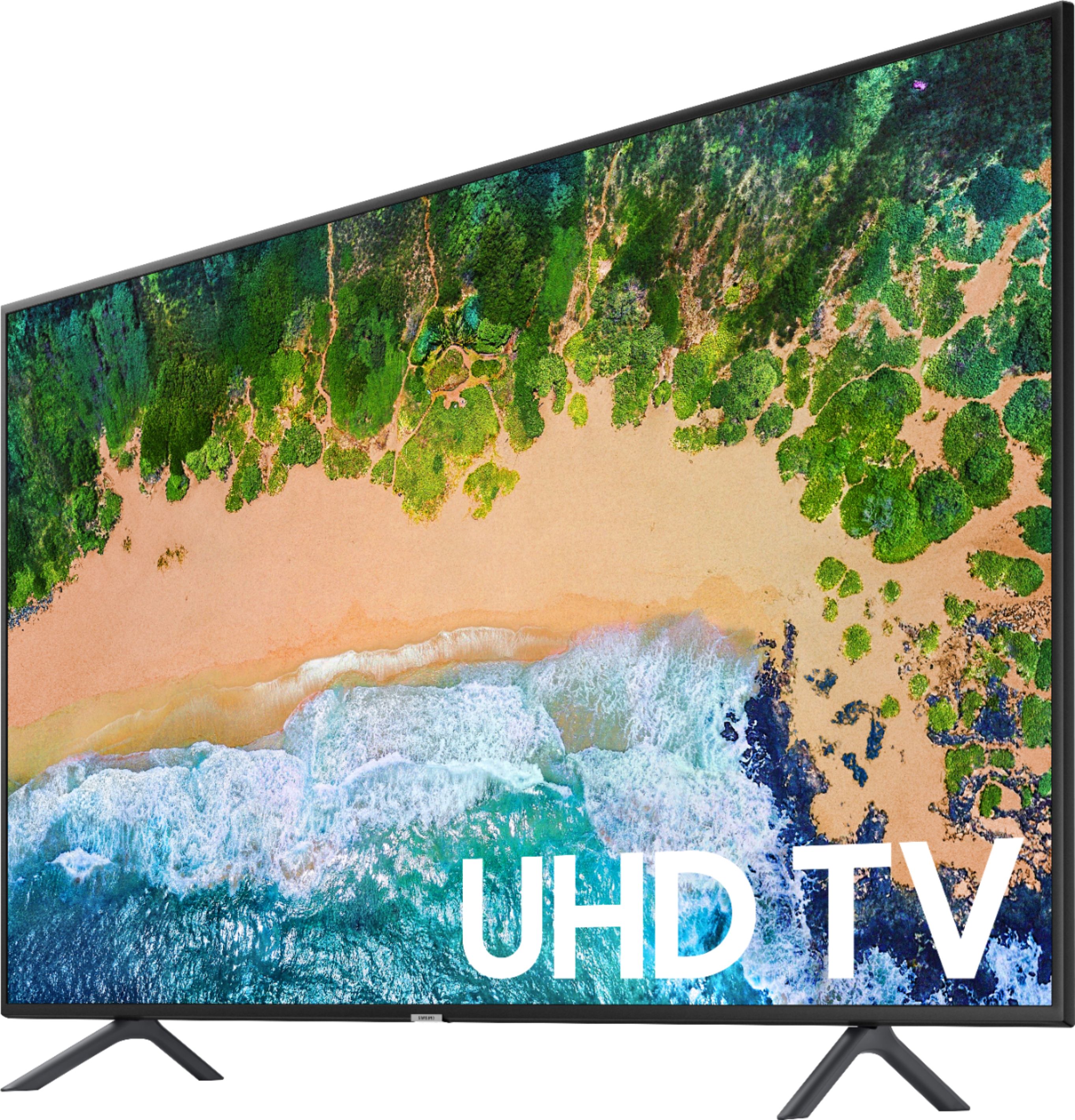

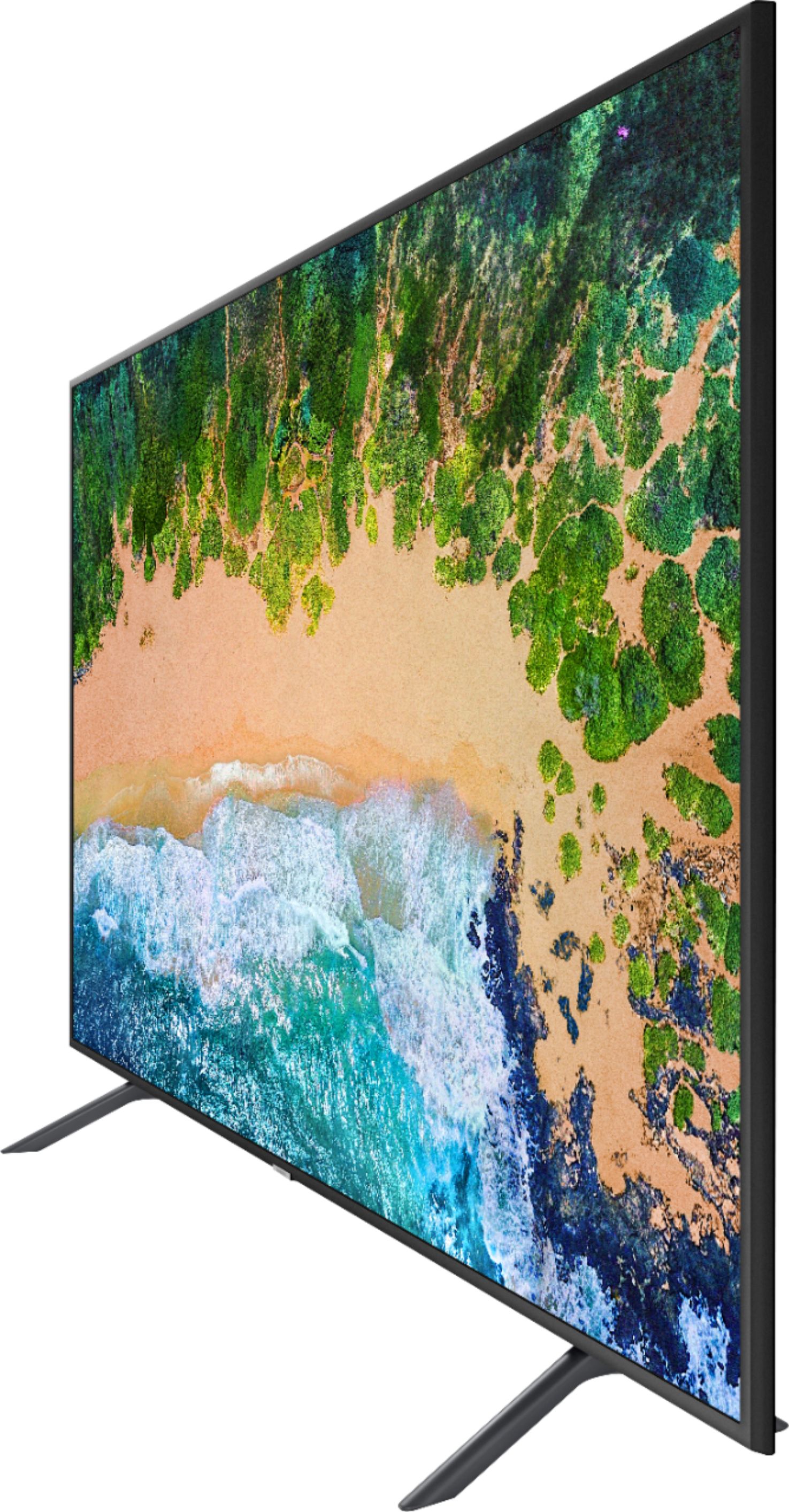




- Model:
- UN55NU7100FXZA
- SKU:
- 6200125
Rating by feature
- Picture Quality
Rating 3.9 out of 5 stars
- Sound Quality
Rating 3.7 out of 5 stars
- Brightness
Rating 3.9 out of 5 stars
Customers are saying
Customers enjoy the picture quality, easy setup, price, and smart TV features of the 55" Class - LED - NU7100 Series - 2160p - Smart - 4K UHD TV with HDR. They appreciate the great picture, vibrant colors, and user-friendly interface. However, some customers have concerns about the remote control, durability, lack of Bluetooth connectivity, viewing angles, and screen issues.
This summary was generated by AI based on customer reviews.
Bad picture
||Posted . Owned for 1 year when reviewed.This reviewer received promo considerations or sweepstakes entry for writing a review.Had to return it after less than a year the picture begin to go out. Big black line in the middle of the TV geek Squad wasn't able to fix it. Suggested I get a LG instead. Much better.
No, I would not recommend this to a friend- Pros mentioned:Picture quality
Pretty good picture, till it stops working.
||Posted . Owned for 1 year when reviewed.This reviewer received promo considerations or sweepstakes entry for writing a review.I purchased this TV roughly a year and a half ago. Picture quality was decent. There are a lot of features in the menu that can't be accessed that would make fine tuning the tv better. Suddenly, a 4 inch wide dark line appeared down the middle of the screen. Turns out a board needs to be replaced that is $650, which is more than the tv costs. This is the last Samsung TV that I am purchasing.
No, I would not recommend this to a friend frozen every time it's turned on
||Posted . Owned for 7 months when reviewed.This reviewer received promo considerations or sweepstakes entry for writing a review.overall, I am happy with this tv. the problem is, every time I turn it on, it's frozen on the last internet channel it was on. Even if I turn it off with Netflix on... it will default back to the last internet channel it was on. the screen is frozen and you can't go to any app without seeing this frozen screen. so you go to Netflix, Netflix opens but all you can see is the frozen pane from the internet channel. to fix this, I have to get up and unplug the tv or turn off the power supply and then plug back in.. and then it's good as new. such a pain to have to do every single time I turn my tv on.
I would recommend this to a friendsmart tv
||Posted .This reviewer received promo considerations or sweepstakes entry for writing a review.I bought this as an open box item so the price was awesome, but the sound quality was horrible. I had to buy a sound bar. Otherwise the tv is great. It was easy to set up and you can switch between different medias.
I would recommend this to a friendGood Price, Not so good features
||Posted .This reviewer received promo considerations or sweepstakes entry for writing a review.Could not get the TV sound to connect with my Samsung sound bar, either wirelessly or with the optical cable. The onscreen troubleshooting was no help. This should not have been such a difficult issue.
No, I would not recommend this to a friendBrand response from Samsung
Posted .Wayne,
I am sorry that you are having trouble connecting your soundbar to the NU7100 TV.
Here is the link to the eManual, where you can find connection guide on page 28-30:
http://downloadcenter.samsung.com/content/UM/201809/20180927112738059/ENG_US_KM2ATSCN-3.0.2.pdf
For further assistance, please contact Samsung Customer Support toll-free at 1-800-SAMSUNG and a representative will gladly help you.
You can also contact Samsung via LiveChat or email. Please copy-paste this link into your browser: http://www.samsung.com/us/support/contact
We are likewise reachable on our Samsung Support Facebook page at: https://www.facebook.com/samsungsupport/app/158125230916392/
- Samsung Ambassador
Nice tv if I had a hearing aid
||Posted .This reviewer received promo considerations or sweepstakes entry for writing a review.Since when do you have to buy a SoundBar when you spend $700 plus on a TV???? Ridiculous. I bought it for my son college graduation and He can hardly hear it. Sound is awful. Very disappointed
No, I would not recommend this to a friendBrand response from MrSamsung
Posted .HI Laura,
I am sorry that you experienced issue with the TV sound.
The most common reason for constant low volume is that the internal volume control of the external device is set too low. If this is the case, you usually hear a hiss from your TV's speakers when you turn the volume up.
To raise the volume on the external device, follow these steps:
1. Turn the volume on the TV down to a reasonable level (around 15).
2. Press [Volume Up] on the connected device (not the remote) until it is all of the way up.
Example: on most cable boxes they will have volume controls for their internal volume settings on the front of the device. Press the volume + button on the device to raise the internal volume of the unit.
Note: You may be able to see a volume bar appear on the screen while raising the volume, it will look different from your normal televisions volume bar.
3. Adjust the TVs volume to meet your requirements.
Important: If you do not turn the volume on the TV down before adjusting the volume on the device you have connected to it, you could damage the speakers in the TV.
If the issue persists, please reach out to Samsung Customer Support.
You can contact our Customer Support toll-free at 1-800-SAMSUNG.
Simply copy-paste this link into your browser to LiveChat or Email us: https://www.samsung.com/us/support/#contact_us_for_support
We are likewise reachable by Facebook Messenger at: http://m.me/samsungsupport .
Or find us on Twitter at https://twitter.com/messages/compose?recipient_id=18768513.
Again, thank you for bringing the issue to our attention – we greatly value your feedback and utilize your concerns and opinions in our relentless efforts towards delivering world-class service and products.
-Samsung Ambassador
great picture
||Posted .This reviewer received promo considerations or sweepstakes entry for writing a review.however each time I turn off the television it keeps turning back on it's own. it's not the internet or cable provider as t bg ay hace come and try to correct the issue
No, I would not recommend this to a friendBrand response from Samsung
Posted .nena,
I am sorry to hear that you are experiencing issues.
Please give us the opportunity to assist you by contacting Samsung Customer Support via any of the following options:
1) Phone: 1-800-SAMSUNG (ask for TVs) Available 8AM - 12AM EST (Mon-Fri) / 9AM - 11PM EST (Sat-Sun)
2) LiveChat or Email: https://www.samsung.com/us/support/#contact_us_for_support
3) Facebook Messenger: https://www.facebook.com/samsungsupport
4) Twitter: https://twitter.com/SamsungSupport
Again, I am very sorry for the inconveniences you have had, and hope that we will hear from you soon.
-Samsung Ambassador
Bad product
||Posted . Owned for 1.5 years when reviewed.This reviewer received promo considerations or sweepstakes entry for writing a review.My Samsung TV worked okay for 1 1/2 years. Now 1/2 of the TV screen is dark. It happen the day before Fathers day and Samsung is saying it's no longer under warranty. They did the same thing with the Samsung Refrigerator i purchased from Best Buy. I would say, don't ever buy any Samsung items until they get their act together and stand behind their products. We are more then a bells and whistle society. Earn our trust and our American dollars!
No, I would not recommend this to a friendGood but not great.
||Posted .This reviewer received promo considerations or sweepstakes entry for writing a review.The picture will sometimes shimmy/wobble, especially if there is a fast movement--like someone moving their head quickly. When it does this, it just doesn't look natural.
No, I would not recommend this to a friendBrand response from Samsung
Posted .bulldog06,
I am sorry to see that you are not happy with its motion image performance.
Have you tried adjusting Auto Motion Plus? It is a feature designed to eliminate blur and judder on an LED TV, specifically in fast moving images. It does so by taking a 30 fps signal and adds in additional frames to help smooth out any blur or judder between frames, called interpolation.
Here is the step-by-step guide to change Auto Motion Plus settings:
With the TV powered on, press the Home button on the Samsung remote to open the Home screen> Select Settings>.Select Picture > Select Expert Settings> Select Auto Motion Plus.
(Note: This option may not be visible initially. Continue scrolling through the Expert Settings Menu to locate Auto Motion Plus)
>Select Auto Motion Plus again, and you will see the following three options:
◦Off: Auto Motion Plus will always be off.
◦Auto: Auto Motion Plus will automatically activate and deactivate based on the type of program being watched.
◦Custom: Allows custom adjustments and settings to be used.
By selecting the Custom option, you can access these advanced settings:
- Blur Reduction: Use the directional keys on the remote to adjust the Blur setting.
- Judder Reduction: Use the directional keys on the remote to adjust the Judder setting.
- LED Clear Motion: Select to turn On/Off.
For further assistance on setting adjustment for your preferred viewing experience, please contact Samsung Customer Support toll-free at 1-800-SAMSUNG and a representative will gladly help you. Or LiveChat with our product experts by copy -paste this link into your browser: http://www.samsung.com/us/support/contact
We are likewise reachable via Facebook Messenger at: http://m.me/samsungsupport
You can also find us on Twitter at: https://twitter.com/messages/compose?recipient_id=18768513
We hope to hear from you soon.
-Samsung Ambassador
Memory issues
||Posted . Owned for 1.5 years when reviewed.This reviewer received promo considerations or sweepstakes entry for writing a review.I've had this TV for 3 years and it's been really good until last week. I get a notice that I have no more space available to download or update any apps on it. I've searched the internet trying to find a resolution to this issue and nothing. It seems it has become a common issue with this TV. I loved samsung tv's until now. if this is a normal issue I will not be purchasing another samsung tv
No, I would not recommend this to a friendDisappointing
||Posted .This reviewer received promo considerations or sweepstakes entry for writing a review.I bought this on sale, but after setting it up and configuring it for streaming video (wireless intrernet, Apple TV and Firestick), the performance was very poor. Poor resolution, poor handling of action scenes and sports and very slow to load programming and interupted many programs to buffer. Resolution was poor. Very disappointed and took it back to BB after a couple of days and had to trade up for a 55" 8100 model that cost twice as much but has better performance in every respect.
No, I would not recommend this to a friendBrand response from Samsung
Posted .Robert,
I apologize for the disappointment experience.
I hope the new TV works out for you.
Should you need further assistance with any features with the new unit, please reach out to us.
Simply phone us at 1-800-SAMSUNG (ask for TV)
You can also LiveChat or email us by copy-pasting this link into your browser: http://www.samsung.com/us/support/contact
We are likewise reachable by Facebook Messenger at: https://www.facebook.com/samsungsupport
Or find us on Twitter at https://twitter.com/SamsungSupport
- Samsung Ambassador
Not so good
||Posted . Owned for 1.5 years when reviewed.This reviewer received promo considerations or sweepstakes entry for writing a review.Started out good. 1 year to the day half the picture was gone. Out of warranty by a few days. I've owned 7 Samsungs . they wouldn't warranty it. Guess should have bought the extended warranty. Gave it to my neighbor and he had it fixed 300.00 . now they are only making the "Q" models. Must have gotten one built at 4:59 on a Friday. Too bad For me .
No, I would not recommend this to a friendI love Samsung
||Posted .This reviewer received promo considerations or sweepstakes entry for writing a review.Tv is great, only issue is it needs to be have 4K streaming. I have Directv and they want $300.00 to upgrade my service. Had I known that I would’ve bought it
No, I would not recommend this to a friendIt's fine, wish i stuck with LG
||Posted . Owned for 1 year when reviewed.This reviewer received promo considerations or sweepstakes entry for writing a review.Its a fine TV, but not the best. It doesn't do true HDR, but whatever. The picture looks fine. I just should have kept my loyalty to LG...
I would recommend this to a friendnot a great picture
||Posted . Owned for 1.5 years when reviewed.This reviewer received promo considerations or sweepstakes entry for writing a review.We upgraded our TV wanting a better picture for sports, We did not notice a difference at all from our cheaper TV and this one!
No, I would not recommend this to a friendOkay tv
||Posted .This reviewer received promo considerations or sweepstakes entry for writing a review.This tv is okay. I regret not purchasing an lg. I have an lg tv as well as this tv and I like the lg so much more. This tv is just really basic.
No, I would not recommend this to a friendBrand response from Samsung
Posted .Chris:
I am very sorry that you are not fully content with this model. So that we can better understand you specific issues and assist you, please reach out us at Samsung Support.
You can reach us via:
1) Toll-free calling: 1-800-SAMSUNG
2) LiveChat or Email: https://www.samsung.com/us/support/#contact_us_for_support
3) Facebook Messenger: http://m.me/samsungsupport
4) Twitter: https://twitter.com/messages/compose?recipient_id=18768513
We value your feedback and look forward to hearing from you.
Good TV
||Posted . Owned for 7 months when reviewed.This reviewer received promo considerations or sweepstakes entry for writing a review.it's a good TV. the only thing that I didn't like is the WIFI very week. needs a very strong signal in order to stay connected.
I would recommend this to a friendJust okay
||Posted .This reviewer received promo considerations or sweepstakes entry for writing a review.The UHD isn’t the best on this TV. This TV imagen is almost same to my old tv I put de hdmi Cable but I do not see better imagen.
I would recommend this to a friendok tv but nothing special
||Posted .This reviewer received promo considerations or sweepstakes entry for writing a review.the picture is ok but not as good as my other tv , the sound is not that good. i guess for the price it is ok but not outstanding .
No, I would not recommend this to a friendBrand response from Samsung
Posted .hdwl,
I am sorry that you are not completely satisfied with the sound performance of your NU7100 TV.
The NU7100 TV features 40W 2channel integrated speakers. It also offers Audio Return Channel (ARC) support, which allows TV's with ARC capabilities and capable devices to transfer audio back and forth using one HDMI cable.
The surround sound support of DTS premium sound 5.1 and Dolby Digital Plus optimize the sound for TV from sources like Internet movies and music, connected PCs, smart phones and tablets.
To better assist you with possible sound settings adjustments for better audio experience, please call Samsung Customer Support toll-free at 1-800-SAMSUNG.
You can also contact us via LiveChat or email. Please copy-paste this link into your browser: http://www.samsung.com/us/support/contact
We are likewise reachable by Facebook messenger at: http://m.me/samsungsupport
Or find us on Twitter at: https://twitter.com/messages/compose?recipient_id=18768513.
Again, thank you for taking the time to share your thoughts on this product. Your invaluable feedback helps us continuously deliver best-in-class products and service.
-Samsung Ambassador
Entry Level TV
||Posted .This reviewer received promo considerations or sweepstakes entry for writing a review.Ambient light did not work out of the box. Samsung did a software update and said it would solve problem but it didn't. Washed out colors. Tried all settings and just couldn't get a great picture. Eight year old set has much better color and picture. Traded up to different brand.
No, I would not recommend this to a friendBrand response from MrSamsung
Posted .micdonedee,
I am very sorry that your experience with this TV was less than perfect.
If this TV is performing worse than a 12-year-old TV, then something is definitely not right. I wish we had the opportunity to investigate the issue and provide step-by-step troubleshooting.
Should you ever decide to give Samsung TVs another try, and have questions or need help, please know that we are always here for you.
You can contact us via:
1) Toll-free calling: 1-800-SAMSUNG
2) LiveChat or Email: https://www.samsung.com/us/support/#contact_us_for_support
3) Facebook Messenger: http://m.me/samsungsupport
4) Twitter: https://twitter.com/messages/compose?recipient_id=18768513
Again, my sincerest apologies. We hope to regain you as a customer in the future.
- Samsung Ambassador