Customer Ratings & Reviews
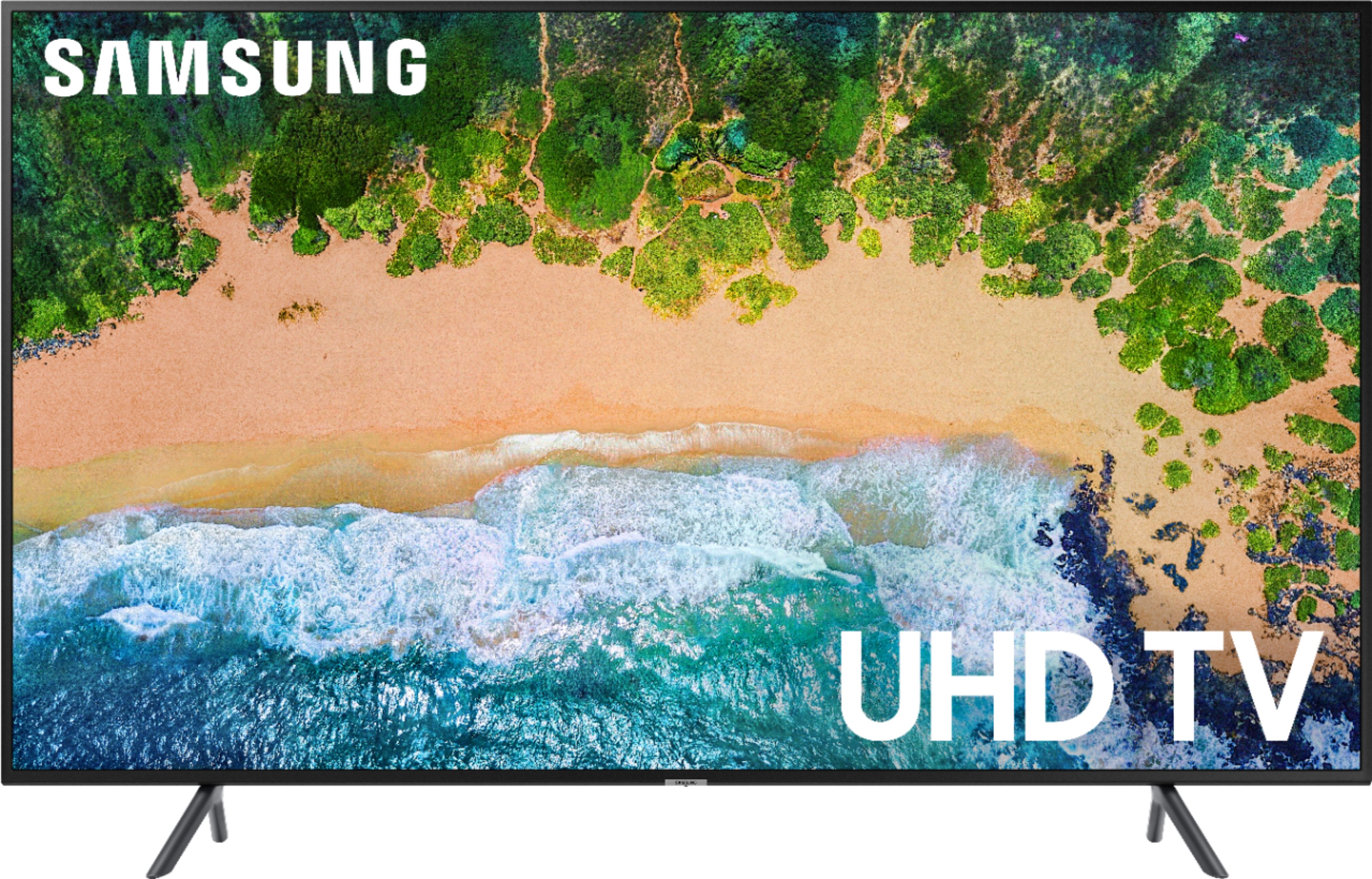
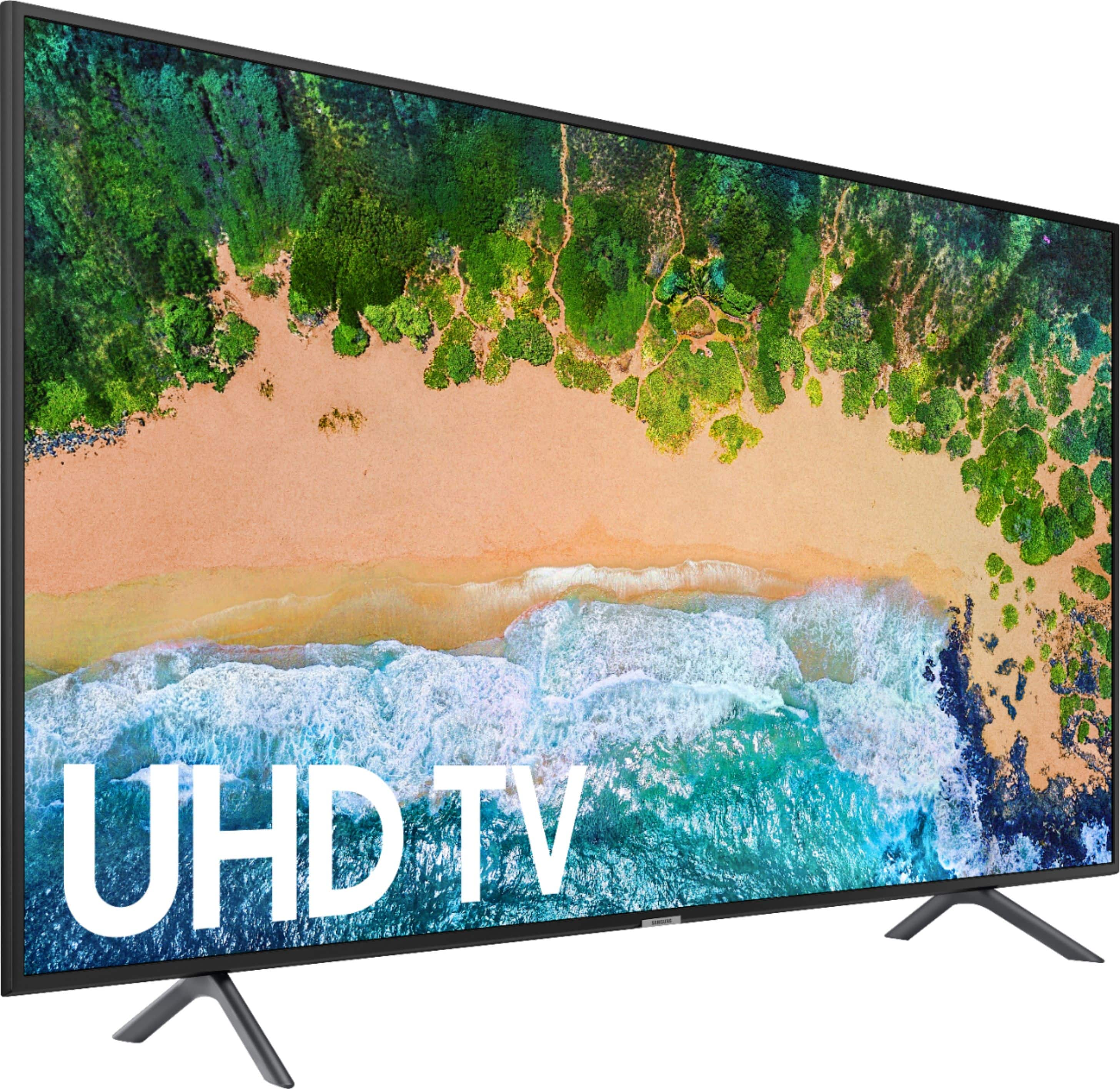
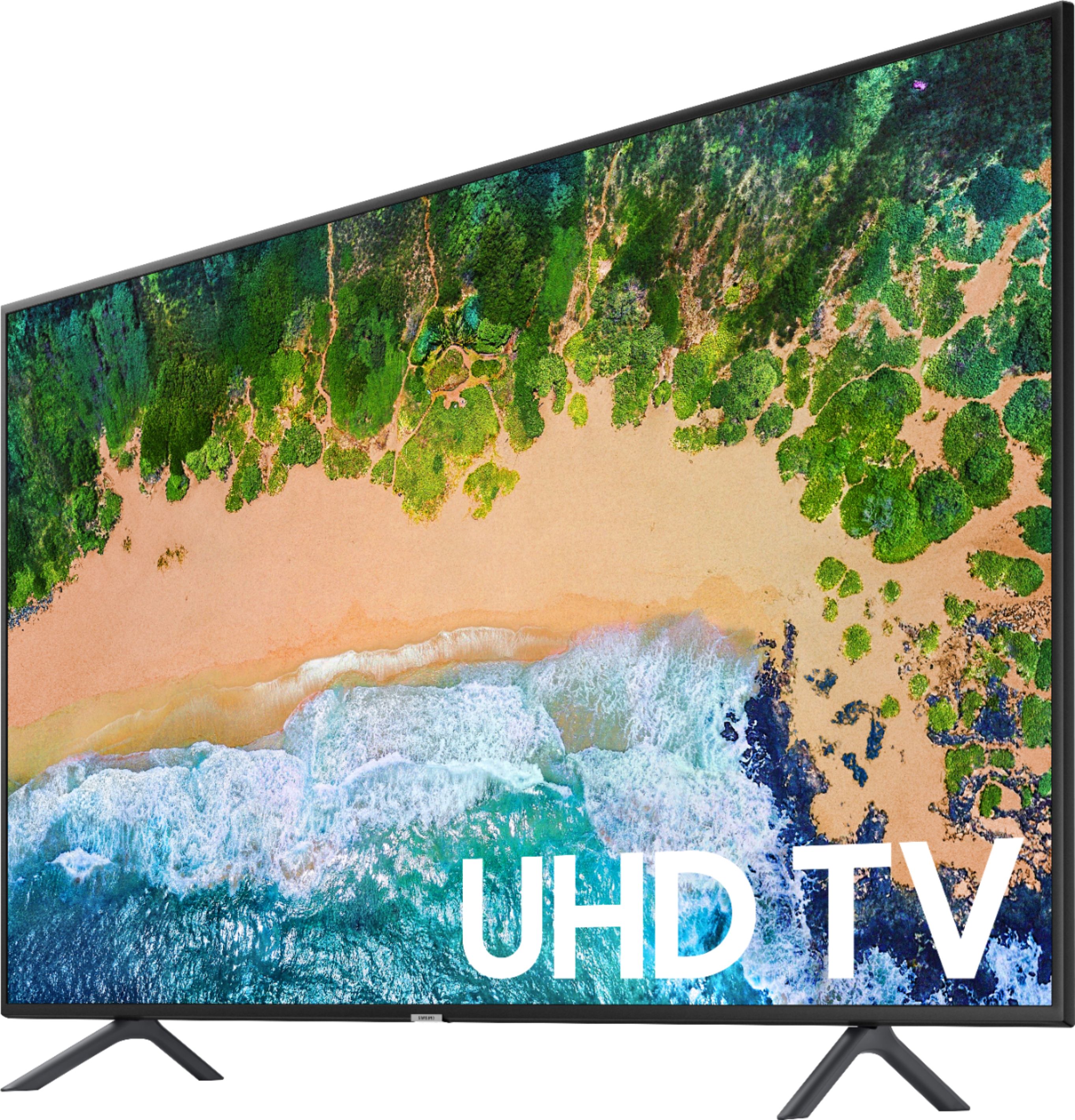

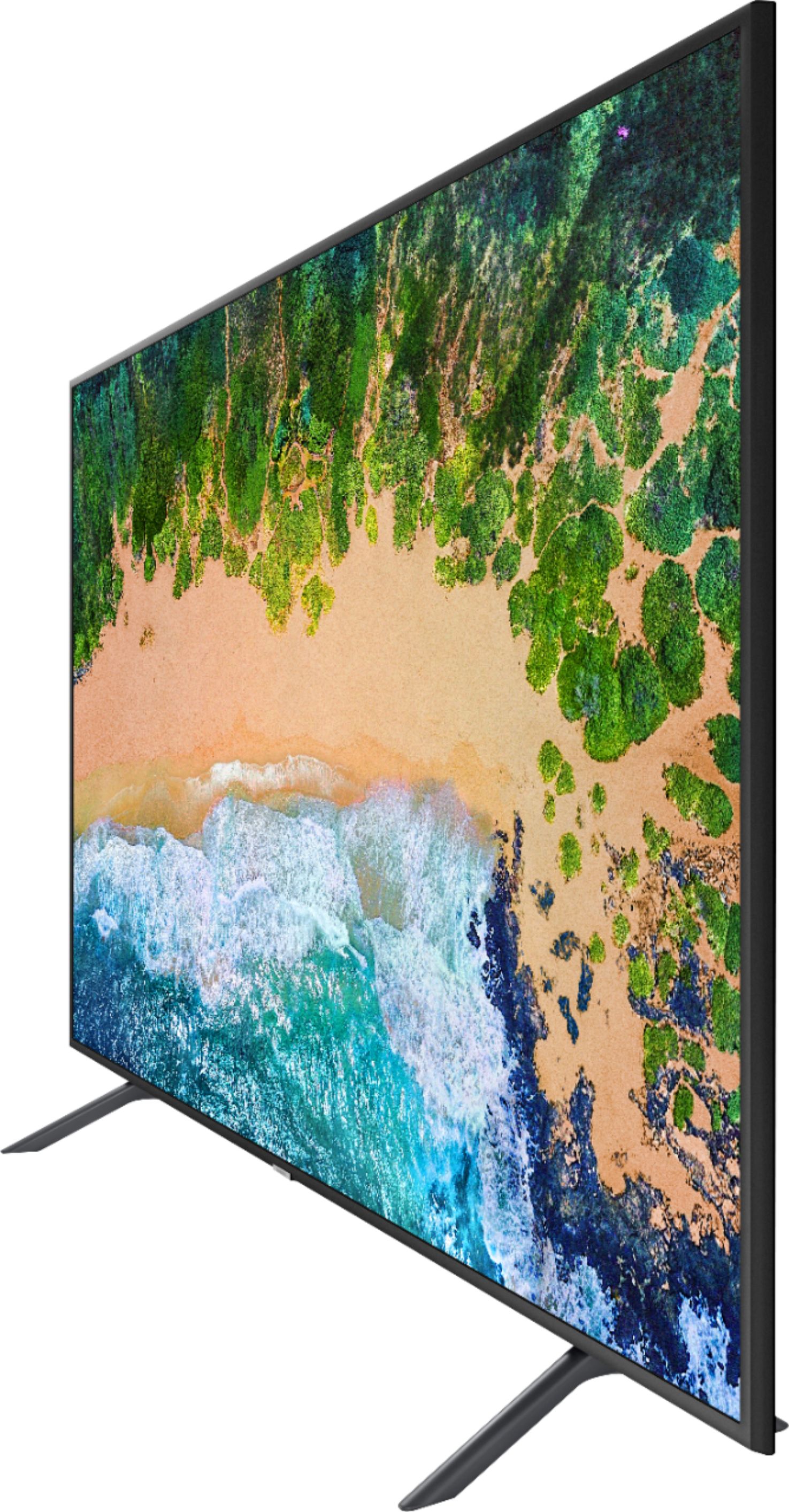




- Model:
- UN55NU7100FXZA
- SKU:
- 6200125
Rating by feature
- Picture Quality
Rating 3.9 out of 5 stars
- Sound Quality
Rating 3.7 out of 5 stars
- Brightness
Rating 3.9 out of 5 stars
Customers are saying
Customers enjoy the picture quality, easy setup, price, and smart TV features of the 55" Class - LED - NU7100 Series - 2160p - Smart - 4K UHD TV with HDR. They appreciate the great picture, vibrant colors, and user-friendly interface. However, some customers have concerns about the remote control, durability, lack of Bluetooth connectivity, viewing angles, and screen issues.
This summary was generated by AI based on customer reviews.
Sound cuts out.
||Posted .This reviewer received promo considerations or sweepstakes entry for writing a review.Sound frequently cuts out on all programs, live and recorded. It is very disturbing as key comments in dialogue end up jumbled.
No, I would not recommend this to a friendBrand response from Samsung
Posted .Jack,
I am sorry to hear that you are experiencing sound cutout issues.
Samsung is committed to providing the best possible product experience, quality, and value. We back this Samsung TV with a 1-year limited manufacturer's warranty, including authorized repair for manufacturer defect, if purchased brand-new directly from an authorized seller.
Please reach out to us so that we can provide troubleshooting or begin warranty service.
You can contact our Customer Support toll-free at 1-800-SAMSUNG.
Simply copy-paste this link into your browser to LiveChat or Email us: https://www.samsung.com/us/support/#contact_us_for_support
We are likewise reachable by Facebook Messenger at: http://m.me/samsungsupport .
Or find us on Twitter at https://twitter.com/messages/compose?recipient_id=18768513
- Samsung Ambassador
Tv turns on
||Posted .This reviewer received promo considerations or sweepstakes entry for writing a review.Tv turns on by itself and has jittering. While watching certain movies and all sports, there is hesitation which is annoying
No, I would not recommend this to a friendBrand response from Samsung
Posted .Dallas,
The NU7 series comes with Auto Motion Plus, a feature designed to eliminate blur and judder on an LED TV, specifically in fast moving images. It does so by taking a 30-fps signal and adding in additional frames to help smooth out any blur or judder between frames – this is called interpolation.
Here is the step-by-step guide to change Auto Motion Plus settings:
1) With the TV powered on, press the Home button on the Samsung remote to open the Home screen
2) Then select Settings > Picture > Expert Settings > Auto Motion Plus
Note: This option may not be visible initially. Continue scrolling through the Expert Settings Menu to locate Auto Motion Plus
3) Then Select Auto Motion Plus again, and you will see the following three options:
a) Off: Auto Motion Plus will always be off
b) Auto: Auto Motion Plus will automatically activate and deactivate based on the type of program being watched
c) Custom: Allows custom adjustments and settings to be used
4) By selecting the Custom option, you can further access these advanced settings:
a) Judder Reduction: Use the directional keys on the remote to adjust the Judder setting.
b) LED Clear Motion: Select to turn On/Off
Should you need further assistance with features or product usage (such as setting adjustments), please reach out to Samsung Support and an agent will gladly assist you. You can reach us via any of the below options:
1) Phone: 1-800-SAMSUNG (ask for TVs) Available 8AM - 12AM EST (Mon-Fri) / 9AM - 11PM EST (Sat-Sun)
2) LiveChat or Email: https://www.samsung.com/us/support/#contact_us_for_support
3) Facebook Messenger: https://www.facebook.com/samsungsupport
4) Twitter: https://twitter.com/SamsungSupport
5) The Samsung TV Community is also a great resource for getting help from Samsung moderators and customers: https://us.community.samsung.com/t5/TVs/bd-p/tv
Again, thank you for taking the time to share your thoughts on this product. Your invaluable feedback helps us continuously deliver best-in-class products and service.
- Samsung Ambassador
A good beginner 4k TV
||Posted . Owned for 1.5 years when reviewed.This reviewer received promo considerations or sweepstakes entry for writing a review.a good beginner 4k TV at a decent price.. Does its job but lacks a lot of features compared to a higher end model
I would recommend this to a friend- Pros mentioned:Picture quality
Good thing we bought the extended warranty!
||Posted . Owned for 1 month when reviewed.This reviewer received promo considerations or sweepstakes entry for writing a review.This tv has a pretty nice picture, but crapped out on us just outside the manufacturer warranty. Same as the TLC we had before. It seems that Samsung quality isnt what we expected. I'll still buy their phones, but I'm giving up on their appliances and other electronics!
No, I would not recommend this to a friend Don't buy this!
||Posted . Owned for 8 months when reviewed.This reviewer received promo considerations or sweepstakes entry for writing a review.Worked fine for about 8 months then started having problems. Kept disconnecting from internet, they turned the instant on OFF. Then picture wouldn't come up when turned on only sound. Unfortunately, it is an intermittent problem so when the techs came out all I could show was a video. First guy reluctant replaced the motherboard. All ok for a few days then blank pic with sound again. Another tech and he told us how to see if there actually was a picture since it was a black screen and if there was to video and send to him, if that happened it was the back panel and he would order the parts and come fix it. Well, it was the back panel, we videoed it and sent it to him. He told us when he would come fix it but then he couldn't due to his health. No one had any info about this or a ticket number so had to get a new ticket number explain yet again the problem and now get to wait for the same repair company who has closed my ticket twice to come again. Very frustrated and not too helpful customer service. No one let's you speak to a supervisor if requested.
No, I would not recommend this to a friendMeh
||Posted .This reviewer received promo considerations or sweepstakes entry for writing a review.Laggy software. Sometimes changes to tv plus by itself. Wont connect to internet sometimes.
No, I would not recommend this to a friend- Pros mentioned:Picture quality
I am really impressed by the picture quality.
||Posted . Owned for 1 year when reviewed.This reviewer received promo considerations or sweepstakes entry for writing a review.I love baseball and the sharpness of the picture is outstanding. You can see individual blades of grass and dirt clods. On closeups you can see whiskers and tats like the person is right next to you. And replays in slow motion remove all doubt about the accuracy of the umpires decisions.
I would recommend this to a friend Decent
||Posted . Owned for 1.5 years when reviewed.This reviewer received promo considerations or sweepstakes entry for writing a review.Not as high quality as some of the other offerings, but you get what you pay for
I would recommend this to a friendDisappointed.. LG much better. Not impressed
||Posted .This reviewer received promo considerations or sweepstakes entry for writing a review.I’m quite disappointed with this. I got a great dea so will keep ans it’s for the bedroom , but compared to my 2017 Lg (8 series) this is just week. My former vizio e looked as good if not bettt with non 4K Colors disappoint .. faces are too yellow and at times uneven. You can get better tv for same price Now positive.. it is slim and well built
No, I would not recommend this to a friendDon’t buy without extended Warranty
||Posted . Owned for 1.5 years when reviewed.This reviewer received promo considerations or sweepstakes entry for writing a review.Loved this TV for the 17 months it worked. Suddenly a black shadow began from the mid to right side of the screen, now within 2 days it’s covering nearly 1/2 of the screen, of course warranty has expired. Had an Insignia Plasma lasted 6+ years and still going strong! I’ll never buy a Samsung TV again
No, I would not recommend this to a friendBang for buck
||Posted .This reviewer received promo considerations or sweepstakes entry for writing a review.Good TV to start with I'll buy another one, I'll sure will get another one for the kids room
I would recommend this to a friendDO NOT LET SAMSUNG FOOL YOU
||Posted .This reviewer received promo considerations or sweepstakes entry for writing a review.I bought this television because the associate and Samsung claimed that it had a 120hz refresh rate. Samsung made up their own metric so the TV would sell better, it’s actually only 60hz
No, I would not recommend this to a friendBrand response from Samsung
Posted .UnsatisfiedGamer:
Thank you for choosing the Samsung NU7100 TV. I apologize for any misinformation you were given.
Our Motion Rate 120 is a metric that combines the panel’s native refresh rate, image processing, and backlighting technology. This produces a rating that better conveys the TV’s overall motion performance.
Should you need further assistance with features or product usage (such as setting adjustments), please reach out to Samsung Support and an agent will gladly assist you. You can reach us via any of the below options:
1) Toll-free calling: 1-800-SAMSUNG
2) LiveChat or Email: https://www.samsung.com/us/support/#contact_us_for_support
3) Facebook Messenger: http://m.me/samsungsupport
4) Twitter: https://twitter.com/messages/compose?recipient_id=18768513
ok tv
||Posted . Owned for 9 months when reviewed.This reviewer received promo considerations or sweepstakes entry for writing a review.tv is ok, if you can afford it i would recommend going for an 8 series tv instead
No, I would not recommend this to a friendDecent
||Posted .This reviewer received promo considerations or sweepstakes entry for writing a review.Decent tv for the price. Super annoying that it turns on all the time by itself.
No, I would not recommend this to a friendNot good
||Posted .This reviewer received promo considerations or sweepstakes entry for writing a review.I was disappointed with this TV. The picture was not as good as my last one.
No, I would not recommend this to a friendBrand response from Samsung
Posted .June,
I am very sorry to see that you were not happy with the picture quality of your unit.
If you have not already returned your unit, please give us the opportunity to investigate the issue and provide step-by-step troubleshooting.
You can reach Samsung Customer Support toll-free at 1-800-SAMSUNG (Ask for TV), or via LiveChat or email. Please copy-paste this link into your browser: http://www.samsung.com/us/support/contact
We are likewise reachable by Facebook Messenger at: https://www.facebook.com/samsungsupport
Or find us on Twitter at https://twitter.com/SamsungSupport
We look forward to hearing from you.
- Samsung Ambassador
TV picture is nice
||Posted .This reviewer received promo considerations or sweepstakes entry for writing a review.The sound quality is not good. You would need to get a addition sound device.
No, I would not recommend this to a friendPicture did not compare to my Samsung 8000 series
||Posted .This reviewer received promo considerations or sweepstakes entry for writing a review.Took it back a bought a qled model and I am very pleased with the picture.
No, I would not recommend this to a friendNot bad
||Posted .This reviewer received promo considerations or sweepstakes entry for writing a review.Meh..... It wasn't a bad TV for the price could have gotten better.
I would recommend this to a friendGood for casual
||Posted .This reviewer received promo considerations or sweepstakes entry for writing a review.This TV is not bad at all but picture is not the highest resolution.
No, I would not recommend this to a friendBrand response from Samsung
Posted .Carlgaray,
I am sorry to hear that you were not happy with the picture quality.
Here are a few tips that may help you better enjoy the 4K viewing experience:
1. The TV will upscale as best as possible any content sent to it. The closer your content is to 4K, the better the image will look on the screen.
2. HDMI cables are recommended for optimal HD viewing.
3. The TV also offers custom settings, allowing you to adjust images to your preference.
4. The quality of streaming content depends largely on the speed of your internet, as most content providers have adaptive streaming that would automatically adjust the image quality based on the network bandwidth.
Please know that Samsung Customer Support is always happy to assist you with image quality adjustments tailored to your preferred viewing experience. Simply contact us via any of the following options:
• Toll-free calling: 1-800-SAMSUNG
• LiveChat or Email: https://www.samsung.com/us/support/#contact_us_for_support
• Facebook Messenger: http://m.me/samsungsupport
• Twitter: https://twitter.com/messages/compose?recipient_id=18768513
Again, thank you for taking the time to share your experience. We hope to hear from you soon.
- Samsung Ambassador
Good
||Posted .This reviewer received promo considerations or sweepstakes entry for writing a review.Samsung tv is a good buy. I like the product. Quality product
I would recommend this to a friend