Customer Ratings & Reviews
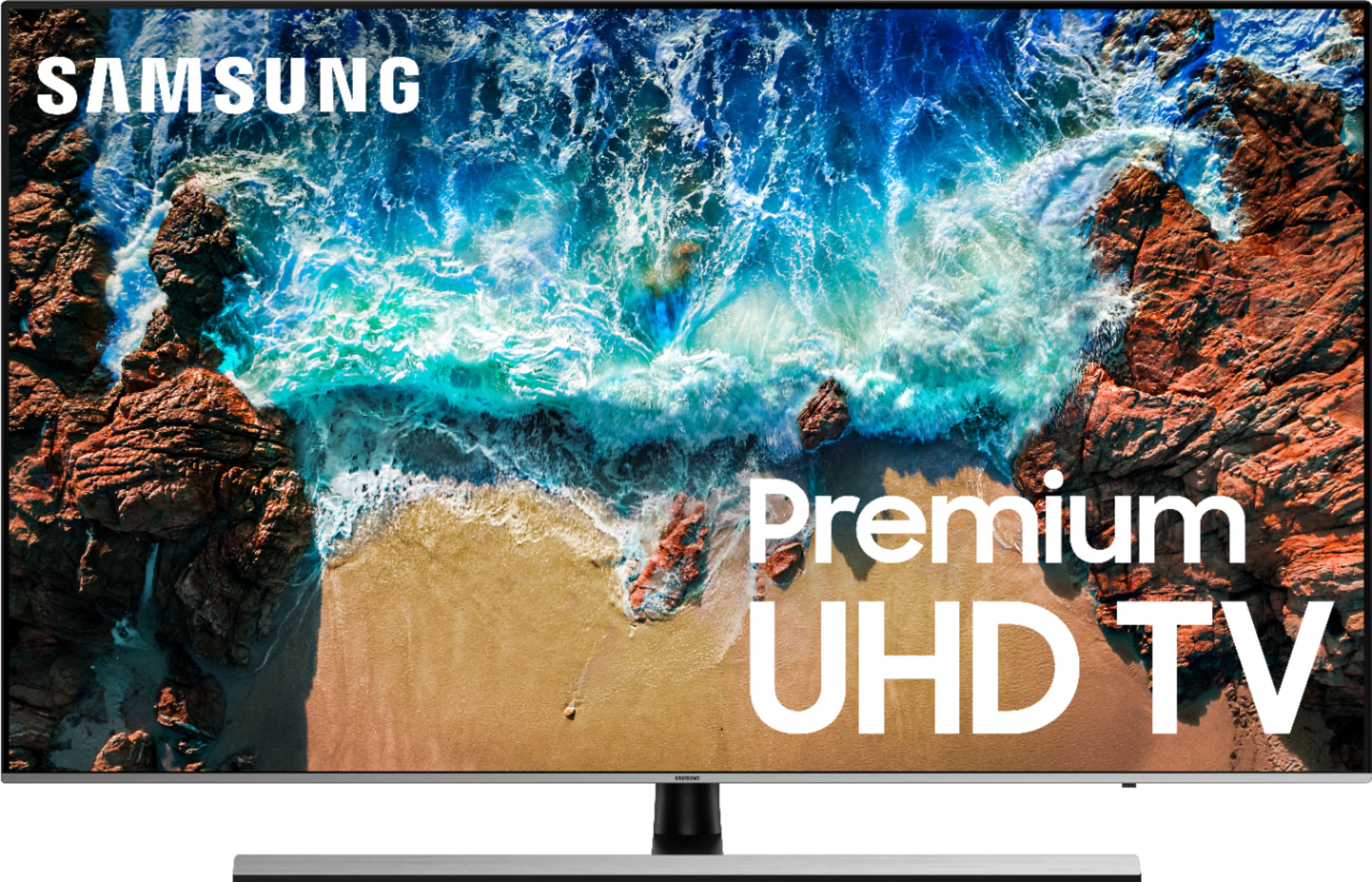
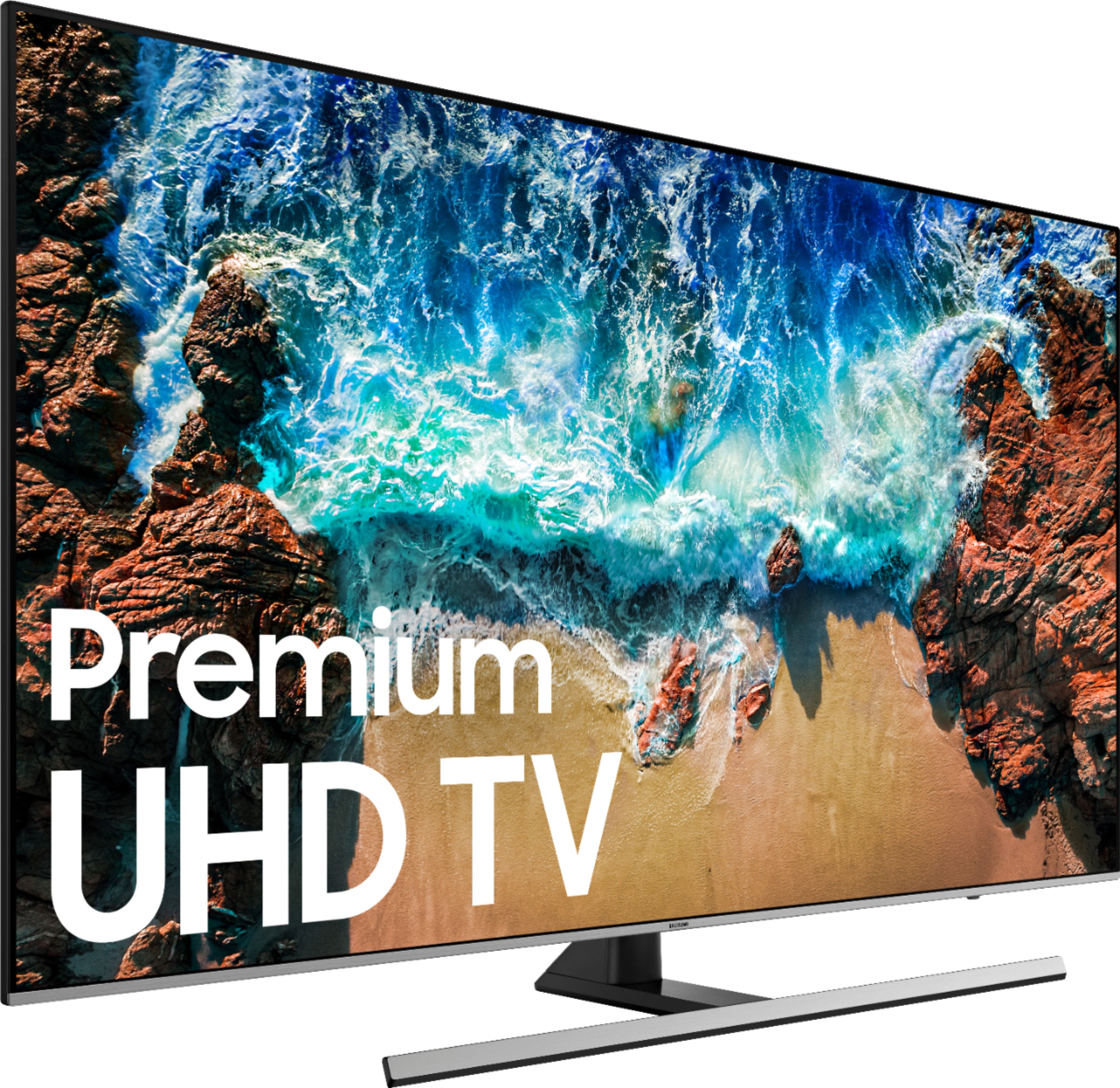
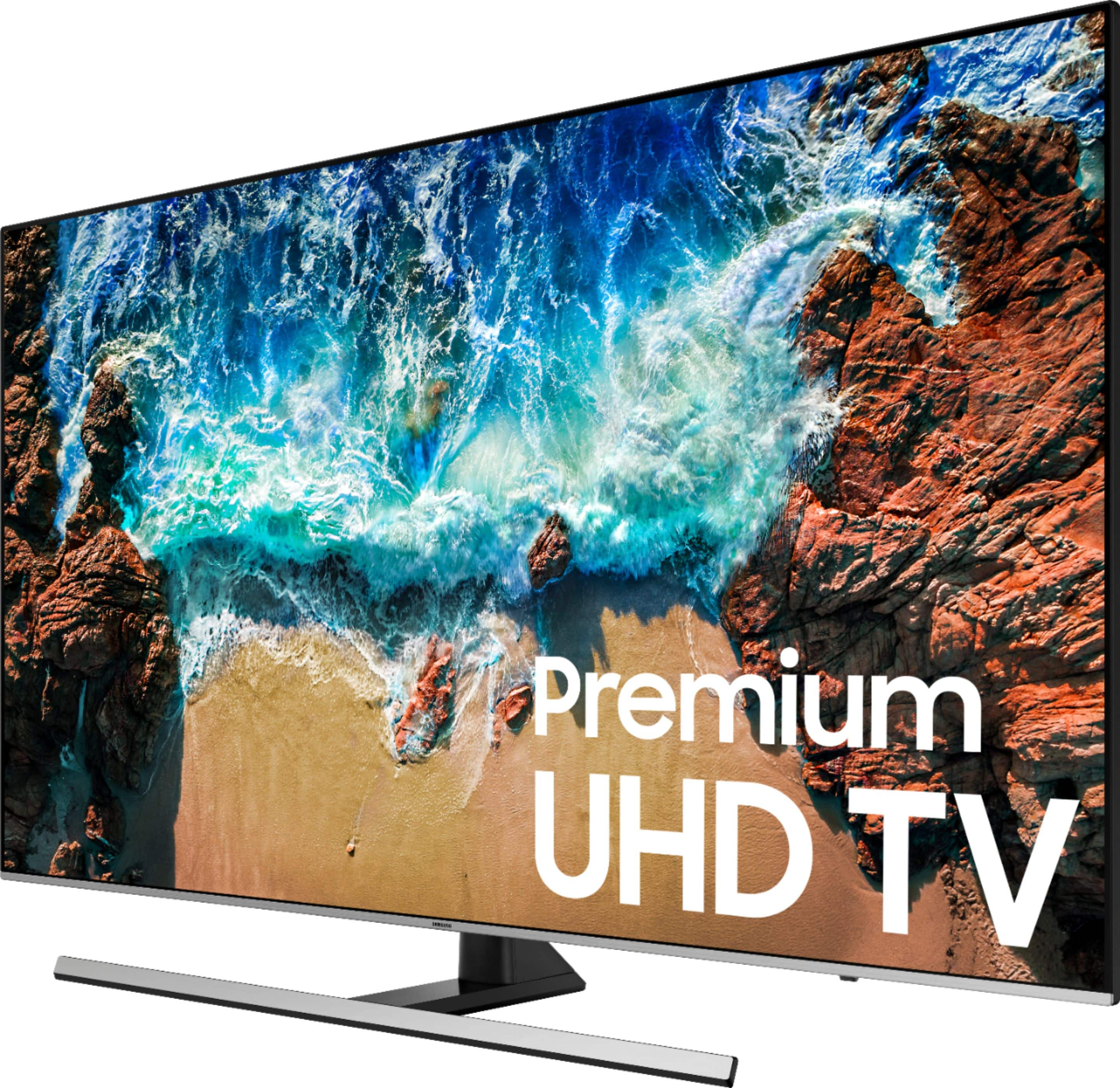
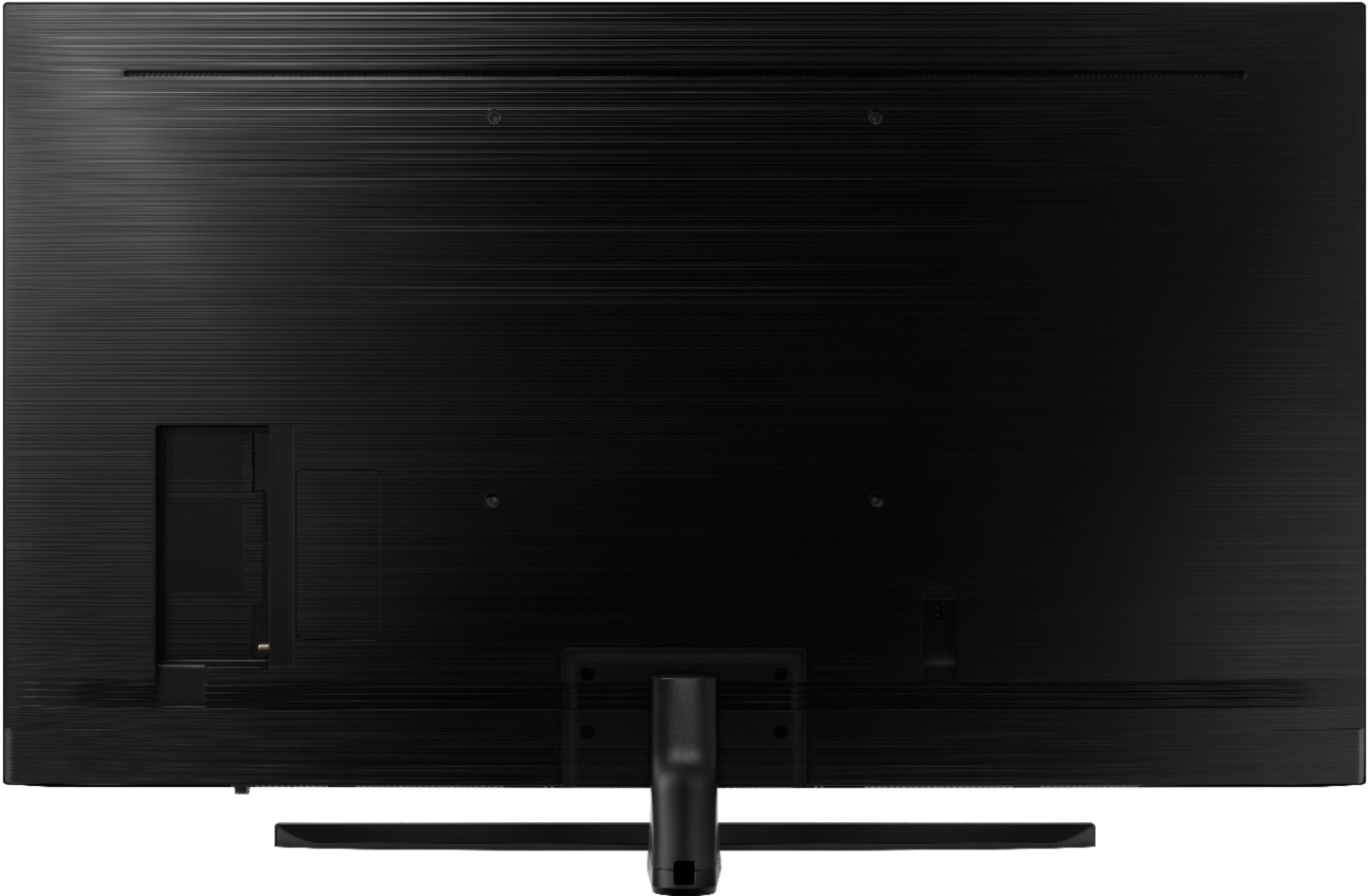


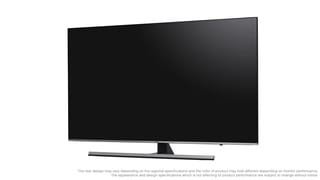


- Model:
- UN55NU8000FXZA
- SKU:
- 6199827
Rating by feature
- Picture Quality
Rating 4.6 out of 5 stars
- Sound Quality
Rating 4.5 out of 5 stars
- Brightness
Rating 4.8 out of 5 stars
Customers are saying
Customers love the Samsung 55" Class LED NU8000 Series 4K UHD TV for its exceptional picture quality, praising it as "unbelievable" and "great clean." They also appreciate its user-friendly setup and affordable price point. While some users have concerns about the remote control's limitations and a few have experienced issues with motion blur and short lifespan, the overall positive feedback highlights the TV's strong performance and value for money.
This summary was generated by AI based on customer reviews.
Okay for the bedroom
||Posted .This reviewer received promo considerations or sweepstakes entry for writing a review.Replaced my bedroom TV with this, it works find for late night TV viewing. But wouldn’t have it in the living room. There are much better Samsung TV’s out there!
I would recommend this to a friendGreat picture
||Posted .This reviewer received promo considerations or sweepstakes entry for writing a review.Though it has a wonderful picture, this particular unit takes a very long time to come on. It feels like minutes for this unit to come on line, it is 45+ seconds.
No, I would not recommend this to a friendBrand response from Samsung
Posted .Charlie,
I am sorry to hear that you are experiencing slow power-on issues with your NU8000 TV.
Please give us the opportunity to assist you by contacting Samsung Customer Support via one of the following options:
1) Phone: 1-800-SAMSUNG
2) LiveChat or Email: https://www.samsung.com/us/support/#contact_us_for_support
3) Facebook Messenger: http://m.me/samsungsupport
4) Twitter: https://twitter.com/messages/compose?recipient_id=18768513
Again, I am very sorry for the inconveniences you have had, and hope that we will hear from you soon.
-Samsung Ambassador
- Pros mentioned:Picture quality
Not so great
||Posted .This reviewer received promo considerations or sweepstakes entry for writing a review.Beautiful picture but u can only turn the sound up so far. Tv keeps turning it self on and off Very unhappy
No, I would not recommend this to a friendBrand response from Samsung
Posted .Phyllis:
Please refer to Page 97 under "Configuring a Sound Mode and Expert Settings" of your e-manual for adjustments that can help improve sound quality:
http://downloadcenter.samsung.com/content/UM/201901/20190102114948285/ENG_US_KM2ATSCN-3.0.4.pdf
You can select a favorite sound mode suitable for your content type or the listening environment.
● Standard
● Optimized
● Amplify
Advanced Sound Settings are also available for Balance, Equalizer, HDMI Input Audio Format, Digital Output Audio Format, and more.
For troubleshooting on the TV turning off, please reach out to us at:
1) Phone: 1-800-SAMSUNG (ask for TVs)
Available 8AM - 12AM EST (Mon-Fri) / 9AM - 11PM EST (Sat-Sun)
2) LiveChat or Email: https://www.samsung.com/us/support/#contact_us_for_support
3) Facebook Messenger: https://www.facebook.com/samsungsupport
4) Twitter: https://twitter.com/SamsungSupport
5) The Samsung TV Community is also a great resource for getting help from Samsung moderators and customers: https://us.community.samsung.com/t5/TVs/bd-p/tv
Again, I am very sorry for the inconveniences you have had, and hope that we will hear from you soon.
Average picture
||Posted .This reviewer received promo considerations or sweepstakes entry for writing a review.We bought this for our bedroom, hoping it would be as good as our SONY 65” in the living room. Didn’t work out. We returned it and bought SONY.
No, I would not recommend this to a friendUnderwhelming
||Posted .This reviewer received promo considerations or sweepstakes entry for writing a review.I have been fairly disappointed with my purchase. The tv seems to have a difficult time with fast motion and will blur more than it should.
No, I would not recommend this to a friendBrand response from Samsung
Posted .TylerTX,
I am sorry to see that you are not happy with its motion image performance.
Have you tried adjusting Auto Motion Plus? It is a feature designed to eliminate blur and judder on an LED TV, specifically in fast moving images. It does so by taking a 30 fps signal and adds in additional frames to help smooth out any blur or judder between frames, called interpolation.
Here is the step-by-step guide to change Auto Motion Plus settings:
With the TV powered on, press the Home button on the Samsung remote to open the Home screen> Select Settings>.Select Picture > Select Expert Settings> Select Auto Motion Plus.
(Note: This option may not be visible initially. Continue scrolling through the Expert Settings Menu to locate Auto Motion Plus)
>Select Auto Motion Plus again, and you will see the following three options:
◦Off: Auto Motion Plus will always be off.
◦Auto: Auto Motion Plus will automatically activate and deactivate based on the type of program being watched.
◦Custom: Allows custom adjustments and settings to be used.
By selecting the Custom option, you can access these advanced settings:
- Blur Reduction: Use the directional keys on the remote to adjust the Blur setting.
- Judder Reduction: Use the directional keys on the remote to adjust the Judder setting.
- LED Clear Motion: Select to turn On/Off.
For further assistance, please contact Samsung Customer Support toll-free at 1-800-SAMSUNG and a representative will gladly help you. Or LiveChat with our product experts by copy -paste this link into your browser: http://www.samsung.com/us/support/contact
We are likewise reachable via Facebook Messenger at: http://m.me/samsungsupport
You can also find us on Twitter at: https://twitter.com/messages/compose?recipient_id=18768513
We hope to hear from you soon.
-Samsung Ambassador
Cheap back
||Posted .This reviewer received promo considerations or sweepstakes entry for writing a review.I purchase this tv, the first one developed a green line down the middle and the second one the back is separating from the unit.
No, I would not recommend this to a friendBrand response from Samsung
Posted .ClayR:
I am very sorry to hear of these unusual issues with your TV. I apologize and understand your disappointment.
Please reach out to Samsung Customer Support for assistance:
1) Phone: 1-800-SAMSUNG (ask for TVs)
Available 8AM - 12AM EST (Mon-Fri) / 9AM - 11PM EST (Sat-Sun)
2) LiveChat or Email: https://www.samsung.com/us/support/#contact_us_for_support
3) Facebook Messenger: https://www.facebook.com/samsungsupport
4) Twitter: https://twitter.com/SamsungSupport
We hope to hear from you.
Good tv and good picture
||Posted .This reviewer received promo considerations or sweepstakes entry for writing a review.I was please with this tv for the first few weeks.. But now seems like if flickers alot when there is alot of movement..
I would recommend this to a friendPaid a lot for a TV that’s not worth it
||Posted .This reviewer received promo considerations or sweepstakes entry for writing a review.TV picture is not clear as was in the show room basically because they don’t tell you the their reception is fo 4K, but that most providers don’t offer 4K. Very disappointing as it is different to get pictures contrast, brightness or other functions to work.
No, I would not recommend this to a friendBrand response from Samsung
Posted .Mimi,
Thank you for your feedback.
Please know that the TV will upscale as best as possible any content sent to it. The closer the signal is to 4K, the better it will look coming out.
It also has several preset picture modes and many custom settings, allowing users to adjust images to their liking.
The Dynamic Mode is our typical store demo mode and is the brightest among all presets.
Standard Mode is ideal for home and everyday viewing.
Movie Mode is the closest setting to calibration the way the director intended as it uses less enhancements and will likely result in the truest picture.
In addition, the quality of the image on your screen depends on the source and the connection.
HDMI cables are recommended for optimal HD viewing; and when possible, 4K content will provide the best picture quality.
The quality of the streaming content depends largely on the speed of your internet, as most content providers have adaptive streaming that will automatically adjust the image quality based on the network bandwidth.
Please give us the opportunity to assist you with image quality adjustments tailored to your preferred viewing experience. You can reach us via any of the following options:
1) Phone: 1-800-SAMSUNG (ask for TVs) Available 8AM - 12AM EST (Mon-Fri) / 9AM - 11PM EST (Sat-Sun)
2) LiveChat or Email: https://www.samsung.com/us/support/#contact_us_for_support
3) Facebook Messenger: https://www.facebook.com/samsungsupport
4) Twitter: https://twitter.com/SamsungSupport
- Samsung Ambassador
Not worth the upgrade
||Posted .This reviewer received promo considerations or sweepstakes entry for writing a review.We upgraded from a 2014 Samsung TV and any slight changes between the two are not worth the expense.
No, I would not recommend this to a friendBrand response from Samsung
Posted .Buckeye,
I am very sorry to see that you are not happy with the NU8000 TV.
So that we can better understand your disappointment and help you with a solution, please contact Samsung Support via any of the below options:
1) Toll-free calling: 1-800-SAMSUNG
2) LiveChat or Email: https://www.samsung.com/us/support/#contact_us_for_support
3) Facebook Messenger: http://m.me/samsungsupport
4) Twitter: https://twitter.com/messages/compose?recipient_id=18768513
We hope to hear from you.
- Samsung Ambassador
- Pros mentioned:Picture quality
Sorry I bought it
||Posted . Owned for 1 year when reviewed.This reviewer received promo considerations or sweepstakes entry for writing a review.When it worked the picture was great. It started powering on and off not long after the warranty ran out. The last 2 days have not even been able to get it to turn on at all. I love my Samsung phones, but I don't see us buying another Samsung TV ever again.
No, I would not recommend this to a friend Okay tv
||Posted . Owned for 1 year when reviewed.This reviewer received promo considerations or sweepstakes entry for writing a review.Good tv but samsung has the worst sound ever why won't they fix it
No, I would not recommend this to a friendBeautiful picture quality
||Posted .This reviewer received promo considerations or sweepstakes entry for writing a review.Audio is not great but we are used to using BoseWave sound system
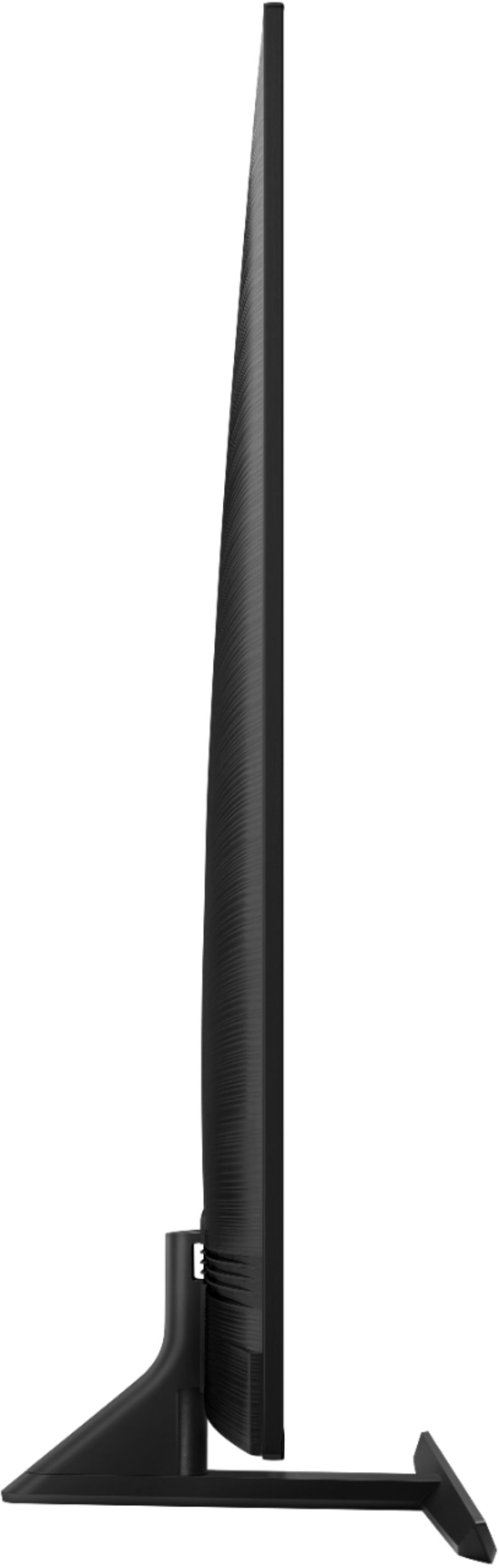
No, I would not recommend this to a friend- Cons mentioned:Stand
Worst Samsung ever
||Posted .This reviewer received promo considerations or sweepstakes entry for writing a review.Literally the most disgusting tv I’ve ever bought I thought I could save a few dollars and get a sound bar but the lgB7 oled for just 400$ more is 10x the tv. Pixelated dark and just overall poor design. The stand Barry even holds the tv up.
No, I would not recommend this to a friendBrand response from MrSamsung
Posted .Epiktakular,
I am very sorry to see that you were not happy with the picture quality of your 55 inch NU8000.
The NU8 Series features Motion rate 240, Auto Game Mode, HDR 10 and more, all designed to give you the best in lag free, crystal-clear viewing enjoyment.
If you have not already returned your unit, please give us the opportunity to investigate the issue and provide step-by-step troubleshooting.
You can contact our Customer Support toll-free at 1-800-SAMSUNG.
Simply copy-paste this link into your browser to LiveChat or Email us: https://www.samsung.com/us/support/#contact_us_for_support
We are likewise reachable by Facebook Messenger at: http://m.me/samsungsupport .
Or find us on Twitter at https://twitter.com/messages/compose?recipient_id=18768513.
Again, I am very sorry for your disappointment, and hope that we will hear from you soon.
-Samsung Ambassador
Does not work
||Posted .This reviewer received promo considerations or sweepstakes entry for writing a review.Tv makes an annoying clicking sound and I cannot get Samsung to do anything about it . I made them aware of the issue 3 weeks ago and all I get from them is we created a TICKET.
No, I would not recommend this to a friendLocal dimming sucks
||Posted . Owned for 1.5 years when reviewed.This reviewer received promo considerations or sweepstakes entry for writing a review.Overly aggressive local dimming. No 10bit color, uses an 8bit dithering method. Kinda wish I paid a bit more for something on the next quality tier. Samsung UI and homescreen ads are awful, replaced it with a Fire Stick
No, I would not recommend this to a friendpicture is great but software is terrible
||Posted . Owned for 1 year when reviewed.This reviewer received promo considerations or sweepstakes entry for writing a review.I had to go in the settings and turn off a bunch of default settings that sounded like they were supposed to improve the picture, to get the picture to stop stuttering. The speakers are terrible too. The software keeps changing back to TV speakers even when it automatically powers up my surround sound. The picture doesn't auto adjust brightness for the room lighting. I've had problems with Samsung before and told the salesmen at the store this, but he assured me they have fixed there halfbaked software problems. I guess i shouldn't have trusted the sales staff.
No, I would not recommend this to a friendLooks like a great TV
||Posted .This reviewer received promo considerations or sweepstakes entry for writing a review.Looks like a great TV but I cant set up tv on wall because the screws for the wall mount brackets are not available anywhere & Best buys does not carry them in stock. Salesman forgot to advise wife about the screws.
No, I would not recommend this to a friendBrand response from Samsung
Posted .JoeC,
The 55inch NU7100 TV is compatible with any VESA mount that supports 200x200 spacing
We supply the Wall Mount Adaptor (spacer) that will be needed, but the universal wall mount that you purchase separately will supply you with all the screws needed for their bracket to attach to our TV and to your wall.
If they do not supply the screws you can find them at any hardware store, Screw Size M8 x 45mm
You can find details, including diagrams and images of wall mounting on page 7 of the user manual.
I hope this tip helps to solve your issue.
For further assistance, please contact Samsung Customer Support toll-free at 1-800-SAMSUNG and a representative will gladly help you.
You can also contact Samsung via LiveChat or email. Please copy-paste this link into your browser: http://www.samsung.com/us/support/contact
We are likewise reachable by Facebook messenger at: http://m.me/samsungsupport .
Or find us on Twitter at https://twitter.com/messages/compose?recipient_id=18768513.
- Samsung Ambassador
Tv
||Posted . Owned for 1.5 years when reviewed.This reviewer received promo considerations or sweepstakes entry for writing a review.Just after 2 yrs it’s developed a horizontal and vertical “crosshairs” in screen. Great until. Don’t know if I would buy again. Have always had great service with Samsung, but now.
No, I would not recommend this to a friendSamsung? Never again!
||Posted .This reviewer received promo considerations or sweepstakes entry for writing a review.I consulted CR before I bought a new TV for my husband’s birthday. I settled on a Samsung 55 inch NU8000 because it was highly rated. Exactly 30 days later, it started turning on and off continuously. Took weeks for warranty repair but finally, the motherboard was replaced and it worked again. (The repair technician broke the back while removing it and we had to wait for that replacement part to be sent as well.). I’m about to buy a new tv for our guest room and one thing I can guarantee is that it will NOT be a Samsung!!!
No, I would not recommend this to a friendVertical line down tv
||Posted . Owned for 1 year when reviewed.This reviewer received promo considerations or sweepstakes entry for writing a review.A week after the one year warranty a vertical line about 3 inches wide appeared on right side of tv. At first it went away within 5 minutes. After that it stays on flashing the whole time the tv is on. After speaking to Samsung I was told it is a defective part in tv that they are aware of. Yet they will not fix it. Seems like BestBuy or Samsung would replace or repair it since it is a lemon!!!!!!! I will not be buying a Samsung tv or any tv from BestBuy again!!!!!!!!!!!
No, I would not recommend this to a friend