Customer Ratings & Reviews







- Model:
- QN55LS03BSFXZA
- SKU:
- 6553307
to a friend
Frame TV: Great hardware with terrible software
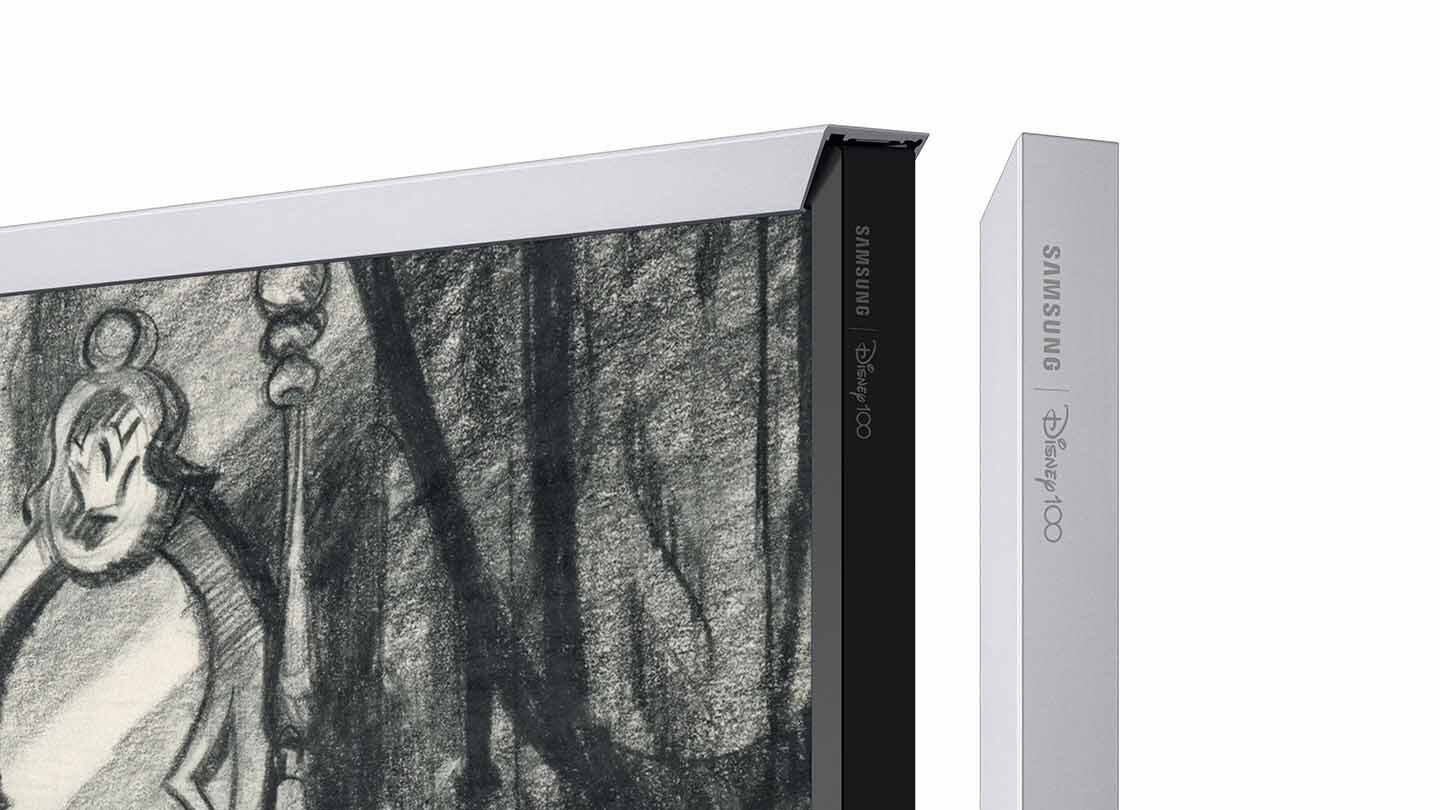
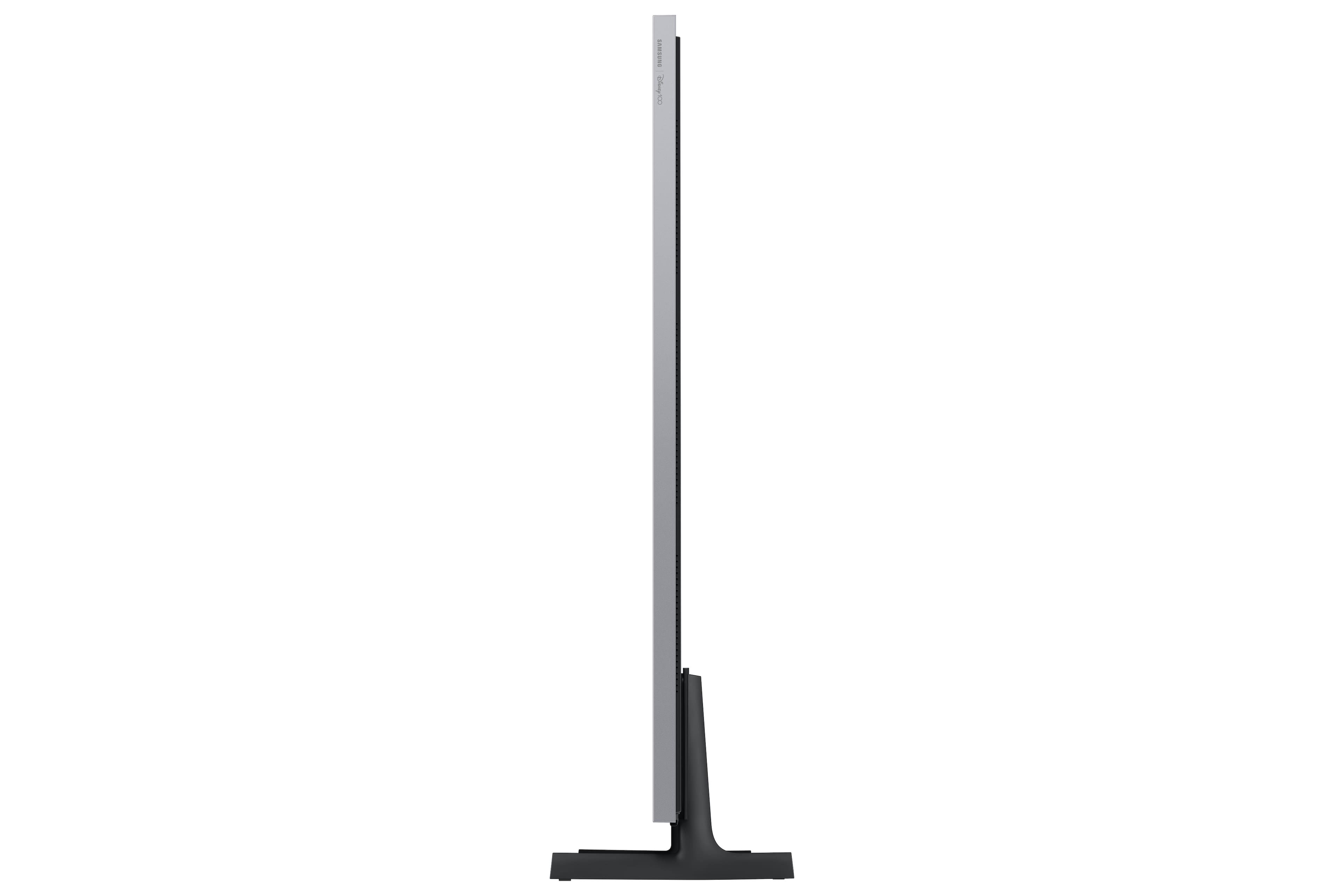
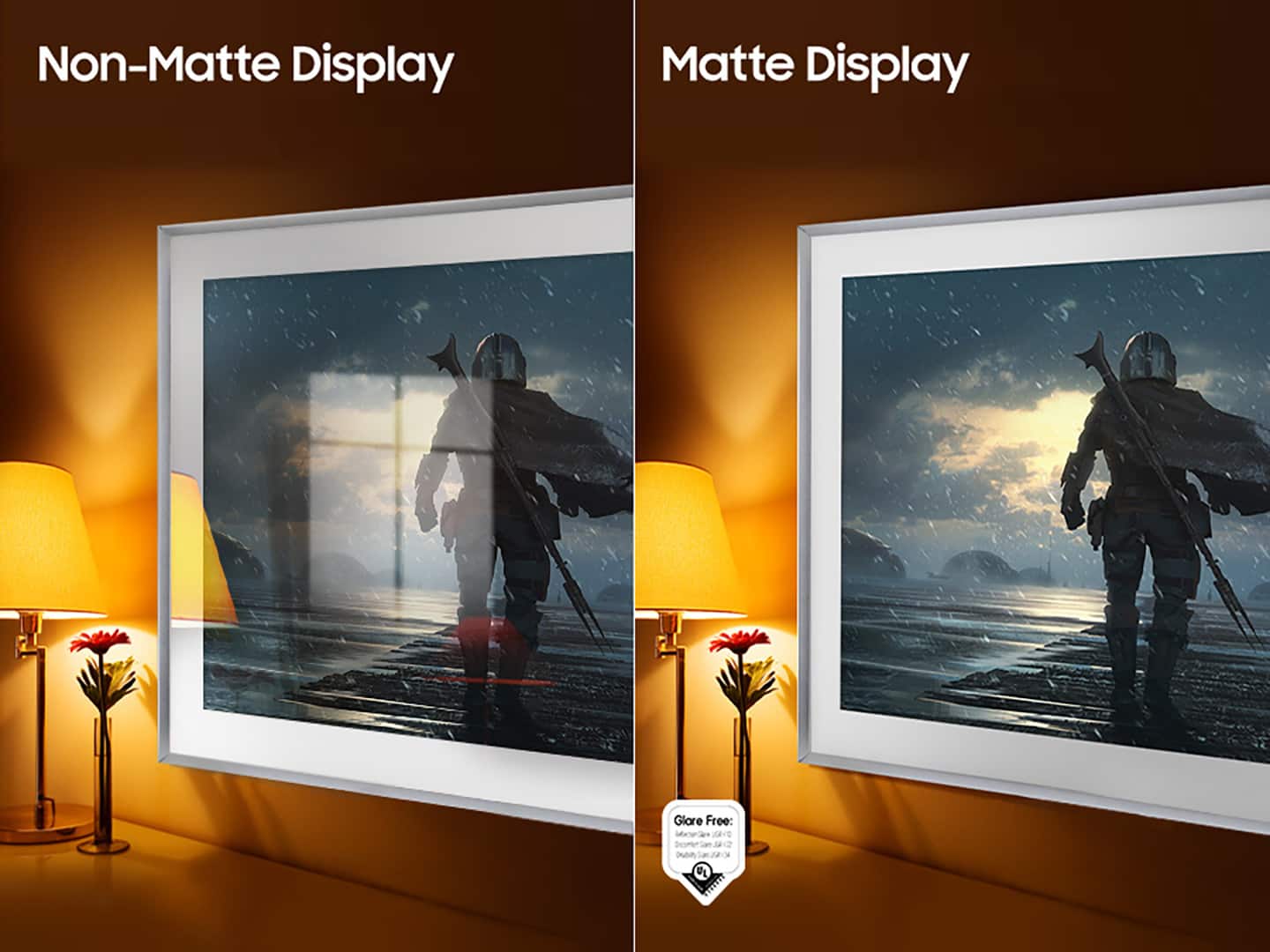
||Posted . Owned for 1 month when reviewed.This reviewer received promo considerations or sweepstakes entry for writing a review.The hardware for The Frame is an incredible feat. Art mode makes the tv truly look like a work of art on the wall. The matte display makes this TV perfect for bright rooms with a lot of light as none of that is reflected off the screen, making it possible to watch this tv at any time of day. This TV isn't perfect though. The one-connect cable that comes with the TV to the box that handles all of the cables is not in-wall rated. For a TV that is supposed to blend in on the wall, the wire is a dead giveaway that its a tv and not a picture. The only other hardware downside I've noticed is that the bezel Samsung sells blocks the sensors of the TV if you put it on properly and securely. If you want the TV to turn on when you walk into a room, you will have to make some adjustments or not use a bezel. What has worked for me is putting the bezel on perfectly, then on the bottom bezel in the center, pull it more forward. The bezel won't be aligned at the corners, but still looks good and the sensor will be able to see the room more for movement. Now to the software, it is terrible unfortunately and really undermines the hardware here. There are too many issues to list here, but I'll start with the feature you'll use the most on this TV, art mode. You cannot set a pictures mat while shuffling multiple images. If you're shuffling a collection and press left / right on the mouse you can see all of the images in a collection, and as soon as you select one it will set that image permanently rather than continuing the collection from that image. It is confusing that there are 2 different art modes with different settings, single image vs collection.
I would recommend this to a friendBrand response from Samsung
Posted .MaxHasADHD,
We appreciate you sharing your thoughts on the One Invisible Connection Cable, Customizable Bezel, and Art Mode on The Frame TV.
The mat style and color can be changed to better suit your preferences and match the displayed works of art.
1. Navigate to the work of art you want to display, and then press Up on your remote
2. Select Mat
3. Select the mat you like best using Left and Right on the directional pad
4. After selecting the style, you can select the color using the directional pad on the remote
5. Press Select on your remote to save the changes
I hope this tip helps improve your enjoyment. For more assistance, please call us at 1-800-SAMSUNG, 8AM - 12AM EST, 7 days a week. LiveChat with an agent as well as manuals, software, and warranty info can be found at the ‘Support’ link on our Samsung website.
~ Samsung Specialist