Customer Ratings & Reviews
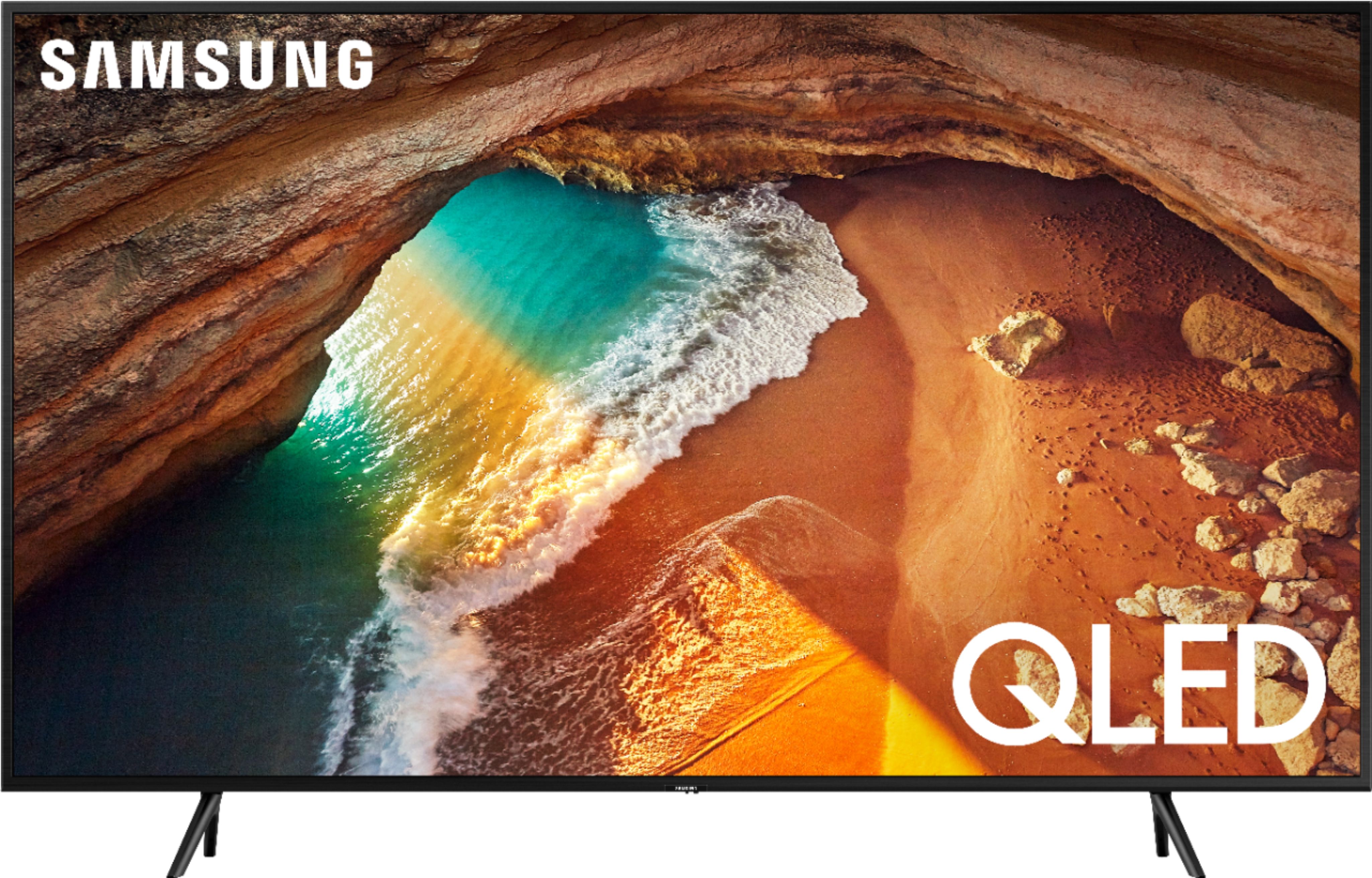
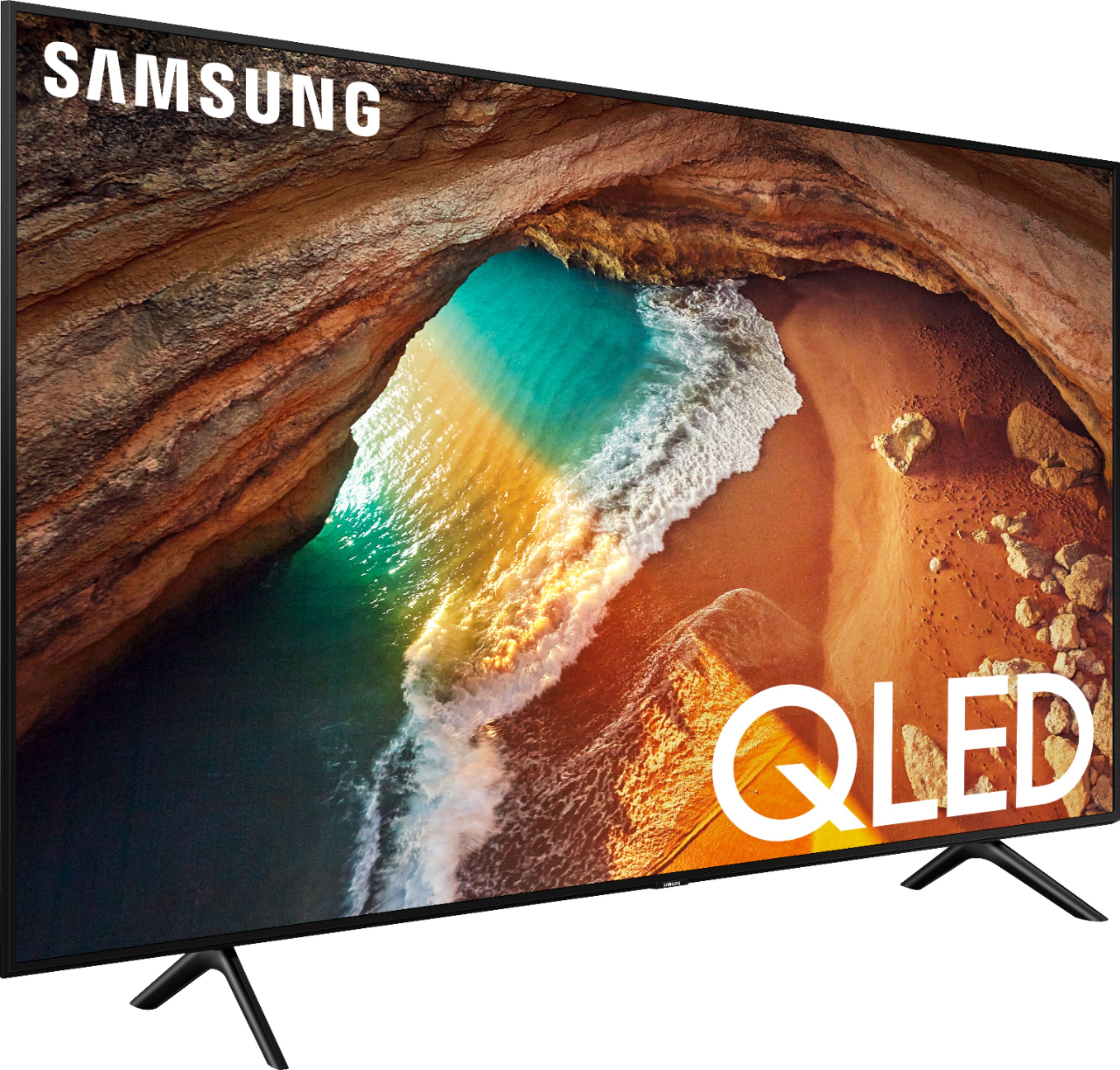
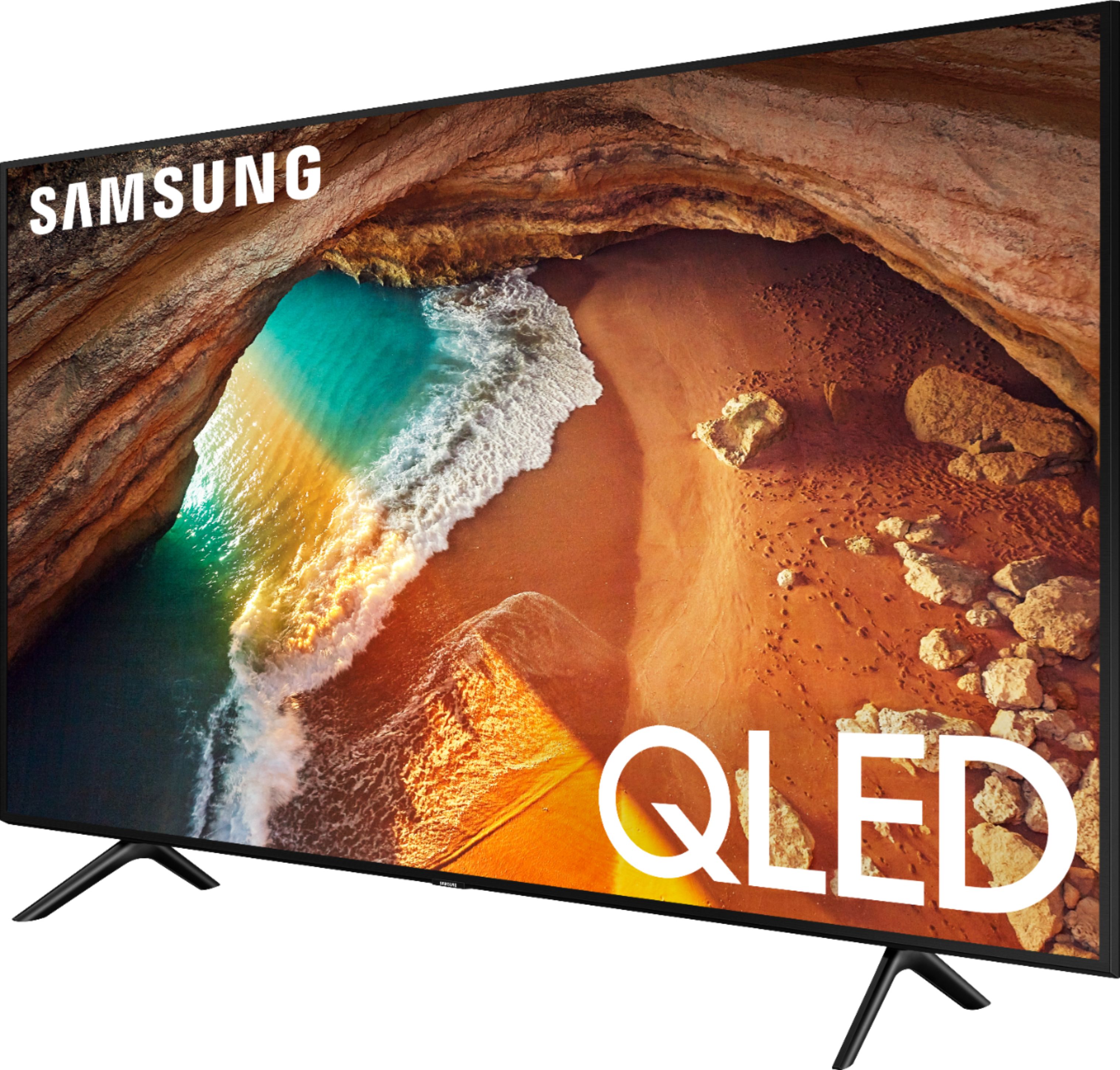


- Model:
- QN55Q60RAFXZA
- SKU:
- 6331758
Rating by feature
- Picture Quality
Rating 4.6 out of 5 stars
- Sound Quality
Rating 4.3 out of 5 stars
- Brightness
Rating 4.8 out of 5 stars
Customers are saying
Customers appreciate the 55" Class Q60 Series QLED 4K UHD Smart Tizen TV for its exceptional picture quality, easy setup, and affordable price. Many users rave about the vibrant colors and sharp images, while others find the setup process to be a breeze. The TV's smart features also receive praise, with users enjoying the wide range of apps and streaming services available.
This summary was generated by AI based on customer reviews.
Somewhat difficult to use remote
||Posted . Owned for 3 weeks when reviewed.This reviewer received promo considerations or sweepstakes entry for writing a review.replacing old tv. Had Pioneer Plasma 800 elite from 2001
No, I would not recommend this to a friendNice little freezer
||Posted . Owned for 1 month when reviewed.This reviewer received promo considerations or sweepstakes entry for writing a review.Perfect for me, to store foods for me and my family.
I would recommend this to a friend- Pros mentioned:Picture quality
Consider buying another brand
||Posted . Owned for 10 months when reviewed.This reviewer received promo considerations or sweepstakes entry for writing a review.Purchase this unit on December 1, 2019 and today it decided to stop working. TV is stuck in an endless boot loop after some quick review searches looks like this is an ongoing issue with Samsung perhaps consider purchasing another brand as it seems Samsung is no longer what it used to be. Also apps have a tendency to freeze on the screen requiring the TV to reboot. Before I decided to stop working the picture was excellent and the sound levels were good as well.
No, I would not recommend this to a friend Not all cracked up to be
||Posted .This reviewer received promo considerations or sweepstakes entry for writing a review.did not like picture and was unable to connect composite audio devices ie... older CD and Vhs this is important for home videos. the tv automatically connect to everything that's smart and i did not like that.
No, I would not recommend this to a friendBrand response from Samsung
Posted .Dennis,
We value your user feedback on the composite audio connection and will share it with our product team.
If you need further assistance with settings or features, please know we are here to help and can be reached at:
1) Phone: 1-800-SAMSUNG (ask for TVs) Available 8AM - 12AM EST (Mon-Fri) / 9AM - 11PM EST (Sat-Sun)
2) LiveChat: https://www.samsung.com/us/support/#contact_us_for_support
3) Facebook Messenger: https://www.facebook.com/samsungsupport
4) Twitter: https://twitter.com/SamsungSupport
To optimize your product experience, we encourage you to register your new Samsung TV at: https://www.samsung.com/us/support/register/
The registration helps you gain access to easy warranty support, convenient opt-in to special promos and offers, faster troubleshooting and service, and quick notification of system updates.
Again, thank you for taking the time to share your thoughts on this product. Your invaluable feedback helps us continuously deliver better products and service.
- Samsung Ambassador
Techs need more training
||Posted . Owned for 9 months when reviewed.This reviewer received promo considerations or sweepstakes entry for writing a review.Setup of device is confusing . Explanation of how to perform certain tasks very unorganized . Questions about setup and functions are often incorrect or take a very long time
I would recommend this to a friendit was open box tv
||Posted .This reviewer received promo considerations or sweepstakes entry for writing a review.tv was not able to detect Sony PlayStation we had Sony tv in the past We like Sony Tv then Samsung tv Energy efficiency Star is better in Samsung tv vs Sony but we still like Sony tv
I would recommend this to a friend- Cons mentioned:Reliability
One Year Old TV with problems already
||Posted . Owned for 11 months when reviewed.This reviewer received promo considerations or sweepstakes entry for writing a review.One year later and it shuts off and won't turn on, sporadically but more regularly, lately. Not happy.
No, I would not recommend this to a friend Good TV for cable TV , with antena, waist of money
||Posted . Owned for 1 month when reviewed.This reviewer received promo considerations or sweepstakes entry for writing a review.Good TV if you are using cable TV but, if you are using air antena, it will be a waist of your money. The picture will be like any shipper TV for a lot higher price.
No, I would not recommend this to a friendBrand response from Samsung
Posted .Juan56,
I am sorry to hear that you are not completely satisfied with your new Q60R QLED Smart TV.
When your TV is connected to a over-the-air antenna, you can use the signal strength information to adjust the antenna for increased signal strength and improved HD channel reception.
Simply go to Home>Settings>Support>Self Diagnosis>Signal Information.
Should you need further assistance with the antenna reception, or other feature or usage (such as setting adjustments), please reach out to Samsung Support and an agent will gladly assist you. You can reach us via any of the below options:
1) Phone: 1-800-SAMSUNG (ask for TVs) Available 8AM - 12AM EST (Mon-Fri) / 9AM - 11PM EST (Sat-Sun)
2) LiveChat or Email: https://www.samsung.com/us/support/#contact_us_for_support
3) Facebook Messenger: https://www.facebook.com/samsungsupport
4) Twitter: https://twitter.com/SamsungSupport
5) The Samsung Members Community is also a great resource for getting help from Samsung moderators and customers: https://us.community.samsung.com/t5/Get-Help/ct-p/get-help
Again, thank you for taking the time to share your thoughts on this product. Your invaluable feedback helps us continuously deliver best-in-class products and service.
- Samsung Ambassador
Nice tv with ESPN feature
||Posted . Owned for 1 week when reviewed.This reviewer received promo considerations or sweepstakes entry for writing a review.Bought the tv because we want to watch espn+ and this tv has ESPN included. Features OK with nothing exceptional compared to other brands.
I would recommend this to a friendBrand response from Samsung
Posted .Happy,
Thank you for your review of the Q60R QLED Smart TV.
Our 2019 Q60 Series features 100% color volume with Quantum dot, Ultra Slim Array, Quantum HDR 4X, Wide Viewing Angle, Real Game Enhancer and more, all designed to give you the best in dazzling, crystal-clear images from the darkest to brightest scenes.
Please give us the opportunity to assist you with image quality adjustments by calling Samsung Customer Support toll-free at 1-800-SAMSUNG.
You can also contact Samsung via LiveChat or email. Please copy-paste this link into your browser: http://www.samsung.com/us/support/contact
We are likewise reachable by Facebook Messenger at: http://m.me/samsungsupport .
Or find us on Twitter at: https://twitter.com/messages/compose?recipient_id=18768513
We look forward to hearing from you.
- Samsung Ambassador
To dark
||Posted . Owned for 11 months when reviewed.This reviewer received promo considerations or sweepstakes entry for writing a review.The TV had a decent picture but just too dark in many of the darker scenes for my liking upgraded to Q70 much happier
No, I would not recommend this to a friendHard to figure out how to use tv
||Posted . Owned for 1 month when reviewed.This reviewer received promo considerations or sweepstakes entry for writing a review.Had to have another tech come to my house and set up the tv, the first guy had no idea how to set up the tv
No, I would not recommend this to a friendStay with Sony or LG
||Posted . Owned for 1 year when reviewed.This reviewer received promo considerations or sweepstakes entry for writing a review.This TV is not worth the money at all. I have owned Sony and took a gamble on this set. The screen is not near as bright as the LG or Sony sets. You have to create a Samsung account to use this TV and add apps which are very limited. This is not stated any where on the set. Samsung will not allow 3rd party apps such as the local news. So if you want a local channel, you will need to get a HD antenna. The picture quality is decent but not as good as a 10 year old Sony I have in my living room. I hope Samsung improves on their TV sets. I will stick with Sony from now on and know the extra money is worth spending. If anyone know how to add a 3rd party app to this set, please let me know! Thank you!!
No, I would not recommend this to a friendNone
||Posted . Owned for 3 weeks when reviewed.This reviewer received promo considerations or sweepstakes entry for writing a review.I do not have a review for this item, God is not working, need to I get to Geeksquad to come out,
No, I would not recommend this to a friendBrand response from Samsung
Posted .Usa5566:
I am very sorry to see that the TV is not working.
So that we can better understand your specific issues and assist towards a solution, please reach out to Samsung TV Support.
1) Phone: 1-800-SAMSUNG
Available 8AM - 12AM EST (Mon-Fri) / 9AM - 11PM EST (Sat-Sun)
2) LiveChat: https://www.samsung.com/us/support/#contact_us_for_support
3) Facebook Messenger: https://www.facebook.com/samsungsupport
4) Twitter: https://twitter.com/SamsungSupport
5) The Samsung Members Community is also a great resource for getting help from Samsung moderators and customers: https://us.community.samsung.com
If you have not already done so, we invite you to register your new Samsung product at: https://us.community.samsung.com
Registering your product gives you access to easy warranty support, convenient opt-in to special promos and offers, faster troubleshooting and service, and quick notification of system updates.
Disappointed
||Posted . Owned for 1 year when reviewed.This reviewer received promo considerations or sweepstakes entry for writing a review.It’s ok not worth the price expected better picture quality
No, I would not recommend this to a friend- Pros mentioned:Picture quality
Don’t buy
||Posted . Owned for 11 months when reviewed.This reviewer received promo considerations or sweepstakes entry for writing a review.Nice tv .. great color.. Update: don’t buy. 16 months and the power supply mother board is shot.. zero support from both Samsung and Best Buy. Time to shop elsewhere.
No, I would not recommend this to a friend TV without Remote
||Posted .This reviewer received promo considerations or sweepstakes entry for writing a review.I purchased this Samsung TV a couple of days ago but couldn't pick it up because i got sick.I drove 45mins to the Wheaton location today, where the front desk insisted I used curbside pickup.Curbside took another 22 mins. It took me another 45 mins to get home only to find out that the TV comes with a missing remote. I dont mind that the TV came with a missing remote.My issue here is,at no point was I told that there was a missing remote. If I did, I would have used those 22mins to rush in and grab a universal remote. I spoke with a best buy phone rep who informed me that usually after every open-box purchase the store normally updates the client on missing parts if any. I am now stuck with a TV that I can't turn on. Resolving this issue will either take days for delivery or another 2hrs drive to and from best that could totally have been avoided.
I would recommend this to a friendNot for sports... beware!
||Posted . Owned for 3 months when reviewed.This reviewer received promo considerations or sweepstakes entry for writing a review.Samsung claims this tv is great for sports and specifically football. Not the case! No matter the settings football looks like crap. If you enjoy multiple footballs and four legs on a runner, this tv is for you. Boo to you Samsung. I have owned all Samsung TVs and was really excited for this tv. Very disappointed.
No, I would not recommend this to a friendBrand response from Samsung
Posted .CTwom,
Thank you for reviewing this Samsung Q60R QLED Smart TV.
I am sorry that you are not happy with its motion image performance.
The Q60R series comes with Auto Motion Plus, a feature designed to eliminate blur and judder on an LED TV, specifically in fast moving images.
Here is the step-by-step guide to change Auto Motion Plus settings:
1) With the TV powered on, press the Home button on the Samsung remote to open the Home screen
2) Then select Settings > Picture > Expert Settings > Auto Motion Plus
Note: This option may not be visible initially. Continue scrolling through the Expert Settings Menu to locate Auto Motion Plus
3) Then Select Auto Motion Plus again, and you will see the following three options:
a) Off: Auto Motion Plus will always be off
b) Auto: Auto Motion Plus will automatically activate and deactivate based on the type of program being watched
c) Custom: Allows custom adjustments and settings to be used
4) By selecting the Custom option, you can further access these advanced settings:
a) Judder Reduction: Use the directional keys on the remote to adjust the Judder setting.
b) LED Clear Motion: Select to turn On/Off
For further assistance on this feature or other advanced setting adjustments, please contact Samsung Customer Support at 1-800-SAMSUNG and a representative will gladly help you. Or LiveChat with our product experts at: http://www.samsung.com/us/support/contact
We are likewise reachable via Facebook Messenger at: https://www.facebook.com/samsungsupport
You can also find us on Twitter at: https://twitter.com/SamsungSupport
To optimize your product experience, we encourage you to register your new Samsung TV at: https://www.samsung.com/us/support/register/
The registration helps you gain access to easy warranty support, convenient opt-in to special promos and offers, faster troubleshooting and service, and quick notification of system updates.
Again, thank you for taking the time to share your thoughts on this product. Your invaluable feedback helps us continuously deliver better products and services.
-Samsung Ambassador
Order was cancelled
||Posted . Owned for 3 weeks when reviewed.This reviewer received promo considerations or sweepstakes entry for writing a review.You weren’t able to install it, so the order was cancelled
No, I would not recommend this to a friendGood tv
||Posted . Owned for 7 months when reviewed.This reviewer received promo considerations or sweepstakes entry for writing a review.It’s good tv. Screen is clear but little expensive.
No, I would not recommend this to a friend- Cons mentioned:Reliability
Broke in less than 2 years
||Posted . Owned for 1 year when reviewed.This reviewer received promo considerations or sweepstakes entry for writing a review.Had it lass than 2 years and it broke. Randomly started cycling between off/on after an update. To fix the issue would cost $500+. Might as well get a new TV.
No, I would not recommend this to a friend