Customer Ratings & Reviews
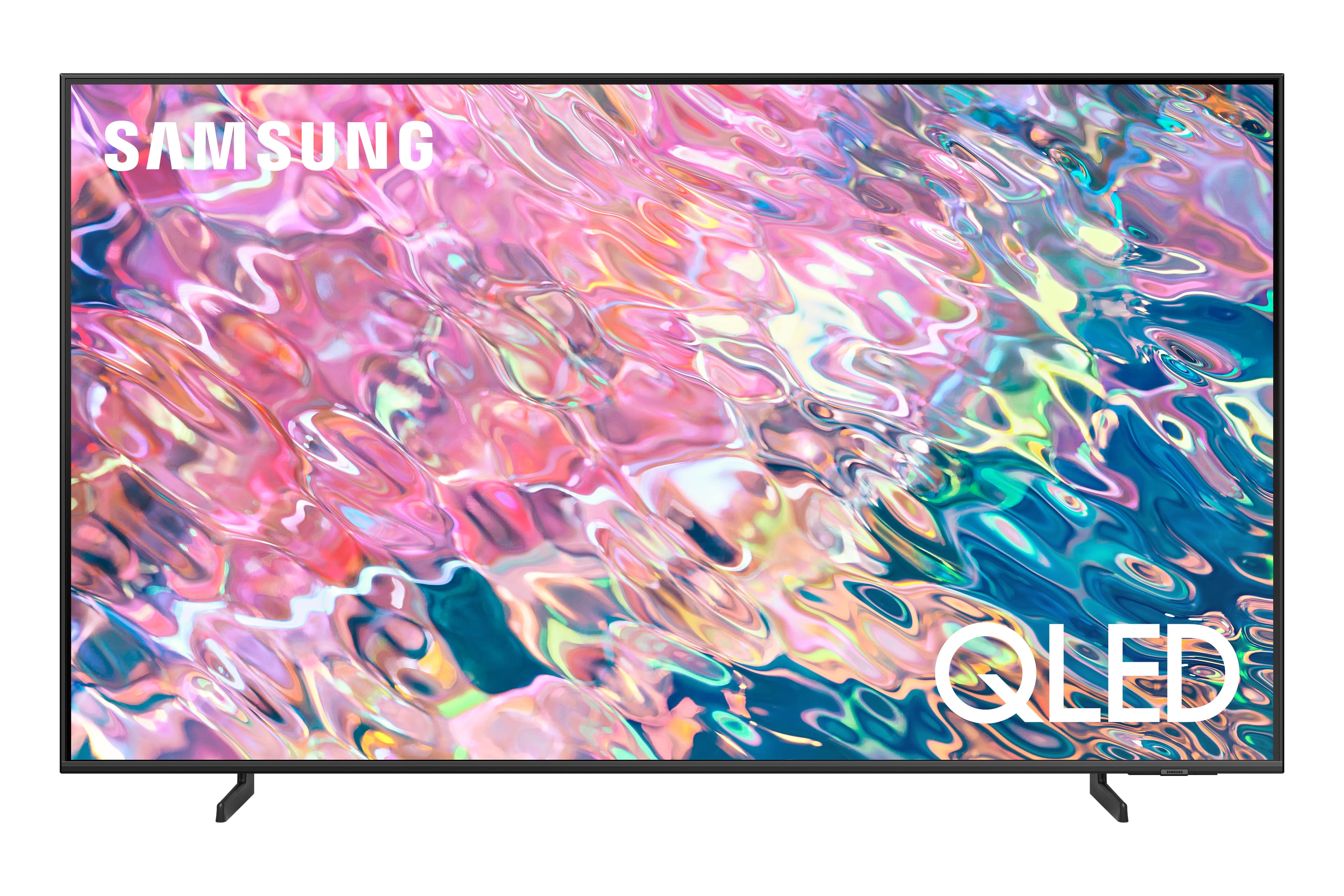
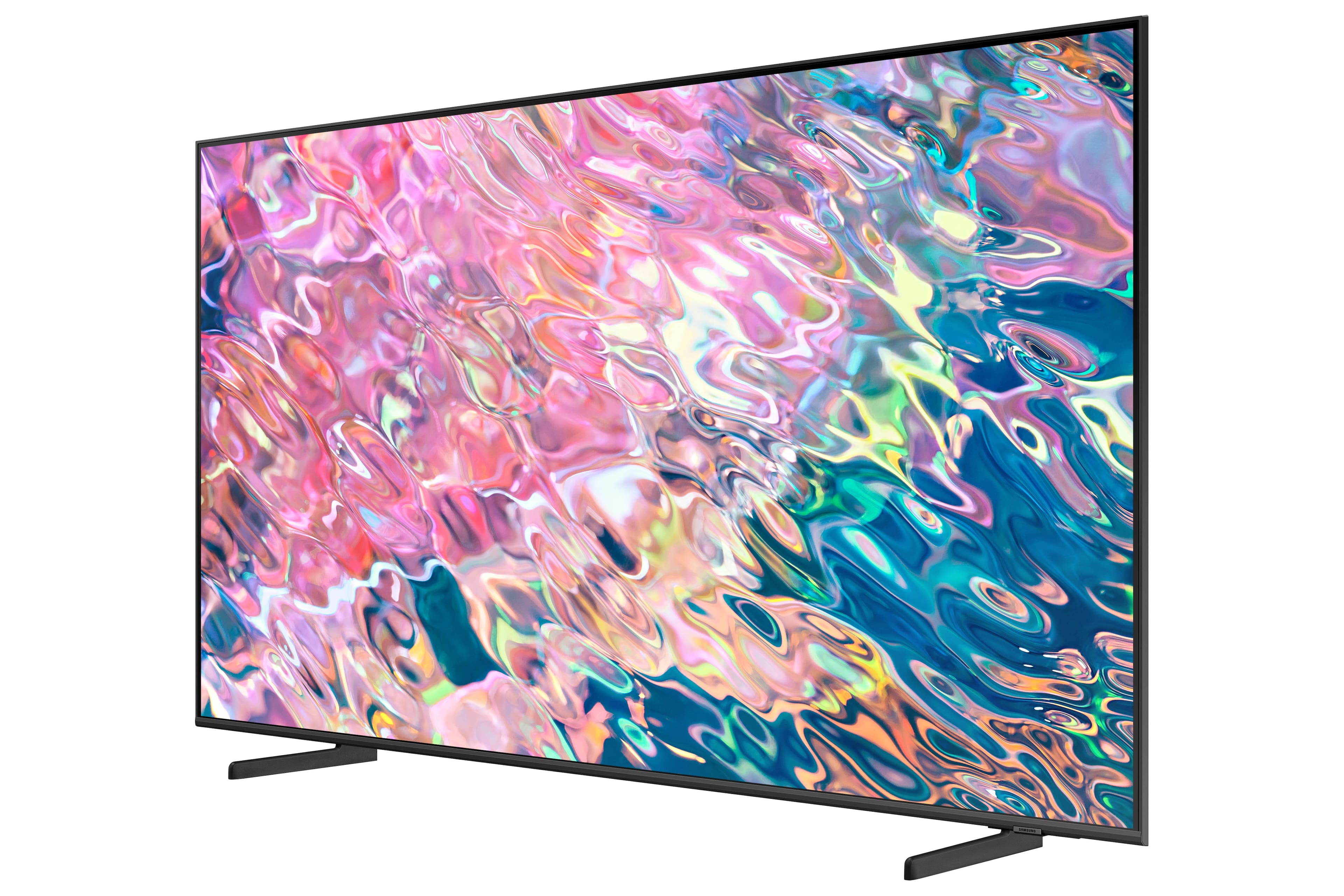
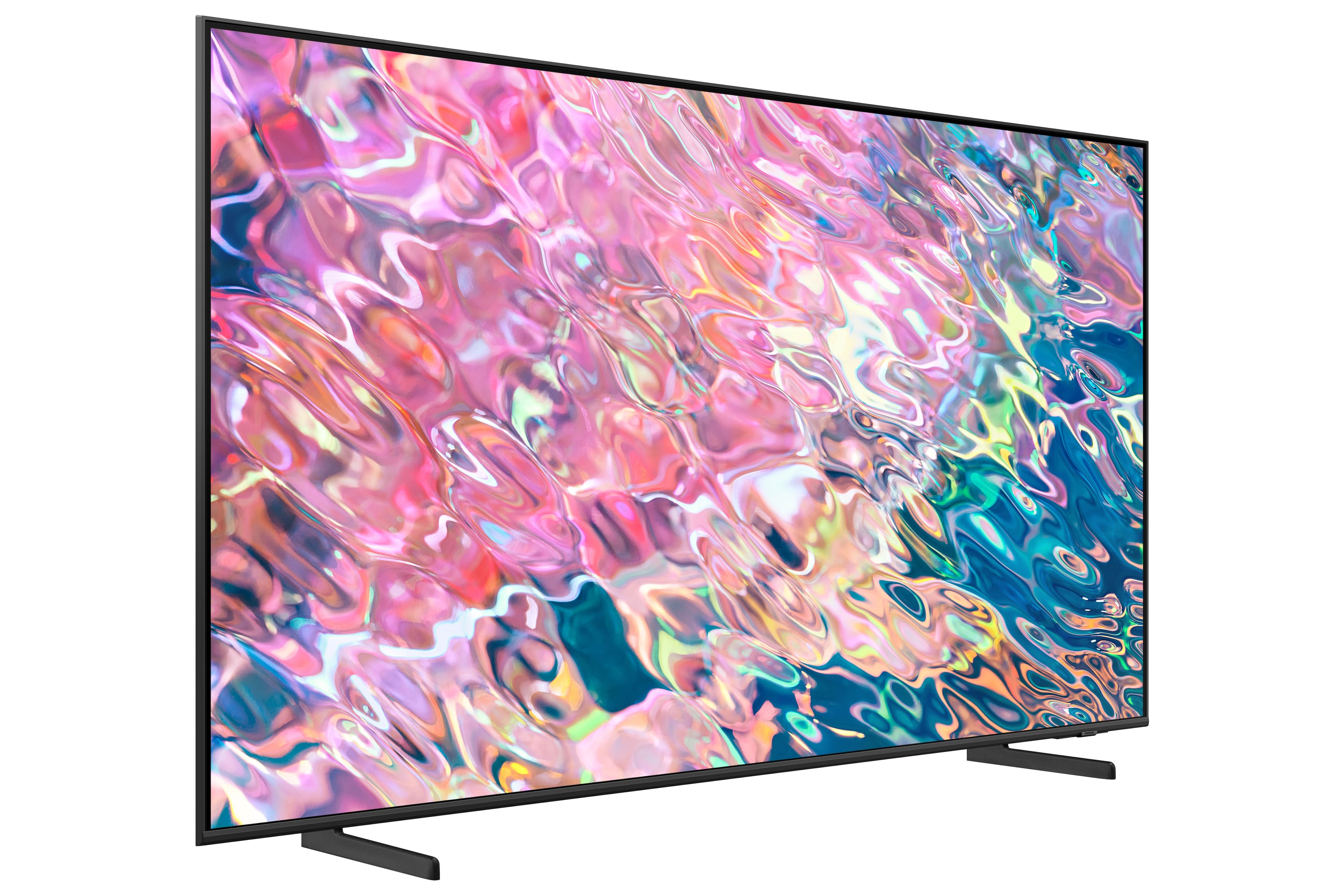
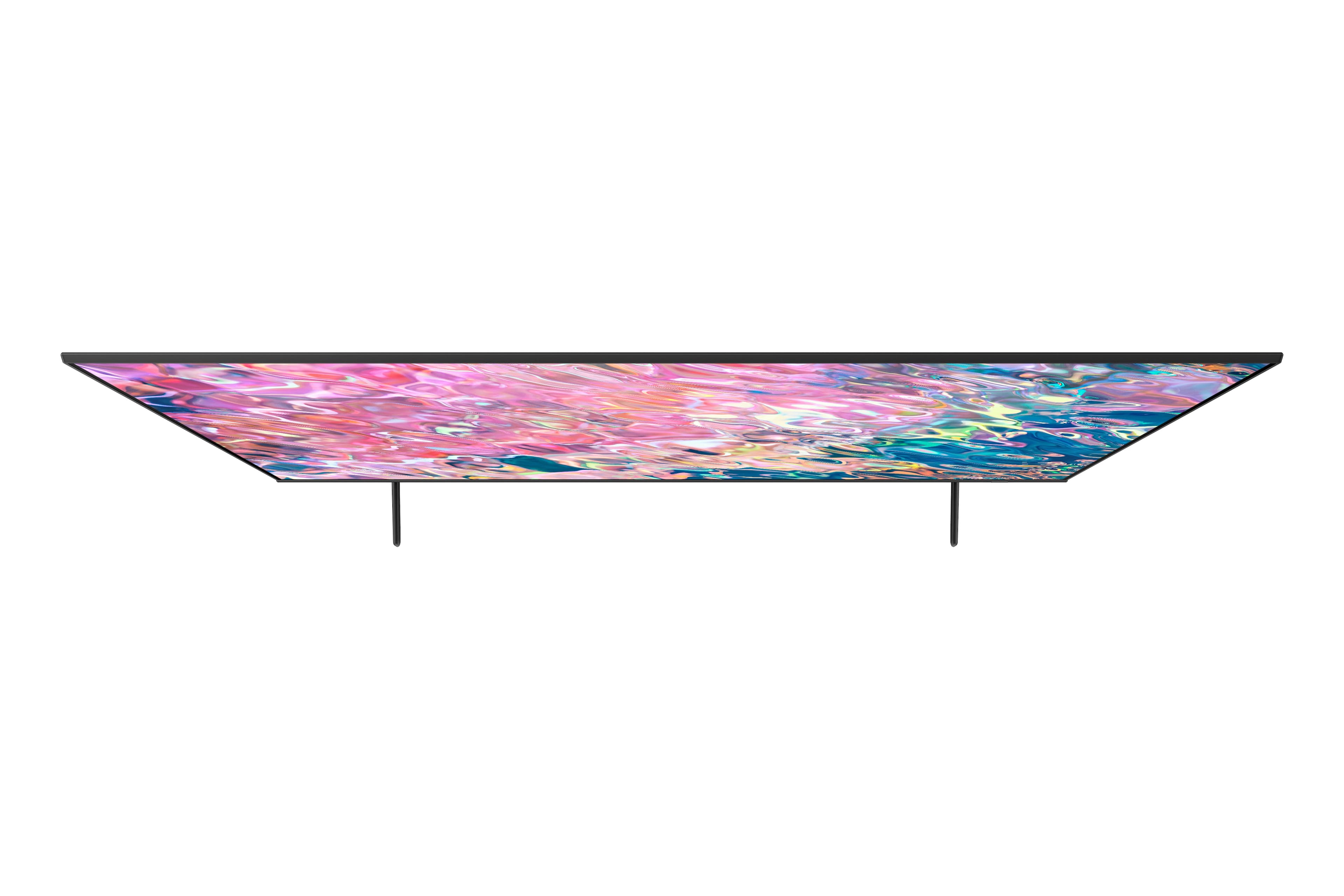
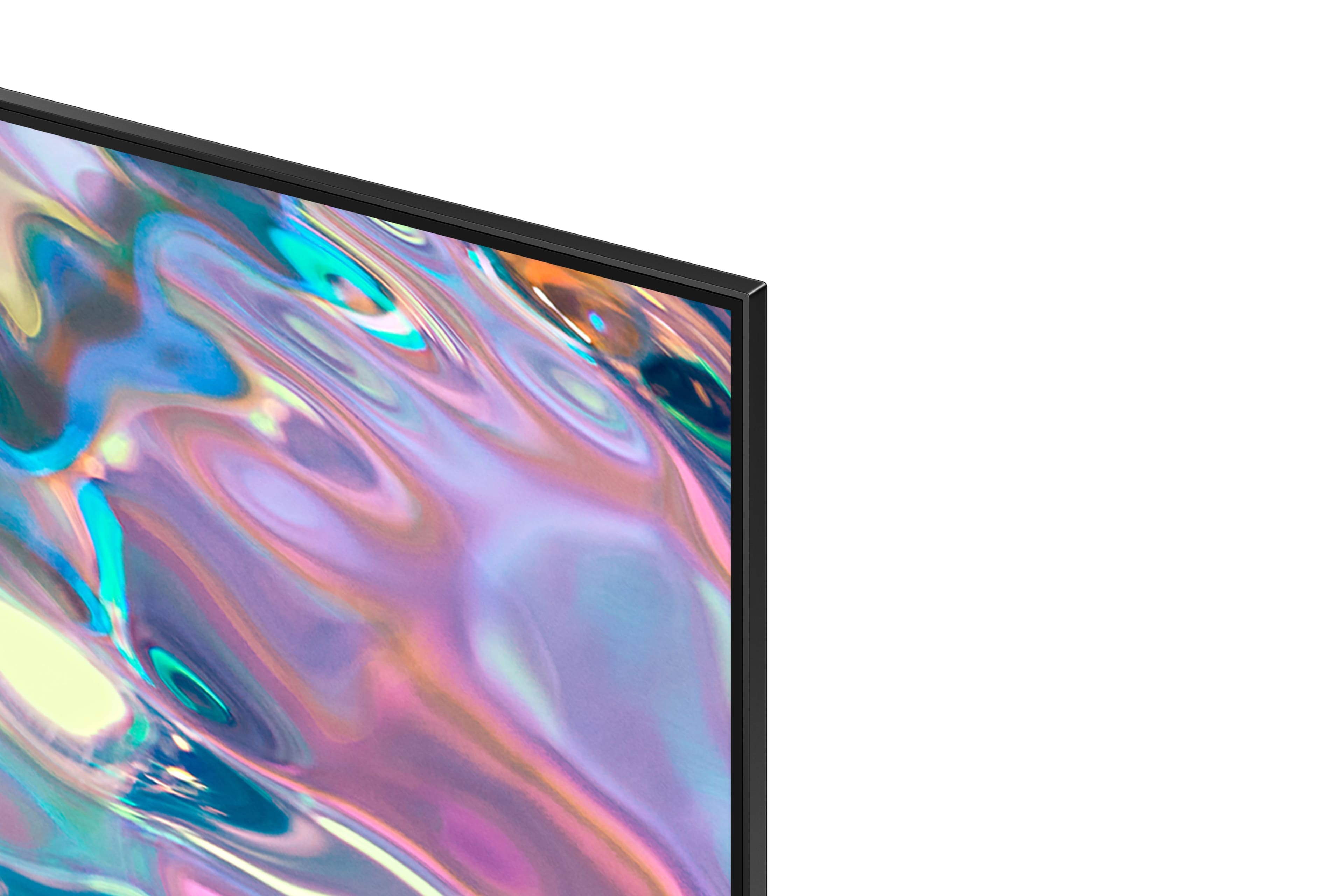
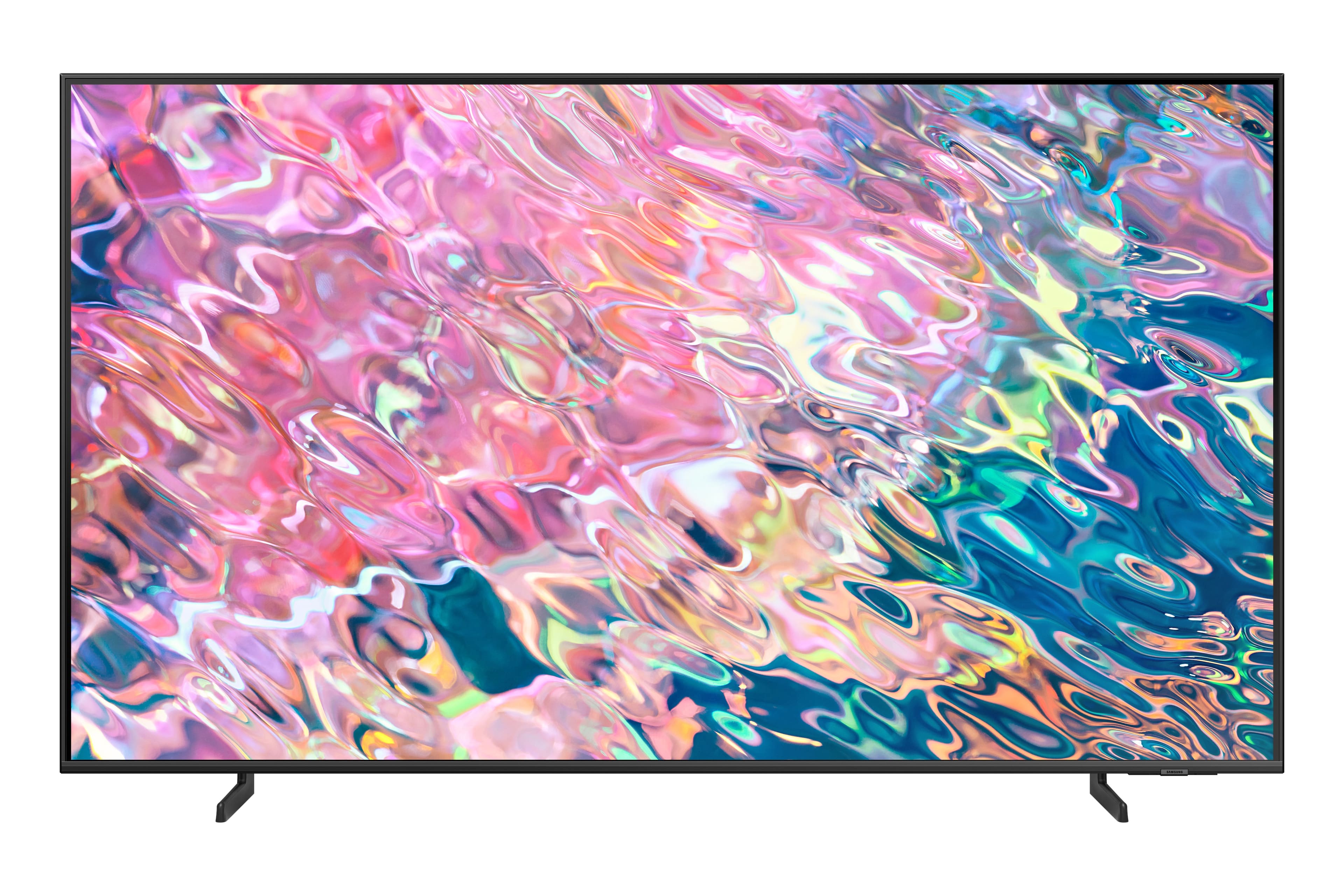
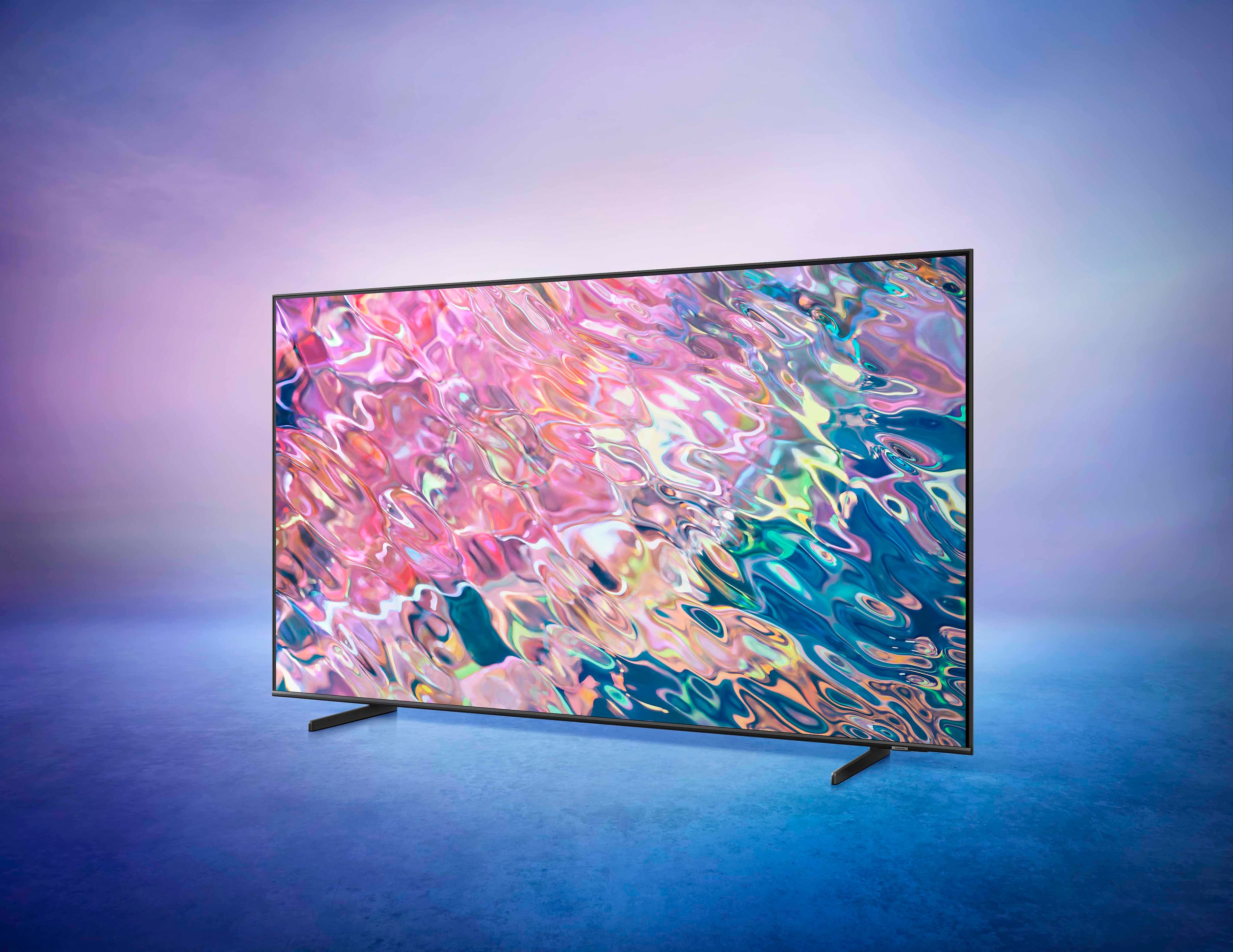
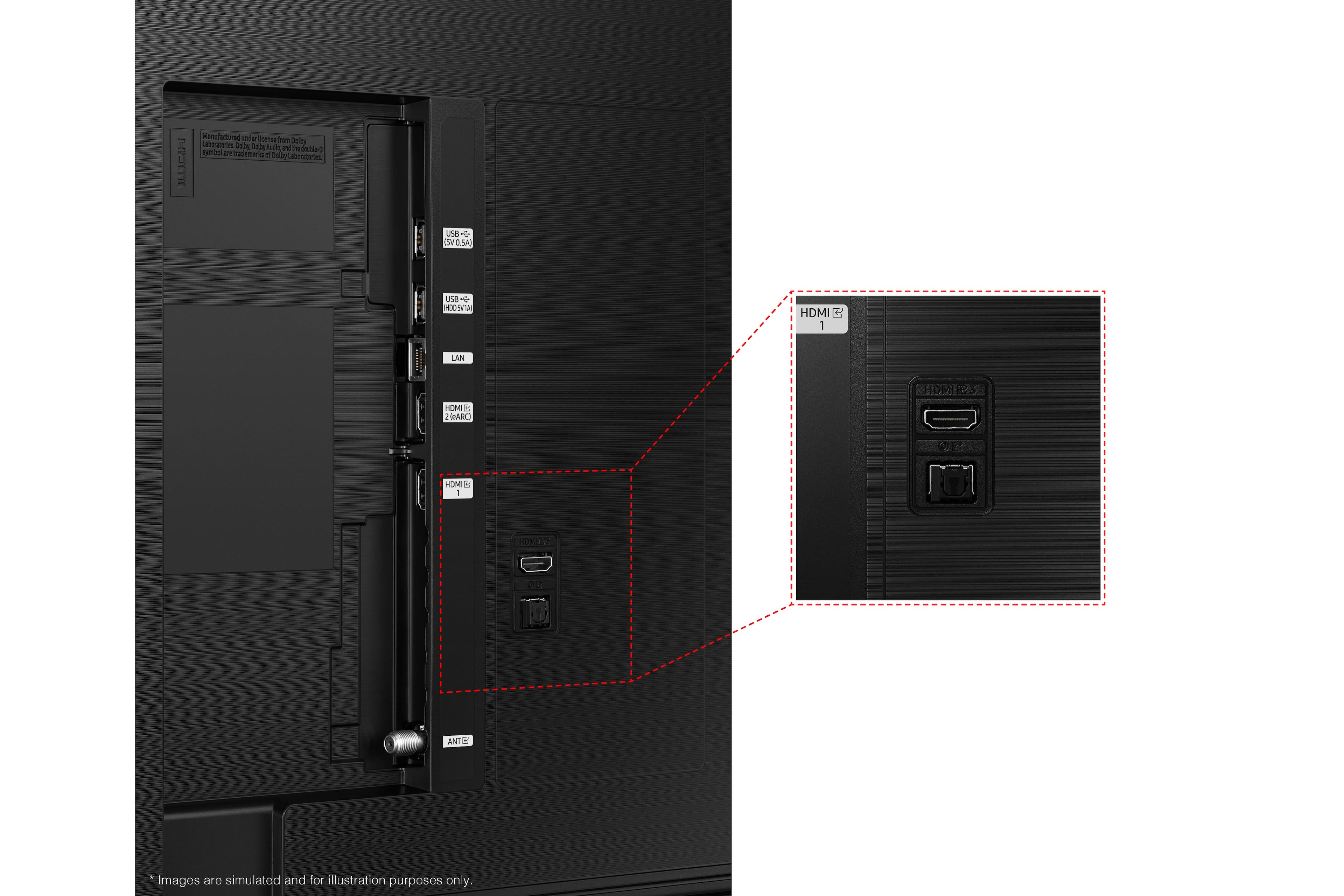













- Model:
- QN55Q60BAFXZA
- SKU:
- 6502243
Rating by feature
- Picture Quality
Rating 4.8 out of 5 stars
- Sound Quality
Rating 4.5 out of 5 stars
- Brightness
Rating 4.8 out of 5 stars
Customers are saying
Customers admire the 55” Class Q60B QLED 4K Smart Tizen TV for its exceptional picture quality, vibrant colors, and great sound quality. They appreciate the easy setup process and sleek design. However, some customers have expressed concerns about the small size of the remote control.
This summary was generated by AI based on customer reviews.
Samsung Remote
||Posted . Owned for 3 weeks when reviewed.This reviewer received promo considerations or sweepstakes entry for writing a review.Remote control is tricky to change Channels and TV Mutes when changing Volume.
No, I would not recommend this to a friendSamsung 55
||Posted . Owned for 3 weeks when reviewed.This reviewer received promo considerations or sweepstakes entry for writing a review.Best value for cost. It has everything I need in a tv
I would recommend this to a friendLess than two years and picture bad
||Posted .This reviewer received promo considerations or sweepstakes entry for writing a review.Tv less than two years old and getting orange vertical lines Samsung seems to have lost its value
No, I would not recommend this to a friendGreat TV
||Posted . Owned for less than 1 week when reviewed.This reviewer received promo considerations or sweepstakes entry for writing a review.Great TV love the display extremely happy with it .
I would recommend this to a friendSamsung
||Posted . Owned for 3 weeks when reviewed.This reviewer received promo considerations or sweepstakes entry for writing a review.Very good pictures, the techniques is wonderful..
I would recommend this to a friendSamsung tv
||Posted . Owned for 1 month when reviewed.This reviewer received promo considerations or sweepstakes entry for writing a review.Realy like the system had to get some external hdmi switch as it gets used for tv, gaming and steeaming service
I would recommend this to a friendwife
||Posted .This reviewer received promo considerations or sweepstakes entry for writing a review.Cannot get the remote manual since the Model Number on the unit does not appear in the Samsung system.
I would recommend this to a friendBrand response from Samsung
Posted .Payton,
To assist you in learning the various features, functions, and settings of your xxx TV and remote, you can download the Q60B TV's User Manual, e-Manual, Remote Control Leaflet, and Quick Setup Guide on Samsung's website under ‘Support’ (top right corner) > Manuals & Software > TVs & Home Theater. From there, you can select the Q60B TV under QLED 4K TVs > B Model Lineup to download the guides you would like.
The e-Manual is also embedded into the TV itself under Menu > Settings > Support > Open e-Manual.
If you need more help, Samsung is here for you. Please call us at 1-800-SAMSUNG, 8AM - 12AM EST, 7 days a week. Our LiveChat agents are also available by clicking on the ‘Support’ link on our website.
~ Samsung Specialist
NO SCREEN SAVER SET UP
||Posted . Owned for 3 weeks when reviewed.This reviewer received promo considerations or sweepstakes entry for writing a review.I purchased it thinking i could set up a screensaver and have not been able to do this .
I would recommend this to a friendBrand response from Samsung
Posted .StellaG,
We appreciate your review of Samsung’s Q60B TV. So we can better understand the problems you are experiencing and provide you with settings adjustments and optimizations, please reach out to Samsung Customer Support at 1-800-SAMSUNG, 8AM - 12AM EST, 7 days a week. Or visit us on the Samsung website and click on the ‘Support’ link for:
• LiveChat
• Manuals, Software, & Warranty Info
~ Samsung Specialist
Nice Quality
||Posted . Owned for 3 weeks when reviewed.This reviewer received promo considerations or sweepstakes entry for writing a review.Good overall quality for the price. The sound isn't bad alone but much better with a sound bar.
I would recommend this to a friendPoor TV.
||Posted . Owned for 3 weeks when reviewed.This reviewer received promo considerations or sweepstakes entry for writing a review.Poor images, low quality sound, scree low resolutions
No, I would not recommend this to a friendSamsung tv
||Posted . Owned for 3 weeks when reviewed.This reviewer received promo considerations or sweepstakes entry for writing a review.It’s a great tv but it messes up once in awhile and it shouldn’t be as it is brand new
I would recommend this to a friendBrand response from Samsung
Posted .Hi,
We appreciate your review of Samsung’s Q60B TV. So we can better understand the problems you are experiencing and provide you with settings adjustments or troubleshooting assistance, please reach out to Samsung Customer Support.
1) 1-800-SAMSUNG, 8AM - 12AM EST, 7 days a week.
2) LiveChat with an agent by clicking the ‘Support’ link on the Samsung website homepage.
We look forward to hearing from you.
~ Samsung Specialist
New TV
||Posted . Owned for 3 weeks when reviewed.This reviewer received promo considerations or sweepstakes entry for writing a review.Very quick and easy to purchase our new TV we are very happy with our decision
I would recommend this to a friendNone Available
||Posted .This reviewer received promo considerations or sweepstakes entry for writing a review.None available. Purchase made. TV installed. Good overall rating.
I would recommend this to a friendFlawless product
||Posted . Owned for 1 month when reviewed.This reviewer received promo considerations or sweepstakes entry for writing a review.Picture clarity is amazing on this model & can’t beat the tech with it.
I would recommend this to a friendPoor volume
||Posted . Owned for 1 month when reviewed.This reviewer received promo considerations or sweepstakes entry for writing a review.The sound is terrible. sometime we have the volume at 100 per cent and still can't hear the sound very well at all. Put one of your LG sound bars on it and it's still not good. disapointed.
No, I would not recommend this to a friendBrand response from Samsung
Posted .Disappointed,
Thank you for choosing the 2022 Q60B QLED TV and for your review. There are several volume features you can enable/disable/adjust to your liking.
– Auto Volume automatically adjusts the sound to a certain level when changing channels or switching to another external input.
– Adaptive Volume automatically adjusts to a specific volume level while you are watching TV. The TV analyzes your volume usage history by time to automatically adjust the volume when you use an app or switch to an external input source.
– Several Sound Modes are likewise available to meet your personal preferences: Menu > Settings > All Settings > Sound > Sound Mode
Also, some sources have their own volume control which might be set too low. Please check the volume control of the external device (cable box or satellite box, DVD, Blu-ray, etc.) connected to your TV. Also, check the cable connection between an external device and the TV and then try cable connection again.
I hope these tips help you enjoy your new product.
You can always contact us for further help at 1-800-SAMSUNG, 8AM - 12AM EST, 7 days a week. Our LiveChat agents are also available by clicking on the ‘Support’ link on our website.
~ Samsung Specialist
Only worked for 2 yrs
||Posted . Owned for 1.5 years when reviewed.This reviewer received promo considerations or sweepstakes entry for writing a review.Had this tv for 2 yrs. It just shutoff one day and did not turn back on. I think the main board went will have to dig into it. Wont buy samsung tv again
No, I would not recommend this to a friendSolid TV
||Posted . Owned for 3 weeks when reviewed.This reviewer received promo considerations or sweepstakes entry for writing a review.Solid TV. Not the best, not the worst. good value
I would recommend this to a friendDead pixels
||Posted . Owned for 1 month when reviewed.This reviewer received promo considerations or sweepstakes entry for writing a review.Tv had dead pixels just 16 days after purshase. Because was 1 day after i could change it with Best Buy i had to glo trhough Samsung. Now has been a hot potato between Samsung and Best Buy to change the TV.
No, I would not recommend this to a friendPoor tv
||Posted . Owned for 1 month when reviewed.This reviewer received promo considerations or sweepstakes entry for writing a review.It takes 10 seconds to come on..and now getting longer..the picture quality is poor not as clear as my old 10year tv
No, I would not recommend this to a friendBummer
||Posted . Owned for 1 week when reviewed.This reviewer received promo considerations or sweepstakes entry for writing a review.When using an antenna the picture is not as crisp as when using cable or streaming services.
No, I would not recommend this to a friendBrand response from Samsung
Posted .TJ87,
Thank you for sharing your thoughts on your Q60B TV’s image quality. The TV will upscale as best as possible any content sent to it. The closer your content is to 4K, the better the image will look on the screen.
Here are some tips to help improve the picture clarity:
1) HDMI cables are recommended for optimal HD viewing.
2) If you have an analog cable box or satellite box, upgrade to a digital cable box or satellite box.
3) Change the output resolution of your devices, such as digital broadcast receiver, IPTV, and set-top box to UHD or HD.
4) You can further adjust your sharpness, brightness, contrast, color, and more by going to Menu > Settings > All Settings > Picture > Expert Settings
5) Choose a Picture Mode by going to Menu > Settings > All Settings > Picture > Picture Mode and choose from Dynamic, Movie, or Filmmaker Mode.
Should you ever have questions or need help with TV features, specs, or operation, we are here to help. Call us at 1-800-SAMSUNG, 8AM - 12AM EST, 7 days a week. Our LiveChat agents are also available by clicking on the ‘Support’ link on our website.
~ Samsung Specialist