Customer Ratings & Reviews

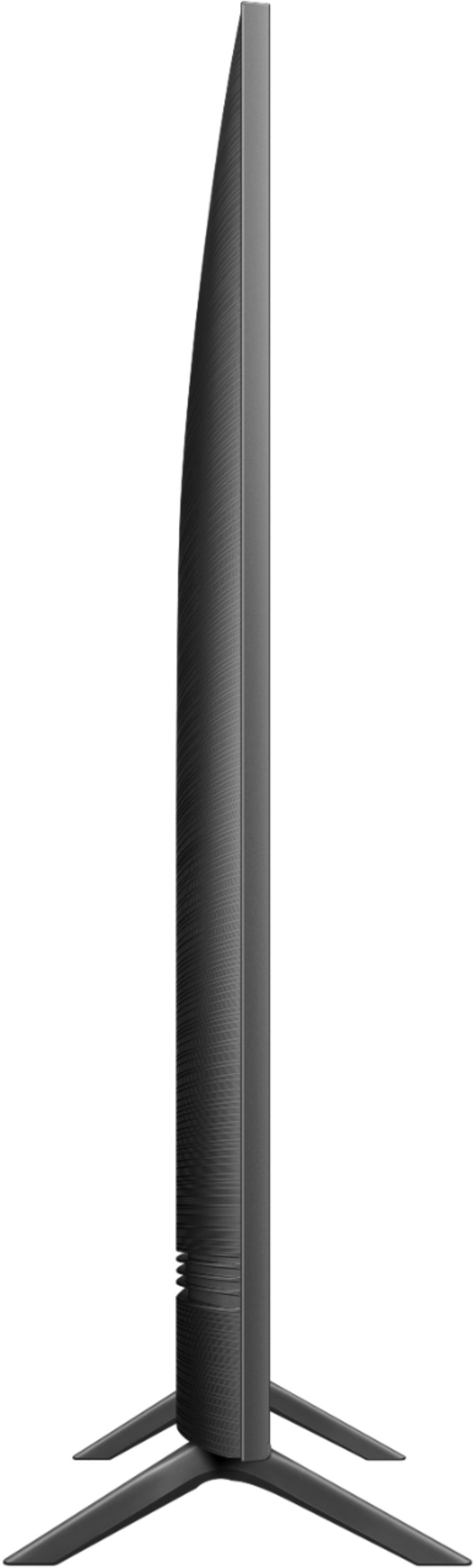
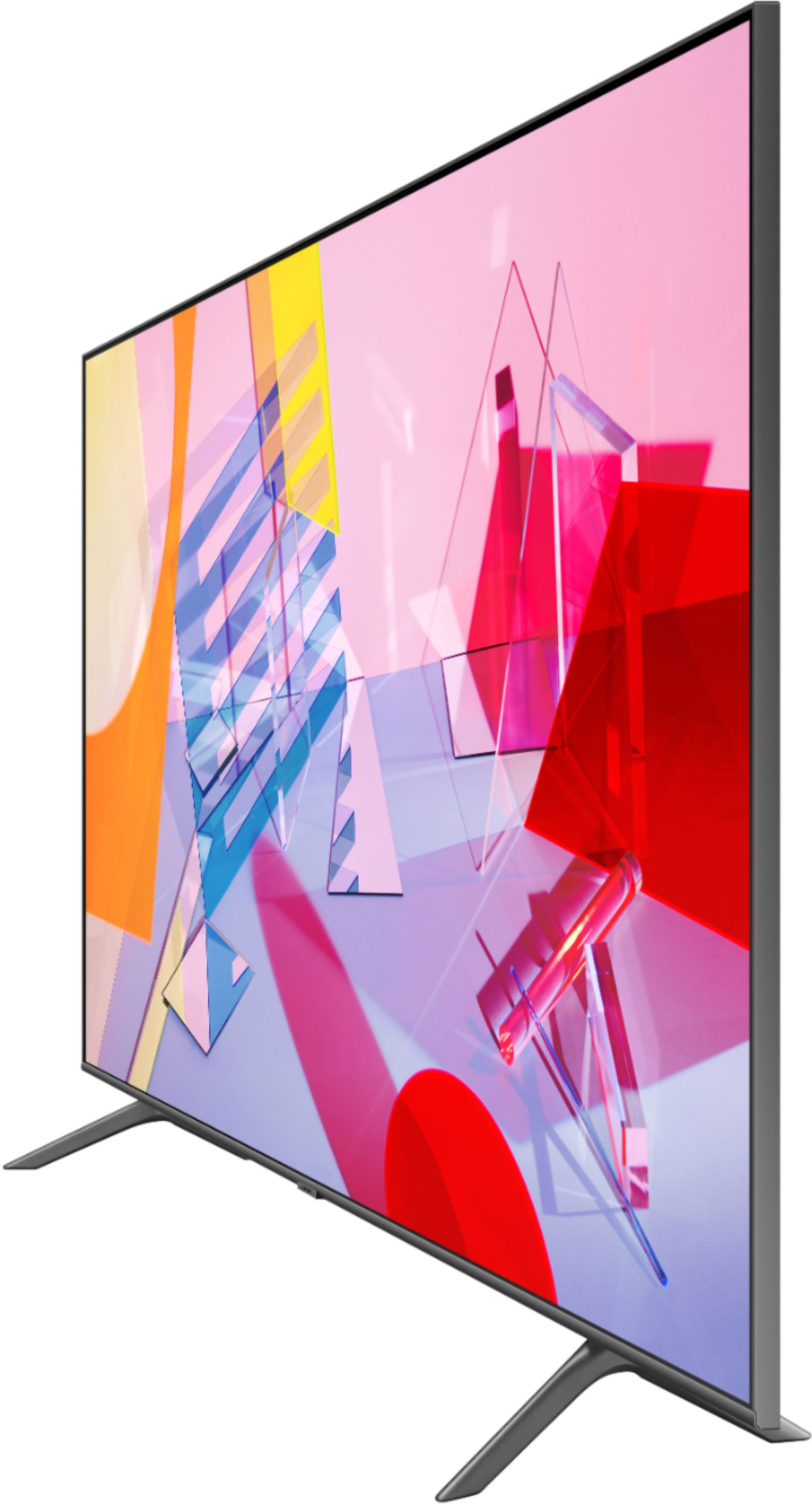

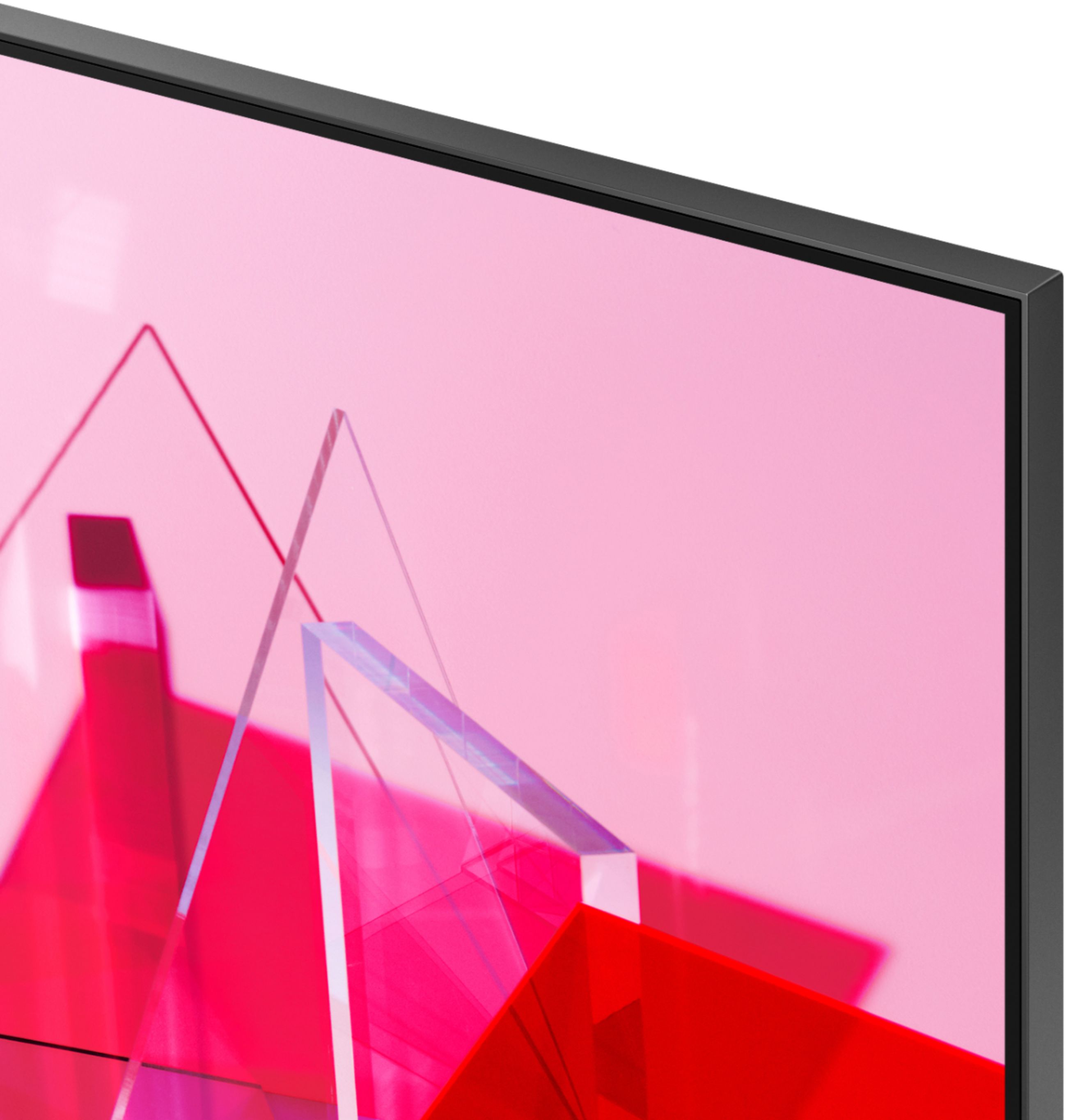
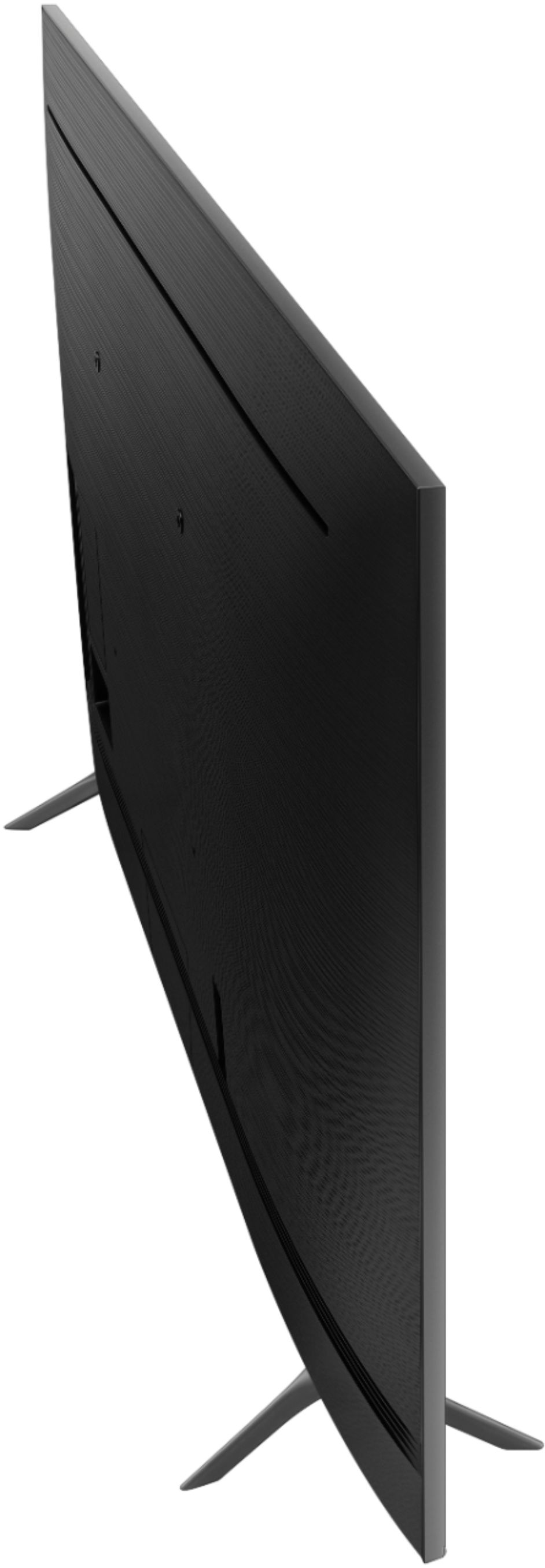
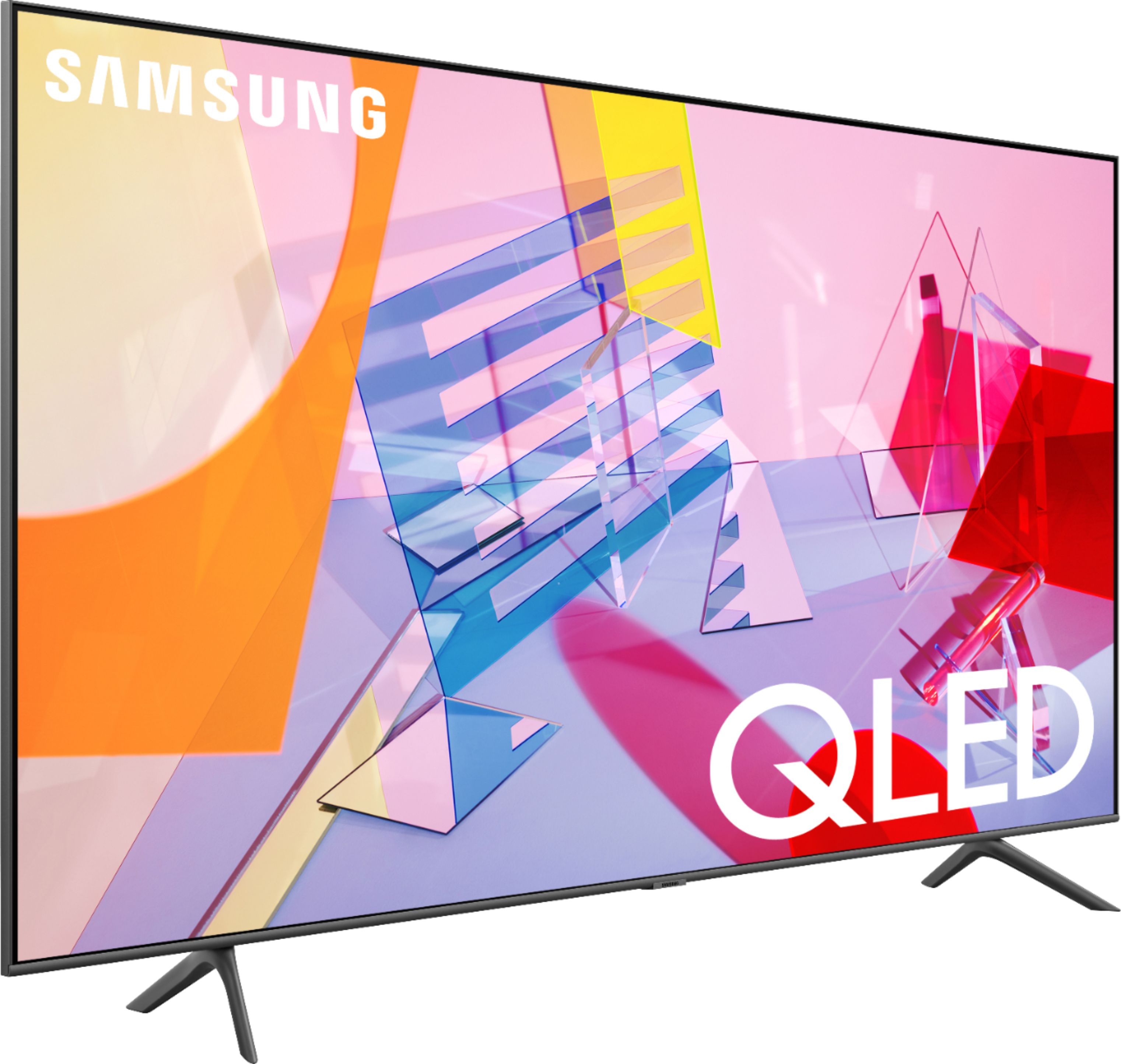
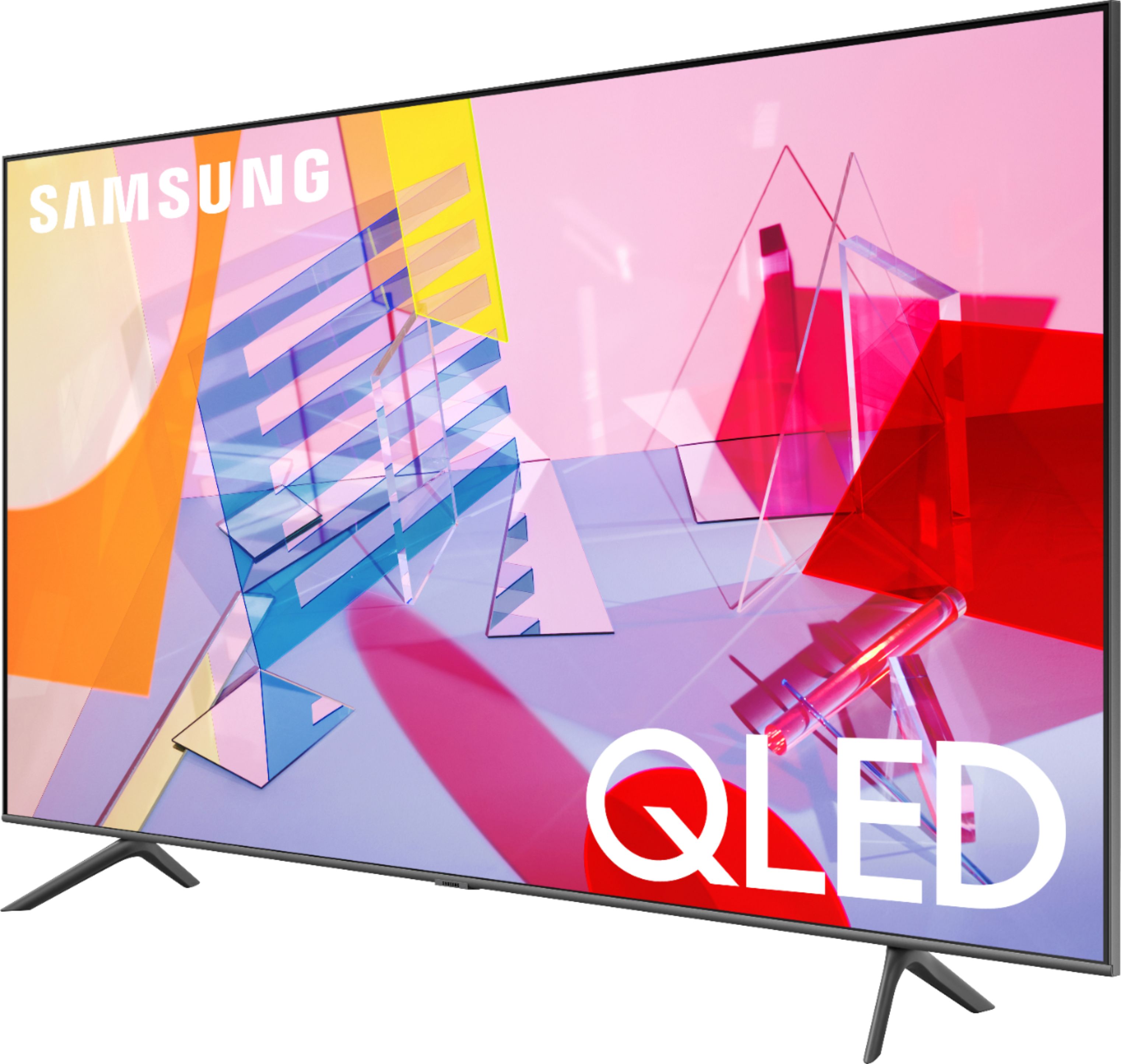
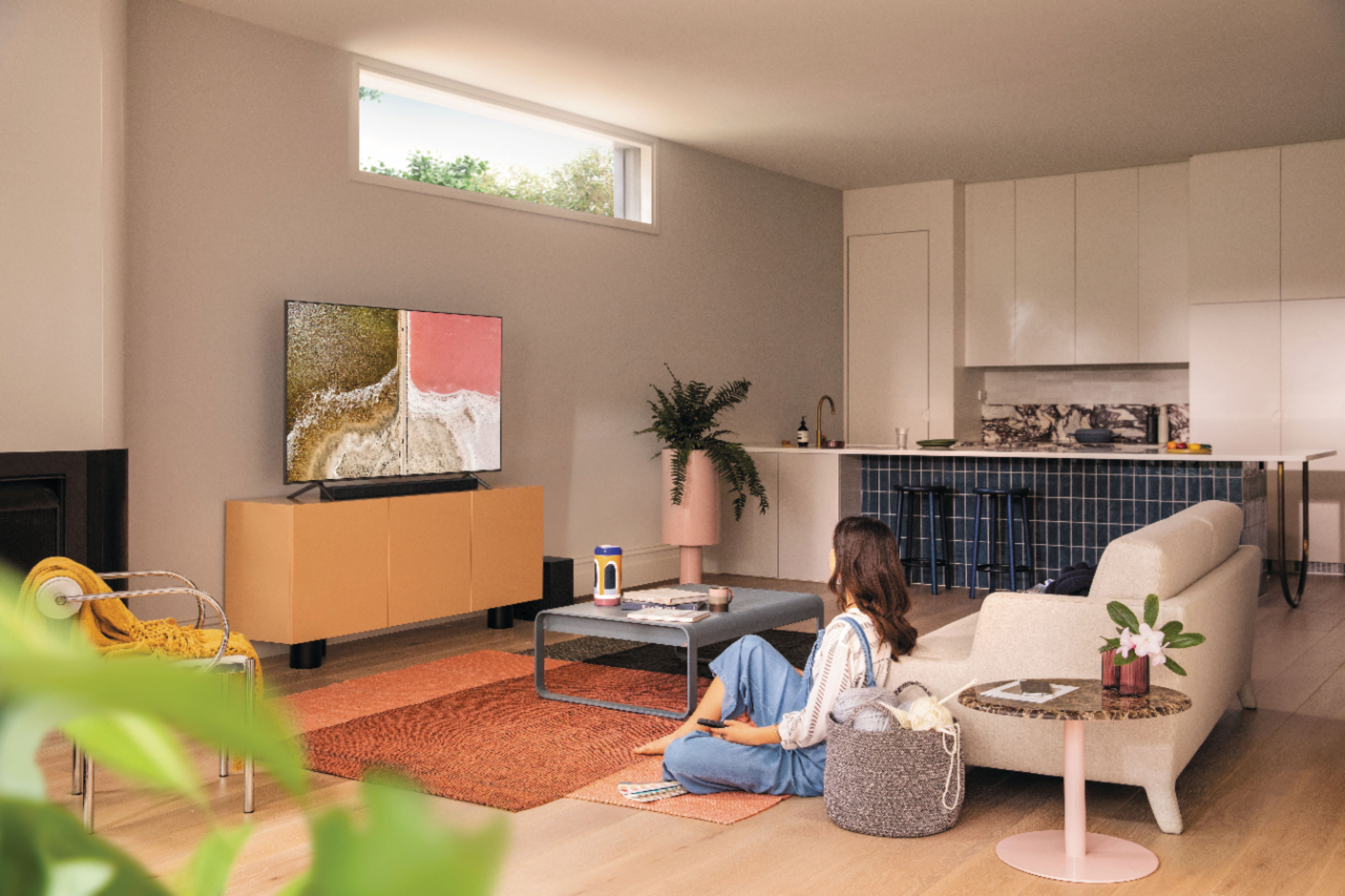
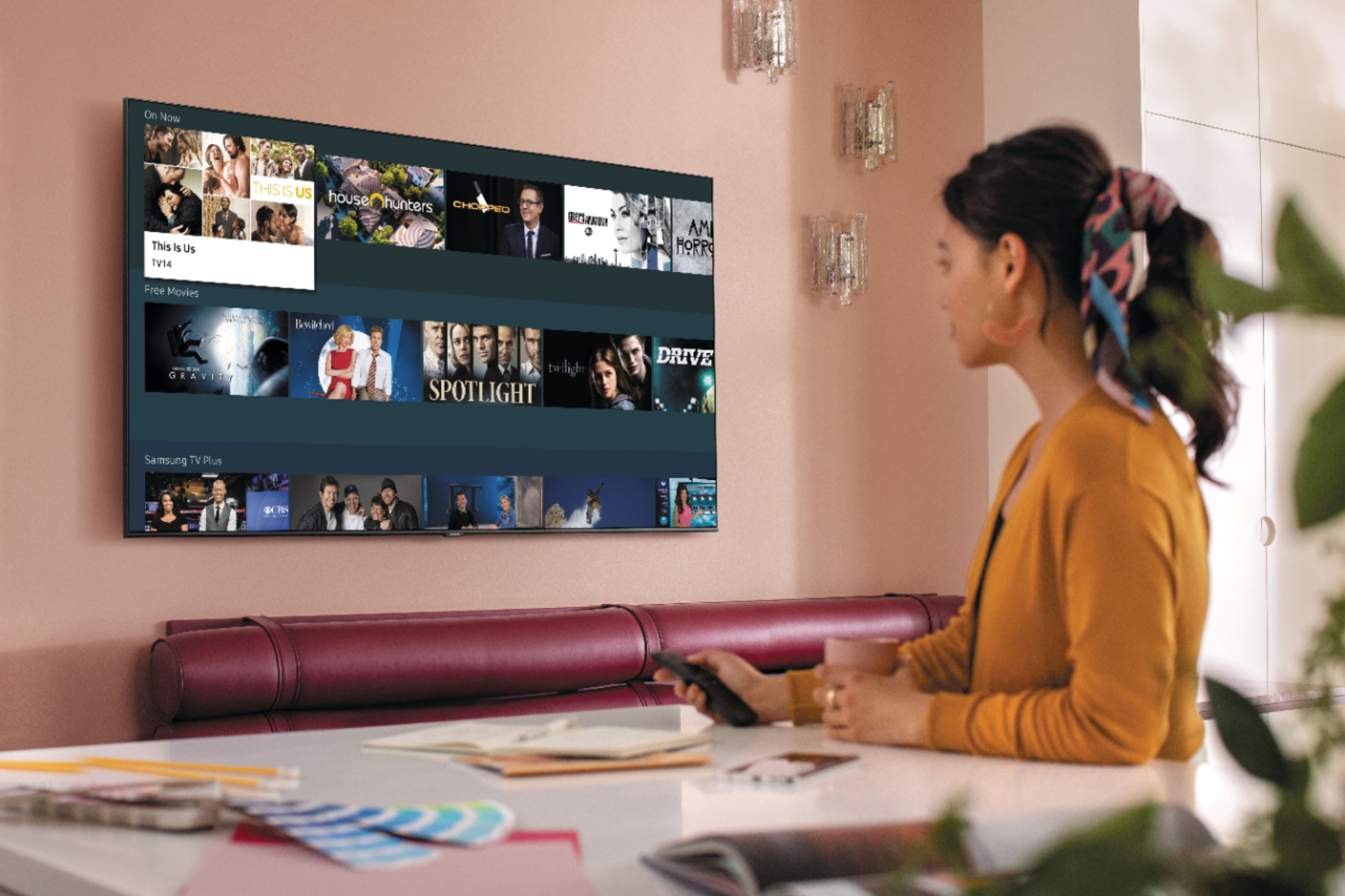








- Model:
- QN55Q60TAFXZA
- SKU:
- 6401755
Rating by feature
- Picture Quality
Rating 4.8 out of 5 stars
- Sound Quality
Rating 4.6 out of 5 stars
- Brightness
Rating 4.8 out of 5 stars
Customers are saying
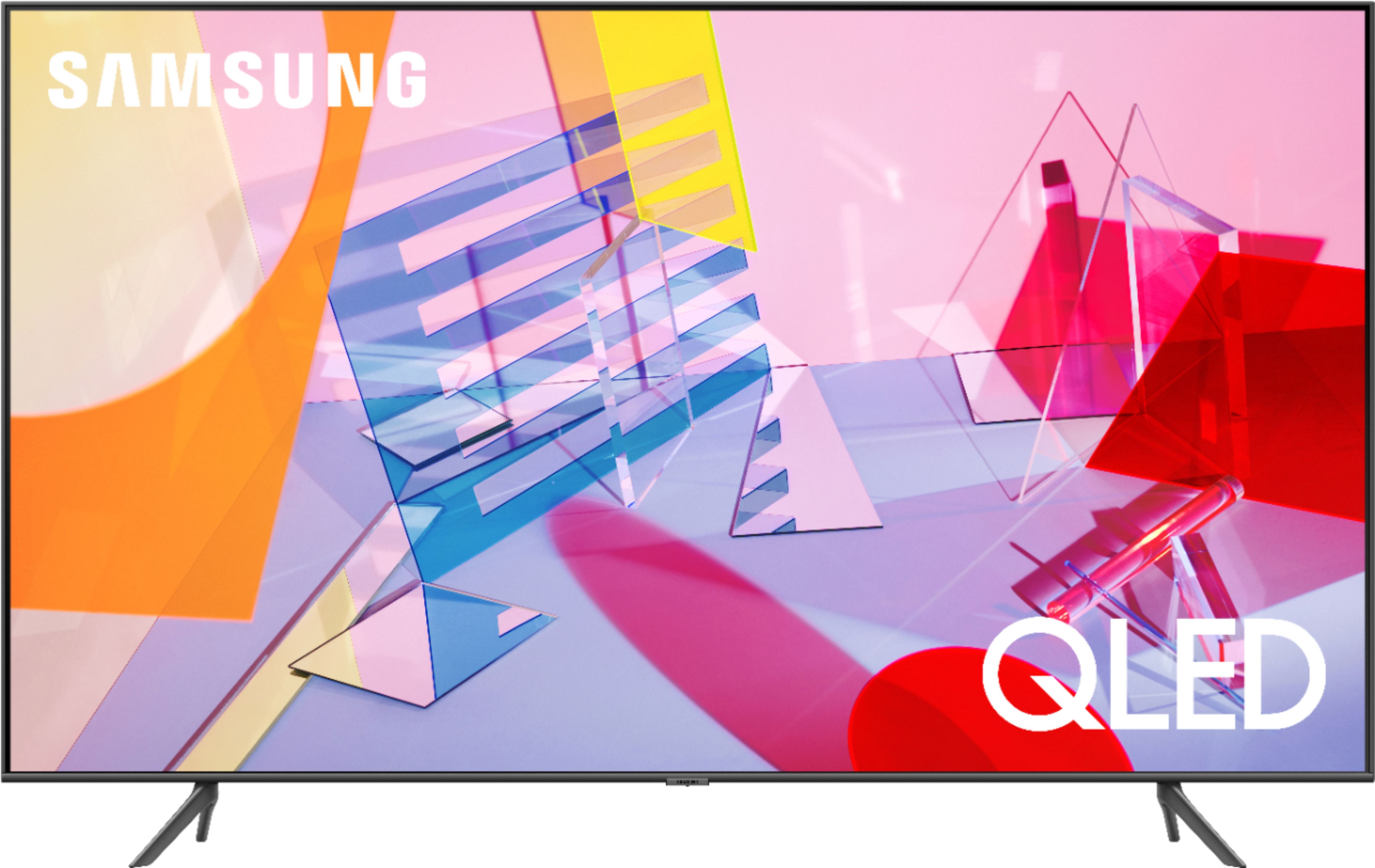
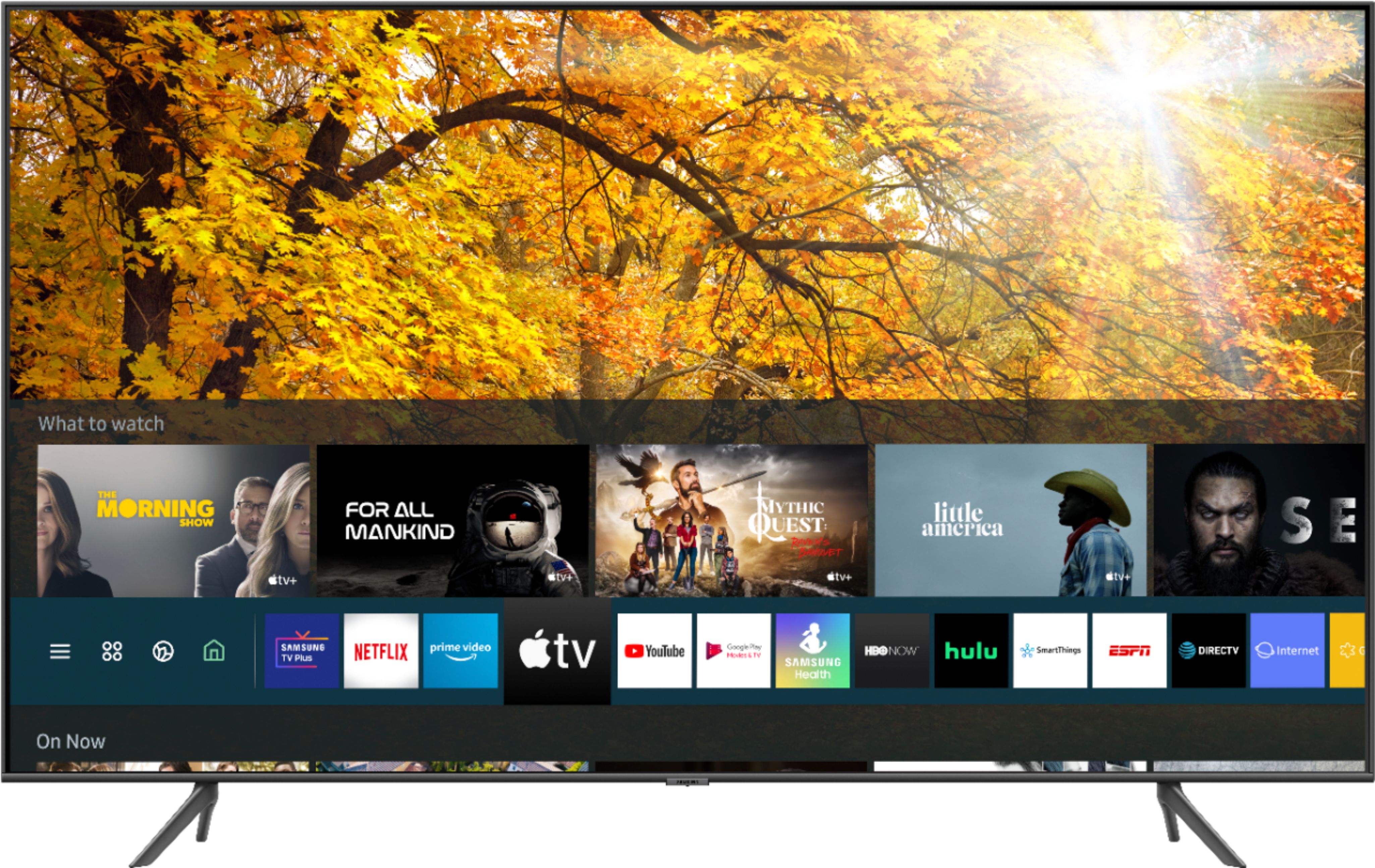
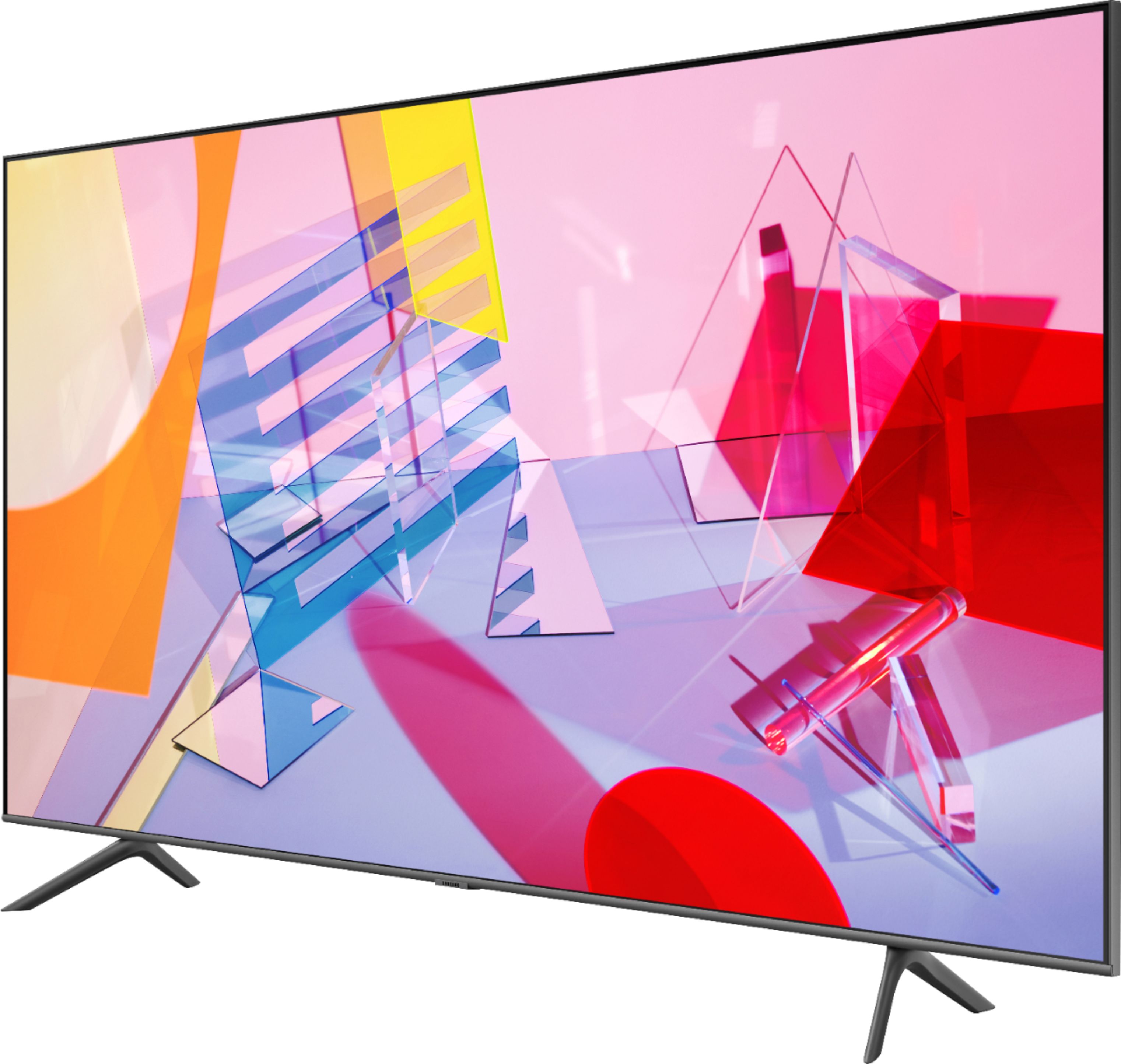
Customers recognize the 55" Class Q60T Series QLED 4K UHD Smart Tizen TV for its exceptional picture quality, vibrant colors, and reasonable price. Many users appreciate the easy setup process and find the TV to be a great value for the cost. However, some customers have expressed concerns about the remote control, connectivity issues, and the 60Hz refresh rate, which can result in motion blur.
This summary was generated by AI based on customer reviews.
QLED Televisions
||Posted . Owned for 1 month when reviewed.This reviewer received promo considerations or sweepstakes entry for writing a review.My new QLED televisions are great. The installation and update went smoothly. I can always depend on the tech support folks.
I would recommend this to a friend- Cons mentioned:Remote control
Good tv, bad remote
||Posted . Owned for 3 weeks when reviewed.This reviewer received promo considerations or sweepstakes entry for writing a review.The TV itself is great... what really makes it bad is the remote! It’s so frustrating! You have to try over over to try switching channels and the voice commands sometimes won’t give you what you ask for. Example: Alexa channel 200, it will give you channel 2. And the buttons don’t always work! I ran over my return period otherwise in would have returned it.
No, I would not recommend this to a friendBrand response from Samsung
Posted .Miguel,
Thank you for sharing your feedback.
Please know that voice commands may differ.
We suggest you to check the command examples for each voice assistant.
Settings- General -Voice- Amazon Alexa Settings
I hope this tip helps to make your viewing experience more enjoyable.
Please reach out to us if the issue persists via one of the following options:
1) Phone: 1-800-SAMSUNG (ask for TVs), available 8AM – 12AM EST 7 days a week
2) LiveChat: https://www.samsung.com/us/support/#contact_us_for_support
3) Facebook Messenger: https://www.facebook.com/samsungsupport
4) Twitter: https://twitter.com/SamsungSupport
5) The Samsung Members Community is also a great resource for getting help from Samsung moderators and customers: https://us.community.samsung.com
If you have not already done so, we invite you to register your new Samsung product at: https://www.samsung.com/us/account/signin/?redirect=https%3A%2F%2Fwww.samsung.com%2Fus%2Fsupport%2Fregister%2F
Registering your product gives you access to easy warranty support, convenient opt-in to special promos and offers, faster troubleshooting and service, and quick notification of system updates.
-Samsung Ambassador
Good Display
||Posted . Owned for 1.5 years when reviewed.This reviewer received promo considerations or sweepstakes entry for writing a review.Good quality TV. Its display quality is better compared to other TVs in this price range.
I would recommend this to a friendI Absolutely Love It!
||Posted .This reviewer received promo considerations or sweepstakes entry for writing a review.I love this television. Samsung is the best to me. Looking at upgrading to another level of Samsung's line of televisions.
I would recommend this to a friend- Pros mentioned:Picture quality
Not for wall mount
||Posted . Owned for less than 1 week when reviewed.This reviewer received promo considerations or sweepstakes entry for writing a review.I haven't even plugged it in. I'm sure it's a good television. Samsung has quit including wall mount adapters with there televisions. They want me too contact Samsung parts and purchase these. However I haven't been able to get anyone on phone. Been two days since messaged and only automated reply immediately after message. I have them ordered on Amazon but if they don't work returning television. Probably last Samsung television for me.
No, I would not recommend this to a friendBrand response from Samsung
Posted .kalvo10,
I am very sorry for the installation issues you have encountered with your Samsung Q60T QLED TV .
I understand the frustrations and the inconveniences this has caused.
We value your user feedback on wall mount installation and will share it with our product team.
If you need further assistance with settings or features, please know we are here to help and can be reached at:
1) Phone: 1-800-SAMSUNG (ask for TVs) Available 8AM - 12AM EST (Mon-Fri) / 9AM - 11PM EST (Sat-Sun)
2) LiveChat: https://www.samsung.com/us/support/#contact_us_for_support
3) Facebook Messenger: https://www.facebook.com/samsungsupport
4) Twitter: https://twitter.com/SamsungSupport
Again, thank you for taking the time to share your thoughts on this product. Your invaluable feedback helps us continuously deliver best-in-class products and service.
-Samsung Ambassador
Not a very clear picture
||Posted .This reviewer received promo considerations or sweepstakes entry for writing a review.Ordered a 800 series but salesman said they were out and would sale me this tv for same price. Told him the reviews were not as good and he told me dont look at reviews people are paid to write them. Told me it was a upgrade from 800 series. Hooked it up and was disappointed. Picture wasnt any better than my 12 yr old samsung. Returned the next door at a store by me and 3 people there told me it was a upgrade and newer model but quality wasnt as good as the old model. Wasn' very happy, felt like i was mis lead by original sale
No, I would not recommend this to a friendBrand response from Samsung
Posted .Donthaveone,
Thank you for sharing your thoughts.
The TV will upscale as best as possible any content sent to it. The closer your content is to 4K, the better the image will look on the screen.
Here are some tips to help improve the picture clarity of your Q60T TV:
1. HDMI cables are recommended for optimal HD viewing.
2. If you have an analog cable box or satellite box, upgrade to a digital cable box or satellite box.
3. Change the output resolution of your devices, such as digital broadcast receiver, IPTV, and
set-top box to UHD or HD.
4. Expand the reception range of the corresponding HDMI input signal in Input Signal Plus.
Go to Settings- General- External Device Manager- Input Signal Plus
I hope this helps to solve your issue.
For further assistance, please contact Samsung TV Support at:
1) Phone: 1-800-SAMSUNG (ask for TVs)
Available 8AM – 9PM EST (Mon-Fri)
2) LiveChat: https://www.samsung.com/us/support/#contact_us_for_support
3) Facebook Messenger: https://www.facebook.com/samsungsupport
4) Twitter: https://twitter.com/SamsungSupport
-Samsung Ambassador
- Pros mentioned:Picture quality
Drops Bluetooth Consistantly
||Posted . Owned for less than 1 week when reviewed.This reviewer received promo considerations or sweepstakes entry for writing a review.Old TV (Samsung series 7 , 2 yrs old ) stayed connected to same Samsung earbuds + for over 50+ feet. This TV drops connection when Im only 12 feet Away. I used to be able to go grab the mail without being dropped. But I cant even get to the kitchen without this TV dropping me. Software has been updated . IF you are one that uses bluetooth, I suggest you dont buy this TV Pitcher is clear under Dynamic setting.
No, I would not recommend this to a friend Tv for spare bedroom
||Posted . Owned for less than 1 week when reviewed.This reviewer received promo considerations or sweepstakes entry for writing a review.The picture isn’t as good as its big brother the Q80t series. However this is perfect for a spare bedroom and under 700 dollars
I would recommend this to a friendRating on product
||Posted . Owned for 3 weeks when reviewed.This reviewer received promo considerations or sweepstakes entry for writing a review.So far very satisfied with this product. Salesman very helpful. Delivery and sexy up person efficient and courteous.
I would recommend this to a friendSimple to use, great picture!
||Posted .This reviewer received promo considerations or sweepstakes entry for writing a review.We brought the TV in and unpacked it, my husband was able to set it up, and not very heavy! I am completely happy with our choice!
I would recommend this to a friendAdjustable viewing
||Posted .This reviewer received promo considerations or sweepstakes entry for writing a review.Wonderful TV. Also added a movable bracket. The ability to adjust the Teeview viewing angle is really well worth it.
I would recommend this to a friendGreat tv and BB Staff
||Posted . Owned for 1 month when reviewed.This reviewer received promo considerations or sweepstakes entry for writing a review.BB staff was great and helped me make the best decision for me. Great tv and I couldn’t have asked for anything better.
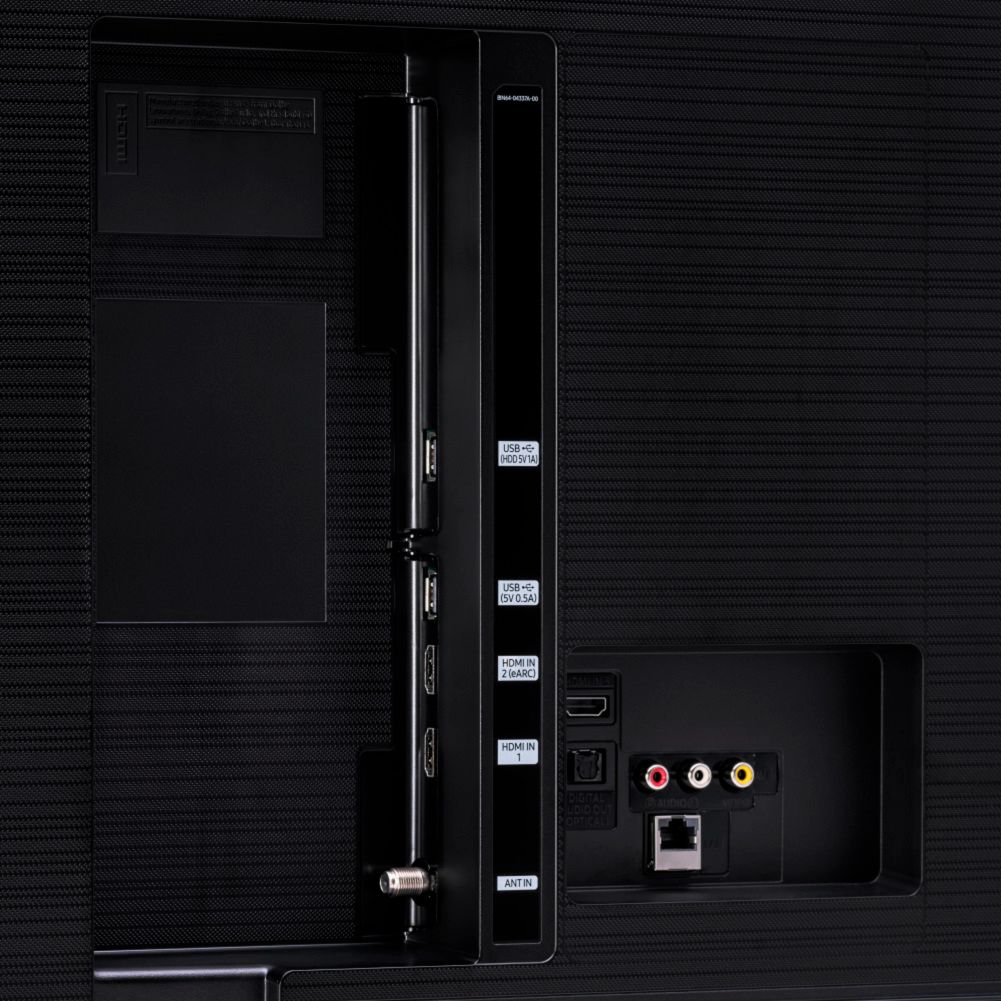
I would recommend this to a friendGood TV, but needs more audio options on back
||Posted . Owned for 3 weeks when reviewed.This reviewer received promo considerations or sweepstakes entry for writing a review.Still wish that the option of changing the channels by the keypad was available. The voice is nice but sometimes you just don't feel like talking to the remote.
I would recommend this to a friendExcellent product
||Posted .This reviewer received promo considerations or sweepstakes entry for writing a review.The product I purchased was excellent. I was most impressed by the Geek Squad who delivered and installed the television.
I would recommend this to a friendHappy with TV
||Posted . Owned for 1 month when reviewed.This reviewer received promo considerations or sweepstakes entry for writing a review.Like the TV, the installers were excellent. Very professional from the start to finish. Would highly recommend to friends.
I would recommend this to a friendHappy!
||Posted .This reviewer received promo considerations or sweepstakes entry for writing a review.The installation was flawless. Geek squad techs were very helpful with their exceptional knowledge of the product.
I would recommend this to a friendSamsung TV is excellent
||Posted . Owned for 1 month when reviewed.This reviewer received promo considerations or sweepstakes entry for writing a review.BB game and installed it. Good installers. When I had problems later getting to Netflix the GEEK Squad was very helpful
I would recommend this to a friend3rd Samsung television
||Posted . Owned for 1 month when reviewed.This reviewer received promo considerations or sweepstakes entry for writing a review.This is the 3rd Samsung television that I have purchased I really enjoy the product and will refer to a friend.
I would recommend this to a friendQLED
||Posted . Owned for 1 week when reviewed.This reviewer received promo considerations or sweepstakes entry for writing a review.Decent picture, bright screen but thought it would be better than it is
I would recommend this to a friendBrand response from Samsung
Posted .Ggrant84,
Thank you for sharing your feedback.
Distinguished by advancements such as our Quantum Processor 4K and proprietary Dual LED technology, the Q60T elevates your viewing enjoyment with 100% color volume, and optimal overall picture according to the scene as well as to your room environment, such as the lighting condition.
The intuitive Smart TV interface brings you the best entertainment experience with voice assistants, smart home integration, and ease of use.
New to our 2020 TVs, MultiView lets users enjoy TV and mobile contents together on the big screen.
Music Wall is another great feature that shows matching visuals that fits the music you plau on the TV.
The built-in Bixby voice, Alexa and Google Assistant let you easily control your TV with just your voice. With AirPlay2, you can stream or share content from Apple devices to the TV in a breeze.
Should you have questions, please contact us at 1-800-SAMSUNG and a representative will gladly help you.
You can also reach us via LiveChat: http://www.samsung.com/us/support/contact
Or by Facebook Messenger: https://www.facebook.com/samsungsupport
Find us on Twitter: https://twitter.com/SamsungSupport
If you have not already done so, we invite you to register your new Samsung product at: https://www.samsung.com/us/account/signin/?redirect=https%3A%2F%2Fwww.samsung.com%2Fus%2Fsupport%2Fregister%2F
Registering your product gives you access to easy warranty support, convenient opt-in to special promos and offers, faster troubleshooting and service, and quick notification of system updates
-Samsung Ambassador
- Pros mentioned:Picture quality
tv
||Posted . Owned for 3 weeks when reviewed.This reviewer received promo considerations or sweepstakes entry for writing a review.i thought the picture quality would be better. It`s still a good tv but if i had to buy it again I would buy the 70 series
I would recommend this to a friendBrand response from Samsung
Posted .60series:
Thank you for purchasing the Samsung Q60T QLED TV and for your review. I am sorry to hear that you are not completely happy with your TV’s picture. There are several image settings you can adjust to your liking such as Picture Mode and Expert Settings.
Choose a Picture Mode by going to Settings > Picture > Picture Mode and choose from Dynamic, Standard, Natural, Movie, or Filmmaker Mode.
You can further adjust your sharpness, brightness, contrast, color, tint, contrast, white balance, and more by going to Settings > Picture > Expert Settings
Please also give us the opportunity to assist you with image quality adjustments tailored to your preferred viewing experience. You can reach us via any of the following options:
1) Phone: 1-800-SAMSUNG (ask for TVs), available 8AM – 12AM EST 7 days a week
2) LiveChat: https://www.samsung.com/us/support/#contact_us_for_support
3) Facebook Messenger: https://www.facebook.com/samsungsupport
4) Twitter: https://twitter.com/SamsungSupport
5) The Samsung Members Community is also a great resource for getting help from Samsung moderators and customers: https://us.community.samsung.com
If you have not already done so, we invite you to register your new Samsung product at: https://www.samsung.com/us/account/signin/?redirect=https%3A%2F%2Fwww.samsung.com%2Fus%2Fsupport%2Fregister%2F
Registering your product gives you access to easy warranty support, convenient opt-in to special promos and offers, faster troubleshooting and service, and quick notification of system updates.
~ Samsung Solutions