Customer Ratings & Reviews
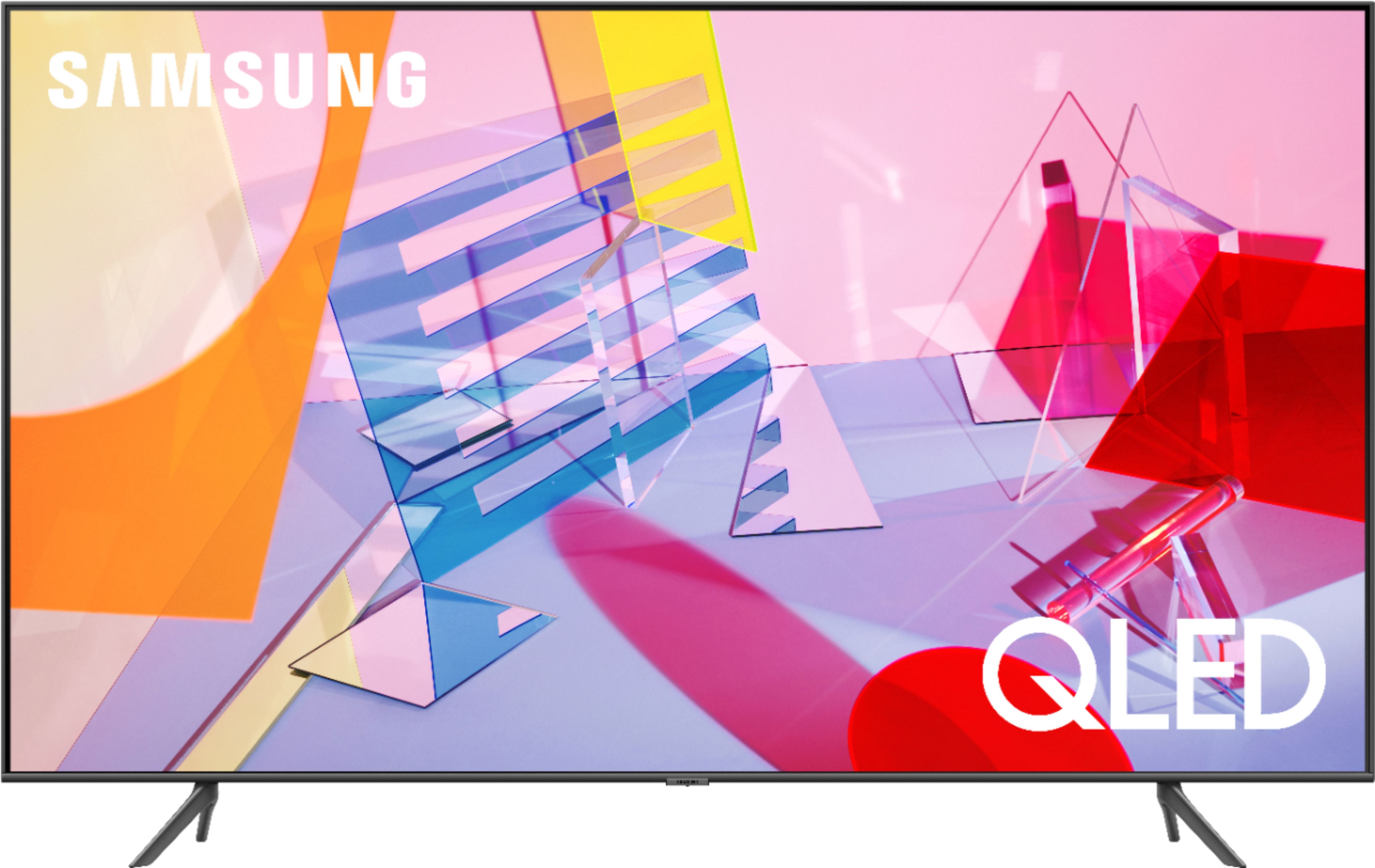
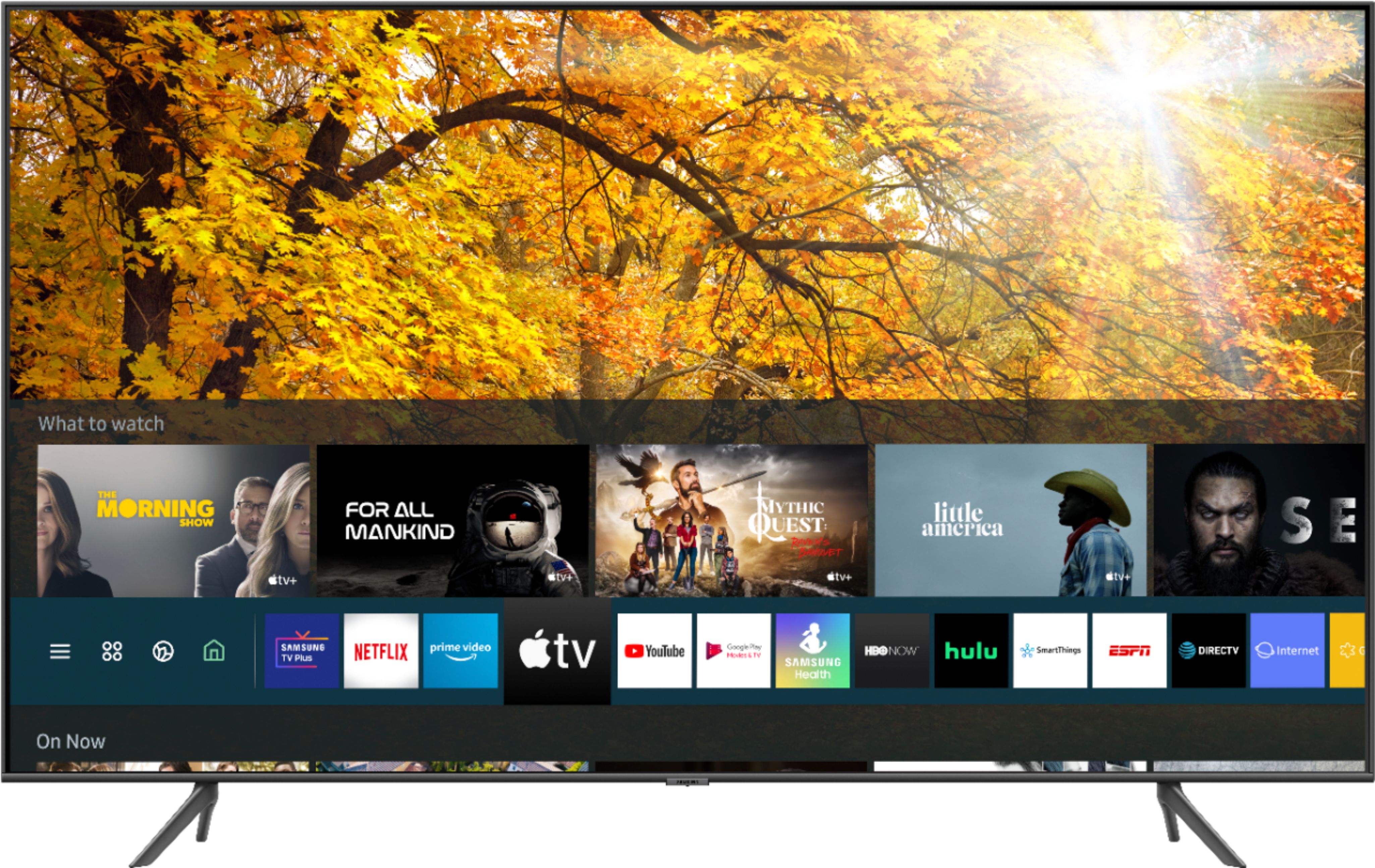
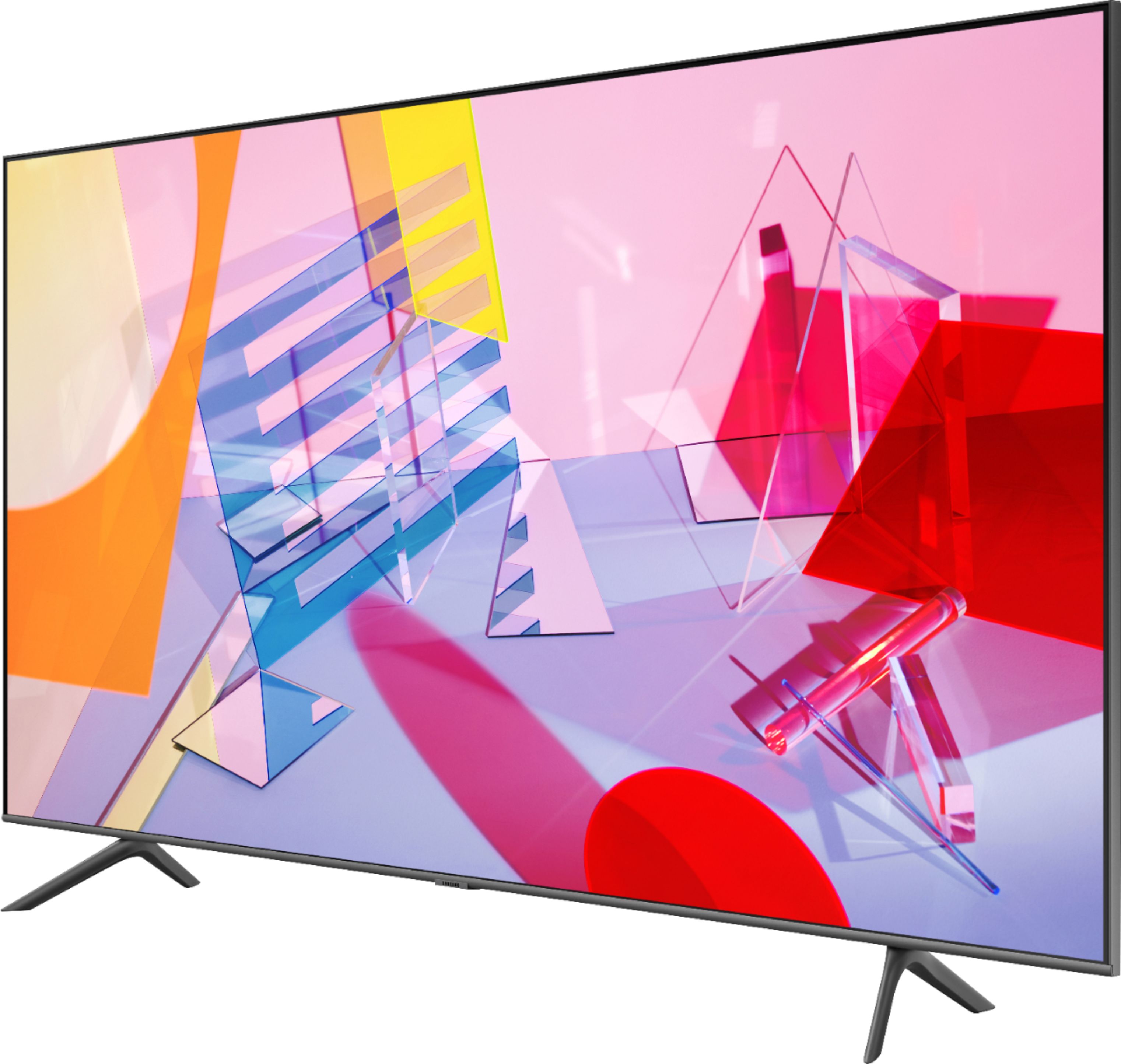

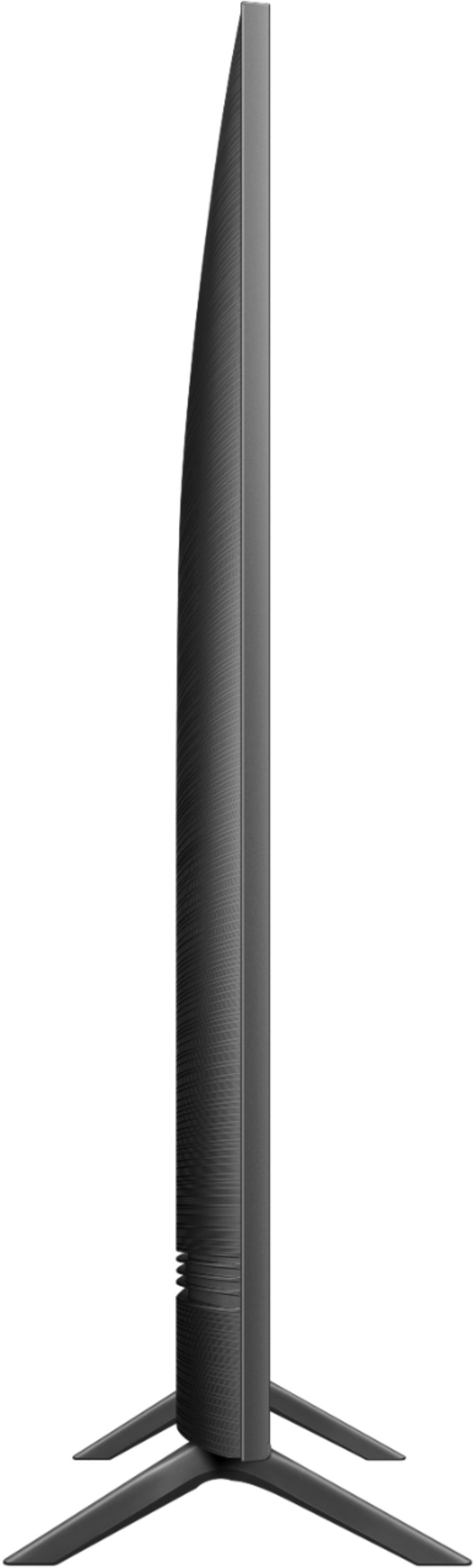
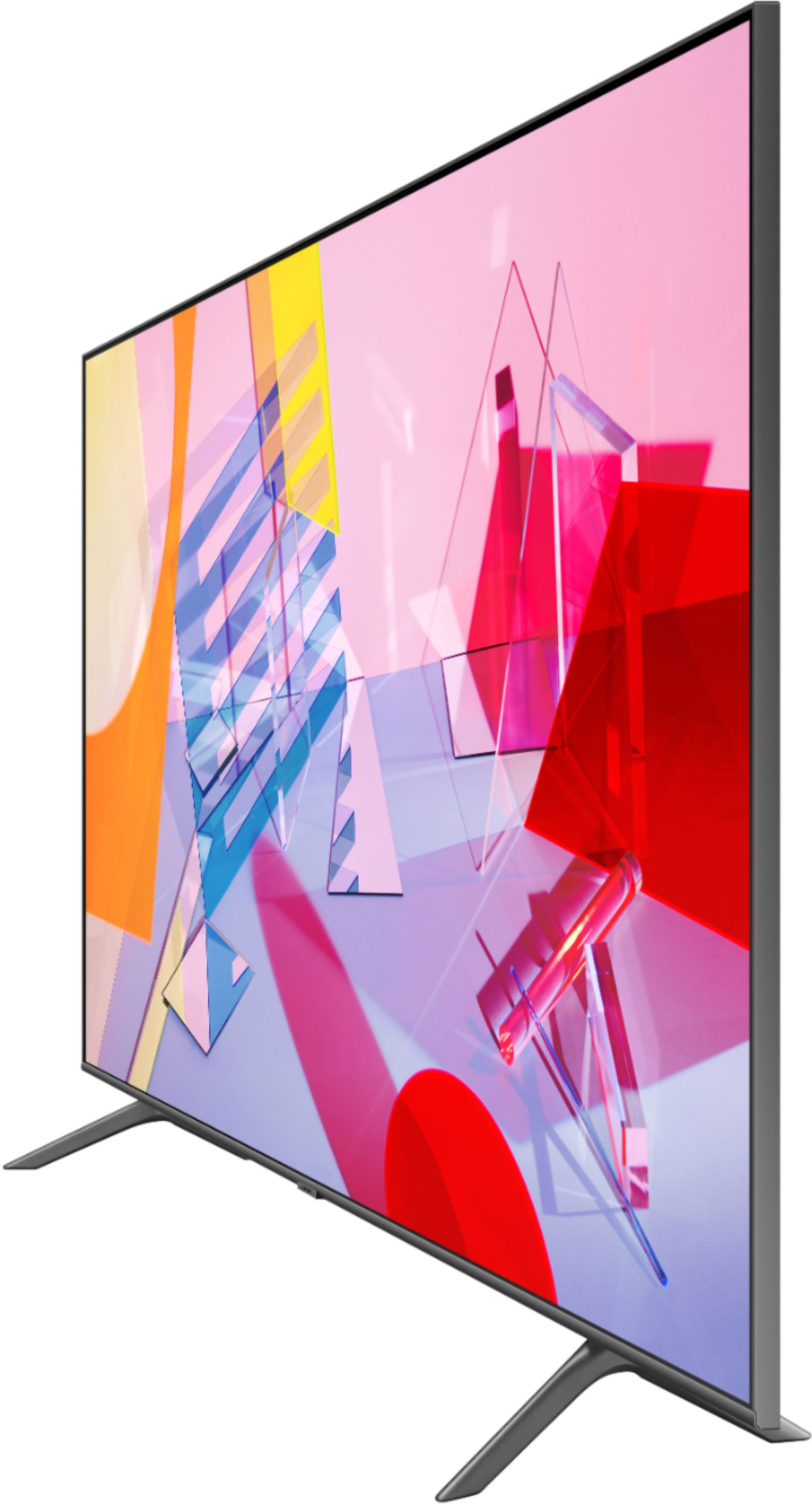

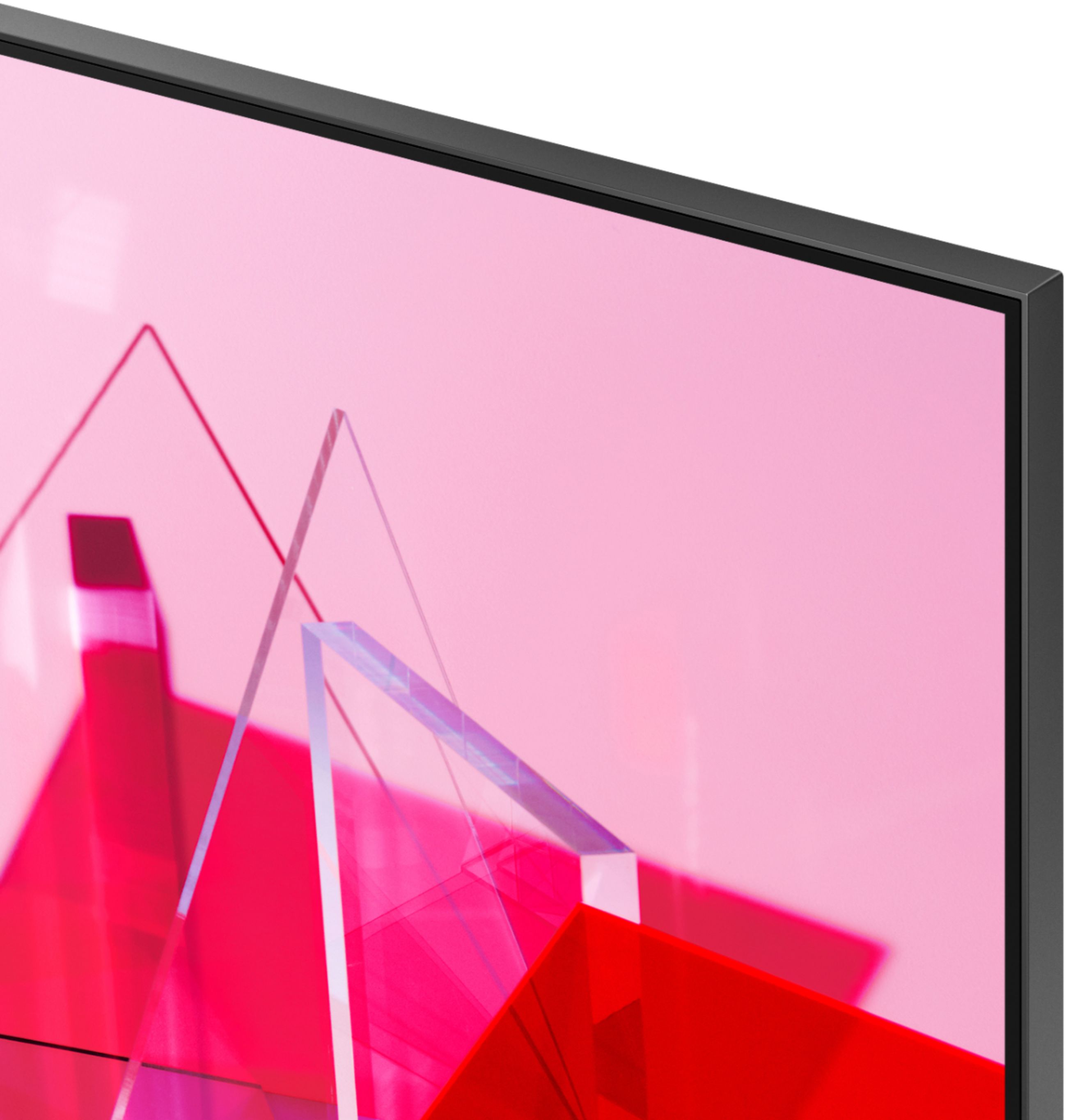
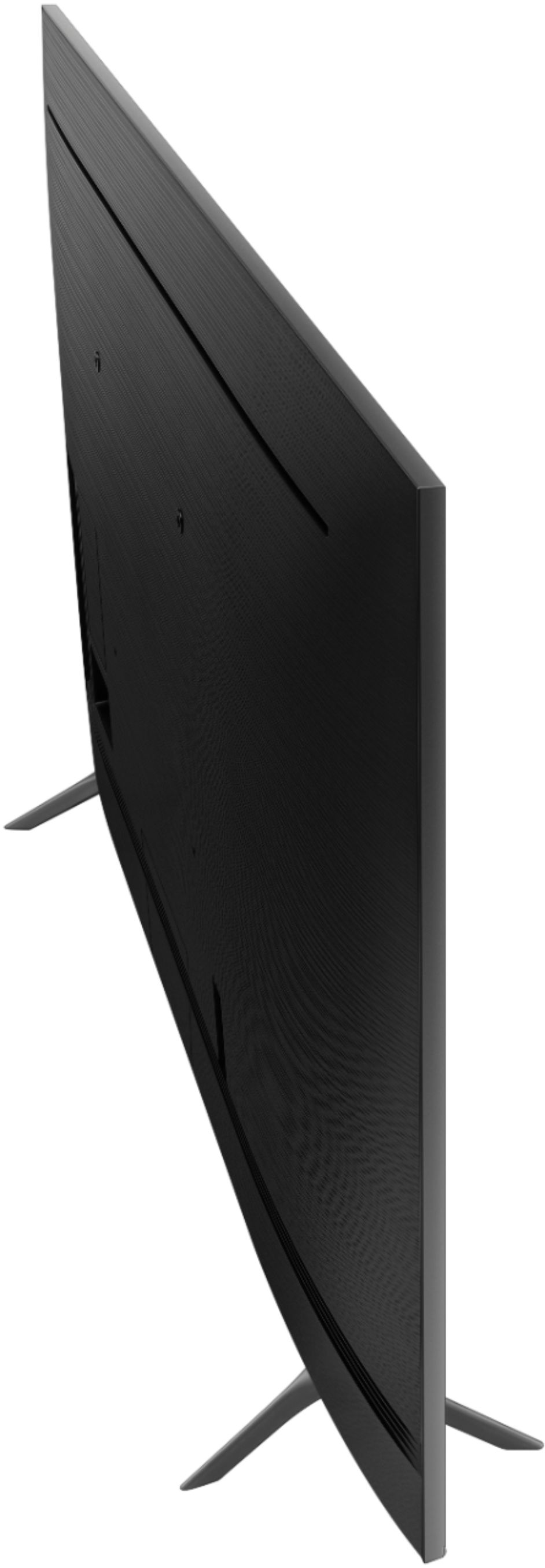
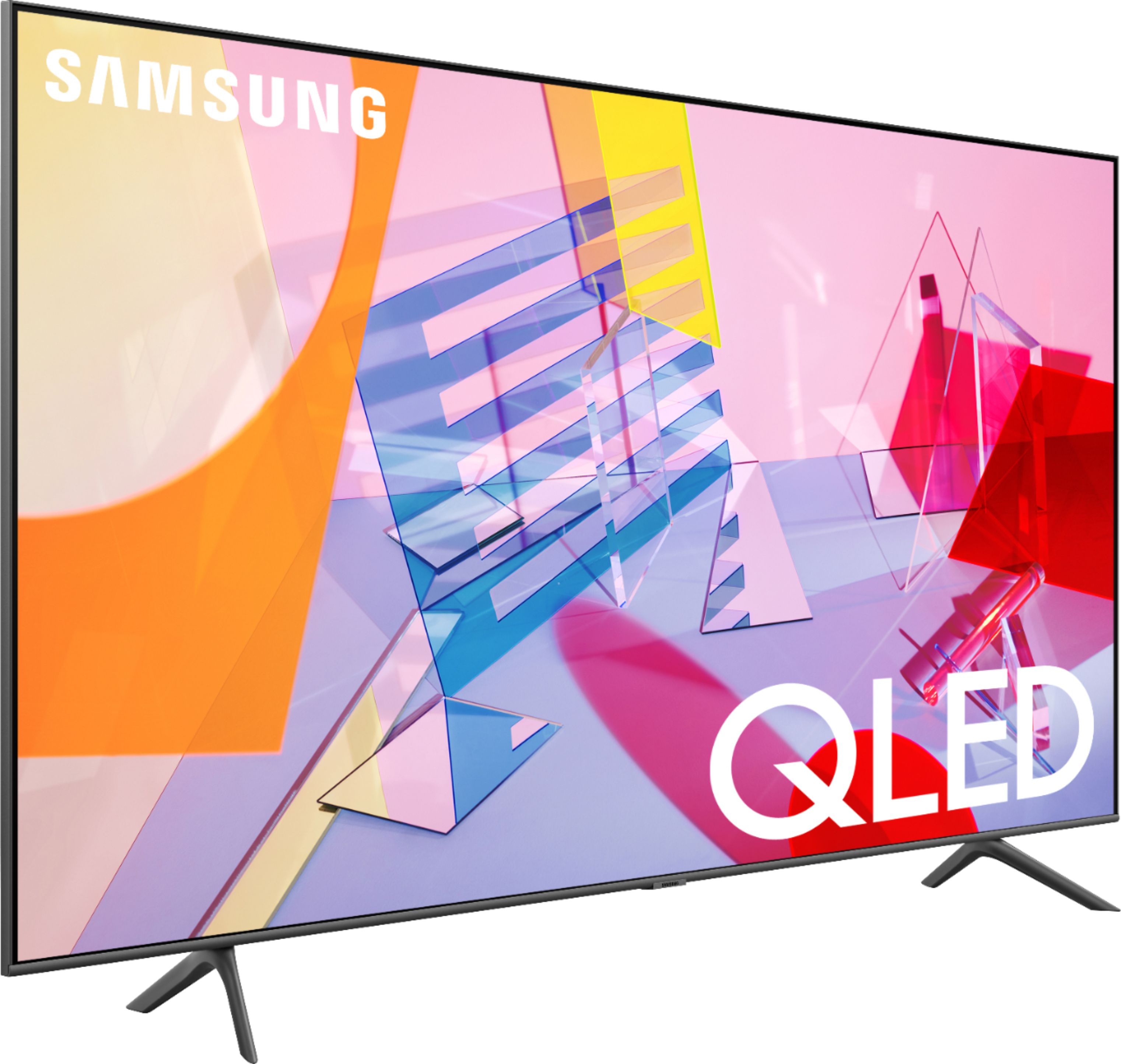
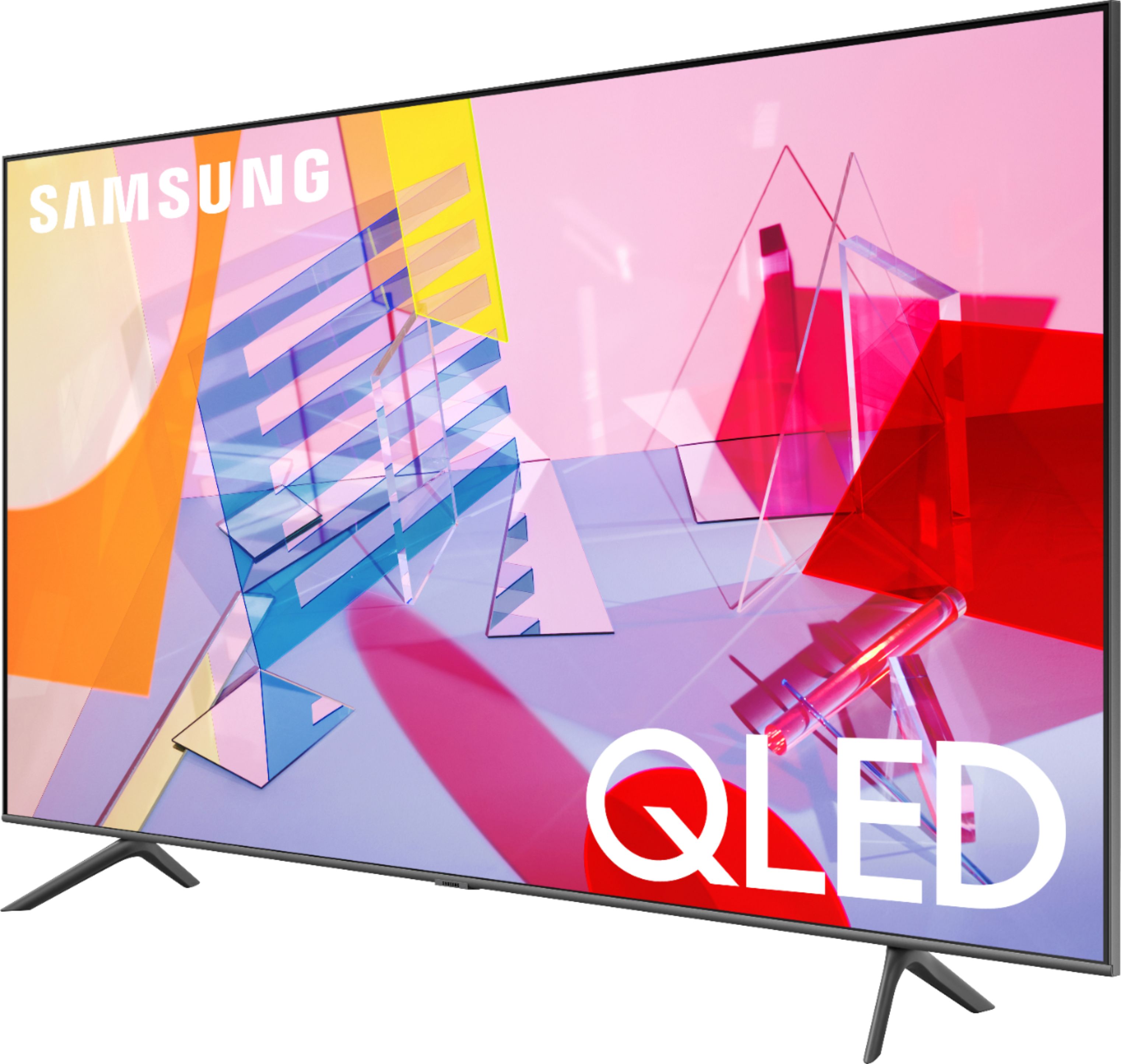








- Model:
- QN55Q60TAFXZA
- SKU:
- 6401755
Rating by feature
- Picture Quality
Rating 4.8 out of 5 stars
- Sound Quality
Rating 4.6 out of 5 stars
- Brightness
Rating 4.8 out of 5 stars
Customers are saying
Customers recognize the 55" Class Q60T Series QLED 4K UHD Smart Tizen TV for its exceptional picture quality, vibrant colors, and reasonable price. Many users appreciate the easy setup process and find the TV to be a great value for the cost. However, some customers have expressed concerns about the remote control, connectivity issues, and the 60Hz refresh rate, which can result in motion blur.
This summary was generated by AI based on customer reviews.
Good QLED tv for the price
||Posted .This reviewer received promo considerations or sweepstakes entry for writing a review.Good Item! Good Item! Good Item! Good Item! Good Item! Good Item! Good Item!
I would recommend this to a friend- Cons mentioned:Remote control
Slow to load apps.
||Posted . Owned for 3 weeks when reviewed.This reviewer received promo considerations or sweepstakes entry for writing a review.Apps are hard to find. Remote doesn’t understand go to home screen. Sound bar unsyncs. I have to unplug the tv and sound bar in order for it to work. I really want to bring it back, but it’s mounted on the wall and it would be too much of a hassle.
No, I would not recommend this to a friendBrand response from Samsung
Posted .Samsung,
Thank you for your purchase and review.
I apologize for the disappointing experience you have had with your Q60T QLED Smart TV.
To optimize the smart TV performance, please try Device Care option under the Support Menu.
Go to Settings > Support> Device Care > Start Device Care.
This service checks memory and frees up unused cached memory and may help to improve the remote's response to commands.
Here is a link to our connection guide that may help with your sync issue:
https://www.samsung.com/us/support/answer/ANS00078931/
If you need further assistance with any of the above or other features, please know we are here to help and can be reached at:
1) Phone: 1-800-SAMSUNG, available 8AM - 12AM EST (Mon-Fri)
2) LiveChat: https://www.samsung.com/us/support/#contact_us_for_support
3) Facebook Messenger: https://www.facebook.com/samsungsupport
4) Twitter: https://twitter.com/SamsungSupport
Have you registered your new Samsung TV with us? If not, we invite you to do so at: https://www.samsung.com/us/account/signin/?redirect=https%3A%2F%2Fwww.samsung.com%2Fus%2Fsupport%2Fregister%2F, and gain access to easy warranty support, convenient opt-in to special promos & offers, faster troubleshooting & service, and quick notification of system updates.
-Samsung Ambassador
Good tv for the money
||Posted . Owned for 1 month when reviewed.This reviewer received promo considerations or sweepstakes entry for writing a review.Performs as advertised. Would recommend this television to buy.
I would recommend this to a friendGood quality
||Posted . Owned for 3 weeks when reviewed.This reviewer received promo considerations or sweepstakes entry for writing a review.Quality is greate, but sound not too much. You will need a soundbar
I would recommend this to a friendSamsung 55 Q60
||Posted . Owned for 1 month when reviewed.This reviewer received promo considerations or sweepstakes entry for writing a review.Excellent product Good entry level option. I would recommend
I would recommend this to a friendSkinny TV
||Posted . Owned for 3 weeks when reviewed.This reviewer received promo considerations or sweepstakes entry for writing a review.Good color. Fits on old wall bracket after purchasing new bolts.
I would recommend this to a friendWilson 530
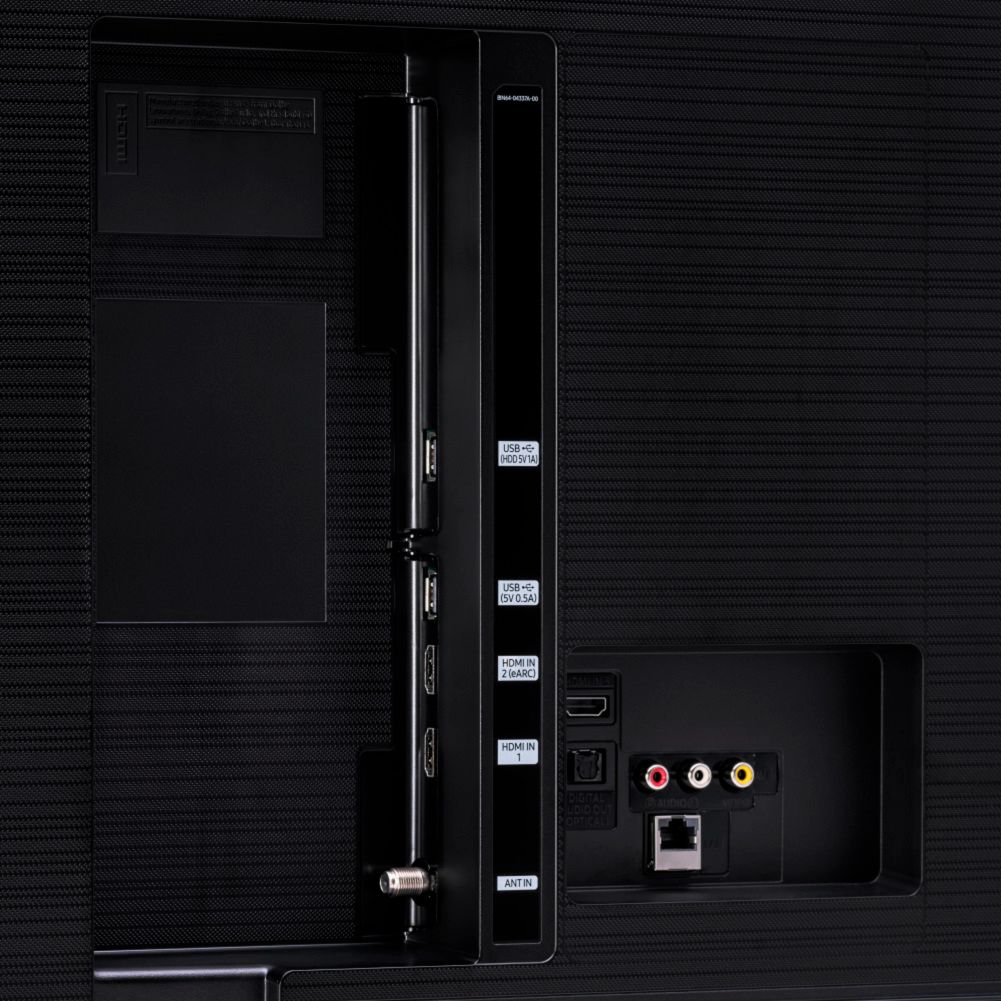
||Posted . Owned for 3 weeks when reviewed.This reviewer received promo considerations or sweepstakes entry for writing a review.Good tv for the money . Got it for the three HDMI ports
I would recommend this to a friendSamsung Q60 Review
||Posted . Owned for 1 month when reviewed.This reviewer received promo considerations or sweepstakes entry for writing a review.We are happy with our new TV. Learning to navigate it.
I would recommend this to a friendNot compatible with all Samsung phones
||Posted . Owned for 1 month when reviewed.This reviewer received promo considerations or sweepstakes entry for writing a review.The tv is smart. It is nice Bluetooth capability but not compatible with note phones. When I called Samsung Customer service, they could not fix the problem ever after, making me reset my phone and lose all my information. The tv other than compatibility is good.
I would recommend this to a friendBrand response from Samsung
Posted .DexterR:
Thank you for purchasing the Q60T TV and for your review. I am sorry you are experiencing issues connecting your Samsung phone to your TV and were unsuccessful in troubleshooting with Samsung Customer Support.
You can check Source > Connection Guide for further information on how to connect your smartphone.
If you would like to try further troubleshooting, please contact Samsung Customer Support.
1) Phone: 1-800-SAMSUNG (ask for TVs), available 8AM – 12AM EST 7 days a week
2) LiveChat: https://www.samsung.com/us/support/#contact_us_for_support
3) Facebook Messenger: https://www.facebook.com/samsungsupport
4) Twitter: https://twitter.com/SamsungSupport
5) The Samsung Members Community is also a great resource for getting help from Samsung moderators and customers: https://us.community.samsung.com
If you have not already done so, we invite you to register your new Samsung product at: https://www.samsung.com/us/account/signin/?redirect=https%3A%2F%2Fwww.samsung.com%2Fus%2Fsupport%2Fregister%2F
Registering your product gives you access to easy warranty support, convenient opt-in to special promos and offers, faster troubleshooting and service, and quick notification of system updates.
~ Samsung Solutions
Good product
||Posted . Owned for 1 month when reviewed.This reviewer received promo considerations or sweepstakes entry for writing a review.Happy with new Tv bought from BestBuy ..Gr8 service
I would recommend this to a friendNot so east to use
||Posted .This reviewer received promo considerations or sweepstakes entry for writing a review.It's ok but it would be better if it had more adjustments.
I would recommend this to a friendNot Compatible with XBOX 1 series 1
||Posted .This reviewer received promo considerations or sweepstakes entry for writing a review.Will not connect to XBOX 1 series 1? When you connect the hdmi cable to any of the 3 ports it say no device found. After spending numerous hours with Samsung tech support and returning 2 Q60 QLED TVs and having the same problem I finally went with a Sony TV from NFM. I took the XBOX series 1 in with me to test the only Samsung QLED tv that would run the xbox 1 series 1 is the Q90 with the external connection box. Best buy returned the tv no problem but between the 2 tvs I got I had numerous hours trying to connect and talking with Samsung tech support, driving, and waiting in line. Very disappointed with Samsung not making this tv backwards compatible to older devices.
No, I would not recommend this to a friendBrand response from Samsung
Posted .AndyS:
Thank you for sharing your review of the Samsung Q60T TV. I am very sorry that issues with your TV have caused you to return it. I completely understand your disappointment.
Should you ever decide to give Samsung TVs another try and have questions or need assistance with settings, setup, or features, please know we are always here to help.
Again, my sincerest apologies. We hope to regain you as a customer in the future.
1) Phone: 1-800-SAMSUNG (available 8AM -12AM EST, 7 days a week)
2) LiveChat: https://www.samsung.com/us/support/#contact_us_for_support
3) Facebook Messenger: https://www.facebook.com/samsungsupport
4) Twitter: https://twitter.com/SamsungSupport
5) The Samsung Members Community is also a great resource for getting help from Samsung moderators and customers: https://us.community.samsung.com
Thank you again for taking the time to share your thoughts. Your feedback helps us continuously deliver best-in-class products and service.
~ Samsung Solutions
- Pros mentioned:Picture quality
Flicker, Stutter, and Blur...
||Posted . Owned for 2 weeks when reviewed.This reviewer received promo considerations or sweepstakes entry for writing a review.Very disappointed in this tv and had to return. The colors on screen are amazing, but that's where anything good ends. Numerous flickering and blurring issues during sports or even just good ole' fashion Christmas movies on Hallmark channel. Motion control settings wouldn't fix the problem and only made the soap opera effect on other programs worse. I went with a new LG for less money and extremely happy I did.
No, I would not recommend this to a friendBrand response from Samsung
Posted .Scorch14:
I am very sorry to see that your Q60T TV did not meet your expectations, and you have returned it.
Should you ever decide to give Samsung TVs another try and have questions or need assistance with settings, setup, or features, please know we are always here to help.
1) Phone: 1-800-SAMSUNG (ask for TVs), available 8AM – 12AM EST 7 days a week
2) LiveChat: https://www.samsung.com/us/support/#contact_us_for_support
3) Facebook Messenger: https://www.facebook.com/samsungsupport
4) Twitter: https://twitter.com/SamsungSupport
5) The Samsung Members Community is also a great resource for getting help from Samsung moderators and customers: https://us.community.samsung.com
If you have not already done so, we invite you to register your new Samsung product at: https://www.samsung.com/us/account/signin/?redirect=https%3A%2F%2Fwww.samsung.com%2Fus%2Fsupport%2Fregister%2F
Registering your product gives you access to easy warranty support, convenient opt-in to special promos and offers, faster troubleshooting and service, and quick notification of system updates.
~ Samsung Solutions
- Pros mentioned:Picture quality
Good picture, apps have issues
||Posted . Owned for 1 week when reviewed.This reviewer received promo considerations or sweepstakes entry for writing a review.The tv itself has great picture, but the processor is pretty slow and the Amazon app constantly doesn’t load/isn’t working. Solution is unplugging the tv and plugging it back in, but for a $500 tv, I shouldn’t have to do this. Absolutely ridiculous
No, I would not recommend this to a friendBrand response from Samsung
Posted .schandna,
I apologize for the issues you have experienced.
To optimize the smart TV performance, please try Device Care option under the Support Menu. Go to Settings > Support> Device Care > Start Device Care.
This service checks memory and frees up unused cached memory and closes background apps.
The issue with the Amazon App may be related to your network connection and quality.
We suggest you try the following:
1. Use 5G WiFi if possible
2. Try wired LAN if available
3. Try repositioning the router so there are no obstacles between your TV and the router.
Should the issues persist, please contact our Customer Support for further assitance :
1) Phone: 1-800-SAMSUNG (ask for TVs)
Available 8AM – 9PM EST (Mon-Fri)
2) LiveChat: https://www.samsung.com/us/support/#contact_us_for_support
3) Facebook Messenger: https://www.facebook.com/samsungsupport
4) Twitter: https://twitter.com/SamsungSupport
If you have not already done so, we invite you to register your new Samsung product at: https://www.samsung.com/us/account/signin/?redirect=https%3A%2F%2Fwww.samsung.com%2Fus%2Fsupport%2Fregister%2F
Registering your product gives you access to easy warranty support, convenient opt-in to special promos and offers, faster troubleshooting and service, and quick notification of system updates.
Again, I am very sorry for the inconveniences you have had and hope that we will hear from you soon.
-Samsung Ambassador
It's OK
||Posted .This reviewer received promo considerations or sweepstakes entry for writing a review.It's mostly a good TV. There is a very small delay in the audio even when the delay setting is zero. Sometimes the video appears to jump when part of the screen has lots of motion and the rest doesn't.
No, I would not recommend this to a friendBrand response from Samsung
Posted .Bryce:
Thank you for purchasing the Samsung Q60T TV. I am very sorry you are experiencing audio delay issues. It could possibly a source issue, but if you are hearing an audio delay across all sources/channels and you have a Home Theatre System or other speakers connected to your TV, you can access the Audio Delay settings to increase the audio delay. Go to: Settings > Sound > Expert Settings > Digital Output Audio Delay
Please know that our 2020 TVs do have an audio Pass-Through feature. This feature allows the audio signal to be sent out unprocessed to an external Soundbar or receiver connected to the TV. The external Soundbar or receiver then processes the audio, thereby eliminating the added step of processing by the TV, which adds delay.
On your TV go to: Settings > Audio > Expert Settings > Digital Audio Output Format > Pass-Through
For optimal motion image performance, you may want to adjust the picture clarity setting by going to: Settings > Picture > Expert Settings > Picture Clarity Settings
Should you have questions or need help with TV features, specs, or operation, we are here to help.
1) Phone: 1-800-SAMSUNG (ask for TVs), available 8AM – 12AM EST 7 days a week
2) LiveChat: https://www.samsung.com/us/support/#contact_us_for_support
3) Facebook Messenger: https://www.facebook.com/samsungsupport
4) Twitter: https://twitter.com/SamsungSupport
5) The Samsung Members Community is also a great resource for getting help from Samsung moderators and customers: https://us.community.samsung.com
If you have not already done so, we invite you to register your new Samsung product at: https://www.samsung.com/us/account/signin/?redirect=https%3A%2F%2Fwww.samsung.com%2Fus%2Fsupport%2Fregister%2F
Registering your product gives you access to easy warranty support, convenient opt-in to special promos and offers, faster troubleshooting and service, and quick notification of system updates.
~ Samsung Solutions
Blah
||Posted . Owned for 3 weeks when reviewed.This reviewer received promo considerations or sweepstakes entry for writing a review.Jittery playback at times. Audio outputs not at all what I expected. Yes you can have optical audio output or HDMI eArc but there is no way to control the amplitude of either audio output.
No, I would not recommend this to a friendBrand response from Samsung
Posted .Frown:
Thank you for choosing the Samsung Q60T TV. I am sorry you are not completely happy with your picture and are noticing occasional jitter. You can try adjusting the Picture Clarity Settings function to improve your picture.
Go to: Home > Settings > Picture > Expert Settings > Picture Clarity Settings
To improve your sound experience, you may select from several Sound Modes and advanced settings to meet your personal preferences. Press the Home button on your remote, and then navigate to Settings > Sound > Sound Mode > Amplify
You can also customize the sound with Expert Settings. Home > Settings > Sound > Expert Settings
Please also give us the opportunity to assist you with quality adjustments tailored to your preferred viewing and listening experience. You can reach us via any of the following options:
1) Phone: 1-800-SAMSUNG (ask for TVs), available 8AM – 12AM EST 7 days a week
2) LiveChat: https://www.samsung.com/us/support/#contact_us_for_support
3) Facebook Messenger: https://www.facebook.com/samsungsupport
4) Twitter: https://twitter.com/SamsungSupport
5) The Samsung Members Community is also a great resource for getting help from Samsung moderators and customers: https://us.community.samsung.com
If you have not already done so, we invite you to register your new Samsung product at: https://www.samsung.com/us/account/signin/?redirect=https%3A%2F%2Fwww.samsung.com%2Fus%2Fsupport%2Fregister%2F
Registering your product gives you access to easy warranty support, convenient opt-in to special promos and offers, faster troubleshooting and service, and quick notification of system updates.
~ Samsung Solutions
Problem with sound
||Posted . Owned for 2 weeks when reviewed.This reviewer received promo considerations or sweepstakes entry for writing a review.Honestly it’s kind of hard to use. It is hard to navigate through the apps and menus. Sometimes the sound is delayed when people are talking. The words do not match the mouth movements.
No, I would not recommend this to a friendOK TV
||Posted . Owned for 1 month when reviewed.This reviewer received promo considerations or sweepstakes entry for writing a review.Purchased this TV to go into my guest room. Had some issues getting the internet connection to hold on this TV, but figured the solve. It connects to all my smarthings.
I would recommend this to a friendTV
||Posted . Owned for 7 months when reviewed.This reviewer received promo considerations or sweepstakes entry for writing a review.I was disappointed in this purchase. The television screen cracked the first time I took it off the wall even though I was extremely careful. Not a quality product.
I would recommend this to a friendSo so
||Posted . Owned for 1 week when reviewed.This reviewer received promo considerations or sweepstakes entry for writing a review.I didn't see much of a difference between the QLED and the 4k LED frame tv I purchased from Samsung. Actually I thought the LED 4K picture was better so I returned it.
No, I would not recommend this to a friendBrand response from Samsung
Posted .Derrick:
I am very sorry to see that you were not completely happy with your Samsung Q60T, and you have returned it. Please know that the Frame Series TV features 100% color volume with QLED.
If you should have any questions or concerns with usage, features, or how to best optimize your settings, Samsung Customer Support is here to help.
1) Phone: 1-800-SAMSUNG (ask for TVs), available 8AM – 12AM EST 7 days a week
2) LiveChat: https://www.samsung.com/us/support/#contact_us_for_support
3) Facebook Messenger: https://www.facebook.com/samsungsupport
4) Twitter: https://twitter.com/SamsungSupport
5) The Samsung Members Community is also a great resource for getting help from Samsung moderators and customers: https://us.community.samsung.com
If you have not already done so, we invite you to register your new Samsung product at: https://www.samsung.com/us/account/signin/?redirect=https%3A%2F%2Fwww.samsung.com%2Fus%2Fsupport%2Fregister%2F
Registering your product gives you access to easy warranty support, convenient opt-in to special promos and offers, faster troubleshooting and service, and quick notification of system updates.
~ Samsung Solutions