Customer Ratings & Reviews
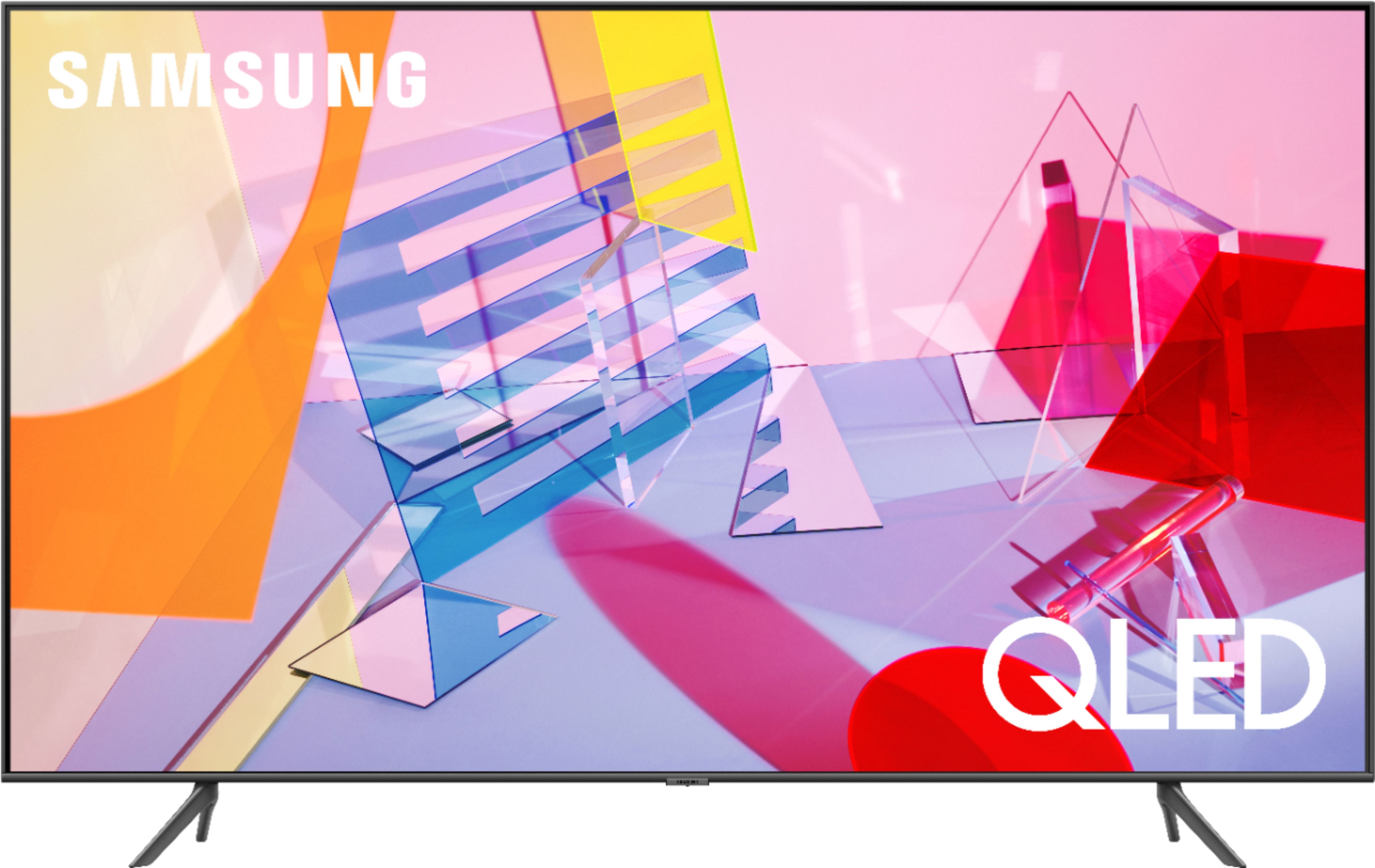
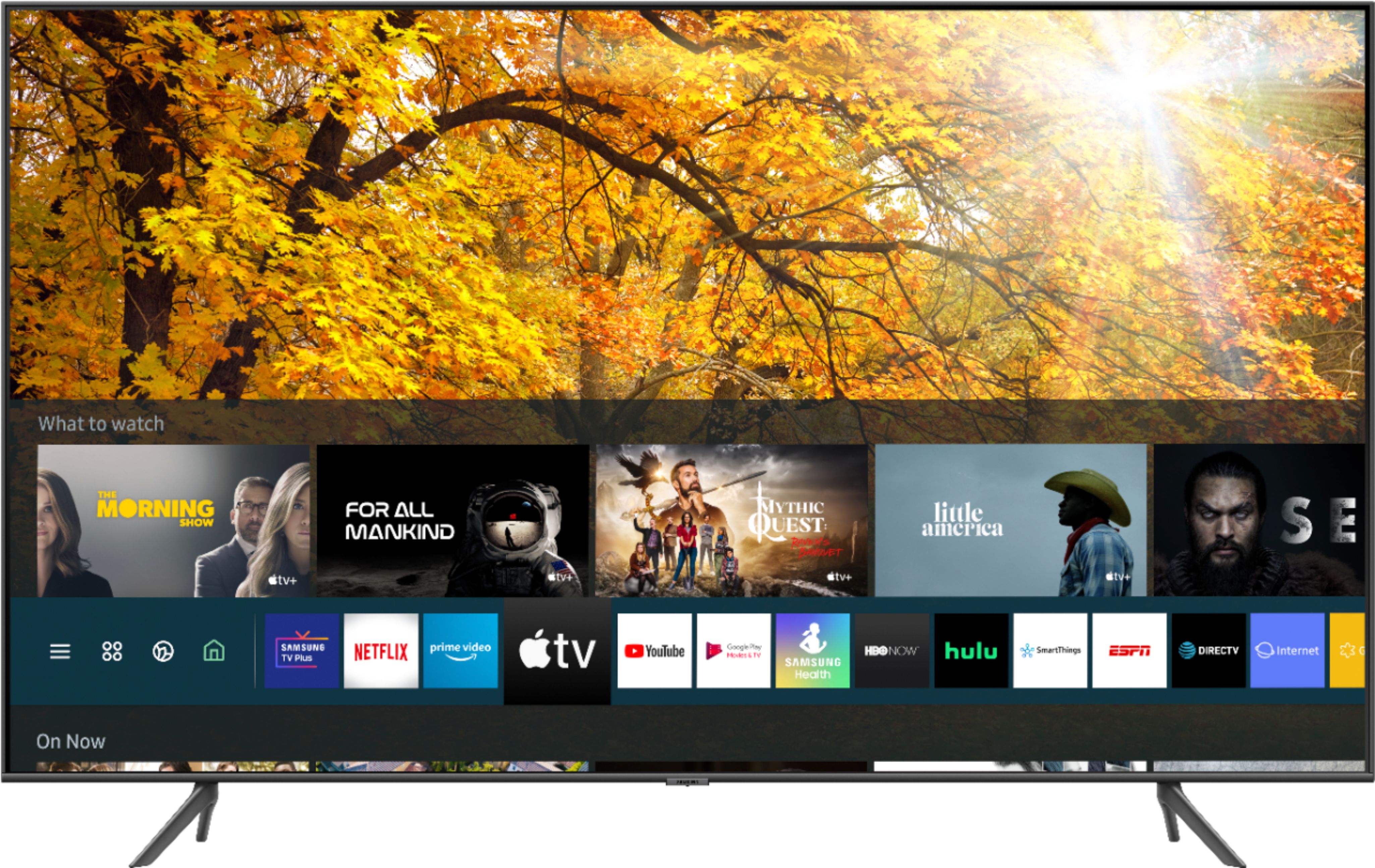
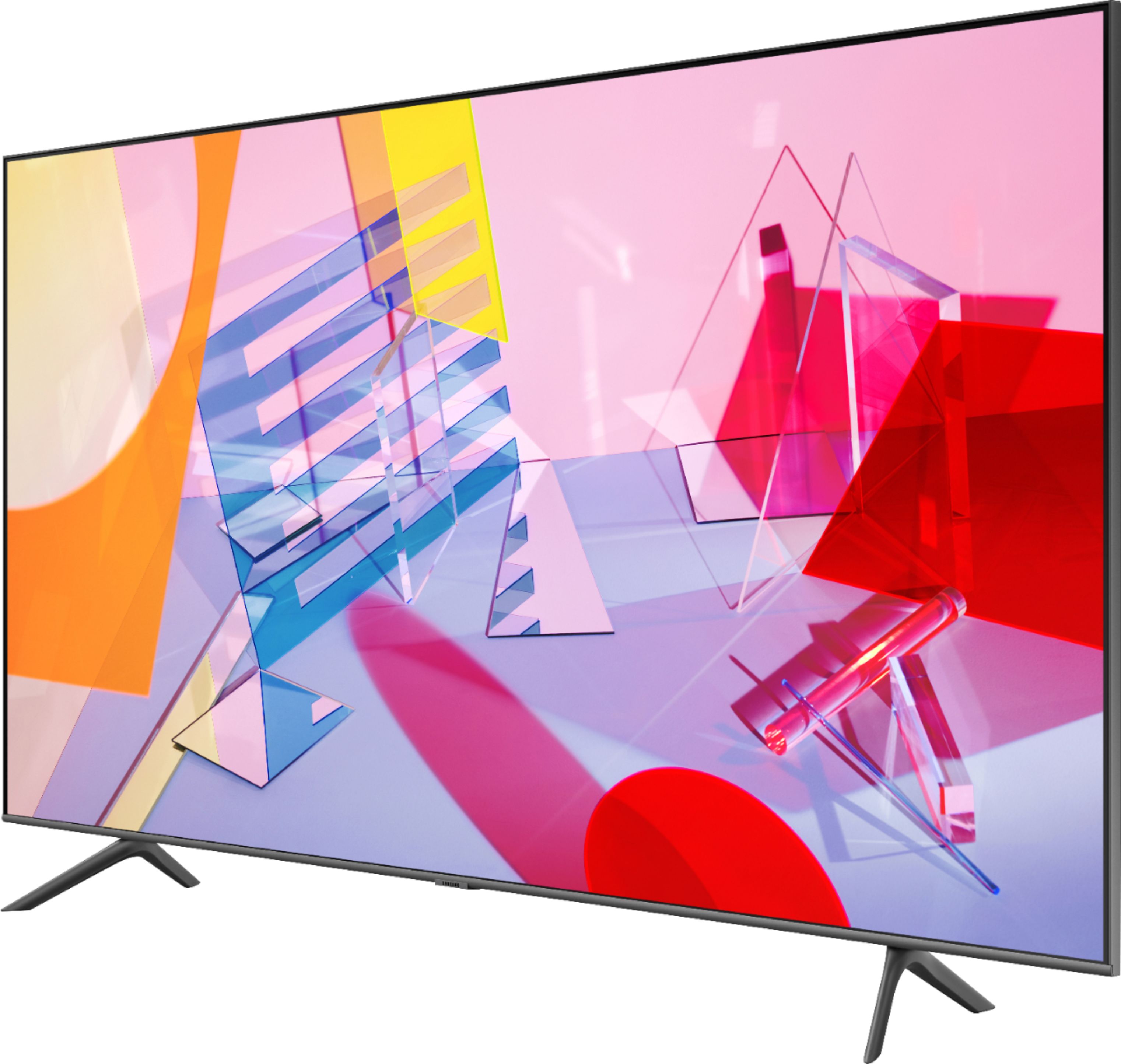

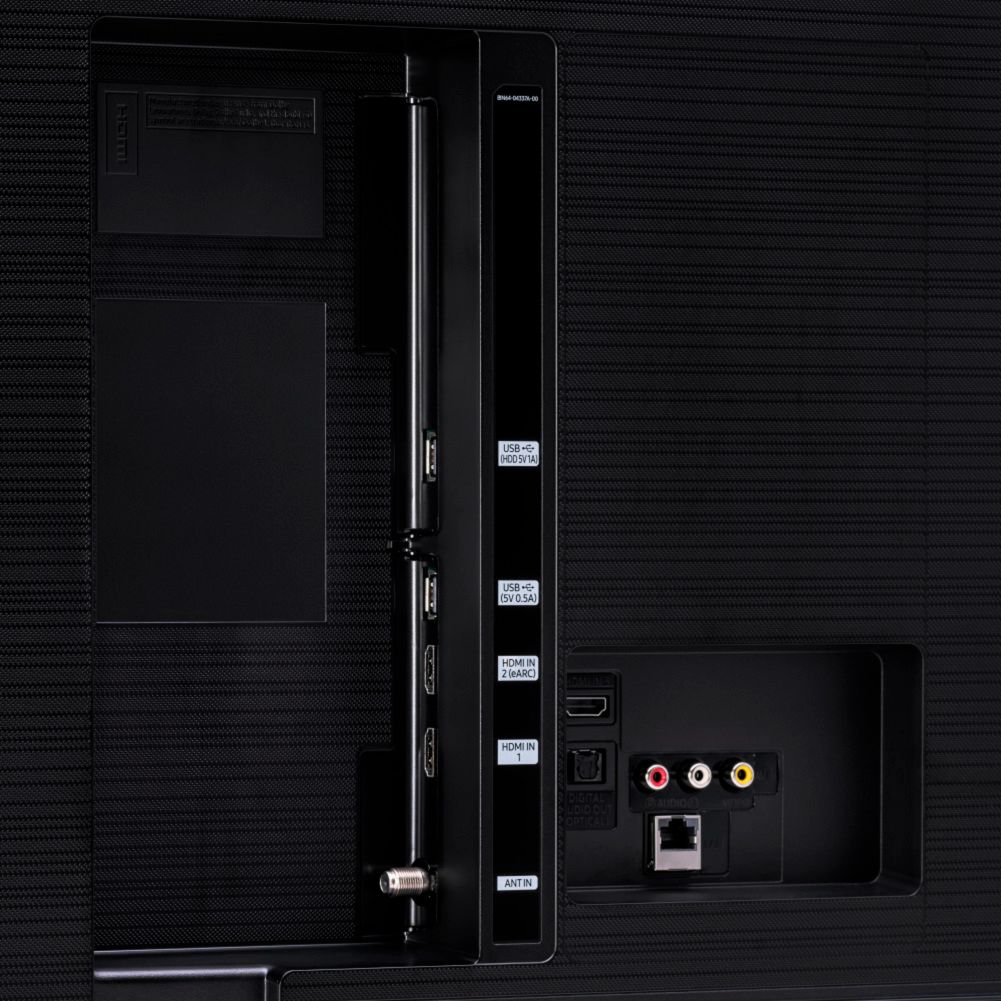
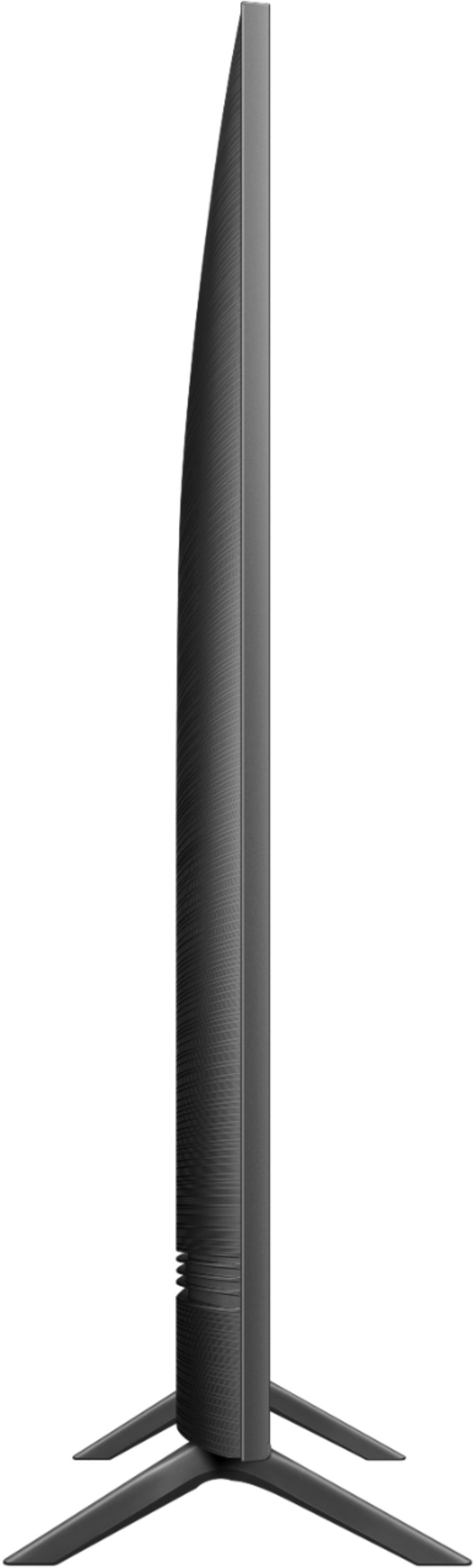
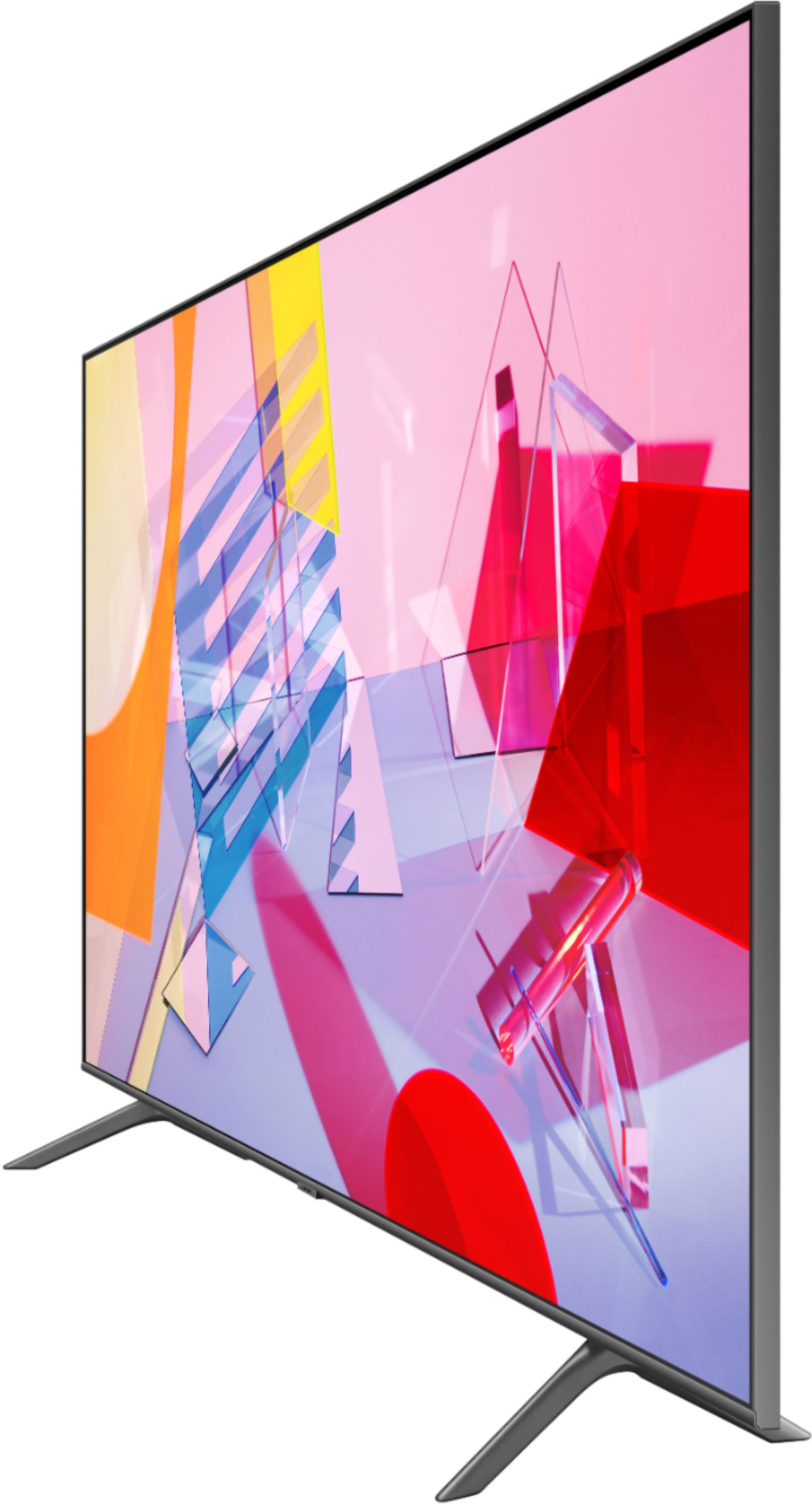

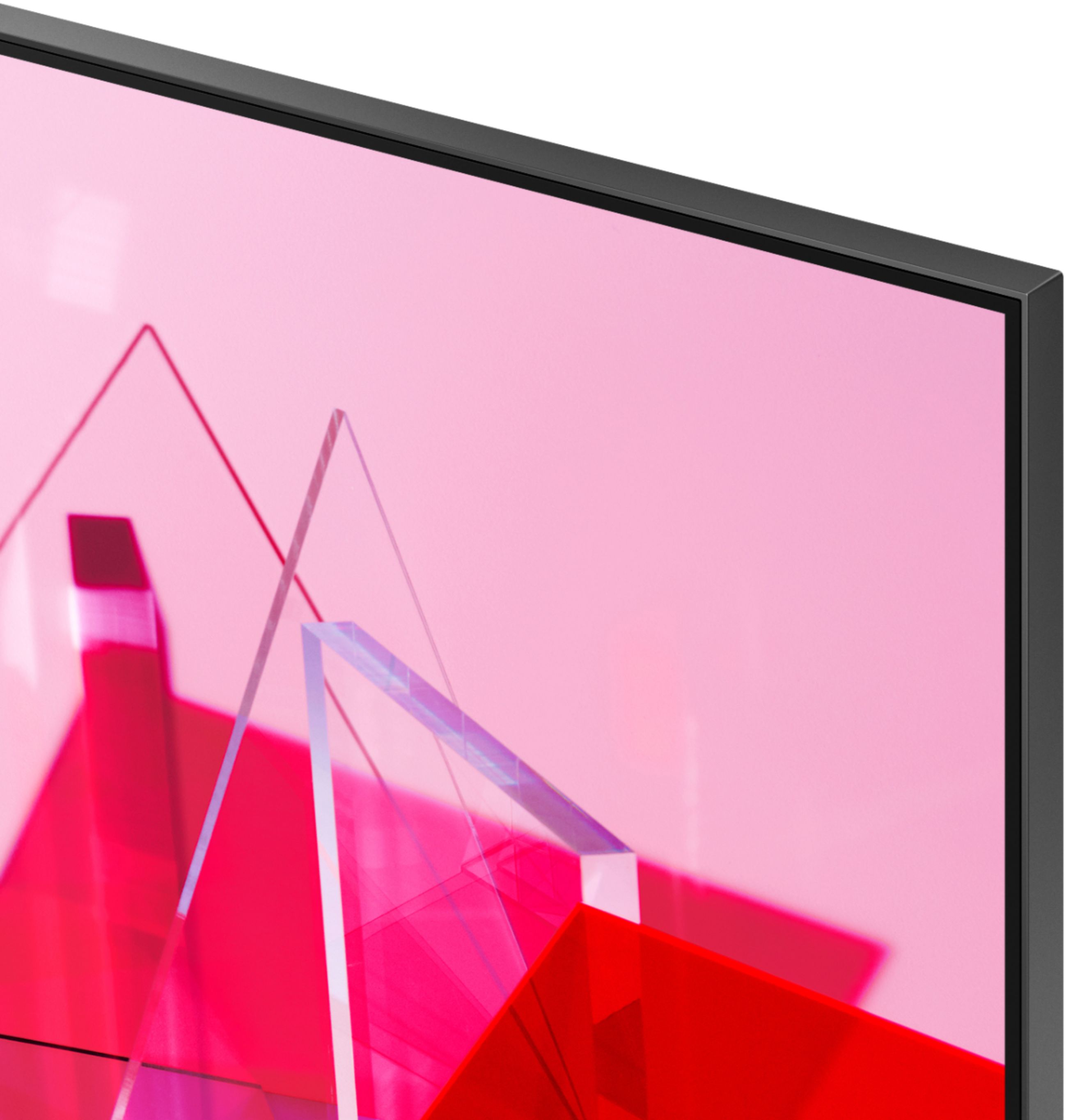
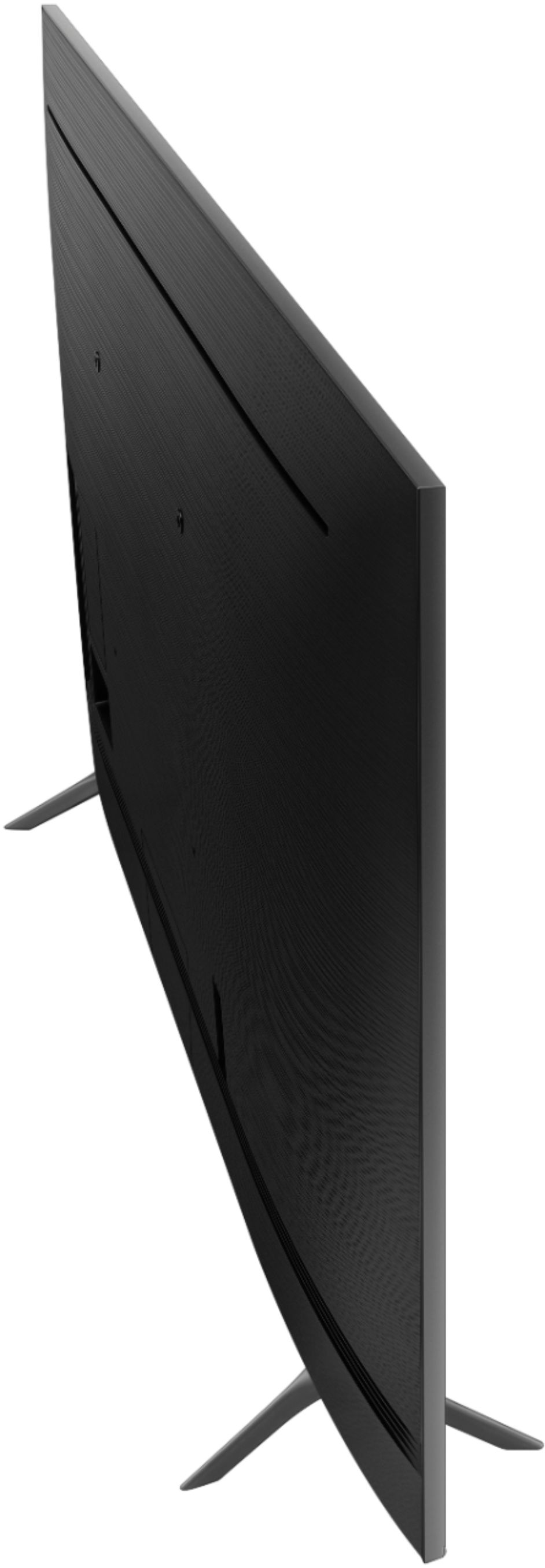
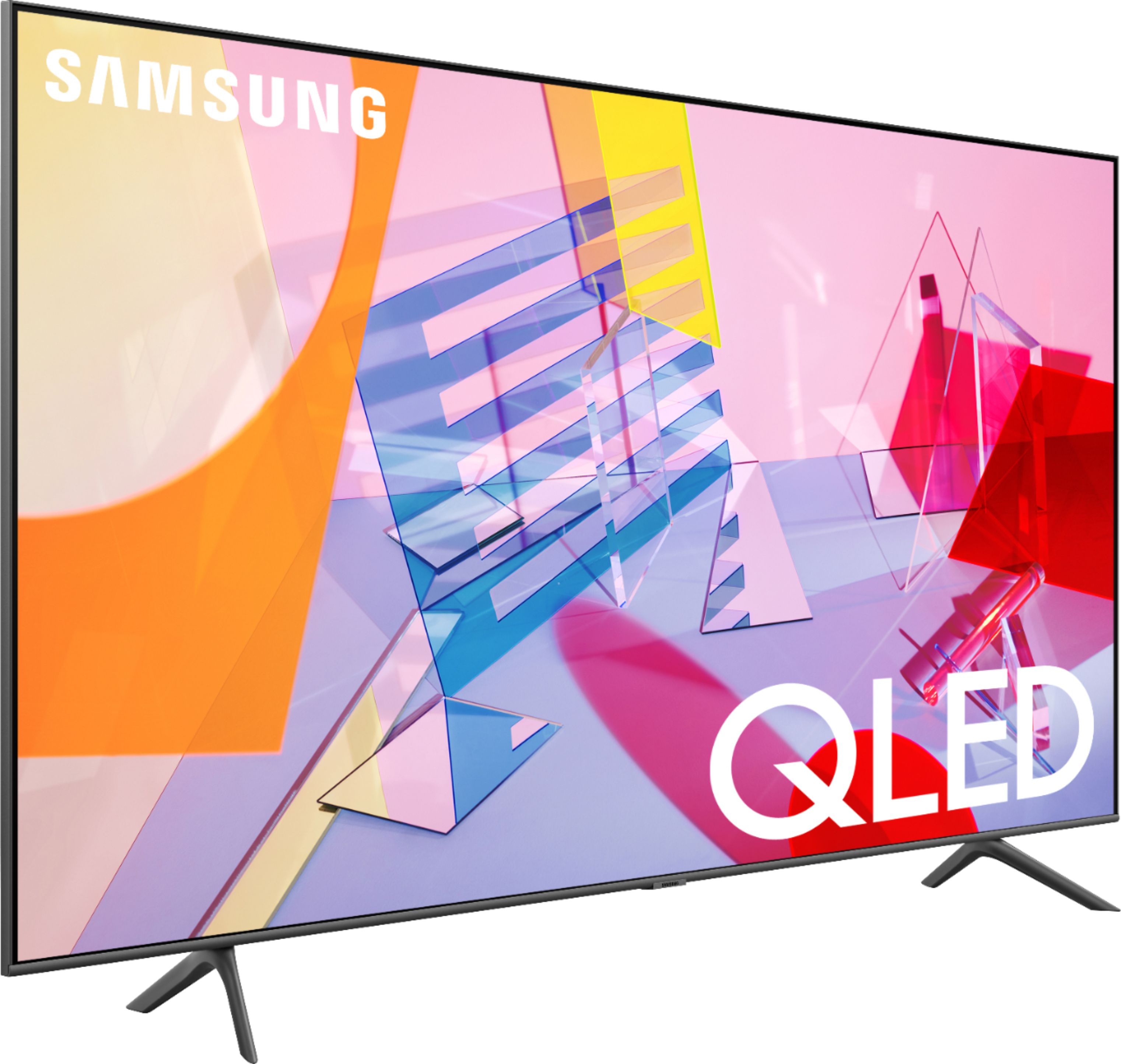
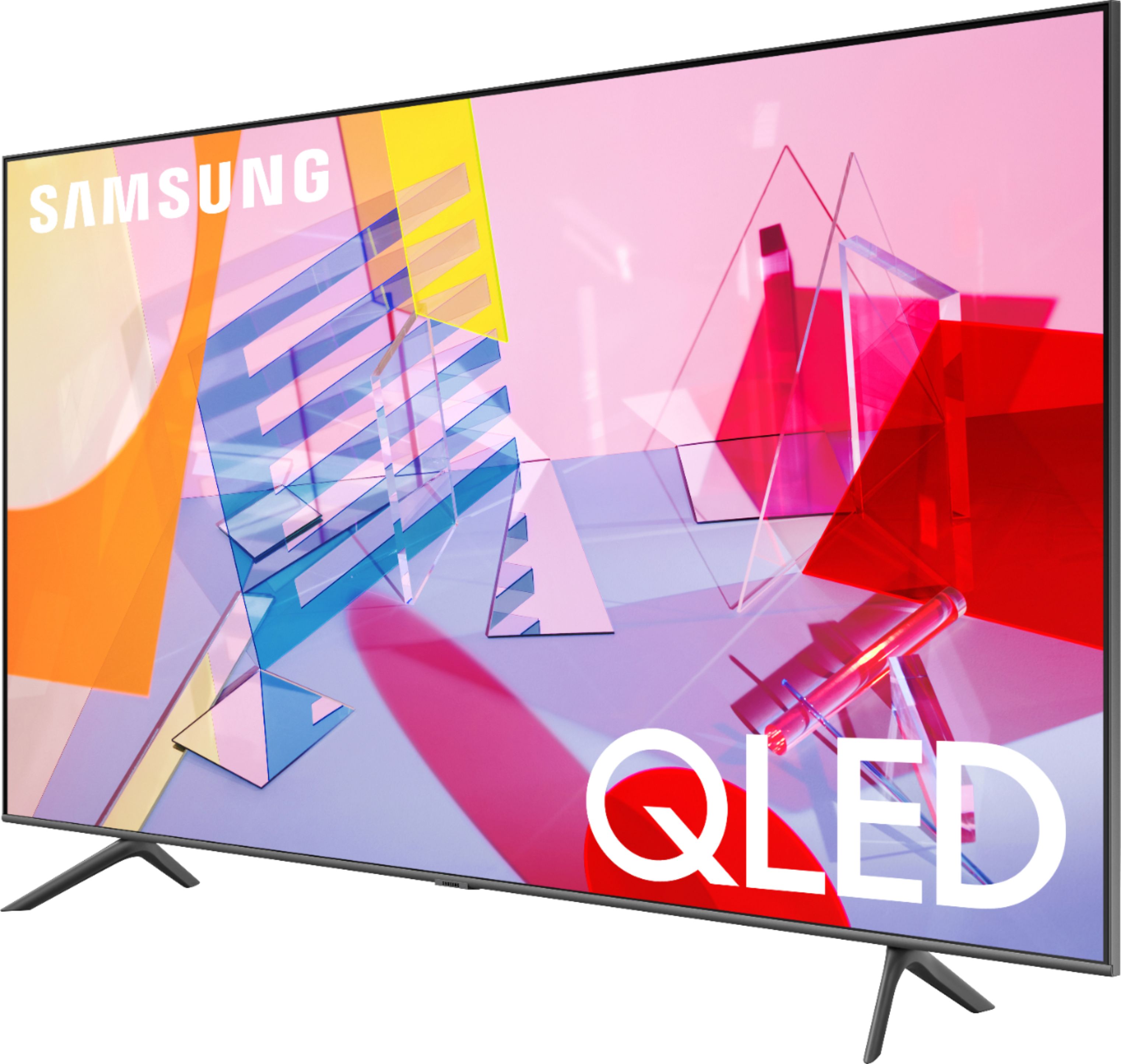
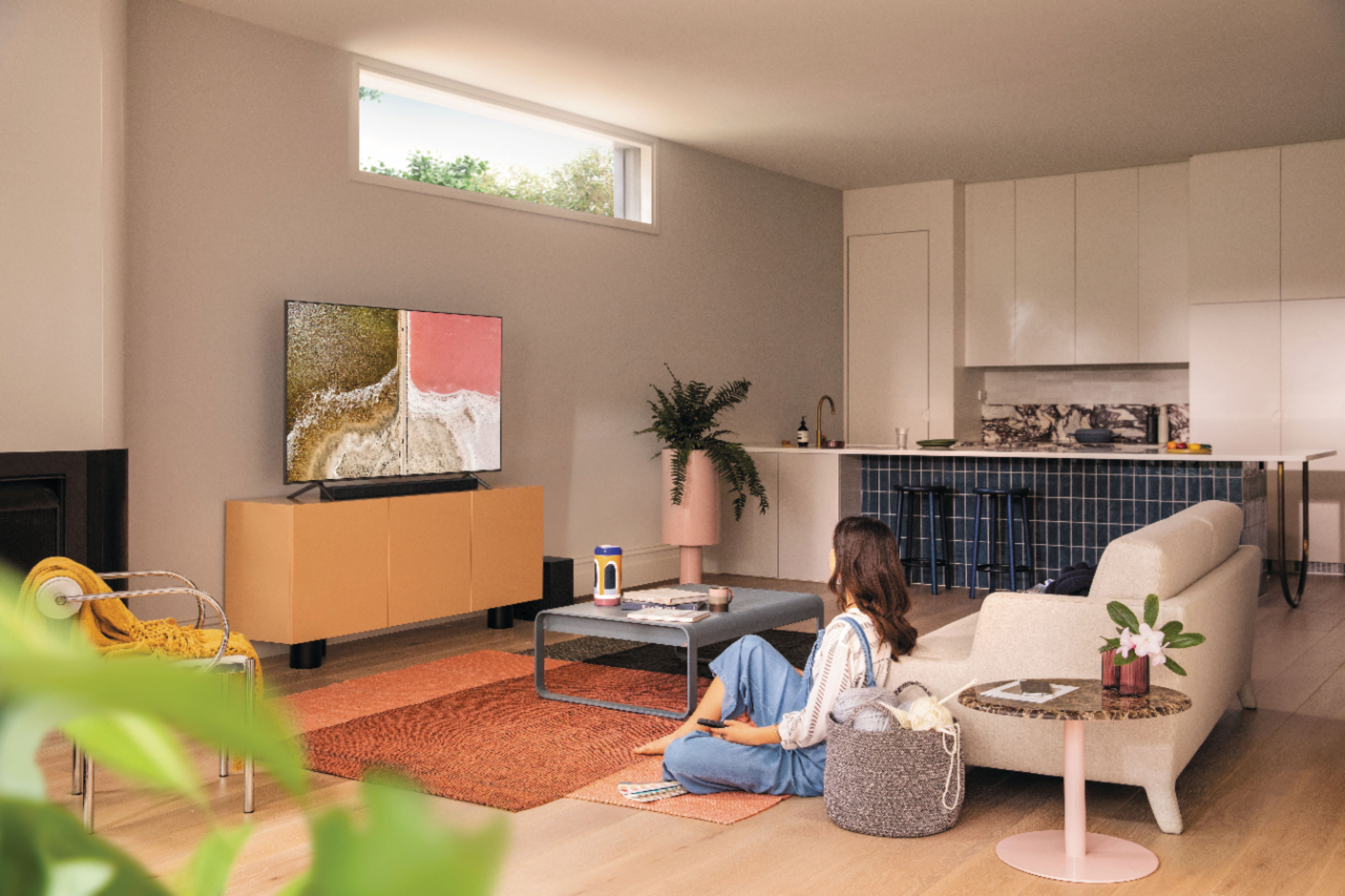
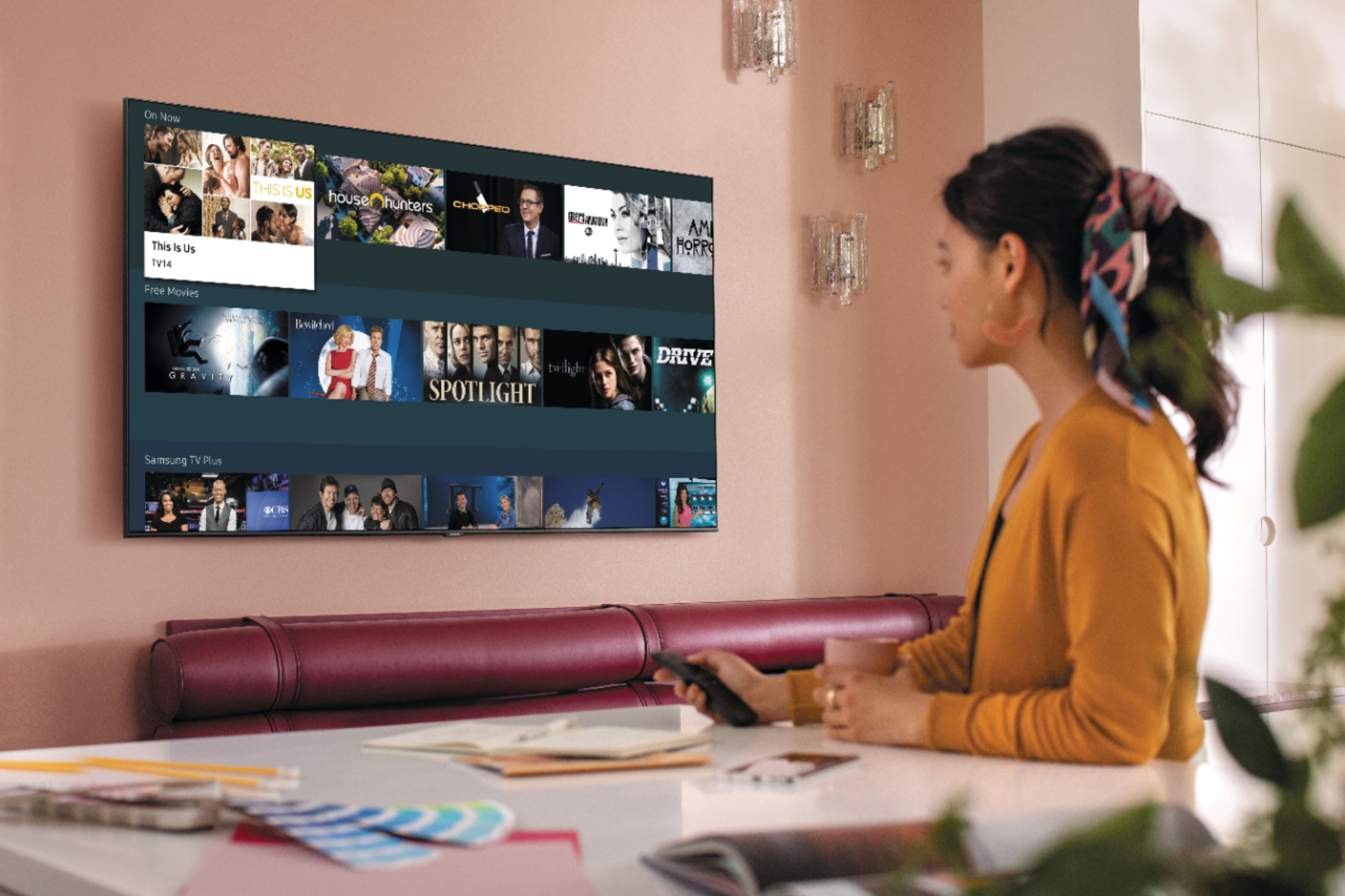








- Model:
- QN55Q60TAFXZA
- SKU:
- 6401755
Rating by feature
- Picture Quality
Rating 4.8 out of 5 stars
- Sound Quality
Rating 4.6 out of 5 stars
- Brightness
Rating 4.8 out of 5 stars
Customers are saying
Customers recognize the 55" Class Q60T Series QLED 4K UHD Smart Tizen TV for its exceptional picture quality, vibrant colors, and reasonable price. Many users appreciate the easy setup process and find the TV to be a great value for the cost. However, some customers have expressed concerns about the remote control, connectivity issues, and the 60Hz refresh rate, which can result in motion blur.
This summary was generated by AI based on customer reviews.
- Pros mentioned:Picture quality
No WIFI internet connection and no Digital Audio
||Posted .This reviewer received promo considerations or sweepstakes entry for writing a review.Does not connect to internet via WIFI either open or via password. Does connect via hard wire Ethernet connection. Optical digital audio does not work. Except for those two issues it has beautiful picture and sound. It is VERY hard to connect smart features to internet and must be reconnected several times in order to work.
No, I would not recommend this to a friendBrand response from Samsung
Posted .Ajaxon6255,
I am very sorry that you are having issues with internet connection and optical audio of your Q60T QLED TV.
You may want to go through these steps for WiFi troubleshooting:
1) Check the distance between the TV and your modem or access point. The distance should not exceed 50 ft. (15.2 m).
2) Minimize interference by not using or turning off wireless devices. Also, verify that there are no obstacles between the TV and the modem or access point. (WiFi strength can be decreased by appliances, cordless phones, stone walls/fireplaces, etc.)
3) Perform a network test to check if there is a network problem.
Press the Home button on your remote. Navigate to Settings >Support> Device Care> Self Diagnosis> Smart Hub Connection Test
If the test concludes that the unit needs service, please contact us via any of the following options:
1) Phone: 1-800-SAMSUNG (ask for TVs), available 8AM – 12AM EST 7 days a week
2) LiveChat: https://www.samsung.com/us/support/#contact_us_for_support
3) Facebook Messenger: https://www.facebook.com/samsungsupport
4) Twitter: https://twitter.com/SamsungSupport
5) The Samsung Members Community is also a great resource for getting help from Samsung moderators and customers: https://us.community.samsung.com
If you have not already done so, we invite you to register your new Samsung product at:
https://www.samsung.com/us/account/signin/?redirect=https%3A%2F%2Fwww.samsung.com%2Fus%2Fsupport%2Fregister%2F&user=dsr-registration
Registering your product gives you access to easy warranty support, convenient opt-in to special promos and offers, faster troubleshooting and service, and quick notification of system updates.
Again, thank you for taking the time to share your thoughts. Your feedback helps us continuously deliver best-in-class products and service.
-Samsung Ambassador
tv
||Posted . Owned for 1 month when reviewed.This reviewer received promo considerations or sweepstakes entry for writing a review.not a good picture geek squad thinks its our cable box , cable company coming tomorrow, so it remains to be seen whether we keep the tv or return it
No, I would not recommend this to a friendMeh
||Posted . Owned for 1 month when reviewed.This reviewer received promo considerations or sweepstakes entry for writing a review.It looked great in the store, but the picture is just ok. Honestly, I wish we had bought a different tv.
No, I would not recommend this to a friendBrand response from Samsung
Posted .elnelson9432:
Thank you for purchasing the Samsung Q60T TV and for your review. I am sorry to hear that you are not completely happy with your TV’s picture. There are several image settings you can adjust to your liking such as Picture Mode and Expert Settings.
Choose a Picture Mode by going to Settings > Picture > Picture Mode and choose from Dynamic, Standard, Natural, Movie, or Filmmaker Mode.
You can further adjust your sharpness, brightness, contrast, color, and more by going to Settings > Picture > Expert Settings
Should you need further assistance with settings, features, or functions, please contact Samsung Customer Support.
1) Phone: 1-800-SAMSUNG (ask for TVs), available 8AM – 12AM EST 7 days a week
2) LiveChat: https://www.samsung.com/us/support/#contact_us_for_support
3) Facebook Messenger: https://www.facebook.com/samsungsupport
4) Twitter: https://twitter.com/SamsungSupport
5) The Samsung Members Community is also a great resource for getting help from Samsung moderators and customers: https://us.community.samsung.com
If you have not already done so, we invite you to register your new Samsung product at: https://www.samsung.com/us/account/signin/?redirect=https%3A%2F%2Fwww.samsung.com%2Fus%2Fsupport%2Fregister%2F
Registering your product gives you access to easy warranty support, convenient opt-in to special promos and offers, faster troubleshooting and service, and quick notification of system updates.
~ Samsung Solutions
- Cons mentioned:Motion blur
The Motion Blur Curse
||Posted . Owned for 1 week when reviewed.This reviewer received promo considerations or sweepstakes entry for writing a review.Just like the OLED tv's, the Samsung QLED tv suffers from inherit flaw in technology, MOTION BLUR. Sporting events and fast action are reproduced as blurs and streaks. There is no satisfactory setting in the menu to make the motion blur tolerable. For me, the horrible motion blur makes viewing for me on this tv impossible. I will be returning this tv shortly.
No, I would not recommend this to a friend POOR SET UP
||Posted . Owned for 1 month when reviewed.This reviewer received promo considerations or sweepstakes entry for writing a review.Your employee set the TV up. At the end we told him we were not happy with picture. He said you will get use to it and left. The next day I went to your Sandusky Oh store and asked to talk to manager. I was told he was not in so they got the guy from your TV dept. We had a good discussion he said I could bring the tv back. He also said I could go on you tube and reset the settings.I went back home and did it myself no thanks to your Best Buy instulation person.
No, I would not recommend this to a friendBrand response from Samsung
Posted .Fluffo,
Thank you for your review on this Samsung TV.
I am sorry you had issues with the installation experience. Your feedback is important to us and we will document your concerns.
For your reference, there are several preset picture modes and many custom settings that can optimize image quality for your viewing scenario.
Go to HOME > SETTINGS > PICTURE > PICTURE MODE and choose:
1) Dynamic: Makes the picture brighter and clearer in bright viewing environments.
2) Standard: This is the default mode suitable for general viewing environments.
3) Natural: Reduces eye strain for a comfortable viewing experience.
4) Movie: Suitable for watching TV or movies in a dark room.
5) Filmmaker: Watch the source content (e.g., movie) as it is.
Here is a link to the downloadable eManual, where you can find a detailed guide to configuring advanced picture setting (pages 92-93):
https://downloadcenter.samsung.com/content/UM/202006/20200618112841534/NIKATSCT-3.0.7_EM_NIKE_USA_ENG_200527.0.pdf
Our TV support team is always here to assist you with possible image and sound settings adjustments for an optimal experience.
Simply reach out to us via any of these options:
1) Phone: 1-800-SAMSUNG (ask for TVs), available 8AM – 12AM EST 7 days a week
2) LiveChat: https://www.samsung.com/us/support/#contact_us_for_support
3) Facebook Messenger: https://www.facebook.com/samsungsupport
4) Twitter: https://twitter.com/SamsungSupport
5) The Samsung Members Community is also a great resource for getting help from Samsung moderators and customers: https://us.community.samsung.com
If you have not already done so, we invite you to register your new Samsung product at:
https://www.samsung.com/us/account/signin/?redirect=https%3A%2F%2Fwww.samsung.com%2Fus%2Fsupport%2Fregister%2F&user=dsr-registration
Registering your product gives you access to easy warranty support, convenient opt-in to special promos and offers, faster troubleshooting and service, and quick notification of system updates.
We look forward to hearing from you and assisting you soon.
-Samsung Ambassador
- Cons mentioned:User interface
User interface is terrible
||Posted . Owned for 1.5 years when reviewed.This reviewer received promo considerations or sweepstakes entry for writing a review.User interface is terrible. It's hard to tell what is highlighted
No, I would not recommend this to a friend Not worth
||Posted . Owned for more than 2 years when reviewed.This reviewer received promo considerations or sweepstakes entry for writing a review.The TV was working fine and the displayed suddenly went blank and not able to view anything
No, I would not recommend this to a friendTv
||Posted . Owned for 6 months when reviewed.This reviewer received promo considerations or sweepstakes entry for writing a review.Could have got the crystal it does the same thing & basically same picture quality
No, I would not recommend this to a friendHas one problem
||Posted . Owned for 1 month when reviewed.This reviewer received promo considerations or sweepstakes entry for writing a review.Sometimes the voice doesn’t come on. We have to keep turning it on and off until the voice comes on.
No, I would not recommend this to a friendBrand response from Samsung
Posted .Pegfrd,
I am sorry that you are experiencing voice issues with your Q60T QLED TV.
Your user experience is very much valued, and we thus ask if you could please reach out to Samsung TV Support so that we can better understand the details and provide troubleshooting.
We can be reached at:
1) Phone: 1-800-SAMSUNG, available 8AM – 12AM EST 7 Days A Week
2) LiveChat: https://www.samsung.com/us/support/#contact_us_for_support
3) Facebook Messenger: https://www.facebook.com/samsungsupport
4) Twitter: https://twitter.com/SamsungSupport
Have you registered your new Samsung TV with us? If not, we invite you to do so at: https://www.samsung.com/us/account/signin/?redirect=https%3A%2F%2Fwww.samsung.com%2Fus%2Fsupport%2Fregister%2F, and gain access to easy warranty support, convenient opt-in to special promos & offers, faster troubleshooting & service, and quick notification of system updates.
-Samsung Ambassador
1st tv didnt conect to internet, after much workin
||Posted . Owned for 3 weeks when reviewed.This reviewer received promo considerations or sweepstakes entry for writing a review.geek squad leaves something wanting, going to have them come back, yet again....still not happy...
I would recommend this to a friendBrand response from Samsung
Posted .ricjac,
I am sorry to hear that you are not completely satisfied with your Q60T QLED 4K TV.
So that we can better understand what happened and provide steps towards a solution, I invite you to please contact Samsung TV Support at:
1) Phone: 1-800-SAMSUNG (ask for TVs), available 8AM – 12AM EST 7 days a week
2) LiveChat: https://www.samsung.com/us/support/#contact_us_for_support
3) Facebook Messenger: https://www.facebook.com/samsungsupport
4) Twitter: https://twitter.com/SamsungSupport
Have you registered your new Samsung TV with us? If not, we invite you to do so at: https://www.samsung.com/us/account/signin/?redirect=https%3A%2F%2Fwww.samsung.com%2Fus%2Fsupport%2Fregister%2F, and gain access to easy warranty support, convenient opt-in to special promos & offers, faster troubleshooting & service, and quick notification of system updates.
We hope to hear from you and help you with a satisfactory solution.
-Samsung Ambassador
Decent
||Posted . Owned for 1 year when reviewed.This reviewer received promo considerations or sweepstakes entry for writing a review.Eh, not a good tv, just skip, wait for sale, or get several years later
No, I would not recommend this to a friendTerrible tv and store
||Posted . Owned for 3 weeks when reviewed.This reviewer received promo considerations or sweepstakes entry for writing a review.Screen cracked for no reason. Then home theater manner tried to blame me and say i got the tv to cause the screen to break from the inside out by telling me it was an impact break. Somehow the impact didn't make a mark on the outside if the television at all. After fighting for a return and having to deal with 2 mangers and water 45 minutes of time, I was rewarded with getting to pay the difference in the higher price television that I didn't need. Keep in mind this was an open boxed item to start with and I didn't hit the television in any way. Having to spend more on a replacement television than we needed due to this one being it of stock in the whole country is a terrible resolution. Fragile screen, have read elsewhere pulling the tv or from the wall on a swivel mount cracked his screen. Buy at your own risk, company doesn't stand behind their products without a fight.
No, I would not recommend this to a friendBrand response from Samsung
Posted .Lokidoki22:
I am very sorry for the unfortunate situation with a crack having developed in your screen. Please know that a crack will not spontaneously develop; a physical impact – perhaps small, but done at just a certain degree – would be the most likely explanation.
Our warranty covers manufacturing defects in materials and workmanship encountered in normal, noncommercial use of this product, and does not apply to damage incurred during shipment, delivery and /or installation. You can read more about our warranty here: https://www.samsung.com/us/support/owners/product/qled-tv-q60t-2020
For further questions, please contact Samsung Customer Support.
1) Phone: 1-800-SAMSUNG (ask for TVs), available 8AM – 12AM EST 7 days a week
2) LiveChat: https://www.samsung.com/us/support/#contact_us_for_support
3) Facebook Messenger: https://www.facebook.com/samsungsupport
4) Twitter: https://twitter.com/SamsungSupport
5) The Samsung Members Community is also a great resource for getting help from Samsung moderators and customers: https://us.community.samsung.com
If you have not already done so, we invite you to register your new Samsung product at: https://www.samsung.com/us/account/signin/?redirect=https%3A%2F%2Fwww.samsung.com%2Fus%2Fsupport%2Fregister%2F
Registering your product gives you access to easy warranty support, convenient opt-in to special promos and offers, faster troubleshooting and service, and quick notification of system updates.
~ Samsung Solutions
Not for next gen gaming
||Posted .This reviewer received promo considerations or sweepstakes entry for writing a review.If you are spending the money for gaming .. get a 70t.. that supports 120htz
No, I would not recommend this to a friendBrand response from Samsung
Posted .Gmorgan13:
Thank you for your review of the 55” Q60T TV. When you use Auto Game Mode, your screen will automatically optimize your screen giving you a smoother gaming experience without motion blur and judder.
You may want to set the optimal resolution based on the brightness for HDR game content by going to: Settings > General > External Device Manager > HGiG
By going to: Settings > General > External Device Manager > Game Mode Settings, you can adjust Surround Sound, Dynamic Black Equalizer, and Game Motion Plus Settings.
I hope this improves your gaming experience. Please contact Samsung Customer Support should you need assistance with other features, functions, or setup.
1) Phone: 1-800-SAMSUNG (ask for TVs), available 8AM – 12AM EST 7 days a week
2) LiveChat: https://www.samsung.com/us/support/#contact_us_for_support
3) Facebook Messenger: https://www.facebook.com/samsungsupport
4) Twitter: https://twitter.com/SamsungSupport
5) The Samsung Members Community is also a great resource for getting help from Samsung moderators and customers: https://us.community.samsung.com
If you have not already done so, we invite you to register your new Samsung product at: https://www.samsung.com/us/account/signin/?redirect=https%3A%2F%2Fwww.samsung.com%2Fus%2Fsupport%2Fregister%2F
Registering your product gives you access to easy warranty support, convenient opt-in to special promos and offers, faster troubleshooting and service, and quick notification of system updates.
~ Samsung Solutions
Not good
||Posted . Owned for 1 month when reviewed.This reviewer received promo considerations or sweepstakes entry for writing a review.Picture quality not good. Too hard to use. I hate everything goes thru Samsung.
No, I would not recommend this to a friendBrand response from Samsung
Posted .bdh1,
I am sorry to hear that you are not satisfied with your experience with your Q60T TV.
You can find details of various features and usages of your TV in the eManual.
To open the e-Manual, Go to Settings - Support, then Open e-Manual.
There are several settings you can adjust to your liking such as Picture Mode and Expert Settings. Please see this guide for complete details:
https://www.samsung.com/us/support/answer/ANS00079295/
In addition, the image quality on your screen depends on the source and the connection.
HDMI cables are recommended for optimal HD viewing; and when possible, 4K content will provide the best picture quality. The TV will upscale as best as possible any content sent to it. The closer the signal is to 4K, the better it will look coming out.
The quality of the streaming content depends largely on the speed of your internet, as most content providers have adaptive streaming that will automatically adjust the image quality based on the network bandwidth.
In addition, the image quality on your screen depends on the source and the connection.
HDMI cables are recommended for optimal HD viewing; and when possible, 4K content will provide the best picture quality. The TV will upscale as best as possible any content sent to it. The closer the signal is to 4K, the better it will look coming out.
The quality of the streaming content depends largely on the speed of your internet, as most content providers have adaptive streaming that will automatically adjust the image quality based on the network bandwidth.
Our TV support team is always here to assist you with possible image settings adjustments for an optimal experience. Simply reach out to us via:
1) Phone: 1-800-SAMSUNG (ask for TVs), available 8AM – 12AM EST 7 days a week
2) LiveChat: https://www.samsung.com/us/support/#contact_us_for_support
3) Facebook Messenger: https://www.facebook.com/samsungsupport
4) Twitter: https://twitter.com/SamsungSupport
5) The Samsung Members Community is also a great resource for getting help from Samsung moderators and customers: https://us.community.samsung.com
If you have not already done so, we invite you to register your new Samsung product at:
https://www.samsung.com/us/account/signin/?redirect=https%3A%2F%2Fwww.samsung.com%2Fus%2Fsupport%2Fregister%2F&user=dsr-registration
Registering your product gives you access to easy warranty support, convenient opt-in to special promos and offers, faster troubleshooting and service, and quick notification of system updates.
Again, thank you for taking the time to share your thoughts. Your feedback helps us continuously deliver best-in-class products and service.
-Samsung Ambassador
60 QLED not that good after all
||Posted . Owned for 3 weeks when reviewed.This reviewer received promo considerations or sweepstakes entry for writing a review.I believe that the sales person in the Crystal Lake store up-sold me. I was loking at a 55 LG 7000 series, so not QLED. He told me that the 60 model was a "a mile" better than the model I was considering. It's not. Maybe other QLED's are but not the 60 model, so I feel like I over paid and got burned.
No, I would not recommend this to a friendBrand response from Samsung
Posted .FeelingBurned:
Thank you for your review of the Q60T QLED 4K TV. Our innovative Dual LED backlight technology enables the Q60T to deliver vivid images with improved contrast, off-axis viewing, and color accuracy. The Q60T Series is also engineered to display 100% color volume, and to fully express HDR effects.
Powered by our proprietary Quantum Processor, your TV optimizes the picture according to the scene as well as to your room environment, such as the lighting condition.
If you should ever have concerns or questions regarding setup, function, features, or settings, please know that Samsung Customer Support is here to help.
1) Phone: 1-800-SAMSUNG (ask for TVs), available 8AM – 12AM EST 7 days a week
2) LiveChat: https://www.samsung.com/us/support/#contact_us_for_support
3) Facebook Messenger: https://www.facebook.com/samsungsupport
4) Twitter: https://twitter.com/SamsungSupport
5) The Samsung Members Community is also a great resource for getting help from Samsung moderators and customers: https://us.community.samsung.com
If you have not already done so, we invite you to register your new Samsung product at: https://www.samsung.com/us/account/signin/?redirect=https%3A%2F%2Fwww.samsung.com%2Fus%2Fsupport%2Fregister%2F
Registering your product gives you access to easy warranty support, convenient opt-in to special promos and offers, faster troubleshooting and service, and quick notification of system updates.
~ Samsung Solutions
My tv
||Posted . Owned for 8 months when reviewed.This reviewer received promo considerations or sweepstakes entry for writing a review.Need assistance with it lines coming threw And not showing as good
No, I would not recommend this to a friendTerrible Picture
||Posted . Owned for less than 1 week when reviewed.This reviewer received promo considerations or sweepstakes entry for writing a review.I only have Samsung TVs, I have several of different levels. This Q60T 55" by far, has the worse picture, no dark rich colors, no display adjustments help. I have a Series 8 65 in my living room which looks much better, think that last fight scene in Game of Thrones. As I am still within 14 days of purchase I will return this Q60 and buy a Series8 instead.
No, I would not recommend this to a friendTakes too long to connect each time we turn it own
||Posted . Owned for 2 weeks when reviewed.This reviewer received promo considerations or sweepstakes entry for writing a review.Our tv does not start up promptly. It takes 6-9 times before it corrects itself. There is a black screen and then it comes on for 2 seconds and goes off and on before it finally stays on. We owned this same tv and was satisfied. After Hurricane Laura, we had to buy new one.
No, I would not recommend this to a friendLow Cost TV for non primary use
||Posted . Owned for 1 month when reviewed.This reviewer received promo considerations or sweepstakes entry for writing a review.Not very good picture but you get what you pay for.
No, I would not recommend this to a friendBrand response from Samsung
Posted .rsbestbuy:
Thank you for purchasing the Samsung Q60T TV and for your review. I am sorry to hear that you are not completely happy with your TV’s picture. There are several image settings you can adjust to your liking such as Picture Mode and Expert Settings.
Choose a Picture Mode by going to Settings > Picture > Picture Mode and choose from Dynamic, Standard, Natural, Movie, or Filmmaker Mode.
You can further adjust your sharpness, brightness, contrast, color, tint, contrast, white balance, and more by going to Settings > Picture > Expert Settings
Please also give us the opportunity to assist you with image quality adjustments tailored to your preferred viewing experience. You can reach us via any of the following options:
1) Phone: 1-800-SAMSUNG (ask for TVs), available 8AM – 12AM EST 7 days a week
2) LiveChat: https://www.samsung.com/us/support/#contact_us_for_support
3) Facebook Messenger: https://www.facebook.com/samsungsupport
4) Twitter: https://twitter.com/SamsungSupport
5) The Samsung Members Community is also a great resource for getting help from Samsung moderators and customers: https://us.community.samsung.com
If you have not already done so, we invite you to register your new Samsung product at: https://www.samsung.com/us/account/signin/?redirect=https%3A%2F%2Fwww.samsung.com%2Fus%2Fsupport%2Fregister%2F
Registering your product gives you access to easy warranty support, convenient opt-in to special promos and offers, faster troubleshooting and service, and quick notification of system updates.
~ Samsung Solutions
Don’t Buy If Wall Mounting Under ANY CIRCUMSTANCES
||Posted . Owned for 1 week when reviewed.This reviewer received promo considerations or sweepstakes entry for writing a review.If you are going to mount this TV Q60T Samsung to the wall , DO NOT UNDER ANY CIRCUMSTANCES BUY THIS or any Samsung Q series . We bought this tv , took to our cabin 75 miles away , took the older Sony Bravia off the wall only because it wasn’t a smart TV . removed the brackets from it and tried to mount to this tv , easy job right ? NO you have to buy certain screws M10 with the adapters , which we went to 4 places in our remote location. Not available & apparently out Best Buy back home doesn’t even sell or tell you that you will need , eBay sell them for over $20 bucks . Think we’re just going to pack the TV up and return it , that will cost us more time and money . Don’t make the same mistake as we did .
No, I would not recommend this to a friendBrand response from Samsung
Posted .Lovebestbuy:
The 55" Q60T TV is compatible with any VESA mount that supports 400 x 400 spacing
We supply the Wall Mount Adaptor (spacer) that will be needed, but the universal wall mount that you purchase separately will supply you with all the screws needed for their bracket to attach to our TV and to your wall. If they do not supply the screws you can find them at any hardware store, Screw Size M8 x 45mm
You can find details, including diagrams and images of wall mounting on page 7-8 of the user manual. https://downloadcenter.samsung.com/content/EM/202003/20200305084721741/BN68-10118A-01_UM_Q80T_Q70T_Q60T_ZA_ENG_200214.0.pdf
Additional information can be found on this wall mount tutorial:
https://www.samsung.com/us/support/answer/ANS00038091/
For further assistance, please contact Samsung TV Support at:
1) Phone: 1-800-SAMSUNG (ask for TVs), available 8AM – 12AM EST 7 days a week
2) LiveChat: https://www.samsung.com/us/support/#contact_us_for_support
3) Facebook Messenger: https://www.facebook.com/samsungsupport
4) Twitter: https://twitter.com/SamsungSupport
5) The Samsung Members Community is also a great resource for getting help from Samsung moderators and customers: https://us.community.samsung.com
If you have not already done so, we invite you to register your new Samsung product at: https://www.samsung.com/us/account/signin/?redirect=https%3A%2F%2Fwww.samsung.com%2Fus%2Fsupport%2Fregister%2F
Registering your product gives you access to easy warranty support, convenient opt-in to special promos and offers, faster troubleshooting and service, and quick notification of system updates.
~ Samsung Solutions