Customer Ratings & Reviews
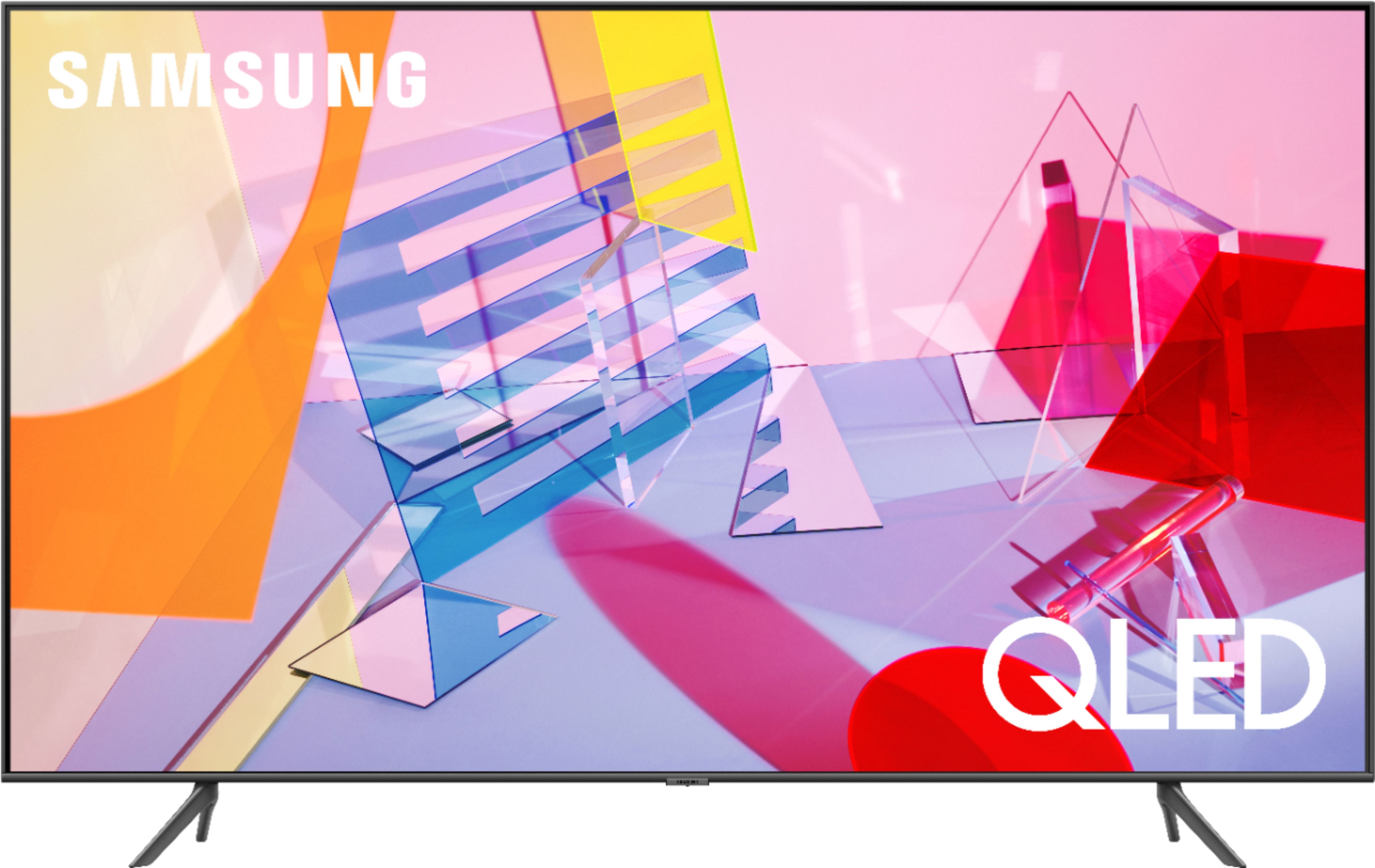
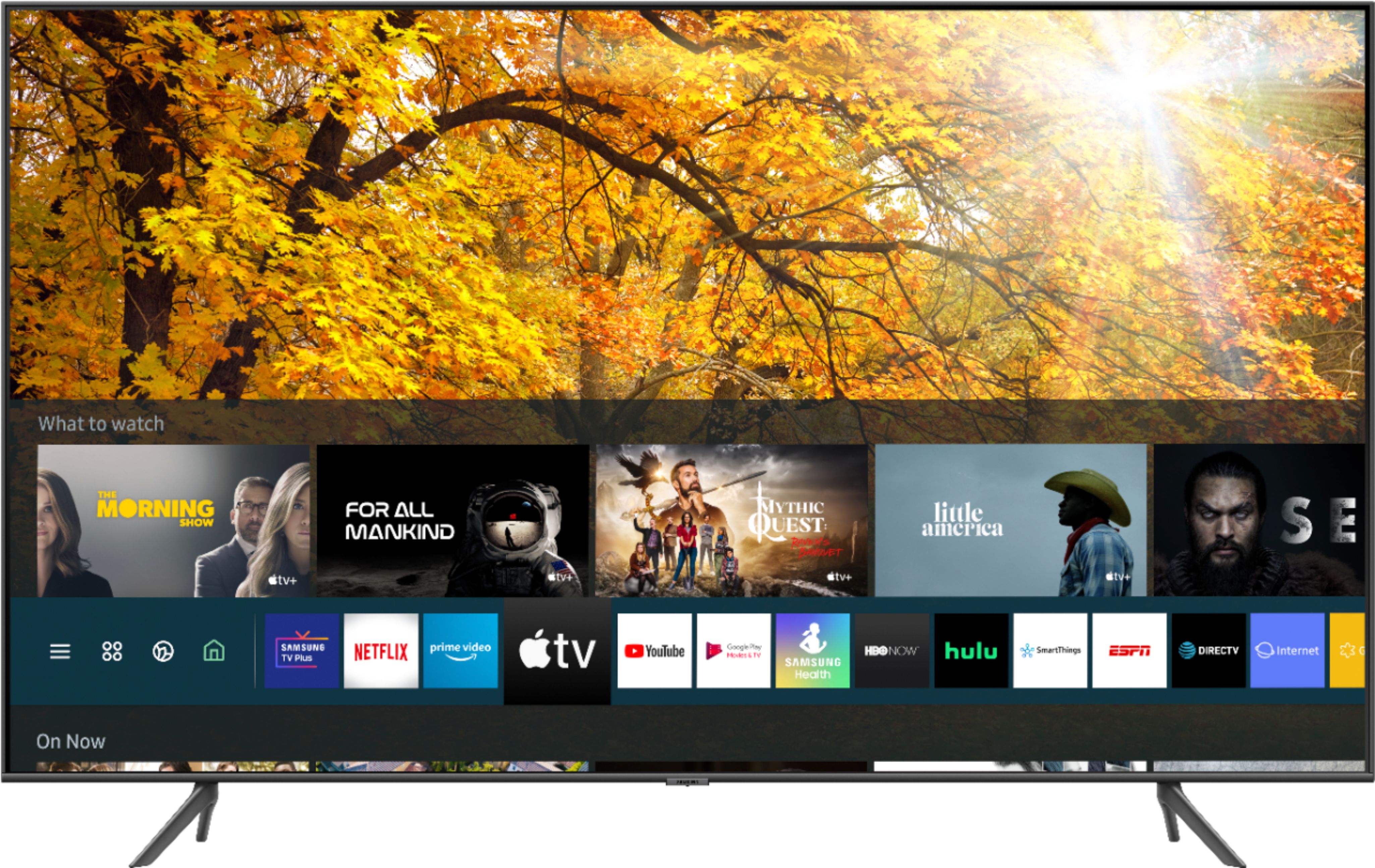
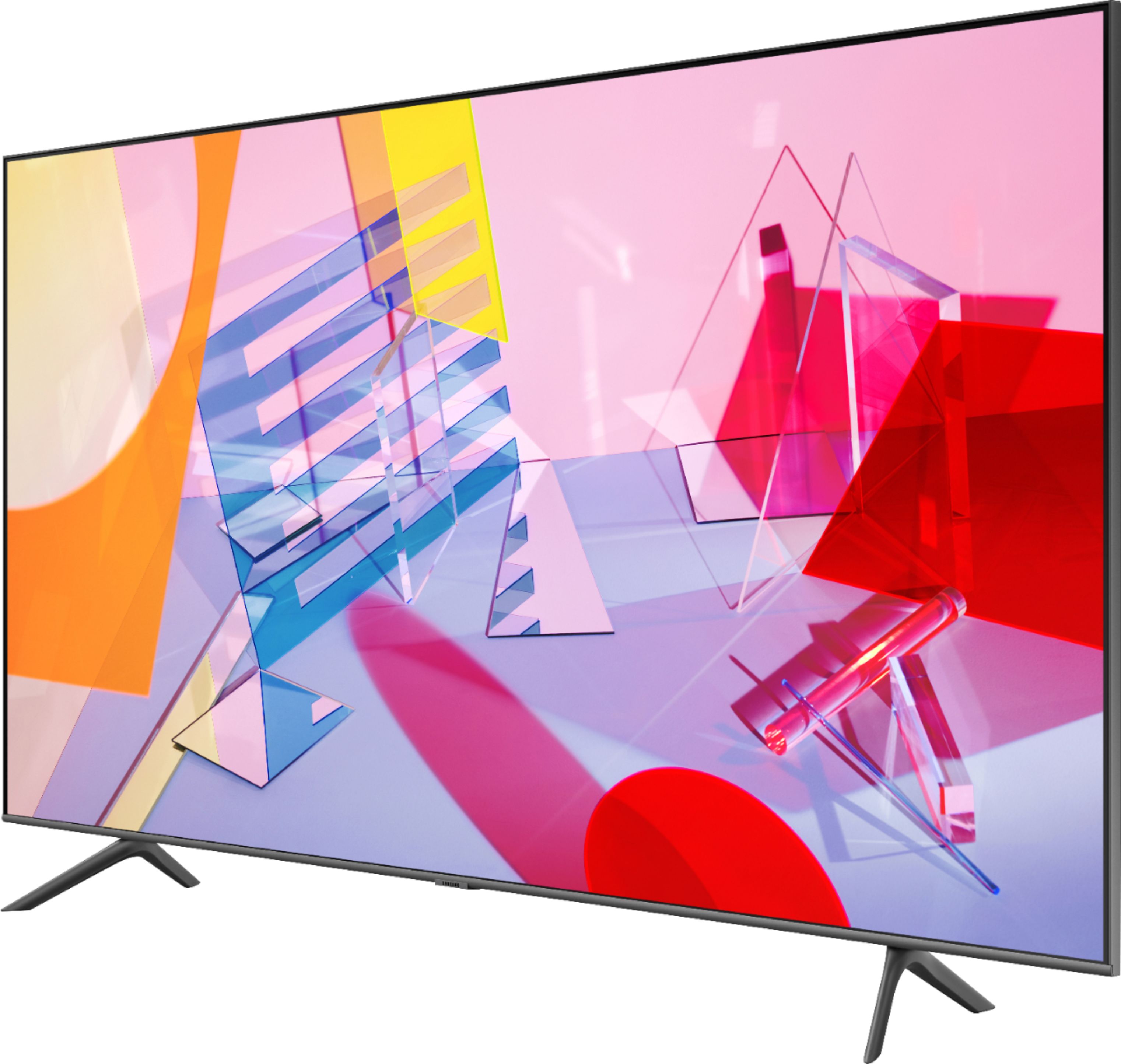

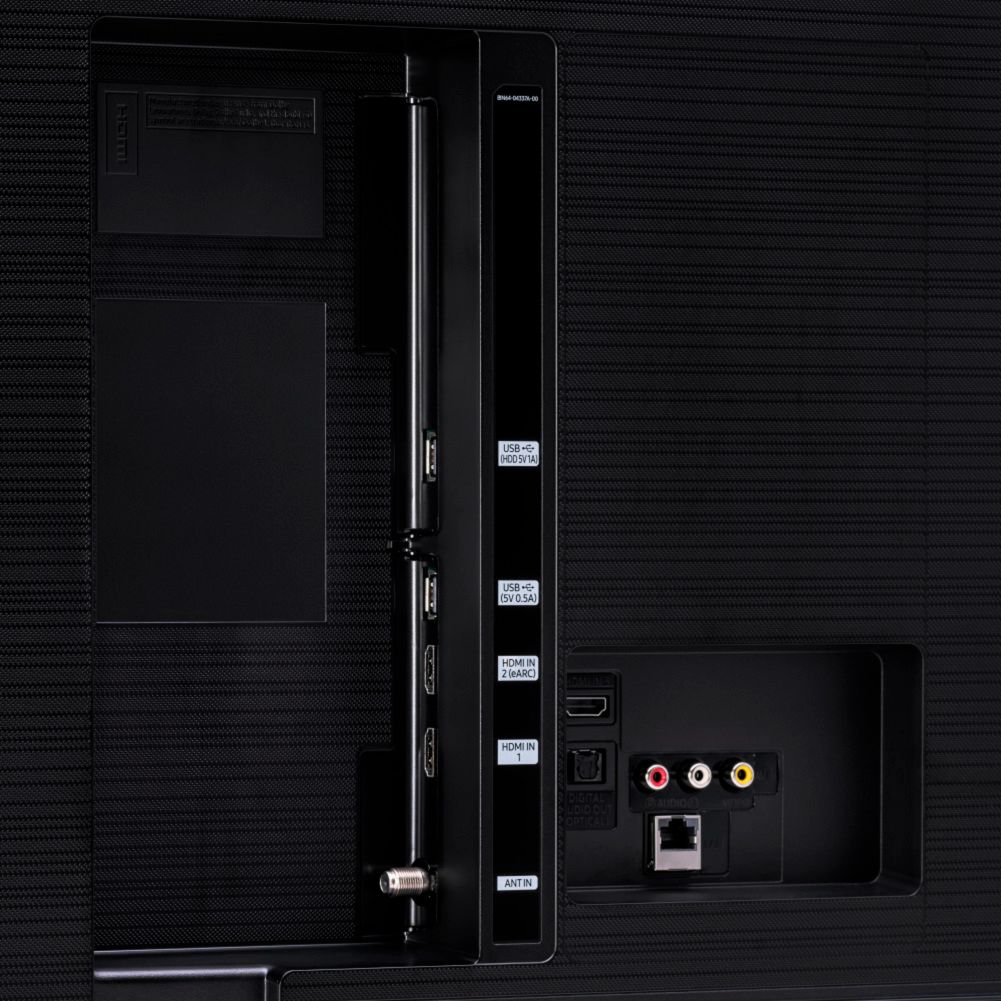
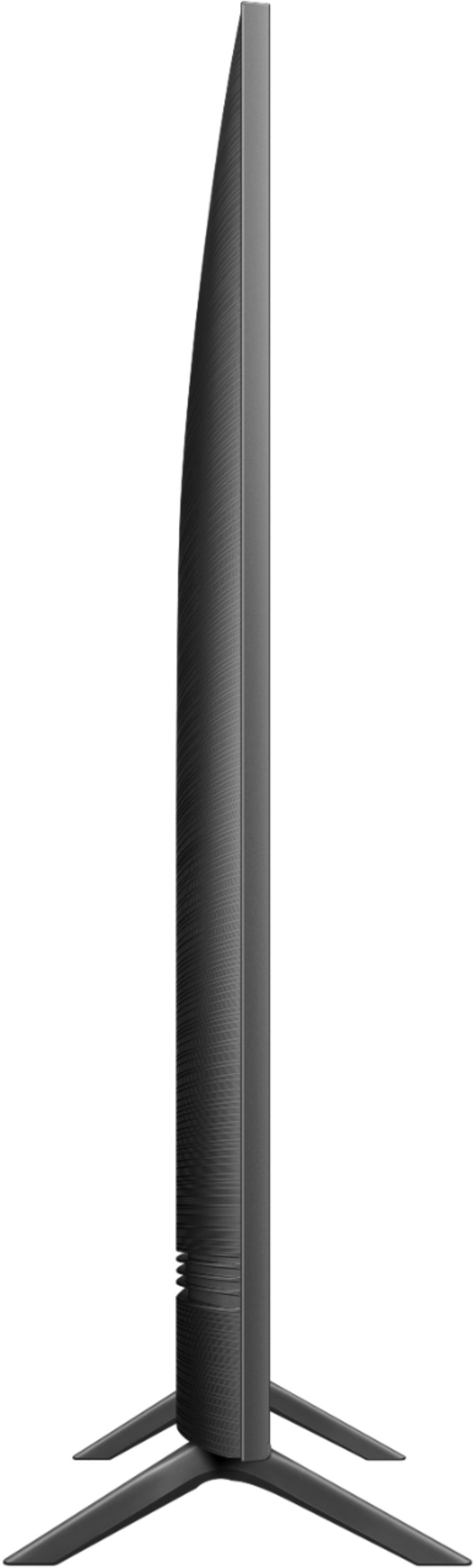
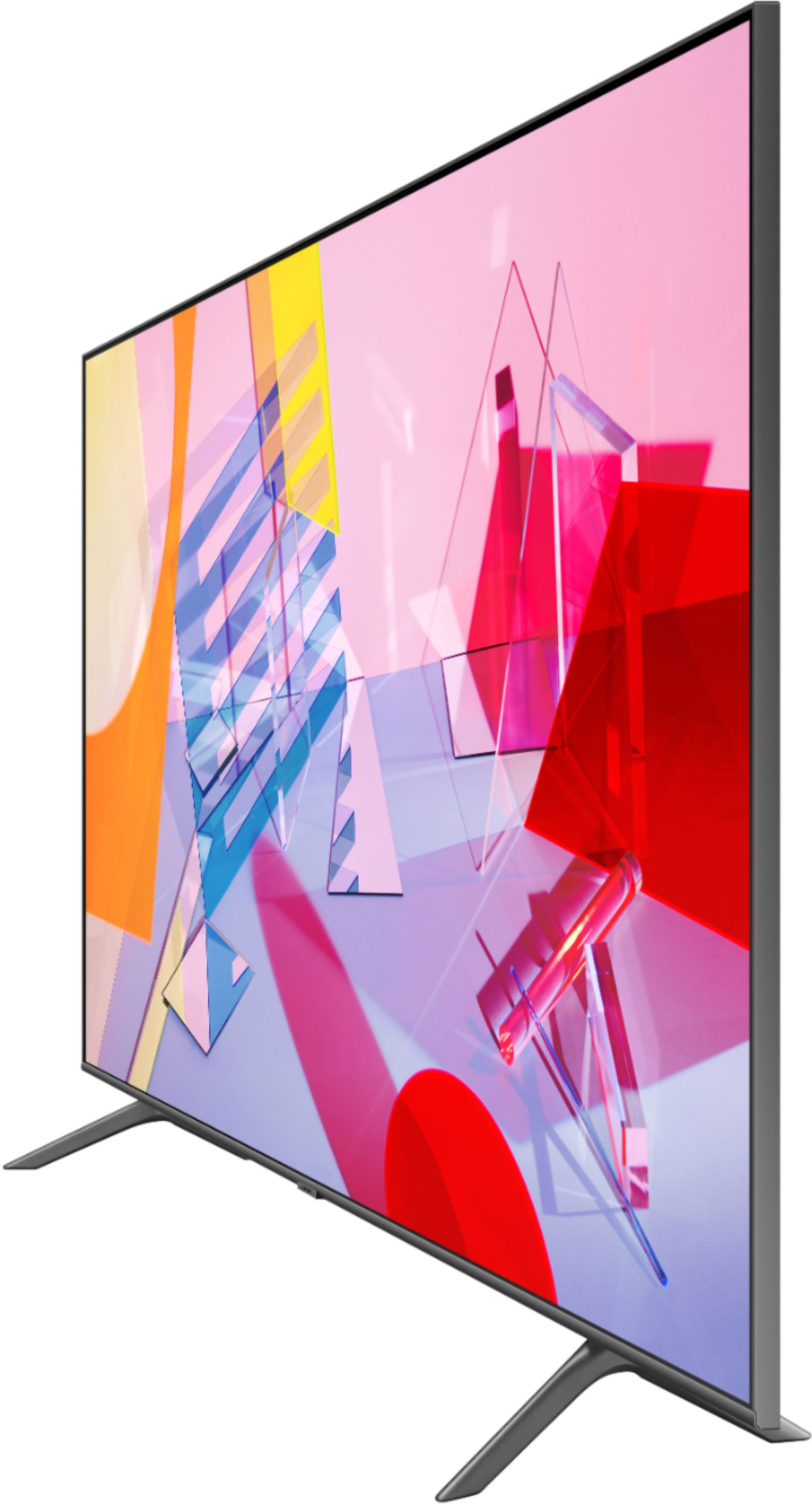

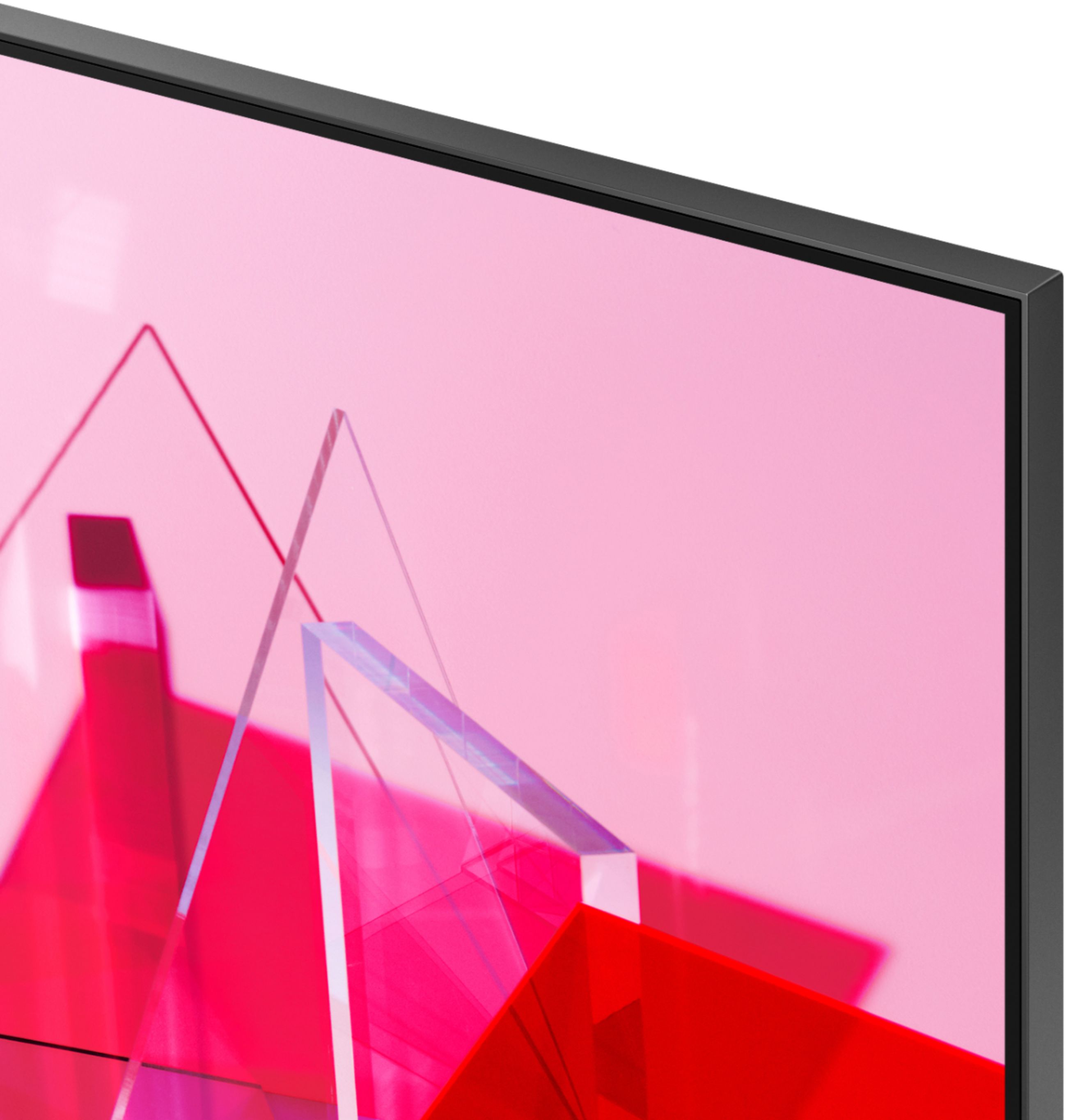
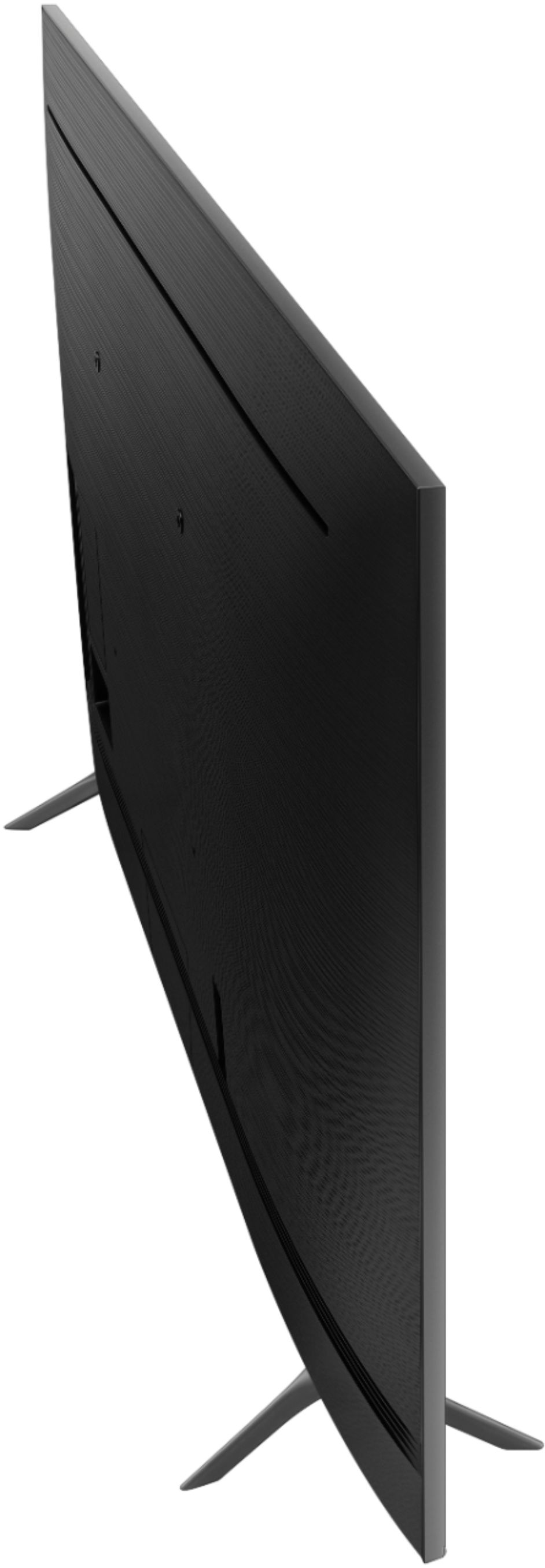
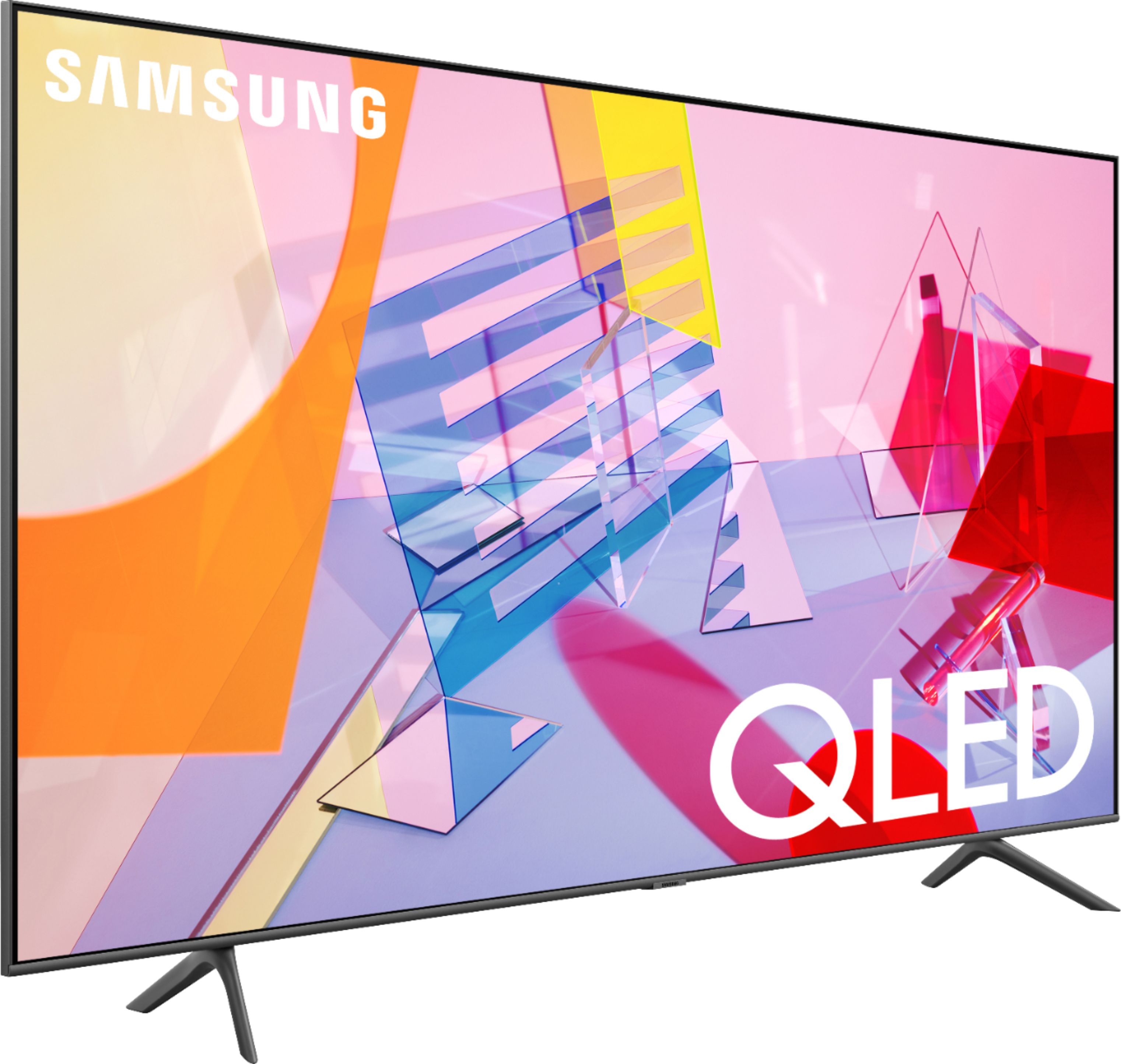
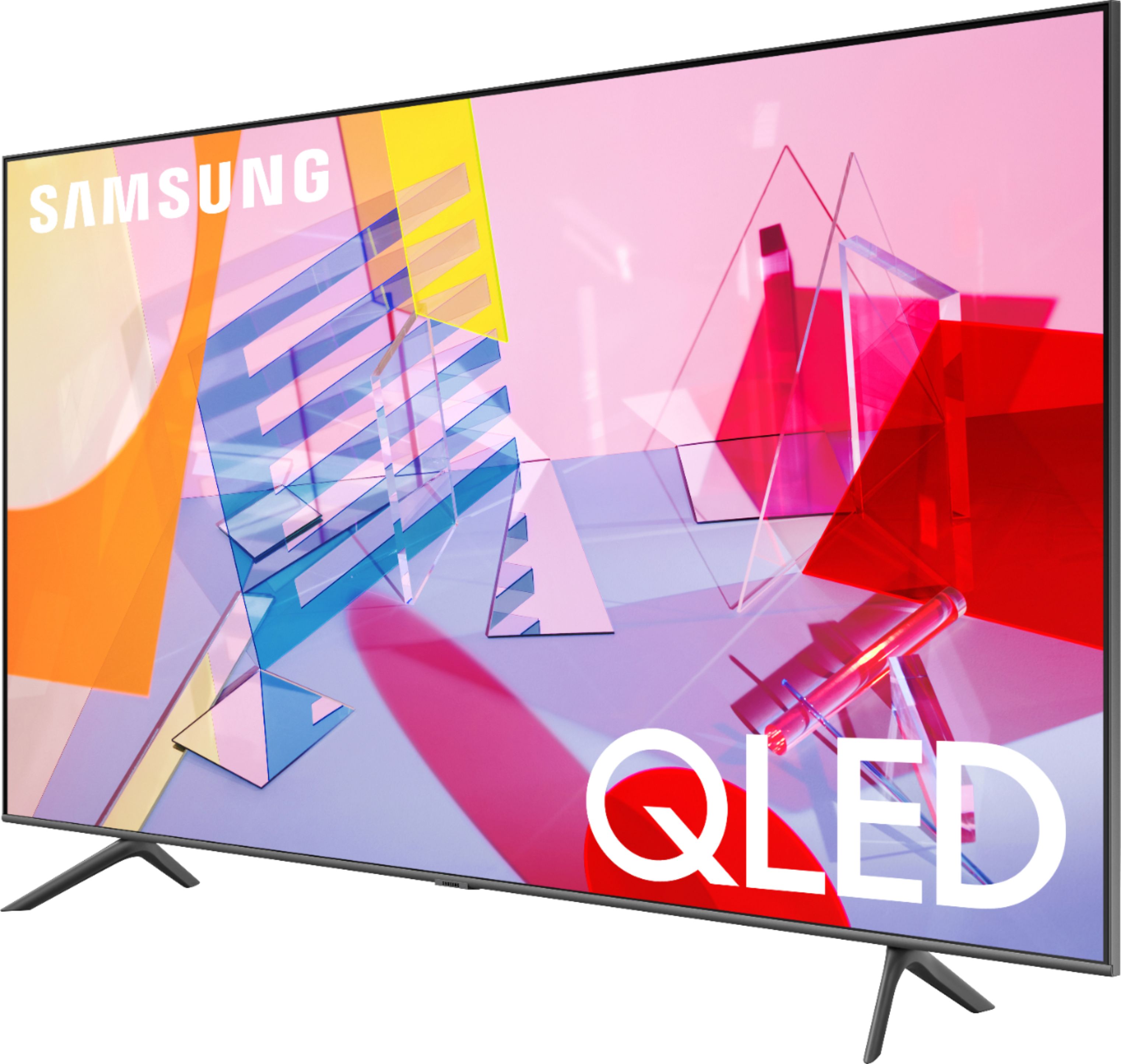








- Model:
- QN55Q60TAFXZA
- SKU:
- 6401755
Rating by feature
- Picture Quality
Rating 4.8 out of 5 stars
- Sound Quality
Rating 4.6 out of 5 stars
- Brightness
Rating 4.8 out of 5 stars
Customers are saying
Customers recognize the 55" Class Q60T Series QLED 4K UHD Smart Tizen TV for its exceptional picture quality, vibrant colors, and reasonable price. Many users appreciate the easy setup process and find the TV to be a great value for the cost. However, some customers have expressed concerns about the remote control, connectivity issues, and the 60Hz refresh rate, which can result in motion blur.
This summary was generated by AI based on customer reviews.
New
||Posted . Owned for 1 month when reviewed.This reviewer received promo considerations or sweepstakes entry for writing a review.Got it new, never use it and returned back to bestbuy
I would recommend this to a friendBrand response from Samsung
Posted .Amen,
Thank you for your review of this Samsung Q60T TV. I am sorry that you had returned the unit without experiencing it.
Should you ever decide to give Samsung TV products another try and have concerns or questions, please know we are always here to help. You can contact our Customer Support toll-free at 1-800-SAMSUNG (ask for TVs) Available 8AM – 12PM EST, 7 days a week
Simply copy-paste this link into your browser to LiveChat with us: https://www.samsung.com/us/support/#contact_us_for_support
We are likewise reachable by Facebook Messenger at: https://www.facebook.com/samsungsupport
Or find us on Twitter at https://twitter.com/SamsungSupport
Again, my sincerest apologies. We hope to regain you as a customer in the future.
-Samsung Ambassador
Massive stuttering. Unusable for games
||Posted .This reviewer received promo considerations or sweepstakes entry for writing a review.TV will be returned. Samsung has been my go-to brand for years but now I have to wonder. There's massive video stuttering and I can't get rid of it regardless of Game mode or Judder settings. Present on all of my sources (Xbox, Switch, Intel NUC). My older Samsung TV's don't have this issue. Searching reveals many complaints about this and it seems to be 2020 model specific. Shame. Going to be a pain to swap and don't know what brand to choose.
No, I would not recommend this to a friendLook elsewhere for a TV
||Posted . Owned for 1 year when reviewed.This reviewer received promo considerations or sweepstakes entry for writing a review.Samsung quality control has a lot to desire. Small blank dot right in the middle of this TV. Read the reviews, sooner or later white spots will appear after your warranty.
No, I would not recommend this to a friendNot great TV for the price
||Posted . Owned for 1 month when reviewed.This reviewer received promo considerations or sweepstakes entry for writing a review.For the money this TV is not great, you can find the same quality on other models for less money. Return the TV for a Q70 65 inches and worth the money.
No, I would not recommend this to a friendBrand response from Samsung
Posted .Robert1969,
Thank you for sharing your review.
I am very sorry that your experience was less than perfect, and I completely understand your disappointment.
The Q60T Series incorporates many of our premium features and technologies, all geared towards delivering the best in viewing enjoyment.
It is possible that your particular set was either defective or required adjustments in settings. Nonetheless, I do sincerely apologize for the let-down.
Should you have questions or need help with your new Q70 TV, please know that we are always here for you. You can contact us via:
1) Phone: 1-800-SAMSUNG, available 8AM - 12AM EST 7 fays a week
2) LiveChat: https://www.samsung.com/us/support/#contact_us_for_support
3) Facebook Messenger: https://www.facebook.com/samsungsupport
4) Twitter: https://twitter.com/SamsungSupport
5) The Samsung Members Community is also a great resource for getting help from Samsung moderators and customers: https://us.community.samsung.com/t5/Get-Help/ct-p/get-help -
Samsung Ambassador
not my best choice
||Posted . Owned for 3 weeks when reviewed.This reviewer received promo considerations or sweepstakes entry for writing a review.really disappointed. tv too complicated for me. I keep trying and the more buttons I push the worse it gets. Like auto needs mechanic and you cannot do your own I feel this tv is the same way. I have fallen behind in tech stuff and I hate it My previous tv was the same brand and I loved it. Not this one Smart tv is too smart for me
No, I would not recommend this to a friend3rd QLED I own, this model is terrible
||Posted .This reviewer received promo considerations or sweepstakes entry for writing a review.Third QLED Samsung I own and the picture sucks, had to turn up brightness and contrast all the way up AND had to put up dark curtains to see the tv. Simply dim compared to other models. Bought this today and already gonna take it back, dump SAMSUNG once and for all and try another brand. Pixelation at these dark levels is extremely high. Yuk!
No, I would not recommend this to a friendBrand response from Samsung
Posted .pdxlad,
I am sorry that you are not happy with the brightness of your Q60T QLED 4K TV.
Generally the TV's have the eco sensor on by default which will dim the brightness and color according to the ambient brightness in the room.
We recommend you check if Power Saving Mode has been enabled.
Go to Settings> General> Eco Solution> Power Saving Mode.
I hope this helps to solve your issue.
For further assistance, please contact Samsung TV Support via:
1) Phone: 1-800-SAMSUNG (ask for TVs), available 8AM – 12AM EST 7 days a week
2) LiveChat: https://www.samsung.com/us/support/#contact_us_for_support
3) Facebook Messenger: https://www.facebook.com/samsungsupport
4) Twitter: https://twitter.com/SamsungSupport
5) The Samsung Members Community is also a great resource for getting help from Samsung moderators and customers: https://us.community.samsung.com
If you have not already done so, we invite you to register your new Samsung product at:
https://www.samsung.com/us/account/signin/?redirect=https%3A%2F%2Fwww.samsung.com%2Fus%2Fsupport%2Fregister%2F&user=dsr-registration
Registering your product gives you access to easy warranty support, convenient opt-in to special promos and offers, faster troubleshooting and service, and quick notification of system updates.
-Samsung Ambassador
Nice TV
||Posted . Owned for 1 week when reviewed.This reviewer received promo considerations or sweepstakes entry for writing a review.Its good TV & nice to have this TV for master room, but quality is not that good
I would recommend this to a friendBrand response from Samsung
Posted .Ritesh:
Thank you for purchasing the 2020 Q60T TV. Our innovative Dual LED backlight technology enables the Q60T to deliver vivid images with improved contrast, off-axis viewing, and color accuracy.
If there is anything we can do to improve your experience such as helping to optimize settings, please let us know. You can reach Samsung Customer Support at:
1) Phone: 1-800-SAMSUNG (ask for TVs), available 8AM – 12AM EST 7 days a week
2) LiveChat: https://www.samsung.com/us/support/#contact_us_for_support
3) Facebook Messenger: https://www.facebook.com/samsungsupport
4) Twitter: https://twitter.com/SamsungSupport
5) The Samsung Members Community is also a great resource for getting help from Samsung moderators and customers: https://us.community.samsung.com
If you have not already done so, we invite you to register your new Samsung product at: https://www.samsung.com/us/account/signin/?redirect=https%3A%2F%2Fwww.samsung.com%2Fus%2Fsupport%2Fregister%2F
Registering your product gives you access to easy warranty support, convenient opt-in to special promos and offers, faster troubleshooting and service, and quick notification of system updates.
~ Samsung Solutions
wors tv ever
||Posted .This reviewer received promo considerations or sweepstakes entry for writing a review.This tv is very heavy, and awkward. The sound is very low and muffled it seamed the speakers were very cheaply made. This is supposed to be a 4K TV the viewing quality was horrible at best, extremely fuzzy blurry and pixelated. This TV was one of the worst televisions I have ever bought.
No, I would not recommend this to a friendNever will brand this brand again!
||Posted . Owned for 4 months when reviewed.This reviewer received promo considerations or sweepstakes entry for writing a review.This tv does not always shut off and freezes constantly!
No, I would not recommend this to a friendBrand response from Samsung
Posted .suga,
I am sorry that you are experiencing issues with your Q60T QLED 4K Smart TV.
Please try Device Care option that may help alleviate the freezing.
Go to Settings > Support> Device Care > Start Device Care.
We also recommend you check that your TV is running the latest firmware.
Using your TV's remote, navigate to Settings, and select Support. Select Software Update, and then select Update Now. New updates will be downloaded and installed on your TV. Updates usually take a few minutes; please do not turn off the TV until the update is complete. When the update is finished, the TV will restart automatically. If there aren't any new updates, select OK to exit.
You may want to enable automatic updates for conveniences.
Select Settings- Support- Software Update, then select Auto Update.
I hope this helps to solve your concerns.
If the issues persist, please reach out to Samsung Customer Support at:
1) Phone: 1-800-SAMSUNG, available 8AM – 12AM EST 7 Days A Week
2) LiveChat: https://www.samsung.com/us/support/#contact_us_for_support
3) Facebook Messenger: https://www.facebook.com/samsungsupport
4) Twitter: https://twitter.com/SamsungSupport
Have you registered your new Samsung TV with us? If not, we invite you to do so at: https://www.samsung.com/us/account/signin/?redirect=https%3A%2F%2Fwww.samsung.com%2Fus%2Fsupport%2Fregister%2F, and gain access to easy warranty support, convenient opt-in to special promos & offers, faster troubleshooting & service, and quick notification of system updates.
-Samsung Ambassador
Wasted 1 hour at the store
||Posted . Owned for 3 weeks when reviewed.This reviewer received promo considerations or sweepstakes entry for writing a review.I was at the store for an hour and when I got the text that I was next couldn't get anyone. Then I see 3 person that where there after me get helped. So I felt, went home and ordered the it online. 20 minutes later it was ready for pickup
I would recommend this to a friendBrand response from Samsung
Posted .Fluffy,
I am very sorry to see that you had an unfortunate purchasing experience with your seller.
We recommend you to share your concerns and feedback directly with Best Buy.
Should you ever need assistance or have questions about using your Q60T TV, please know we are here to help. You can reach Samsung Support via:
1) Phone: 1-800-SAMSUNG (ask for TVs), available 8AM – 12AM EST 7 days a week
2) LiveChat: https://www.samsung.com/us/support/#contact_us_for_support
3) Facebook Messenger: https://www.facebook.com/samsungsupport
4) Twitter: https://twitter.com/SamsungSupport
5) The Samsung Members Community is also a great resource for getting help from Samsung moderators and customers: https://us.community.samsung.com
If you have not already done so, we invite you to register your new Samsung product at:
https://www.samsung.com/us/account/signin/?redirect=https%3A%2F%2Fwww.samsung.com%2Fus%2Fsupport%2Fregister%2F&user=dsr-registration
Registering your product gives you access to easy warranty support, convenient opt-in to special promos and offers, faster troubleshooting and service, and quick notification of system updates.
1) Phone: 1-800-SAMSUNG (ask for TVs), available 8AM – 12AM EST 7 days a week
2) LiveChat: https://www.samsung.com/us/support/#contact_us_for_support
3) Facebook Messenger: https://www.facebook.com/samsungsupport
4) Twitter: https://twitter.com/SamsungSupport
5) The Samsung Members Community is also a great resource for getting help from Samsung moderators and customers: https://us.community.samsung.com
-Samsung Ambassador
Breaks or blows in a year every time
||Posted . Owned for 1.5 years when reviewed.This reviewer received promo considerations or sweepstakes entry for writing a review.This Tv break every year It straight up just randomly stop working. This is the fort Samsung Tv for Best Buy to have done so Something about the capacitor blowing leaving the tv dead
No, I would not recommend this to a friendDon't Buy This TV!
||Posted . Owned for 1.5 years when reviewed.This reviewer received promo considerations or sweepstakes entry for writing a review.This tv is horrible! It constantly looses the wifi signal. I have had to reset it three times in less than a year and a half. Highly upset with the quality considering the price!
No, I would not recommend this to a friendTerrible image quality and cheap looking stand
||Posted .This reviewer received promo considerations or sweepstakes entry for writing a review.DO NOT BUY TERRIBLE IMAGE QUALITY WHEN YOU PLUG INTO CABLE BOX . also Netflix and other apps not very clear the image . Looks like an old tv tbh. Splurge on the other mods instead . You pay for what you get with this model
No, I would not recommend this to a friendBrand response from Samsung
Posted .katwoman93:
Thank you for purchasing the Samsung Q60T QLED TV and sharing your review. I am sorry to hear that your image quality is not clear when plugged into your cable box. Please be sure you are using a high-quality HDMI connection as HDMI offers the best picture and sound. If your cable box has component connections, you may want to contact your cable company and see if there is an upgraded box available. If not, you can still get up to a 1080p (Full HD) picture with component connections, but for many TVs you will need a component to HDMI adapter if the TV does not support component out of the box.
There are several image settings you can adjust to your liking such as Picture Mode and Expert Settings.
Choose a Picture Mode by going to Settings > Picture > Picture Mode and choose from Dynamic, Standard, Natural, Movie, or Filmmaker Mode.
You can further adjust your sharpness, brightness, contrast, color, tint, contrast, white balance, and more by going to Settings > Picture > Expert Settings
Please also give us the opportunity to assist you with image quality adjustments tailored to your preferred viewing experience. You can reach us via any of the following options:
1) Phone: 1-800-SAMSUNG (ask for TVs), available 8AM – 12AM EST 7 days a week
2) LiveChat: https://www.samsung.com/us/support/#contact_us_for_support
3) Facebook Messenger: https://www.facebook.com/samsungsupport
4) Twitter: https://twitter.com/SamsungSupport
5) The Samsung Members Community is also a great resource for getting help from Samsung moderators and customers: https://us.community.samsung.com
If you have not already done so, we invite you to register your new Samsung product at: https://www.samsung.com/us/account/signin/?redirect=https%3A%2F%2Fwww.samsung.com%2Fus%2Fsupport%2Fregister%2F
Registering your product gives you access to easy warranty support, convenient opt-in to special promos and offers, faster troubleshooting and service, and quick notification of system updates.
~ Samsung Solutions
- Pros mentioned:Picture qualityCons mentioned:Remote control
Software issue ?
Posted .This reviewer received promo considerations or sweepstakes entry for writing a review.I’ve had the tv for a couple years, the picture quality is still great the only issue I’m having is there’s now a delay from when I’m pressing the button on my remote and the action takes place on the tv. Idk if there’s a software update that could fix my issue
I would recommend this to a friend Garbage
||Posted . Owned for 9 months when reviewed.This reviewer received promo considerations or sweepstakes entry for writing a review.Buy something else. The television started having issues within 90 days but after the return period. Samsung support options do absolutely nothing.
No, I would not recommend this to a friendPoor quality
||Posted . Owned for 1 week when reviewed.This reviewer received promo considerations or sweepstakes entry for writing a review.I bought this tv 5/14/20 after have cable service. Calling Samsung service and callImg Best Buy. The Sound turn off and I can’t turn it back on.
No, I would not recommend this to a friendBrand response from Samsung
Posted .John,
Thank you for purchasing this Samsung Q60T QLED Smart TV. I am sorry to hear that you are experiencing sound issues.
Please give us the opportunity to assist you by contacting Samsung Customer Support via any of the following options:
1) Phone: 1-800-SAMSUNG (Ask for TVs)
Available 8AM – 9PM EST (Mon-Fri)
2) LiveChat: https://www.samsung.com/us/support/#contact_us_for_support
3) Facebook Messenger: https://www.facebook.com/samsungsupport
4) Twitter: https://twitter.com/SamsungSupport
5) The Samsung Members Community is also a great resource for getting help from Samsung moderators and customers: https://us.community.samsung.com
If you have not already done so, we invite you to register your new Samsung product at: https://www.samsung.com/us/account/signin/?redirect=https%3A%2F%2Fwww.samsung.com%2Fus%2Fsupport%2Fregister%2F
Registering your product gives you access to easy warranty support, convenient opt-in to special promos and offers, faster troubleshooting and service, and quick notification of system updates.
We hope to hear from you soon and assist you with a satisfactory solution.
-Samsung Ambassador
Do not buy this TV from Best Buy, try Target
||Posted . Owned for less than 1 week when reviewed.This reviewer received promo considerations or sweepstakes entry for writing a review.Purchased a new TV and received an open box one. Took an hour and a thousand transfers to get my money back.
No, I would not recommend this to a friendBrand response from Samsung
Posted .kmfv:
Thank you for purchasing the Samsung Q60T TV and for sharing your user experience. The Q60T Series is engineered to display 100% color volume, and to fully express HDR effects.
If you should have any questions or concerns with usage, features, or how to best optimize your settings, Samsung Customer Support is here to help.
1) Phone: 1-800-SAMSUNG (ask for TVs), available 8AM – 12AM EST 7 days a week
2) LiveChat: https://www.samsung.com/us/support/#contact_us_for_support
3) Facebook Messenger: https://www.facebook.com/samsungsupport
4) Twitter: https://twitter.com/SamsungSupport
5) The Samsung Members Community is also a great resource for getting help from Samsung moderators and customers: https://us.community.samsung.com
If you have not already done so, we invite you to register your new Samsung product at: https://www.samsung.com/us/account/signin/?redirect=https%3A%2F%2Fwww.samsung.com%2Fus%2Fsupport%2Fregister%2F
Registering your product gives you access to easy warranty support, convenient opt-in to special promos and offers, faster troubleshooting and service, and quick notification of system updates.
~ Samsung Solutions
No tv
||Posted .This reviewer received promo considerations or sweepstakes entry for writing a review.I am very unhappy that I received a bill for the installation which has not been completed as yet!
No, I would not recommend this to a friendNot good quality
||Posted . Owned for 8 months when reviewed.This reviewer received promo considerations or sweepstakes entry for writing a review.Sound keeps going out on tv and I’ve had it less than a year
No, I would not recommend this to a friendBrand response from Samsung
Posted .Scrappy:
Thank you for sharing your experience with the Samsung Q60T TV. I am sorry you are experiencing issues with your sound cutting out.
If the audio drops out issue is happening when connected via HDMI, the HDMI cable is most likely the cause. We recommend you replace the HDMI cable with a High-Speed cable with Ethernet Channel, labeled as HEC or HEAC on the cable.
Please also run a Sound Test by going to: Settings > Support > Device Care > Self Diagnosis > Sound Test
If this does not help, we ask that you contact us for troubleshooting or assistance with setting up a service appointment.
1) Phone: 1-800-SAMSUNG (ask for TVs), available 8AM – 12AM EST 7 days a week
2) LiveChat: https://www.samsung.com/us/support/#contact_us_for_support
3) Facebook Messenger: https://www.facebook.com/samsungsupport
4) Twitter: https://twitter.com/SamsungSupport
5) The Samsung Members Community is also a great resource for getting help from Samsung moderators and customers: https://us.community.samsung.com
If you have not already done so, we invite you to register your new Samsung product at: https://www.samsung.com/us/account/signin/?redirect=https%3A%2F%2Fwww.samsung.com%2Fus%2Fsupport%2Fregister%2F
Registering your product gives you access to easy warranty support, convenient opt-in to special promos and offers, faster troubleshooting and service, and quick notification of system updates.
~ Samsung Solutions
Not pleased
||Posted . Owned for 1 month when reviewed.This reviewer received promo considerations or sweepstakes entry for writing a review.No review just not sure pleased with the purchase it’s not what I expected and don’t meet my expectations
No, I would not recommend this to a friendBrand response from Samsung
Posted .Madaashell,
Thank you for sharing your feedback with us.
Our innovative Dual LED backlight technology enables the Q60T to deliver vivid images with improved contrast, off-axis viewing, and color accuracy.
The Q60T Series is also engineered to display 100% color volume, and to fully express HDR effects. Powered by our proprietary Quantum Processor, your TV optimizes the picture according to the scene as well as to your room environment, such as the lighting condition.
There are several settings you can adjust to your liking such as Picture Mode and Expert Settings. Please see this guide for complete details:
https://www.samsung.com/us/support/answer/ANS00079295/
In addition, the quality of the image on your screen depends on the source and the connection.
HDMI cables are recommended for optimal HD viewing; and when possible, 4K content will provide the best picture quality. The TV will upscale as best as possible any content sent to it. The closer the signal is to 4K, the better it will look coming out
I hope these tips help to make your viewing experience more enjoyable.
For further assistance on finer adjustment of picture settings, please contact Samsung TV Support at:
1) Phone: 1-800-SAMSUNG (Ask for TVs)
Available 8AM – 12AM EST (Mon-Fri)
2) LiveChat: https://www.samsung.com/us/support/#contact_us_for_support
3) Facebook Messenger: https://www.facebook.com/samsungsupport
4) Twitter: https://twitter.com/SamsungSupport
5) The Samsung Members Community is also a great resource for getting help from Samsung moderators and customers: https://us.community.samsung.com
If you have not already done so, we invite you to register your new Samsung product at: https://www.samsung.com/us/account/signin/?redirect=https%3A%2F%2Fwww.samsung.com%2Fus%2Fsupport%2Fregister%2F
Registering your product gives you access to easy warranty support, convenient opt-in to special promos and offers, faster troubleshooting and service, and quick notification of system updates.
-Samsung Ambassador